18

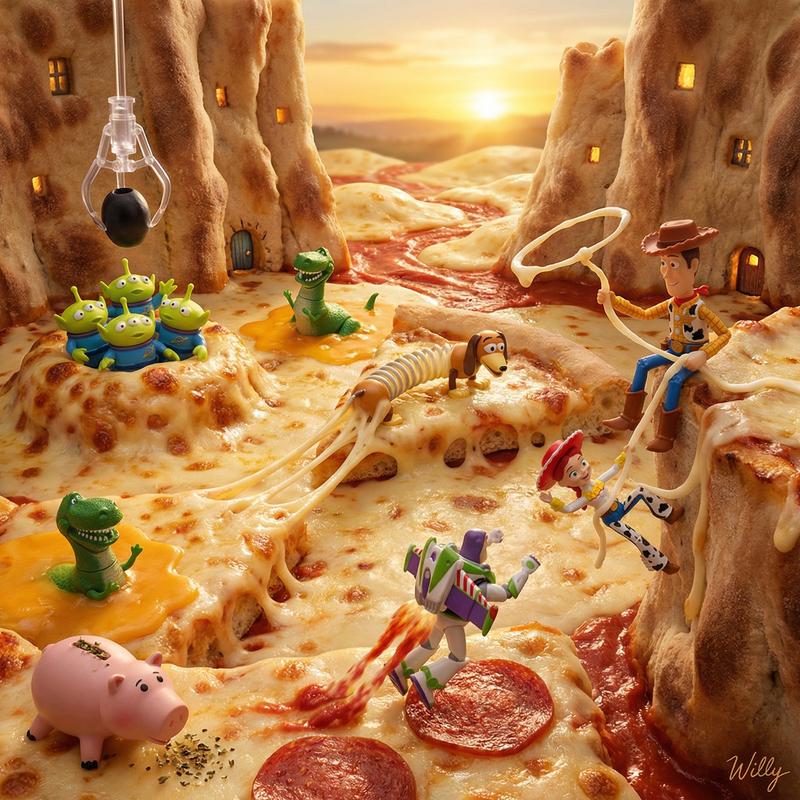
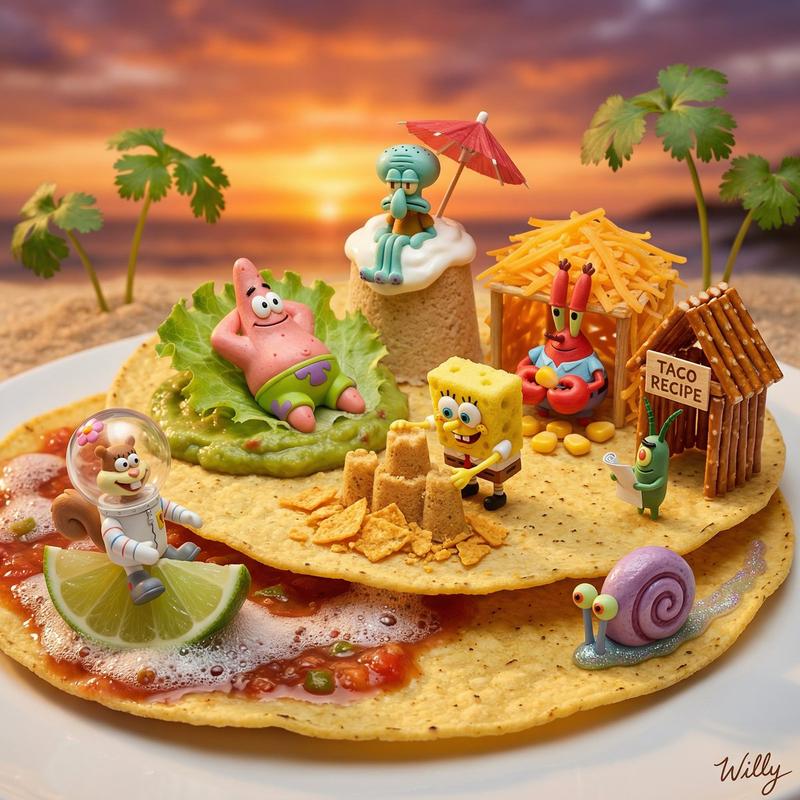
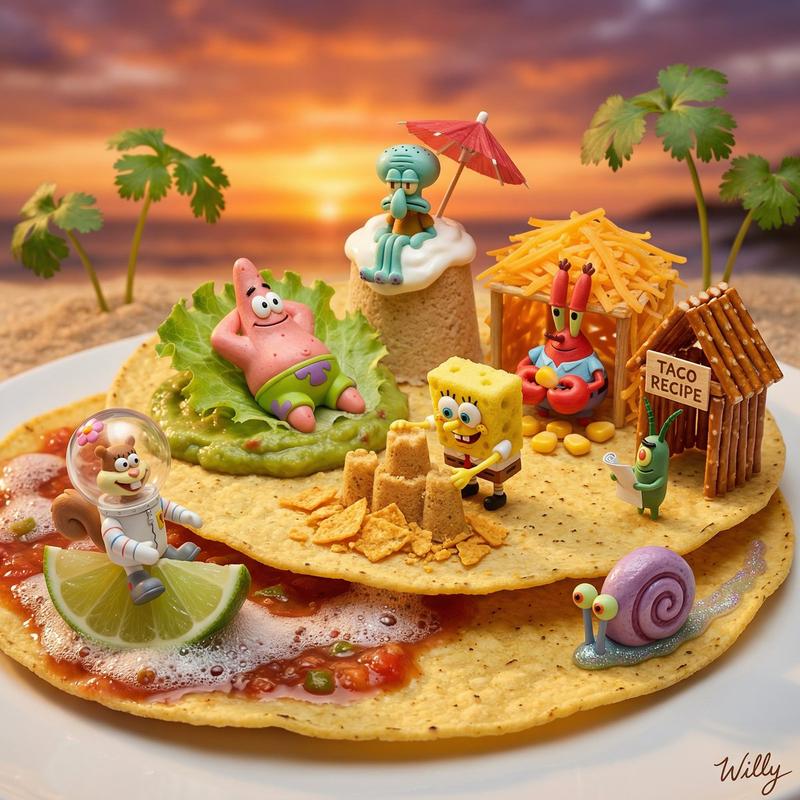
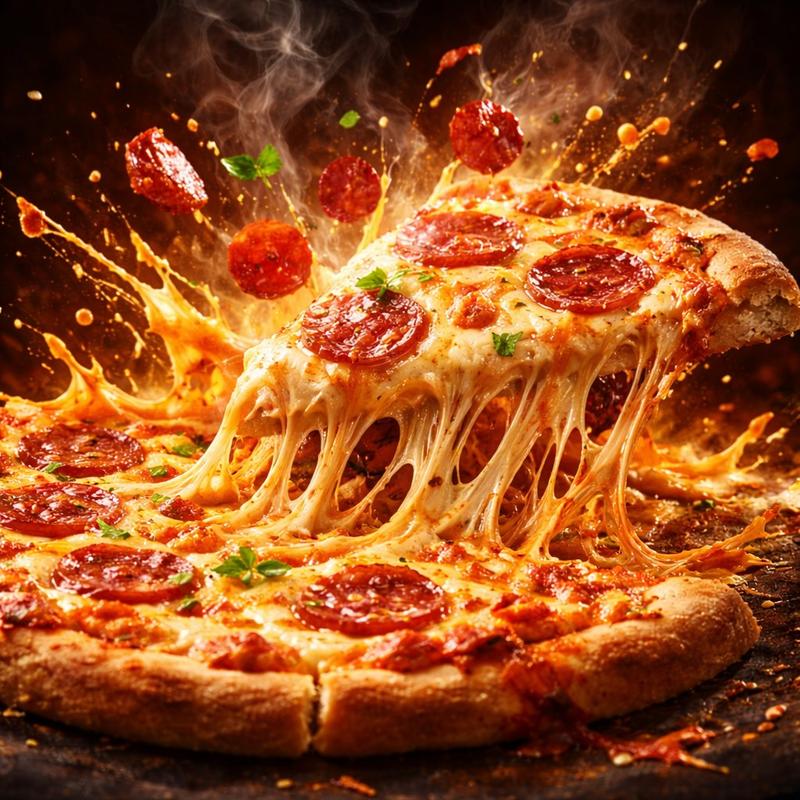
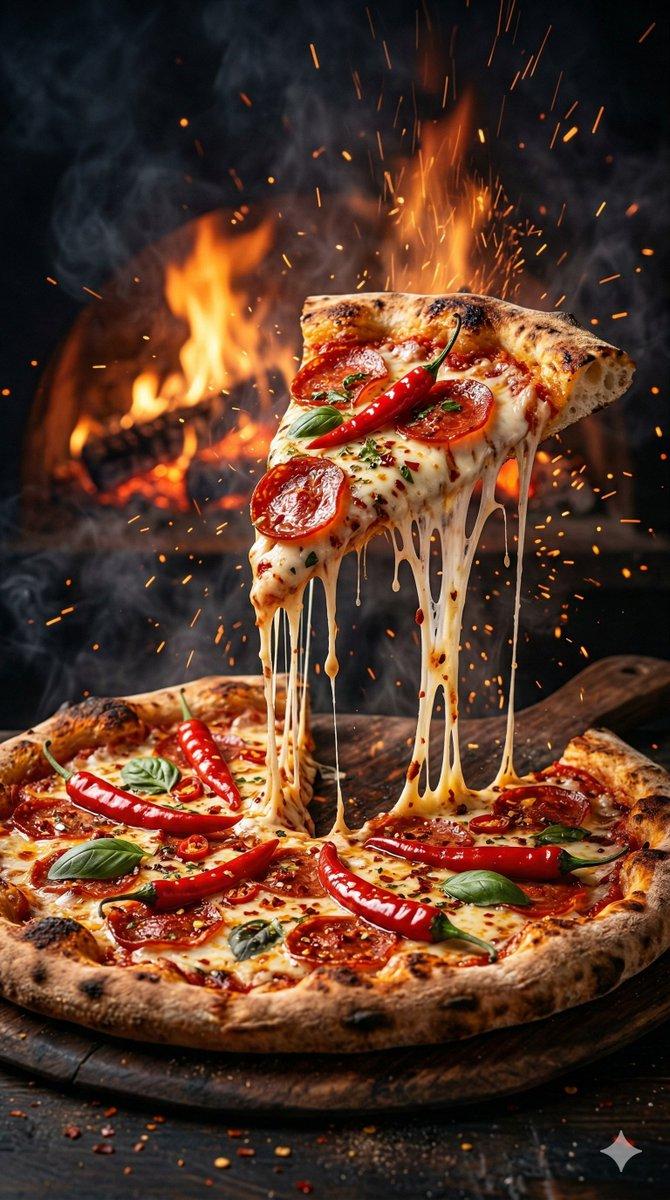
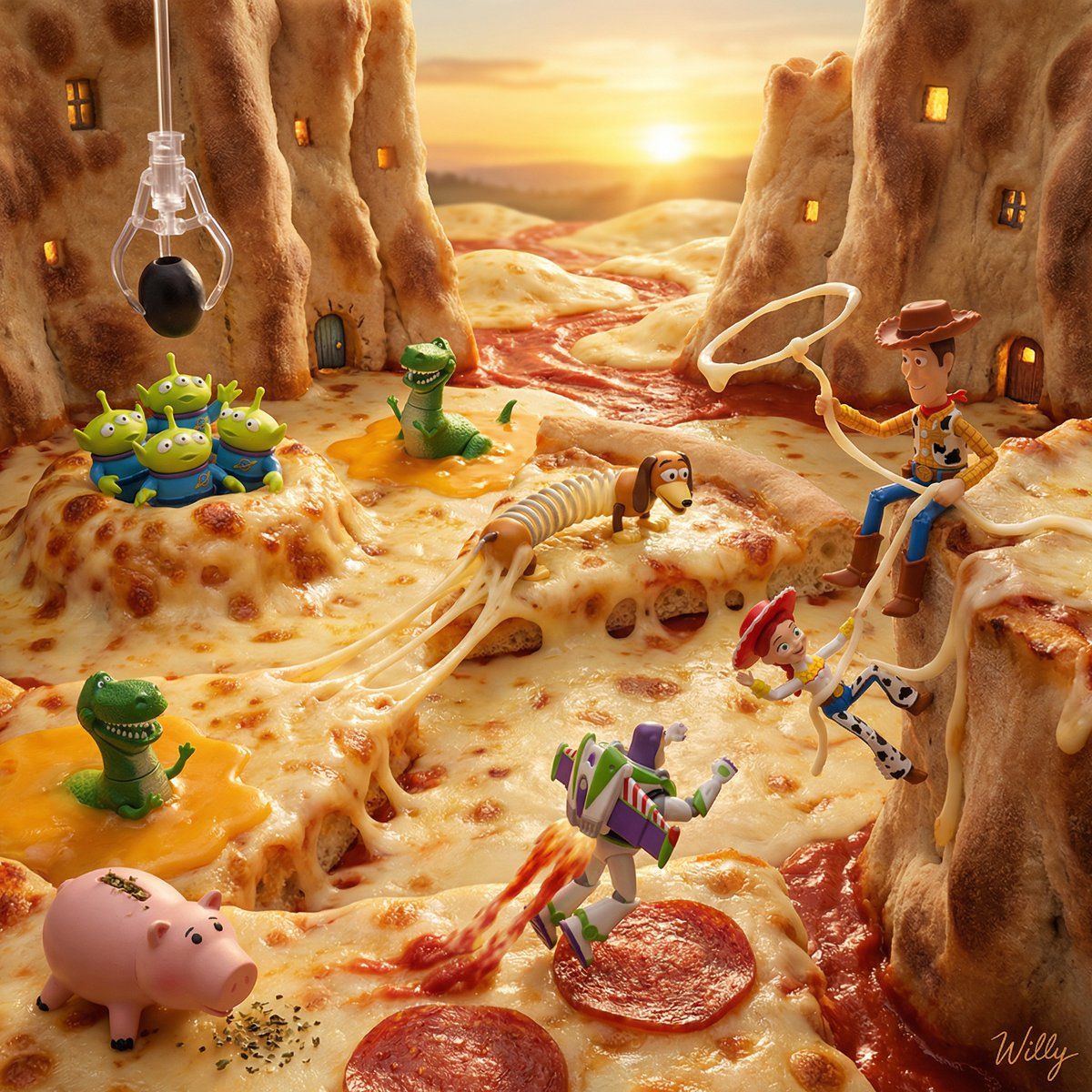
玩具总动员披萨星球立体模型
Enlarge

玩具总动员披萨星球立体模型

Prompt
Micro diorama food photography: TOY STORY characters living INSIDE a pizza world. Woody lassos a stretching mozzarella cheese strand like a cowboy rope to rescue Jessie from falling off the crust cliff. Buzz Lightyear uses pepperoni slices as rocket boost pads, leaving tomato sauce "jet trails". Little Green Aliens emerge FROM INSIDE a bubbling cheese pocket worshipping the olive as "THE CLAW". Rex is stuck in stretchy cheese quicksand panicking. Slinky Dog's body IS a stretched cheese bridge between pizza slice islands. Hamm's coin slot is filled with oregano "money". The pizza crust forms canyon walls with tiny cave homes carved inside. Tuscan sunset background, sauce rivers flow between cheese mountains, 8K hyperrealistic

A stylish handwritten signature "{argument name="signature" default="Willy"}" at Bottom Right corner.
Category
创意图片
Model
Nano Banana Pro
Creator
Willy
Views0
Source ID
8bc619e9-5002-449f-94be-4d23088c1b71
Published
Mar 8, 2026

Guide

About "玩具总动员披萨星球立体模型"

What is this prompt for?

"玩具总动员披萨星球立体模型" AI image prompt for Nano Banana Pro (创意图片). 一个创意提示,用于生成一张微型立体模型食物照片,其中《玩具总动员》角色与披萨景观互动,使用马苏里拉奶酪、意大利辣香肠和橄榄作为他们世界中的元素。 --- 微型立体模型食物摄影:玩具总动员角色生活在一…

The full copyable prompt and example visuals above are ready for AI image generation or one-click recreate in Picva.

How to use this prompt

  1. Step 1

    Open the prompt detail

    Review the example visuals, category, and full prompt text for "玩具总动员披萨星球立体模型".

  2. Step 2

    Copy the prompt

    Copy the prompt body from this page, or load it directly in Studio.

  3. Step 3

    Pick a model (Nano Banana Pro)

    Prefer Nano Banana Pro. If you switch models, keep subject and composition and tweak style terms.

  4. Step 4

    Generate and export

    Recreate the look in Picva, or export into your workflow for editing and publishing.

FAQ

What is the "玩具总动员披萨星球立体模型" prompt?
It is an AI image-generation prompt for Nano Banana Pro in the 创意图片 category. This page includes the full prompt text, example visuals, and a one-click recreate path in Picva.
How do I use this prompt to generate an image?
Copy the prompt from this page, or use Generate / Studio. Paste it into a compatible image model, or recreate the look in Picva with optional reference images.
Which model is this prompt for?
This page lists Nano Banana Pro. Most descriptive prompts also transfer to nearby image models such as GPT Image, Flux, or Midjourney with light style tweaks.
Can I use the result commercially?
You can usually copy the prompt for creation, but commercial use of the final image depends on the model terms, reference-image rights, and the generated content. Follow the source author and platform rules.