19

电影级超逼真台球击球
Enlarge

电影级超逼真台球击球

Prompt
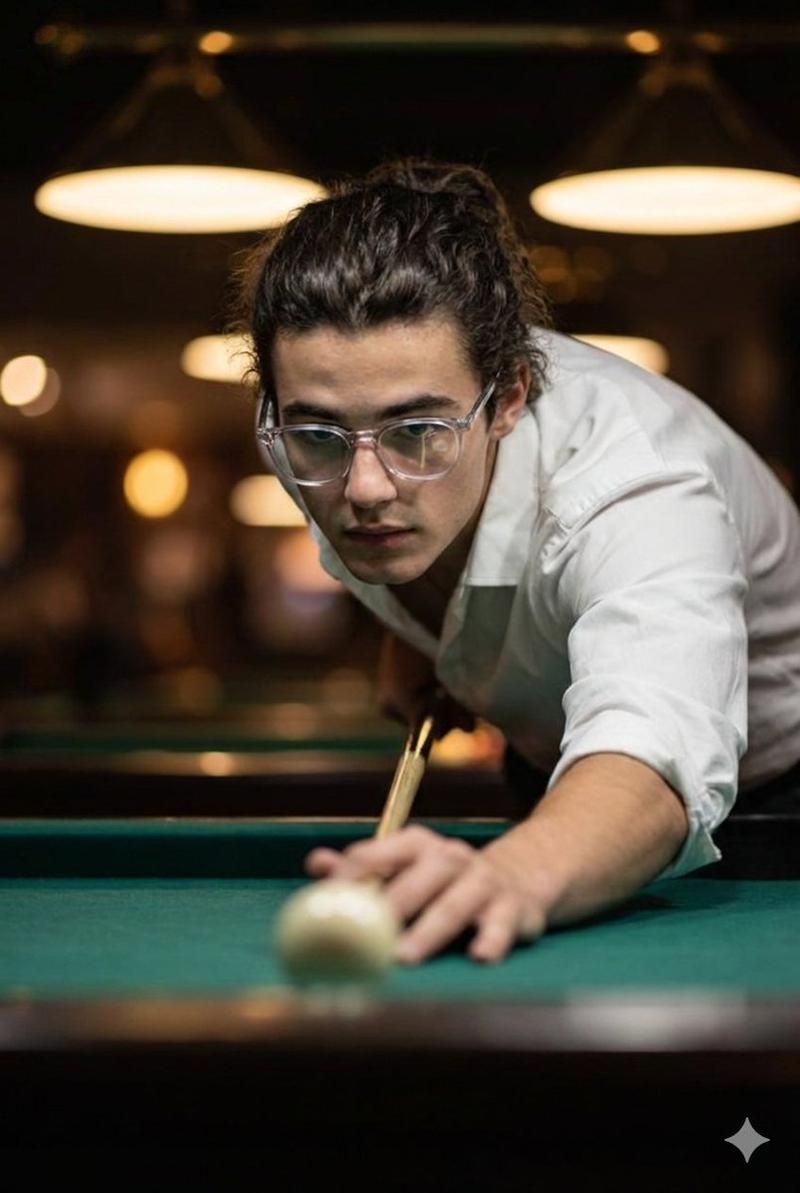
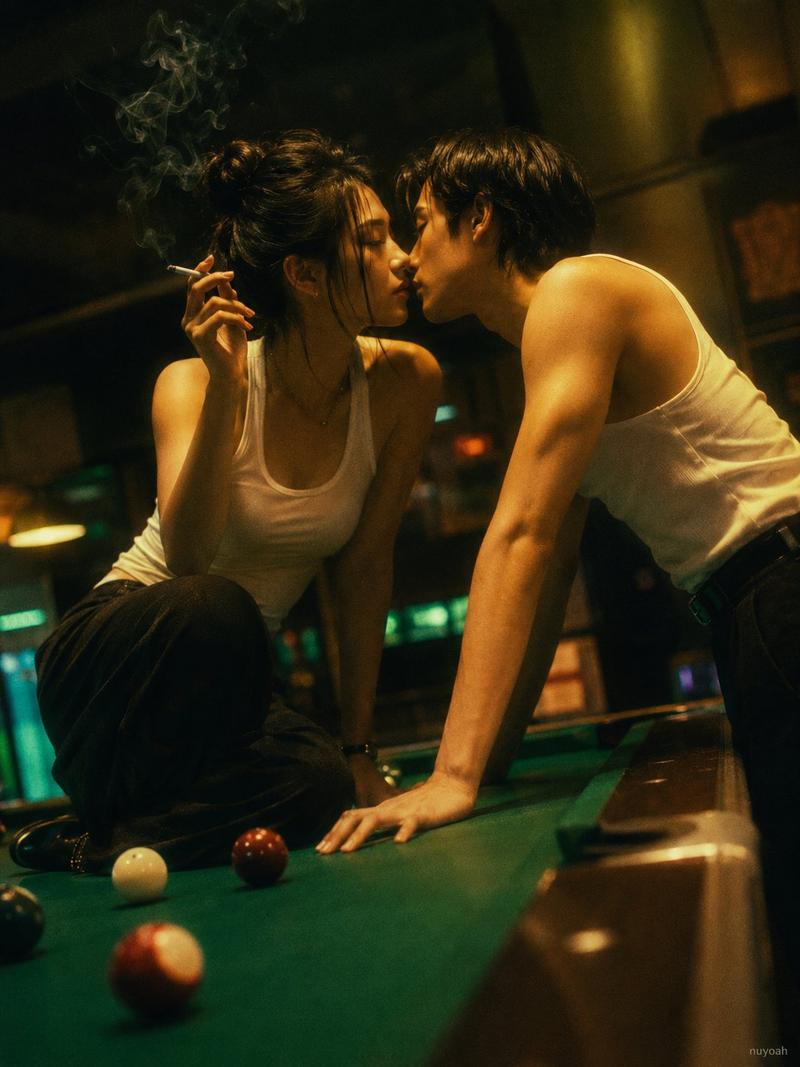
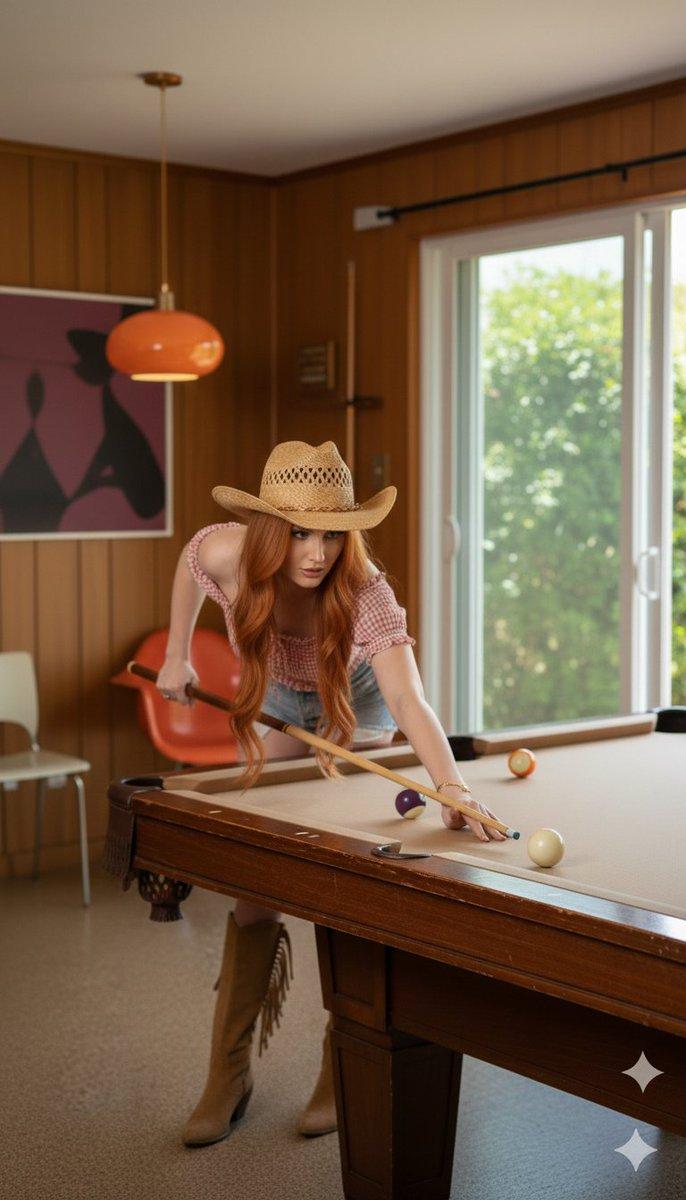
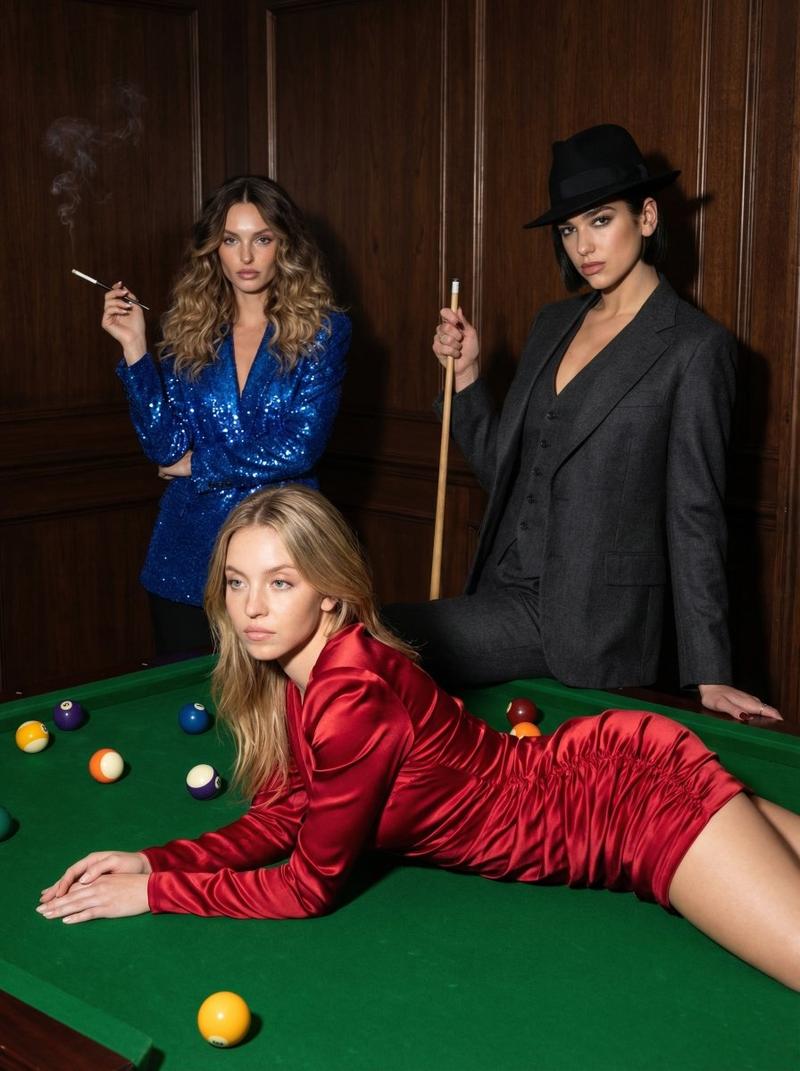
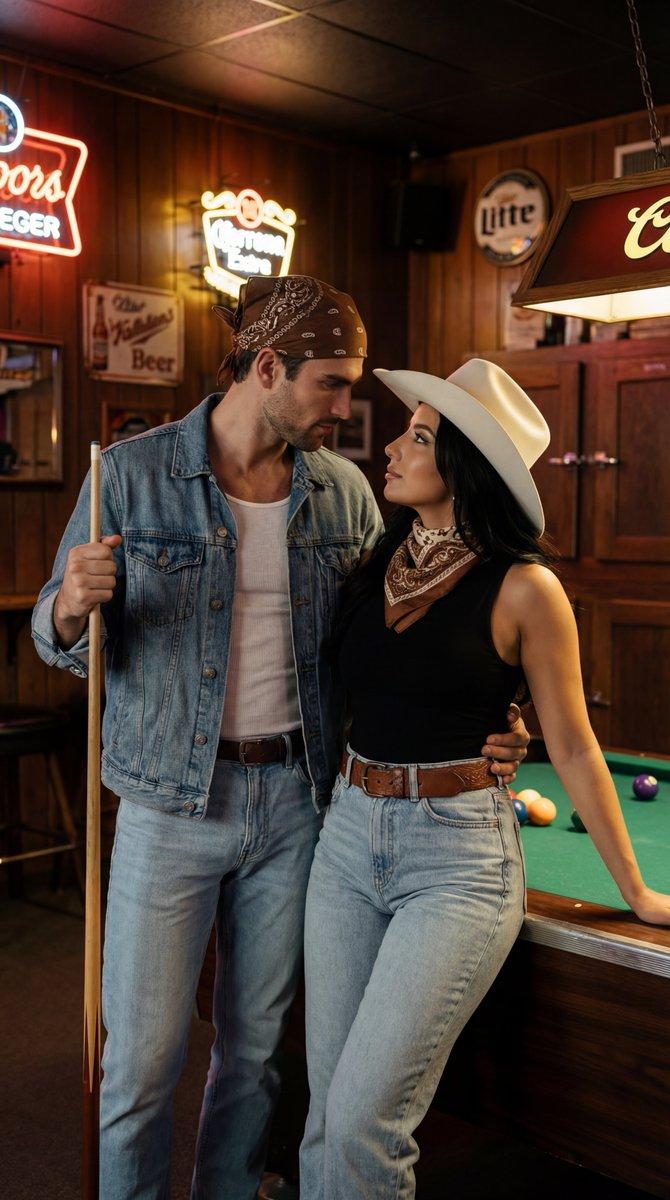
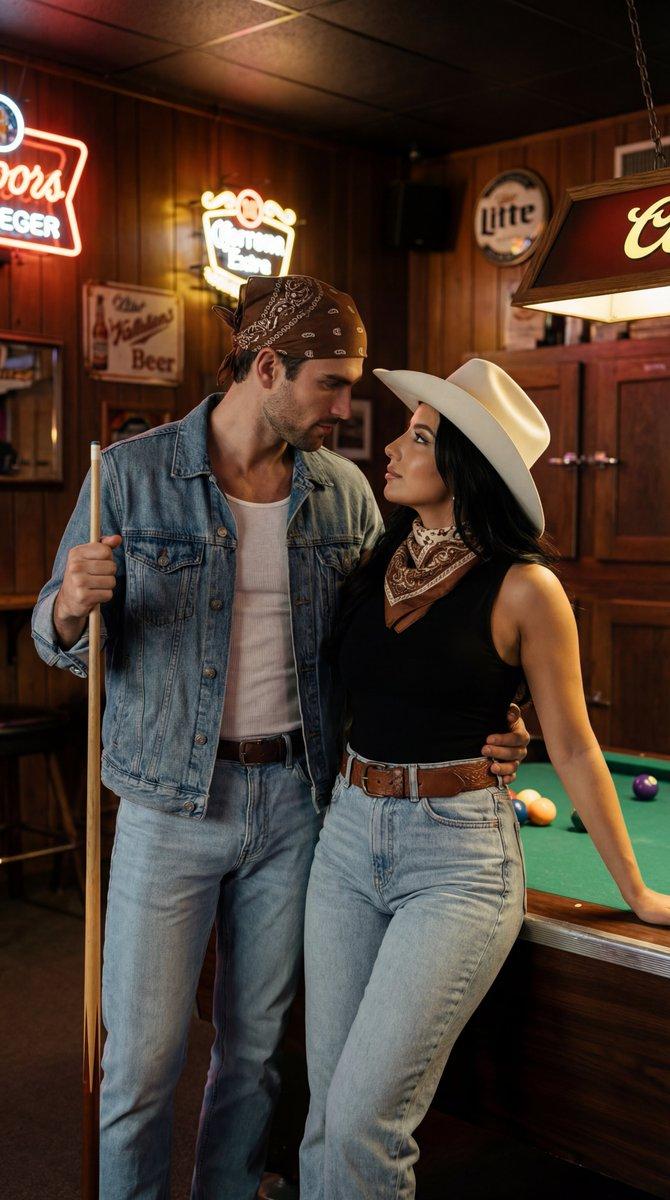
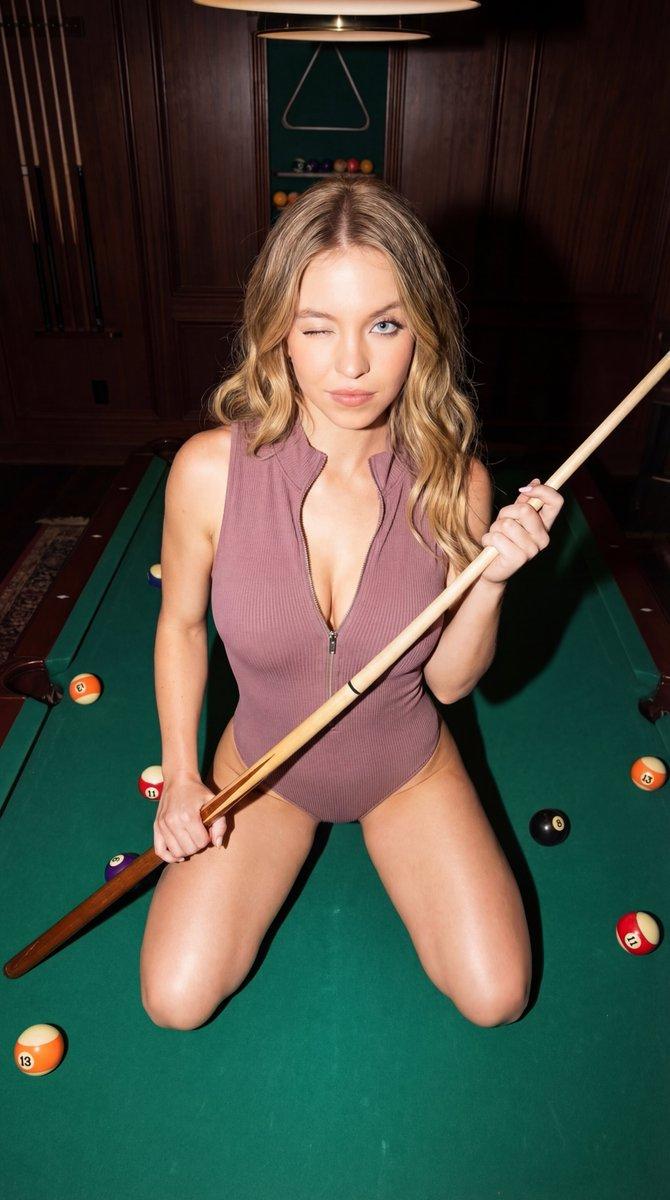
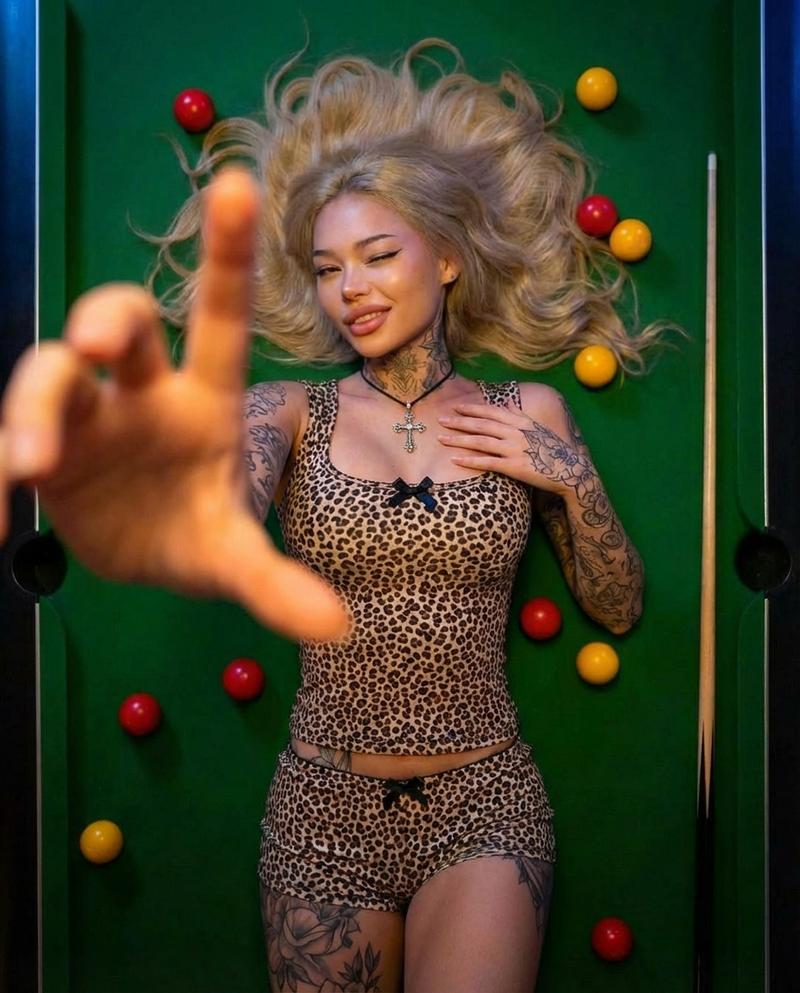
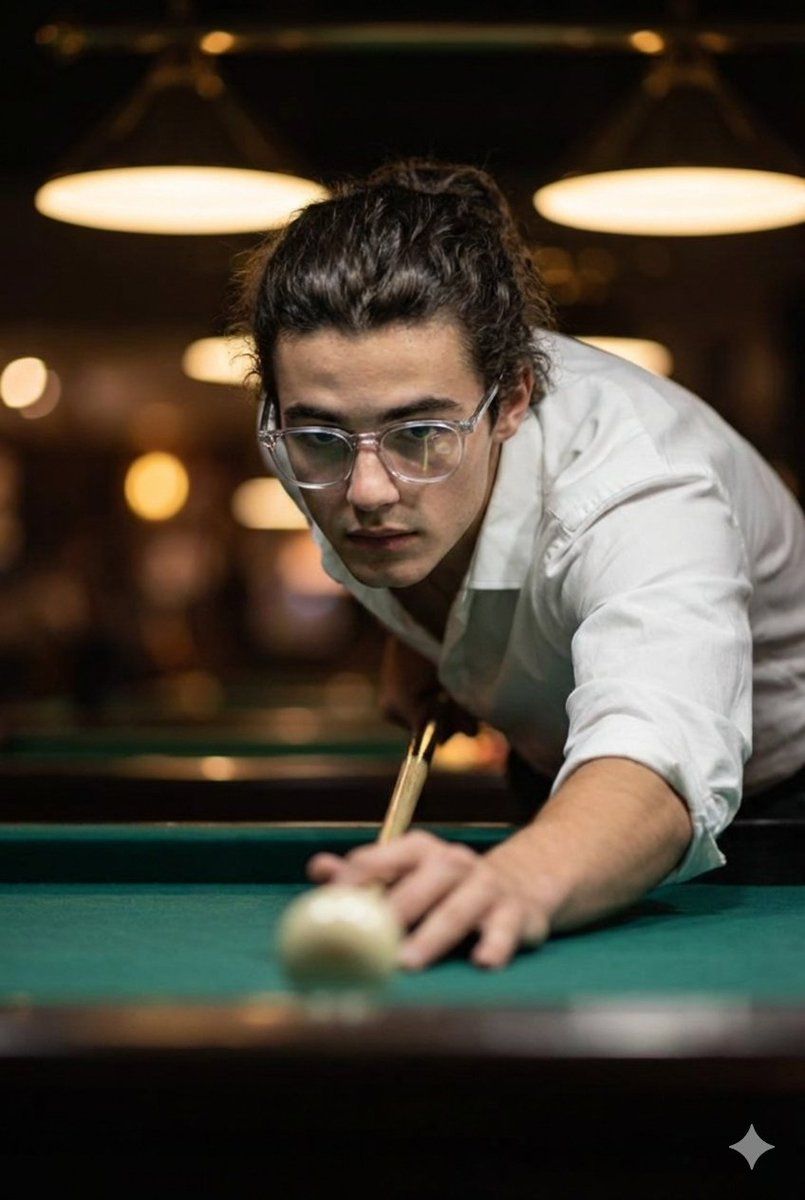
Cinematic ultra-realistic close-up of a man taking a billiards shot, captured in a tense, mid-focus moment as he leans low toward the cue ball. His eyes are locked sharply on the aim, expression steady and confident, while his supporting hand rests firmly on the green felt, guiding the cue with precision. He wears a crisp white shirt with rolled sleeves and slightly open buttons, giving a relaxed yet intensely focused vibe. His hair is neatly tied back, and his clear-framed glasses catch warm reflections from overhead lights. The background is softly blurred, filled with atmospheric golden highlights, adding depth, drama, and a competitive mood to the scene.

use face reference exactly
Category
创意图片
Model
Nano Banana Pro
Creator
Harboriis
Views3
Source ID
af250356-6988-4bc8-9720-3fe2d6bf008d
Published
Mar 8, 2026

Guide

About "电影级超逼真台球击球"

What is this prompt for?

"电影级超逼真台球击球" AI image prompt for Nano Banana Pro (创意图片). 一个提示,用于生成电影级的、超现实的、一名男子正在击打台球的特写镜头。它聚焦于紧张的、正在聚精会神的一刻,详细描绘了人物的表情、服饰和氛围灯光(温暖的反射、模糊的背景),以营造戏剧性的场景,并要求精确匹配…

The full copyable prompt and example visuals above are ready for AI image generation or one-click recreate in Picva.

How to use this prompt

  1. Step 1

    Open the prompt detail

    Review the example visuals, category, and full prompt text for "电影级超逼真台球击球".

  2. Step 2

    Copy the prompt

    Copy the prompt body from this page, or load it directly in Studio.

  3. Step 3

    Pick a model (Nano Banana Pro)

    Prefer Nano Banana Pro. If you switch models, keep subject and composition and tweak style terms.

  4. Step 4

    Generate and export

    Recreate the look in Picva, or export into your workflow for editing and publishing.

FAQ

What is the "电影级超逼真台球击球" prompt?
It is an AI image-generation prompt for Nano Banana Pro in the 创意图片 category. This page includes the full prompt text, example visuals, and a one-click recreate path in Picva.
How do I use this prompt to generate an image?
Copy the prompt from this page, or use Generate / Studio. Paste it into a compatible image model, or recreate the look in Picva with optional reference images.
Which model is this prompt for?
This page lists Nano Banana Pro. Most descriptive prompts also transfer to nearby image models such as GPT Image, Flux, or Midjourney with light style tweaks.
Can I use the result commercially?
You can usually copy the prompt for creation, but commercial use of the final image depends on the model terms, reference-image rights, and the generated content. Follow the source author and platform rules.