17

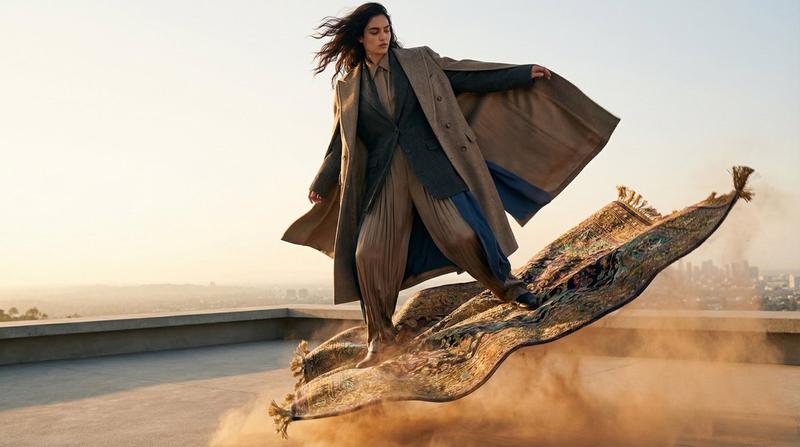
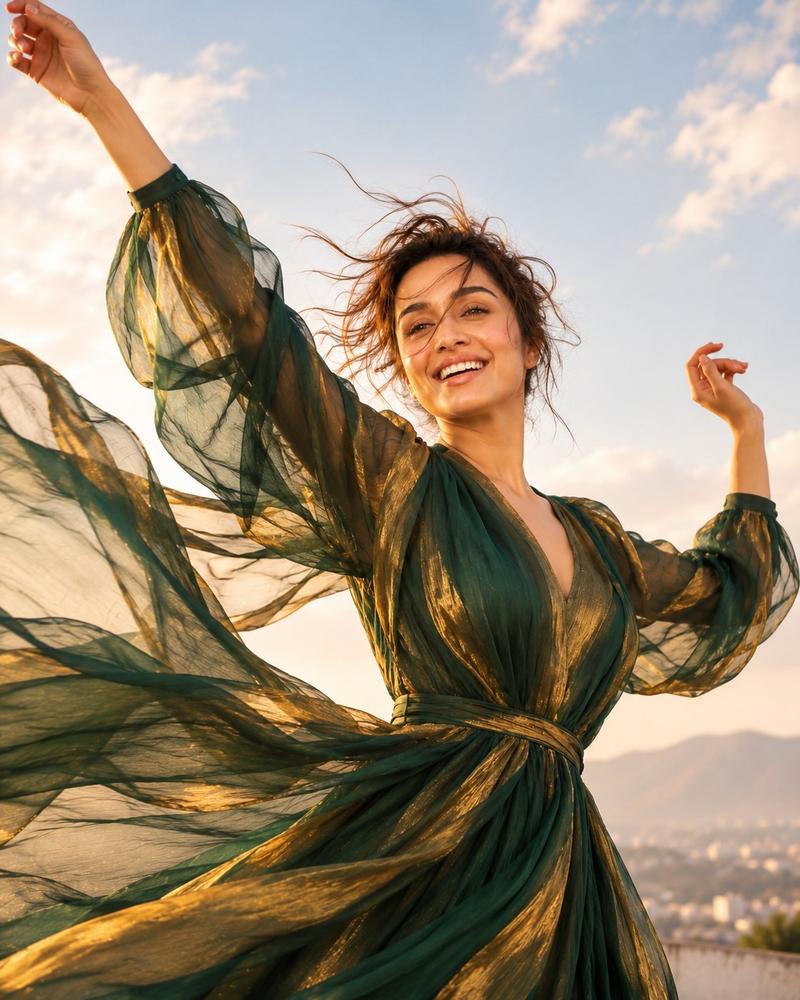
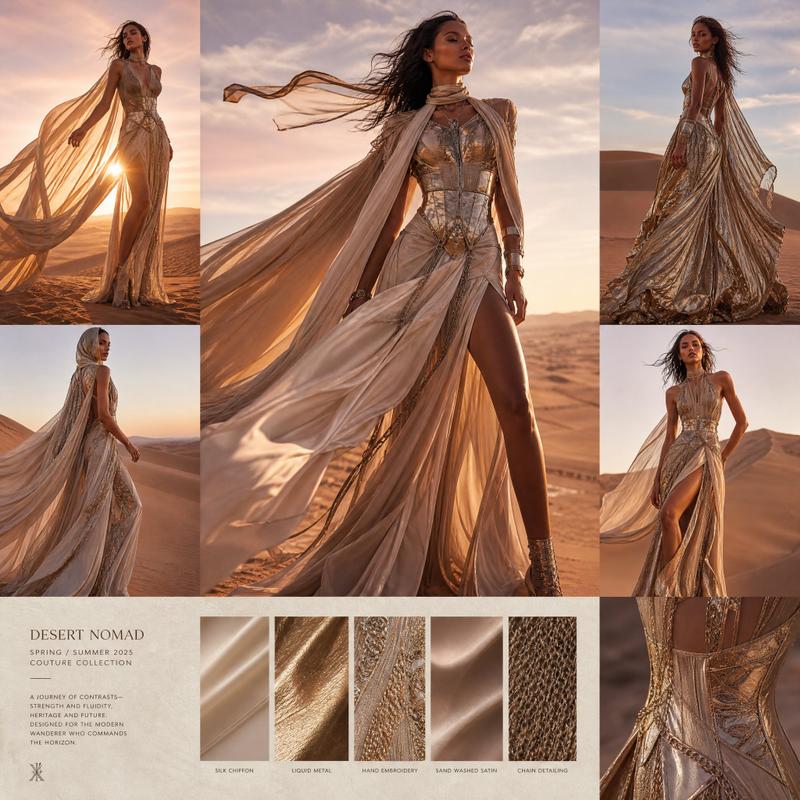
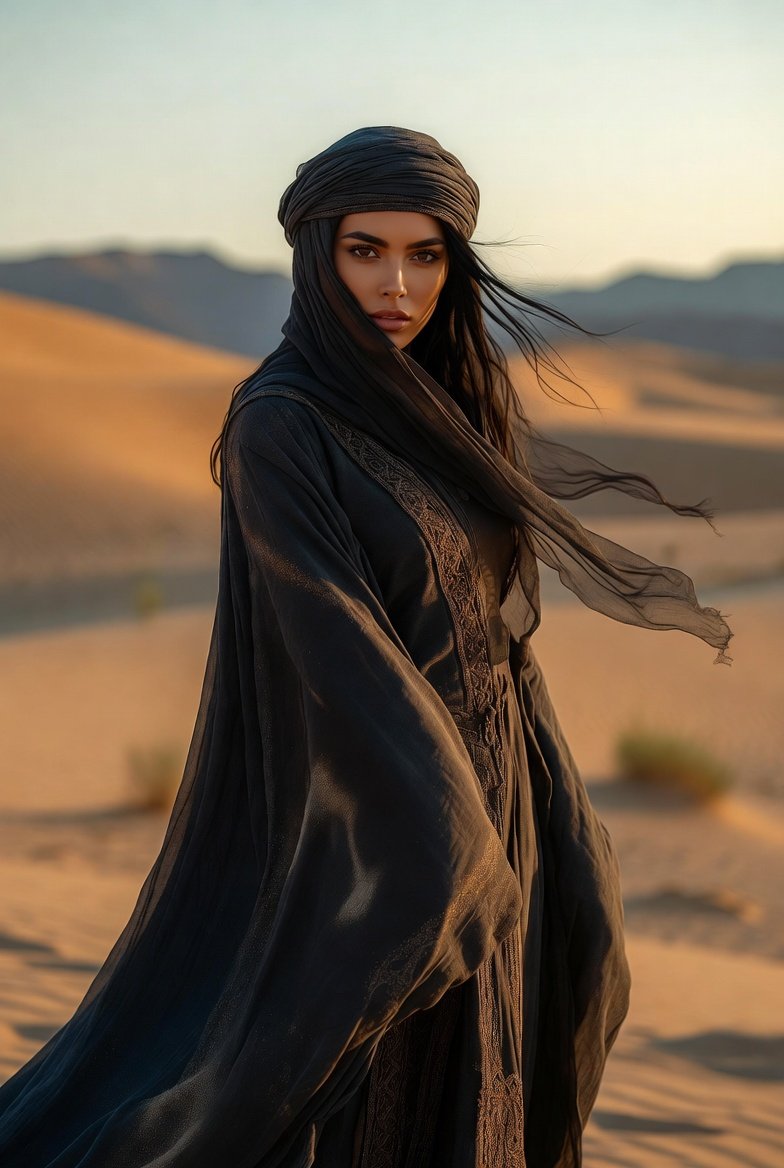
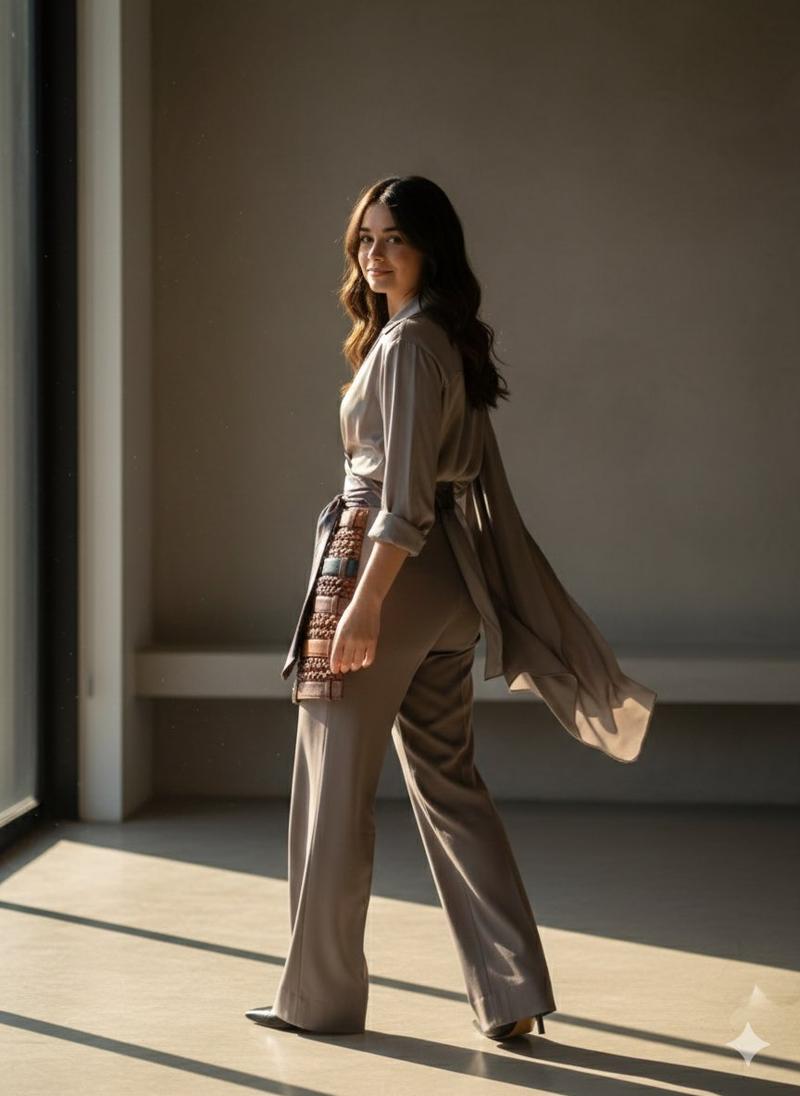
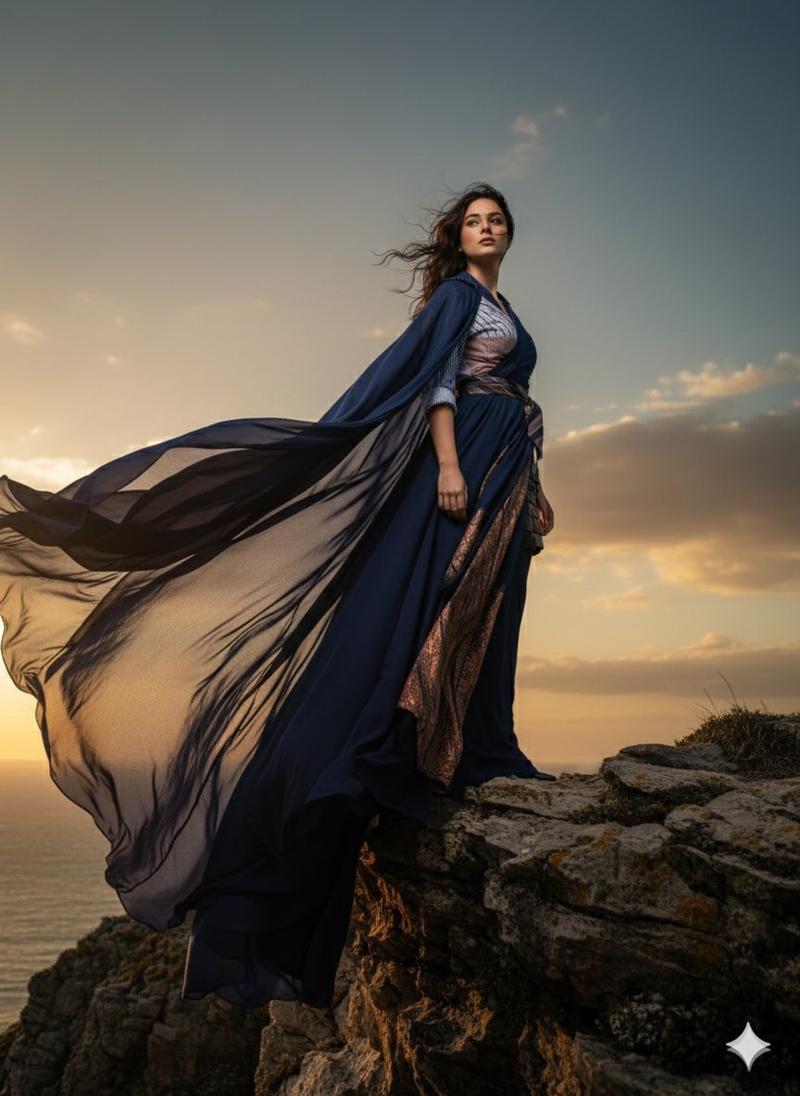
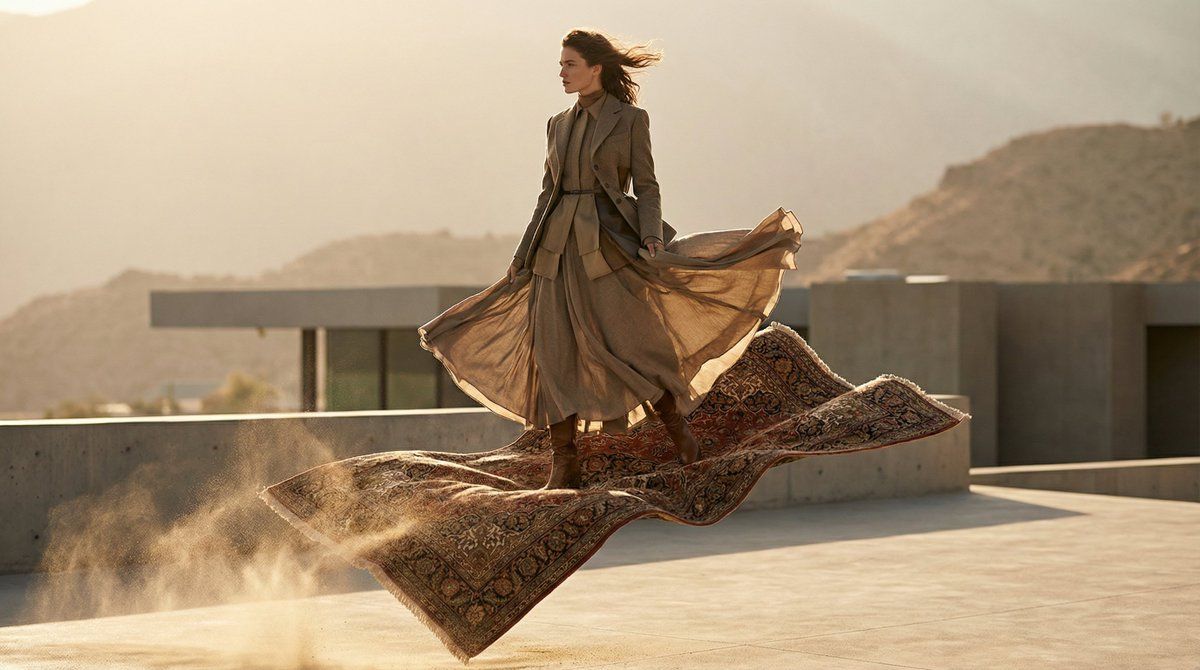
高级时装魔毯主题编辑大片
Enlarge

高级时装魔毯主题编辑大片

Prompt
{
  "options": {
    "gender": ["man", "woman"]
  },
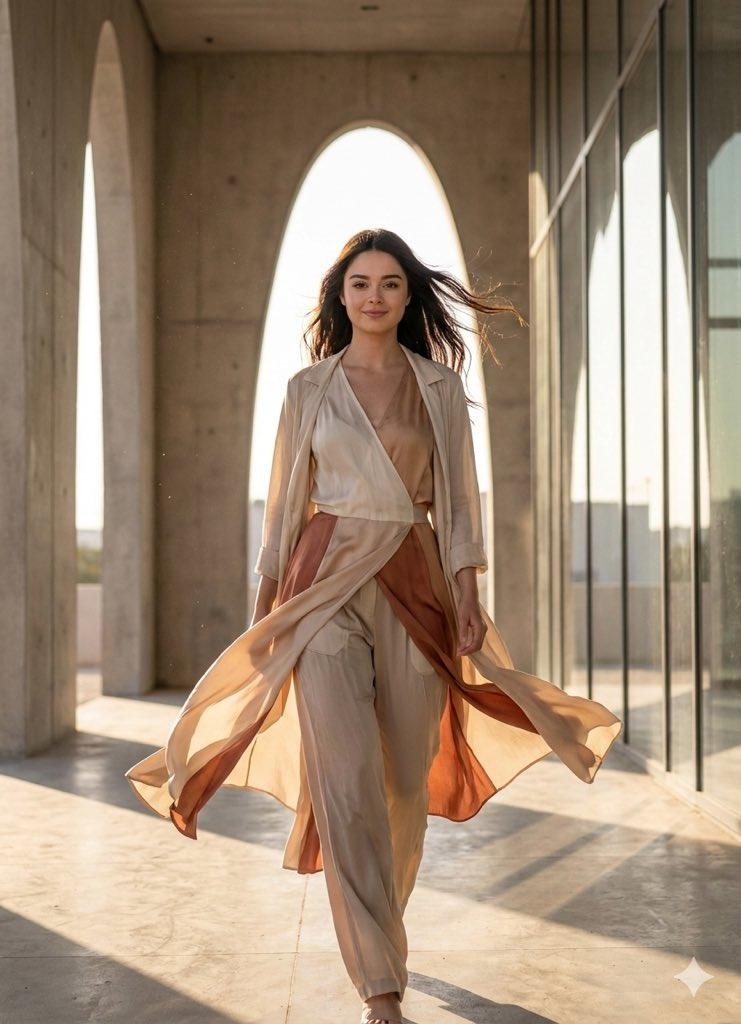
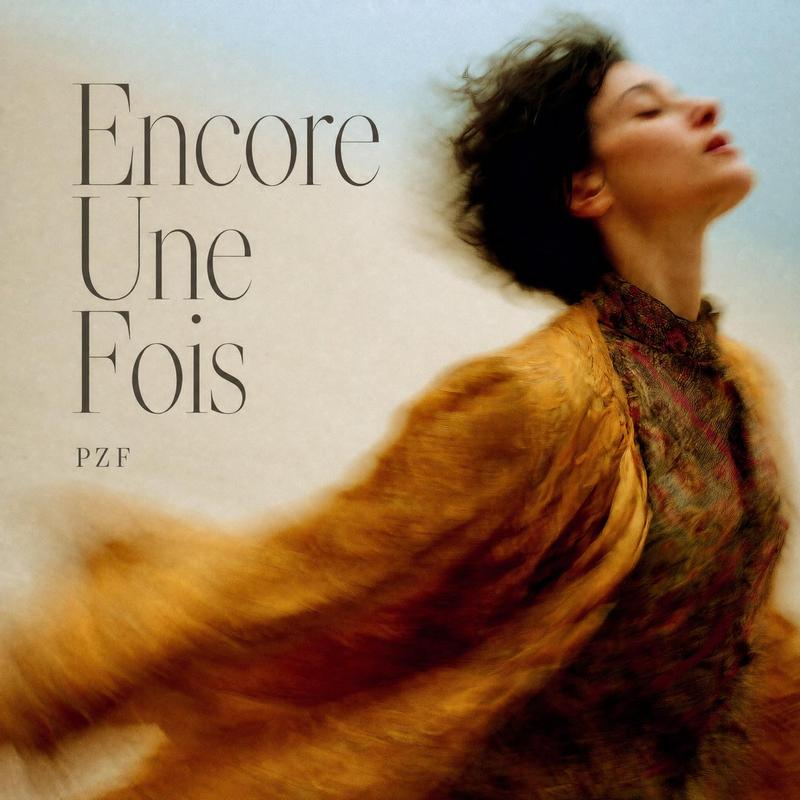
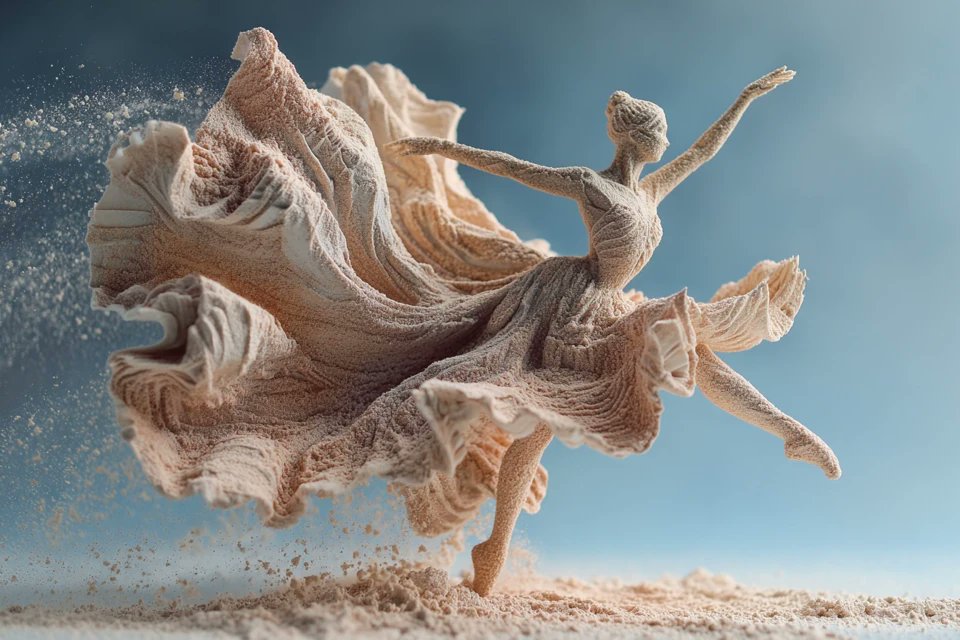
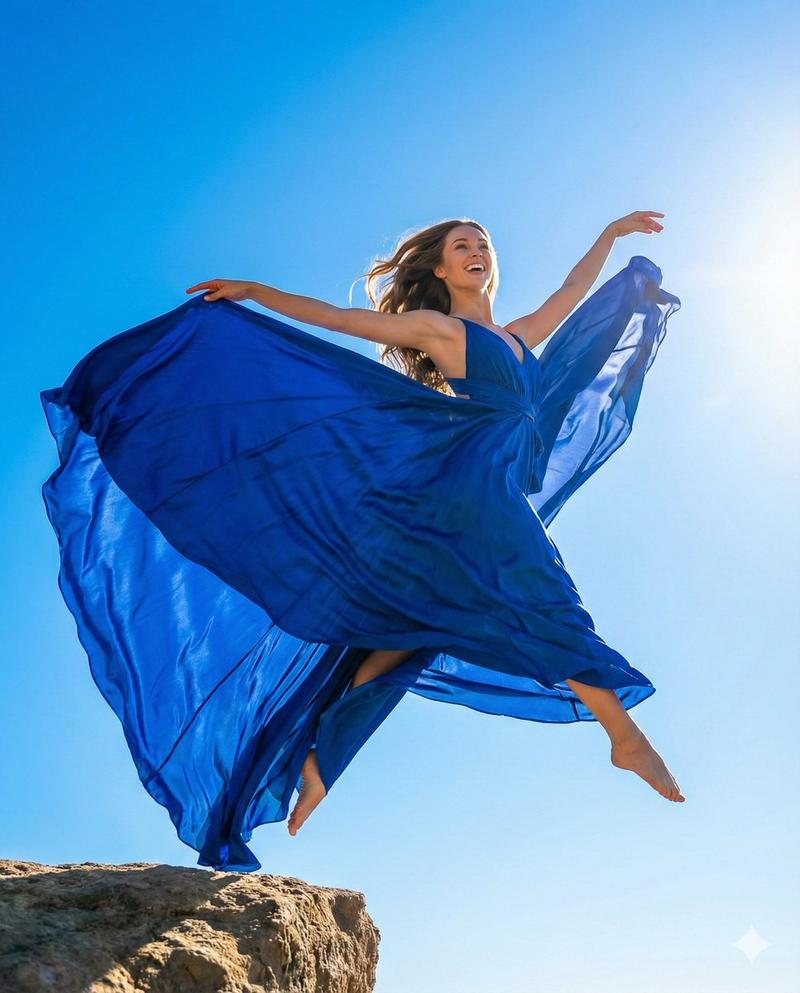
  "prompt": "A high-fashion editorial shot of a {argument name="gender" default="woman"} model sitting or standing on a flying magic carpet during takeoff. The model is wearing a sophisticated, layered outfit featuring the structured silhouettes and premium textures typical of luxury brands like Celine, Balenciaga, Ralph Lauren, Givenchy, and Zegna. The clothes billow elegantly in the wind. The carpet is ornate and detailed, kicking up a subtle dust cloud as it ascends from a sun-drenched, minimalist architectural terrace. The lighting is cinematic and warm, highlighting the motion and the luxurious fabrics. Low angle perspective focusing entirely on the subject and the scene."
}
Category
创意图片
Model
Nano Banana Pro
Views3
Source ID
47816ce0-481b-43ef-b675-15769d9b9174
Published
Mar 8, 2026

Guide

About "高级时装魔毯主题编辑大片"

What is this prompt for?

"高级时装魔毯主题编辑大片" AI image prompt for Nano Banana Pro (创意图片). 生成一张时尚大片编辑图像的提示,图像中一位模特(男或女)乘坐飞毯。强调奢侈品牌造型、电影般的暖光、优雅飘逸的织物,以及从建筑露台戏剧性升空的低角度视角。 --- ```json { "options"…

The full copyable prompt and example visuals above are ready for AI image generation or one-click recreate in Picva.

How to use this prompt

  1. Step 1

    Open the prompt detail

    Review the example visuals, category, and full prompt text for "高级时装魔毯主题编辑大片".

  2. Step 2

    Copy the prompt

    Copy the prompt body from this page, or load it directly in Studio.

  3. Step 3

    Pick a model (Nano Banana Pro)

    Prefer Nano Banana Pro. If you switch models, keep subject and composition and tweak style terms.

  4. Step 4

    Generate and export

    Recreate the look in Picva, or export into your workflow for editing and publishing.

FAQ

What is the "高级时装魔毯主题编辑大片" prompt?
It is an AI image-generation prompt for Nano Banana Pro in the 创意图片 category. This page includes the full prompt text, example visuals, and a one-click recreate path in Picva.
How do I use this prompt to generate an image?
Copy the prompt from this page, or use Generate / Studio. Paste it into a compatible image model, or recreate the look in Picva with optional reference images.
Which model is this prompt for?
This page lists Nano Banana Pro. Most descriptive prompts also transfer to nearby image models such as GPT Image, Flux, or Midjourney with light style tweaks.
Can I use the result commercially?
You can usually copy the prompt for creation, but commercial use of the final image depends on the model terms, reference-image rights, and the generated content. Follow the source author and platform rules.