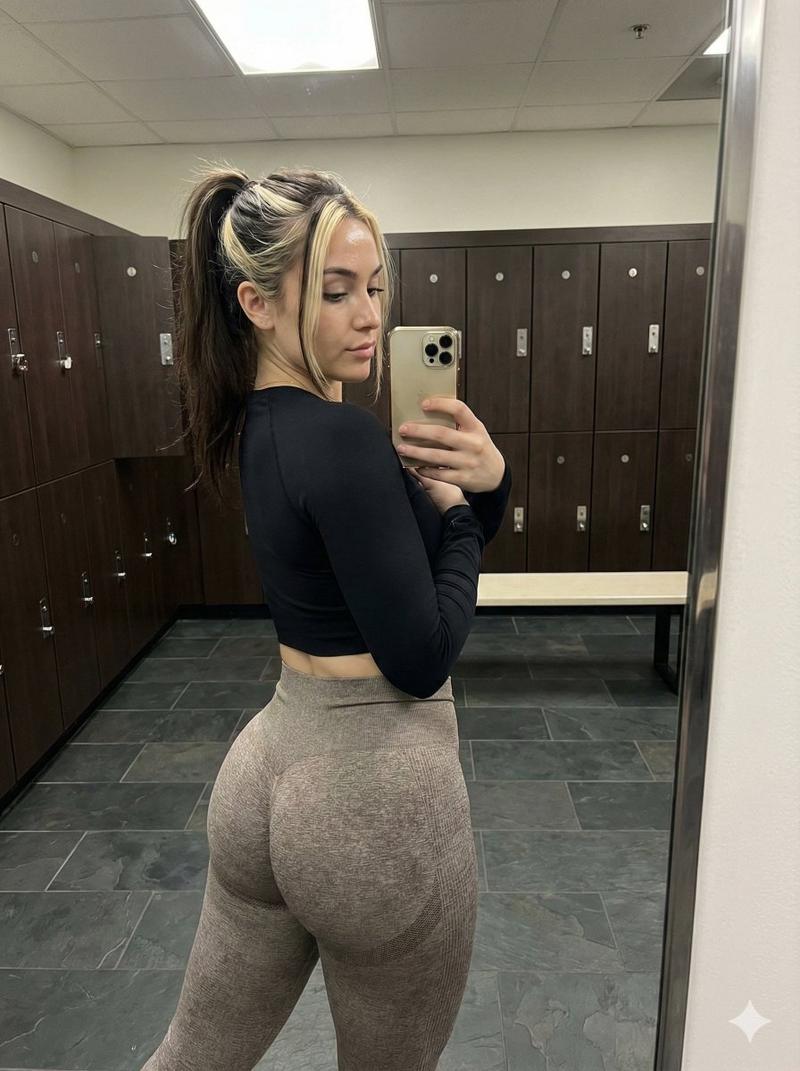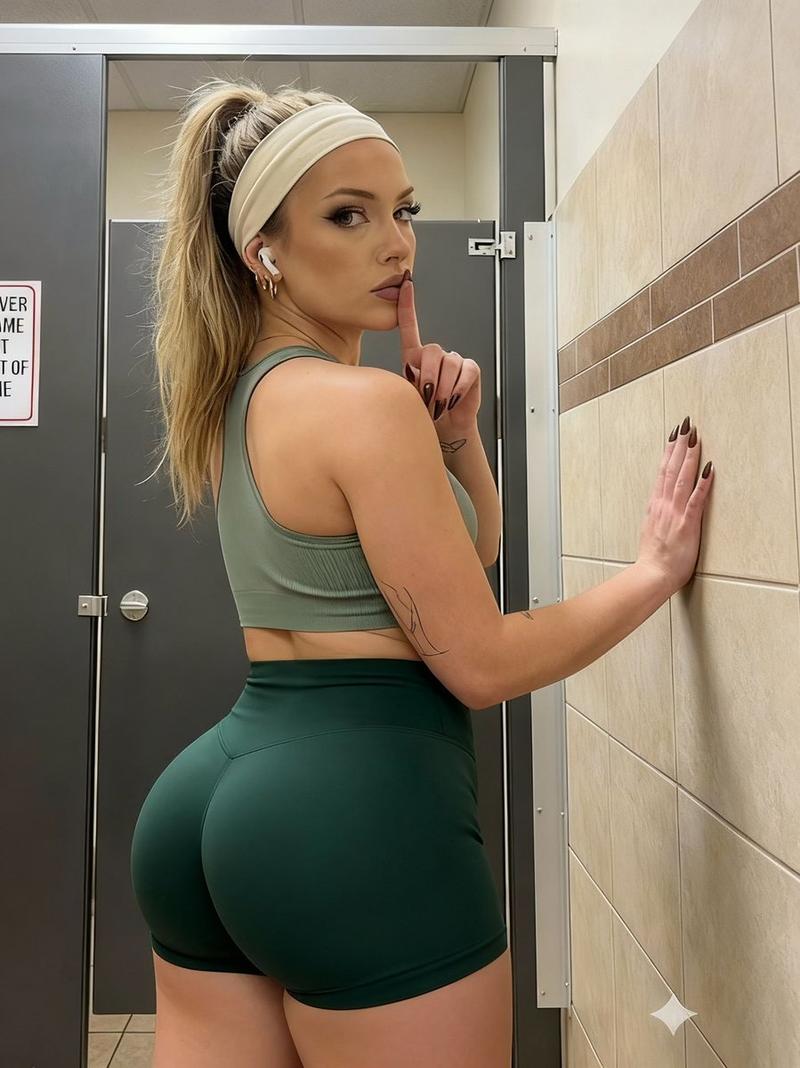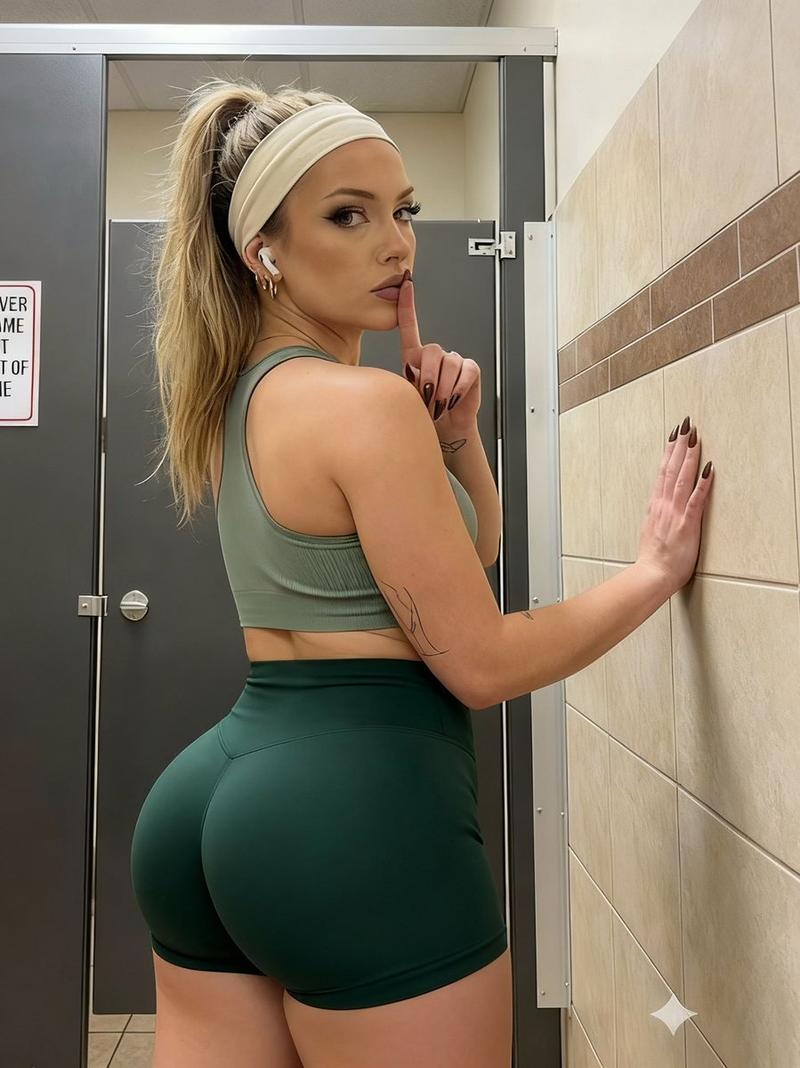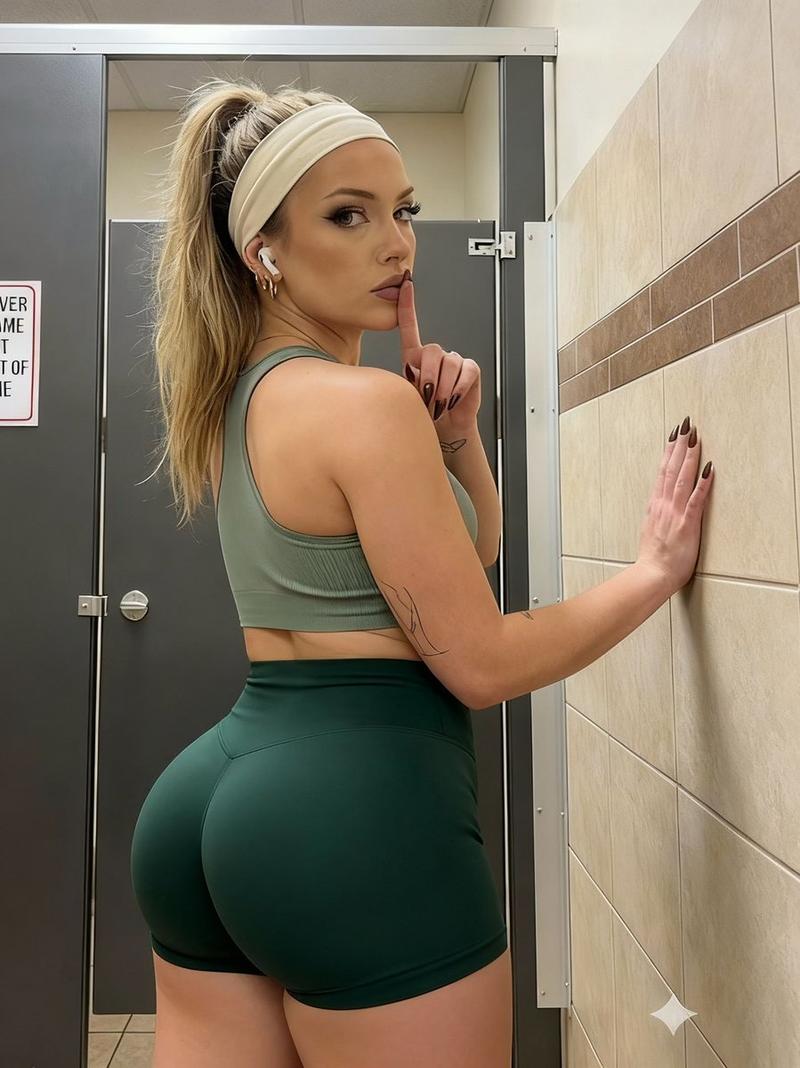
泳后更衣室随拍
Prompt
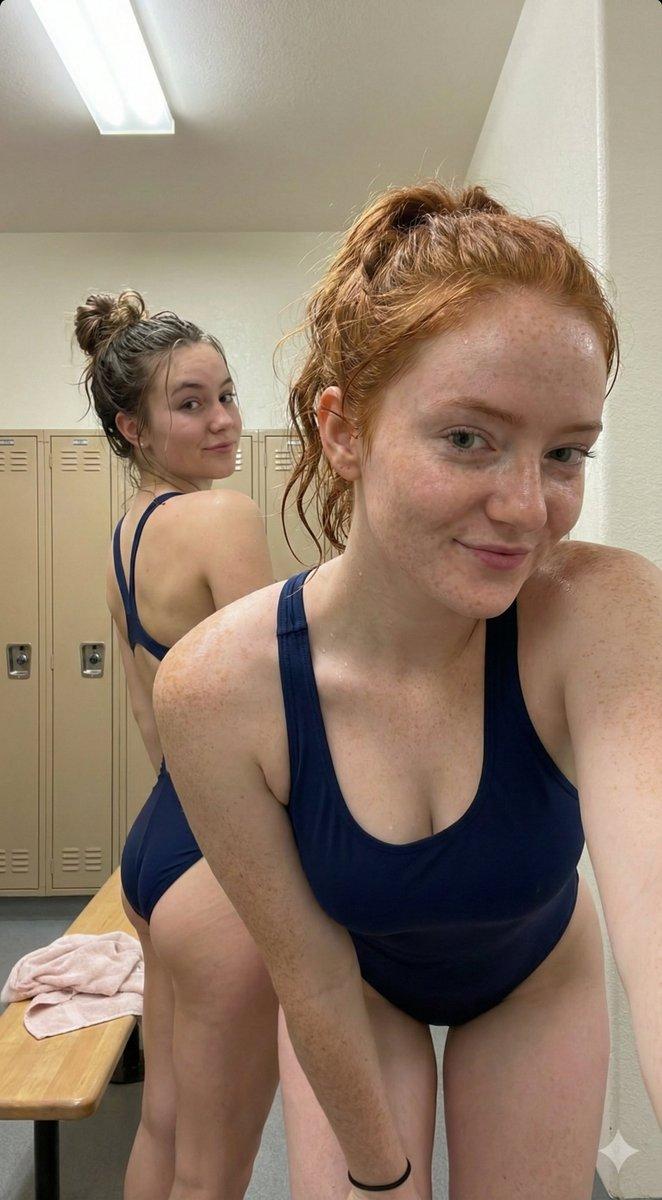
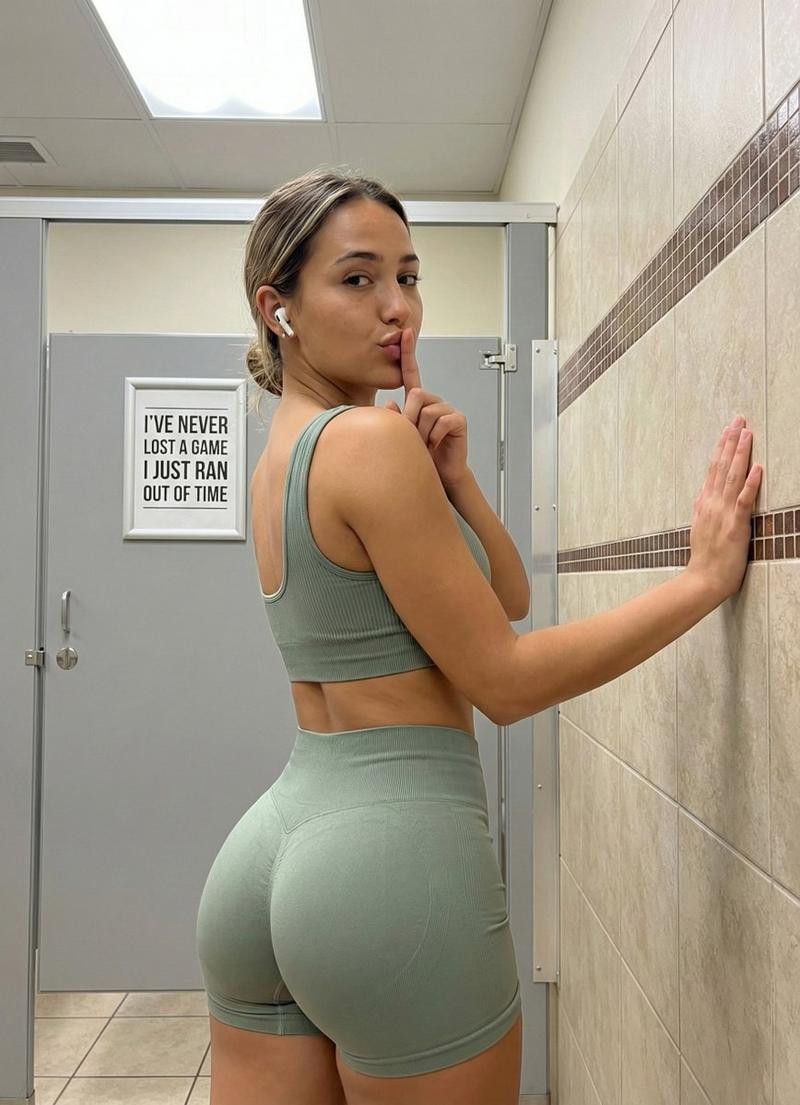
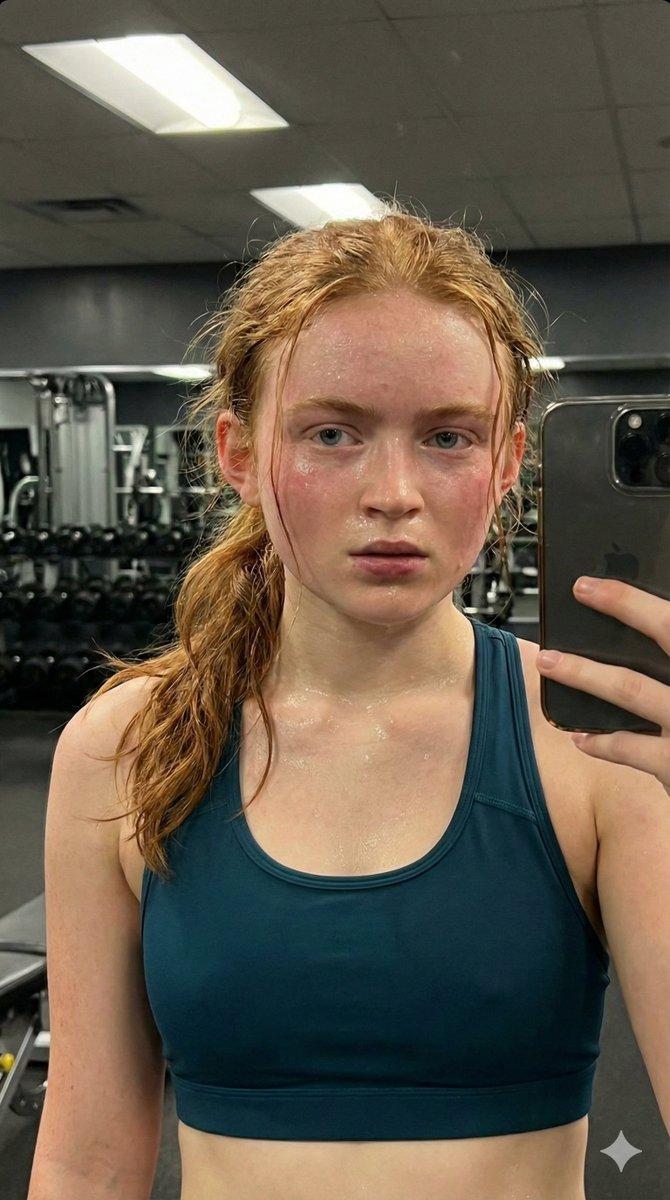
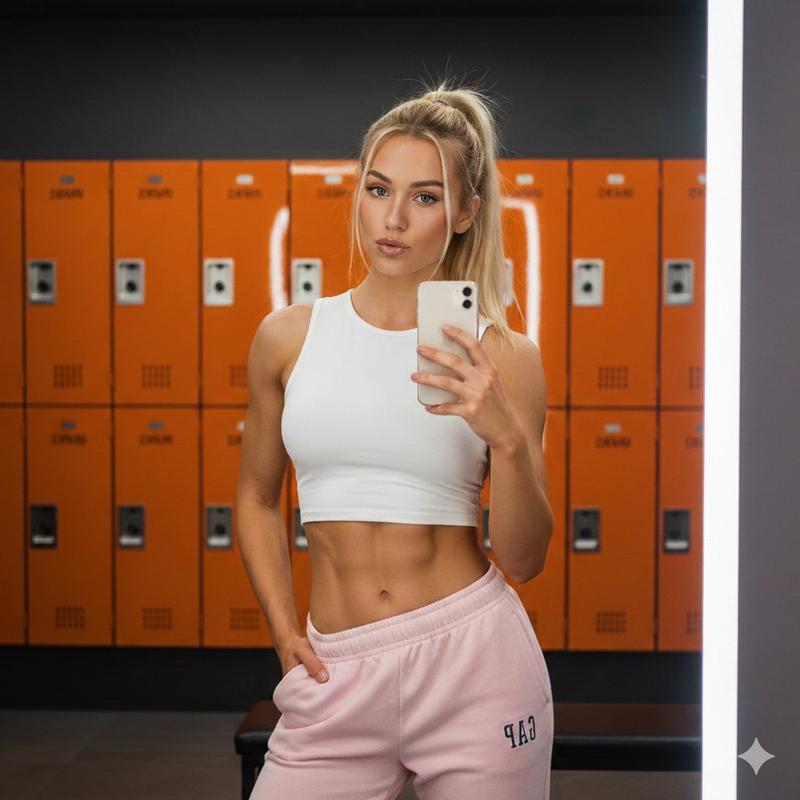
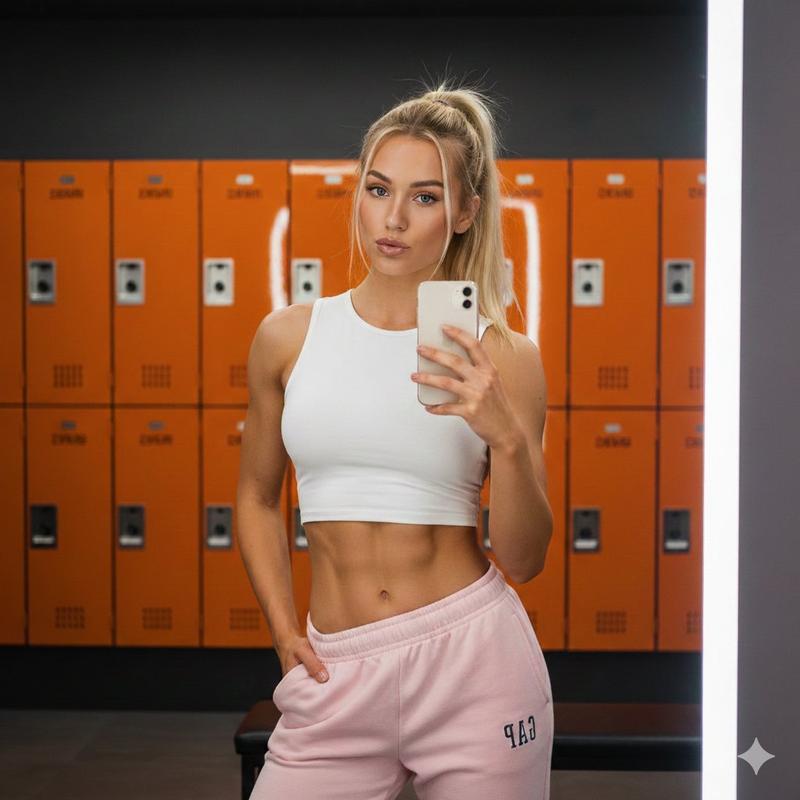
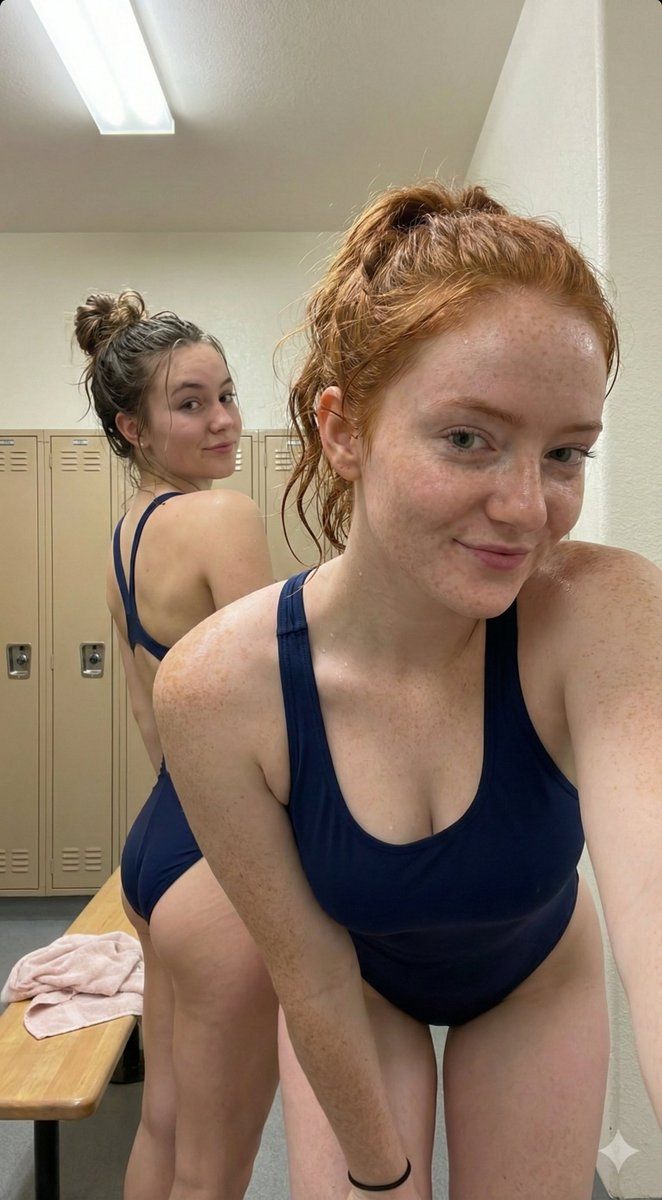
{ "scene": "Indoor locker room setting with two young women post-swim",

"subject": { "character": "Two young women with athletic builds and damp skin",

"face": {
  "structure": "Soft oval face shapes, natural features",
  "skin": "Damp, glistening with moisture/sweat, natural texture with minor imperfections and pores visible",
  "eyes": {
    "shape": "Almond-shaped",
    "color": "Dark brown",
    "expression": "Candid, slightly surprised or neutral, direct gaze for the subject on the right, over-the-shoulder gaze for the subject on the left"
  },
  "mouth": {
    "lips": "Natural pink tone, slightly parted, no visible smile"
  },
  "makeup": "Minimal to none, natural appearance with possible slight mascara"
},

"hair": {
  "color": "Medium-dark brown",
  "length": "Shoulder to mid-back length when loose",
  "texture": "Wet, damp, and clumped strands; natural frizz and flyaways present",
  "style": "Messy updos; Subject on left has hair pulled back in a low bun/ponytail with loose strands; Subject on right has damp hair swept back with strands falling over the forehead",
  "visible": "Fully visible, including roots and stray fibers"
},

"accessories": {
  "hat": {
    "type": "none",
    "color": "n/a",
    "detail": "n/a",
    "fit": "n/a"
  }
}
},

"pose": { "overall": "Candid, close-up interaction in a confined space",

"position": {
  "base": "Standing",
  "orientation": "Subject on left is turned away (3/4 back view); Subject on right is facing forward, leaning toward the camera"
},

"torso": {
  "direction": "Left subject: facing away/back; Right subject: facing front, slightly hunched",
  "position": "Close proximity to each other"
},

"hips": {
  "position": "Left subject: angled toward the background; Right subject: angled toward the camera",
  "emphasis": "High-cut swimsuit emphasizes the hip line and upper thigh"
},

"legs": {
  "position": "Parallel standing",
  "visible": "Upper thighs visible"
},

"arms": {
  "position": "Left subject's right arm is bent, holding a towel; Right subject's right arm is extended toward the camera (holding the phone)"
},

"head": {
  "turn": "Left subject: turned 90 degrees over left shoulder; Right subject: tilted slightly forward and centered",
  "expression": "Neutral, slightly breathless or candid"
}
},

"outfit": { "swimwear": { "type": "One-piece athletic swimsuit", "color": "Navy blue",

  "top": {
    "style": "Racerback / Scoop neck",
    "ties": "None",
    "coverage": "Full athletic coverage"
  },

  "bottom": {
    "style": "High-leg cut",
    "cut": "Cheeky to moderate",
    "ties": "None",
    "coverage": "Moderate"
  }
}
},

"body": { "type": "Athletic, slim", "skin": "Light-medium tone, wet/sweaty sheen", "back": "Exposed back on left subject due to racerback/keyhole design", "curves": "Natural, emphasized by the tight fit of the swimwear" },

"environment": { "location": "Locker room",

"pool": {
  "water": "n/a",
  "edge": "n/a"
},

"surroundings": {
"wall": "Off- Category
- 创意图片
- Model
- Nano Banana Pro
- Creator
- Saintpablo
- Source ID
- 73174dc0-e7b5-4a12-98a1-2f581b235ae8
- Published
- Mar 8, 2026
Views3