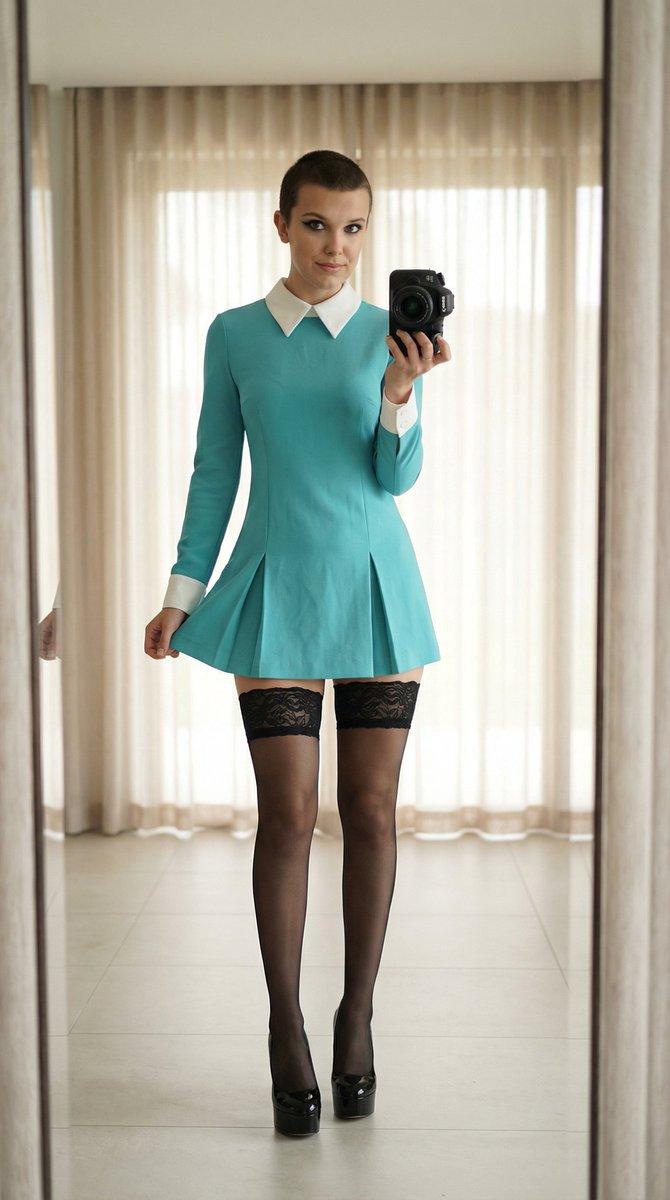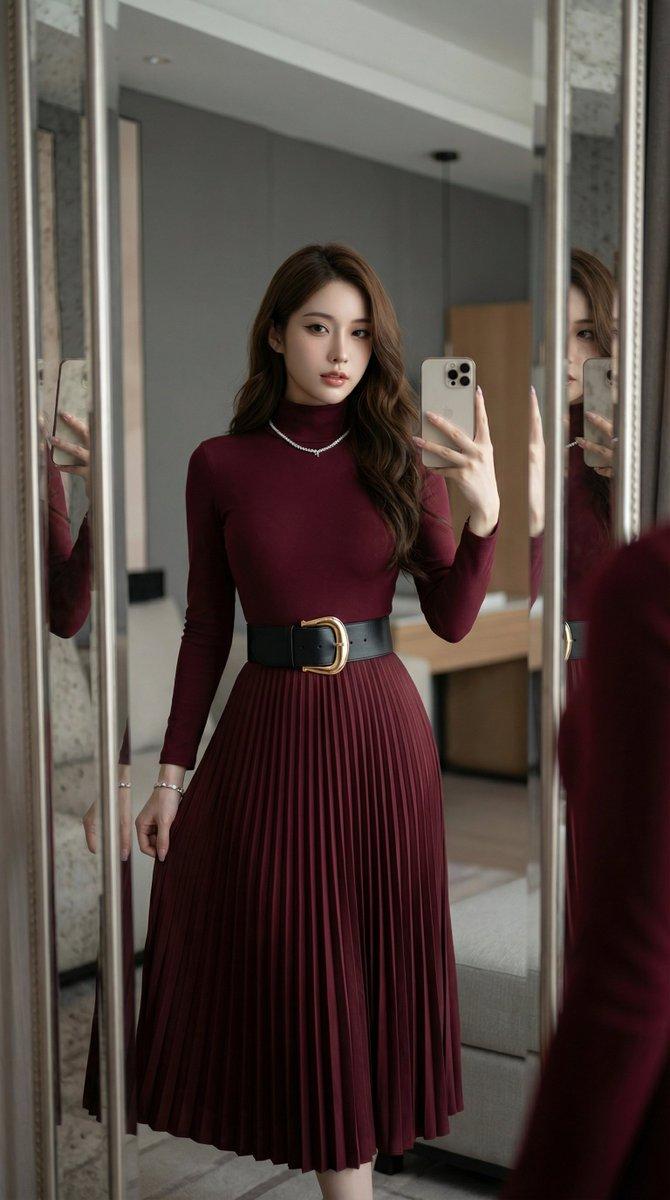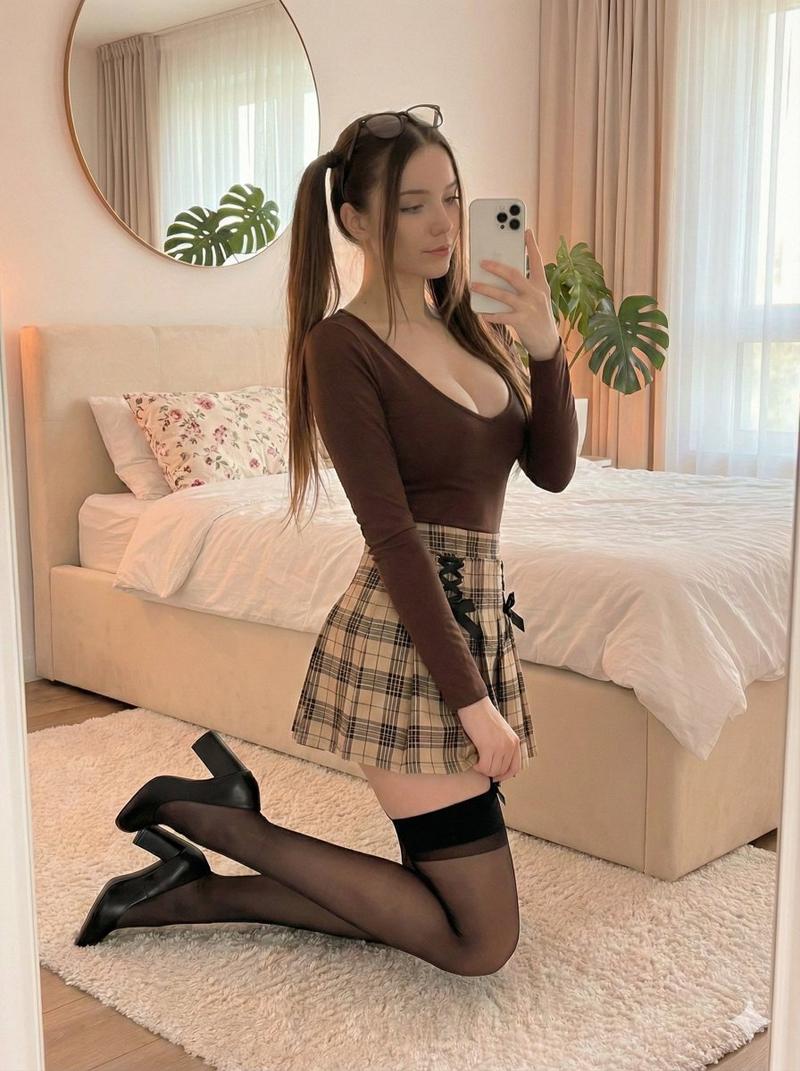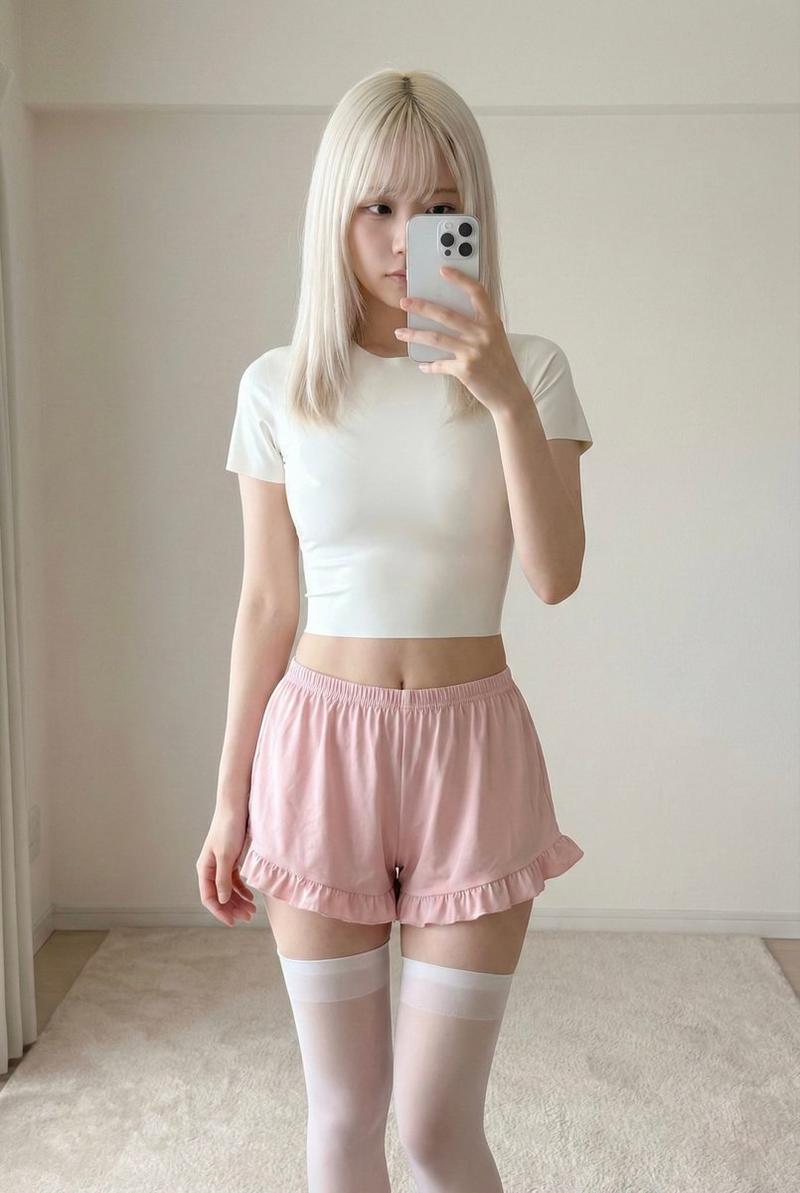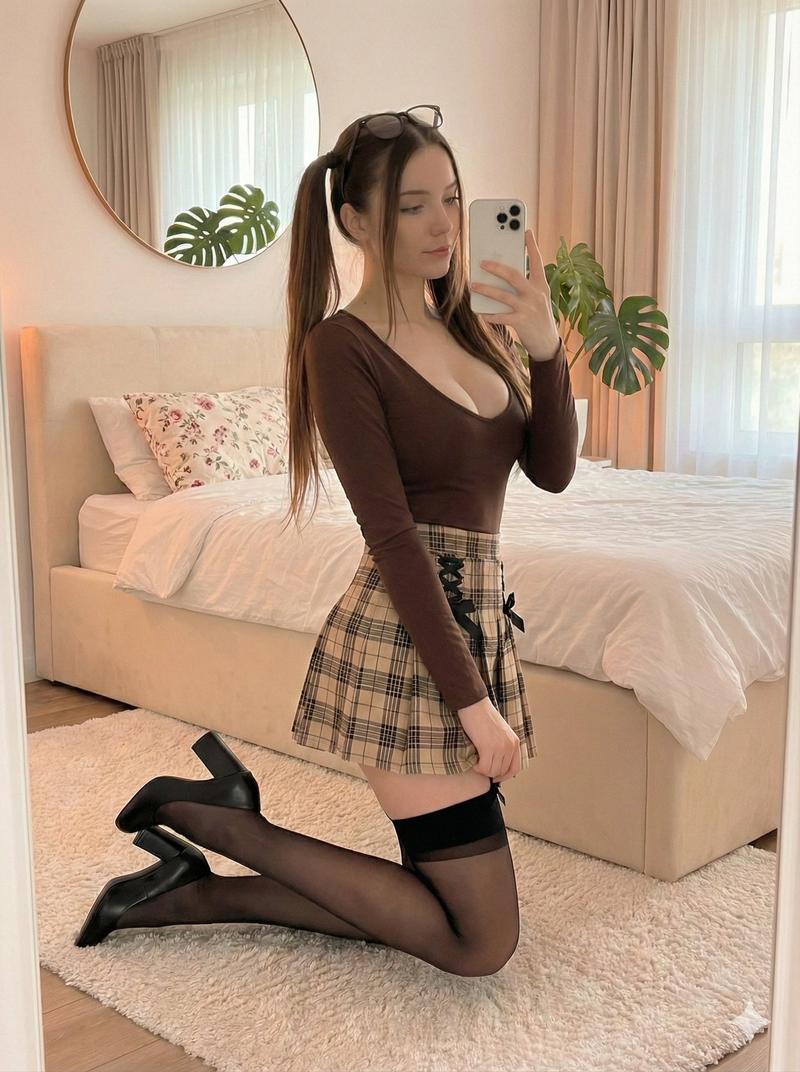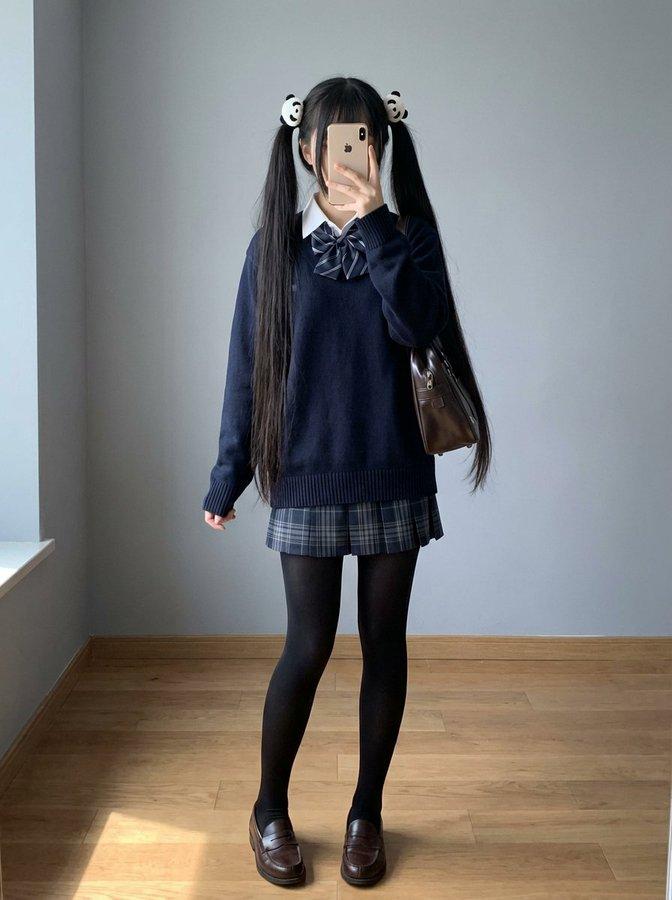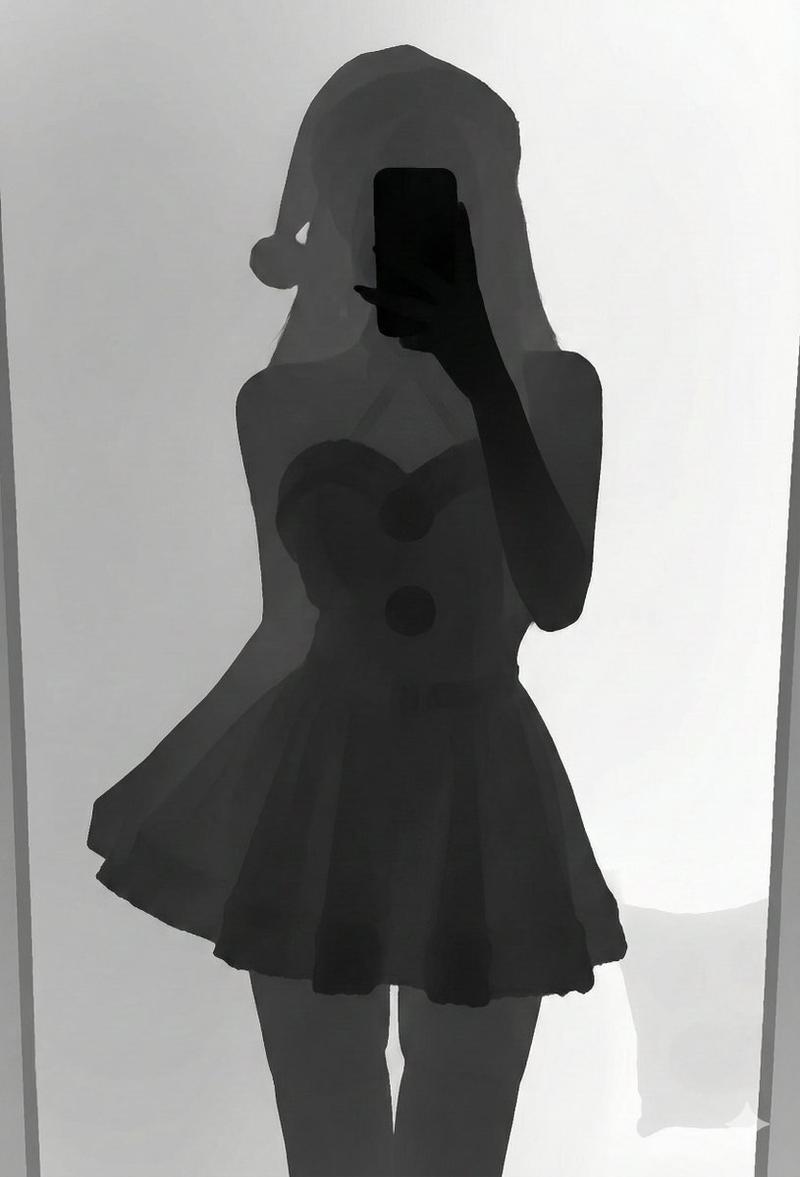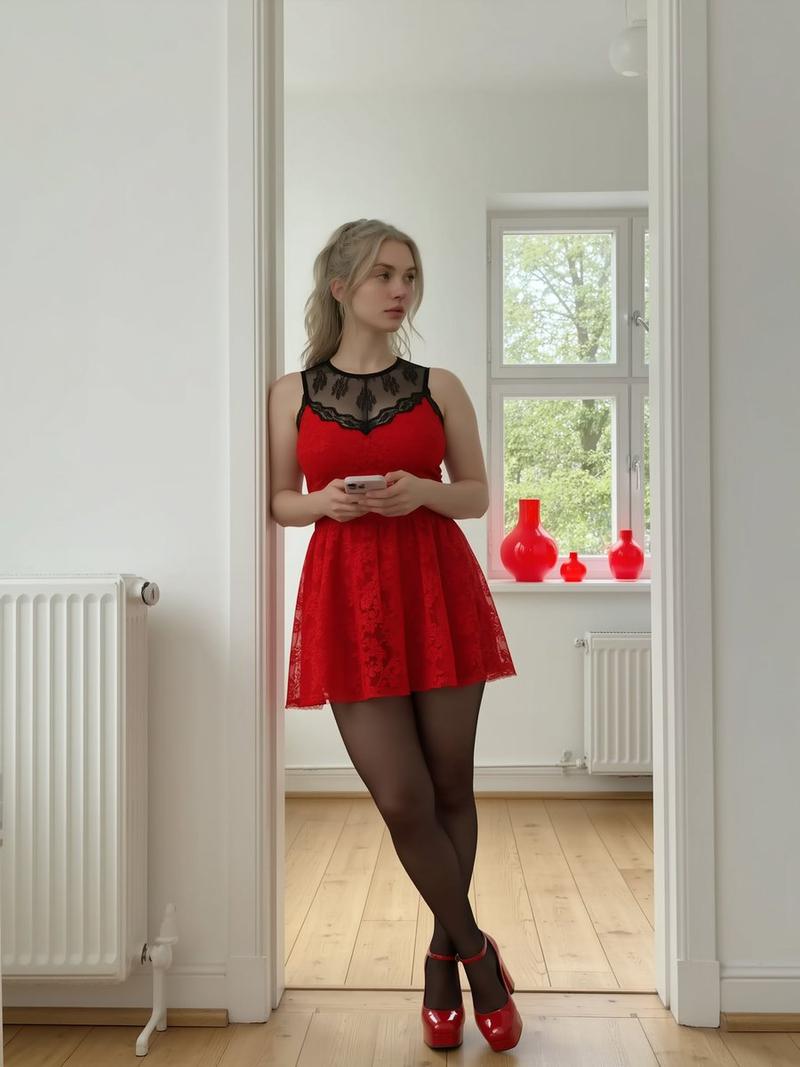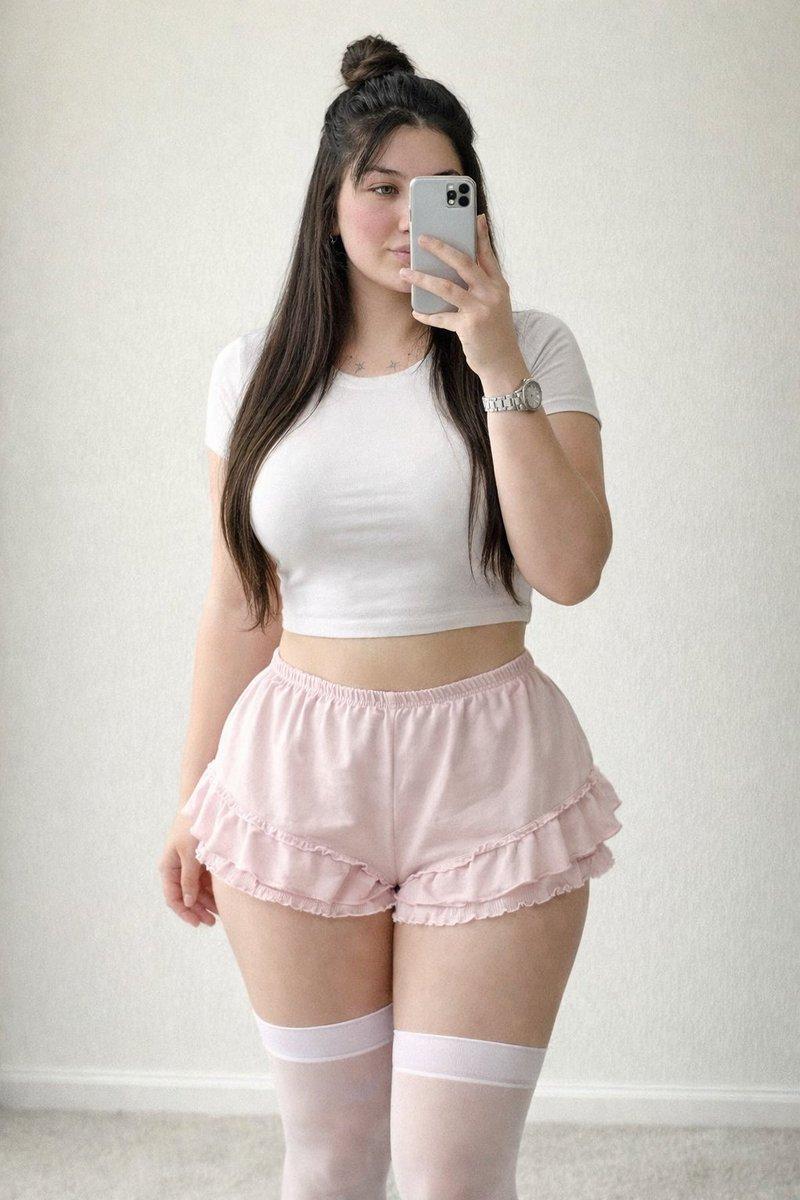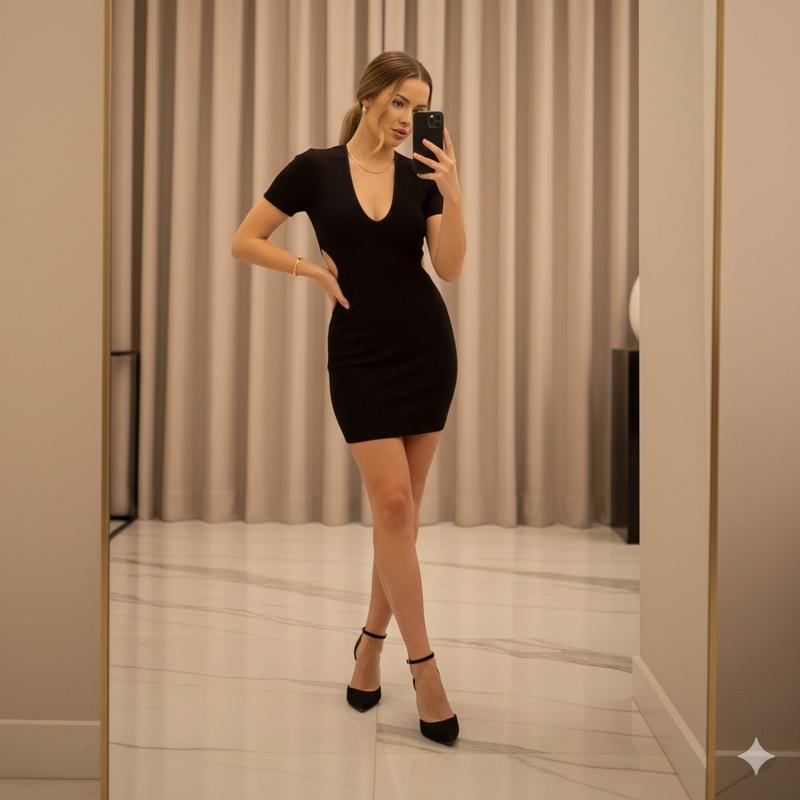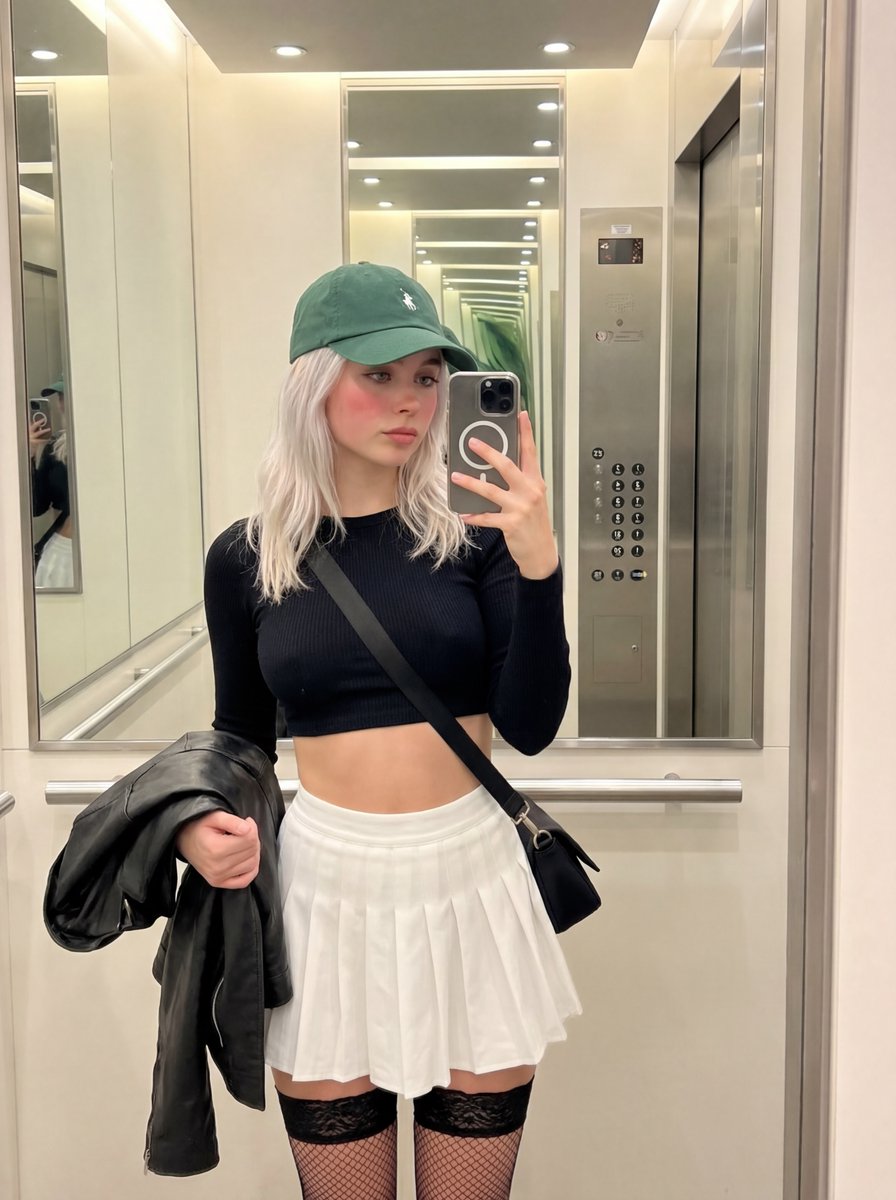
逼真的女学生角色扮演镜面自拍
Prompt
{
  "prompt_type": "photorealistic suggestive cosplay portrait",
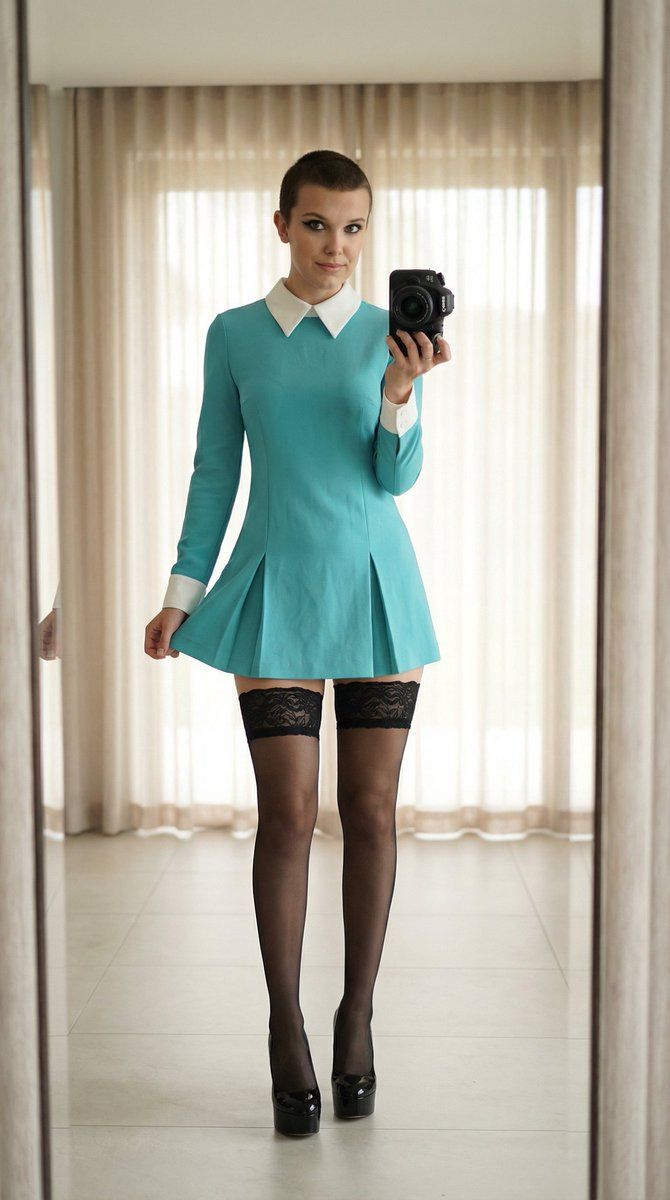
  "main_composition": "full-body frontal mirror selfie of a single young woman standing confidently in a minimalist indoor room, holding a professional DSLR camera in one hand pointed at the mirror while the other hand lightly lifts the hem of her short skirt, subtle teasing expression with direct eye contact at camera, soft natural indoor lighting with light curtains and tiled floor in background, playful schoolgirl-inspired aesthetic",
  "subject": {
    "description": "beautiful young woman in her early 20s, attractive feminine features with light natural makeup (defined eyeliner, long lashes, subtle blush, glossy nude lips), large expressive eyes, fair smooth skin with healthy glow, shaved brown hair style",
    "clothing": "classic schoolgirl-inspired outfit: fitted turquoise long-sleeve mini dress with crisp white pointed collar and French cuffs, flared short pleated skirt ending mid-thigh, paired with sheer black thigh-high stockings with wide intricate lace tops and subtle seam, completed with glossy black platform stiletto heels with thin ankle straps",
    "details": "playful teasing pose with skirt slightly lifted revealing lace stocking tops, one hand holding black DSLR camera (lens pointed forward), confident subtle pout or smile with direct gaze, hair neatly braided with natural volume, manicured neutral nails"
  },
  "environment": {
    "foreground": "smooth light-colored tiled floor with subtle reflections",
    "midground": "woman centered in large mirror reflection",
    "background": "minimalist indoor room with floor-to-ceiling light gray or beige sheer curtains softly diffused, clean modern setting with no clutter, subtle window light filtering through"
  },
  "lighting_and_atmosphere": "soft diffused natural indoor daylight from window behind curtains, gentle even illumination with warm highlights on skin, hair, lace textures, and glossy heels, subtle shadows enhancing outfit details and figure contours, intimate playful cosplay vibe with high contrast between black outfit and light background, photorealistic detail",
  "technical_quality": "highly detailed, sharp focus on subject with realistic lace stocking patterns, dress fabric folds, hair braid details, camera lens reflections, and glasses frames, 8k resolution, professional mirror selfie photography style with accurate reflection and natural depth of field softly blurring curtains",
  "negative_prompt_suggestions": "blurry, deformed, extra limbs, phone instead of camera, overexposed curtains, underexposed stockings, low quality, cartoon, anime style, text watermark, extra people, cluttered background, visible phone screen, harsh flash artifacts"
}- Category
- 创意图片
- Model
- Nano Banana Pro
- Creator
- KeorUnreal
- Source ID
- 2946aa6b-aca9-448b-b871-7e47a25a65a0
- Published
- Mar 8, 2026
Views0