18

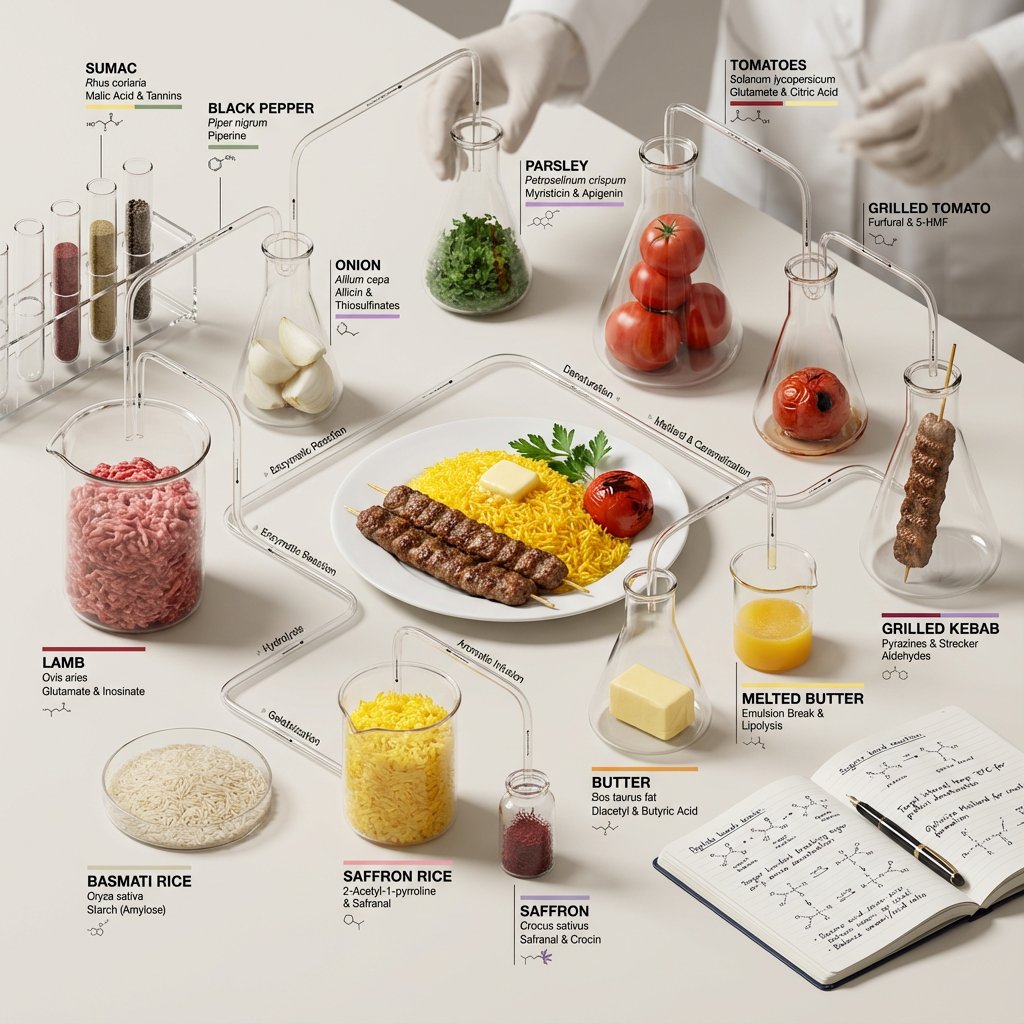
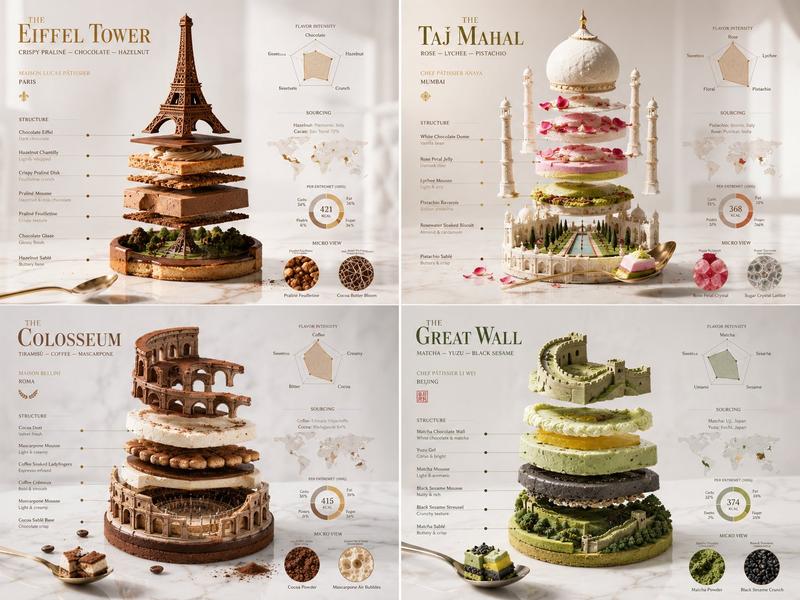
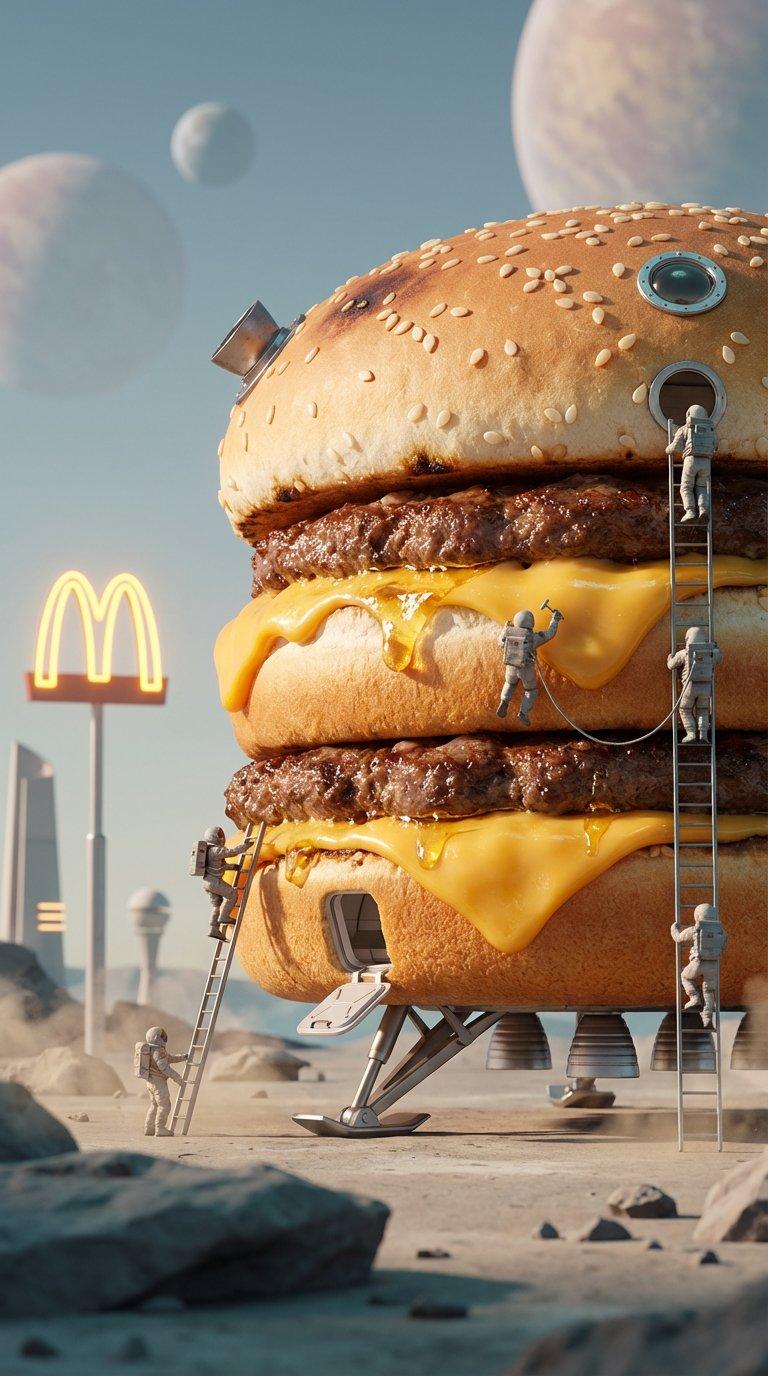
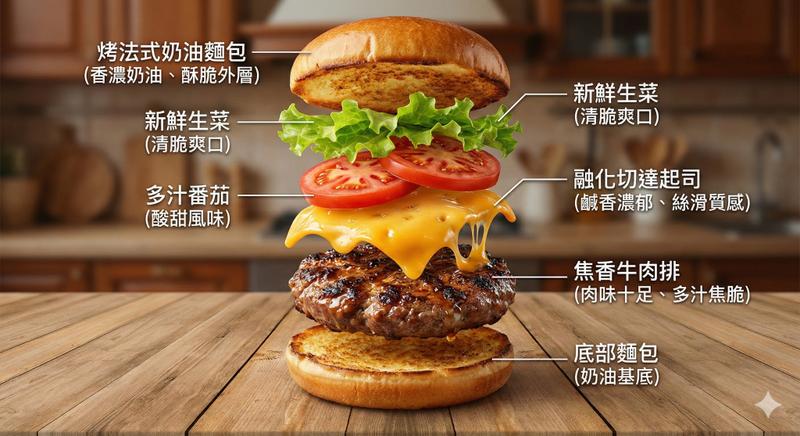
分解食物图技术摄影提示
Enlarge

分解食物图技术摄影提示

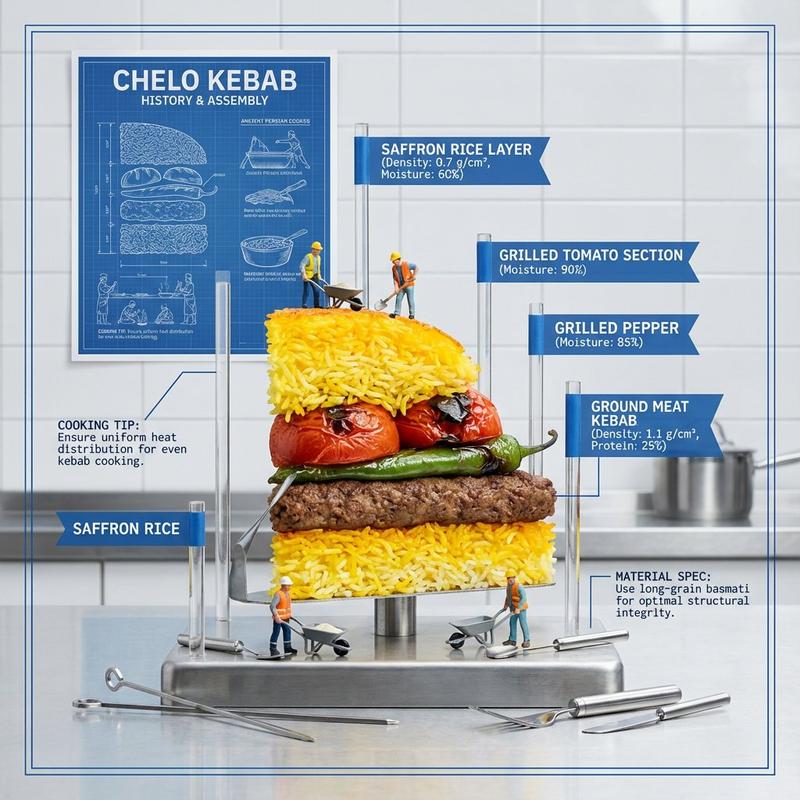
Prompt
<instructions>
Input A: Any layered/textured dish (e.g., {argument name="layered dish" default="lasagna, baklava, mille-feuille, biryani"})
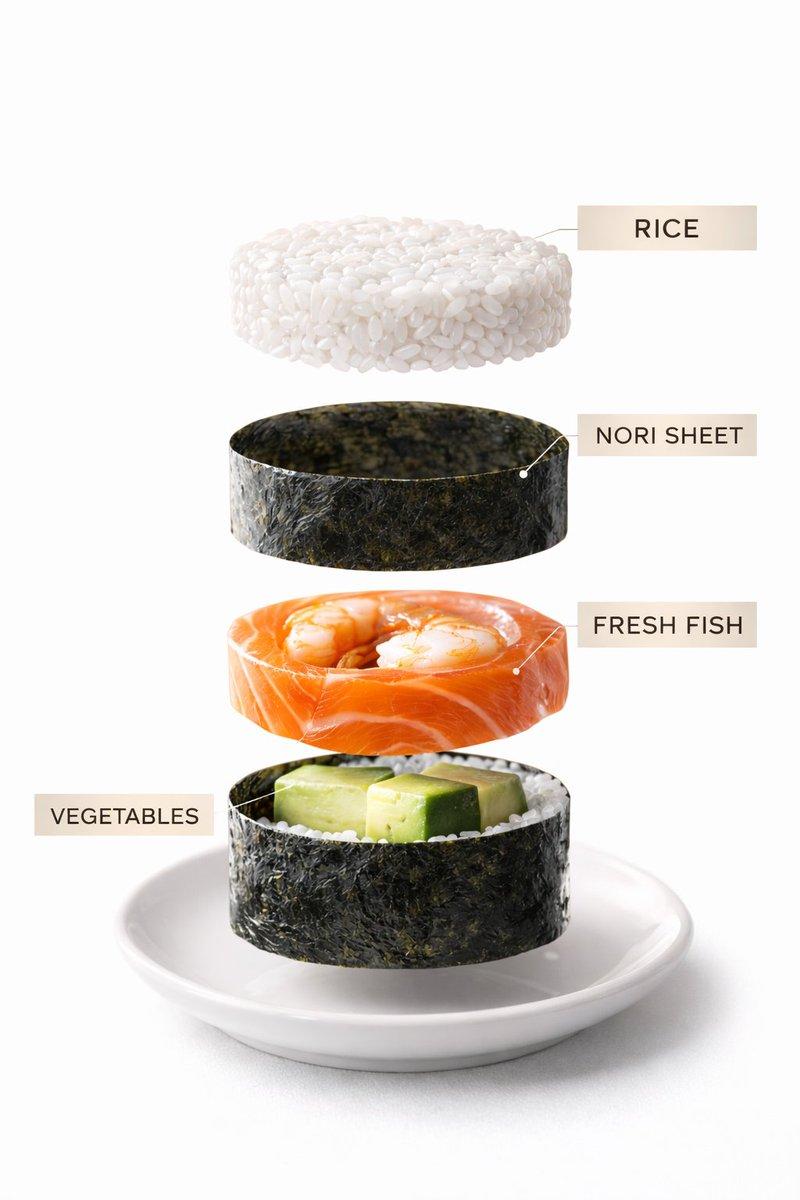
Input B: Anatomical model / architectural blueprint
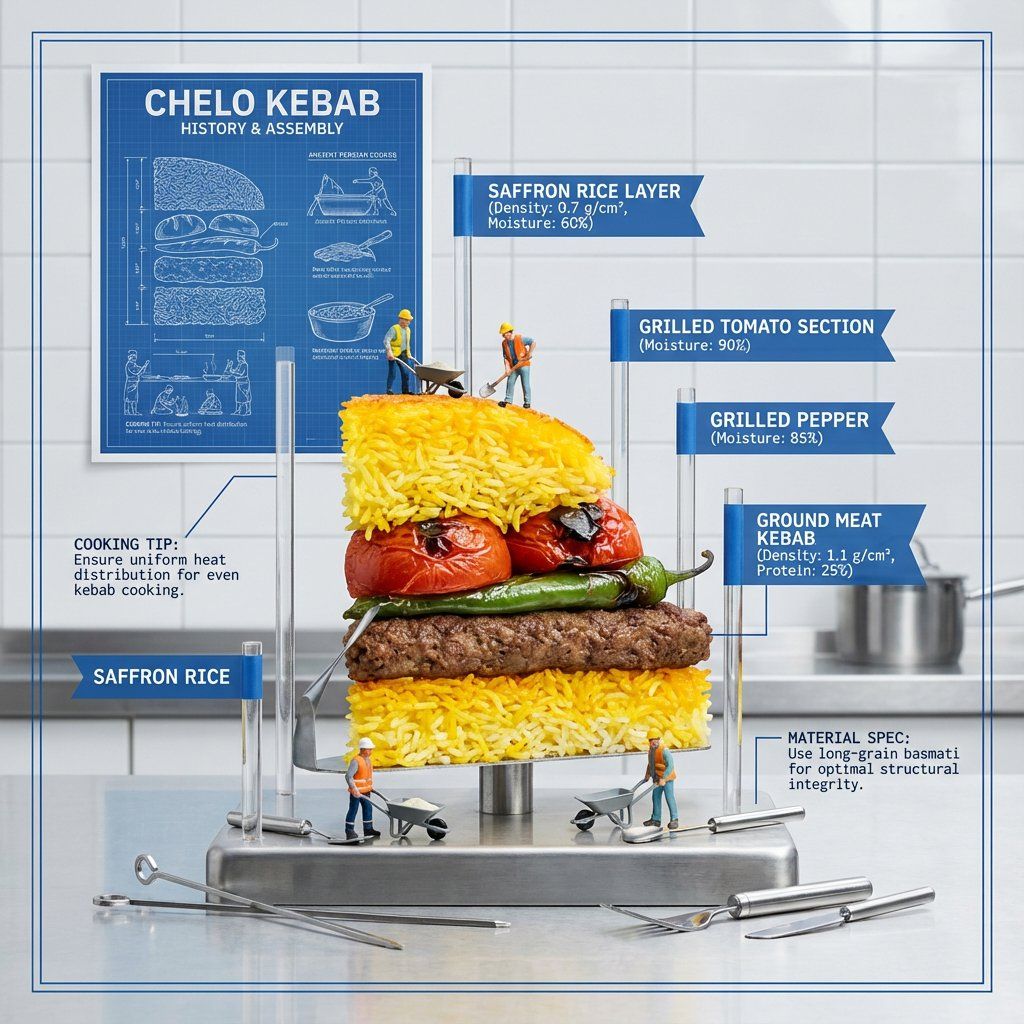
Goal: Half-eaten slice displayed like an architectural model with each layer labeled, showing structural engineering and material science of cooking.
Rules:
Dish cut in perfect cross-section, standing upright
Acrylic rods with flags labeling each layer
Only food relevant call outs and measurements
Food relevant background
Miniature construction workers on layers
History of the meal visualized on a poster on the wall
Cooking tips notes
Material specifications (density, moisture content)
Foundation layer with no label
Include tiny food tools
Technical drawing aesthetic with white and blue
Output: ONE image, technical photography, clean industrial lighting, 4:5 ratio </instructions>
Category
创意图片
Model
Nano Banana Pro
Creator
Gadgetify
Views0
Source ID
cbc1fcff-1584-47d4-b1f6-e5c2ed257089
Published
Mar 8, 2026

Guide

About "分解食物图技术摄影提示"

What is this prompt for?

"分解食物图技术摄影提示" AI image prompt for Nano Banana Pro (创意图片). 这是一个高度概念化的提示,旨在将一道分层菜肴可视化为建筑模型或技术蓝图。它要求将菜肴切开,显示横截面,各层用亚克力棒标记,并包含微型建筑工人、材料规格等元素,以技术绘图美学呈现。 --- <instru…

The full copyable prompt and example visuals above are ready for AI image generation or one-click recreate in Picva.

How to use this prompt

  1. Step 1

    Open the prompt detail

    Review the example visuals, category, and full prompt text for "分解食物图技术摄影提示".

  2. Step 2

    Copy the prompt

    Copy the prompt body from this page, or load it directly in Studio.

  3. Step 3

    Pick a model (Nano Banana Pro)

    Prefer Nano Banana Pro. If you switch models, keep subject and composition and tweak style terms.

  4. Step 4

    Generate and export

    Recreate the look in Picva, or export into your workflow for editing and publishing.

FAQ

What is the "分解食物图技术摄影提示" prompt?
It is an AI image-generation prompt for Nano Banana Pro in the 创意图片 category. This page includes the full prompt text, example visuals, and a one-click recreate path in Picva.
How do I use this prompt to generate an image?
Copy the prompt from this page, or use Generate / Studio. Paste it into a compatible image model, or recreate the look in Picva with optional reference images.
Which model is this prompt for?
This page lists Nano Banana Pro. Most descriptive prompts also transfer to nearby image models such as GPT Image, Flux, or Midjourney with light style tweaks.
Can I use the result commercially?
You can usually copy the prompt for creation, but commercial use of the final image depends on the model terms, reference-image rights, and the generated content. Follow the source author and platform rules.