17

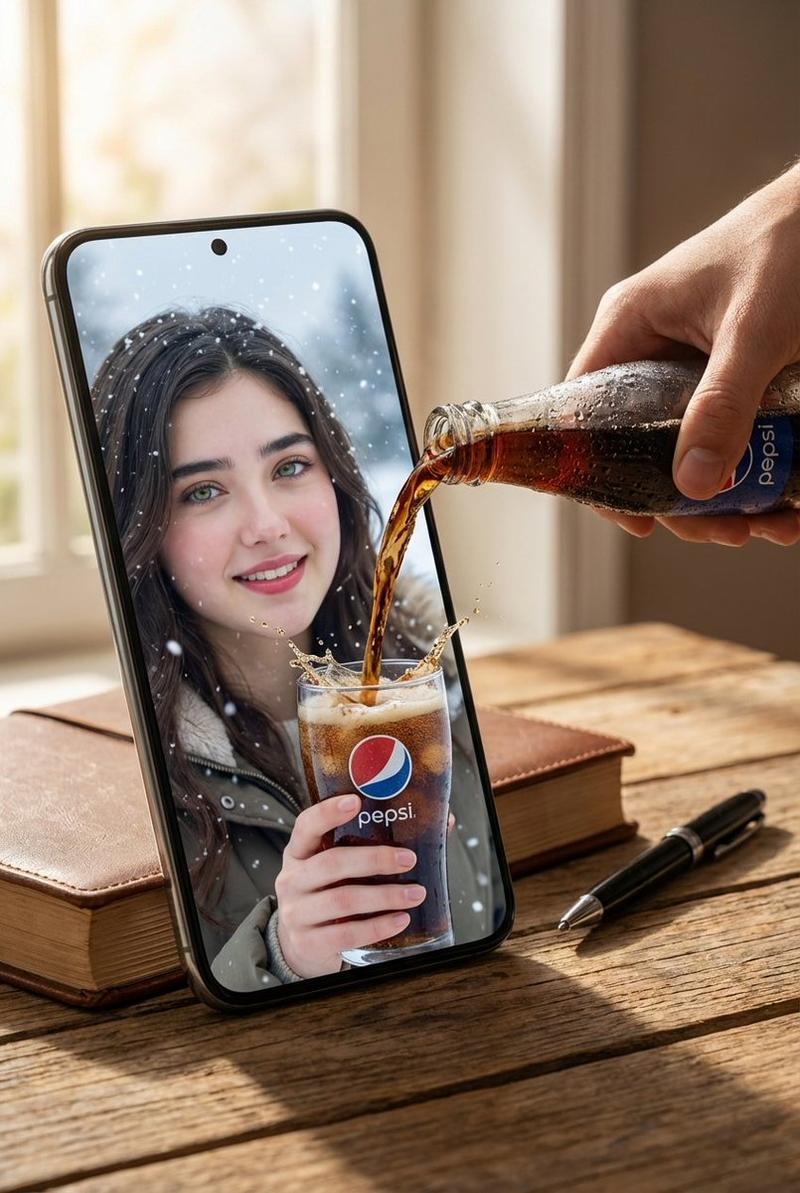
混合现实热巧克力倾倒提示(图像到图像)
Enlarge

混合现实热巧克力倾倒提示(图像到图像)

Prompt
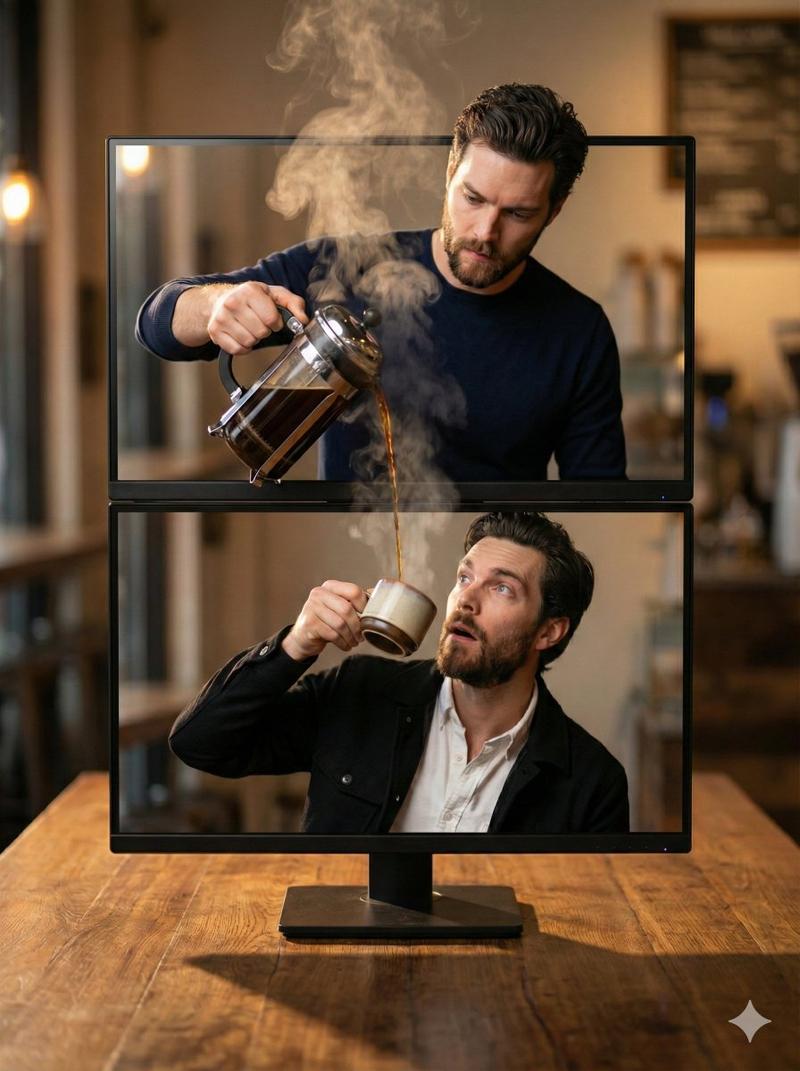
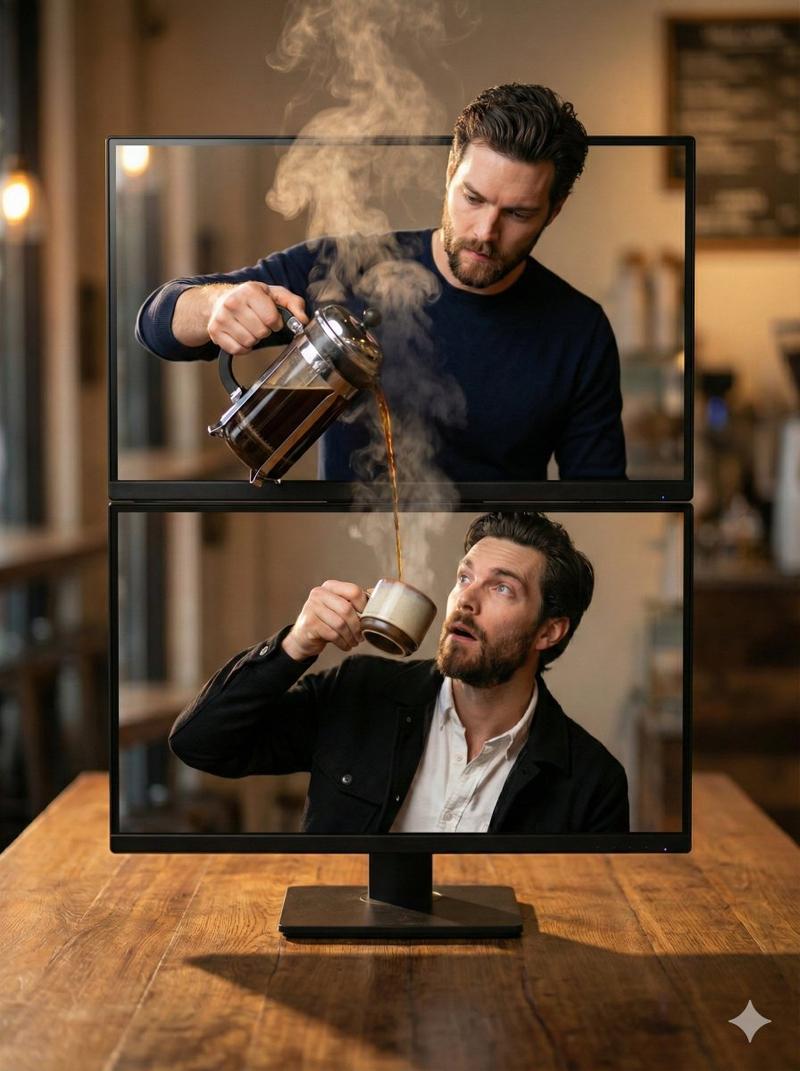
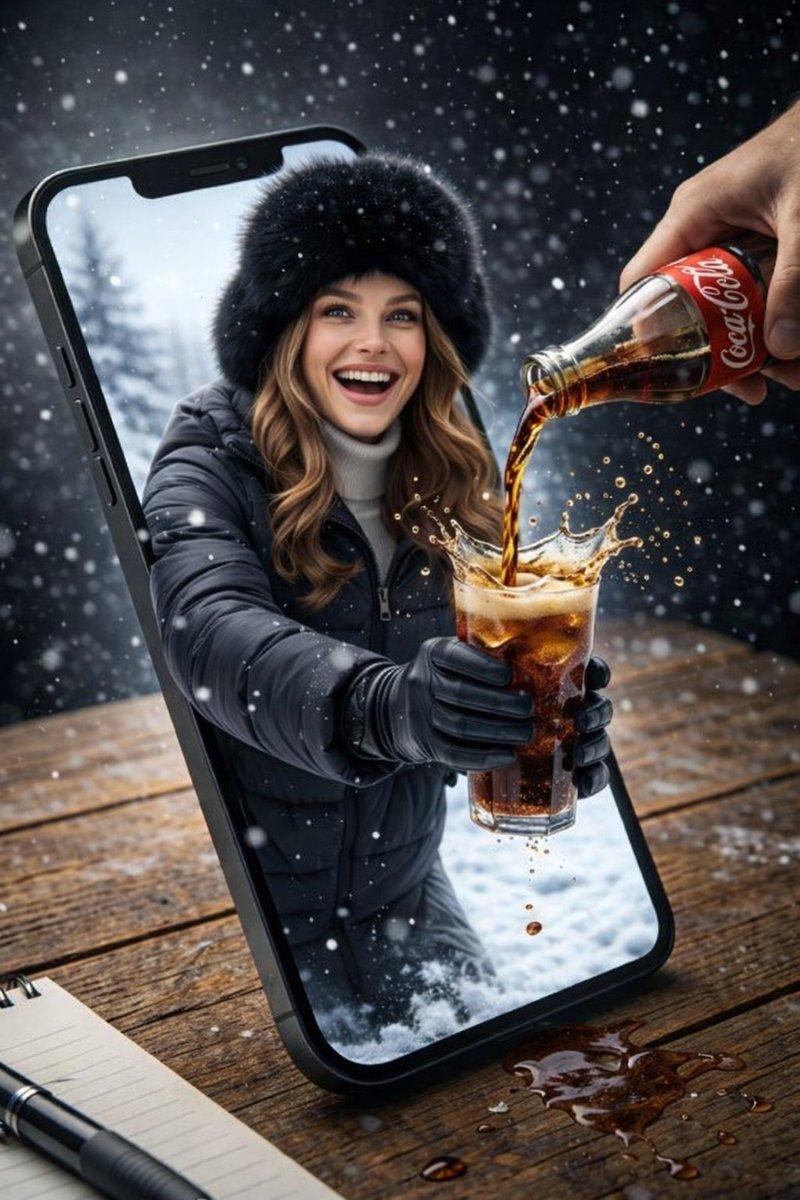
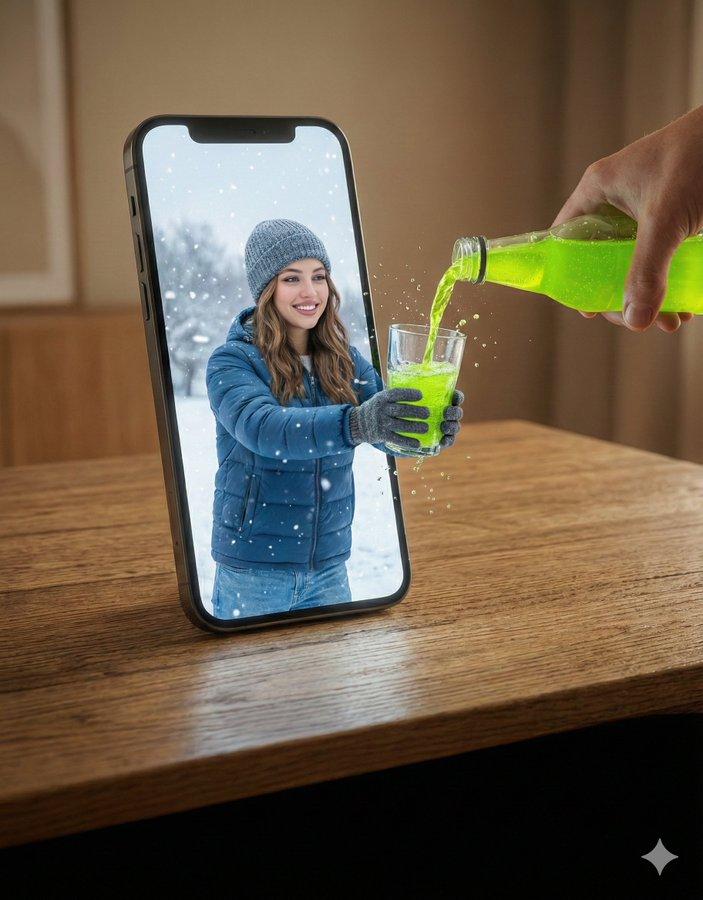
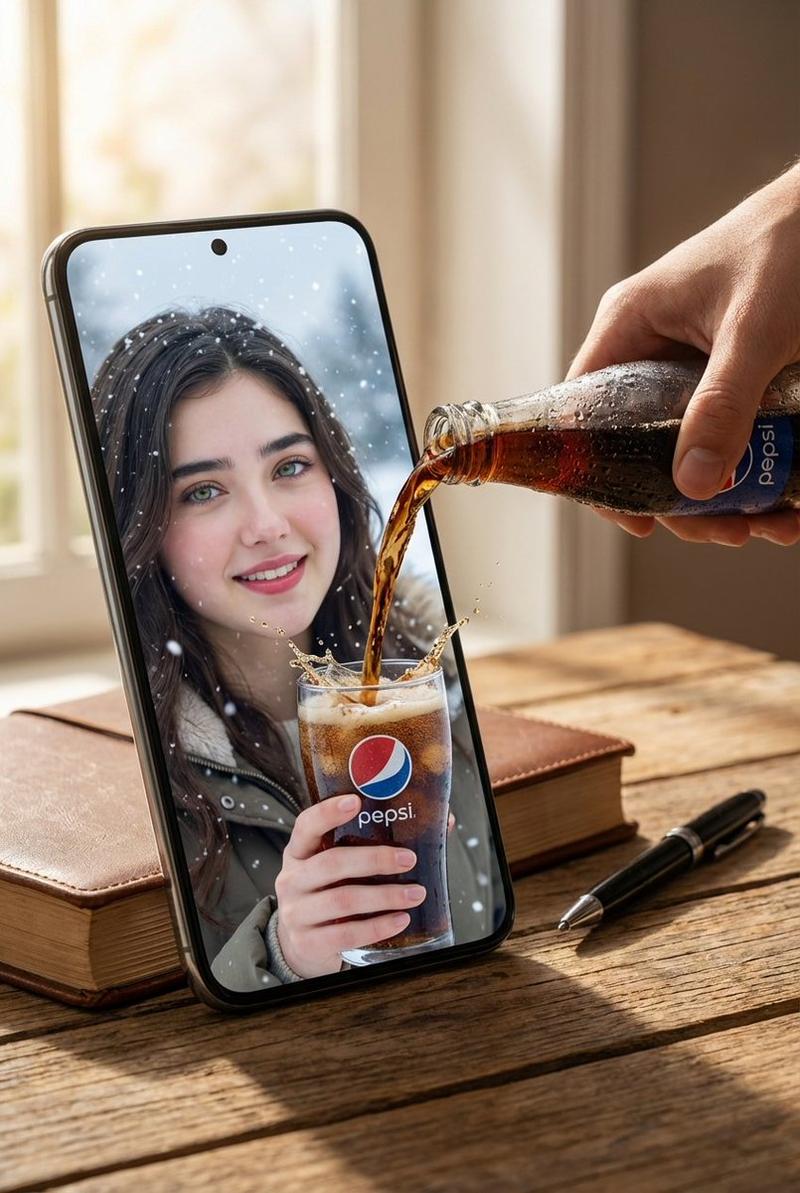
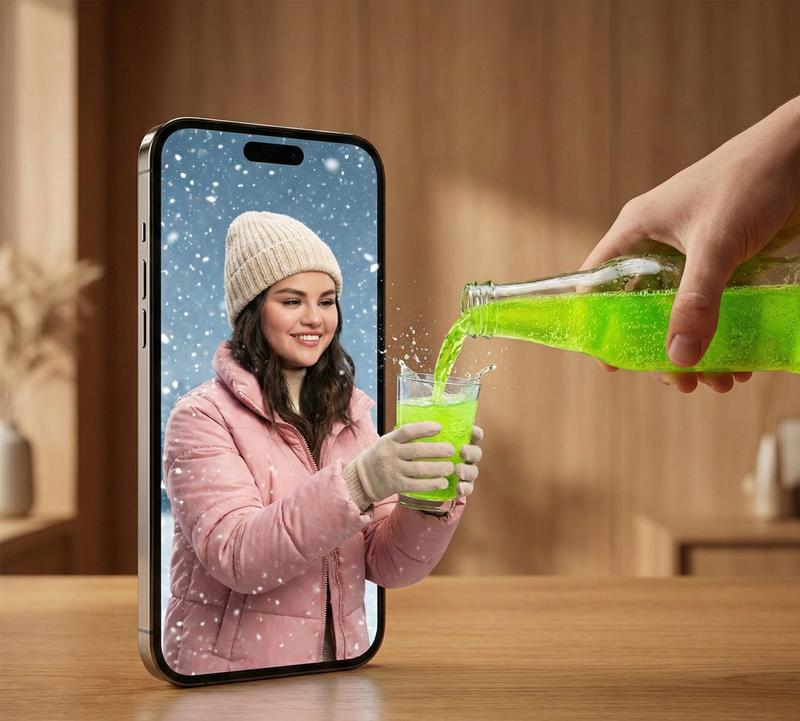
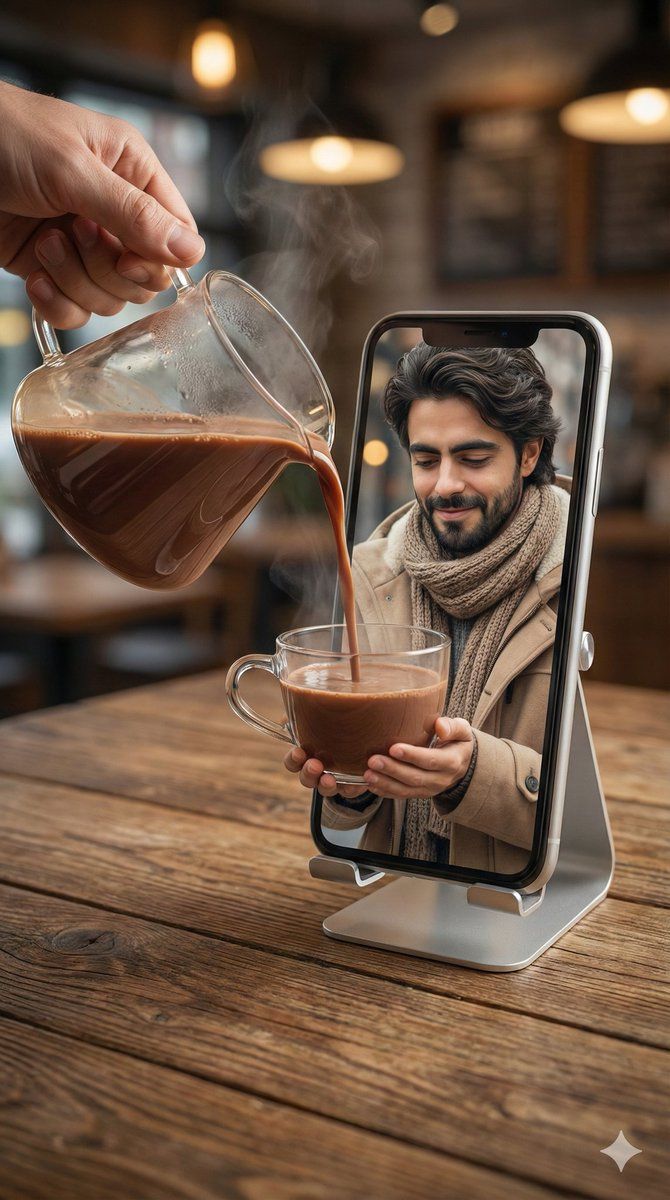
{ "action": "image_generation", "action_input": "{'prompt': "A hyper-realistic mixed-reality scene. A real human hand in the foreground pours hot chocolate from a transparent glass server into a clear glass cup. The cup appears to be emerging from inside a smartphone screen standing upright on a silver stand on a wooden cafe table. Inside the phone screen, the man from the provided image with his exact facial features, curly dark hair, and beard is wearing a warm beige winter coat and scarf.He is looking at the cup with a gentle smile, holding it as if receiving the liquid. The hot chocolate flows seamlessly from the real world into the digital screen. Soft steam rises, warm cafe lighting, cinematic realism, 8K, 9:16 aspect ratio."}" }
Category
创意图片
Model
Nano Banana Pro
Creator
Zar⭕on
Views0
Source ID
0752d545-8178-49a7-99c0-42a852205fc1
Published
Mar 8, 2026

Guide

About "混合现实热巧克力倾倒提示(图像到图像)"

What is this prompt for?

"混合现实热巧克力倾倒提示(图像到图像)" AI image prompt for Nano Banana Pro (创意图片). 一个用于生成超现实混合现实场景的提示,其中一只真实人手将热巧克力倒入一个看似从智能手机屏幕中冒出的杯子里。它需要使用提供的图像来呈现屏幕中人物的面部特征,从而在物理世界和数字世界之间实现…

The full copyable prompt and example visuals above are ready for AI image generation or one-click recreate in Picva.

How to use this prompt

  1. Step 1

    Open the prompt detail

    Review the example visuals, category, and full prompt text for "混合现实热巧克力倾倒提示(图像到图像)".

  2. Step 2

    Copy the prompt

    Copy the prompt body from this page, or load it directly in Studio.

  3. Step 3

    Pick a model (Nano Banana Pro)

    Prefer Nano Banana Pro. If you switch models, keep subject and composition and tweak style terms.

  4. Step 4

    Generate and export

    Recreate the look in Picva, or export into your workflow for editing and publishing.

FAQ

What is the "混合现实热巧克力倾倒提示(图像到图像)" prompt?
It is an AI image-generation prompt for Nano Banana Pro in the 创意图片 category. This page includes the full prompt text, example visuals, and a one-click recreate path in Picva.
How do I use this prompt to generate an image?
Copy the prompt from this page, or use Generate / Studio. Paste it into a compatible image model, or recreate the look in Picva with optional reference images.
Which model is this prompt for?
This page lists Nano Banana Pro. Most descriptive prompts also transfer to nearby image models such as GPT Image, Flux, or Midjourney with light style tweaks.
Can I use the result commercially?
You can usually copy the prompt for creation, but commercial use of the final image depends on the model terms, reference-image rights, and the generated content. Follow the source author and platform rules.