16

Y2K 复古魅力写真拍摄
Enlarge

Y2K 复古魅力写真拍摄

Prompt
{
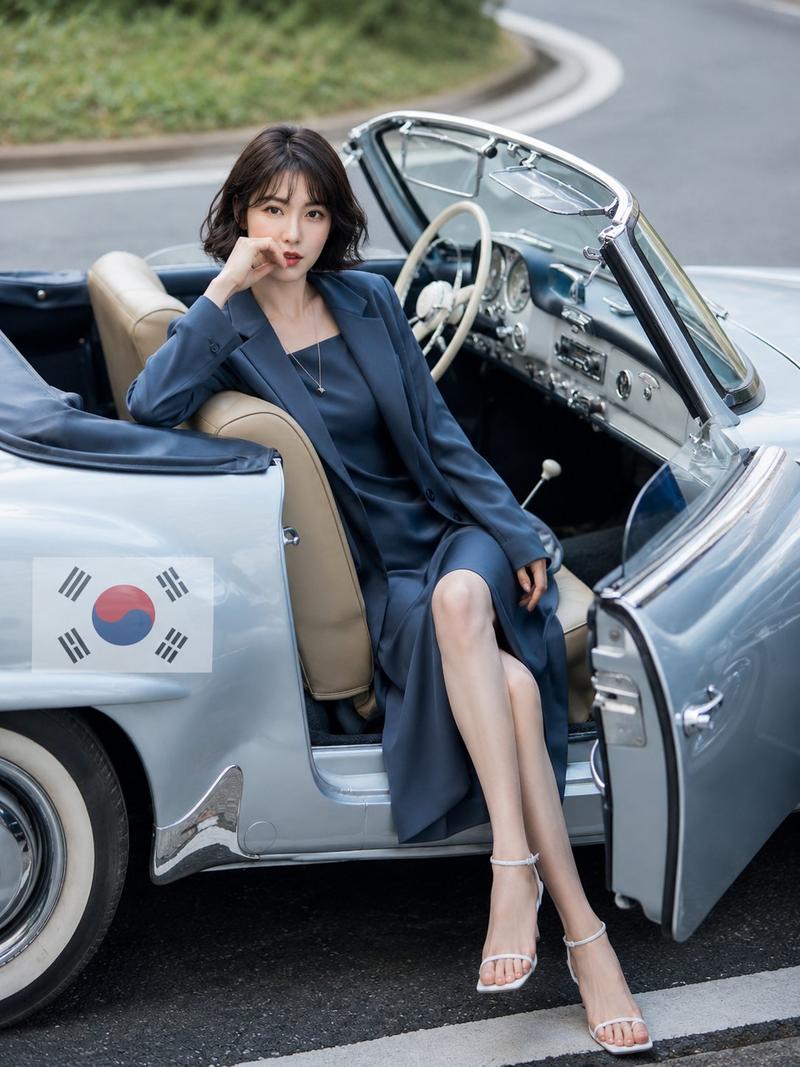
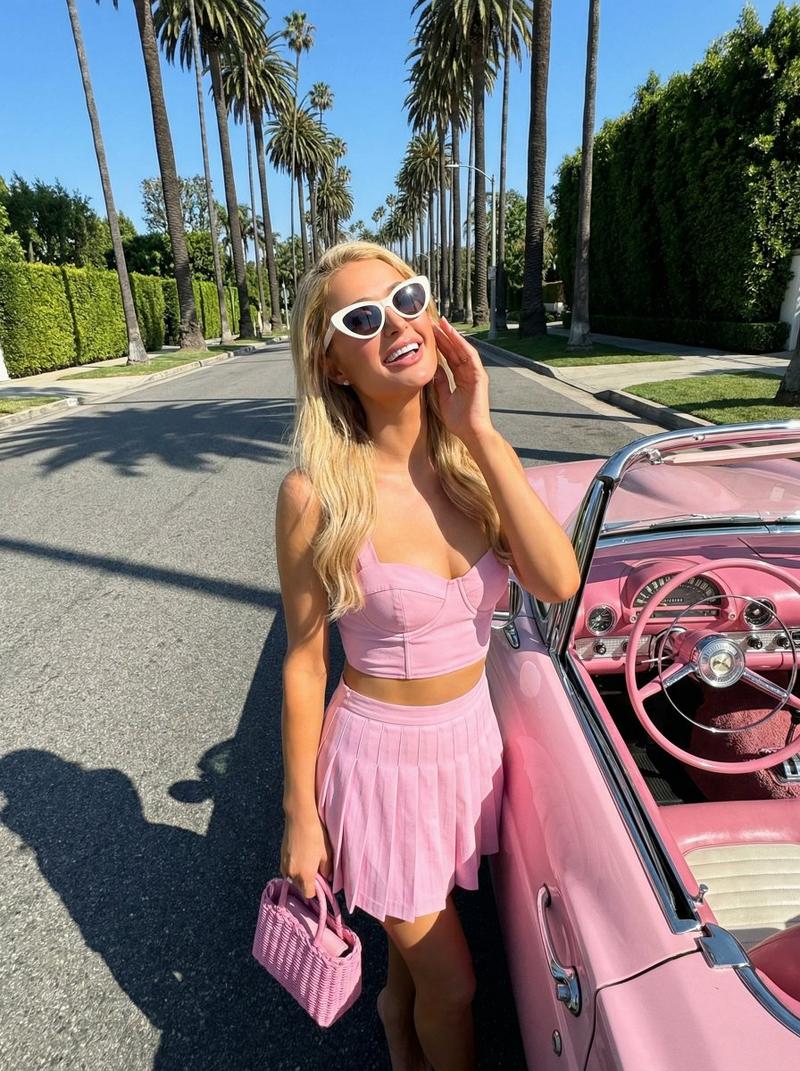
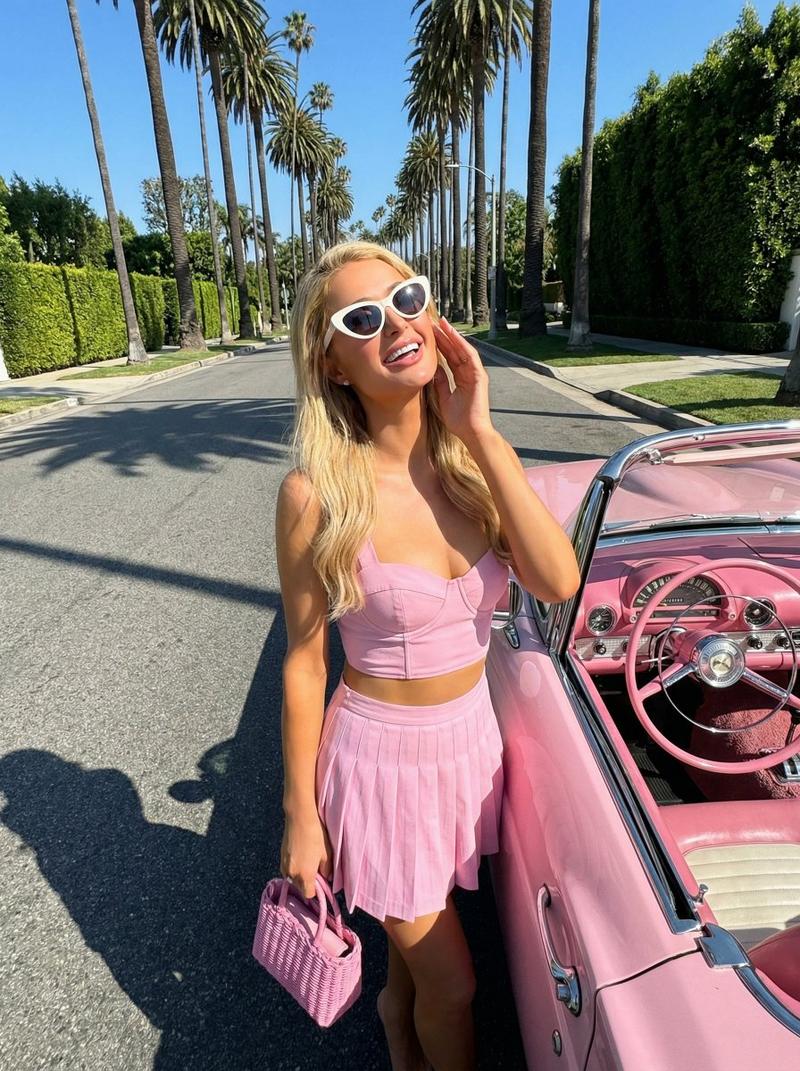
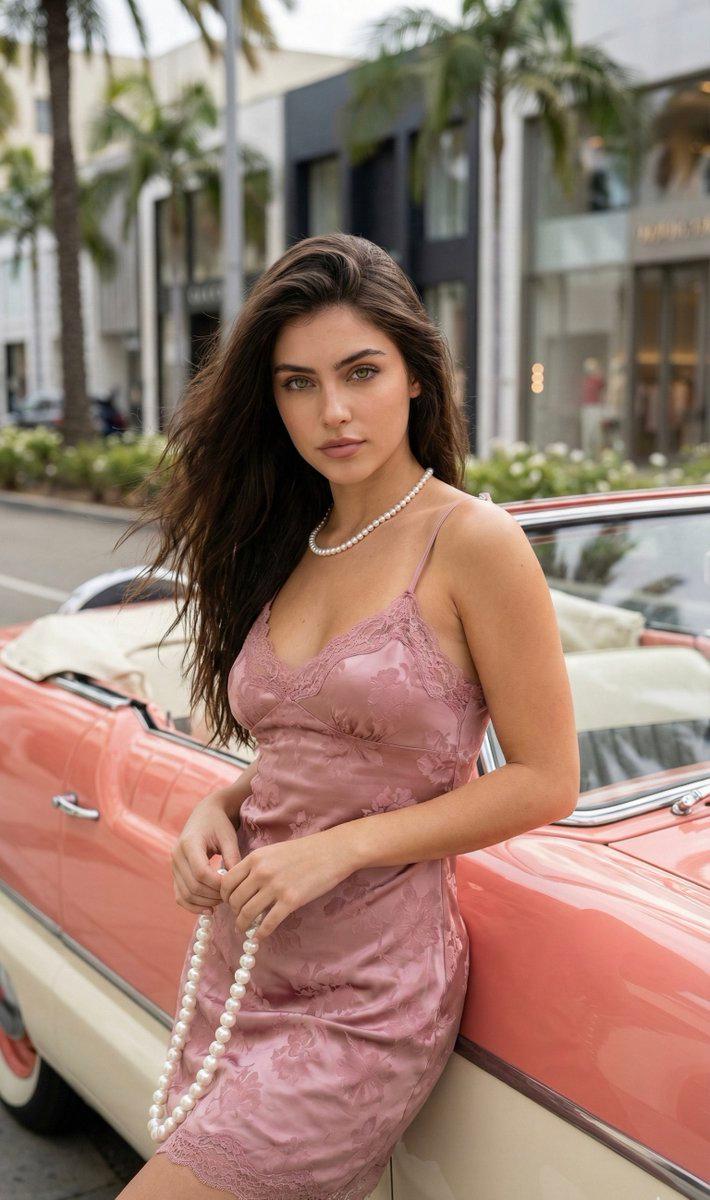
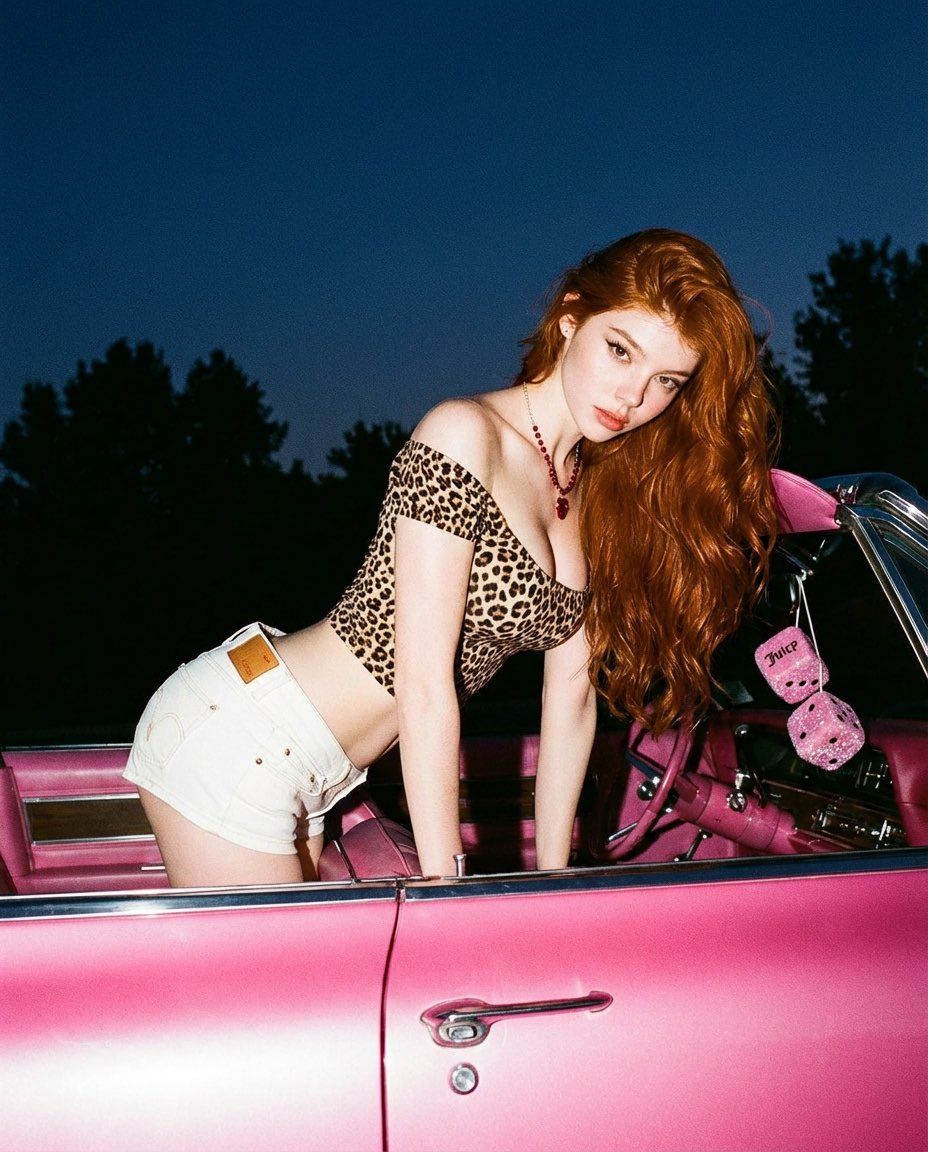
  "prompt": "A retro-inspired nighttime photoshoot of a red-haired woman leaning into a pink vintage convertible. She wears a {argument name="top" default="leopard-print off-shoulder top"} and white denim shorts, accessorized with a red necklace. Her long wavy hair cascades over one shoulder. The scene is lit with flash photography against a dark blue night sky and tree silhouettes, creating a bold contrast. Playful yet sultry mood, early 2000s aesthetic, glossy magazine editorial style.",
  "style": [
    "photorealistic",
    "Y2K aesthetic",
    "retro glamour",
    "editorial fashion"
  ],
  "camera": {
    "angle": "eye-level",
    "lens": "35mm",
    "lighting": "direct flash",
    "depth_of_field": "moderate"
  },
  "environment": "outdoor roadside setting at night with vintage car",
  "mood": "flirty, confident, nostalgic",
  "quality": "high detail, sharp focus, magazine-quality"
}
Category
创意图片
Model
Nano Banana Pro
Creator
Miz
Views0
Source ID
68c70c0e-57b0-474c-9940-daf2e0a68bfe
Published
Mar 8, 2026

Guide

About "Y2K 复古魅力写真拍摄"

What is this prompt for?

"Y2K 复古魅力写真拍摄" AI image prompt for Nano Banana Pro (创意图片). 一个结构化的图像提示,用于生成一张复古风格、高细节的时尚编辑照片:一名女性在夜晚倚靠在一辆老爷车旁,采用 Y2K 美学和直射闪光摄影。 --- ```json { "prompt": "一位红发女子斜…

The full copyable prompt and example visuals above are ready for AI image generation or one-click recreate in Picva.

How to use this prompt

  1. Step 1

    Open the prompt detail

    Review the example visuals, category, and full prompt text for "Y2K 复古魅力写真拍摄".

  2. Step 2

    Copy the prompt

    Copy the prompt body from this page, or load it directly in Studio.

  3. Step 3

    Pick a model (Nano Banana Pro)

    Prefer Nano Banana Pro. If you switch models, keep subject and composition and tweak style terms.

  4. Step 4

    Generate and export

    Recreate the look in Picva, or export into your workflow for editing and publishing.

FAQ

What is the "Y2K 复古魅力写真拍摄" prompt?
It is an AI image-generation prompt for Nano Banana Pro in the 创意图片 category. This page includes the full prompt text, example visuals, and a one-click recreate path in Picva.
How do I use this prompt to generate an image?
Copy the prompt from this page, or use Generate / Studio. Paste it into a compatible image model, or recreate the look in Picva with optional reference images.
Which model is this prompt for?
This page lists Nano Banana Pro. Most descriptive prompts also transfer to nearby image models such as GPT Image, Flux, or Midjourney with light style tweaks.
Can I use the result commercially?
You can usually copy the prompt for creation, but commercial use of the final image depends on the model terms, reference-image rights, and the generated content. Follow the source author and platform rules.