17

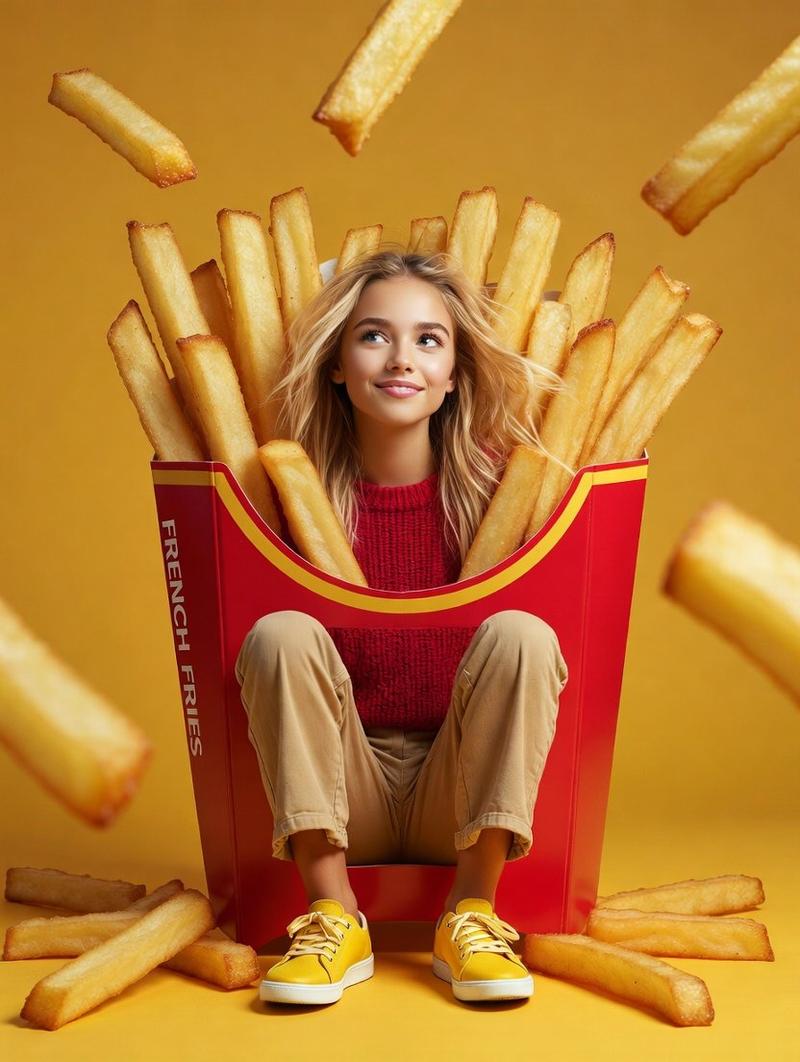
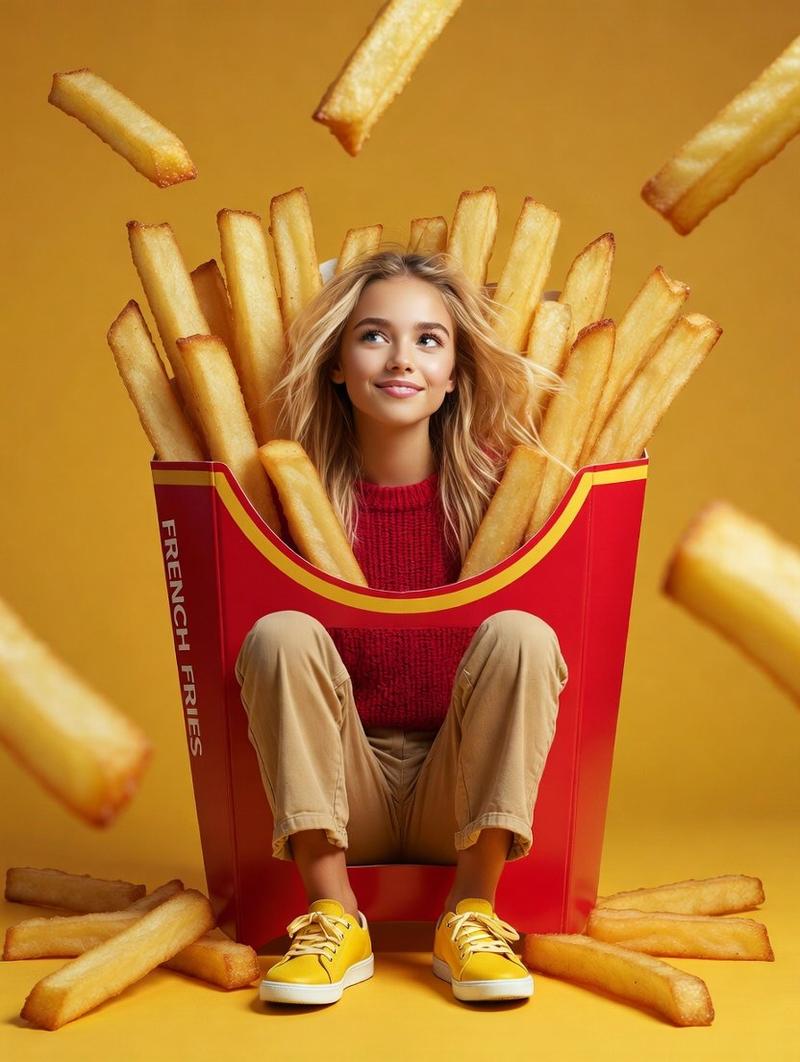
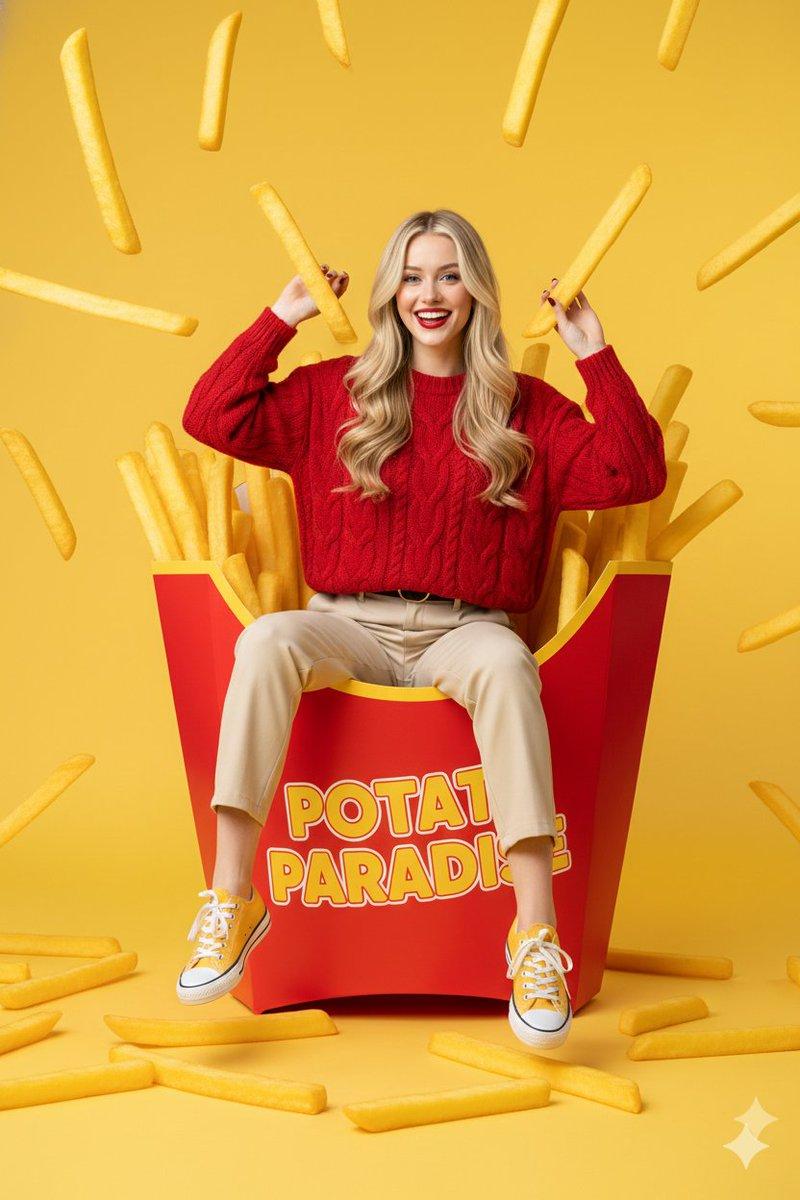
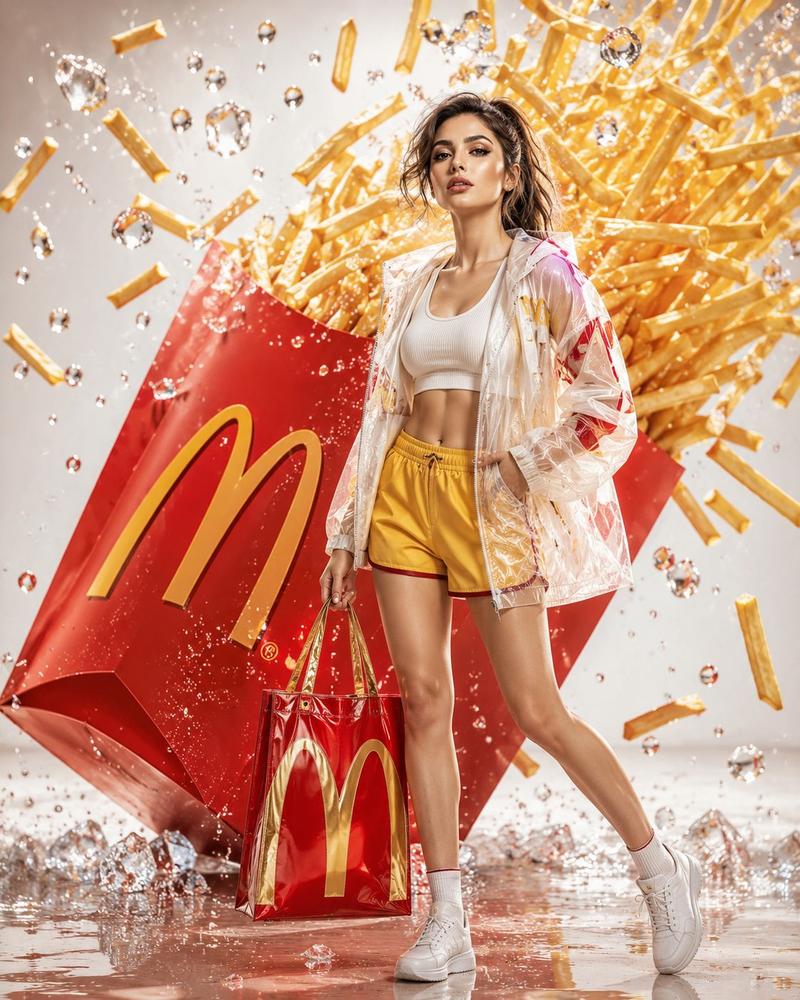
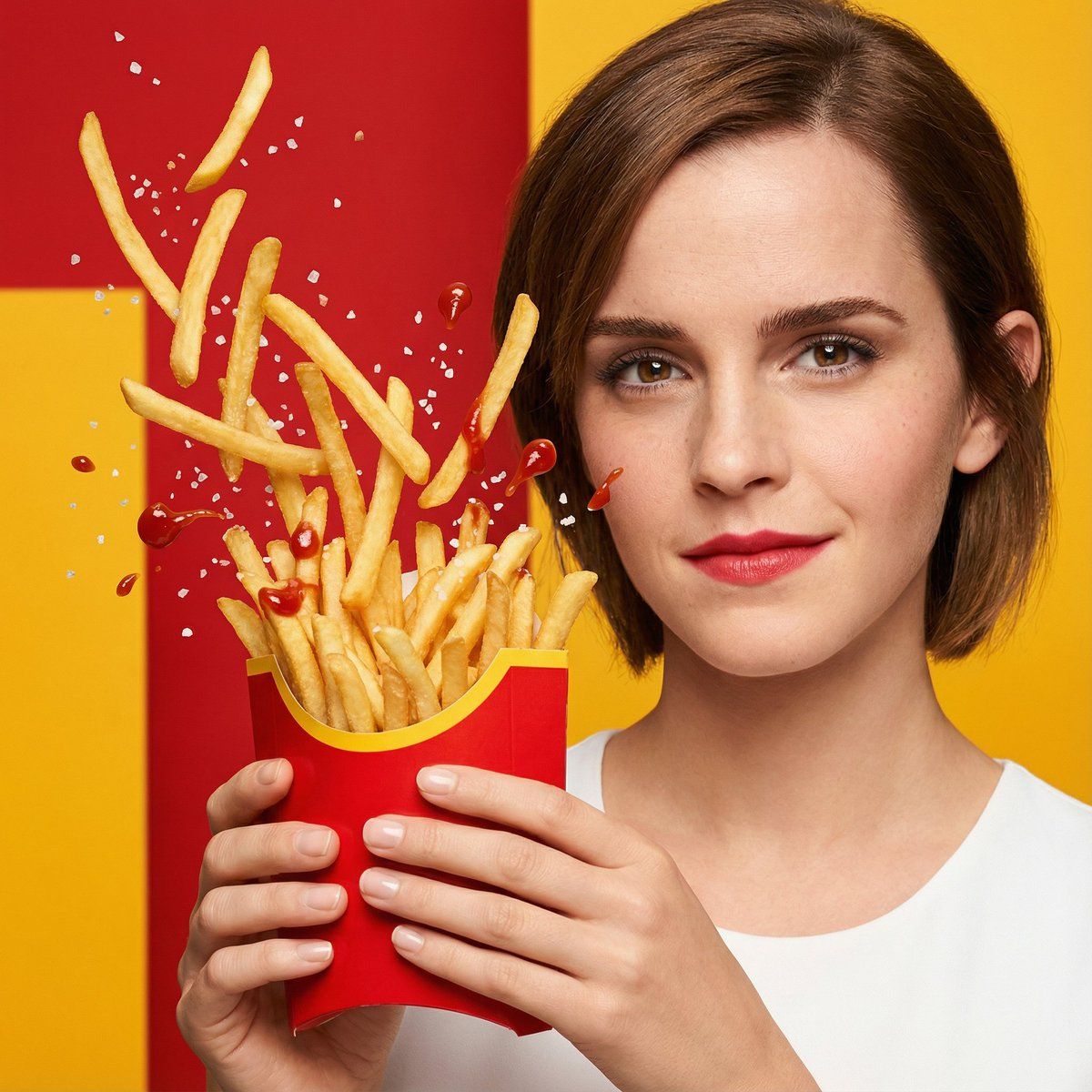
超逼真快餐广告视觉效果
Enlarge

超逼真快餐广告视觉效果

Prompt
Hyper-realistic ad visual of crispy golden fries spilling upward from a carton held by a young woman, salt crystals and ketchup droplets frozen mid-air. Bright confident expression, clean skin tones. Bold {argument name="background color" default="red-and-yellow"} studio background with punchy lighting, high-impact snack commercial look.
Ultra-sharp focus on texture: crunchy edges, oil sheen, and fine salt granules clearly visible.
Cinematic key light with soft fill to sculpt facial features and Google Gemini enhance food gloss without harsh reflections.
Shallow depth of field isolates the subject while preserving motion clarity in flying fries and sauce splashes.
Premium fast-food advertising aesthetic, energetic, appetizing, and visually bold, optimized for social media hero frames.
Category
创意图片
Model
Nano Banana Pro
Creator
Synthia
Views0
Source ID
eaf149b7-5890-4c30-97a8-ded92184608d
Published
Mar 8, 2026

Guide

About "超逼真快餐广告视觉效果"

What is this prompt for?

"超逼真快餐广告视觉效果" AI image prompt for Nano Banana Pro (创意图片). 一个用于生成超逼真广告视觉的提示:年轻女性手中纸盒里的金黄酥脆薯条向上飞溅。强调凝固的动态(盐粒、番茄酱滴),对纹理的超清晰聚焦,以及适合零食广告的高冲击力、强劲的灯光风格。 --- 超逼真的广告视觉效…

The full copyable prompt and example visuals above are ready for AI image generation or one-click recreate in Picva.

How to use this prompt

  1. Step 1

    Open the prompt detail

    Review the example visuals, category, and full prompt text for "超逼真快餐广告视觉效果".

  2. Step 2

    Copy the prompt

    Copy the prompt body from this page, or load it directly in Studio.

  3. Step 3

    Pick a model (Nano Banana Pro)

    Prefer Nano Banana Pro. If you switch models, keep subject and composition and tweak style terms.

  4. Step 4

    Generate and export

    Recreate the look in Picva, or export into your workflow for editing and publishing.

FAQ

What is the "超逼真快餐广告视觉效果" prompt?
It is an AI image-generation prompt for Nano Banana Pro in the 创意图片 category. This page includes the full prompt text, example visuals, and a one-click recreate path in Picva.
How do I use this prompt to generate an image?
Copy the prompt from this page, or use Generate / Studio. Paste it into a compatible image model, or recreate the look in Picva with optional reference images.
Which model is this prompt for?
This page lists Nano Banana Pro. Most descriptive prompts also transfer to nearby image models such as GPT Image, Flux, or Midjourney with light style tweaks.
Can I use the result commercially?
You can usually copy the prompt for creation, but commercial use of the final image depends on the model terms, reference-image rights, and the generated content. Follow the source author and platform rules.