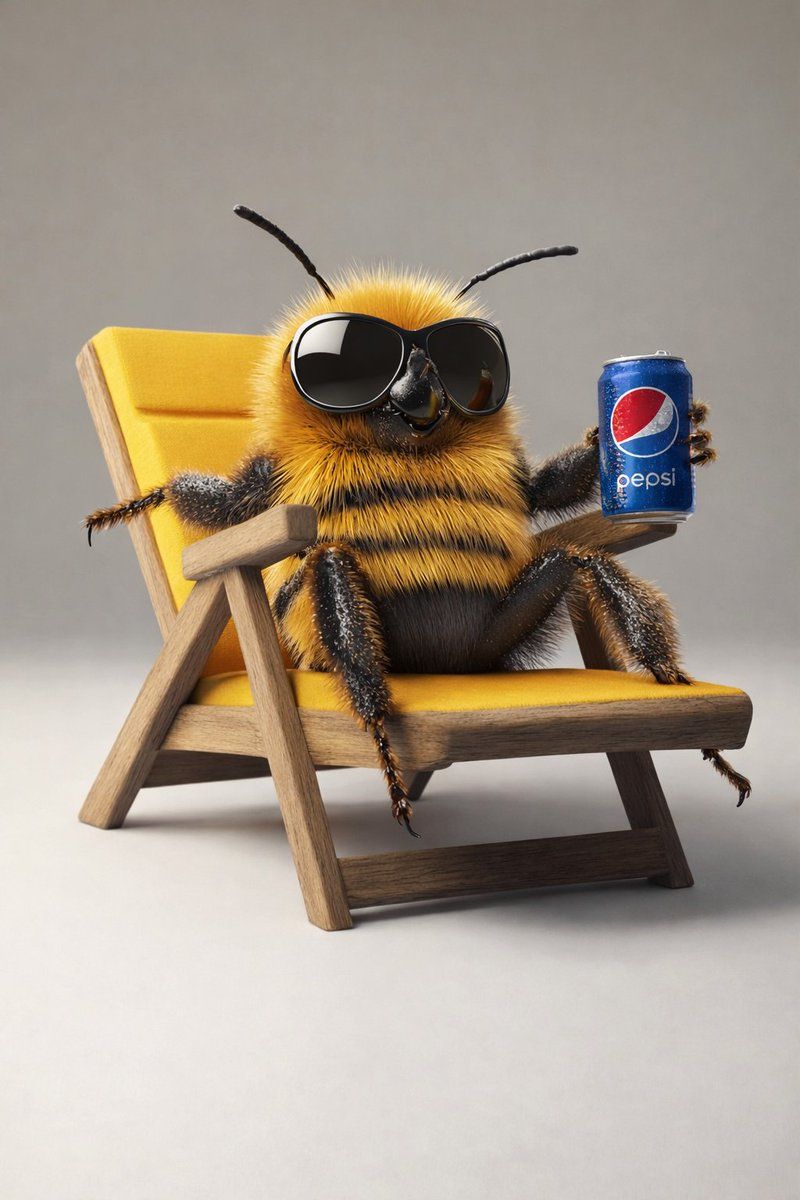
8K 3D 拟人化蜜蜂插画(健身与休闲)
Prompt
{
  "master_prompt": {
    "global_settings": {
      "resolution": "8K",
      "aspect_ratio": "3:4",
      "render_style": "high-end AI-generated 3D illustration",
      "image_quality": "ultra-sharp, cinematic depth, physically based rendering",
      "lighting_quality": "soft global illumination with realistic shadows",
      "focus": "extreme detail clarity, shallow depth of field where applicable"
    },

    "module_1": {
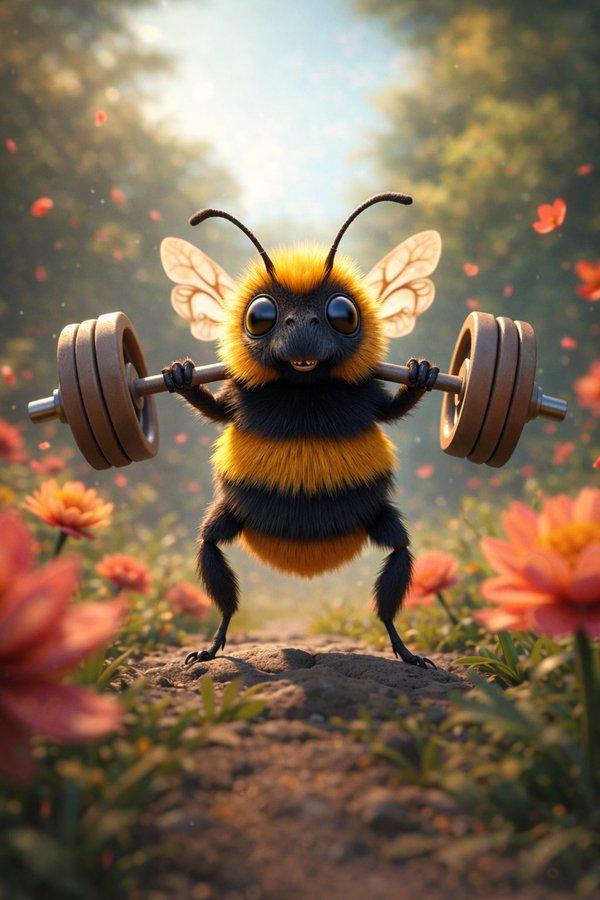
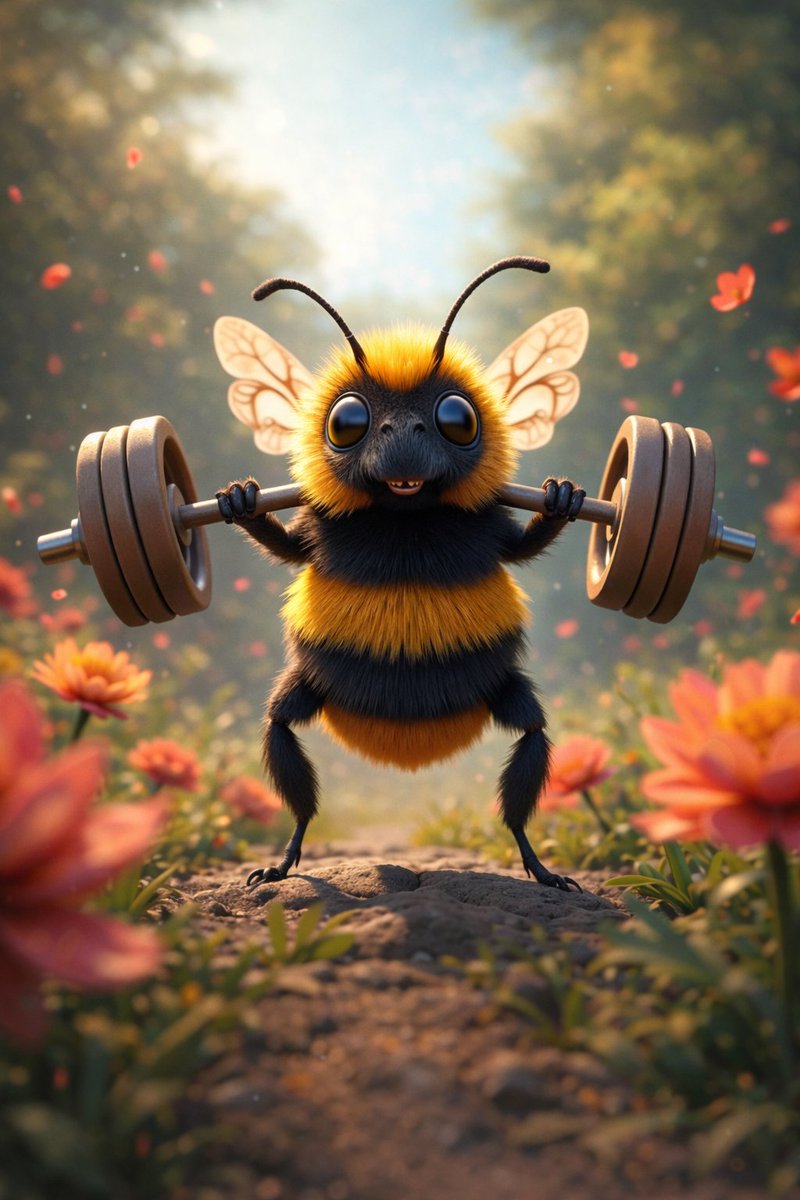
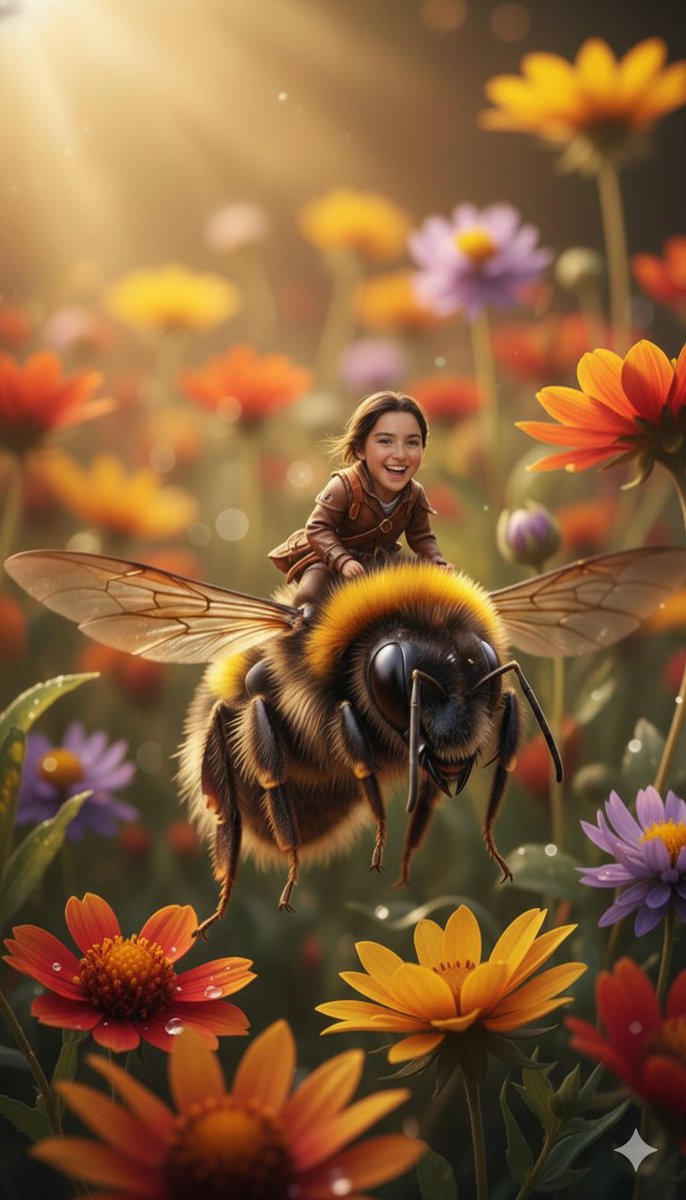
      "scene_identity": "Bee lifting weights in nature",
      "subject": {
        "type": "anthropomorphic bee",
        "body": "fuzzy yellow and black striped body",
        "eyes": "large glossy black eyes",
        "antennae": "two thin black curved antennae",
        "wings": "semi-transparent wings with visible vein patterns",
        "expression": "neutral to slightly cheerful"
      },
      "pose_action": {
        "stance": "standing upright on two legs",
        "arms": "both arms raised holding a barbell",
        "object_interaction": "holding a metal barbell with circular weight plates on both ends"
      },
      "environment": {
        "setting": "outdoor natural environment",
        "ground": "small dirt path or rock surface",
        "surroundings": "flowers on both sides",
        "background": "blurred trees and foliage"
      },
      "lighting": {
        "type": "soft natural daylight",
        "direction": "top-center glow",
        "effects": "light haze and floating particles"
      },
      "color_palette": {
        "dominant_colors": ["yellow", "black", "green", "orange"],
        "accent_colors": ["soft pink", "warm brown"]
      },
      "camera": {
        "angle": "eye-level",
        "framing": "full body centered",
        "depth_of_field": "foreground sharp, background softly blurred"
      }
    },

    "module_2": {
      "scene_identity": "Relaxed bee on chair with soda can",
      "subject": {
        "type": "anthropomorphic bee",
        "body": "dense fuzzy yellow and black stripes",
        "eyes": "hidden behind oversized black sunglasses",
        "antennae": "two black antennae extending upward"
      },
      "pose_action": {
        "posture": "reclining",
        "legs": "one leg crossed over the other",
        "arms": "one arm resting on chair, other holding a can"
      },
      "objects": {
        "chair": "wooden lounge chair with yellow fabric seat and backrest",
        "drink_can": "blue soda can with visible {argument name="drink brand" default="Pepsi"} logo",
        "sunglasses": "large glossy black frames"
      },
      "environment": {
        "setting": "studio-style minimal background",
        "background_color": "light neutral gray",
        "surface": "smooth floor"
      },
      "lighting": {
        "type": "soft studio lighting",
        "shadow": "subtle shadow beneath chair"
      },
      "color_palette": {
"dominant_colors": ["yellow", "blue", "black", "wood brown"]- Category
- 创意图片
- Model
- Nano Banana Pro
- Creator
- ShaHid WaNii
- Source ID
- 3d5877f3-4e4a-4b0c-be95-1f1d80322266
- Published
- Mar 8, 2026
Views0