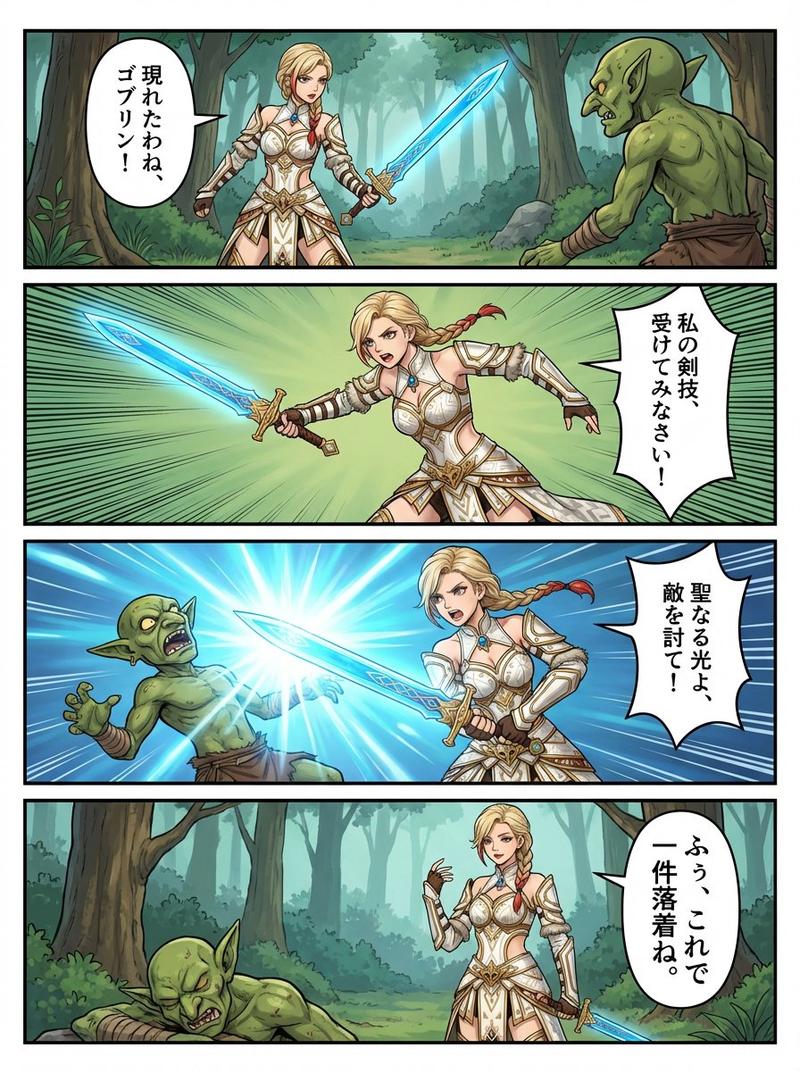
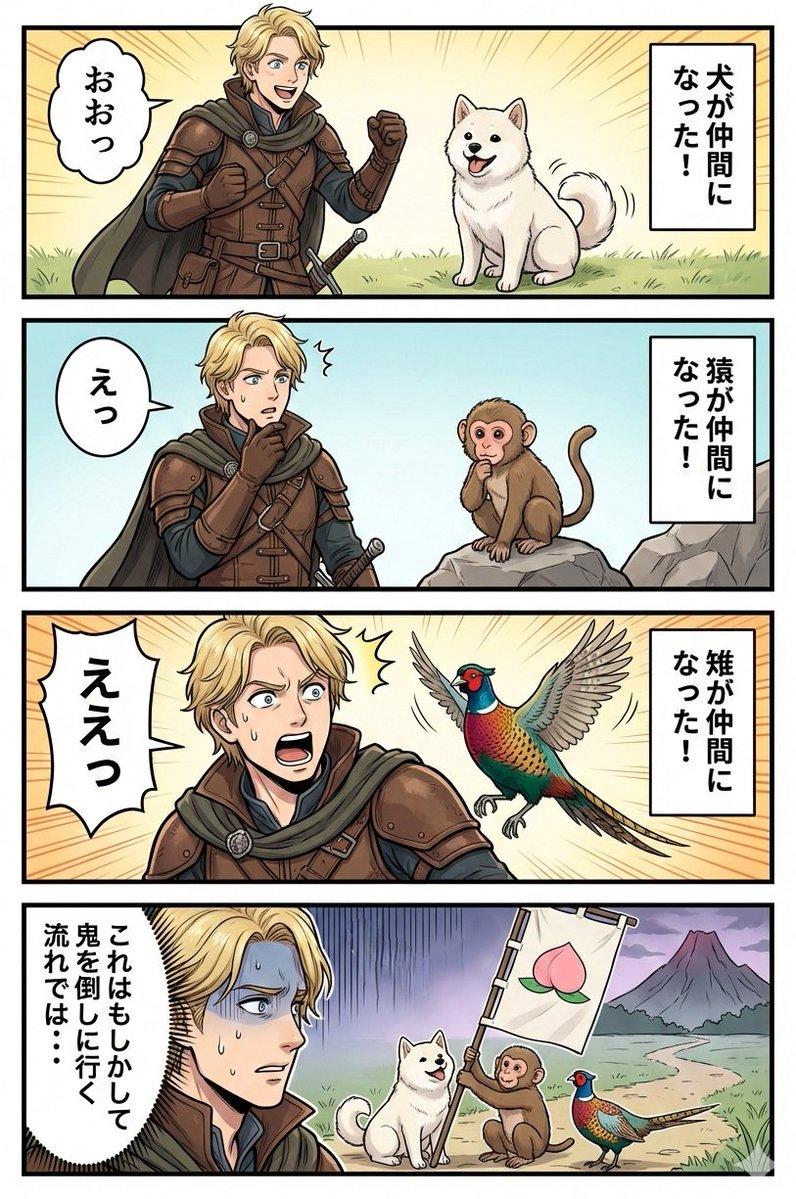
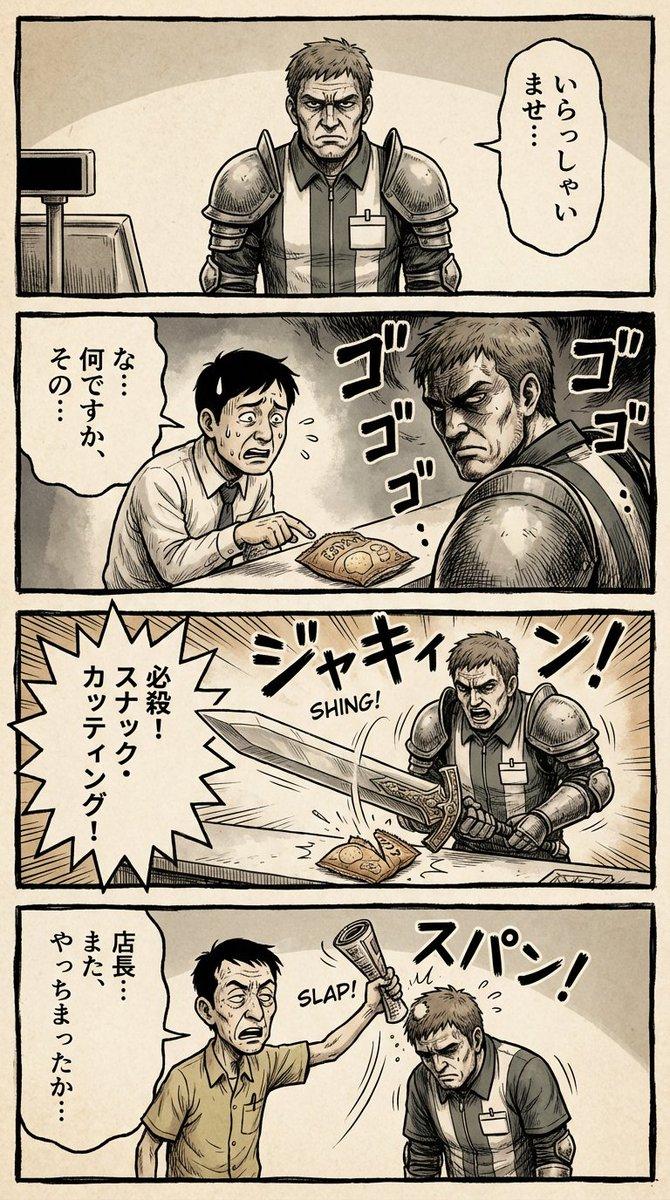
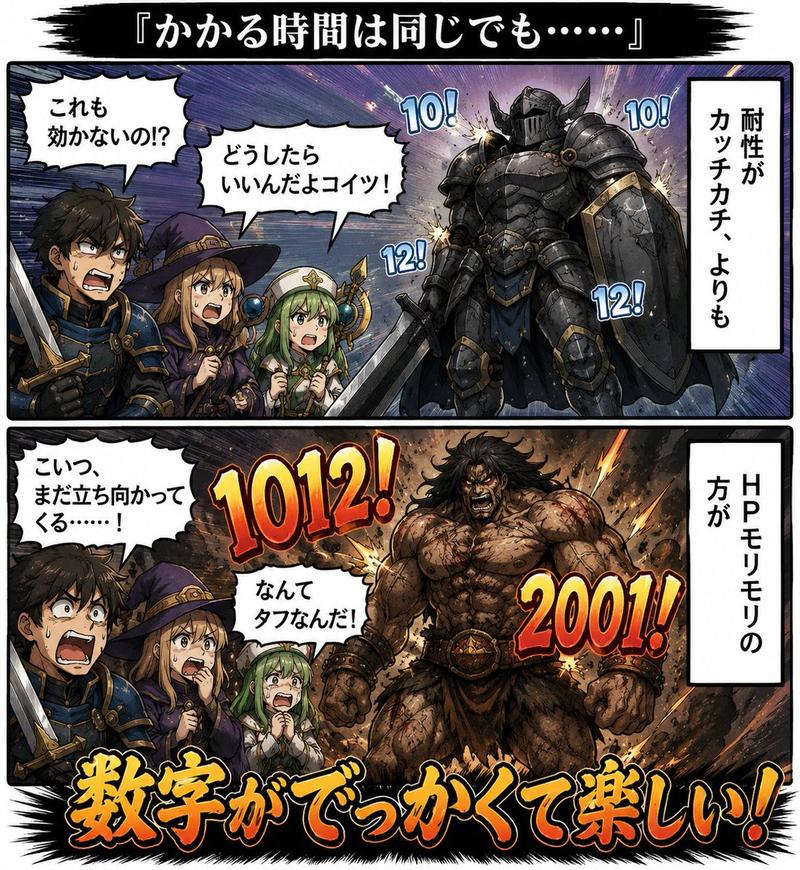
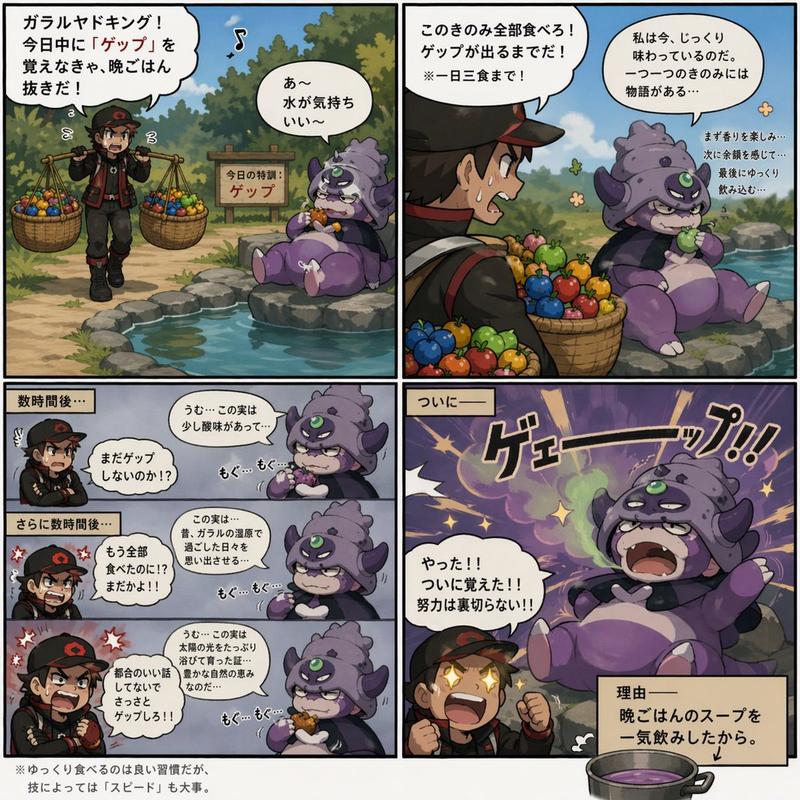
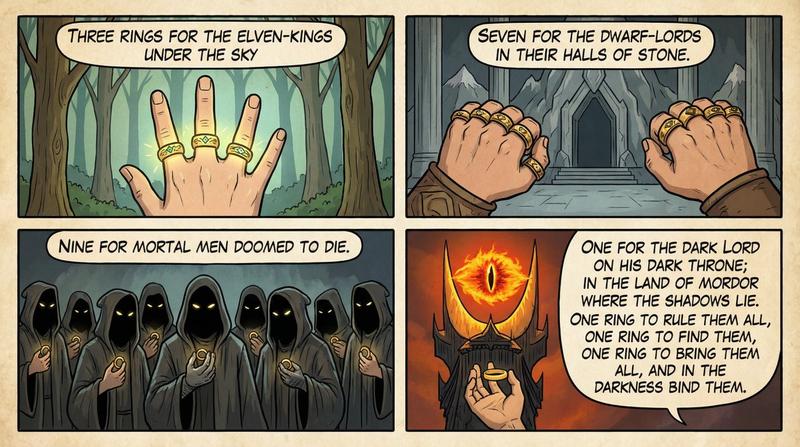
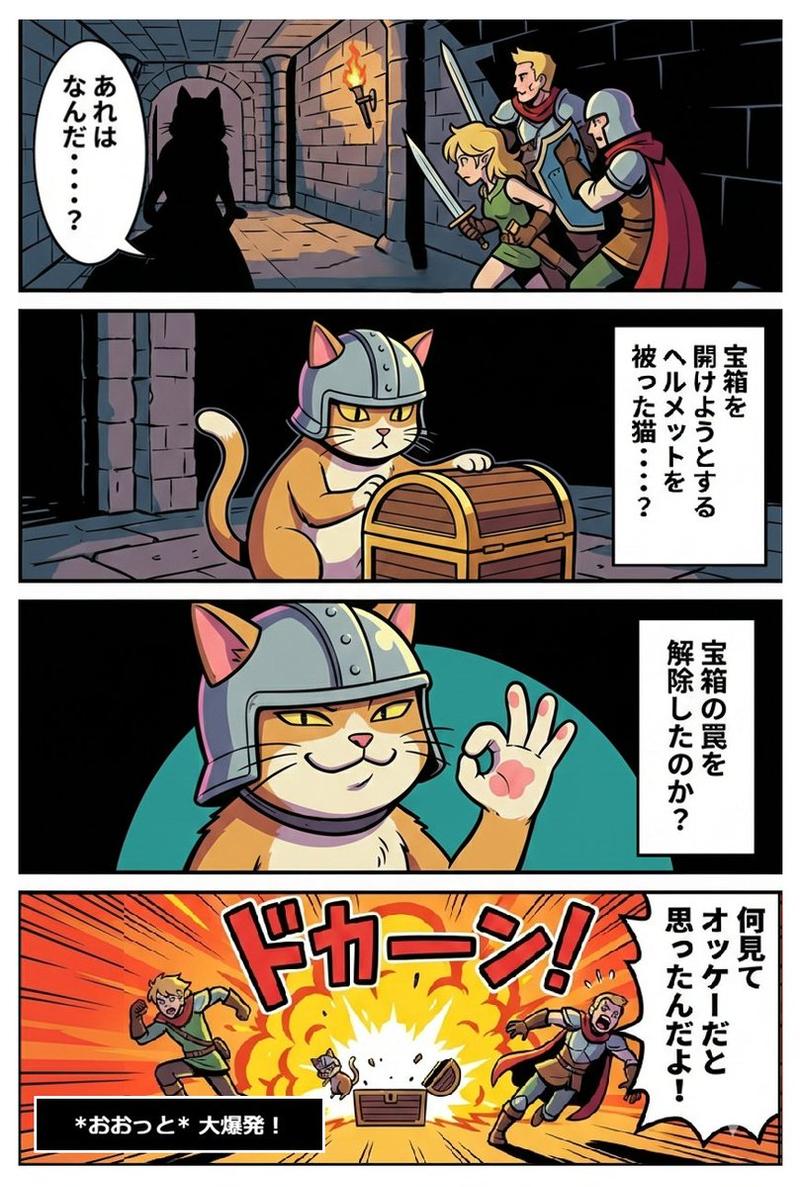
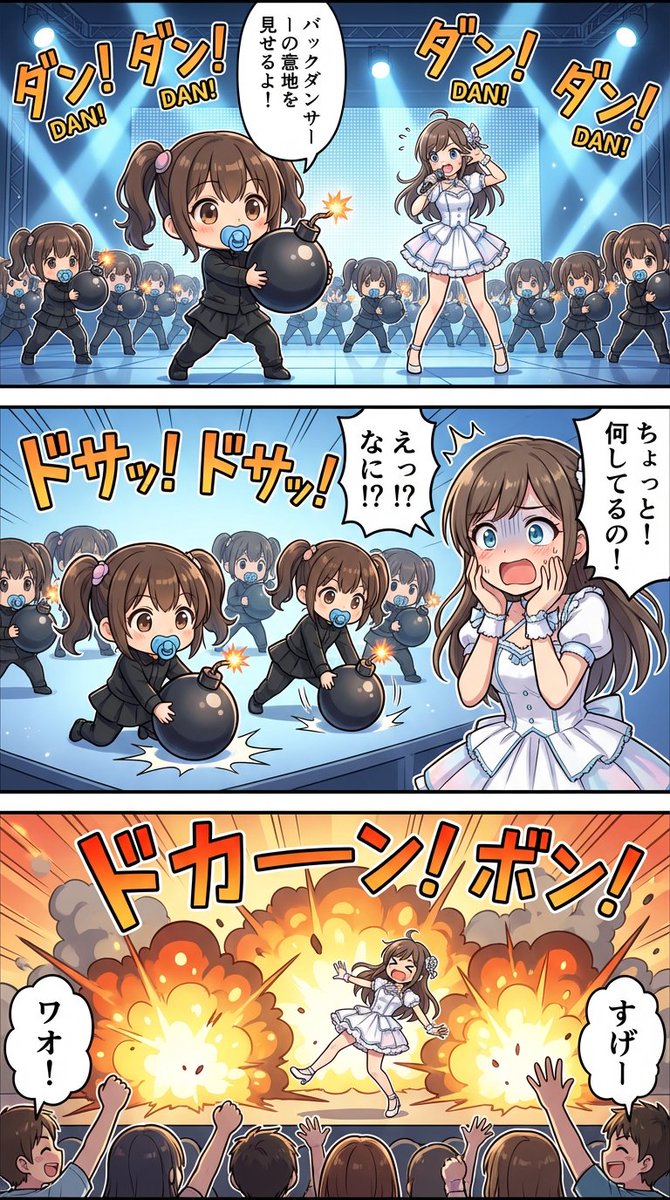
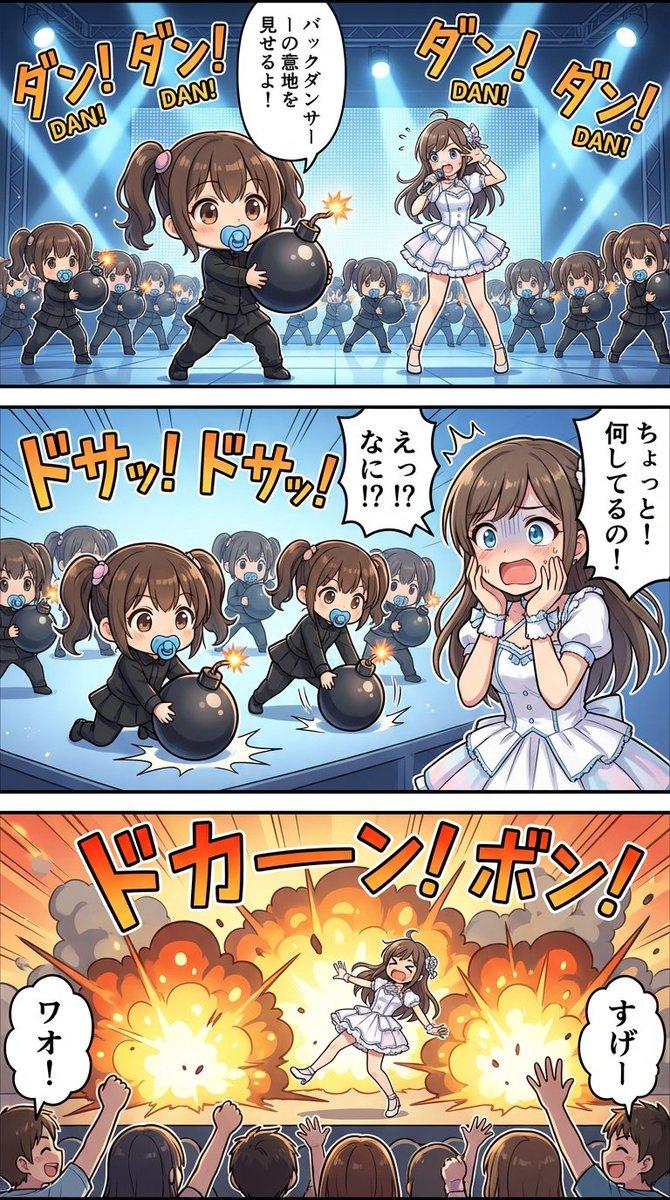
Google Nano Banana 第 64 号作品:《冒险家的习惯》
Prompt
Google Nano Banana 64作目「冒険者の習性」
- Category
- 创意图片
- Model
- Nano Banana Pro
- Creator
- pt2012
- Source ID
- a925a0c8-2243-4f66-a4e0-b7b9a7d6d2f9
- Published
- Mar 8, 2026
Views0
16
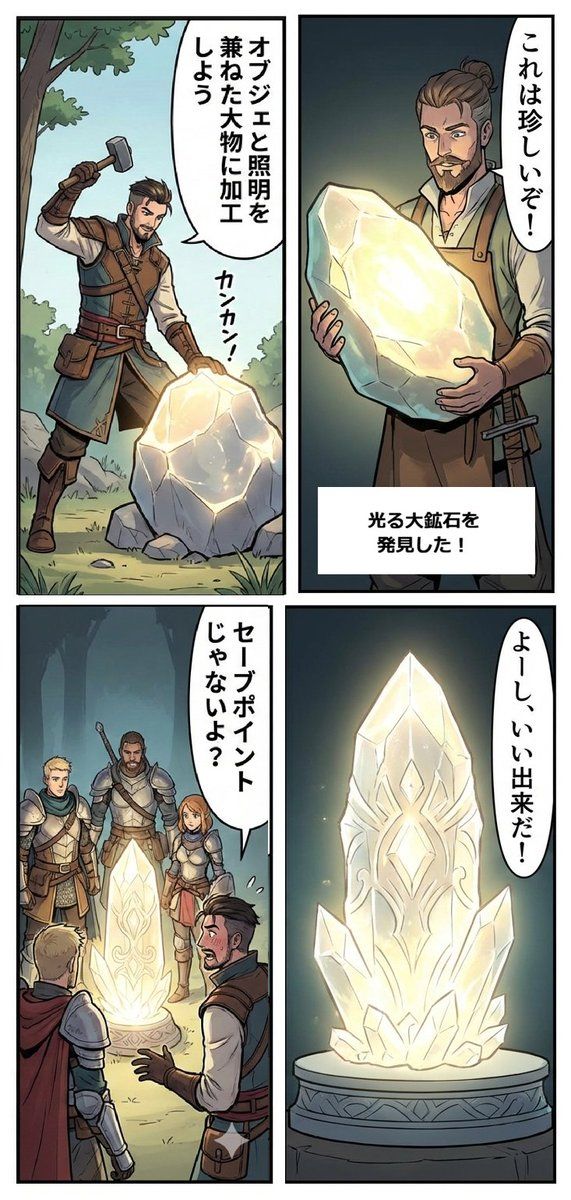
Google Nano Banana 64作目「冒険者の習性」
Guide
"Google Nano Banana 第 64 号作品:《冒险家的习惯》" AI image prompt for Nano Banana Pro (创意图片). 这条推文讨论了使用 Google Nano Banana 创作的第 64 件作品,标题是《冒险家的习惯》。创作者手动重构了一个四格漫画,该漫画忽略了垂直…
The full copyable prompt and example visuals above are ready for AI image generation or one-click recreate in Picva.
Step 1
Review the example visuals, category, and full prompt text for "Google Nano Banana 第 64 号作品:《冒险家的习惯》".
Step 2
Copy the prompt body from this page, or load it directly in Studio.
Step 3
Prefer Nano Banana Pro. If you switch models, keep subject and composition and tweak style terms.
Step 4
Recreate the look in Picva, or export into your workflow for editing and publishing.