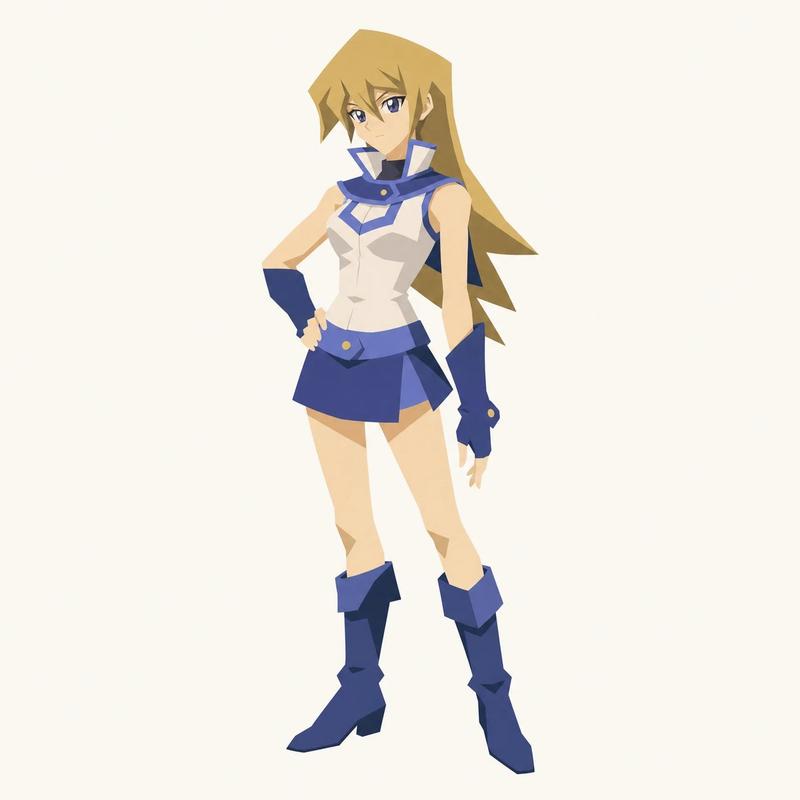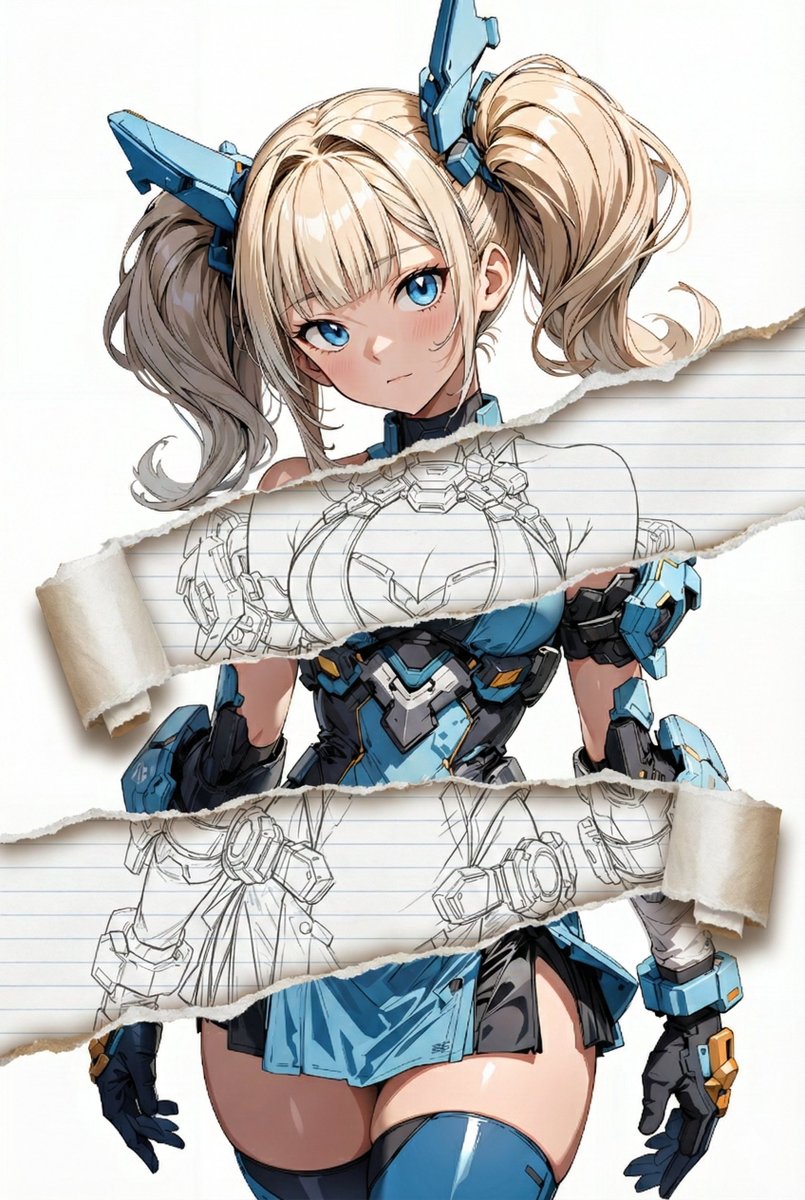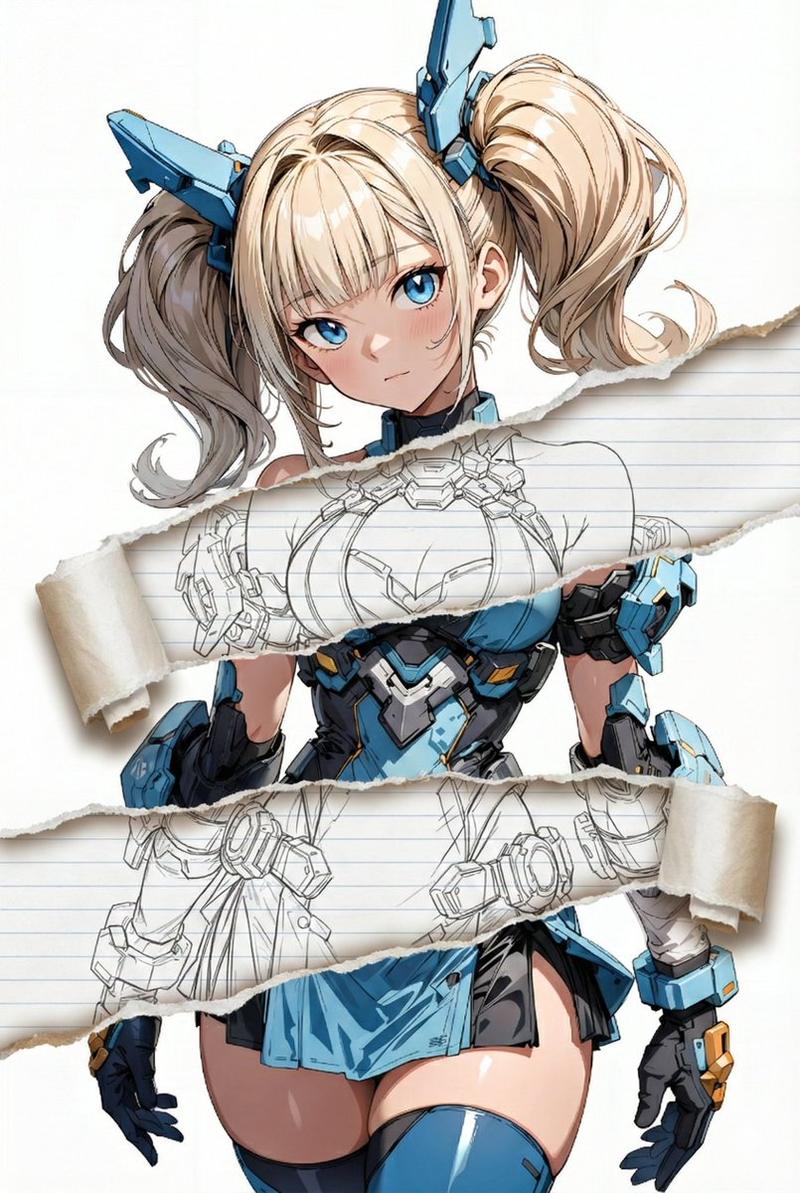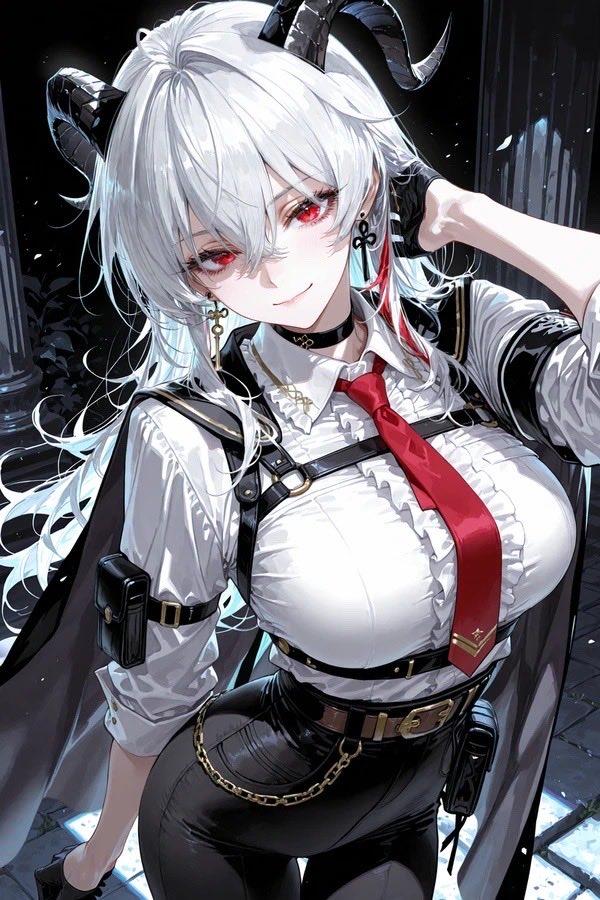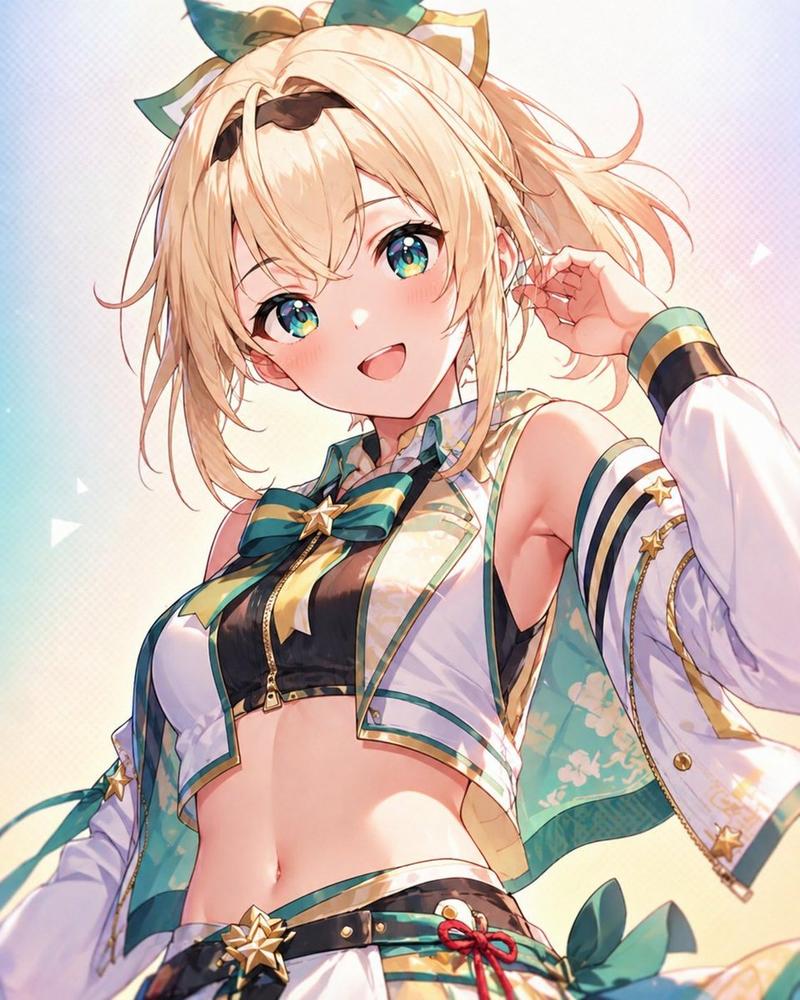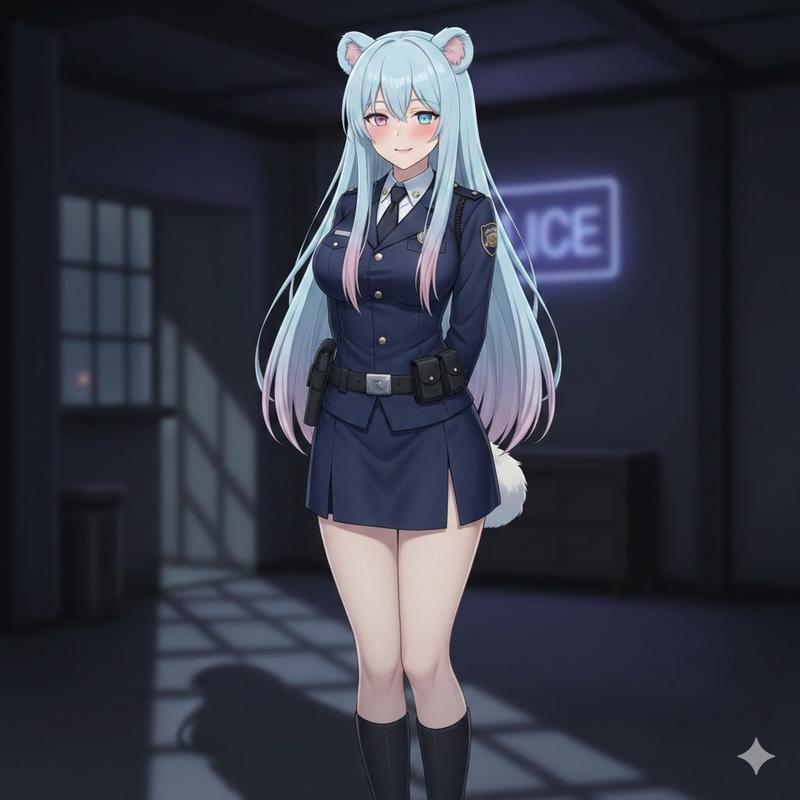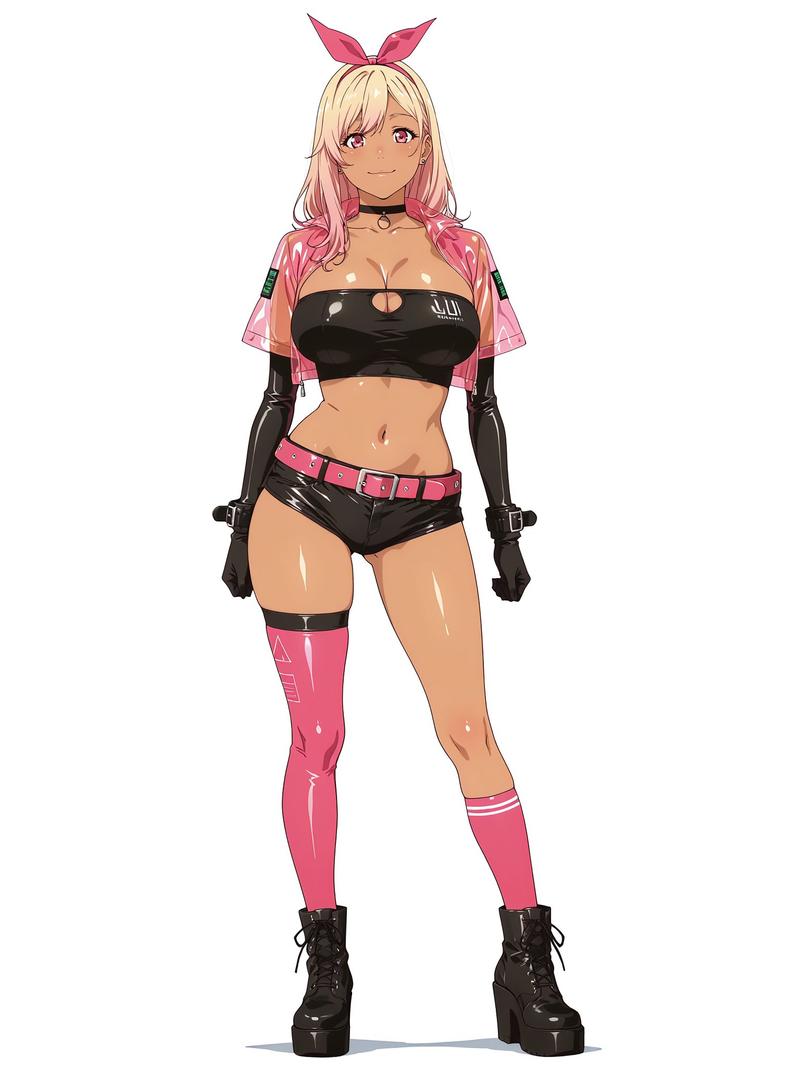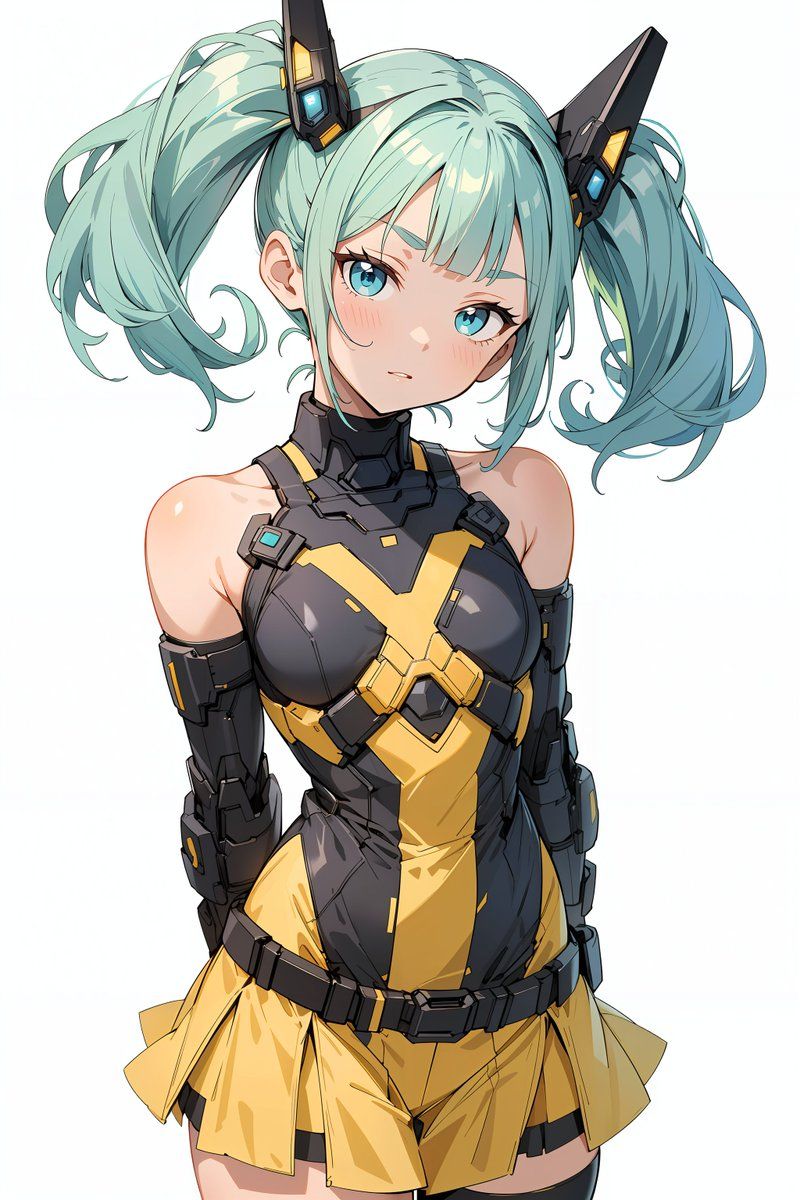
能量场屏障视觉特效和姿势调整 YAML 提示
Prompt
task: "pose-and-barrier-vfx"

reference_image:
  keep_original: true

subject:
  keep_character_design: true

rules:
  - do not change the character’s face, expression, hairstyle, anatomy, or proportions
  - do not change outfit, colors, lineart, or art style
  - do not change background, composition, shading, or lighting
  - all modifications occur only through the defined steps

steps:

  - step: "pose-adjustment"
    action:
      - extend both arms forward toward the viewer
      - rotate both palms to face directly toward the camera
      - fingers naturally spread
    constraints:
      forbidden:
        - altering facial expression
        - modifying outfit
        - adding props or new items
        - introducing glow or VFX

  - step: "energy-barrier-vfx"
    vfx:
      type: "concentric-octagonal-barrier"
      placement: "in front of both palms"

      geometry:
        shape: "regular octagon"
        structure: "multiple concentric octagonal surfaces"
        alignment:
          - all surfaces share the same center
          - all surfaces are parallel to the camera plane
          - no curvature or spherical distortion
        forbidden:
          - outline-only shapes
          - hollow frames
          - hexagonal shapes
          - domed or warped surfaces

      surface:
        fill: "center-to-edge radial gradient"
        colors:
          center: "white-yellow"
          mid: "orange-gold"
          edge: "transparent orange"
        glow:
          - strong center luminosity
          - soft bloom
          - refractive shimmer
        opacity: "semi-transparent"

      layering:
        count: {argument name="number of barrier layers" default="8"}
        direction: "stacked forward"

  - step: "text-overlay"
    text:
      content: "Prompt by てんねん@ munou_ac"
      position: "bottom-left"
      font_color: "white"
      font_size: "small"
      opacity: "0.9"

composition:
  camera:
    angle: "frontal"
    distance: "medium shot"
    focus: "hands and barrier surface"
  lighting:
    keep_original: true
  placement:
    barrier_position: "centered between both palms"
size: "large frontal barrier"- Category
- 创意图片
- Model
- Nano Banana Pro
- Creator
- てんねん
- Source ID
- d84be806-7367-4ad0-ab48-df0fc716ca90
- Published
- Mar 8, 2026
Views0