20

AI 提示工程师模板:美食摄影信息图表
Enlarge

AI 提示工程师模板:美食摄影信息图表

Prompt
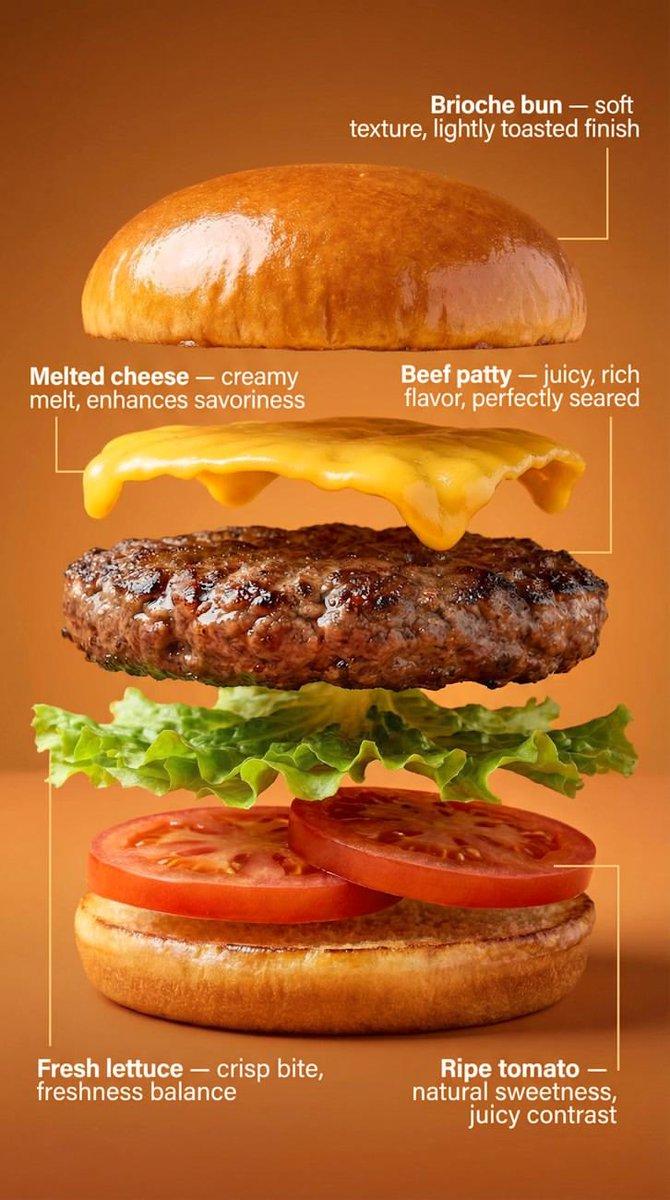
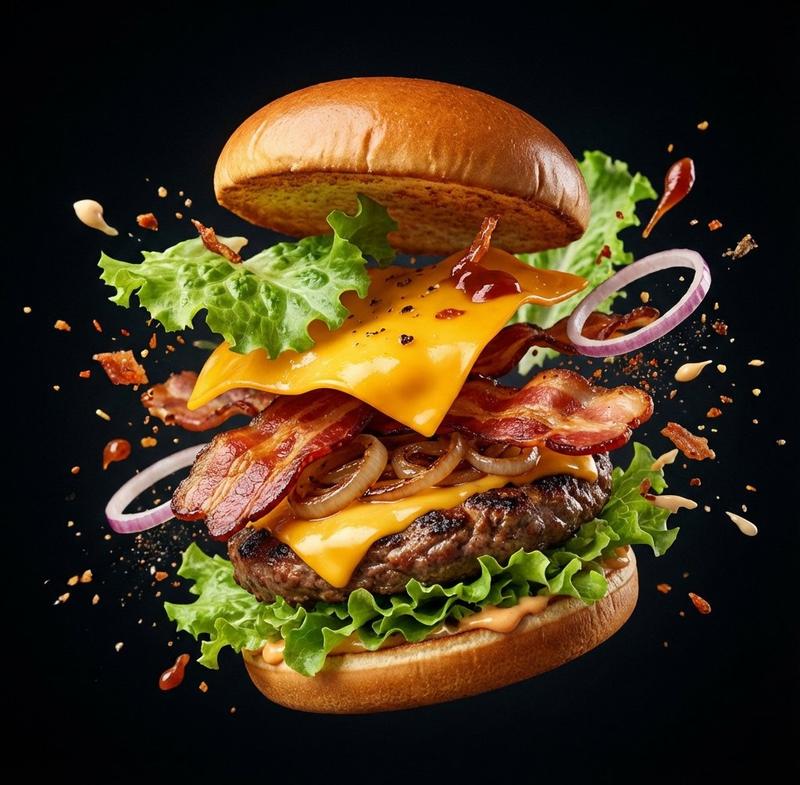
角色设定:你是一位精通美食摄影与视觉设计的AI提示词工程师。任务:请分析我上传的美食图片,识别菜品名称、主要食材、烹饪逻辑和大致热量。
输出:请严格按照以下【通用提示词模板】格式,填充分析出的具体内容,生成一段用于AI绘画的提示词。
【通用提示词模板】
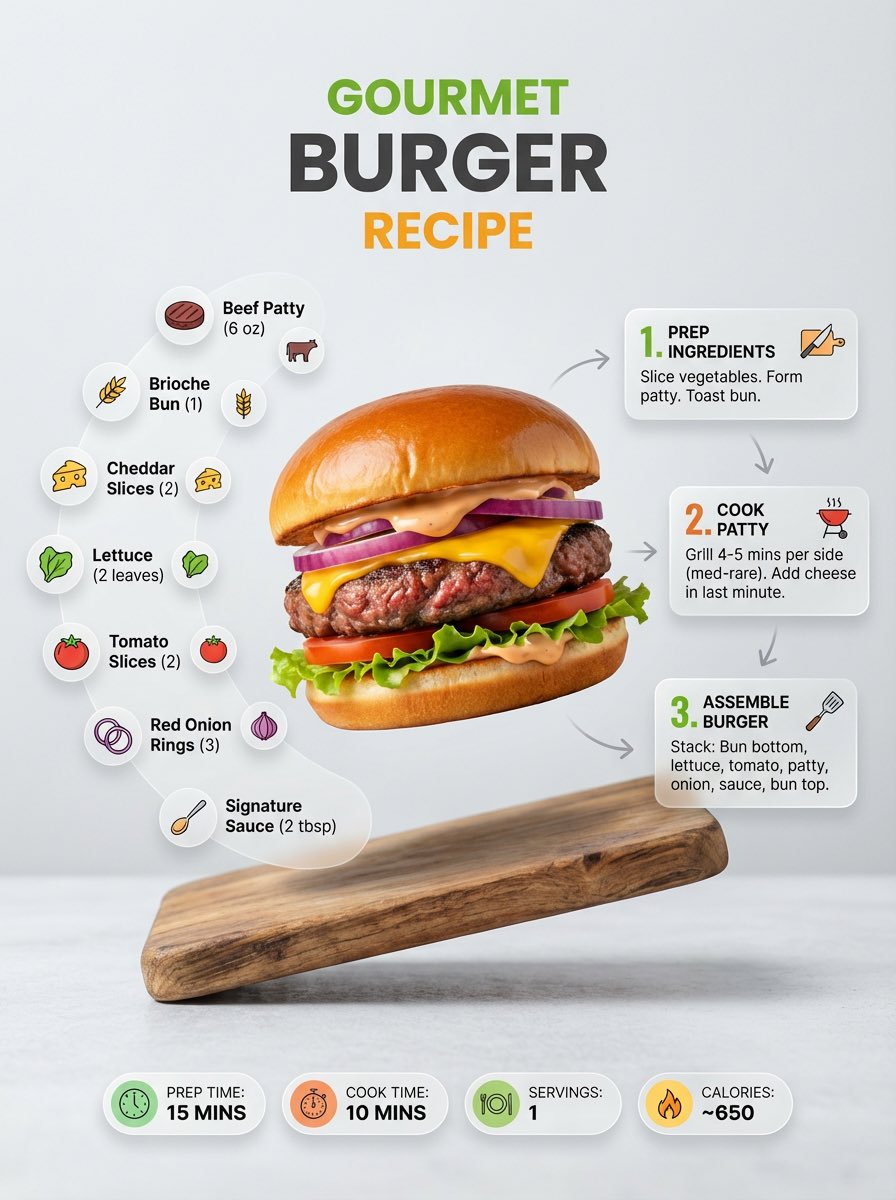
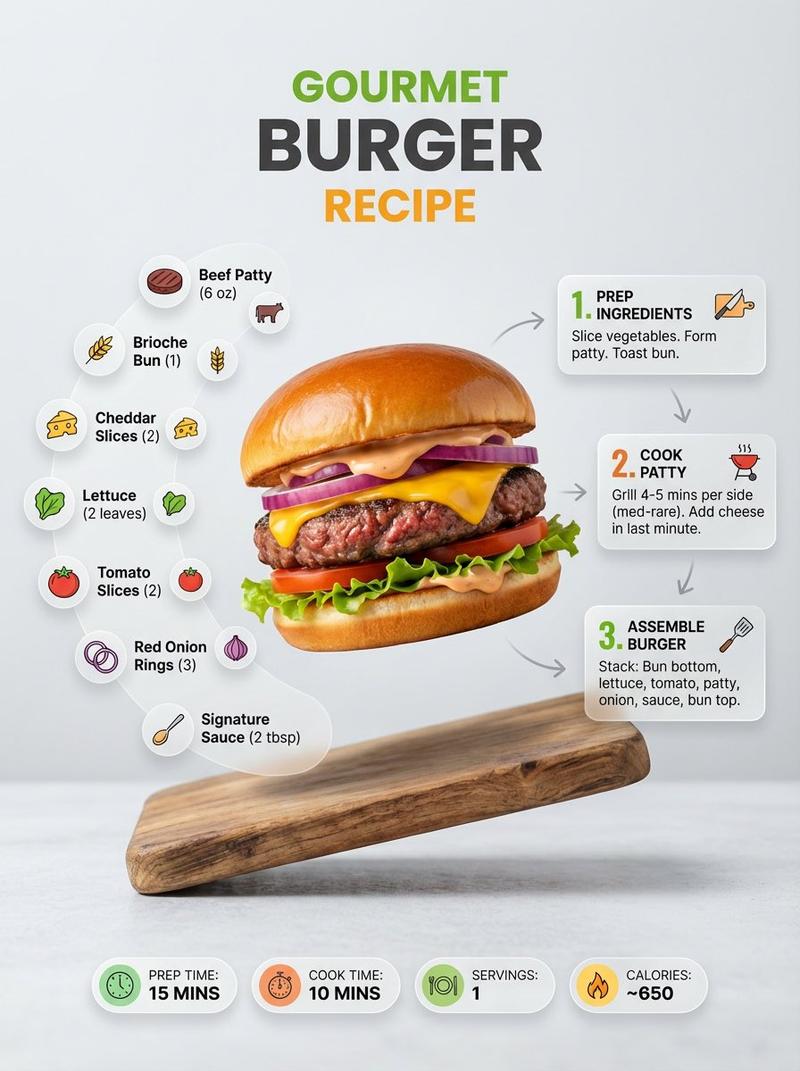
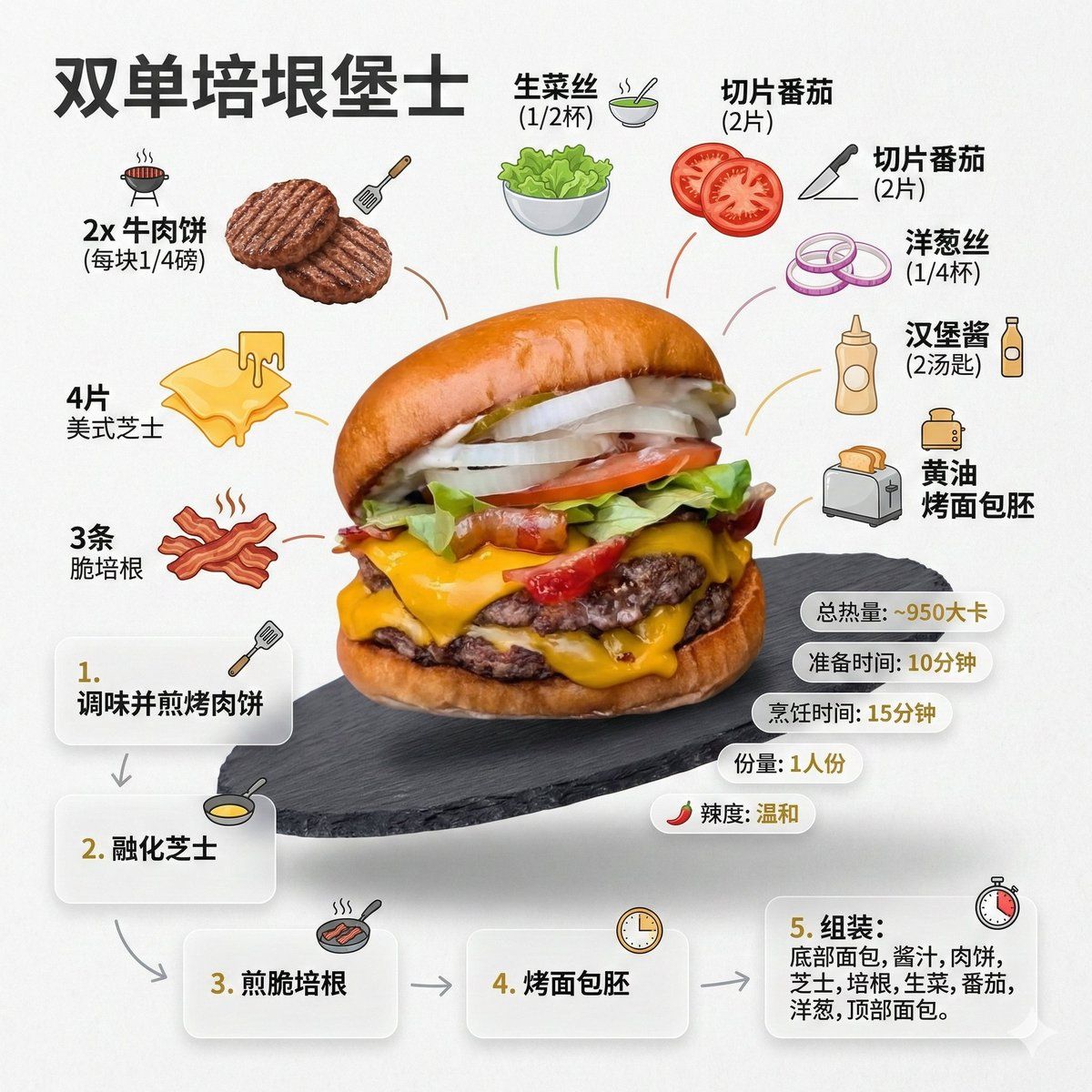
超干净的现代风食谱信息图。以极具吸引力的成品形态展示{argument name="菜品名称" default="[这里填入分析出的菜品名称]"},画面略带悬浮感,使用透视或倾斜视角。将食材、步骤与小贴士围绕主菜进行动态编辑式排版,不局限于俯视角。
核心指令 (Language):图中所有文字、标签、步骤说明必须严格使用“简体中文”显示。
1. 食材区:
为每种食材({argument name="主要食材列表" default="[这里填入分析出的5-8种主要食材列表]"})配以图标或迷你插画,并用中文标注用量。以分组、列表或环形流线的方式排列,通过视觉连线与主菜相连。
2. 步骤区:
用编号面板(1, 2, 3...)、箭头或线条展示制作流程({argument name="关键烹饪步骤" default="[这里填入推测的3-4个关键烹饪步骤]"}),在主菜周围形成清晰的逻辑动线。
3. 补充信息(可选):
用中文标注:总热量([估算卡路里])、准备时间([估算时间])、烹饪时间([估算时间])、份量、辣度等,以简洁气泡或徽章形式呈现在主菜附近。
4. 视觉风格:
编辑级信息图融合生活方式美食摄影。食物色彩鲜亮自然,搭配轻微投影、干净的矢量图标、现代无衬线字体(中文黑体风格)。步骤面板可使用柔和渐变或玻璃拟态效果。强调色用于突出关键信息。
5. 构图指南:
成品菜肴作为视觉核心,采用透视或倾斜角度;
食材与步骤围绕主菜动态流动;
层级清晰:主菜 > 步骤 > 食材 > 可选数据;
保留充足留白,整体轻盈、易读。
6. 光影与背景:
柔和自然的棚拍光线,极简纹理或渐变背景,营造高级编辑感。
7. 输出规格:
1080×1080,超清锐利,适配社交流水线展示,无水印。
Category
创意图片
Model
Nano Banana Pro
Creator
Michelle
Views0
Source ID
3a8d141c-6f5f-40eb-9311-a815e32a8229
Published
Mar 8, 2026

Guide

About "AI 提示工程师模板:美食摄影信息图表"

What is this prompt for?

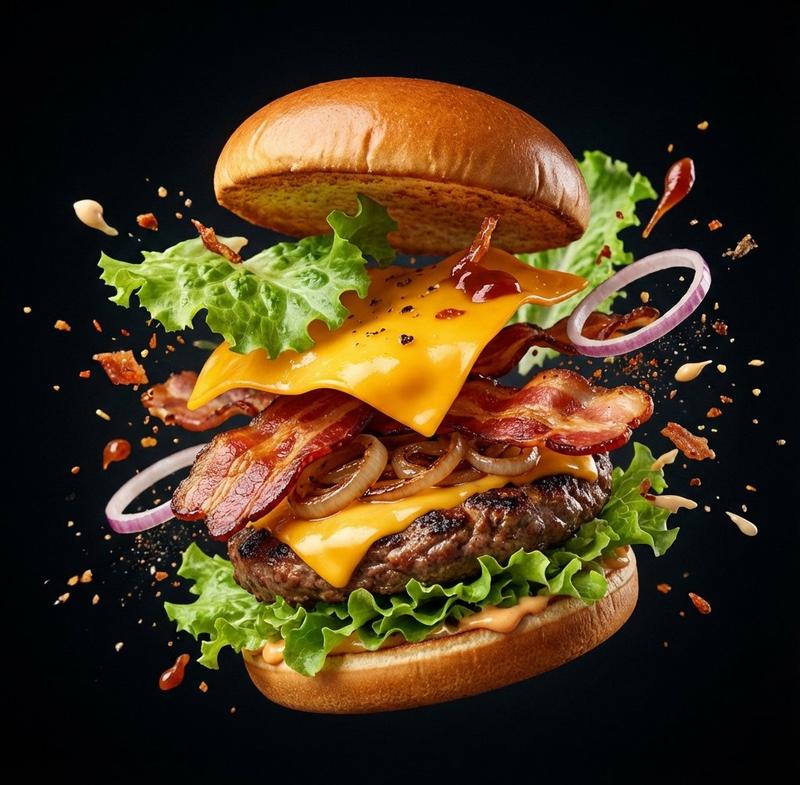
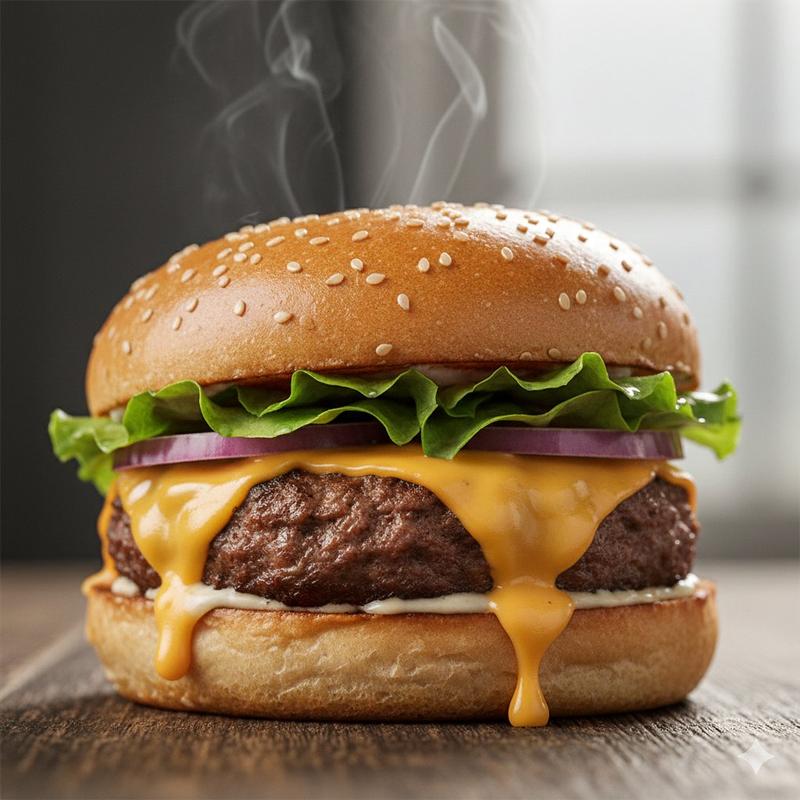
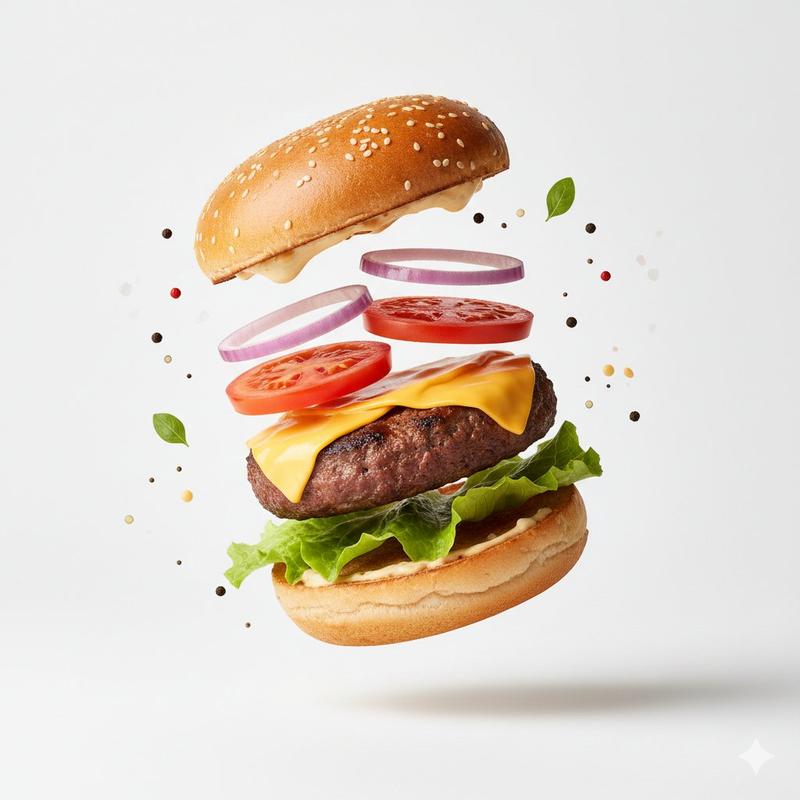
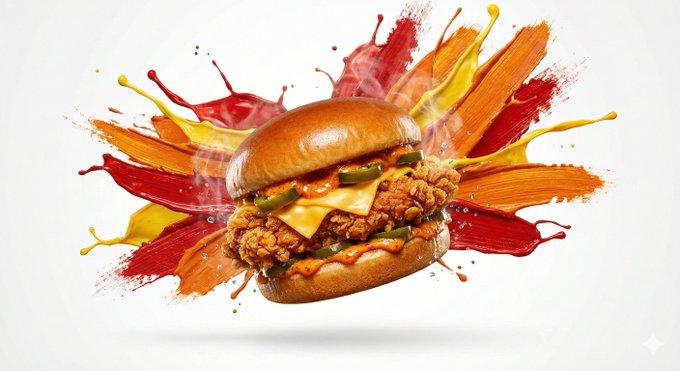
"AI 提示工程师模板:美食摄影信息图表" AI image prompt for Nano Banana Pro (创意图片). 这是一个为 Nano Banana Pro 设计的综合系统提示,指示 AI 扮演美食摄影和视觉设计专家。任务是分析上传的美食图片(例如汉堡),识别食材和烹饪逻辑,并使用结构化模板生成详细…

The full copyable prompt and example visuals above are ready for AI image generation or one-click recreate in Picva.

How to use this prompt

  1. Step 1

    Open the prompt detail

    Review the example visuals, category, and full prompt text for "AI 提示工程师模板:美食摄影信息图表".

  2. Step 2

    Copy the prompt

    Copy the prompt body from this page, or load it directly in Studio.

  3. Step 3

    Pick a model (Nano Banana Pro)

    Prefer Nano Banana Pro. If you switch models, keep subject and composition and tweak style terms.

  4. Step 4

    Generate and export

    Recreate the look in Picva, or export into your workflow for editing and publishing.

FAQ

What is the "AI 提示工程师模板:美食摄影信息图表" prompt?
It is an AI image-generation prompt for Nano Banana Pro in the 创意图片 category. This page includes the full prompt text, example visuals, and a one-click recreate path in Picva.
How do I use this prompt to generate an image?
Copy the prompt from this page, or use Generate / Studio. Paste it into a compatible image model, or recreate the look in Picva with optional reference images.
Which model is this prompt for?
This page lists Nano Banana Pro. Most descriptive prompts also transfer to nearby image models such as GPT Image, Flux, or Midjourney with light style tweaks.
Can I use the result commercially?
You can usually copy the prompt for creation, but commercial use of the final image depends on the model terms, reference-image rights, and the generated content. Follow the source author and platform rules.