17

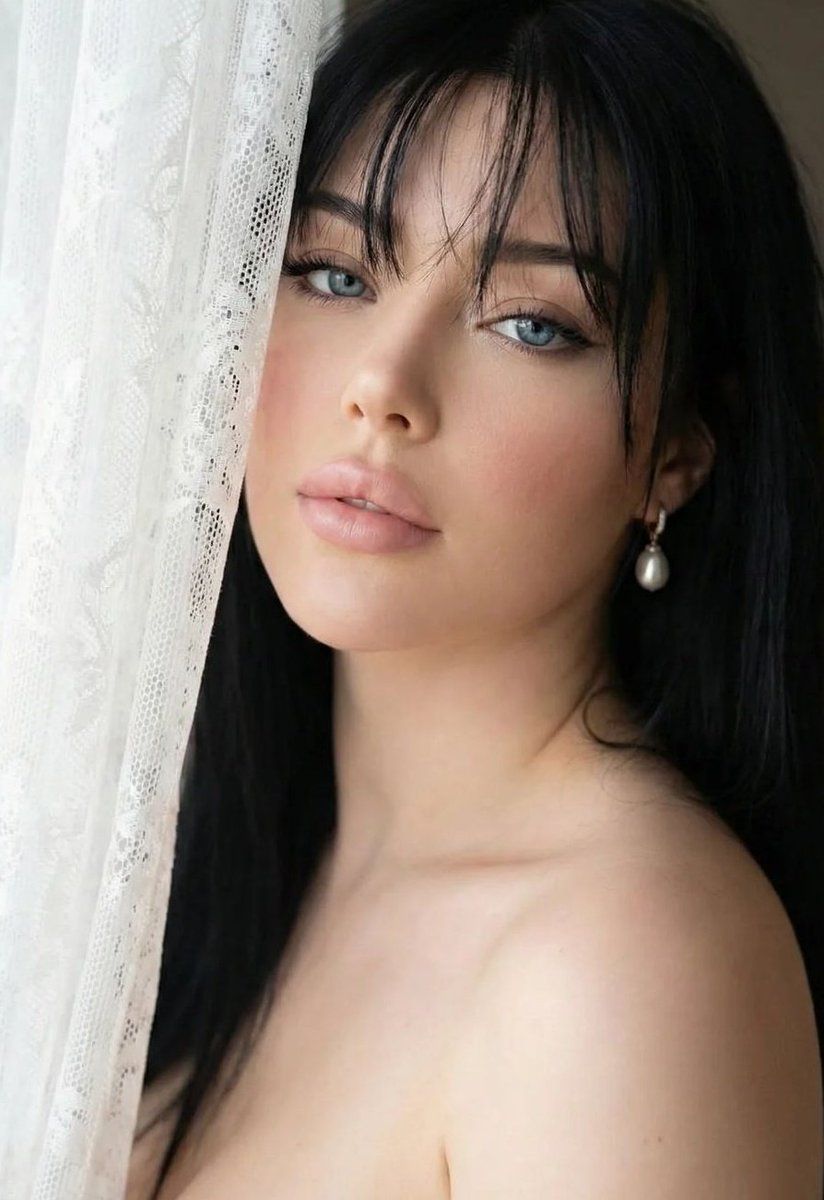
亲密特写肖像,带身份锁定
Enlarge

亲密特写肖像,带身份锁定

Prompt
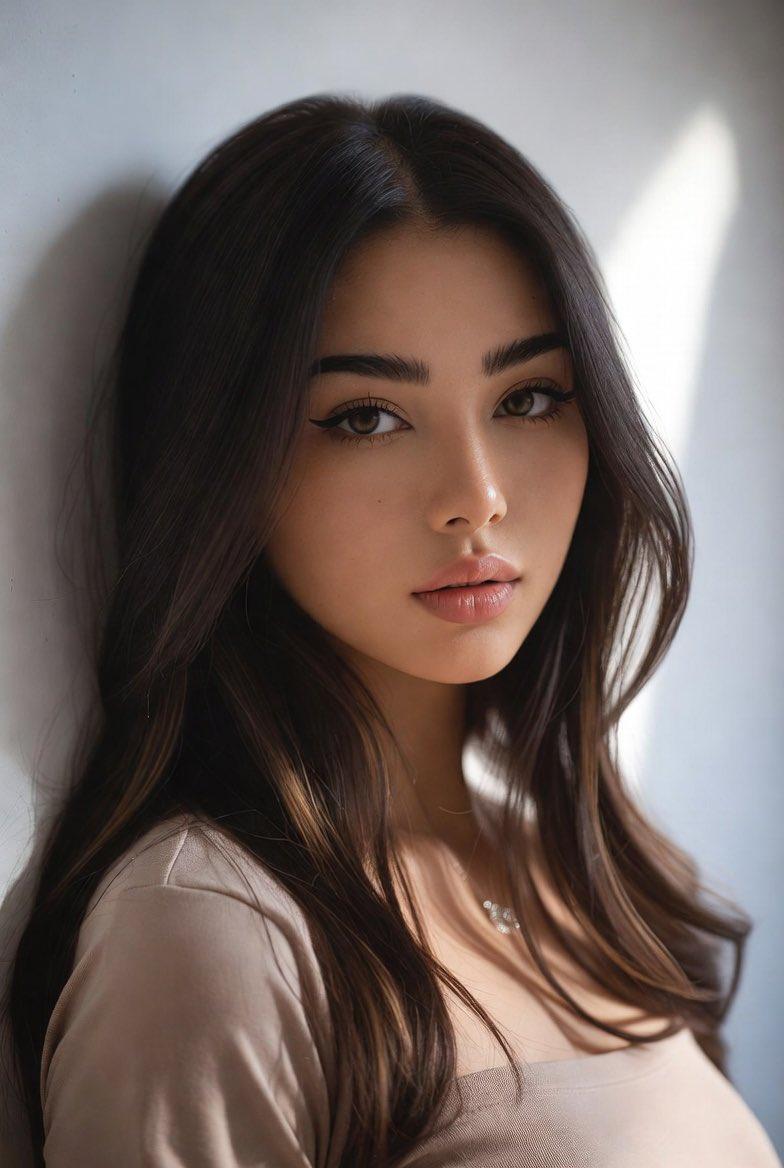
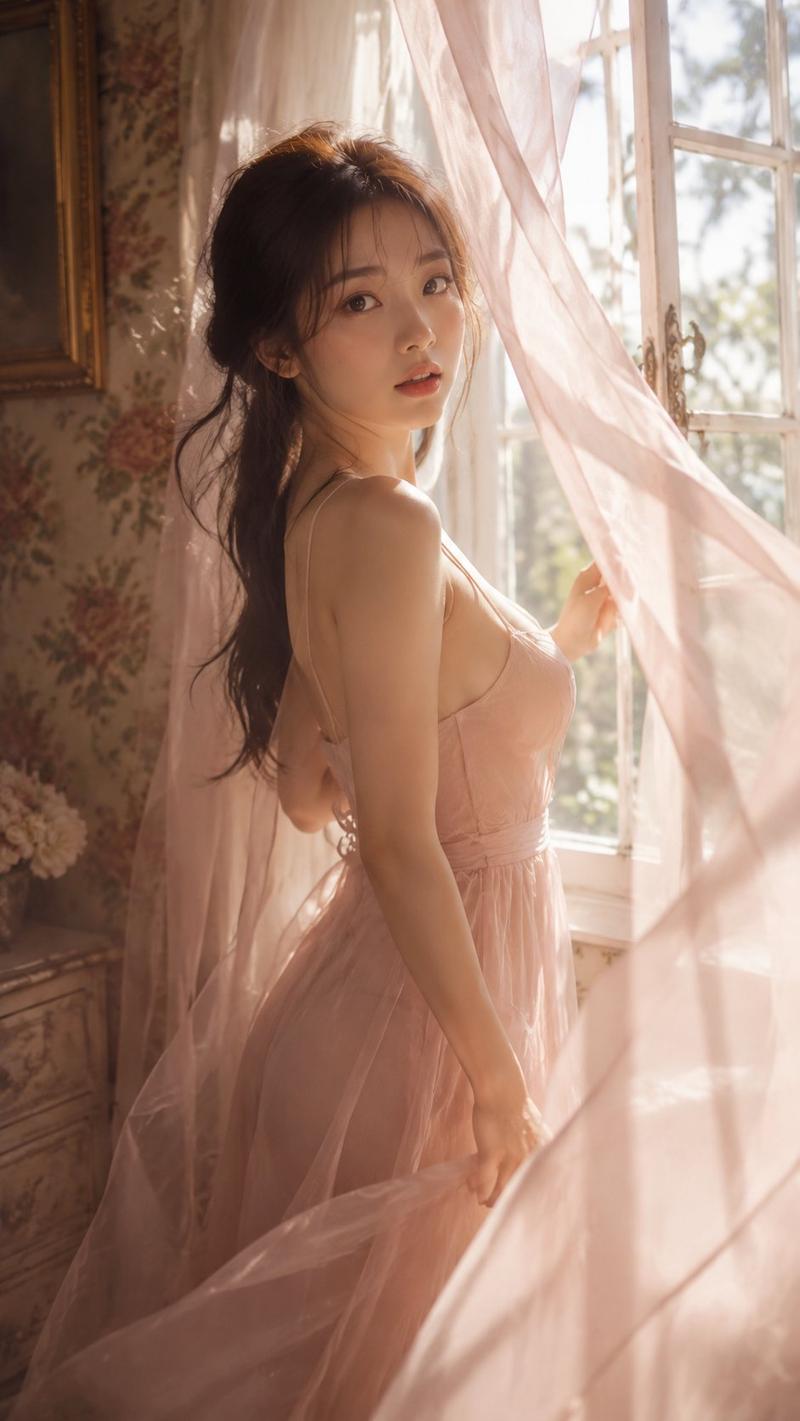
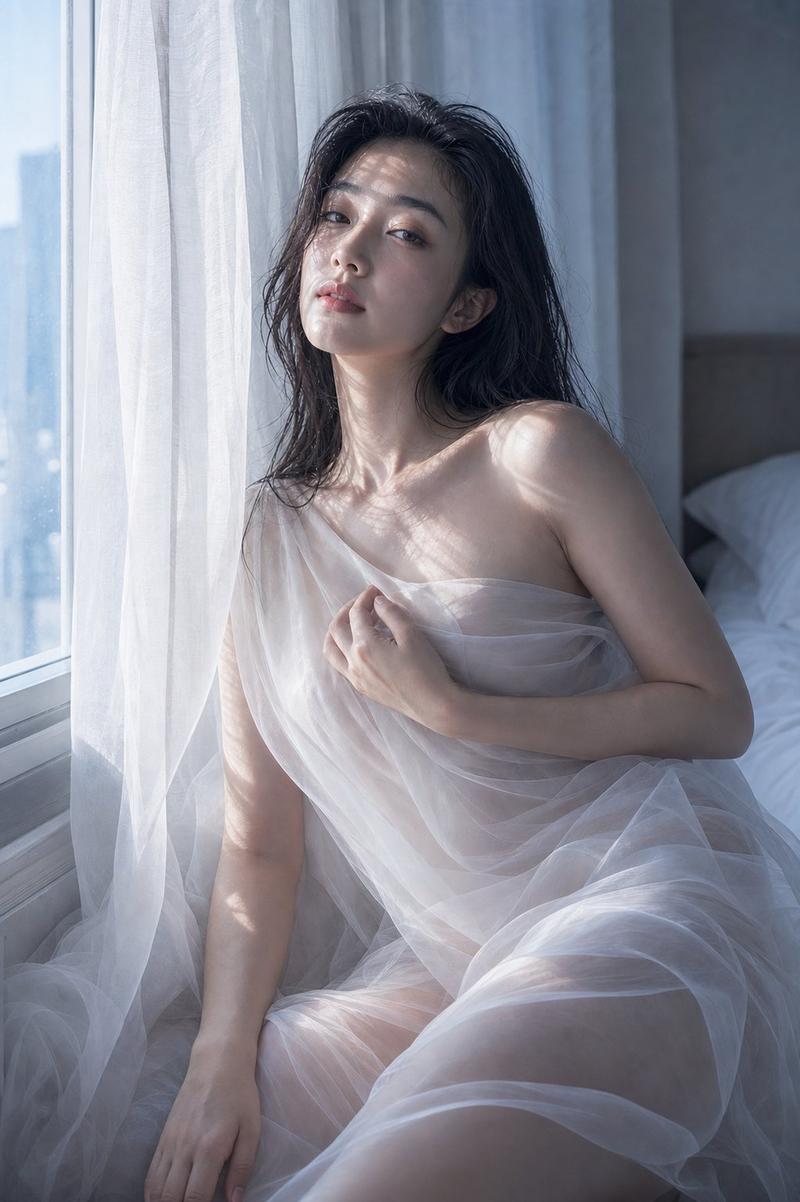
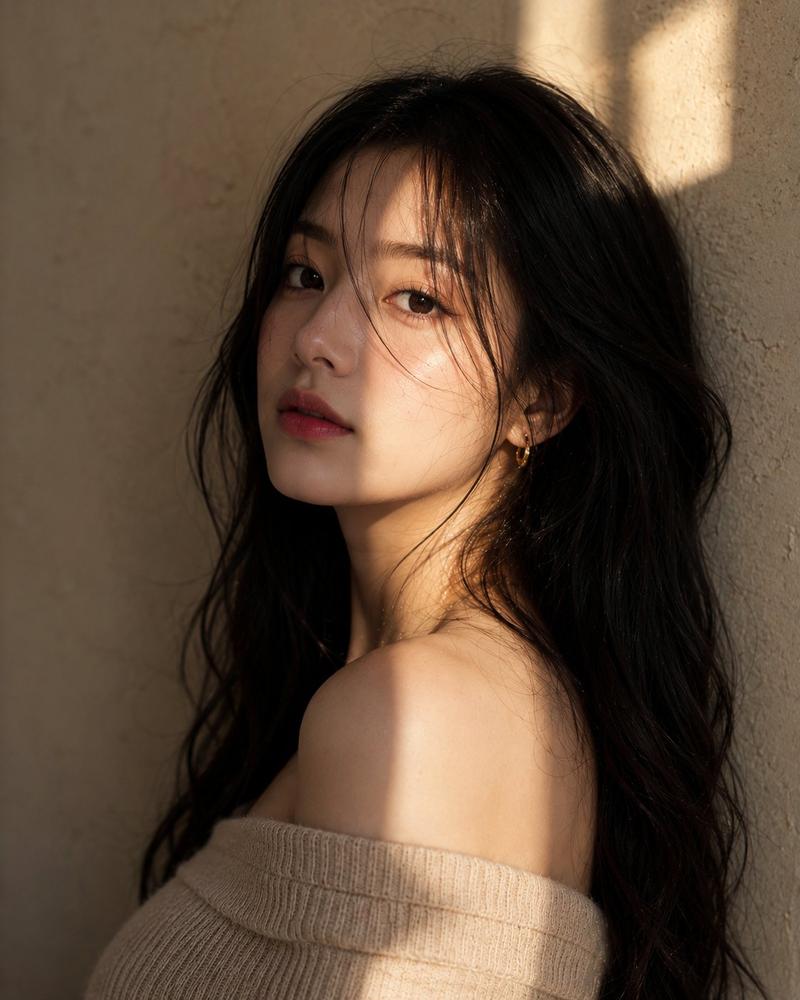
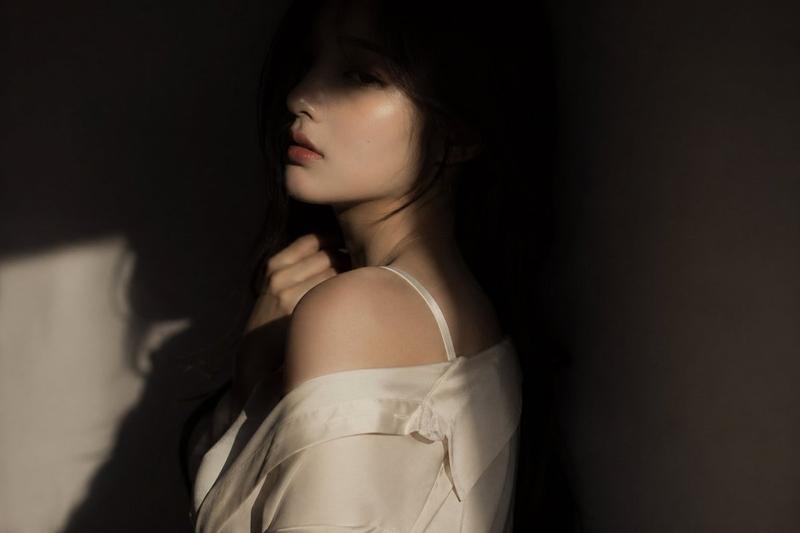
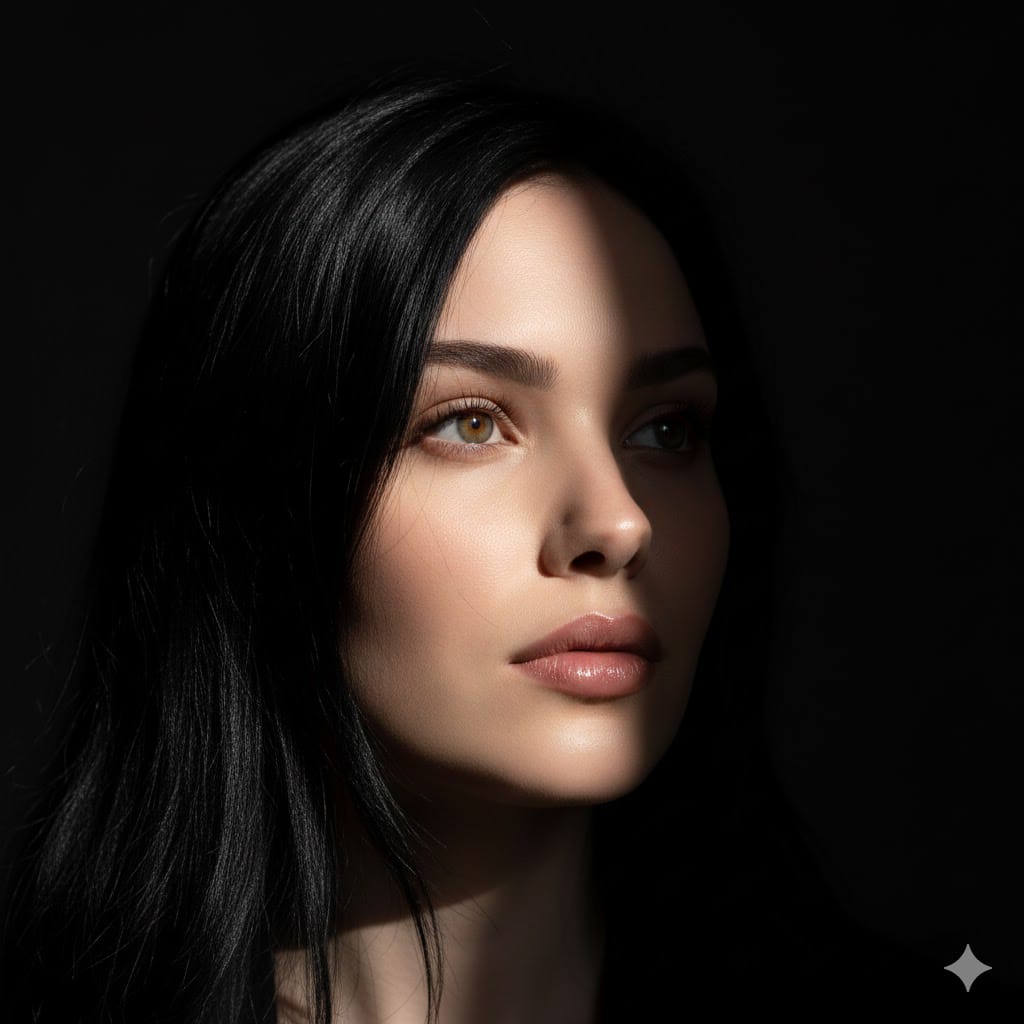
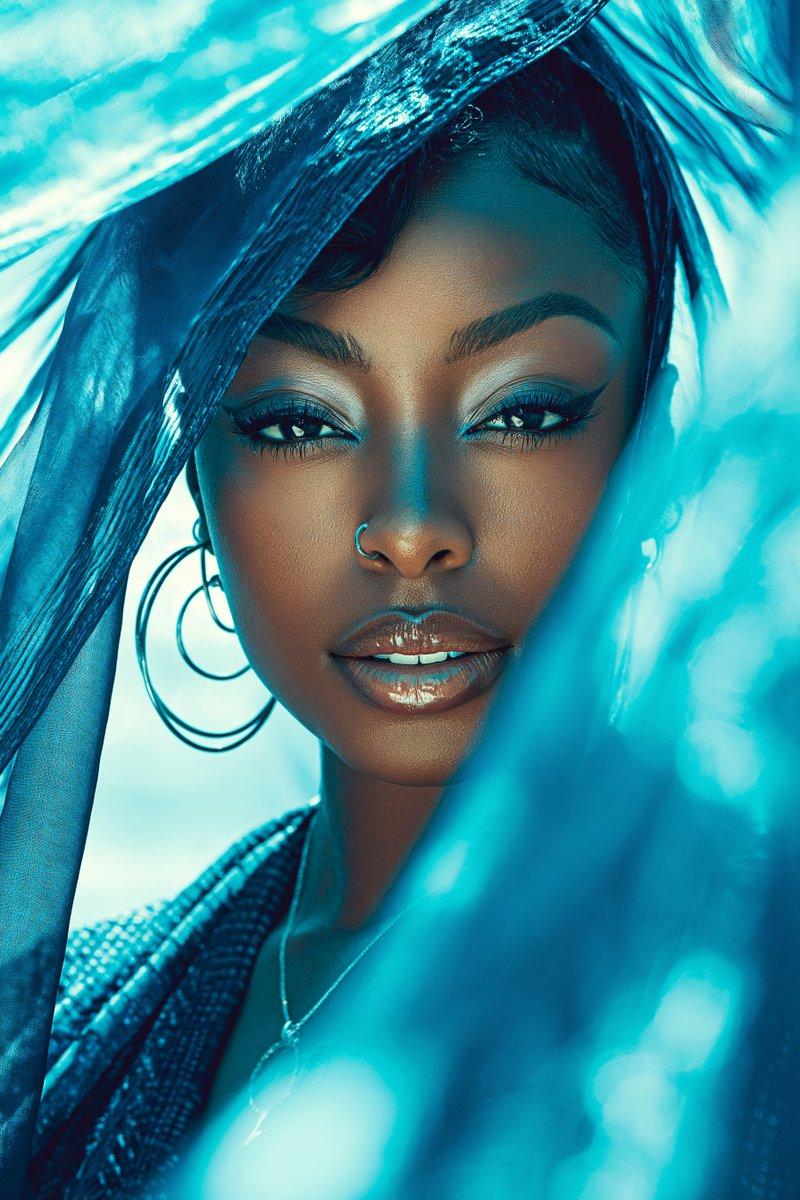
"100% same face, High-quality, intimate close-up, hyper-realistic portrait of a young woman with a delicate captivating gaze. Her head is tilted slightly, and her right shoulder is exposed, suggesting a bare-shouldered or off-the-shoulder outfit. She is partially framed by a soft white lace curtain or fabric on the left side of the image. She has long straight dark black hair with a wispy, slightly messy fringe (bangs) that frames her face. Her stunning, bright blue eyes are the focal point, With subtle dark eyeliner and defined lashes. Her cheeks have a soft, natural pink blush, and her lips are full with a natural, light pink hue. There's a single pearl drop earring visible on her right ear. The lighting is soft and ethereal, highlighting her features and the texture of the lace. Intricate detail, cinematic lighting, dramatic look, trending on ArtStation.
Category
创意图片
Model
Nano Banana Pro
Views0
Source ID
9a20c96c-f85d-4018-9975-afb71f50fa73
Published
Mar 8, 2026

Guide

About "亲密特写肖像,带身份锁定"

What is this prompt for?

"亲密特写肖像,带身份锁定" AI image prompt for Nano Banana Pro (创意图片). 一个用于生成超现实、亲密特写肖像的提示,描绘了一位年轻女性,明确要求基于参考图像实现 100% 的面部身份锁定。场景特点是柔和、飘渺的灯光,蕾丝窗帘的衬托,并聚焦于拍摄对象的明亮蓝色眼睛和带有稀疏刘海…

The full copyable prompt and example visuals above are ready for AI image generation or one-click recreate in Picva.

How to use this prompt

  1. Step 1

    Open the prompt detail

    Review the example visuals, category, and full prompt text for "亲密特写肖像,带身份锁定".

  2. Step 2

    Copy the prompt

    Copy the prompt body from this page, or load it directly in Studio.

  3. Step 3

    Pick a model (Nano Banana Pro)

    Prefer Nano Banana Pro. If you switch models, keep subject and composition and tweak style terms.

  4. Step 4

    Generate and export

    Recreate the look in Picva, or export into your workflow for editing and publishing.

FAQ

What is the "亲密特写肖像,带身份锁定" prompt?
It is an AI image-generation prompt for Nano Banana Pro in the 创意图片 category. This page includes the full prompt text, example visuals, and a one-click recreate path in Picva.
How do I use this prompt to generate an image?
Copy the prompt from this page, or use Generate / Studio. Paste it into a compatible image model, or recreate the look in Picva with optional reference images.
Which model is this prompt for?
This page lists Nano Banana Pro. Most descriptive prompts also transfer to nearby image models such as GPT Image, Flux, or Midjourney with light style tweaks.
Can I use the result commercially?
You can usually copy the prompt for creation, but commercial use of the final image depends on the model terms, reference-image rights, and the generated content. Follow the source author and platform rules.