20

电影级明暗对照肖像提示词(JSON 格式)
Enlarge

电影级明暗对照肖像提示词(JSON 格式)

Prompt
{
  "subject": {
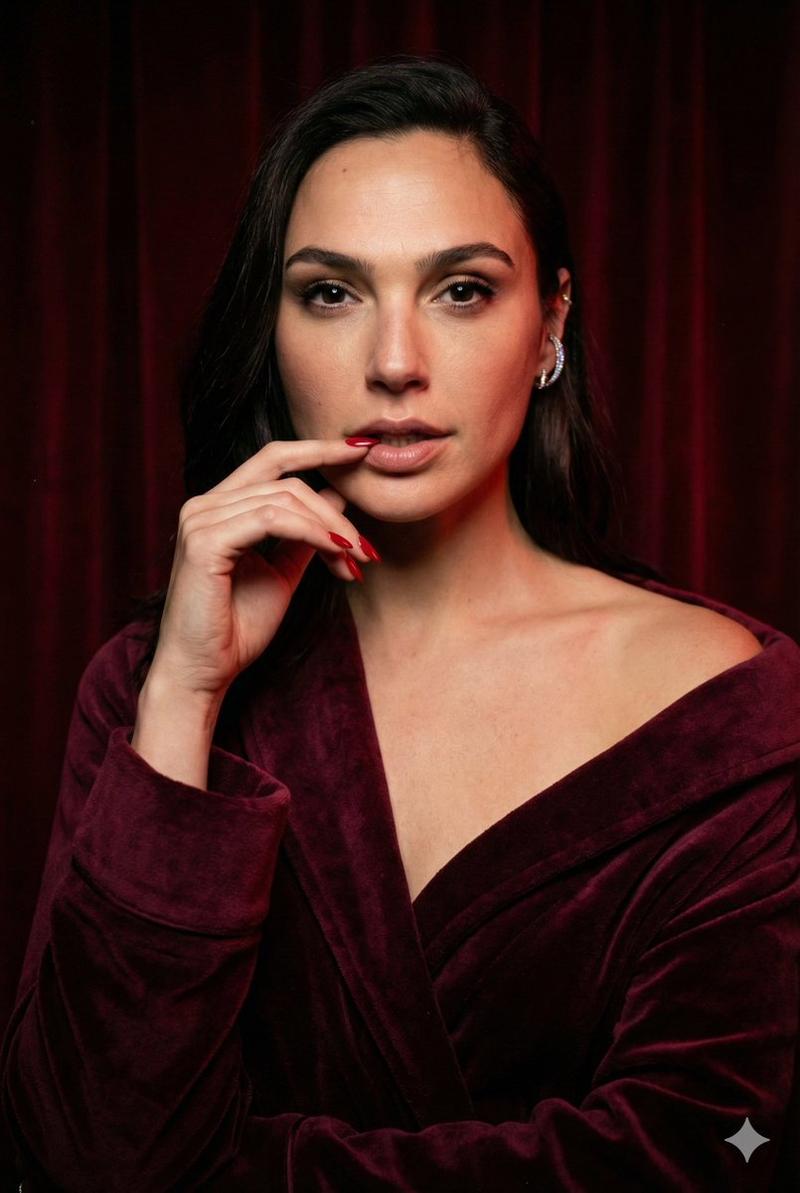
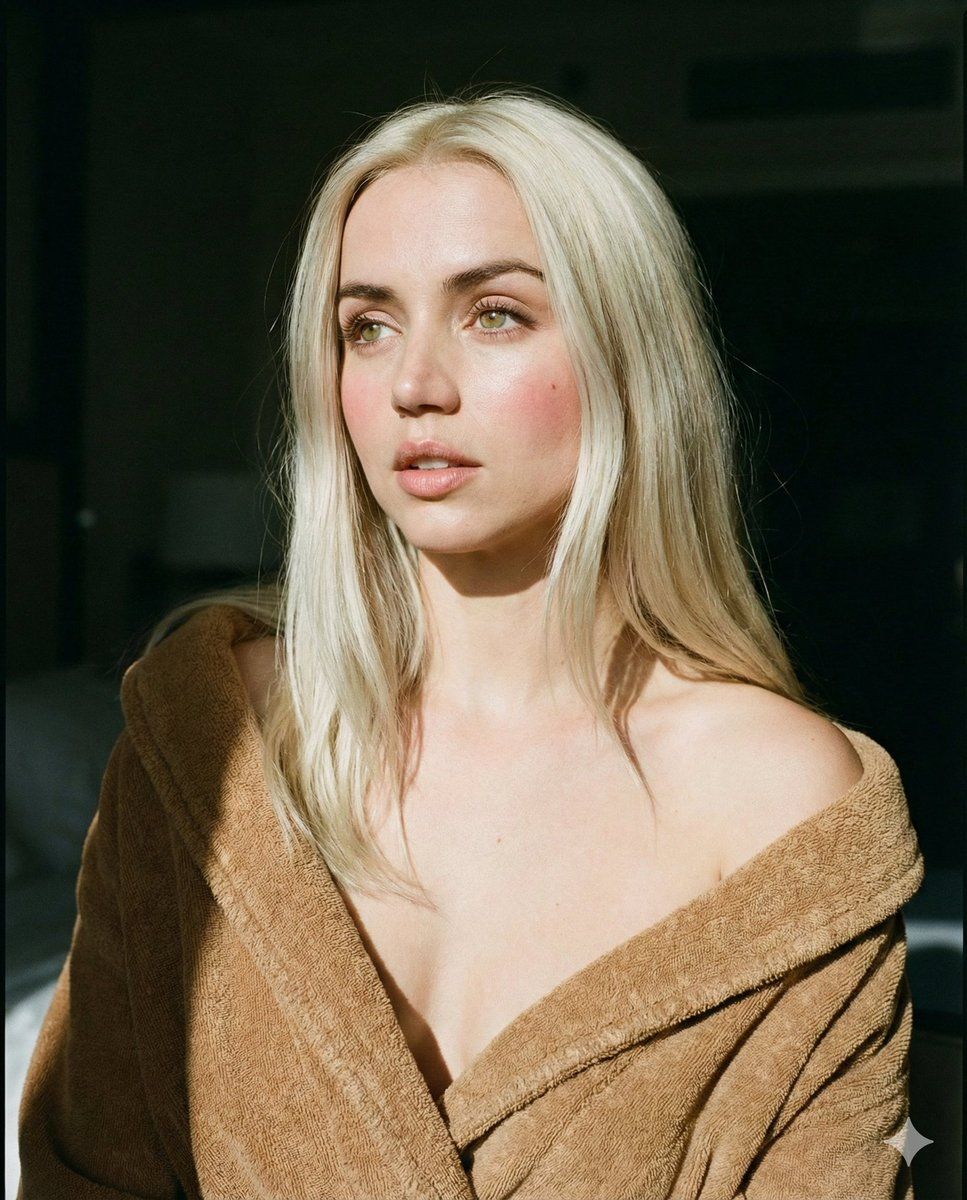
    "description": "Young woman with long, straight platinum blonde hair",
    "expression": "Neutral, soft gaze looking to the left, lips slightly parted",
    "features": "Pale skin, light green eyes, natural makeup, rosy cheeks"
  },
  "attire": {
    "item": "Bathrobe",
    "color": "{argument name="bathrobe color" default="Camel brown / dark beige"}",
    "material": "Textured terry cloth or velvet",
    "styling": " draped loosely, off-the-shoulder, revealing collarbones"
  },
  "lighting": {
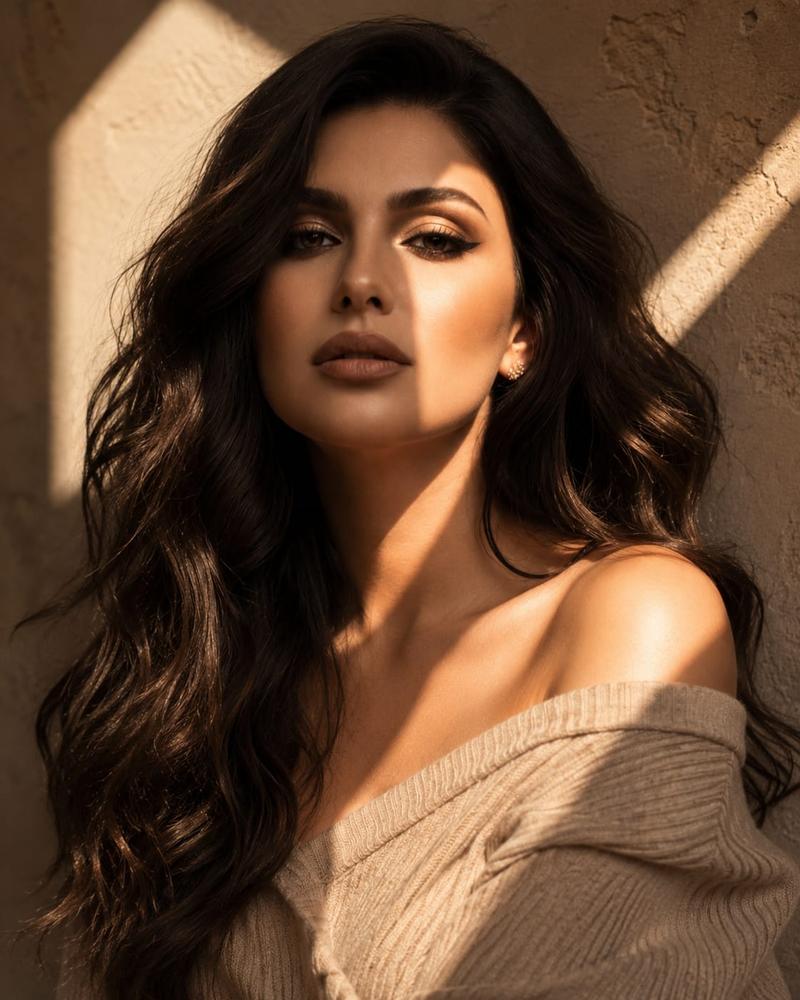
    "type": "Natural directional sunlight",
    "technique": "Chiaroscuro (high contrast between light and dark)",
    "details": "Hard light hitting the face and hair, deep shadows in the background and on the right side of the subject, sunbeam effect"
  },
  "composition": {
    "framing": "Medium close-up portrait",
    "angle": "Eye level",
    "background": "Dark, shadowy indoor room, out of focus"
  },
  "style": {
    "aesthetic": "Cinematic, intimate, morning vibe",
    "technical": "35mm film photography style, high resolution, sharp focus on eyes, soft fall-off"
  }
}
Category
创意图片
Model
Nano Banana Pro
Views0
Source ID
690cffe1-22c3-431a-b6ea-134640eba3fb
Published
Mar 8, 2026

Guide

About "电影级明暗对照肖像提示词(JSON 格式)"

What is this prompt for?

"电影级明暗对照肖像提示词(JSON 格式)" AI image prompt for Nano Banana Pro (创意图片). 一个为 Nano Banana Pro 设计的结构化 JSON 提示,旨在生成一张电影感十足、亲密的中景特写年轻女性肖像。该提示强调使用自然定向阳光营造高对比度的明暗对比照明,聚焦于…

The full copyable prompt and example visuals above are ready for AI image generation or one-click recreate in Picva.

How to use this prompt

  1. Step 1

    Open the prompt detail

    Review the example visuals, category, and full prompt text for "电影级明暗对照肖像提示词(JSON 格式)".

  2. Step 2

    Copy the prompt

    Copy the prompt body from this page, or load it directly in Studio.

  3. Step 3

    Pick a model (Nano Banana Pro)

    Prefer Nano Banana Pro. If you switch models, keep subject and composition and tweak style terms.

  4. Step 4

    Generate and export

    Recreate the look in Picva, or export into your workflow for editing and publishing.

FAQ

What is the "电影级明暗对照肖像提示词(JSON 格式)" prompt?
It is an AI image-generation prompt for Nano Banana Pro in the 创意图片 category. This page includes the full prompt text, example visuals, and a one-click recreate path in Picva.
How do I use this prompt to generate an image?
Copy the prompt from this page, or use Generate / Studio. Paste it into a compatible image model, or recreate the look in Picva with optional reference images.
Which model is this prompt for?
This page lists Nano Banana Pro. Most descriptive prompts also transfer to nearby image models such as GPT Image, Flux, or Midjourney with light style tweaks.
Can I use the result commercially?
You can usually copy the prompt for creation, but commercial use of the final image depends on the model terms, reference-image rights, and the generated content. Follow the source author and platform rules.