20

卧室写真提示词结构
Enlarge

卧室写真提示词结构

Prompt
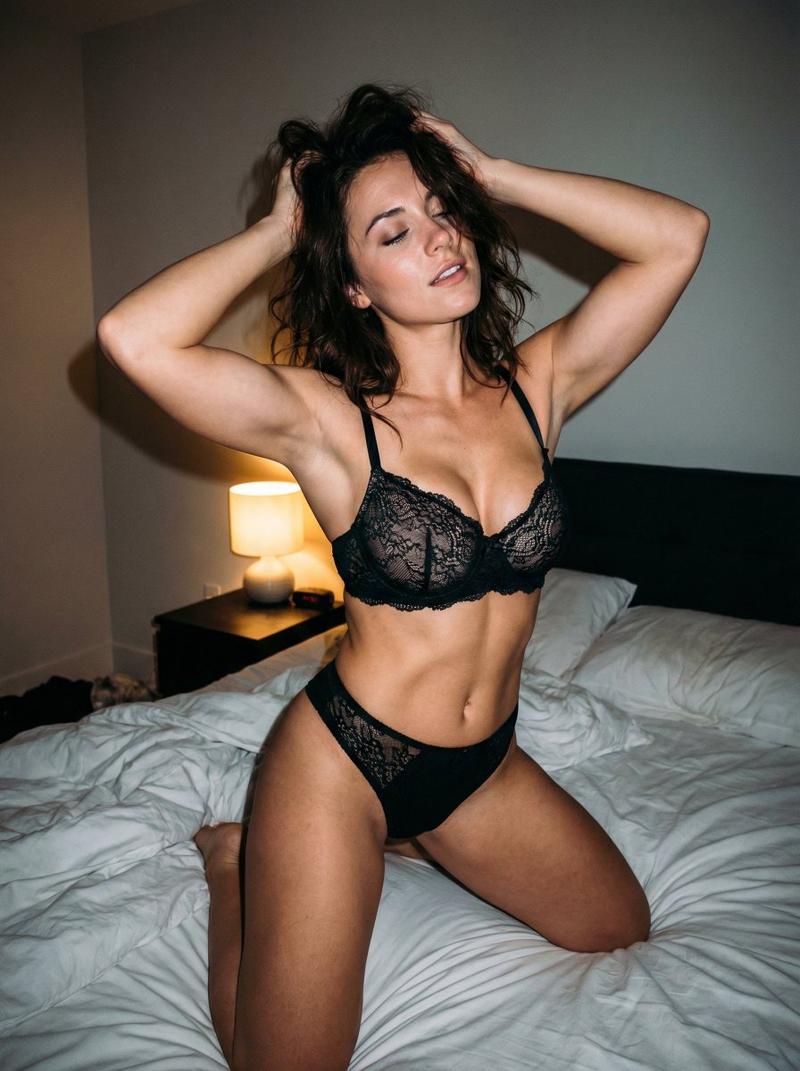
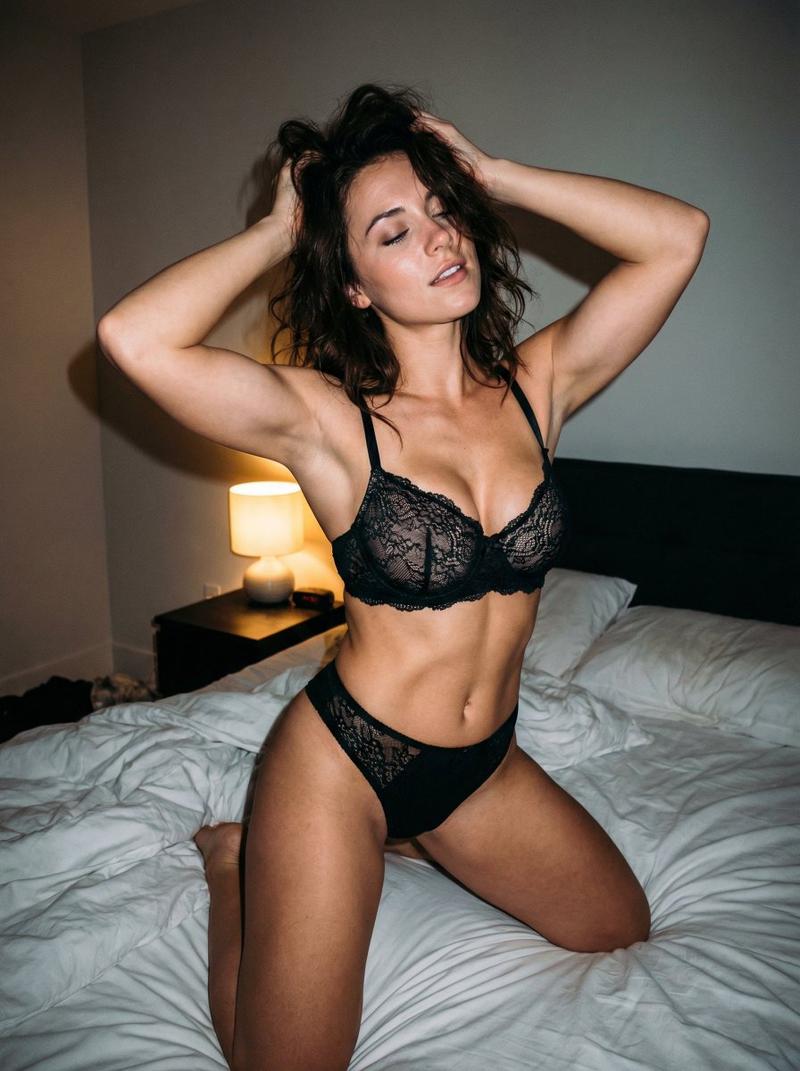
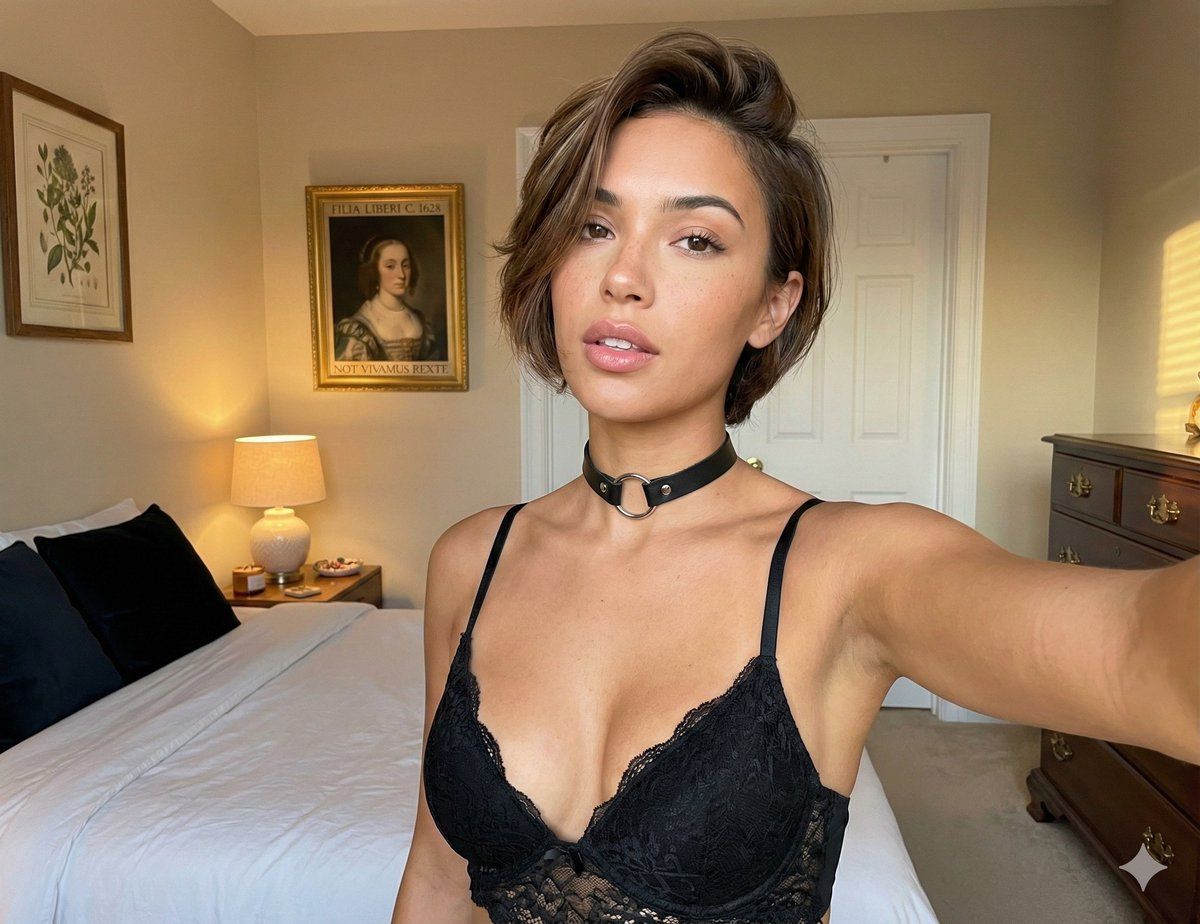
A high-resolution candid photograph in a softly lit bedroom, captured in a near-square format. The central subject—a glamorous young woman with lightly tanned skin, subtle freckles, full lips, and a relaxed, natural expression—sits or reclines comfortably on a bed with slightly rumpled white sheets. Soft, warm light spills in from a nearby window, casting gentle shadows and creating a cozy, intimate atmosphere. The background includes minimal but tasteful decor—perhaps a bedside table, a lamp with a warm glow, and a few personal objects that hint at her personality without drawing attention away from her. The overall mood is calm, inviting, and cinematic, with shallow depth of field and a focus on capturing authentic, unposed beauty.
Category
创意图片
Model
Nano Banana Pro
Creator
Niceguy
Views0
Source ID
121143db-1116-47c2-a81d-e19f27fef107
Published
Mar 8, 2026

Guide

About "卧室写真提示词结构"

What is this prompt for?

"卧室写真提示词结构" AI image prompt for Nano Banana Pro (创意图片). 一张高分辨率的偷拍照片,捕捉一位迷人的年轻女性在柔和灯光的卧室中,重点突出自然美、构图和氛围,采用详细的 Nano Banana 提示结构。 --- 一张近乎方形的高分辨率抓拍照片,拍摄于一间光线柔和的卧室…

The full copyable prompt and example visuals above are ready for AI image generation or one-click recreate in Picva.

How to use this prompt

  1. Step 1

    Open the prompt detail

    Review the example visuals, category, and full prompt text for "卧室写真提示词结构".

  2. Step 2

    Copy the prompt

    Copy the prompt body from this page, or load it directly in Studio.

  3. Step 3

    Pick a model (Nano Banana Pro)

    Prefer Nano Banana Pro. If you switch models, keep subject and composition and tweak style terms.

  4. Step 4

    Generate and export

    Recreate the look in Picva, or export into your workflow for editing and publishing.

FAQ

What is the "卧室写真提示词结构" prompt?
It is an AI image-generation prompt for Nano Banana Pro in the 创意图片 category. This page includes the full prompt text, example visuals, and a one-click recreate path in Picva.
How do I use this prompt to generate an image?
Copy the prompt from this page, or use Generate / Studio. Paste it into a compatible image model, or recreate the look in Picva with optional reference images.
Which model is this prompt for?
This page lists Nano Banana Pro. Most descriptive prompts also transfer to nearby image models such as GPT Image, Flux, or Midjourney with light style tweaks.
Can I use the result commercially?
You can usually copy the prompt for creation, but commercial use of the final image depends on the model terms, reference-image rights, and the generated content. Follow the source author and platform rules.