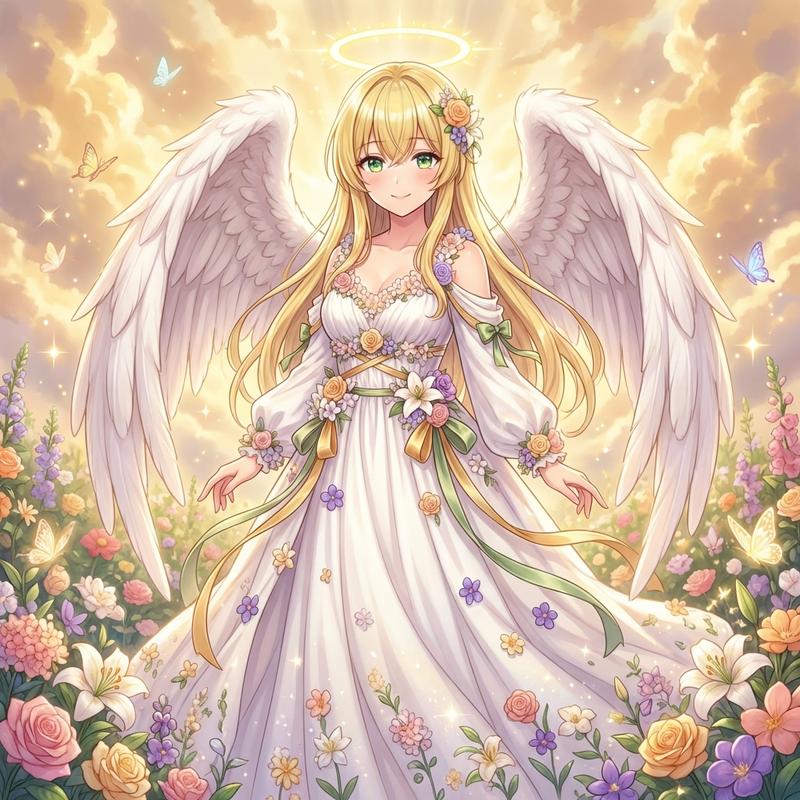
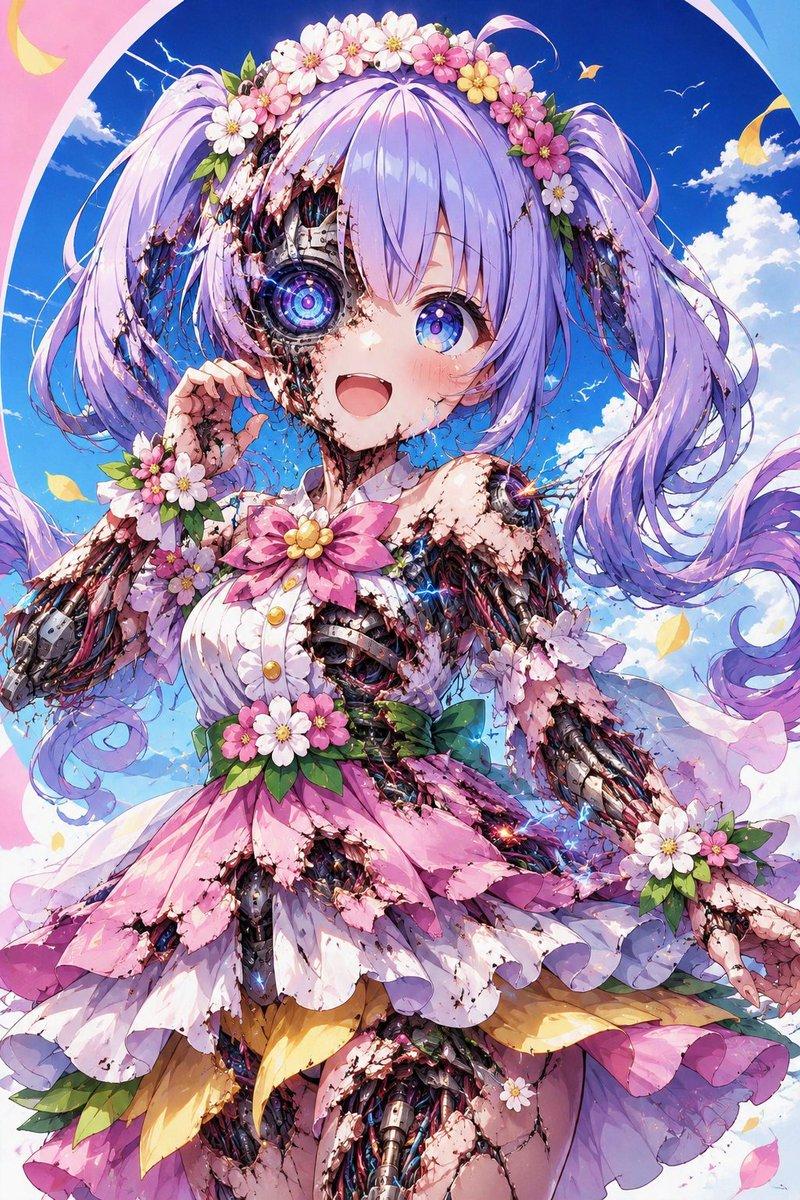
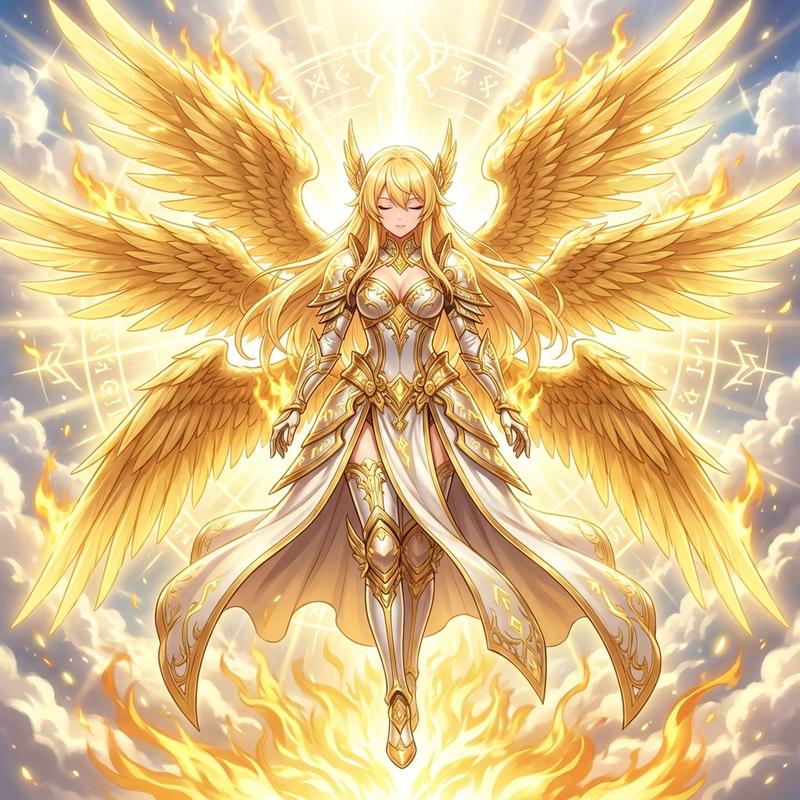
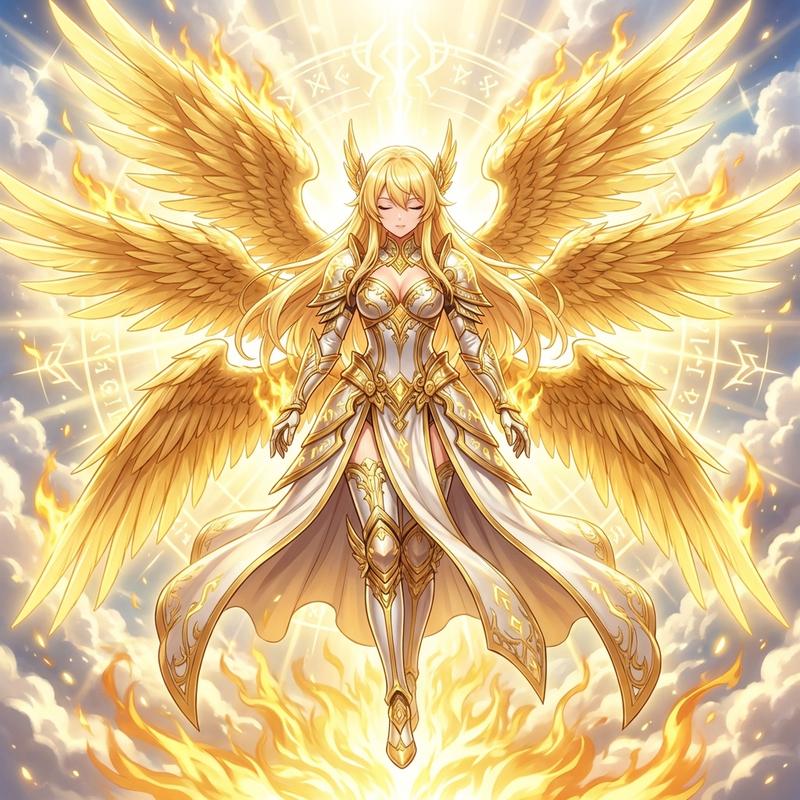
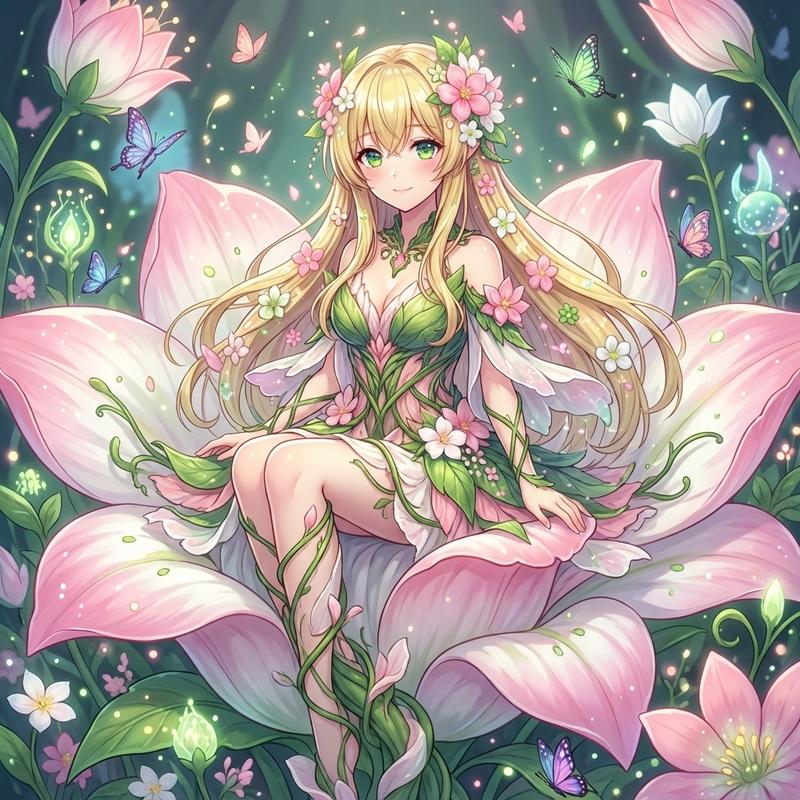
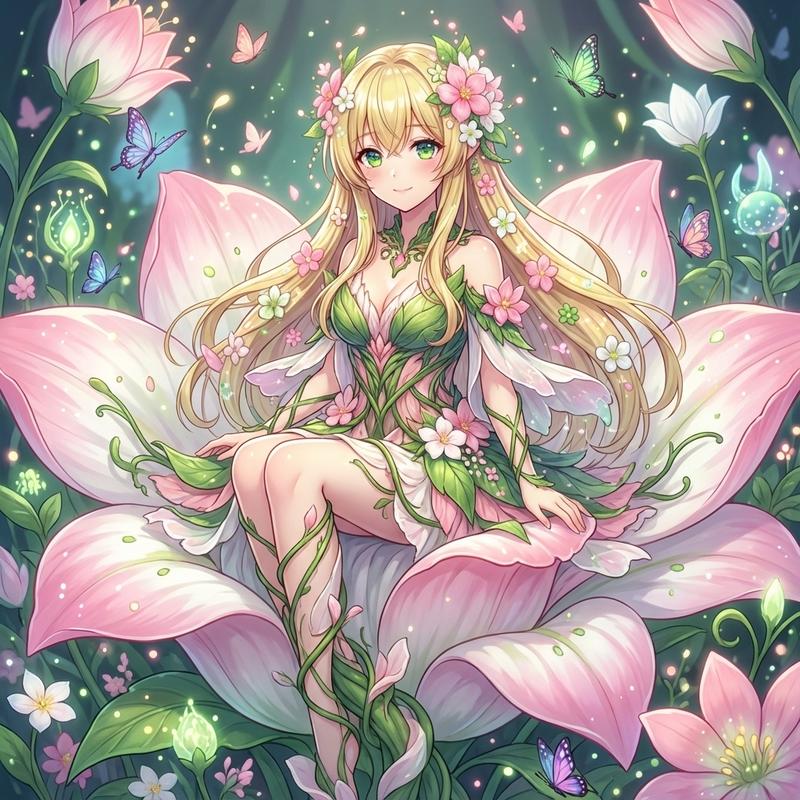
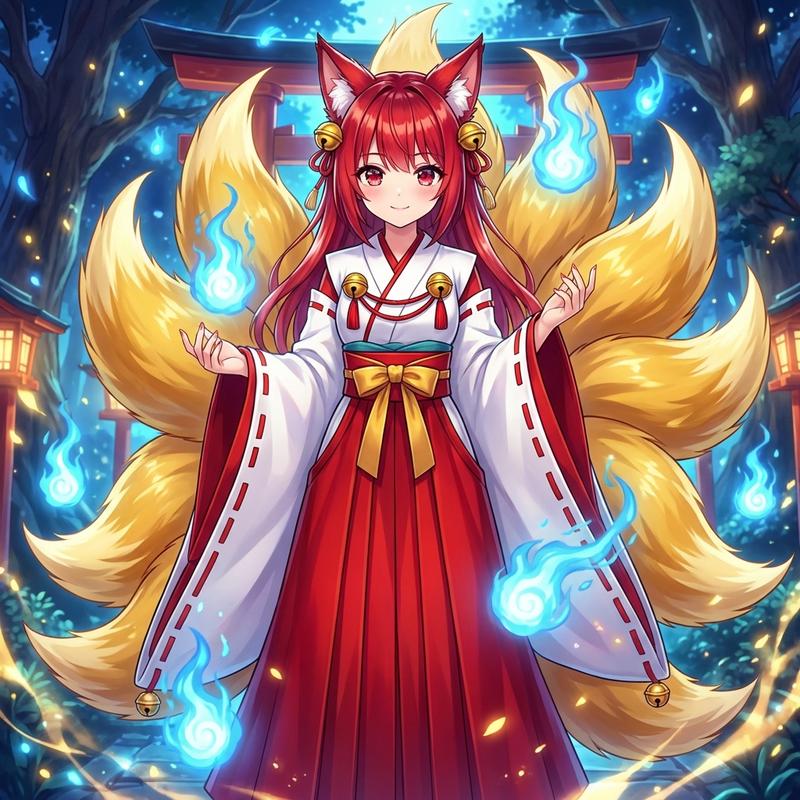
使用 Nano Banana Pro 生成守护天使
Prompt
👼🌸 AIで守護天使に変換してみた

あなたの心に安らぎを…✨
花と光に包まれた優しい時間💐
- Category
- 创意图片
- Model
- Nano Banana Pro
- Creator
- ちゃろん
- Source ID
- a4cb1185-a1bc-412a-9ac5-08101ae8df9d
- Published
- Mar 8, 2026
Views0
18

👼🌸 AIで守護天使に変換してみた あなたの心に安らぎを…✨ 花と光に包まれた優しい時間💐
Guide
"使用 Nano Banana Pro 生成守护天使" AI image prompt for Nano Banana Pro (创意图片). 一位用户使用 Nano Banana Pro 生成了一张被鲜花和光芒环绕的守护天使图片,并在 ALT 文本中分享了提示词,供其他人尝试。 --- 👼🌸 尝试用 AI 变成…
The full copyable prompt and example visuals above are ready for AI image generation or one-click recreate in Picva.
Step 1
Review the example visuals, category, and full prompt text for "使用 Nano Banana Pro 生成守护天使".
Step 2
Copy the prompt body from this page, or load it directly in Studio.
Step 3
Prefer Nano Banana Pro. If you switch models, keep subject and composition and tweak style terms.
Step 4
Recreate the look in Picva, or export into your workflow for editing and publishing.