19

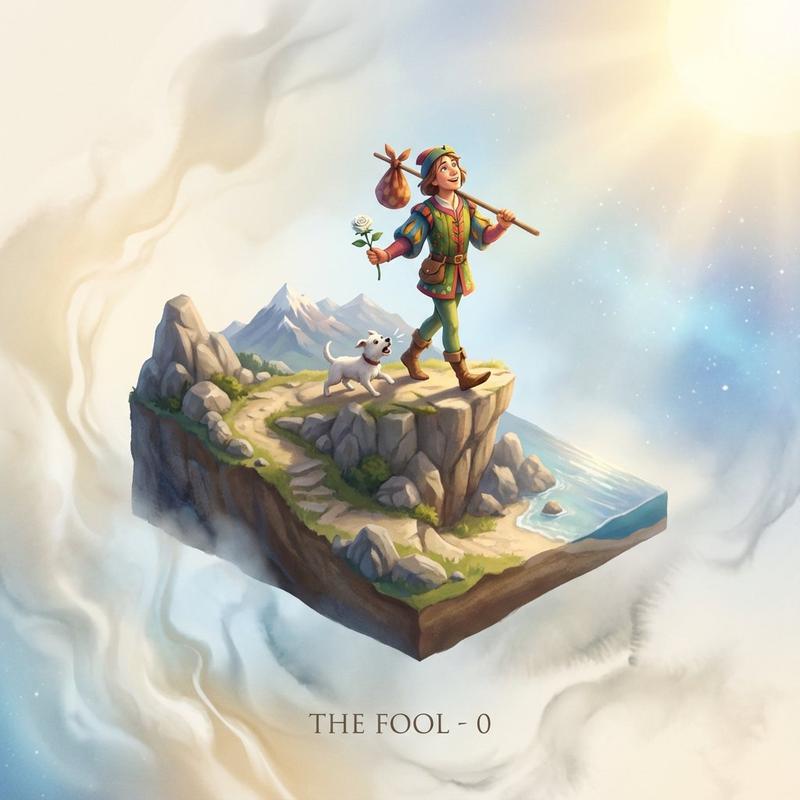
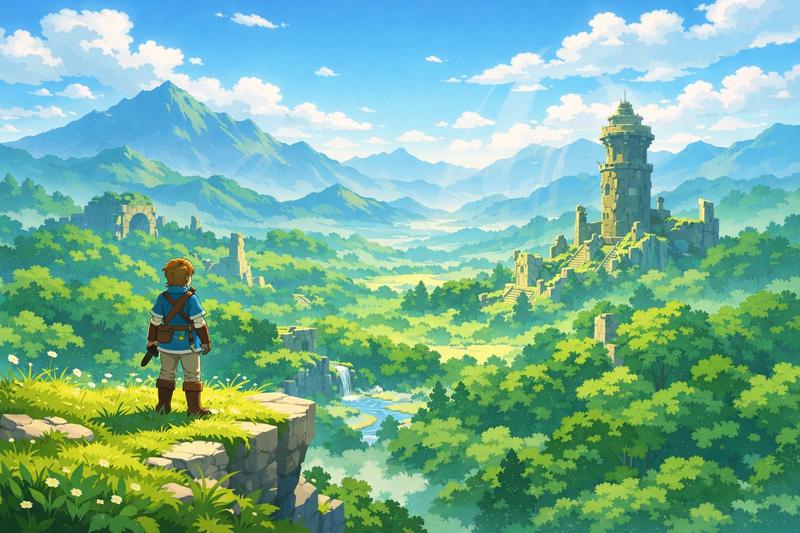
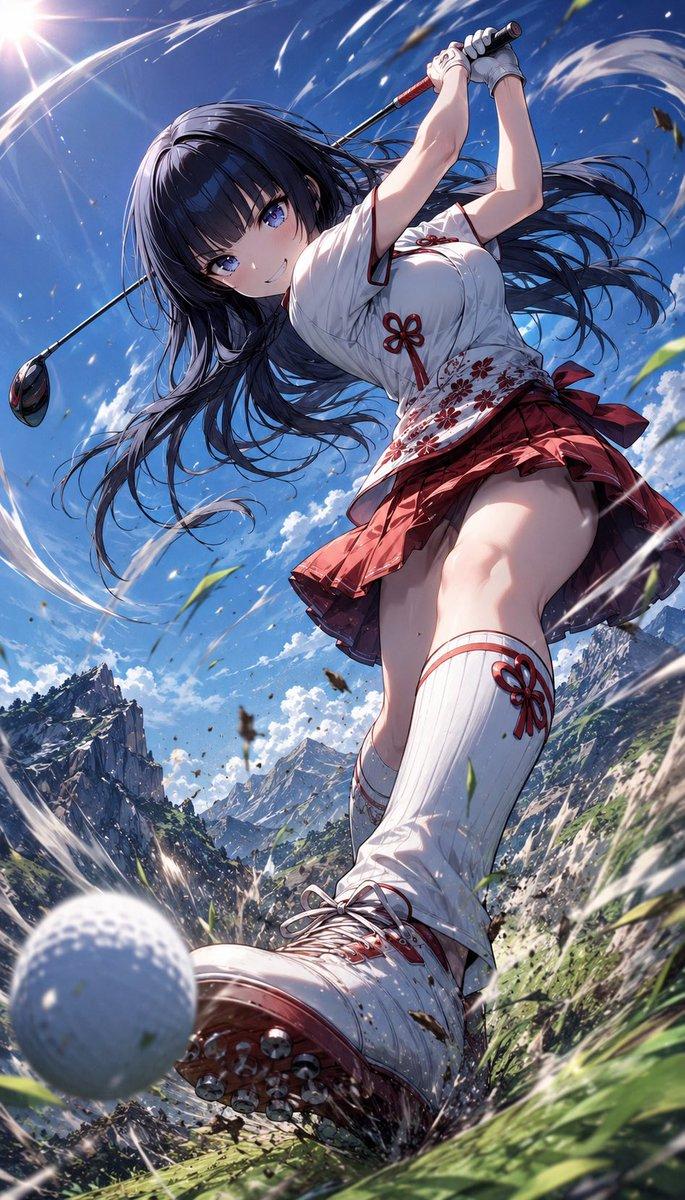
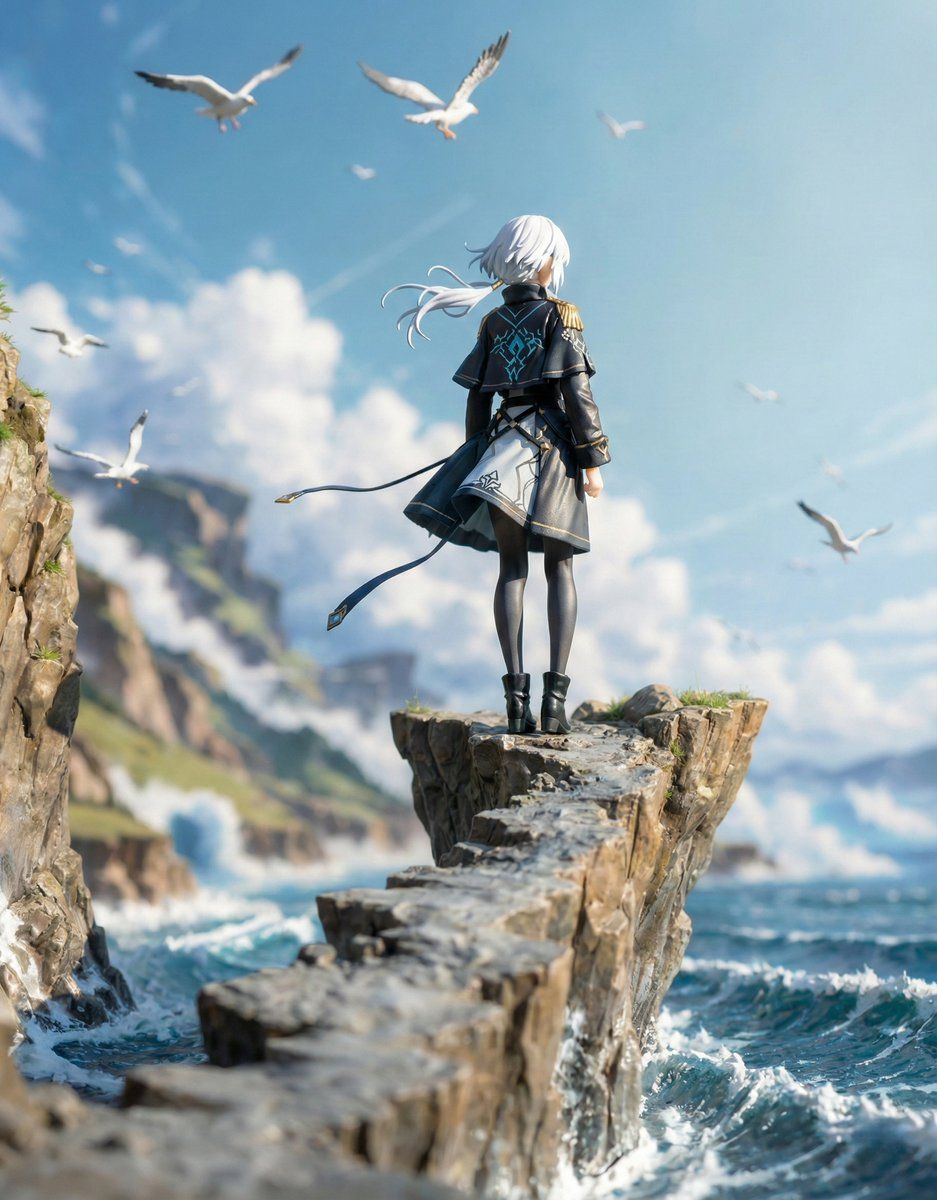
Nano Banana Pro 的结构化人物/立体模型生成提示
Enlarge

Nano Banana Pro 的结构化人物/立体模型生成提示

Prompt
■ COMPOSITION_MODE:構図とアングル
Faithful Framing:元のイラストのズーム倍率や構図を「そのまま」維持します。
Full-Body:元の絵が上半身だけでも、足元まで補完して「全身フィギュア」として描き出します。
High-Angle View:斜め45度上からの「俯瞰(鳥瞰)視点」へ強制的に切り替えます。

■ ENVIRONMENT_TYPE:背景の構築
Auto: AIが元画像を分析し、詳細な背景があれば「ジオラマ」を、シンプルなら「スタジオ背景」を自動選択します。
Force Diorama: 元の絵が白バックでも、無理やり精巧なミニチュアセット(街並み、自然、室内など)を構築します。
Force Studio: どんな背景も消し去り、清潔感のある撮影用の背景紙やアクリル板に変更します。

■ ASPECT_RATIO:画面の比率
Inherit: 元画像と同じ比率。
Square: 1:1。SNS投稿やアイコン風の構図に。
Portrait: 9:16。スマホの壁紙用や、立ち姿のフィギュアをダイナミックに見せる際に。
Landscape: 16:9。横長のジオラマセットを広く見せたい場合に。

■ DISPLAY_BASE:台座の選択
Simple Round: 透明または不透明な円形のプラスチック台座。最も一般的なフィギュアらしい見た目になります。
Decorative: キャラクターのテーマに合わせた装飾付きの専用台座(瓦礫、魔法陣、豪華な意匠など)。
Diorama Floor: 台座という概念をなくし、フィギュアが直接ジオラマの地面に立っている状態にします。
None: 台座も地面のディテールも排除した、最もシンプルな自立状態。

■ DENSITY:情報の密度
Standard: すっきりと整理された、カタログ写真のような仕上がり。
High: ジオラマ内に大量の小物(模型用の草、瓦礫、家具のミニチュアなど)を追加し、情報密度を極限まで高めます。

■ FIGURE_MATERIAL:フィギュアの材質感
Standard PVC: 市販フィギュアの標準的なプラスチック感。光を柔らかく拡散します。
Premium Resin: 緻密な造形と、わずかな透明感を伴う高級な樹脂感。ガレージキットのような質感。
Glossy Plastic: ツヤあり塗装を施したような、強い反射を伴う質感。

■ LIGHTING_STYLE:ライティング(照明)
Natural: 窓際で撮ったような柔らかい自然光。日常的な雰囲気。
Bright Studio: 複数の照明を当てた、影が少なくディテールがはっきり見える広告写真風。
Cinematic: 強いコントラストと陰影で、物語の一場面のような重厚な雰囲気を演出。
Category
创意图片
Model
Nano Banana Pro
Views0
Source ID
95f1a0e0-8b86-460a-99b7-12f5419311b2
Published
Mar 8, 2026

Guide

About "Nano Banana Pro 的结构化人物/立体模型生成提示"

What is this prompt for?

"Nano Banana Pro 的结构化人物/立体模型生成提示" AI image prompt for Nano Banana Pro (创意图片). 这是一个高度结构化、类似程序员的提示,专为 Nano Banana Pro 设计,用于生成人物或立体模型的图像。它采用了全局变量的概念,并允许在多个维度上进行自定…

The full copyable prompt and example visuals above are ready for AI image generation or one-click recreate in Picva.

How to use this prompt

  1. Step 1

    Open the prompt detail

    Review the example visuals, category, and full prompt text for "Nano Banana Pro 的结构化人物/立体模型生成提示".

  2. Step 2

    Copy the prompt

    Copy the prompt body from this page, or load it directly in Studio.

  3. Step 3

    Pick a model (Nano Banana Pro)

    Prefer Nano Banana Pro. If you switch models, keep subject and composition and tweak style terms.

  4. Step 4

    Generate and export

    Recreate the look in Picva, or export into your workflow for editing and publishing.

FAQ

What is the "Nano Banana Pro 的结构化人物/立体模型生成提示" prompt?
It is an AI image-generation prompt for Nano Banana Pro in the 创意图片 category. This page includes the full prompt text, example visuals, and a one-click recreate path in Picva.
How do I use this prompt to generate an image?
Copy the prompt from this page, or use Generate / Studio. Paste it into a compatible image model, or recreate the look in Picva with optional reference images.
Which model is this prompt for?
This page lists Nano Banana Pro. Most descriptive prompts also transfer to nearby image models such as GPT Image, Flux, or Midjourney with light style tweaks.
Can I use the result commercially?
You can usually copy the prompt for creation, but commercial use of the final image depends on the model terms, reference-image rights, and the generated content. Follow the source author and platform rules.