奢华沙龙肖像与身份锁定提示
Prompt
{
  "type": "image_generation_prompt",
  "aspect_ratio": "16:9",
  "quality": "ultra-realistic 8K",
  "identity_lock": {
    "use_uploaded_face_only": true,
    "strict_identity_preservation": true,
    "notes": "The seated woman must match the uploaded reference image exactly. No changes to facial structure, proportions, skin tone, hair texture, eye color, or identifying features."
  },
  "scene_description": {
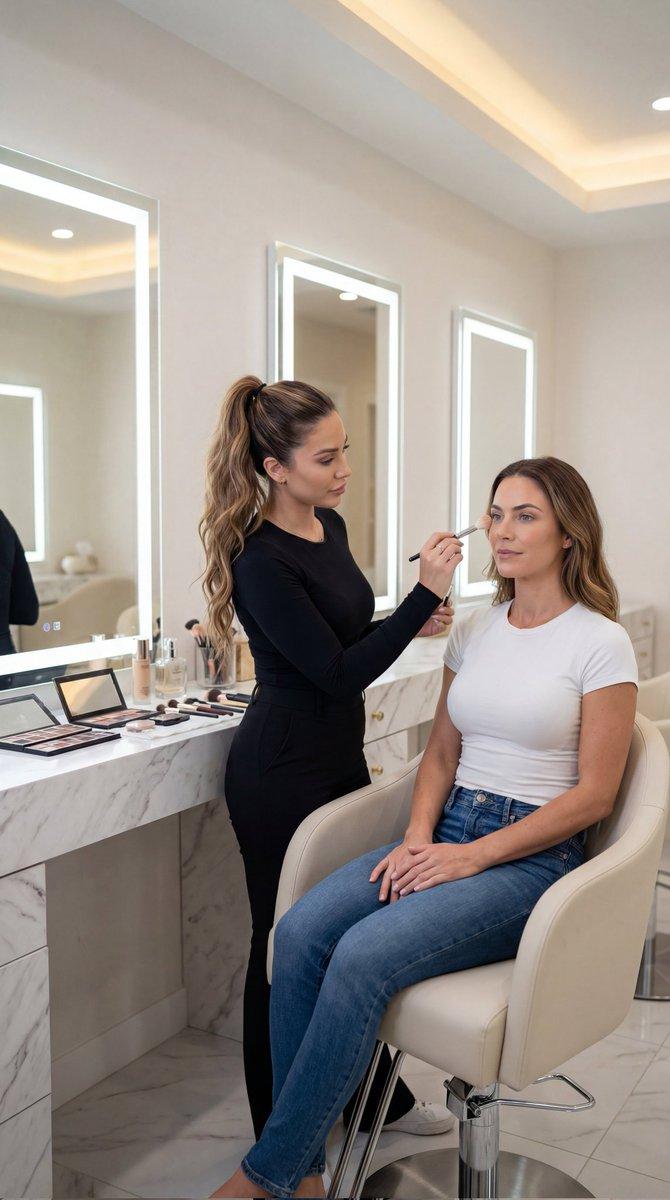
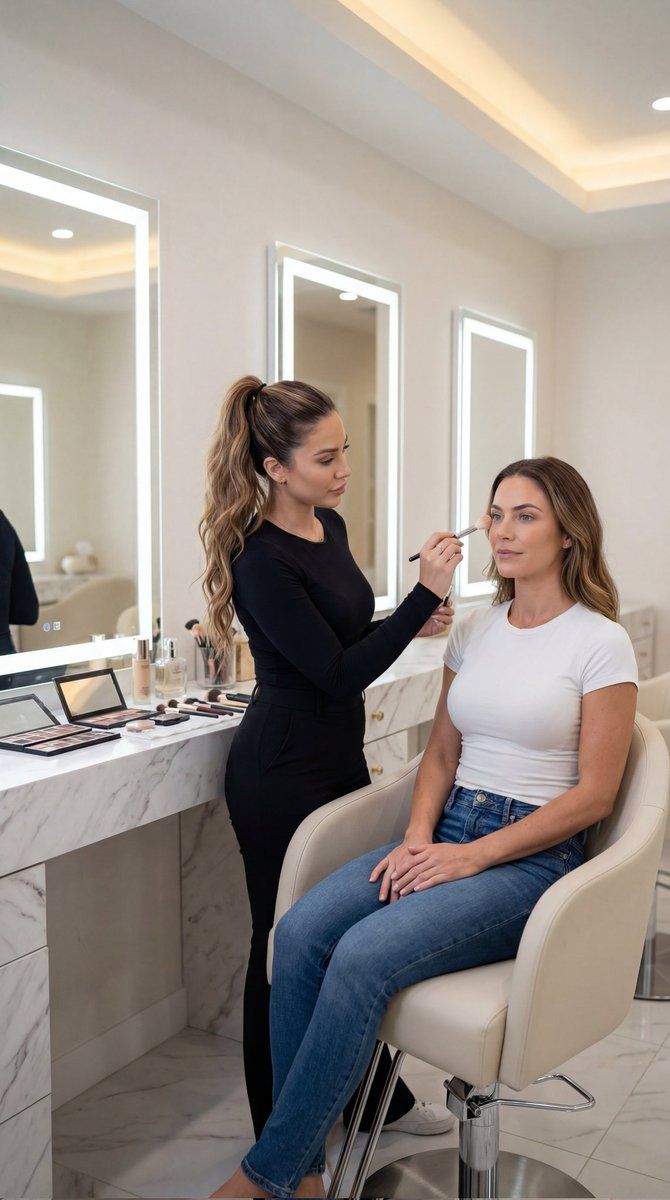
    "main_subject": {
      "gender": "female",
      "role": "client",
      "appearance": {
        "body_type": "fit feminine body with light natural muscle tone (realistic, not exaggerated)",
        "outfit": "white fitted t-shirt and blue jean pants",
        "pose": "sitting elegantly in a modern salon chair, hands resting calmly on her lap",
        "expression": "poised, serene, relaxed"
      }
    },
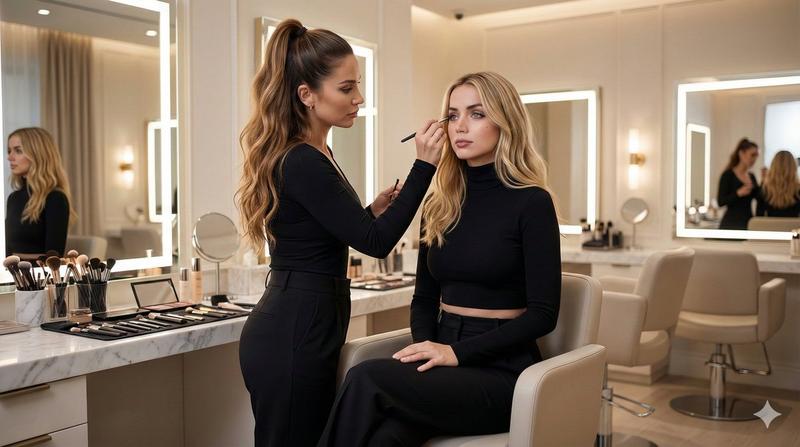
    "secondary_subject": {
      "gender": "female",
      "role": "professional makeup artist",
      "appearance": {
        "hair": "long wavy brown hair in a high ponytail",
        "outfit": "fitted black long-sleeve top and high-waisted black pants",
        "posture": "standing beside the client, focused attentively while applying light makeup"
      }
    }
  },
  "environment": {
    "location": "luxury modern beauty salon",
    "details": [
      "white marble countertops",
      "large vanity mirrors framed with bright LED lights",
      "organized makeup brushes, palettes, and cosmetic bottles",
      "cream-colored walls",
      "sleek contemporary salon chairs"
    ],
    "atmosphere": "clean, elegant, professional, high-end"
  },
  "lighting": {
    "type": "soft diffused studio lighting",
    "sources": [
      "LED vanity mirror lights",
      "warm ambient salon lighting"
    ],
    "effects": [
      "even illumination on skin",
      "subtle warm highlights on hair",
      "soft realistic shadows for depth",
      "natural reflections on marble and mirrors"
    ]
  },
  "camera": {
    "angle": "eye-level frontal view of the seated woman, slight side profile of the makeup artist",
    "lens": "85mm portrait lens look",
    "depth_of_field": "shallow depth of field, sharp focus on the seated woman's face",
    "resolution": "7680x4320 (8K UHD)"
  },
  "style": {
    "photography_type": "hyper-realistic editorial beauty photography",
    "rendering": [
      "realistic skin texture with pores",
      "natural makeup details",
      "realistic hair strands",
      "accurate fabric folds",
      "no stylization",
      "no cartoon or CGI look"
    ]
  },
  "constraints": [
    "Do not alter the seated woman's face",
    "No beautification or face reshaping",
    "No gender swap",
    "No AI-style smoothing",
    "No distortion",
    "No text or watermark"
  ],
  "output_goal": "Create an ultra-realistic 8K cinematic beauty salon portrait featuring two women, with the seated woman using the user's uploaded photo as an exact facial reference, and a professional makeup artist applying light makeup in "
}- Category
- 创意图片
- Model
- Nano Banana Pro
- Creator
- 𝗦𝗮𝗻𝗶𝗮
- Source ID
- 9dd38178-f731-4c4f-96ad-bd9f0702226c
- Published
- Mar 8, 2026
Views0