19

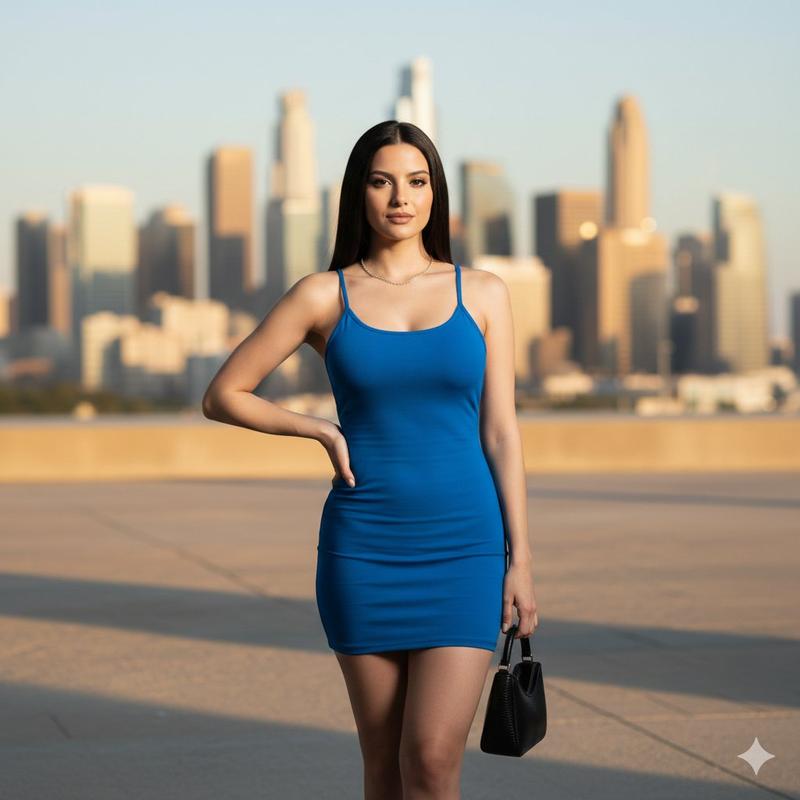
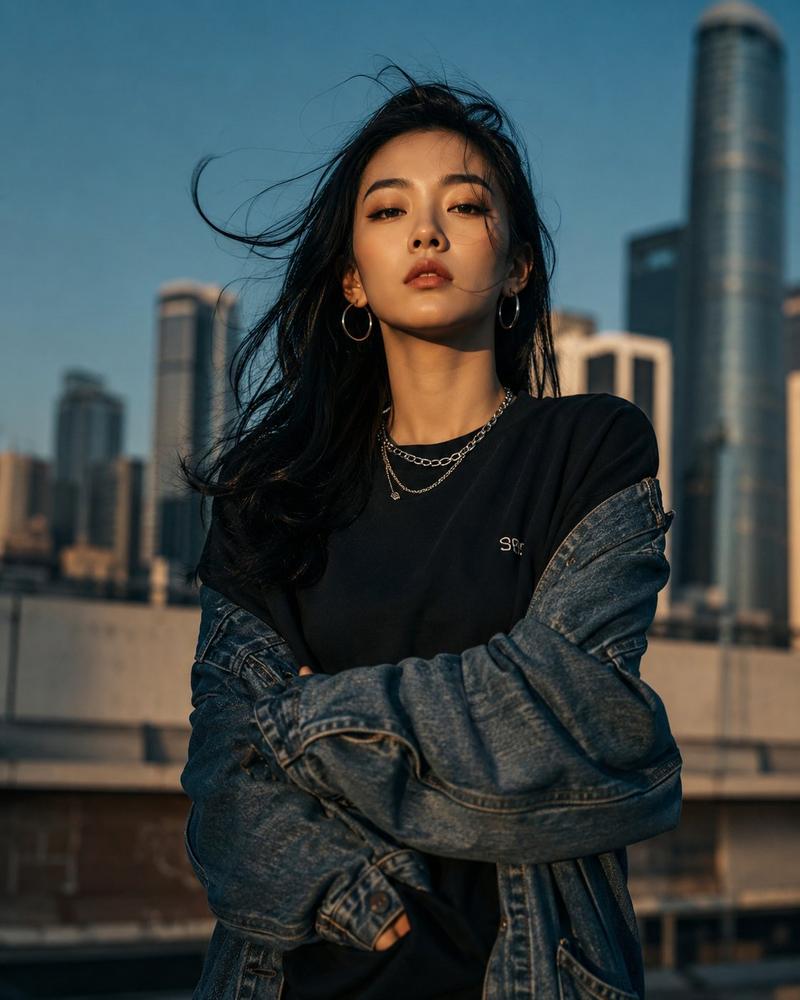
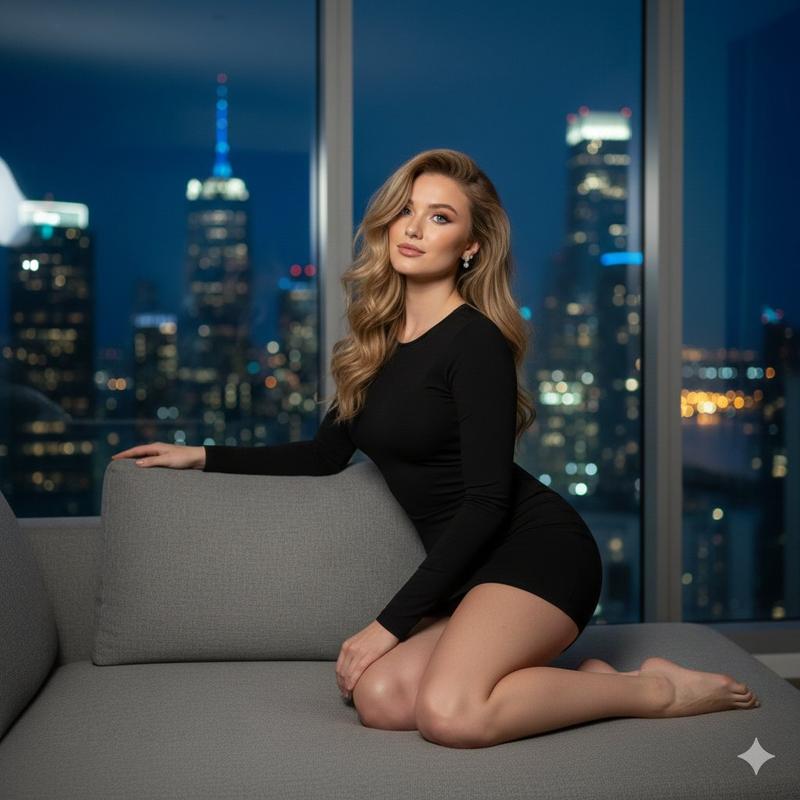
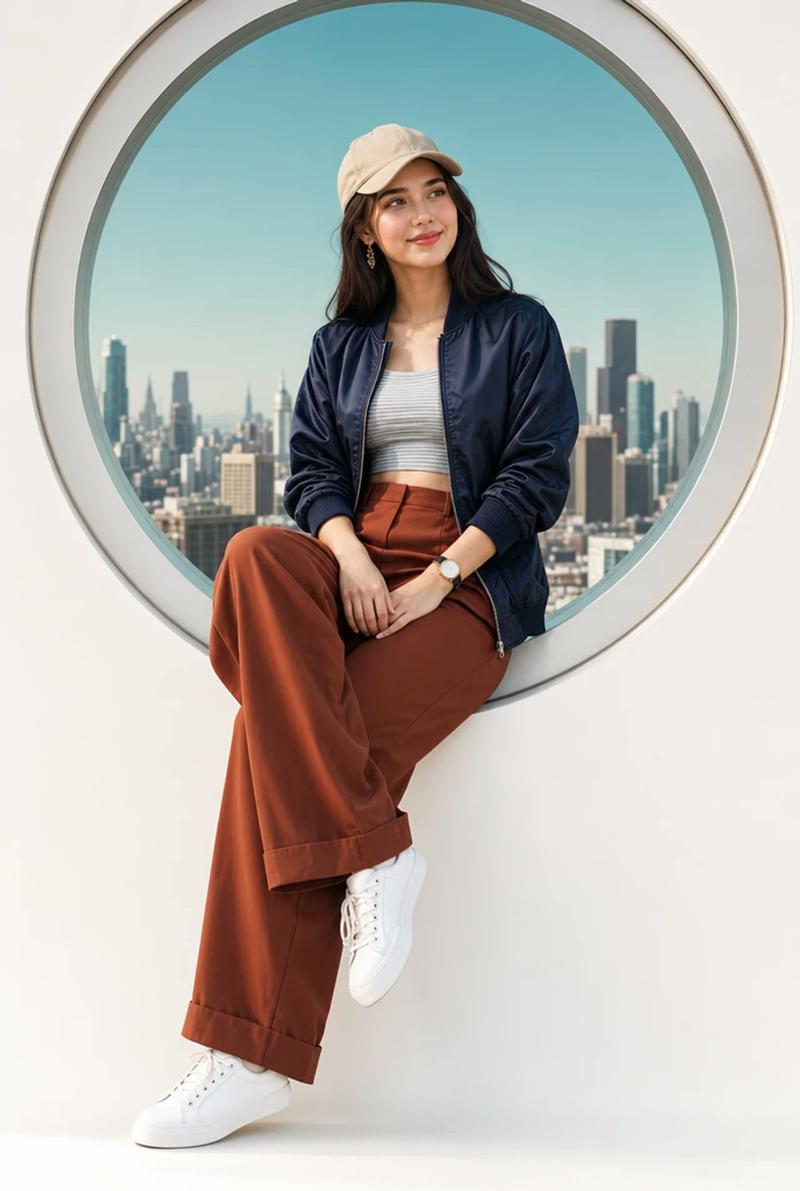
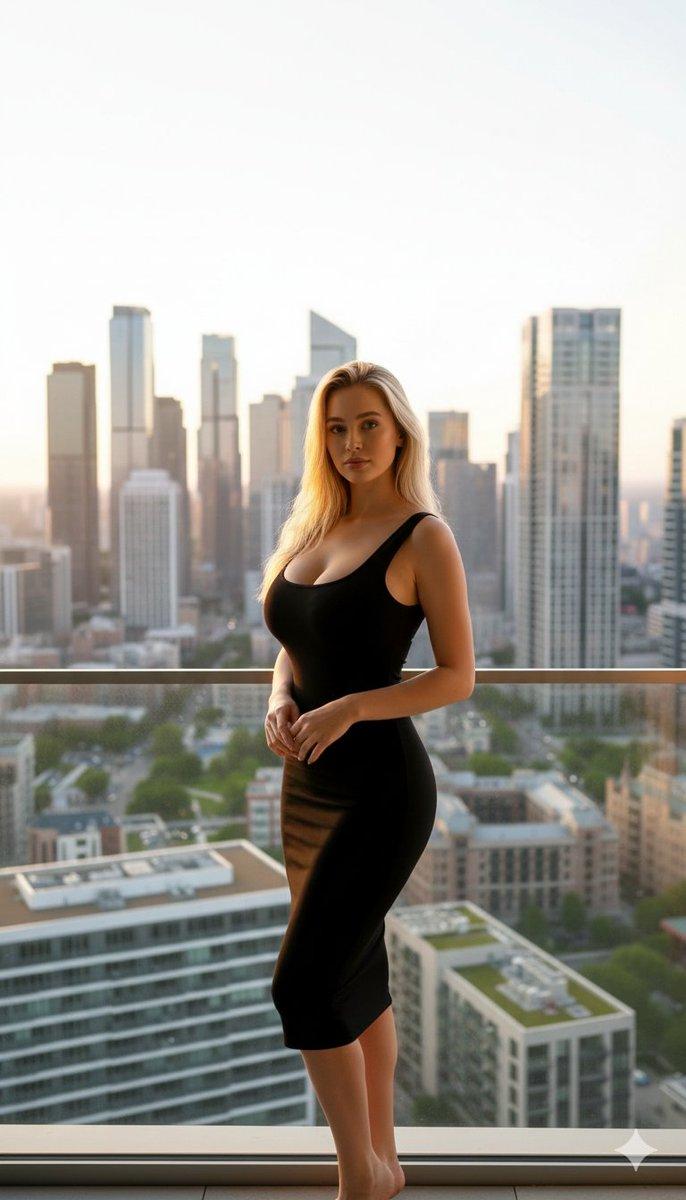
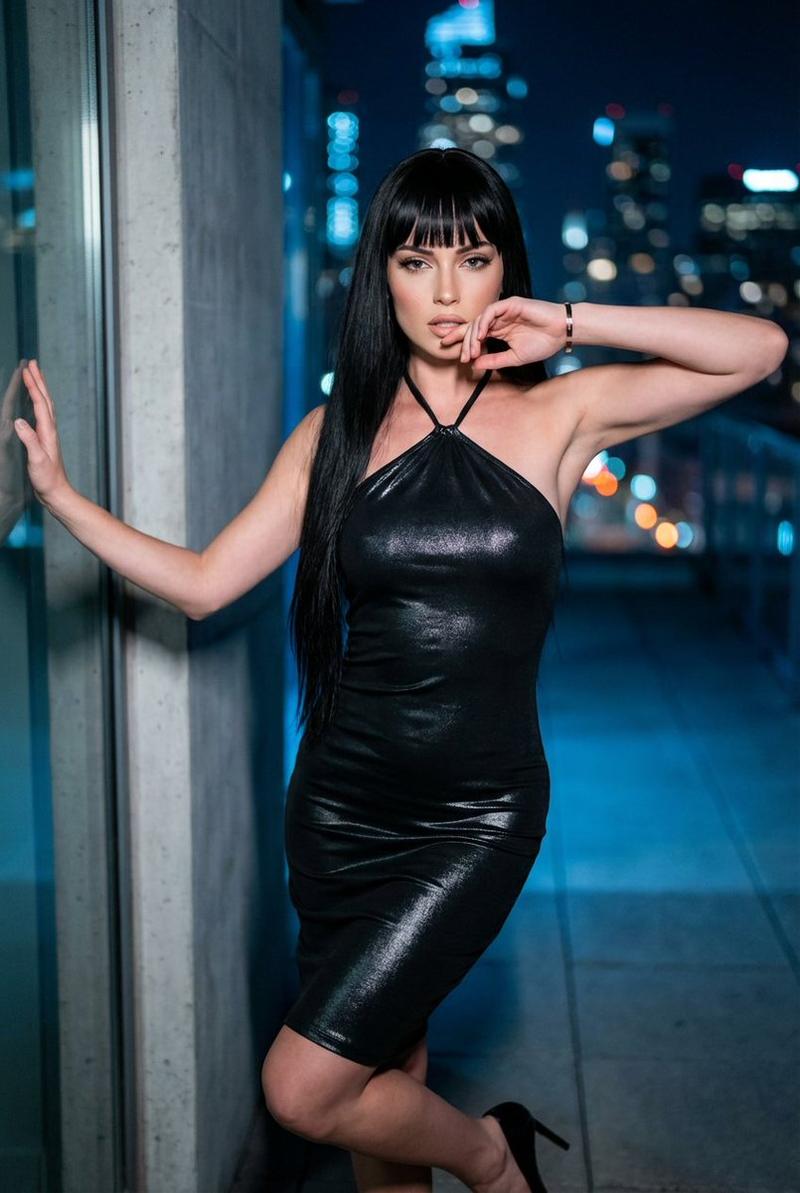
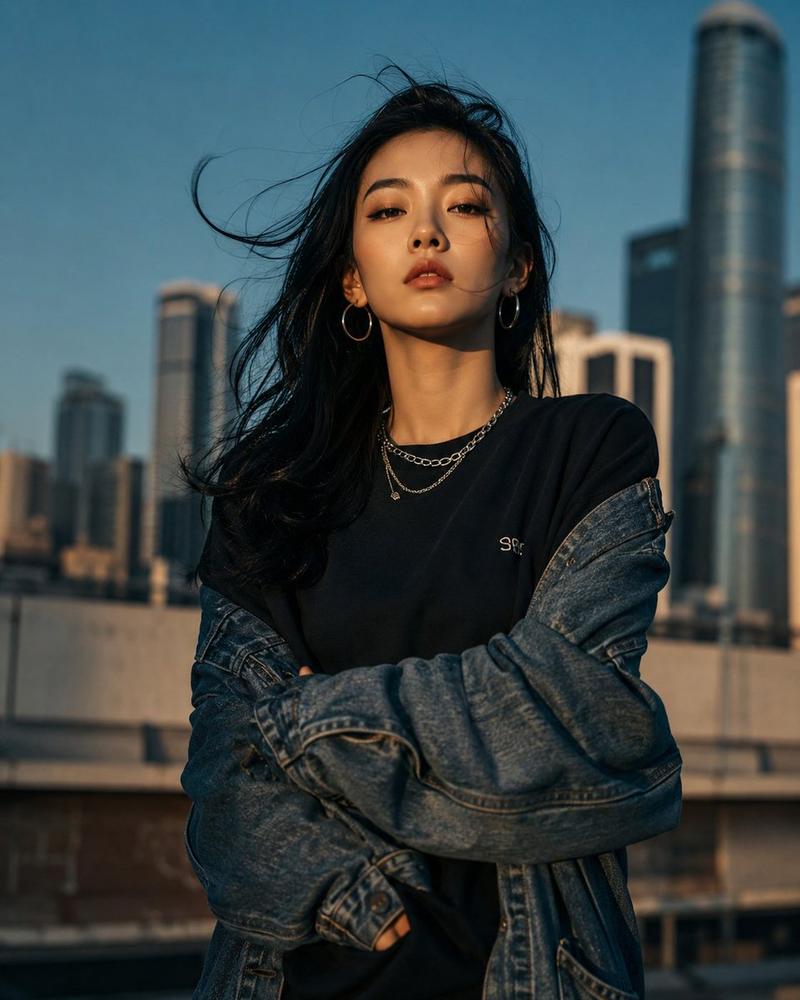
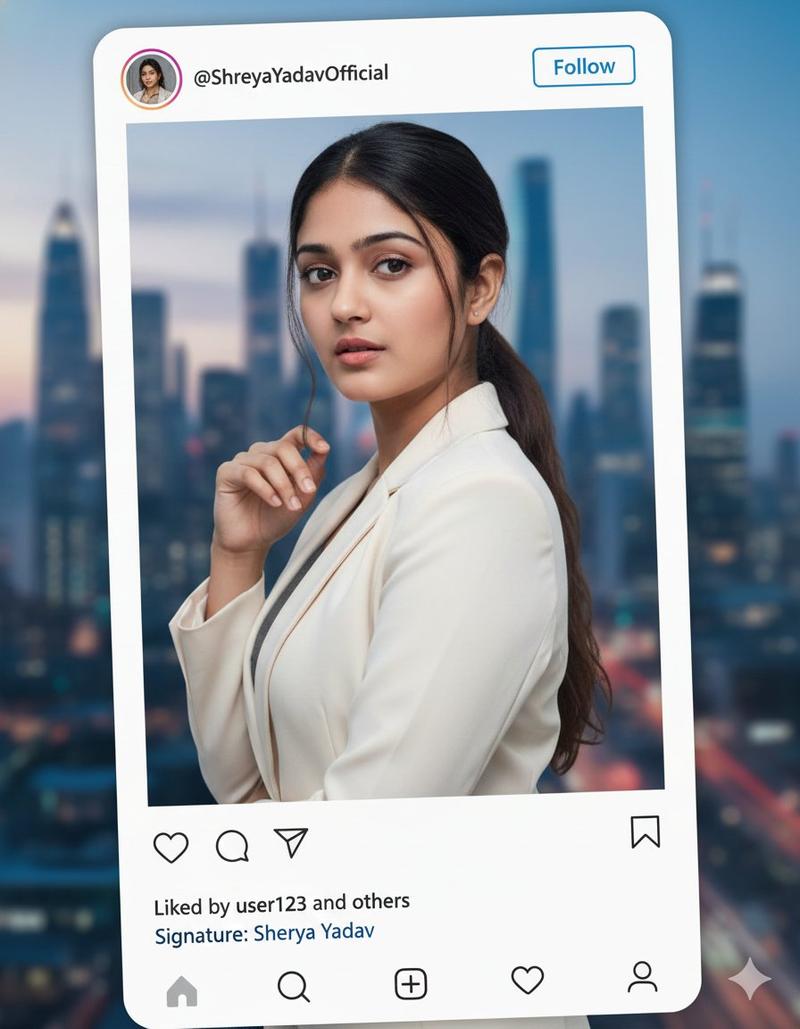
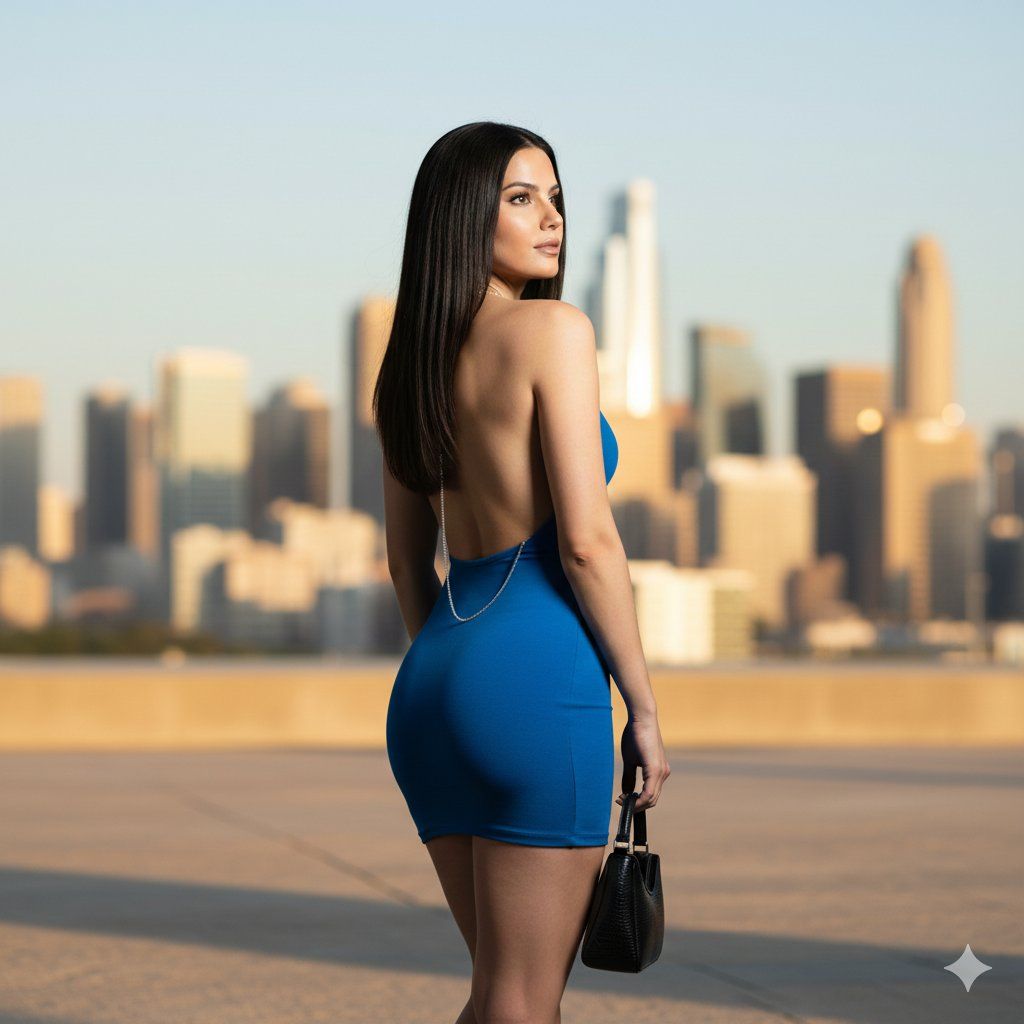
身穿蓝色迷你连衣裙的女士的闪光摄影肖像
Enlarge

身穿蓝色迷你连衣裙的女士的闪光摄影肖像

Prompt
"appearance": {

"hair": {

"color": "Dark",

"length": "Long"

"pose_and_action": {

"orientation": "Looking over sky",

"framing": "Full-body",

"stance": "Standing"}

"fashion_and_attire": {
"item": "{argument name="dress item" default="mini-dress"}",

"color": "{argument name="dress color" default="Blue"}",

"fit": "very tight",

"design_elements
"accessories": {

"jewelry": {

"item": "Back-drop necklace",

"material": "silver",
"carry_items": {

"item": "hand bag",

"material": "Leather",

"color": "Black"
"scene_composition": {

"environment": {

"location_type": "Urban/Studio","background_elements": {
},

"lighting_setup": {

"technique": "Flash photography",
"skin_interaction": "Soft glow",

"shadows": "Slight shadow cast against background"
}
Category
创意图片
Model
Nano Banana Pro
Creator
Her.
Views0
Source ID
d9d306c4-c06d-4077-9947-e4fc194e1e81
Published
Mar 8, 2026

Guide

About "身穿蓝色迷你连衣裙的女士的闪光摄影肖像"

What is this prompt for?

"身穿蓝色迷你连衣裙的女士的闪光摄影肖像" AI image prompt for Nano Banana Pro (创意图片). 一个提示片段,重点描述了一位女性的外观、姿势和时尚细节,具体说明了蓝色迷你连衣裙、背部项链和黑色皮手袋。技术细节强调在都市/工作室环境下使用闪光摄影进行布光。 --- "appearan…

The full copyable prompt and example visuals above are ready for AI image generation or one-click recreate in Picva.

How to use this prompt

  1. Step 1

    Open the prompt detail

    Review the example visuals, category, and full prompt text for "身穿蓝色迷你连衣裙的女士的闪光摄影肖像".

  2. Step 2

    Copy the prompt

    Copy the prompt body from this page, or load it directly in Studio.

  3. Step 3

    Pick a model (Nano Banana Pro)

    Prefer Nano Banana Pro. If you switch models, keep subject and composition and tweak style terms.

  4. Step 4

    Generate and export

    Recreate the look in Picva, or export into your workflow for editing and publishing.

FAQ

What is the "身穿蓝色迷你连衣裙的女士的闪光摄影肖像" prompt?
It is an AI image-generation prompt for Nano Banana Pro in the 创意图片 category. This page includes the full prompt text, example visuals, and a one-click recreate path in Picva.
How do I use this prompt to generate an image?
Copy the prompt from this page, or use Generate / Studio. Paste it into a compatible image model, or recreate the look in Picva with optional reference images.
Which model is this prompt for?
This page lists Nano Banana Pro. Most descriptive prompts also transfer to nearby image models such as GPT Image, Flux, or Midjourney with light style tweaks.
Can I use the result commercially?
You can usually copy the prompt for creation, but commercial use of the final image depends on the model terms, reference-image rights, and the generated content. Follow the source author and platform rules.