18

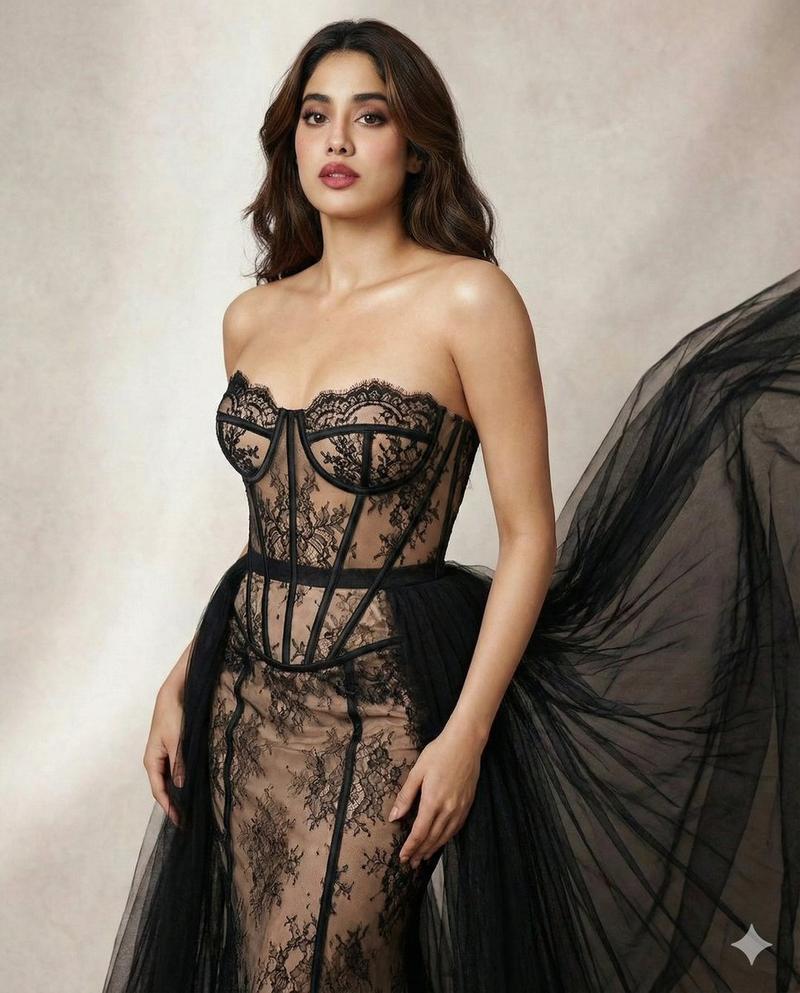
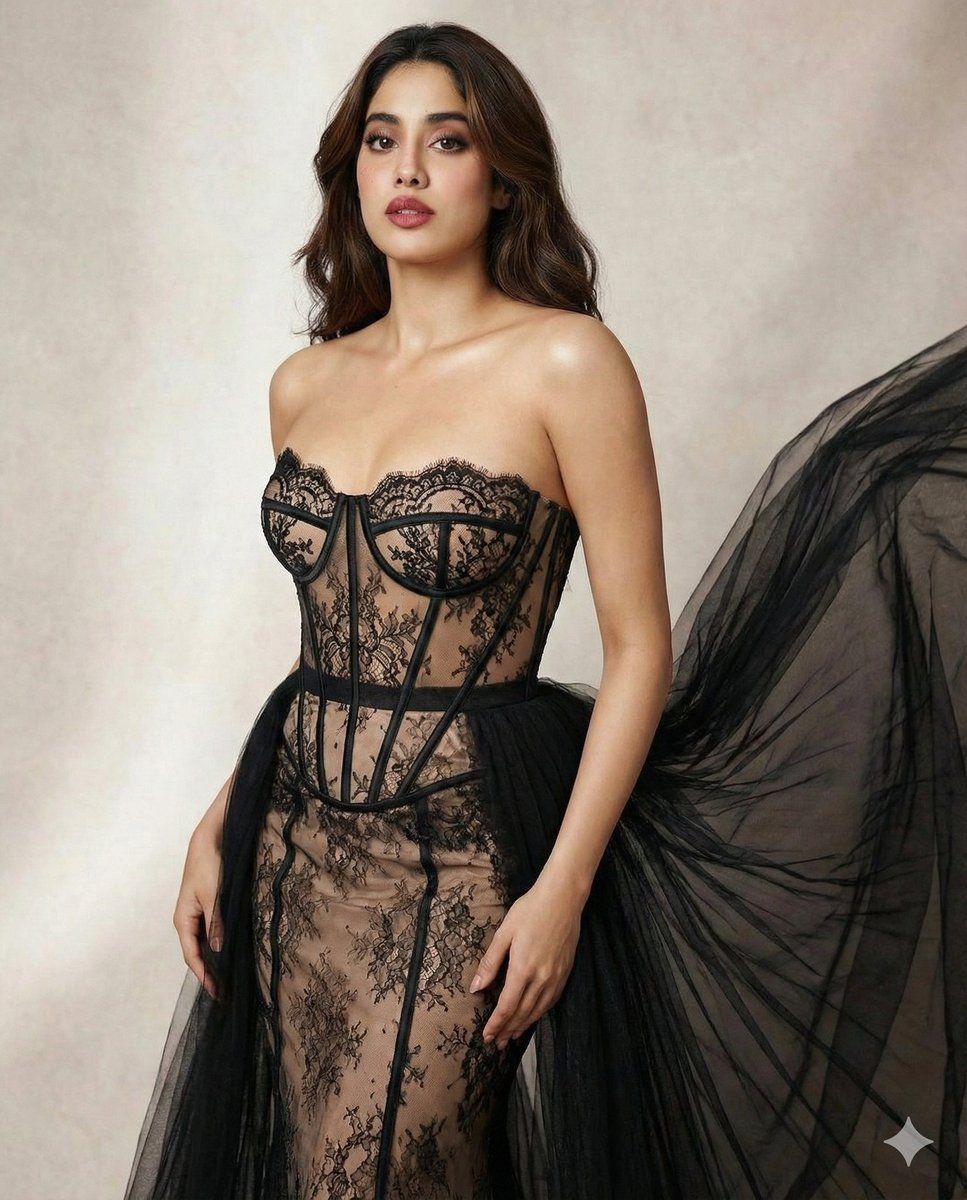
高级定制幻象蕾丝紧身胸衣礼服大片
Enlarge

高级定制幻象蕾丝紧身胸衣礼服大片

Prompt
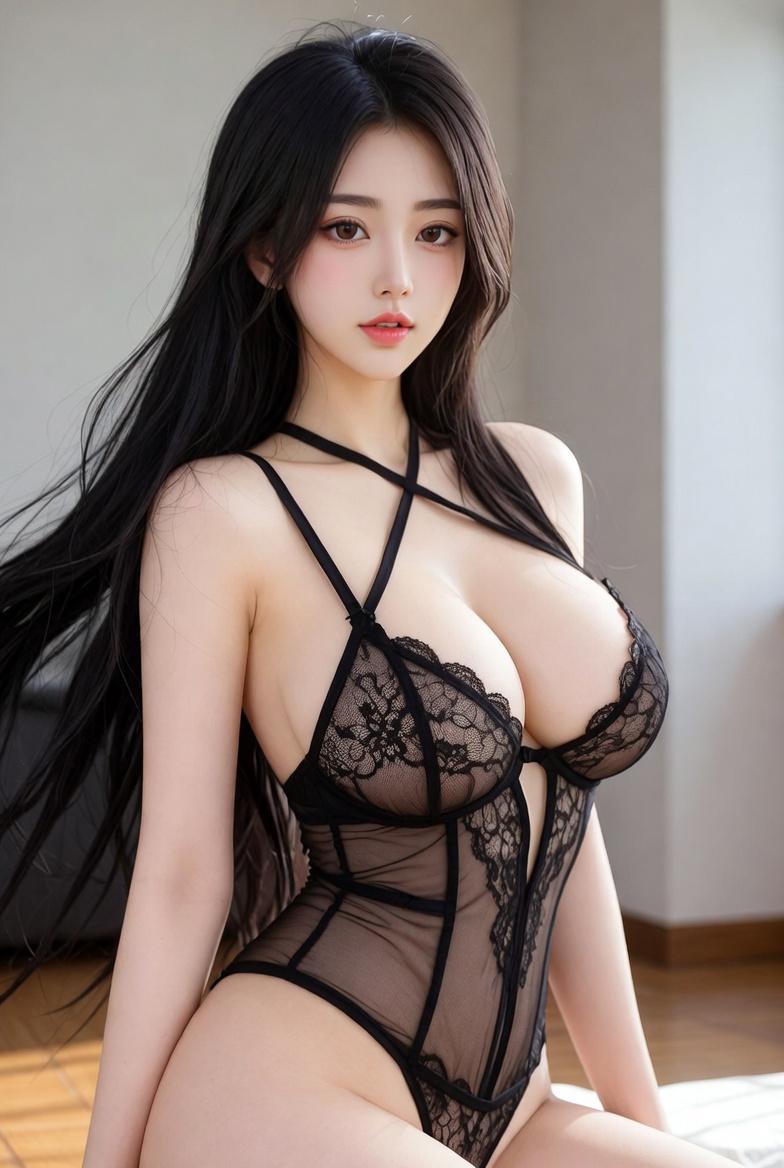
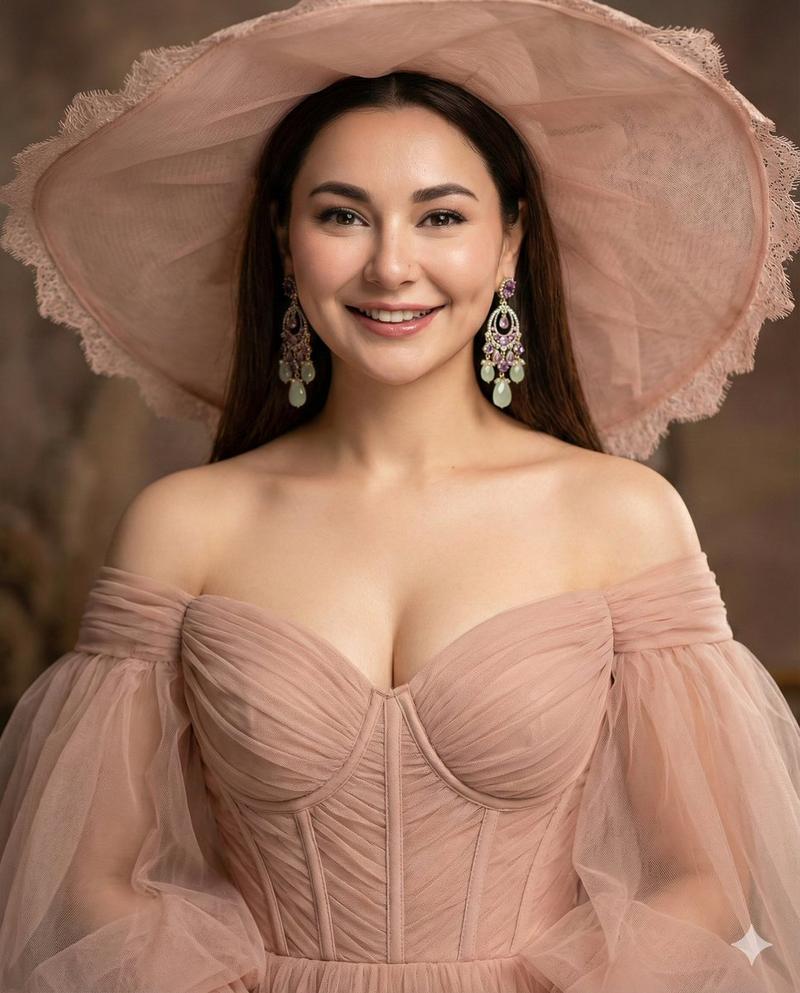
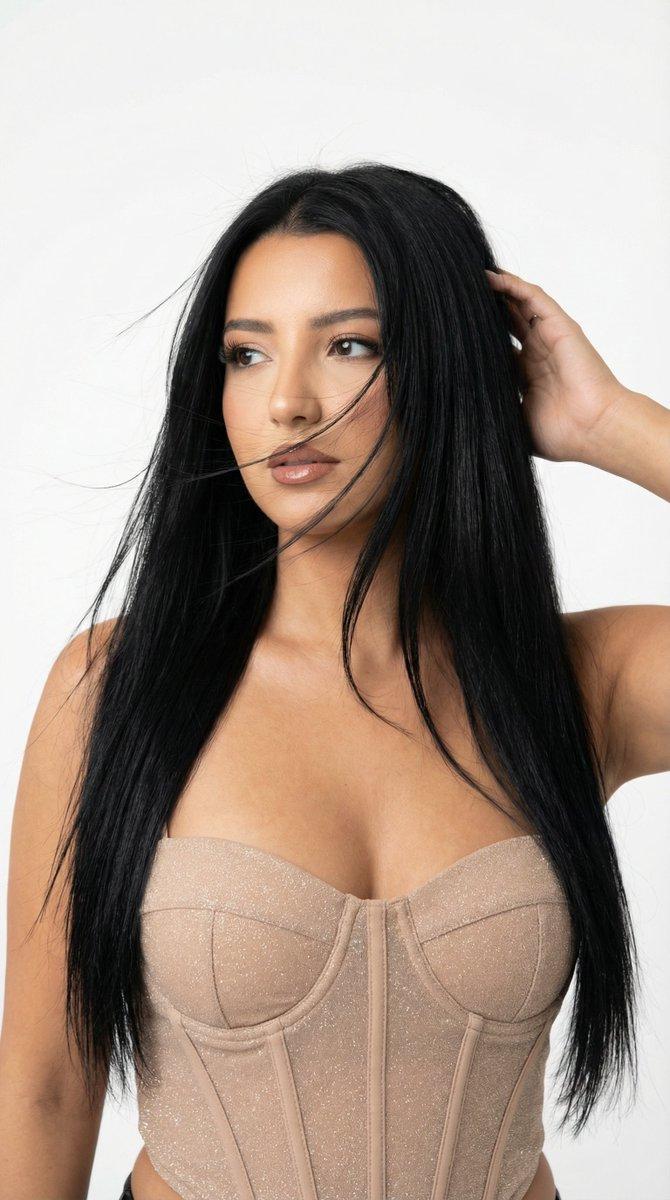
Create a high-fashion editorial look featuring a woman wearing a strapless sheer corset gown, also known as an illusion lace evening gown. The dress has a nude skin-tone base with intricate {argument name="lace color" default="black"} lace embroidery layered over transparent fabric. The corset-style bodice includes visible boning that cinches and shapes the waist, while the strapless neckline highlights the shoulders and collarbone. A dramatic {argument name="train color" default="black"} tulle train or skirt is attached at the back, adding volume, movement, and elegance to the silhouette. The overall aesthetic is luxurious, refined, and couture-focused, emphasizing structure, transparency, and contrast between nude fabric and black detailing.
Category
创意图片
Model
Nano Banana Pro
Views1
Source ID
385ac66d-6c99-4756-9f75-d692e658cdba
Published
Mar 8, 2026

Guide

About "高级定制幻象蕾丝紧身胸衣礼服大片"

What is this prompt for?

"高级定制幻象蕾丝紧身胸衣礼服大片" AI image prompt for Nano Banana Pro (创意图片). 生成一张时尚大片风格的女性图片,她身穿无肩带幻象蕾丝紧身胸衣礼服,重点突出裸色底衬、黑色蕾丝刺绣、可见的鱼骨细节以及戏剧性的薄纱拖尾的精致之处。 --- 打造一款高级时装编辑风格造型,主角是一…

The full copyable prompt and example visuals above are ready for AI image generation or one-click recreate in Picva.

How to use this prompt

  1. Step 1

    Open the prompt detail

    Review the example visuals, category, and full prompt text for "高级定制幻象蕾丝紧身胸衣礼服大片".

  2. Step 2

    Copy the prompt

    Copy the prompt body from this page, or load it directly in Studio.

  3. Step 3

    Pick a model (Nano Banana Pro)

    Prefer Nano Banana Pro. If you switch models, keep subject and composition and tweak style terms.

  4. Step 4

    Generate and export

    Recreate the look in Picva, or export into your workflow for editing and publishing.

FAQ

What is the "高级定制幻象蕾丝紧身胸衣礼服大片" prompt?
It is an AI image-generation prompt for Nano Banana Pro in the 创意图片 category. This page includes the full prompt text, example visuals, and a one-click recreate path in Picva.
How do I use this prompt to generate an image?
Copy the prompt from this page, or use Generate / Studio. Paste it into a compatible image model, or recreate the look in Picva with optional reference images.
Which model is this prompt for?
This page lists Nano Banana Pro. Most descriptive prompts also transfer to nearby image models such as GPT Image, Flux, or Midjourney with light style tweaks.
Can I use the result commercially?
You can usually copy the prompt for creation, but commercial use of the final image depends on the model terms, reference-image rights, and the generated content. Follow the source author and platform rules.