18

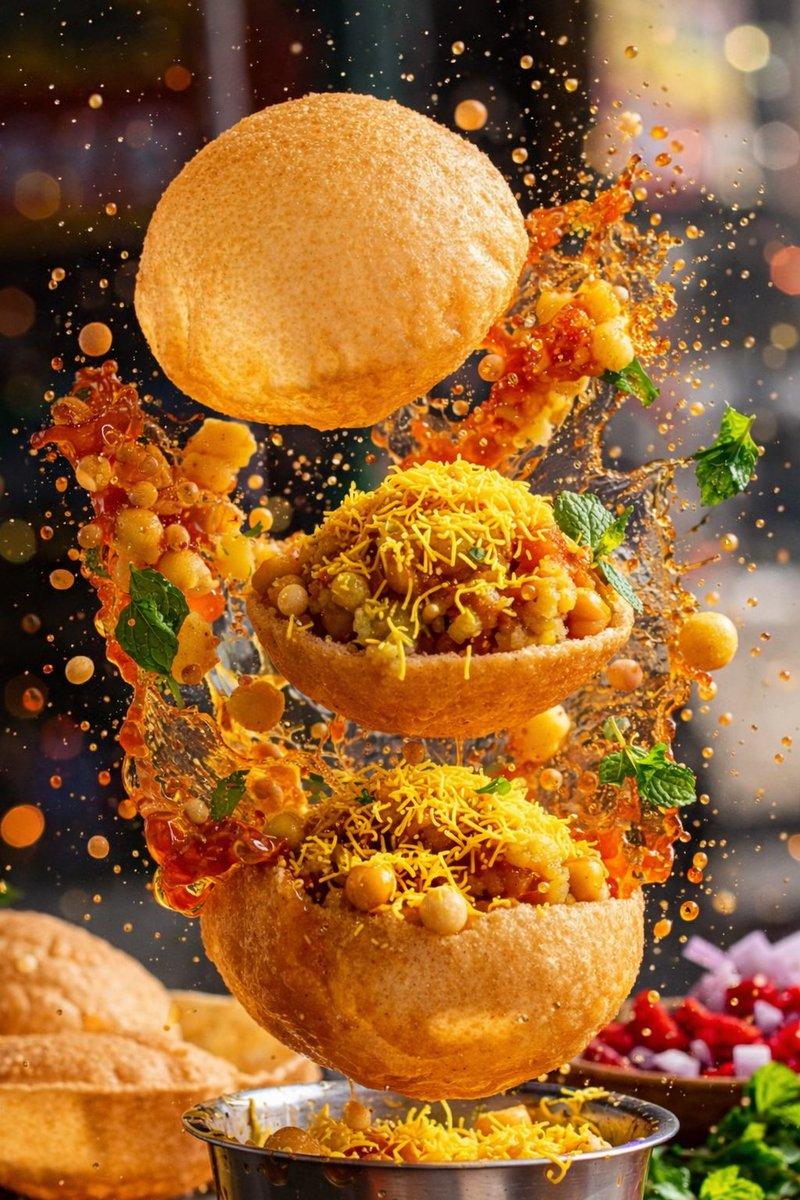
电影级美食烤肉摄影提示词
Enlarge

电影级美食烤肉摄影提示词

Prompt
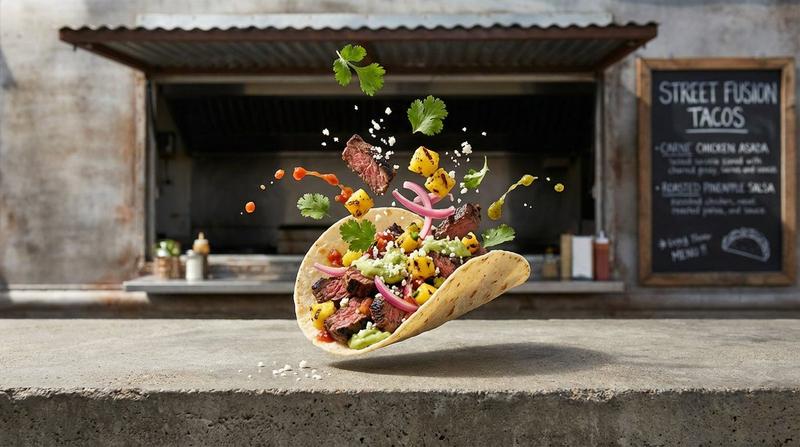
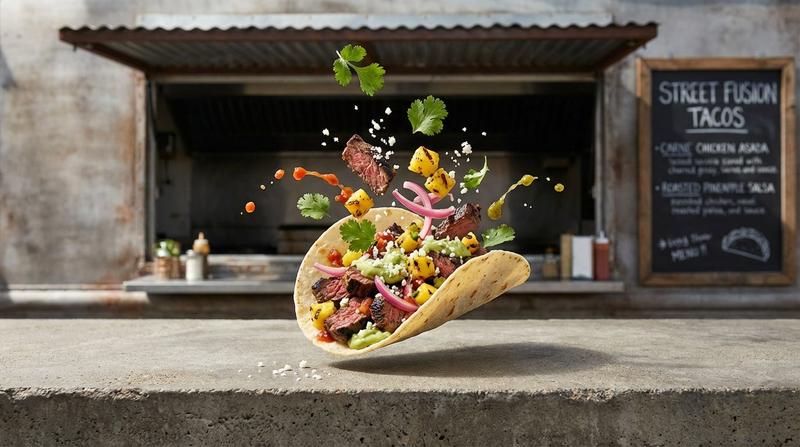
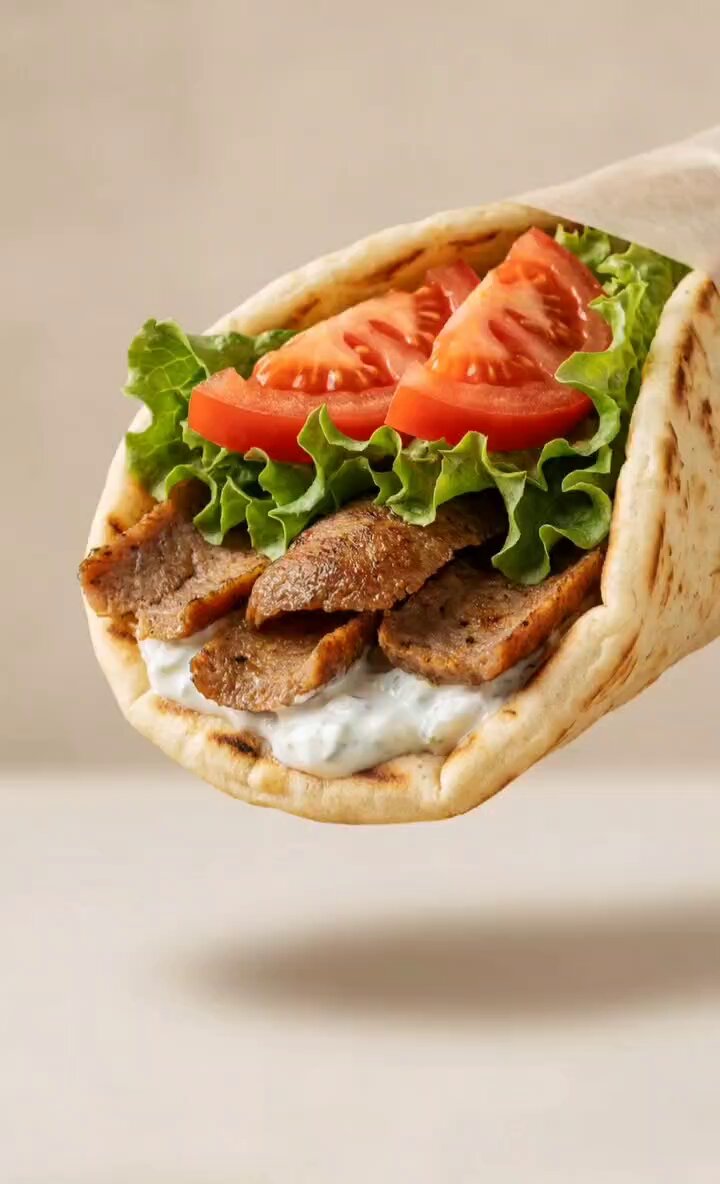
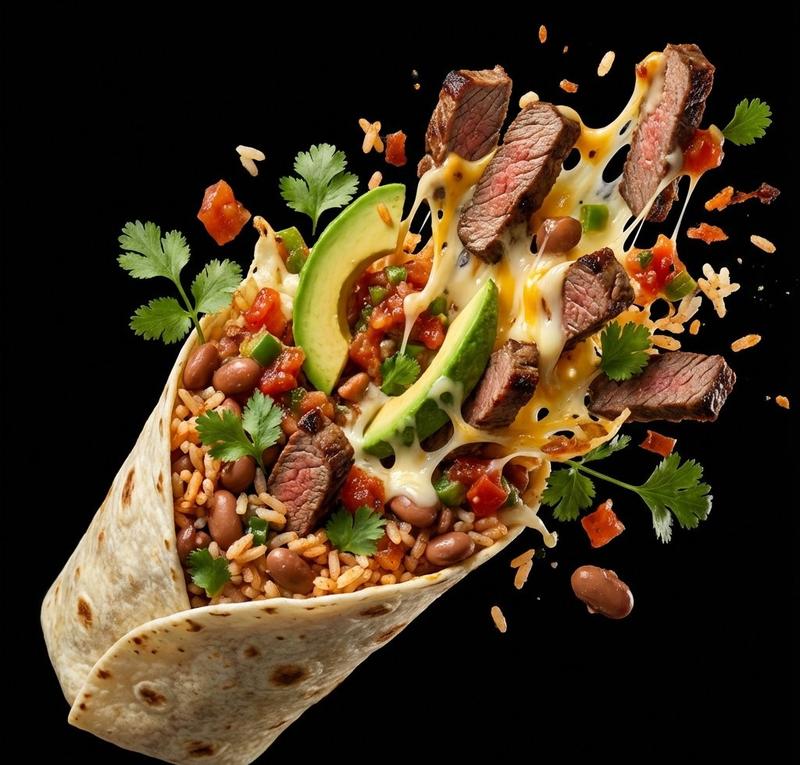
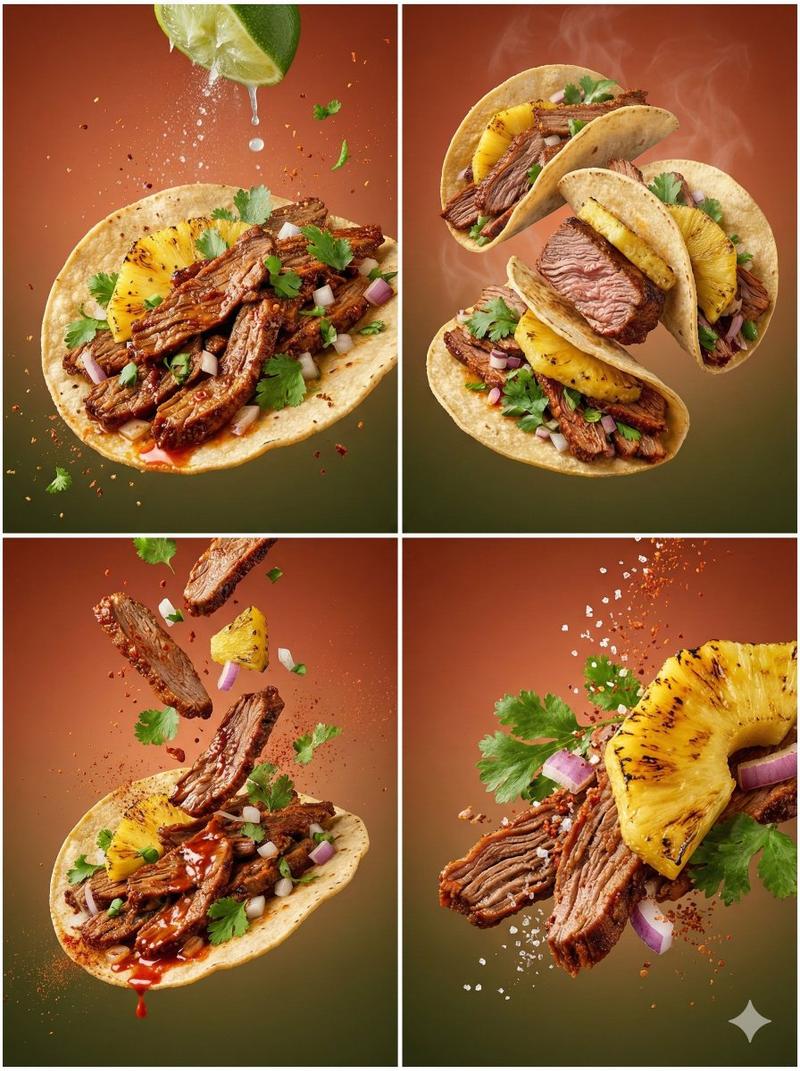
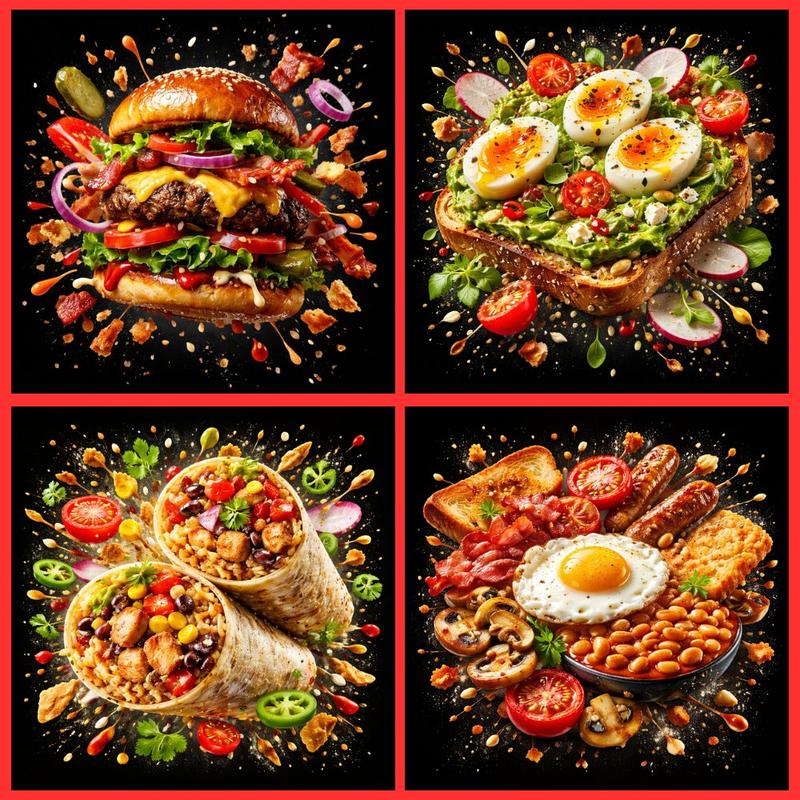
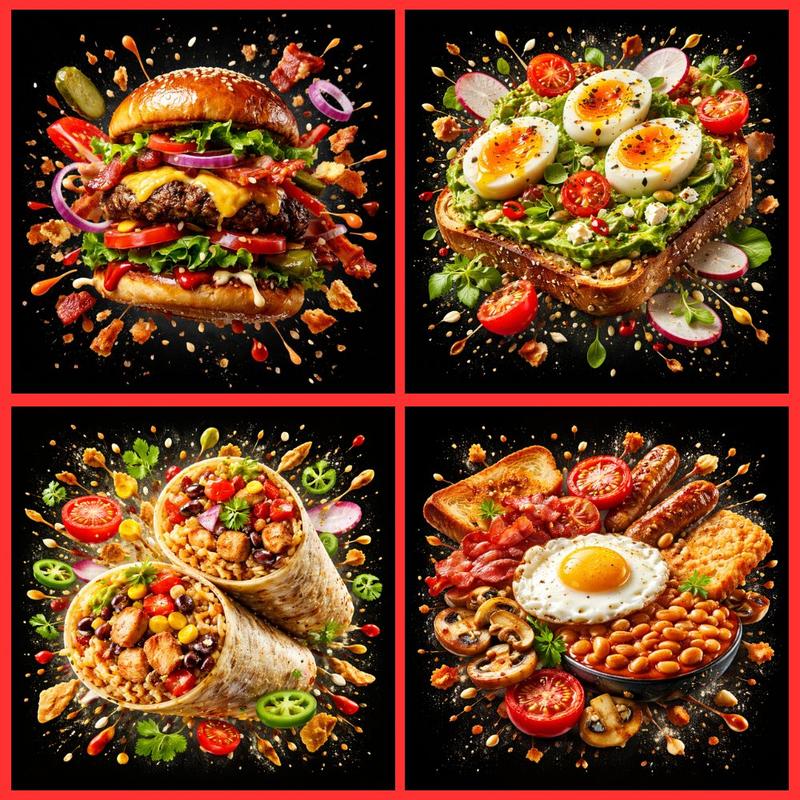
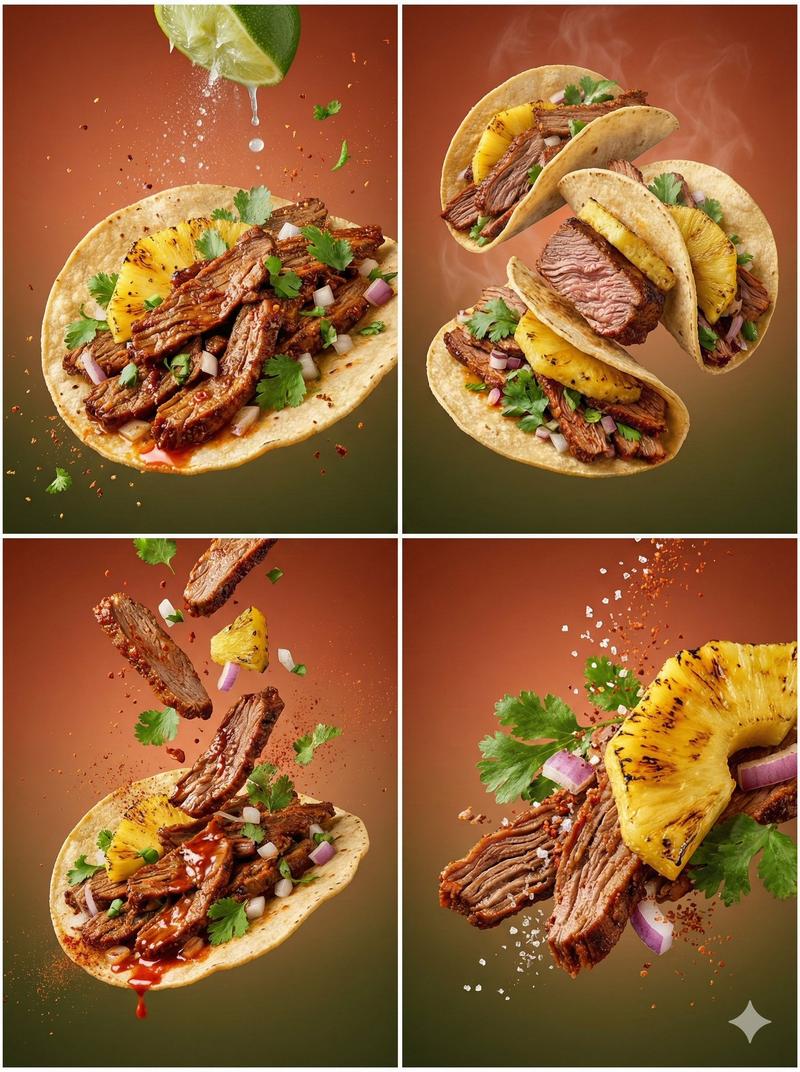
A dramatic cinematic food photography scene featuring gourmet grilled wraps and sandwiches filled with juicy char-grilled meat, fresh vegetables, herbs, and creamy sauces. Close-up macro shots with visible grill marks, dripping sauce, steam and smoke rising from hot food. One scene set near an open flame with glowing fire in the background, another with gloved hands holding a steaming wrap, and a rustic overhead flat-lay of Middle Eastern street-food spreads including hummus, beet dip, green sauces, pickled vegetables, and falafel wraps served in wooden bowls. Dark moody background, warm firelight highlights, shallow depth of field, rich textures, ultra-realistic food styling, professional commercial food photography, cinematic lighting, high contrast, sharp focus, 8K resolution.
Category
创意图片
Model
Nano Banana Pro
Creator
Taaruk
Views0
Source ID
7463fec4-6b78-4788-85ae-262c75f181f9
Published
Mar 8, 2026

Guide

About "电影级美食烤肉摄影提示词"

What is this prompt for?

"电影级美食烤肉摄影提示词" AI image prompt for Nano Banana Pro (创意图片). 一个用于生成戏剧性电影级美食摄影场景的提示,该场景以美味的烤卷饼和三明治为特色。它强调特写微距镜头、清晰可见的烤痕、蒸汽以及带有温暖火光高光的阴郁黑暗背景,旨在实现超现实的食物造型和 8K 分辨率。…

The full copyable prompt and example visuals above are ready for AI image generation or one-click recreate in Picva.

How to use this prompt

  1. Step 1

    Open the prompt detail

    Review the example visuals, category, and full prompt text for "电影级美食烤肉摄影提示词".

  2. Step 2

    Copy the prompt

    Copy the prompt body from this page, or load it directly in Studio.

  3. Step 3

    Pick a model (Nano Banana Pro)

    Prefer Nano Banana Pro. If you switch models, keep subject and composition and tweak style terms.

  4. Step 4

    Generate and export

    Recreate the look in Picva, or export into your workflow for editing and publishing.

FAQ

What is the "电影级美食烤肉摄影提示词" prompt?
It is an AI image-generation prompt for Nano Banana Pro in the 创意图片 category. This page includes the full prompt text, example visuals, and a one-click recreate path in Picva.
How do I use this prompt to generate an image?
Copy the prompt from this page, or use Generate / Studio. Paste it into a compatible image model, or recreate the look in Picva with optional reference images.
Which model is this prompt for?
This page lists Nano Banana Pro. Most descriptive prompts also transfer to nearby image models such as GPT Image, Flux, or Midjourney with light style tweaks.
Can I use the result commercially?
You can usually copy the prompt for creation, but commercial use of the final image depends on the model terms, reference-image rights, and the generated content. Follow the source author and platform rules.