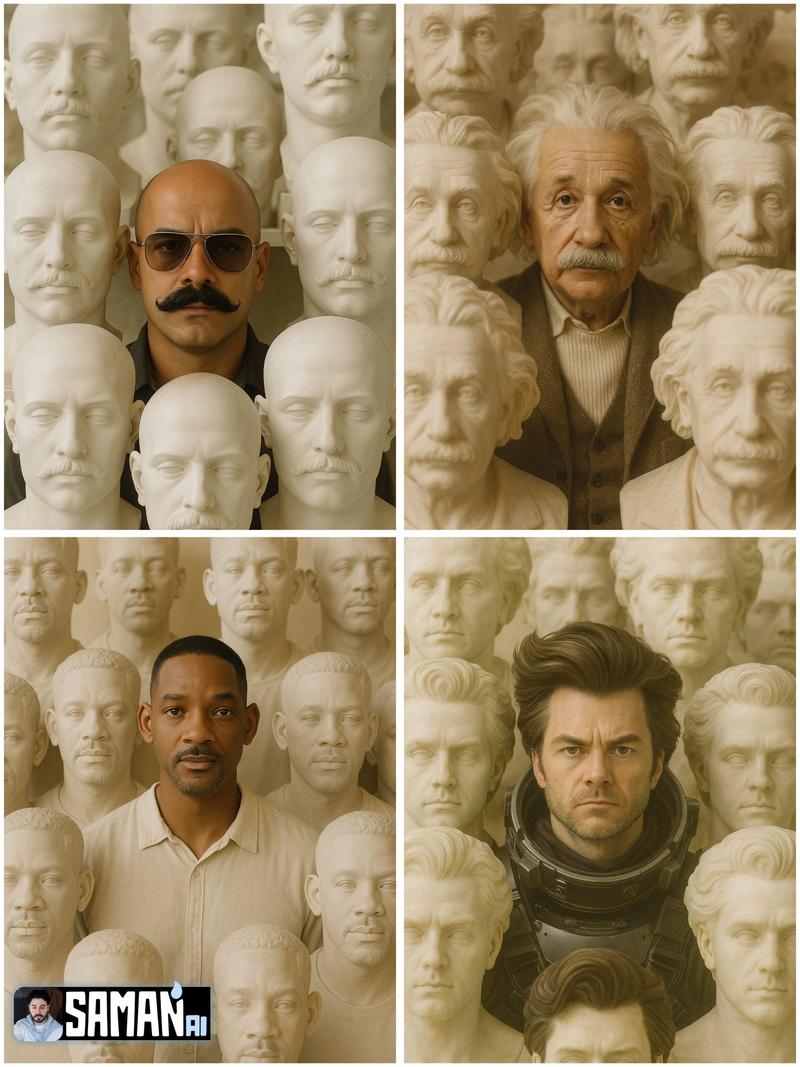
18

超现实反乌托邦概念肖像提示词(面部锁定)
Enlarge

超现实反乌托邦概念肖像提示词(面部锁定)

Prompt
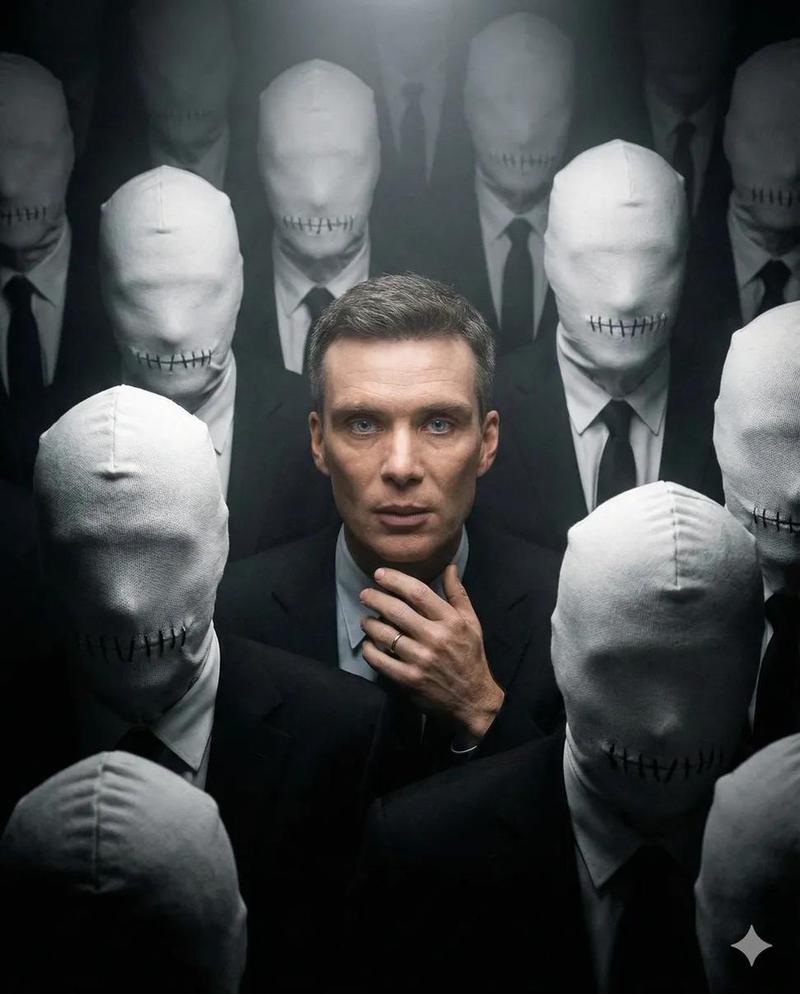
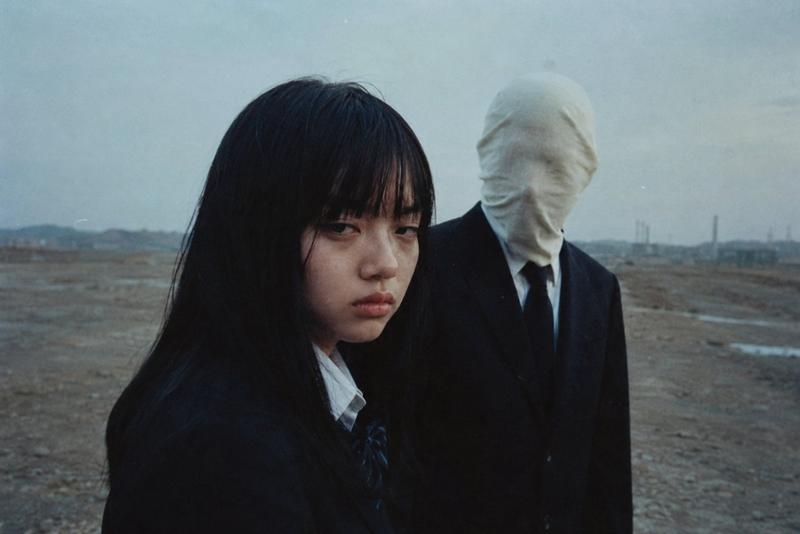
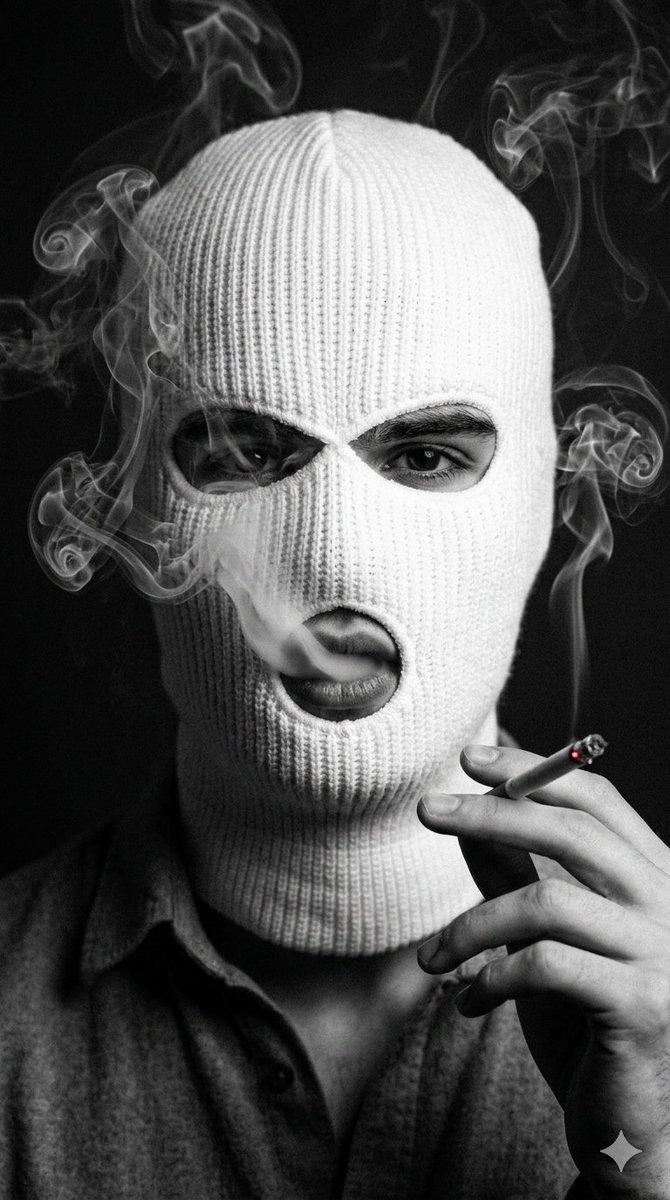
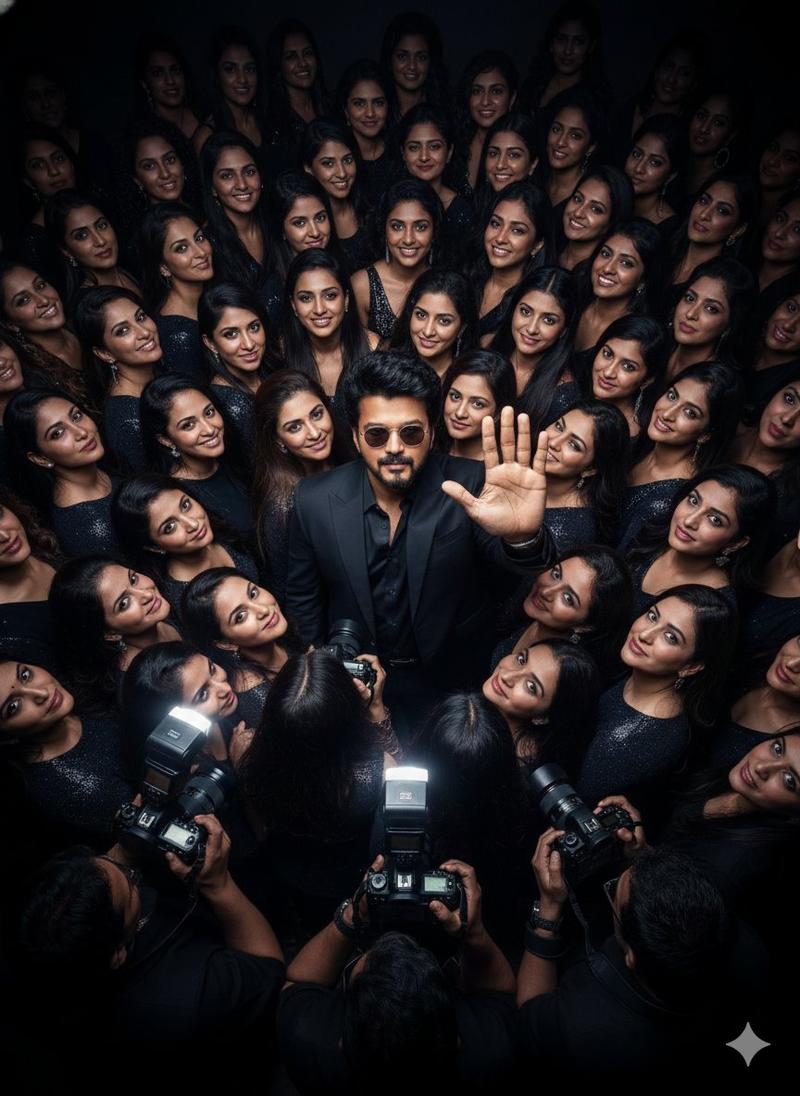
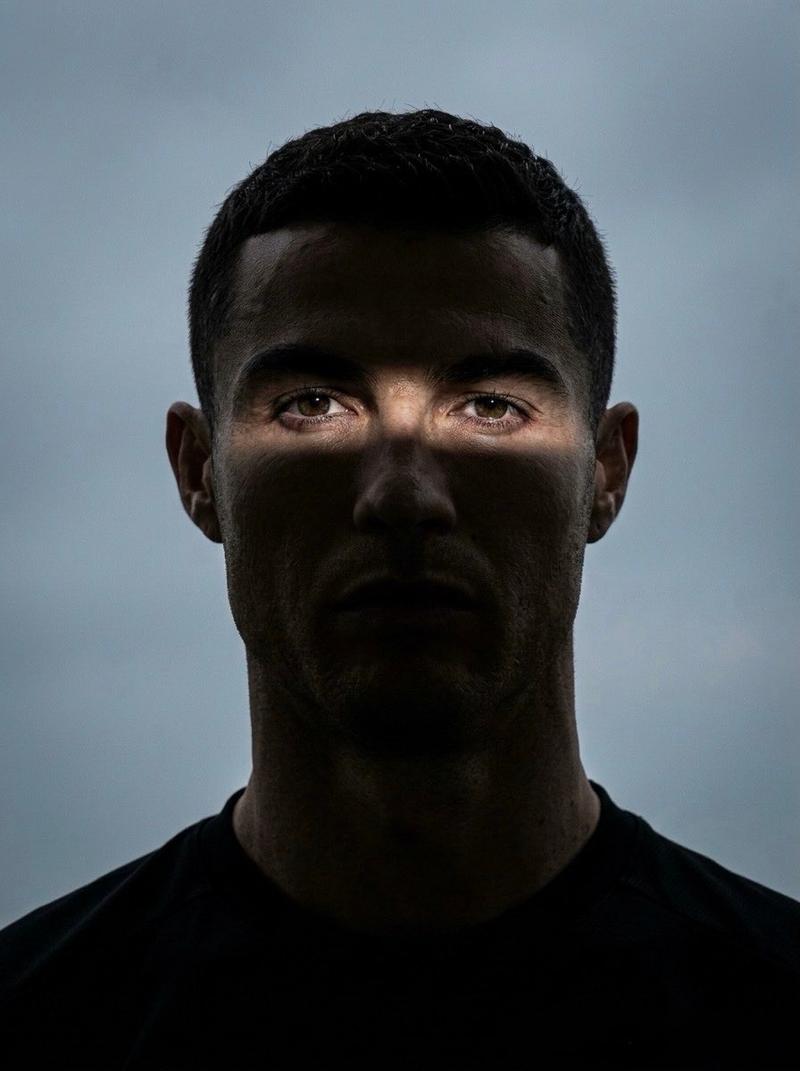
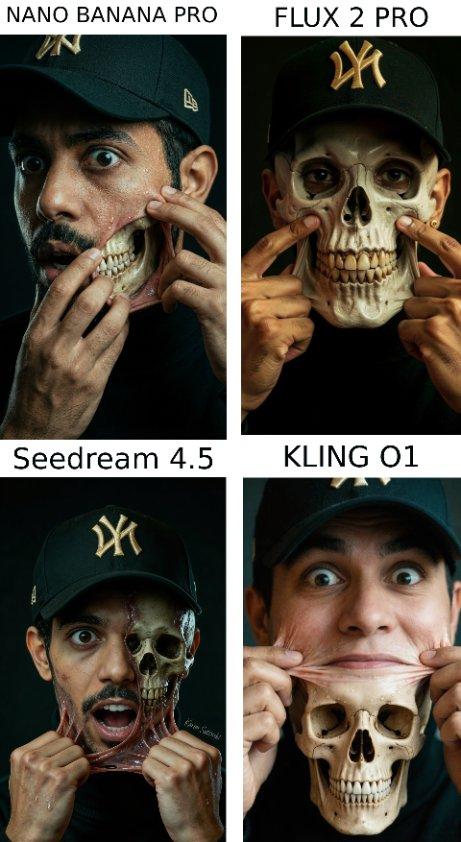
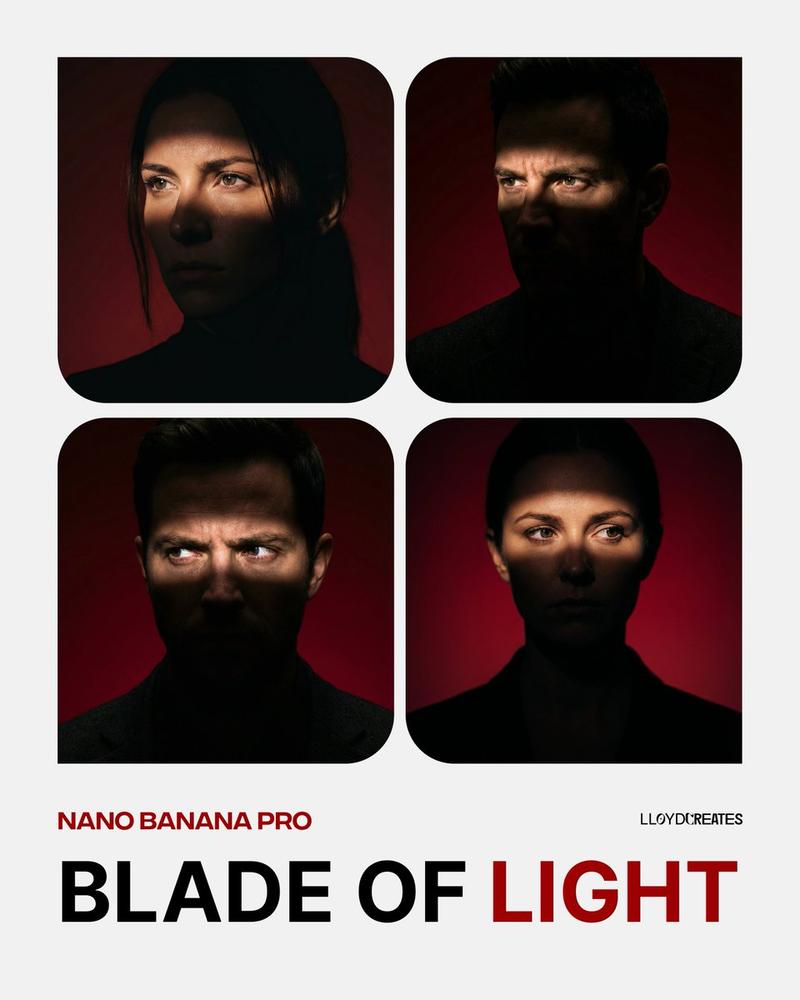
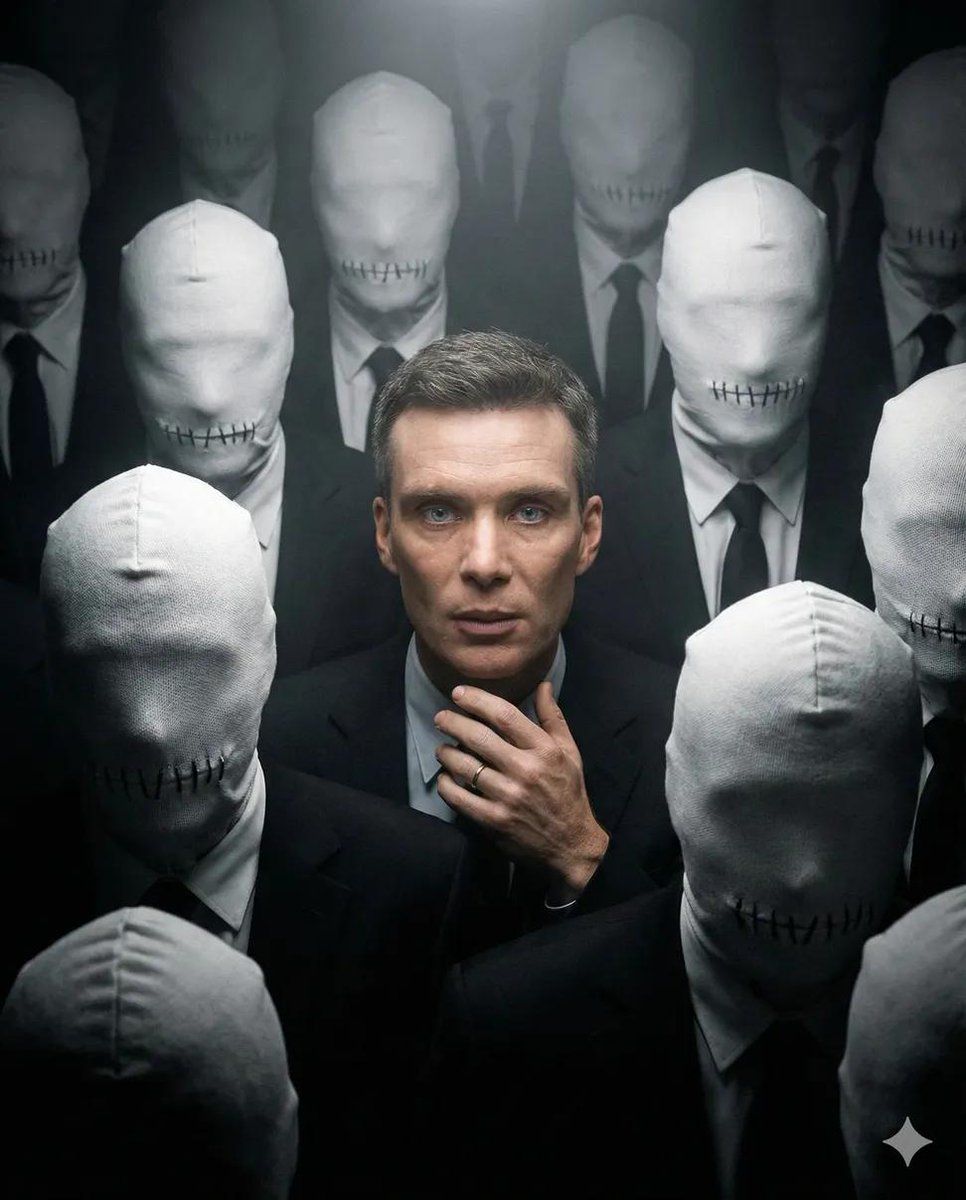
Create a 4:5 surreal, moody conceptual portrait using the uploaded face as the exact identity reference, preserving all facial features. The subject is centered, shot from a slightly elevated medium angle, surrounded by a dense, claustrophobic crowd of anonymous figures. The surrounding figures wear deep black formal clothing and have their heads fully covered in tight white fabric hoods with heavy stitched seams where mouths should be, symbolizing enforced silence and dystopian conformity. Use harsh chiaroscuro lighting with a single overhead spotlight isolating the central subject, making natural skin tones stand out against the monochrome crowd. Add cinematic haze to enhance isolation and tension. Ultra-realistic textures, haunting atmosphere, high contrast, shot on 35mm film, 8K resolution, evocative and unsettling, no change to identity.
Category
创意图片
Model
Nano Banana Pro
Views0
Source ID
c8dffad2-690e-4c76-9de2-8a63632b0720
Published
Mar 8, 2026

Guide

About "超现实反乌托邦概念肖像提示词(面部锁定)"

What is this prompt for?

"超现实反乌托邦概念肖像提示词(面部锁定)" AI image prompt for Nano Banana Pro (创意图片). 一个用于生成超现实、情绪化概念肖像的提示,使用上传的面部作为严格的身份参考。主体被一束头顶聚光灯孤立,周围是一群穿着黑色正装和白色布质头罩的匿名人物,营造出幽闭恐惧感,象征着强制的沉默…

The full copyable prompt and example visuals above are ready for AI image generation or one-click recreate in Picva.

How to use this prompt

  1. Step 1

    Open the prompt detail

    Review the example visuals, category, and full prompt text for "超现实反乌托邦概念肖像提示词(面部锁定)".

  2. Step 2

    Copy the prompt

    Copy the prompt body from this page, or load it directly in Studio.

  3. Step 3

    Pick a model (Nano Banana Pro)

    Prefer Nano Banana Pro. If you switch models, keep subject and composition and tweak style terms.

  4. Step 4

    Generate and export

    Recreate the look in Picva, or export into your workflow for editing and publishing.

FAQ

What is the "超现实反乌托邦概念肖像提示词(面部锁定)" prompt?
It is an AI image-generation prompt for Nano Banana Pro in the 创意图片 category. This page includes the full prompt text, example visuals, and a one-click recreate path in Picva.
How do I use this prompt to generate an image?
Copy the prompt from this page, or use Generate / Studio. Paste it into a compatible image model, or recreate the look in Picva with optional reference images.
Which model is this prompt for?
This page lists Nano Banana Pro. Most descriptive prompts also transfer to nearby image models such as GPT Image, Flux, or Midjourney with light style tweaks.
Can I use the result commercially?
You can usually copy the prompt for creation, but commercial use of the final image depends on the model terms, reference-image rights, and the generated content. Follow the source author and platform rules.