20

Nano Banana Pro 的专业头像照片提示
Enlarge

Nano Banana Pro 的专业头像照片提示

Prompt
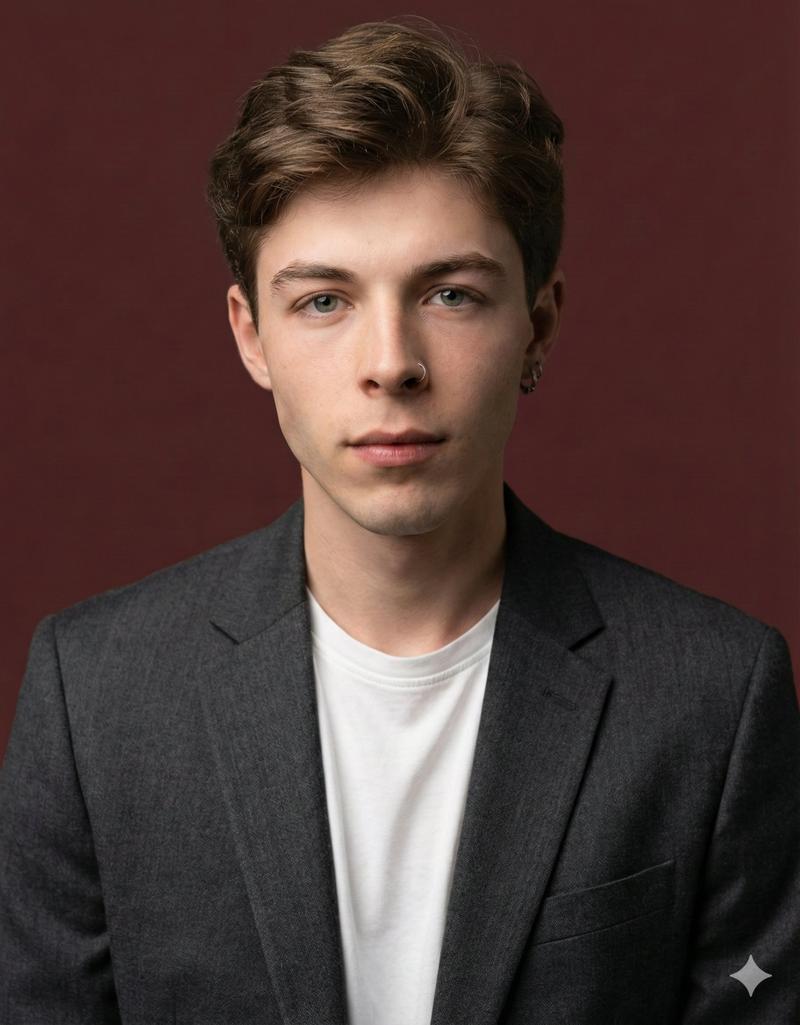
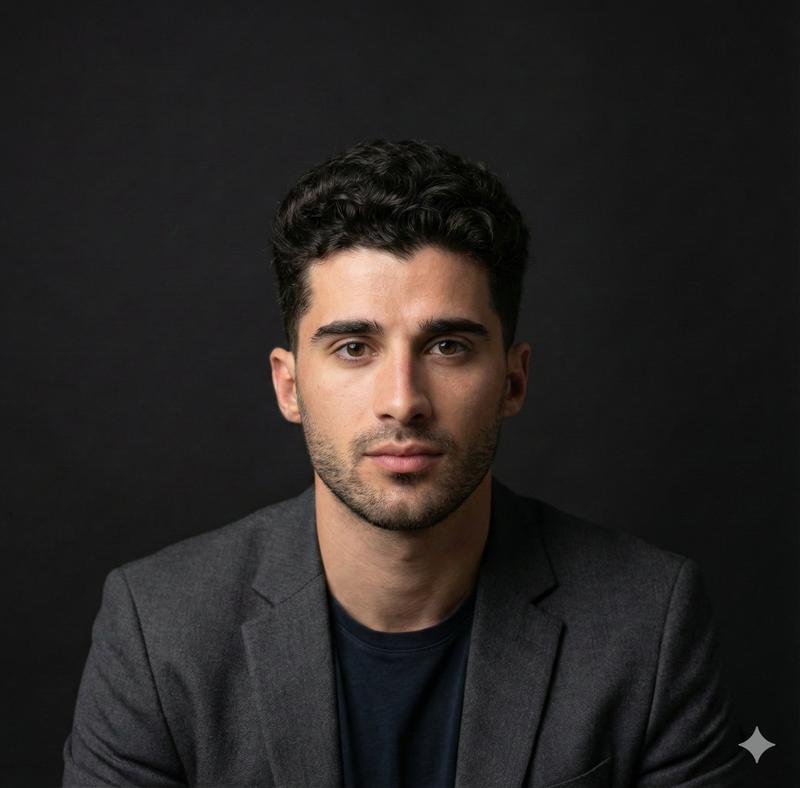
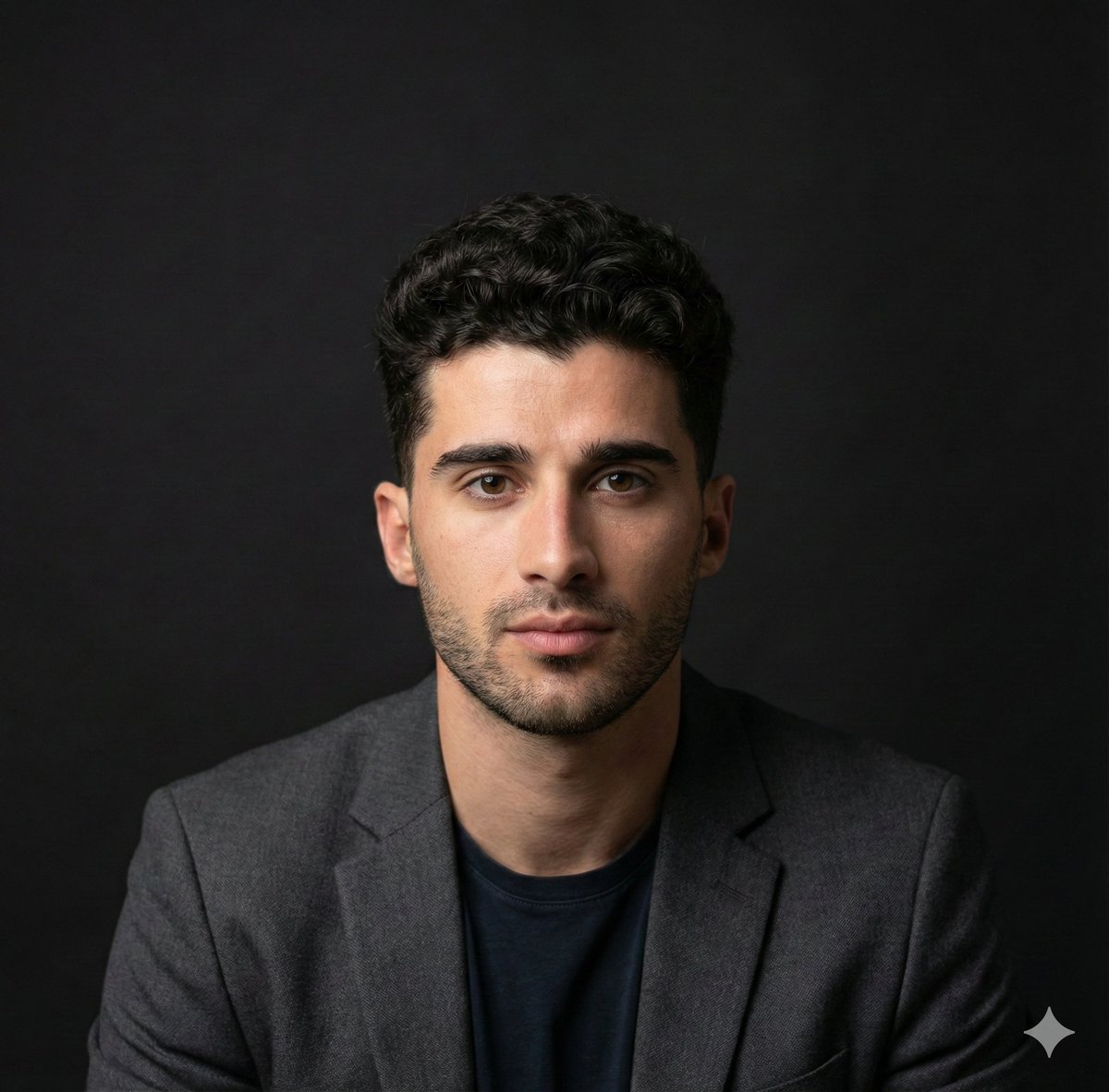
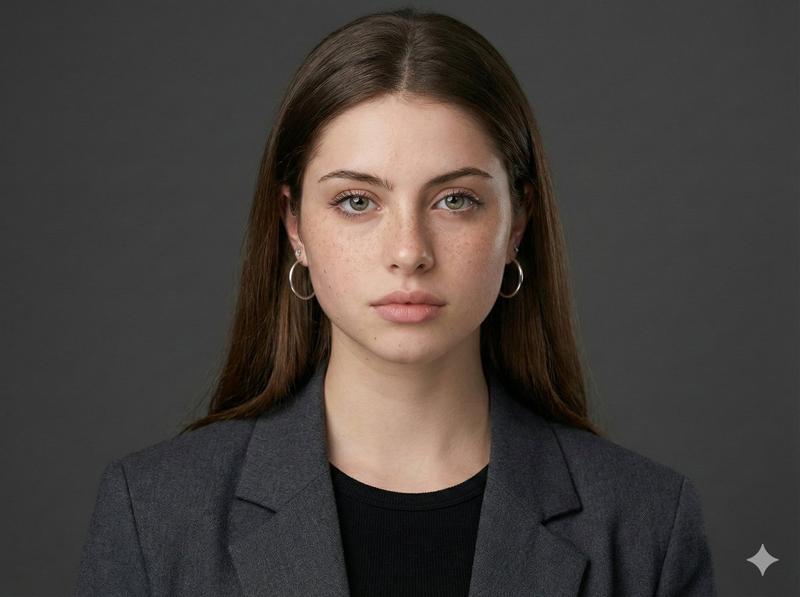
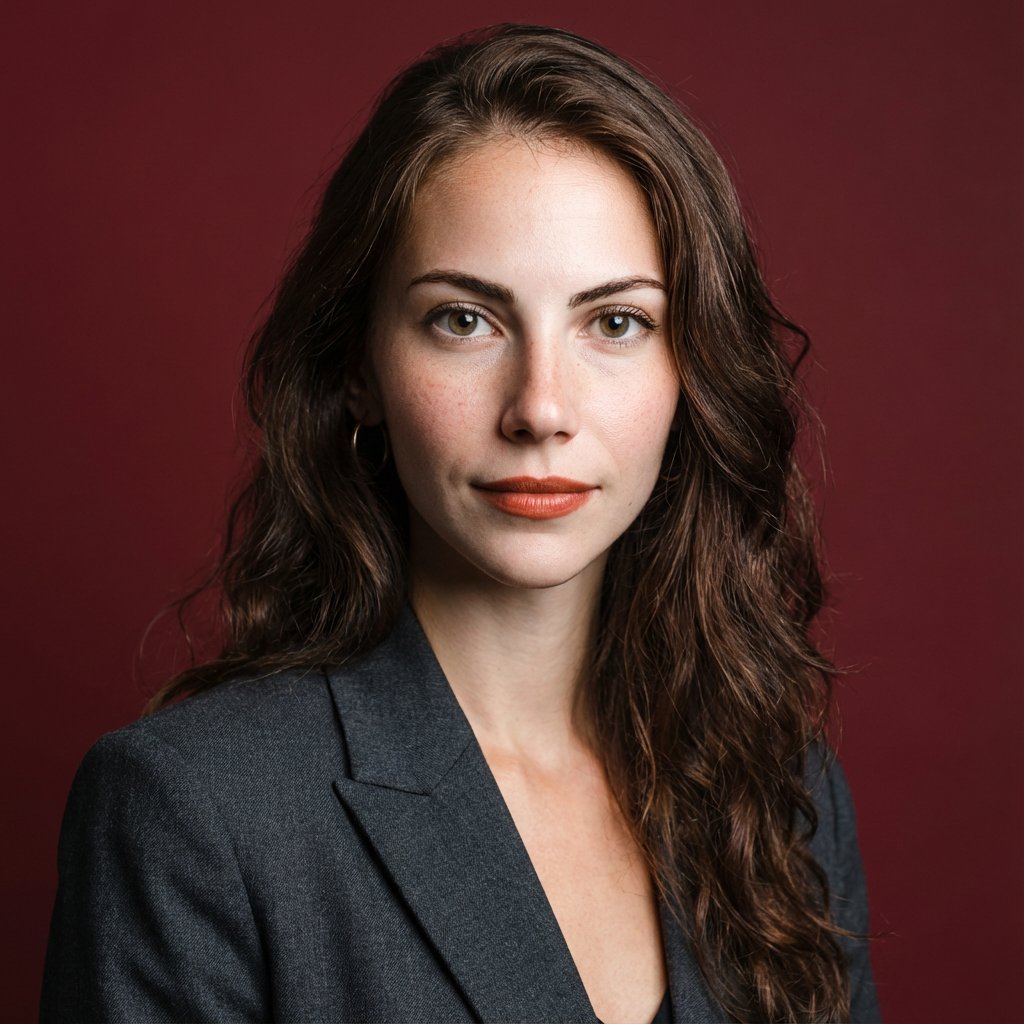
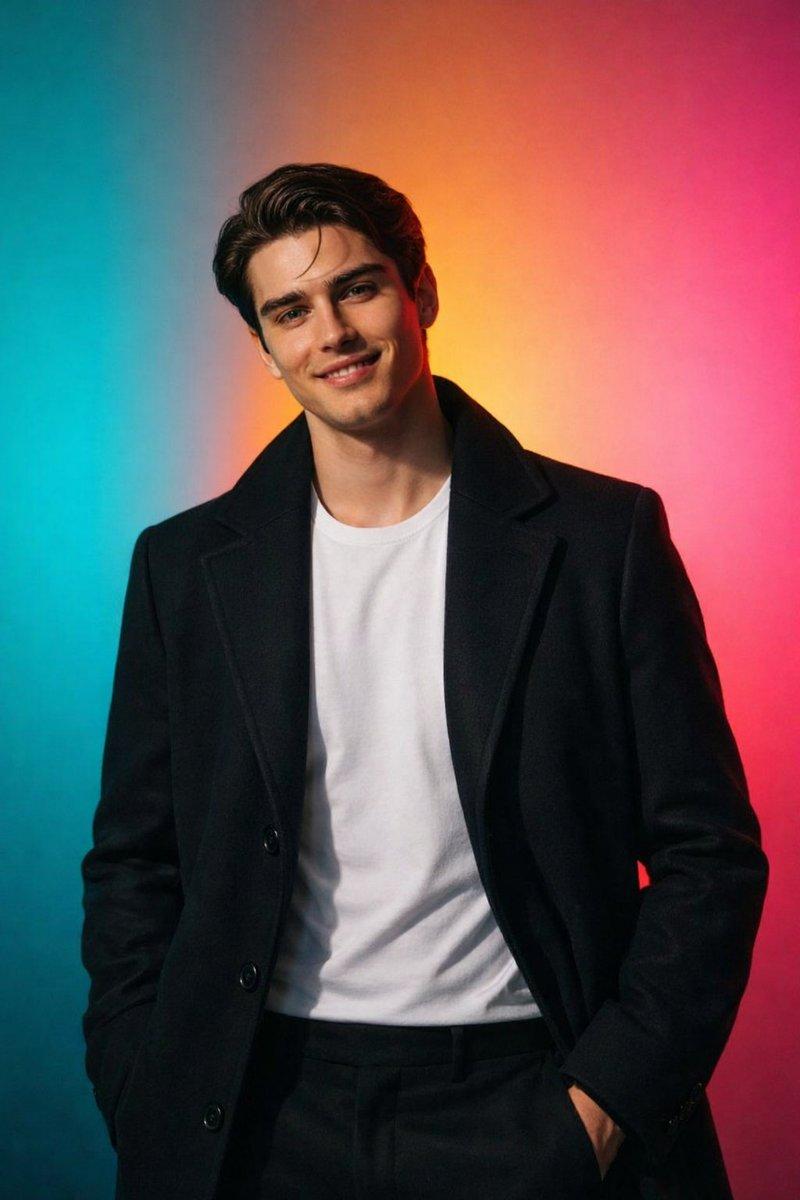
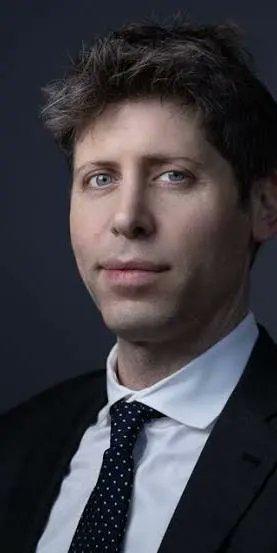
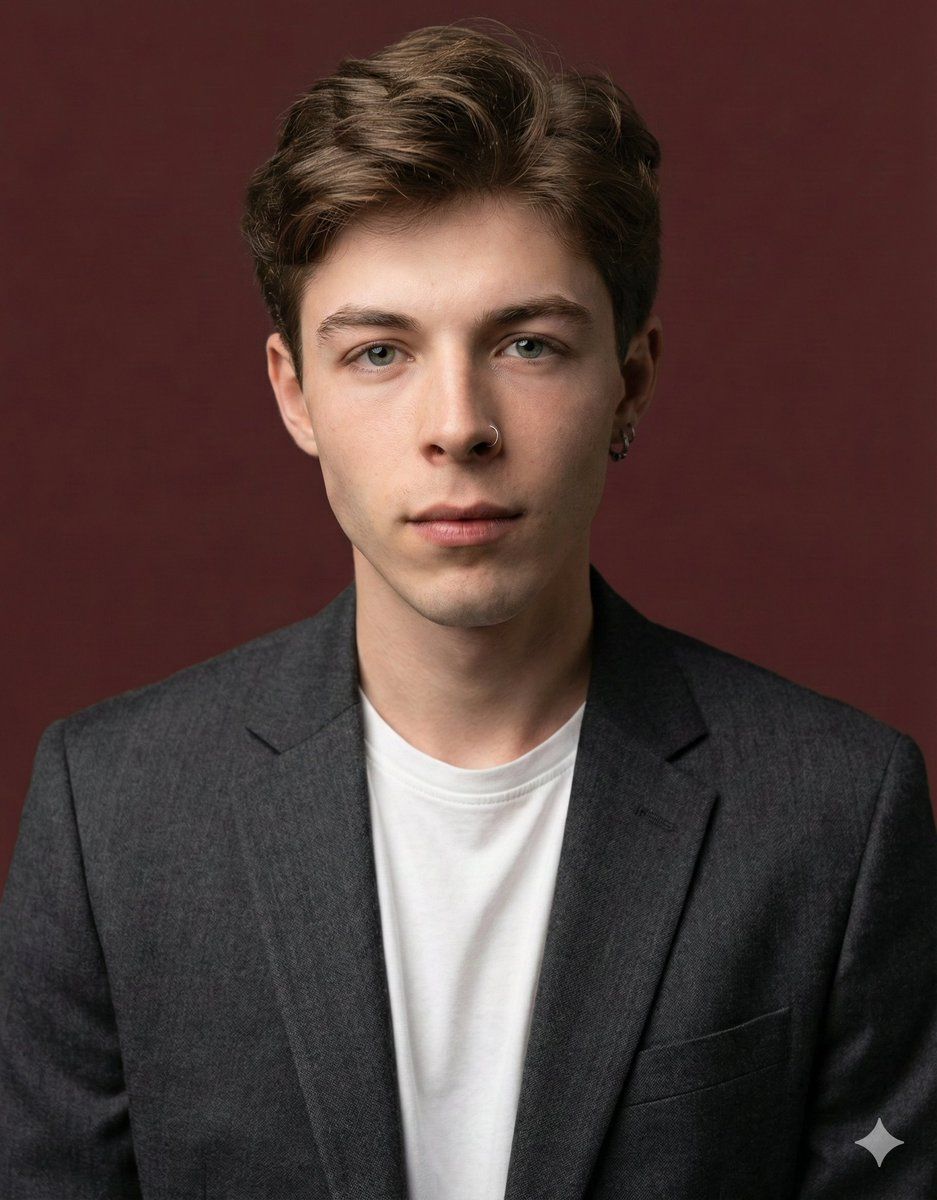
고화질의 전문적인 프로필 사진으로, 입력 이미지 속 인물의 정확한 얼굴 구조, 신원, 주요 특징을 유지합니다. 피사체는 가슴 위로 프레임 되며, 충분한 헤드룸을 확보합니다. 인물은 카메라를 정면으로 바라봅니다. 고급스러운 스마트 캐주얼 블레이저를 은은한 차콜 그레이 색상으로 입혀 전문적인 포토 스튜디오 촬영 스타일로 연출합니다. 배경은 단색 "{argument name="배경 색상" default="#562226"}"의 뉴트럴 스튜디오 색상입니다. 하이 앵글에서 촬영하며, 밝고 통풍이 잘 되는 부드러운 확산광의 스튜디오 조명을 사용하여 얼굴을 은은하게 비추고 눈에 미묘한 캐치라이트를 만들어 명료함을 전달합니다. 85mm f/1.8 렌즈로 촬영하며, 얕은 피사계 심도, 눈에 절묘하게 초점이 맞춰지고, 아름답고 부드러운 보케를 구현합니다. 블레이저의 직물 질감, 머리카락 한 올 한 올, 자연스럽고 사실적인 피부 질감에 선명한 디테일을 포착합니다. 분위기는 자신감, 전문성, 접근 용이성을 발산합니다. 깨끗하고 밝은 시네마틱 색 보정에 미묘한 따뜻함과 균형 잡힌 톤을 더하여, 세련되고 현대적인 느낌을 보장합니다.
Category
创意图片
Model
Nano Banana Pro
Creator
lucas
Views0
Source ID
d3beb219-8957-4fd4-a34a-9dc1ca5eef62
Published
Mar 8, 2026

Guide

About "Nano Banana Pro 的专业头像照片提示"

What is this prompt for?

"Nano Banana Pro 的专业头像照片提示" AI image prompt for Nano Banana Pro (创意图片). 一个详细的韩语提示模板,用于使用 Nano Banana Pro 从输入图像生成专业高质量的个人资料照片,并可控制构图、服装、背景颜色、光线、镜头和情绪。 --- 一张高分辨…

The full copyable prompt and example visuals above are ready for AI image generation or one-click recreate in Picva.

How to use this prompt

  1. Step 1

    Open the prompt detail

    Review the example visuals, category, and full prompt text for "Nano Banana Pro 的专业头像照片提示".

  2. Step 2

    Copy the prompt

    Copy the prompt body from this page, or load it directly in Studio.

  3. Step 3

    Pick a model (Nano Banana Pro)

    Prefer Nano Banana Pro. If you switch models, keep subject and composition and tweak style terms.

  4. Step 4

    Generate and export

    Recreate the look in Picva, or export into your workflow for editing and publishing.

FAQ

What is the "Nano Banana Pro 的专业头像照片提示" prompt?
It is an AI image-generation prompt for Nano Banana Pro in the 创意图片 category. This page includes the full prompt text, example visuals, and a one-click recreate path in Picva.
How do I use this prompt to generate an image?
Copy the prompt from this page, or use Generate / Studio. Paste it into a compatible image model, or recreate the look in Picva with optional reference images.
Which model is this prompt for?
This page lists Nano Banana Pro. Most descriptive prompts also transfer to nearby image models such as GPT Image, Flux, or Midjourney with light style tweaks.
Can I use the result commercially?
You can usually copy the prompt for creation, but commercial use of the final image depends on the model terms, reference-image rights, and the generated content. Follow the source author and platform rules.