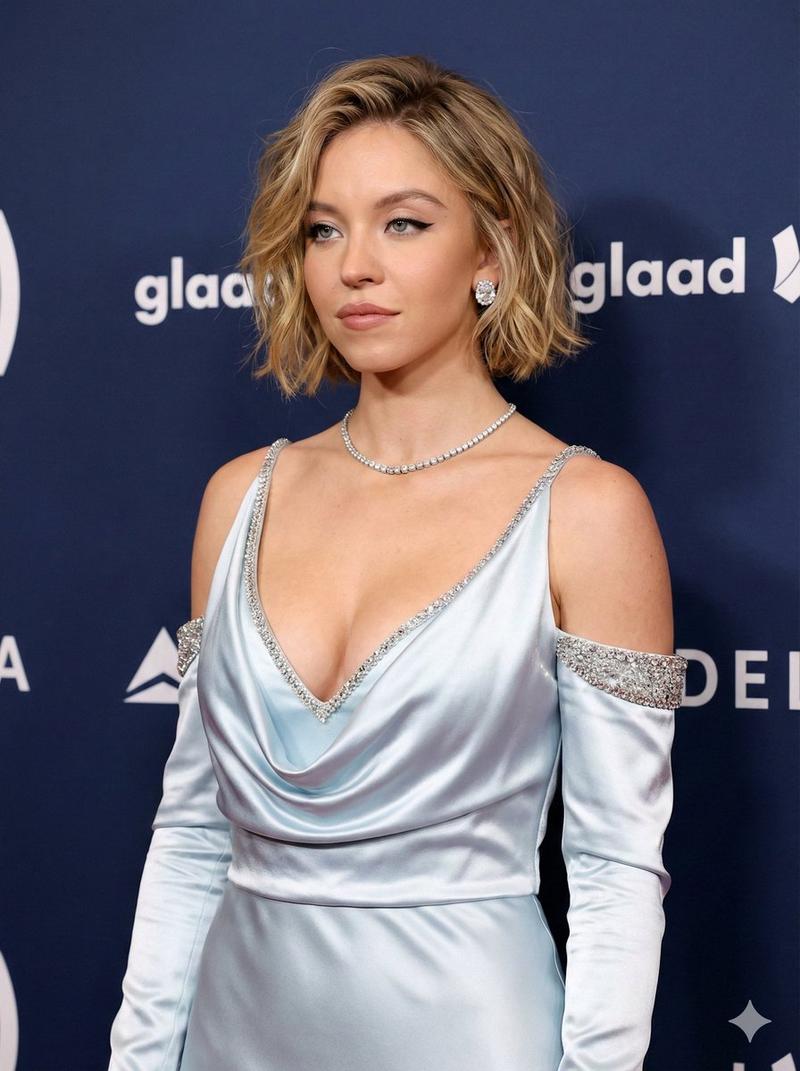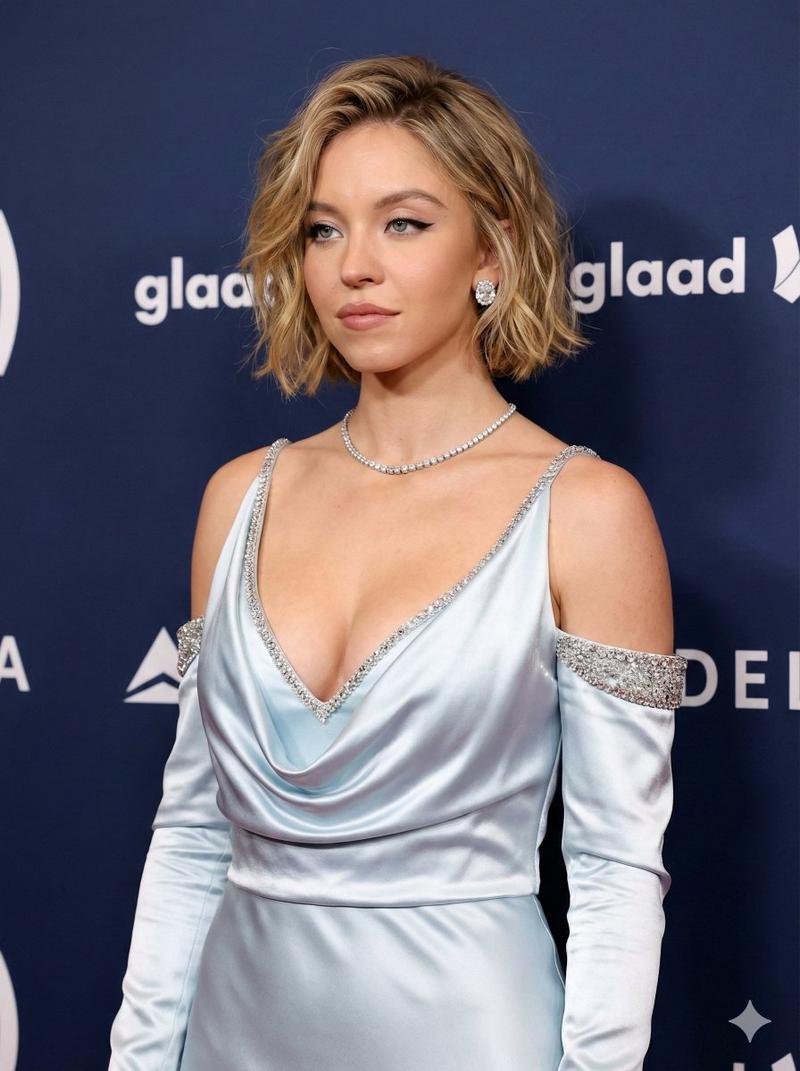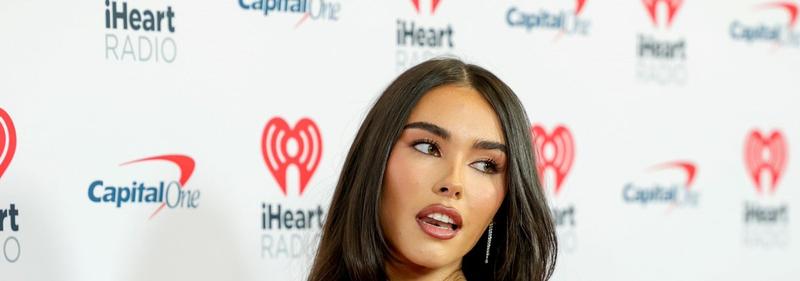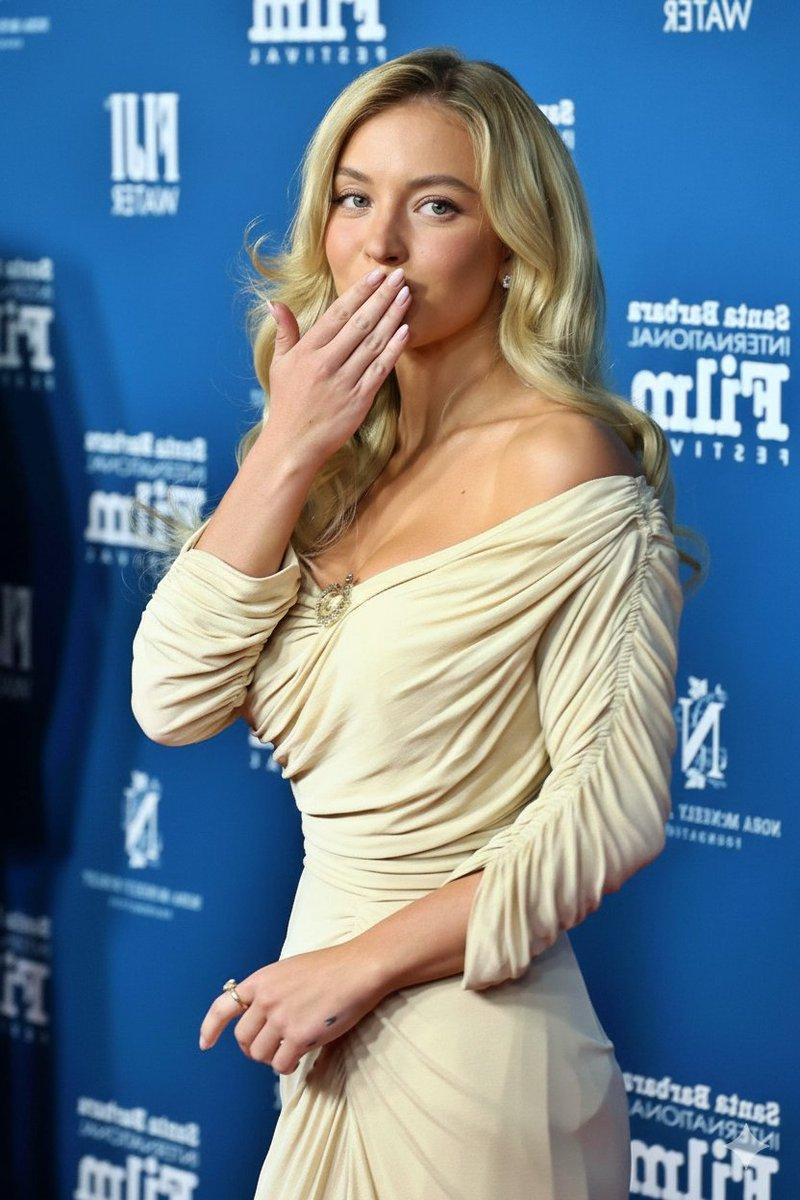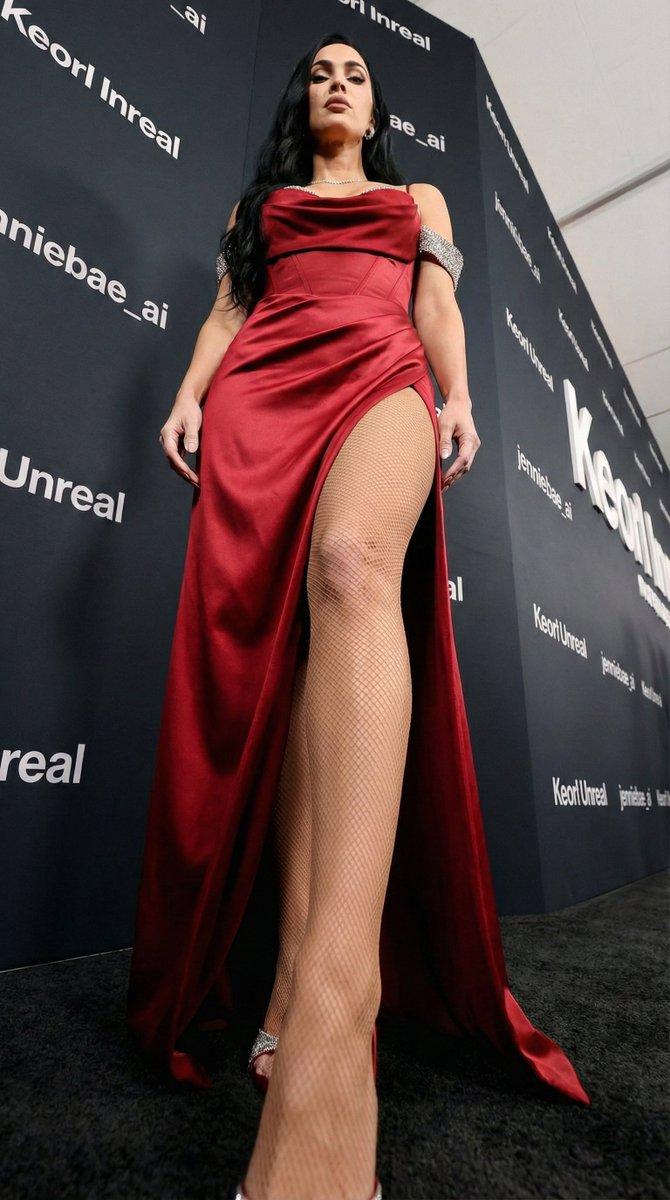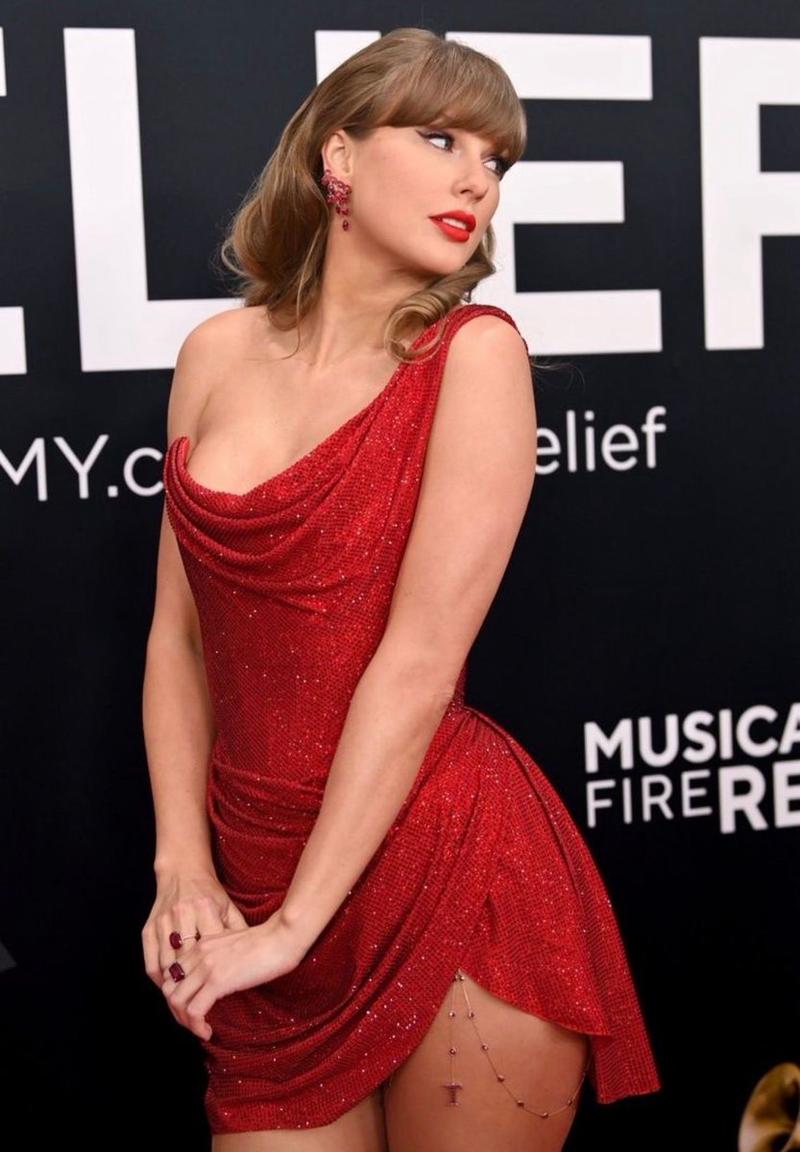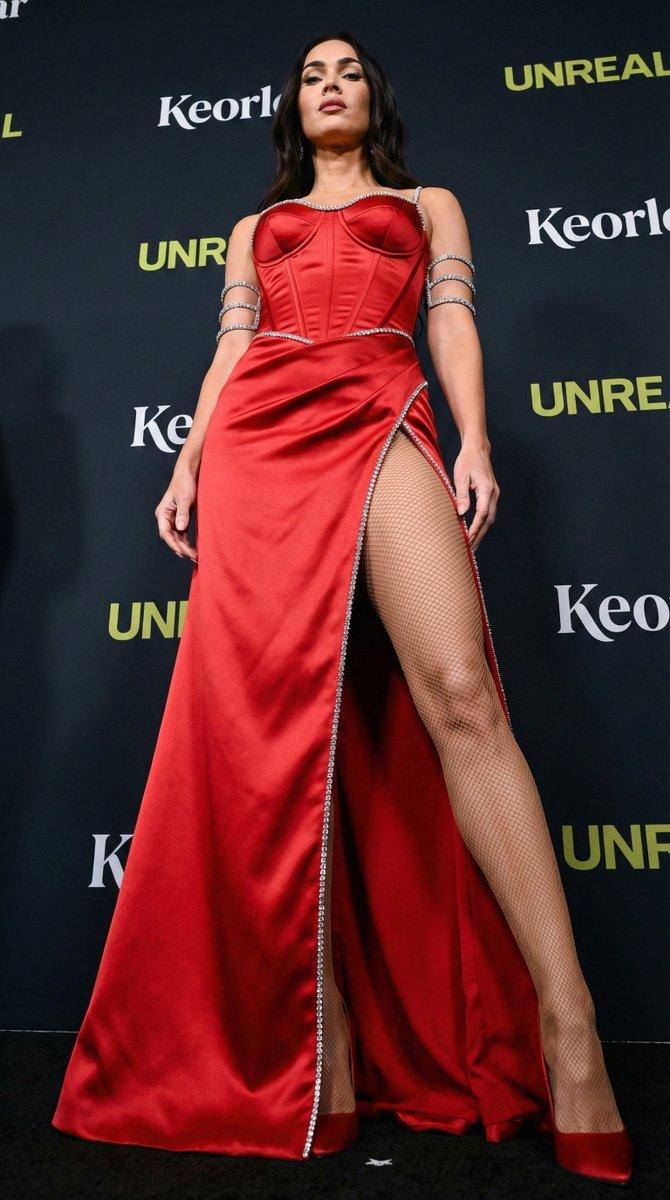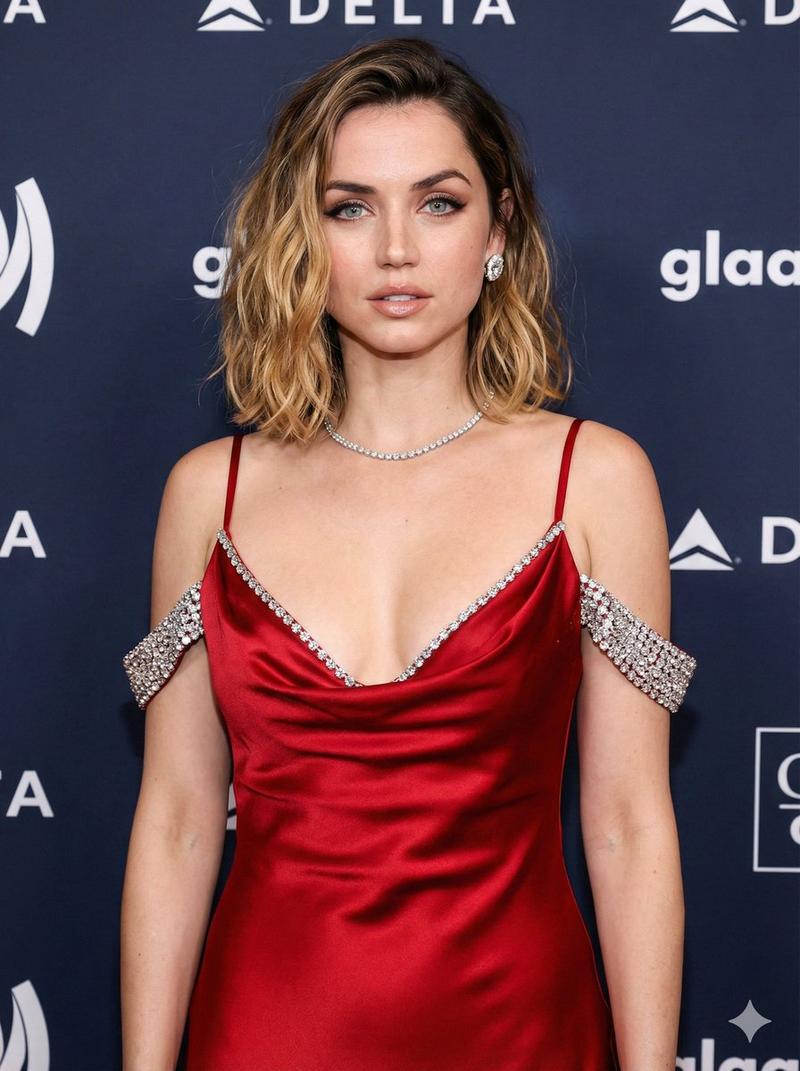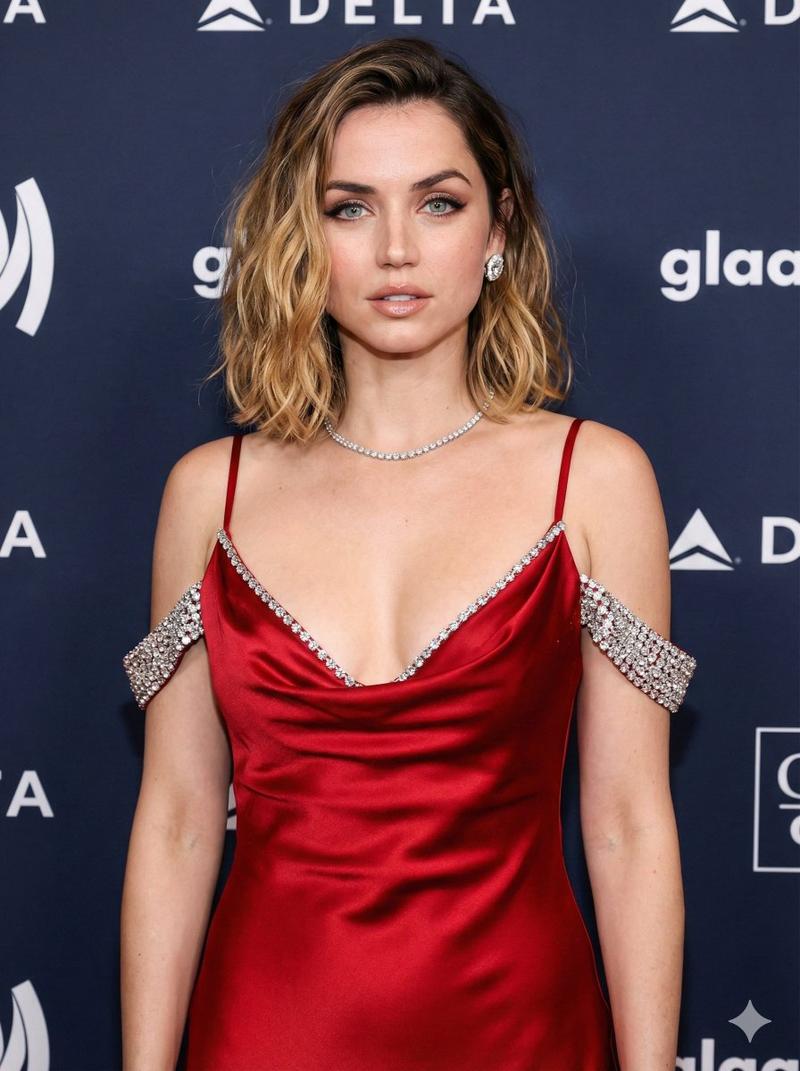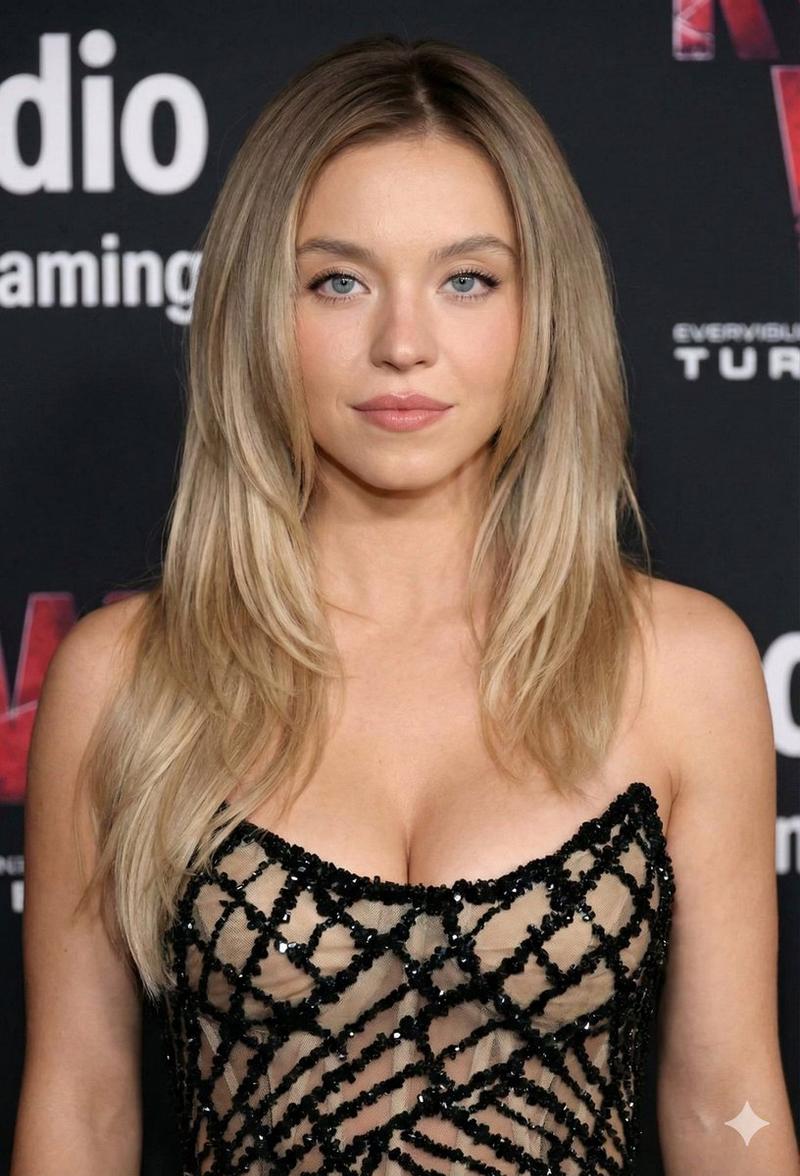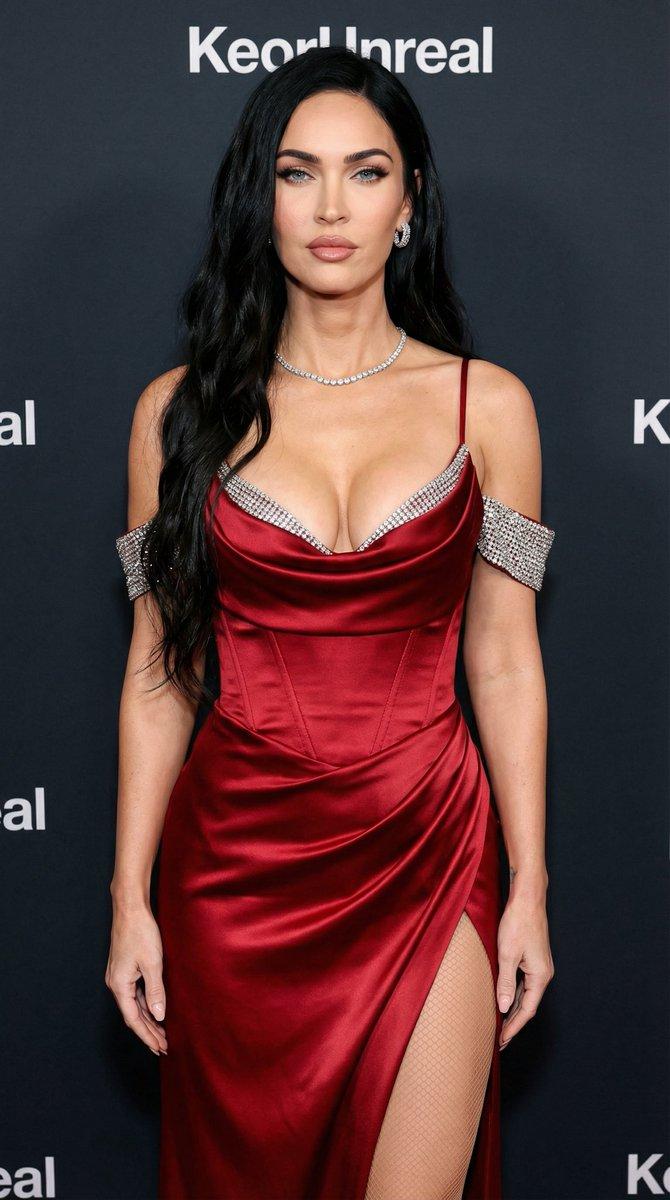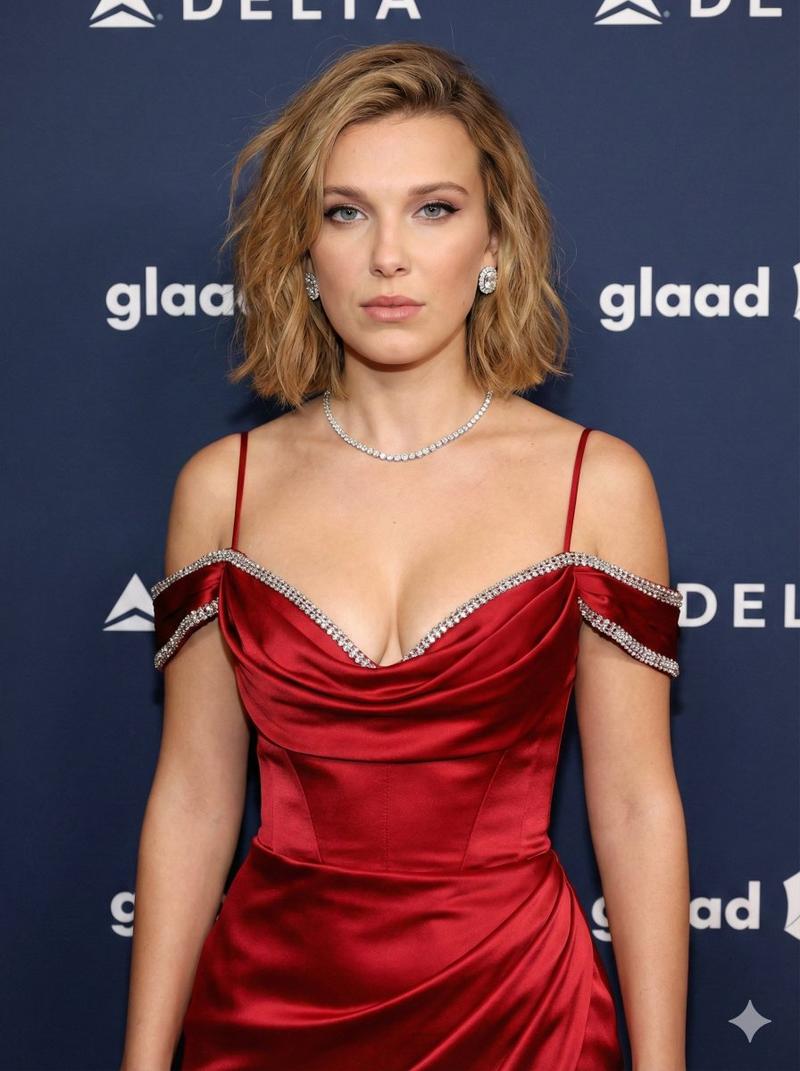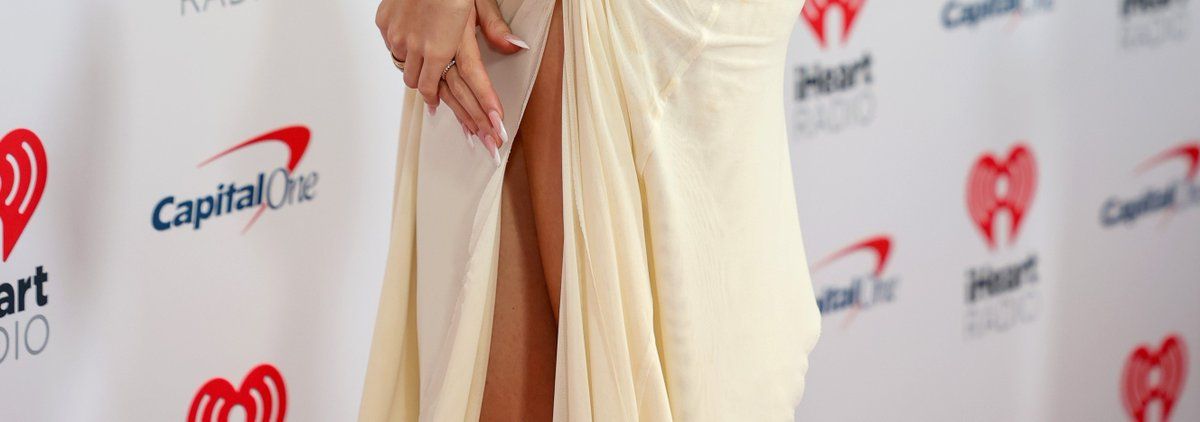
Madison Beer 红毯造型复刻提示词
Prompt
{
  "task": "image_generation",
  "mode": "reference_locked_recreation",
  "reference_image": {
    "use_uploaded_image": true,
    "weight": 0.95,
    "lock_identity": true
  },
  "subject": {
    "type": "adult female",
    "appearance": {
      "face": {
        "structure": "oval face, soft jawline, balanced cheekbones",
        "skin_tone": "light to medium warm tone, smooth natural texture",
        "makeup": "red carpet glam makeup, defined brows, neutral eyeshadow, subtle eyeliner, mascara, contoured cheeks, nude glossy lips",
        "expression": "confident, slightly open lips, head turned slightly to the side"
      },
      "hair": {
        "color": "dark brown",
        "style": "long, straight with soft waves at the ends",
        "part": "center part",
        "finish": "smooth, glossy"
      },
      "body": {
        "type": "slim with feminine curves",
        "proportions": "natural, realistic anatomy",
        "posture": "elegant red carpet stance"
      }
    }
  },
  "pose": {
    "description": "standing red carpet pose, body angled slightly sideways, shoulders relaxed, hands gently positioned near the body",
    "balance": "natural weight distribution",
    "anatomy_accuracy": "high"
  },
  "clothing": {
    "dress": {
      "type": "evening gown",
      "color": "{argument name="dress color" default="ivory / off-white"}",
      "material": "soft sheer fabric with gathered draping",
      "fit": "body-hugging with natural fabric tension",
      "details": "off-shoulder neckline, thigh-high slit on one side with jeweled embellishment",
      "realism": "high, realistic folds and gravity"
    },
    "accessories": {
      "jewelry": "minimal, elegant earrings",
      "other": "no additional accessories"
    }
  },
  "environment": {
    "location": "red carpet event",
    "background": {
      "type": "step-and-repeat wall",
      "logos": "iHeartRadio and Capital One logos repeated",
      "color_scheme": "white background with red and blue logos",
      "focus": "slightly out of focus, readable but not sharp"
    },
    "floor": "red carpet"
  },
  "lighting": {
    "type": "professional event lighting",
    "setup": "even frontal lighting with soft shadows",
    "highlights": "natural skin highlights, fabric sheen",
    "color_temperature": "neutral daylight"
  },
  "camera": {
    "camera_type": "professional DSLR or mirrorless",
    "lens": "85mm portrait lens",
    "aperture": "f/2.8",
    "iso": 200,
    "shutter_speed": "1/200",
    "angle": "eye-level",
    "framing": "full body portrait",
    "depth_of_field": "shallow to medium, subject in sharp focus"
  },
  "style": {
    "photography": "high-end red carpet photography",
    "realism": "ultra-realistic",
    "post_processing": "minimal, natural color correction",
    "no_stylization": true
  },
  "quality": {
    "resolution": "high",
    "detail_level": "maximum",
    "texture_accuracy": "high",
    "noise": "low"
  },
"ne"- Category
- 创意图片
- Model
- Nano Banana Pro
- Creator
- Bethany
- Source ID
- ecb6e27b-789f-4821-9fe0-0db809e6f417
- Published
- Mar 8, 2026
Views0