17

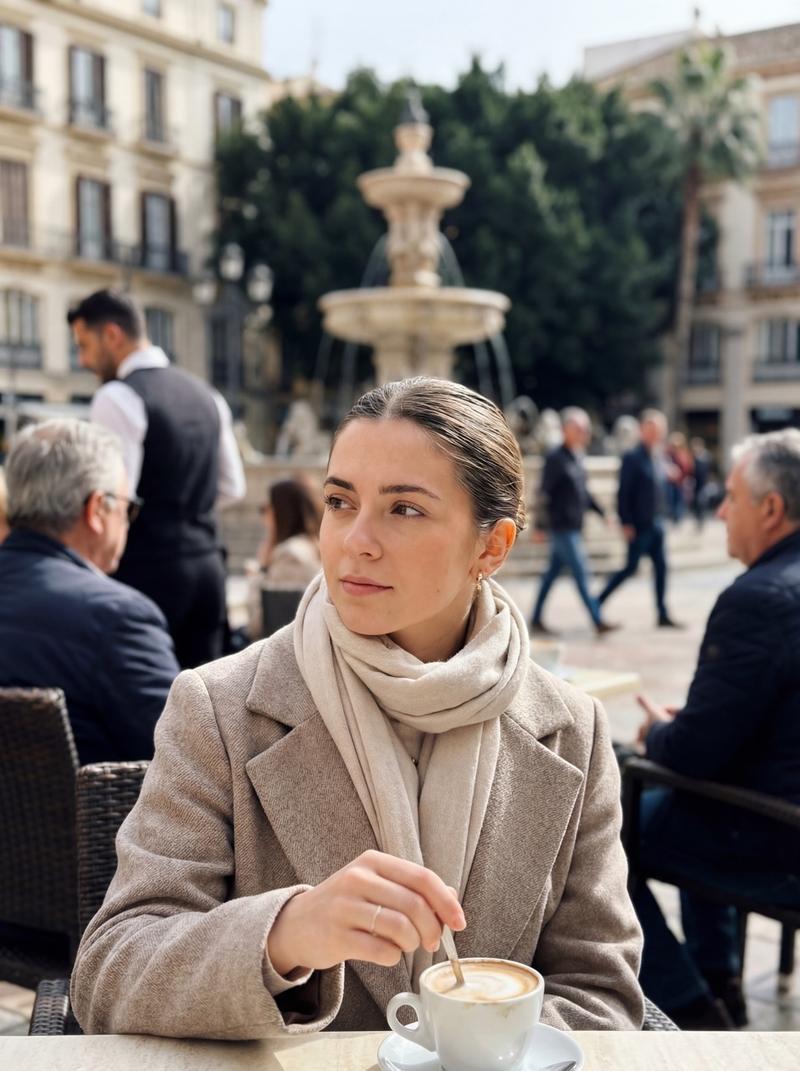
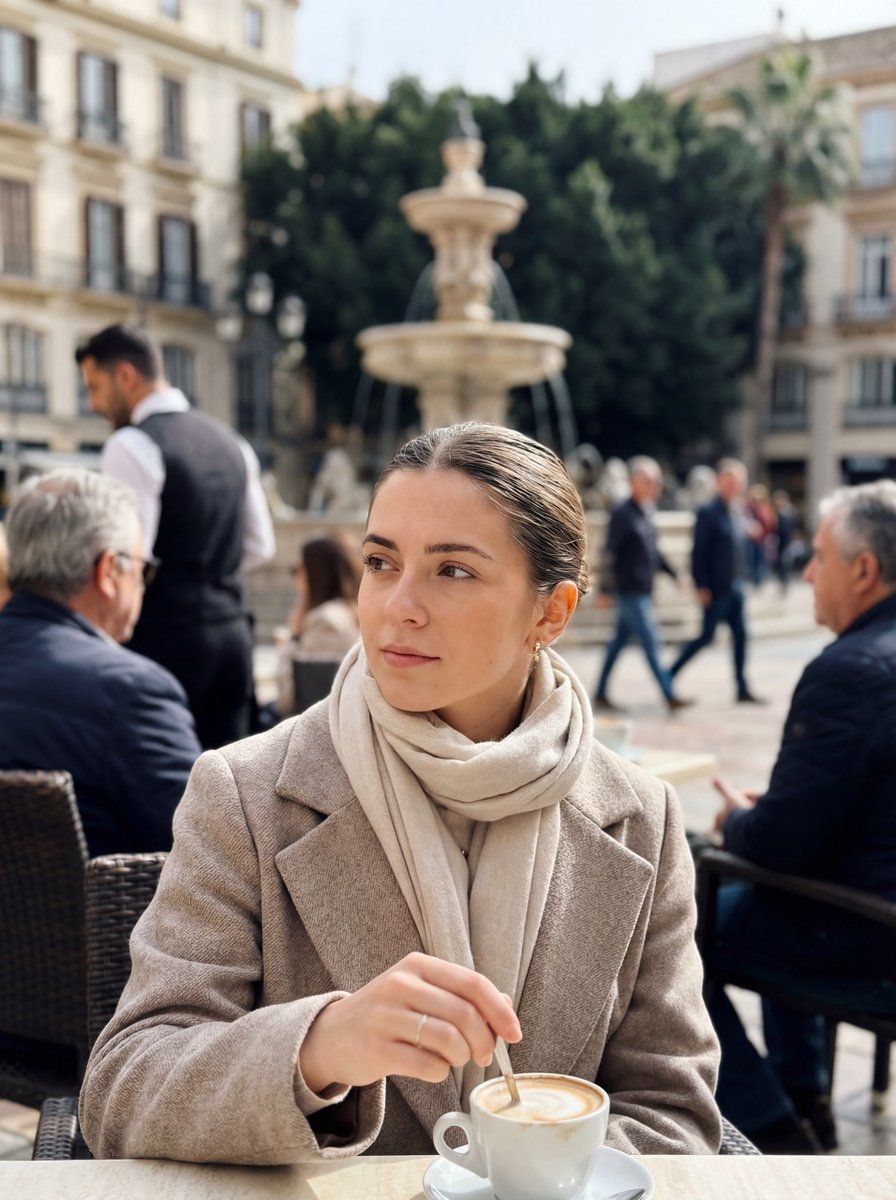
马拉加街头咖啡馆的逼真 iPhone 场景
Enlarge

马拉加街头咖啡馆的逼真 iPhone 场景

Prompt
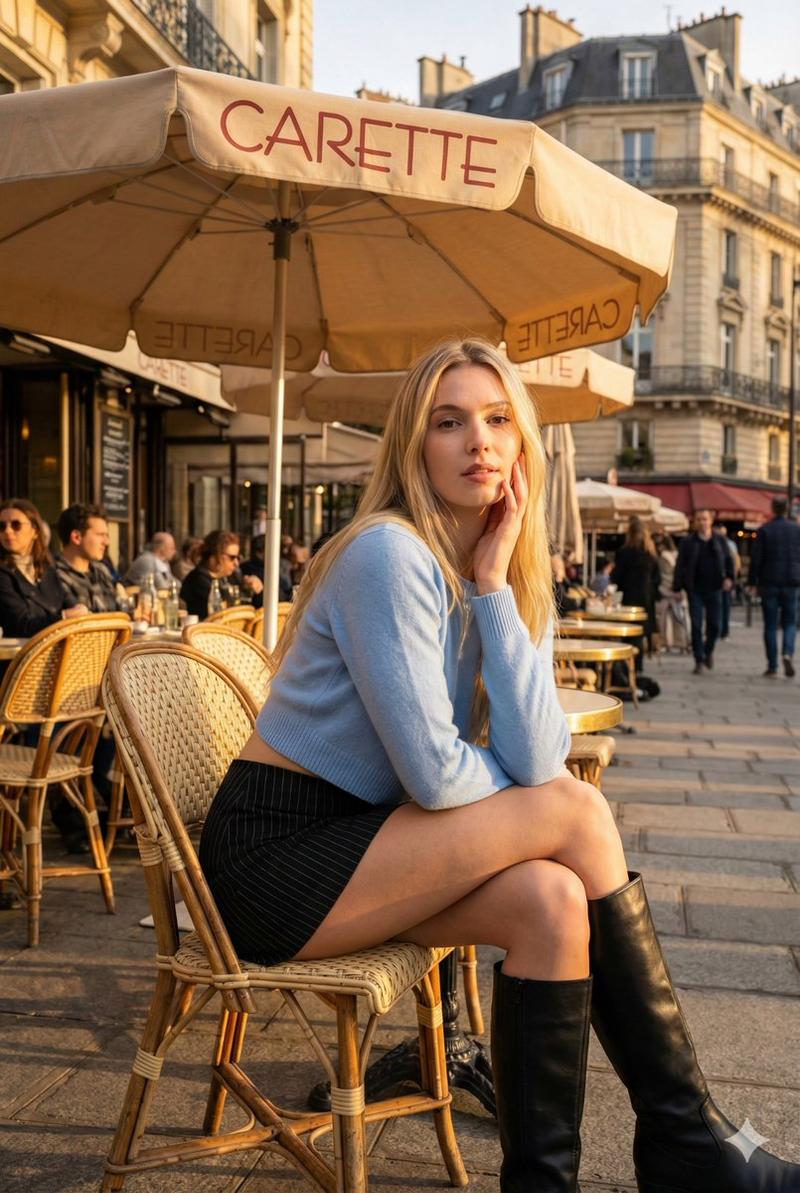
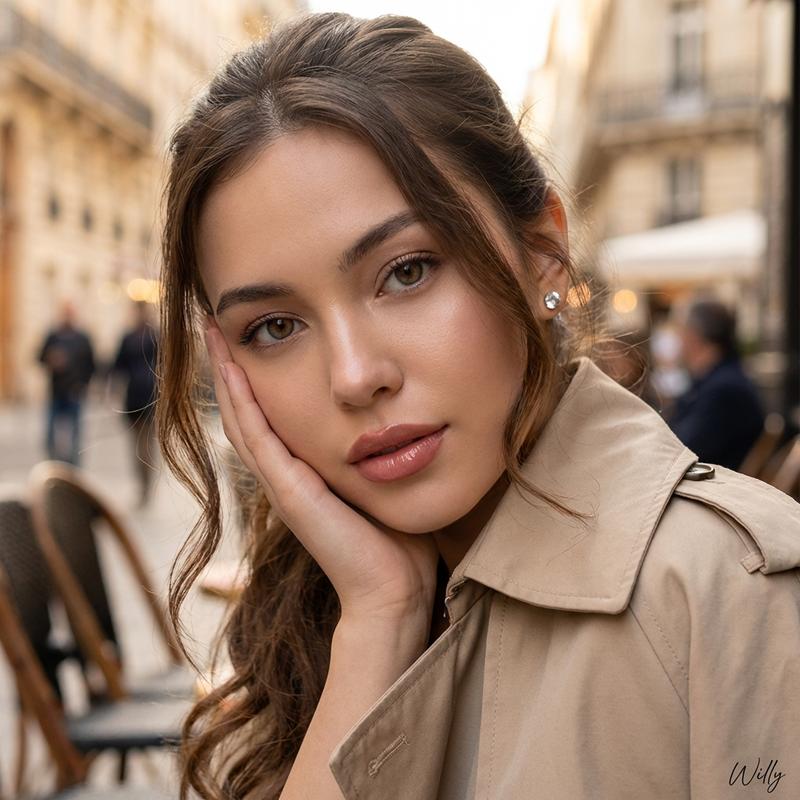
Generate a photorealistic image shot with an {argument name="device" default="iPhone 17"} on a {argument name="day of week" default="Wednesday"} morning in {argument name="month and year" default="March 2025"} in Plaza de la Constitución, {argument name="city" default="Málaga"}. The atmosphere is bright but cool, with soft spring light illuminating the square. On a café terrace, locals are drinking coffee. In sharp focus should be a young woman wearing a light scarf, stirring a cappuccino and gazing thoughtfully to the side. Background elements—waiter, people walking across the square, and the movement around the fountain—should appear naturally blurred with subtle depth-of-field. The image should feel candid, unstaged, and captured with the crisp morning realism of an iPhone photo.
Category
创意图片
Model
Nano Banana Pro
Creator
NGLPRZ
Views0
Source ID
905bdf2e-7832-4ff8-b9f8-ba63320fb483
Published
Mar 8, 2026

Guide

About "马拉加街头咖啡馆的逼真 iPhone 场景"

What is this prompt for?

"马拉加街头咖啡馆的逼真 iPhone 场景" AI image prompt for Nano Banana Pro (创意图片). 一个为 Nano Banana Pro 设计的详细图像生成提示,用于创作一张在马拉加宪法广场喝咖啡的女性的抓拍式、照片级真实的 iPhone 风格照片,其中包含逼真的建筑和景深效果。…

The full copyable prompt and example visuals above are ready for AI image generation or one-click recreate in Picva.

How to use this prompt

  1. Step 1

    Open the prompt detail

    Review the example visuals, category, and full prompt text for "马拉加街头咖啡馆的逼真 iPhone 场景".

  2. Step 2

    Copy the prompt

    Copy the prompt body from this page, or load it directly in Studio.

  3. Step 3

    Pick a model (Nano Banana Pro)

    Prefer Nano Banana Pro. If you switch models, keep subject and composition and tweak style terms.

  4. Step 4

    Generate and export

    Recreate the look in Picva, or export into your workflow for editing and publishing.

FAQ

What is the "马拉加街头咖啡馆的逼真 iPhone 场景" prompt?
It is an AI image-generation prompt for Nano Banana Pro in the 创意图片 category. This page includes the full prompt text, example visuals, and a one-click recreate path in Picva.
How do I use this prompt to generate an image?
Copy the prompt from this page, or use Generate / Studio. Paste it into a compatible image model, or recreate the look in Picva with optional reference images.
Which model is this prompt for?
This page lists Nano Banana Pro. Most descriptive prompts also transfer to nearby image models such as GPT Image, Flux, or Midjourney with light style tweaks.
Can I use the result commercially?
You can usually copy the prompt for creation, but commercial use of the final image depends on the model terms, reference-image rights, and the generated content. Follow the source author and platform rules.