19

超可爱 Q 版角色提示词
Enlarge

超可爱 Q 版角色提示词

Prompt
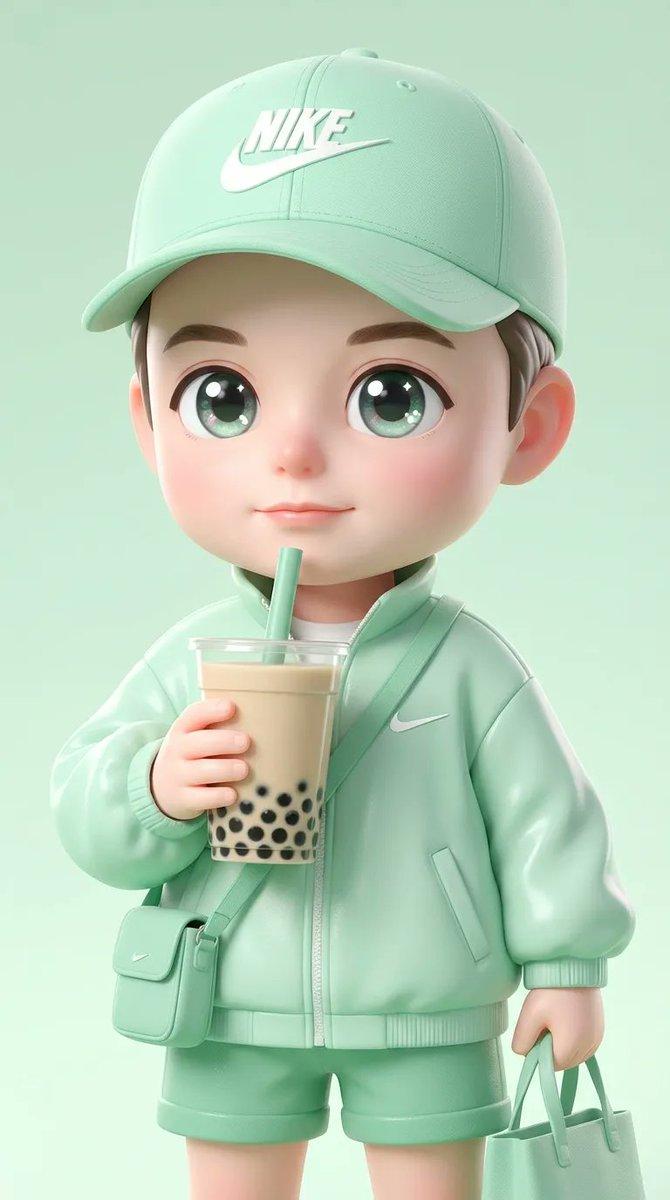
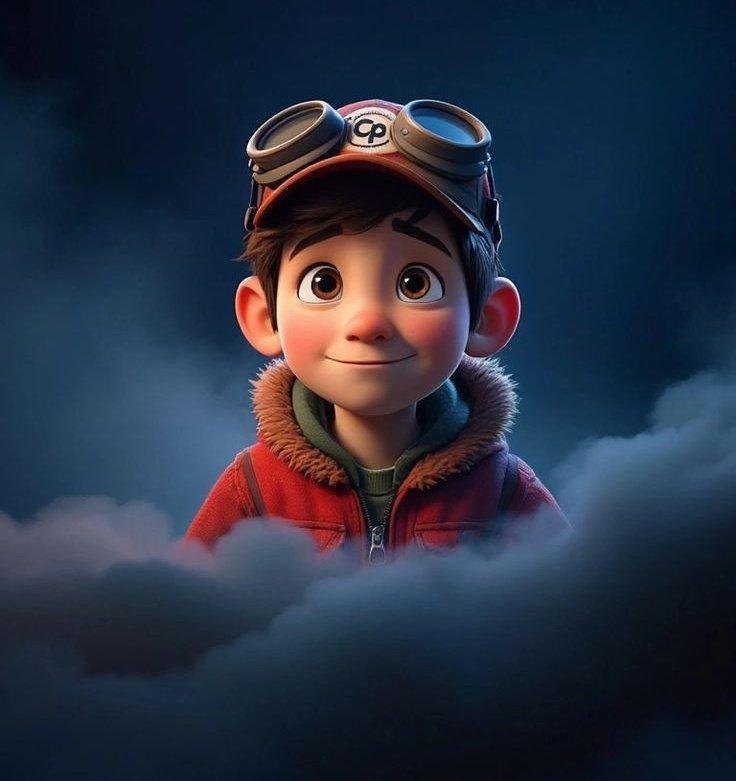
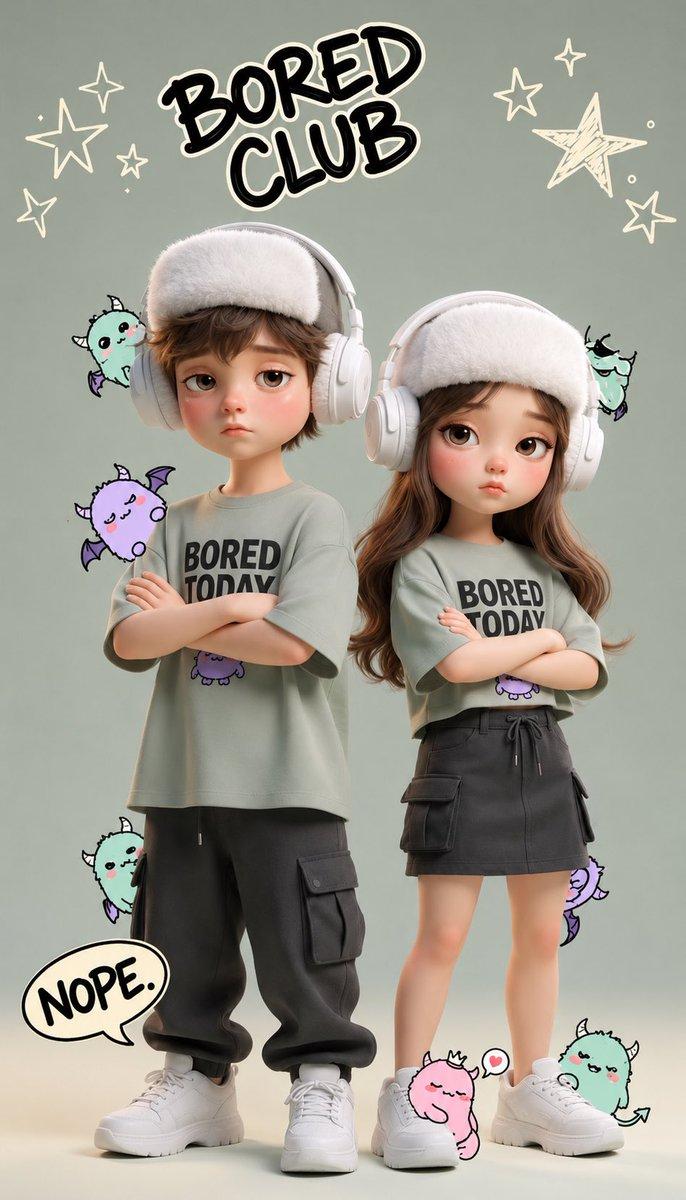
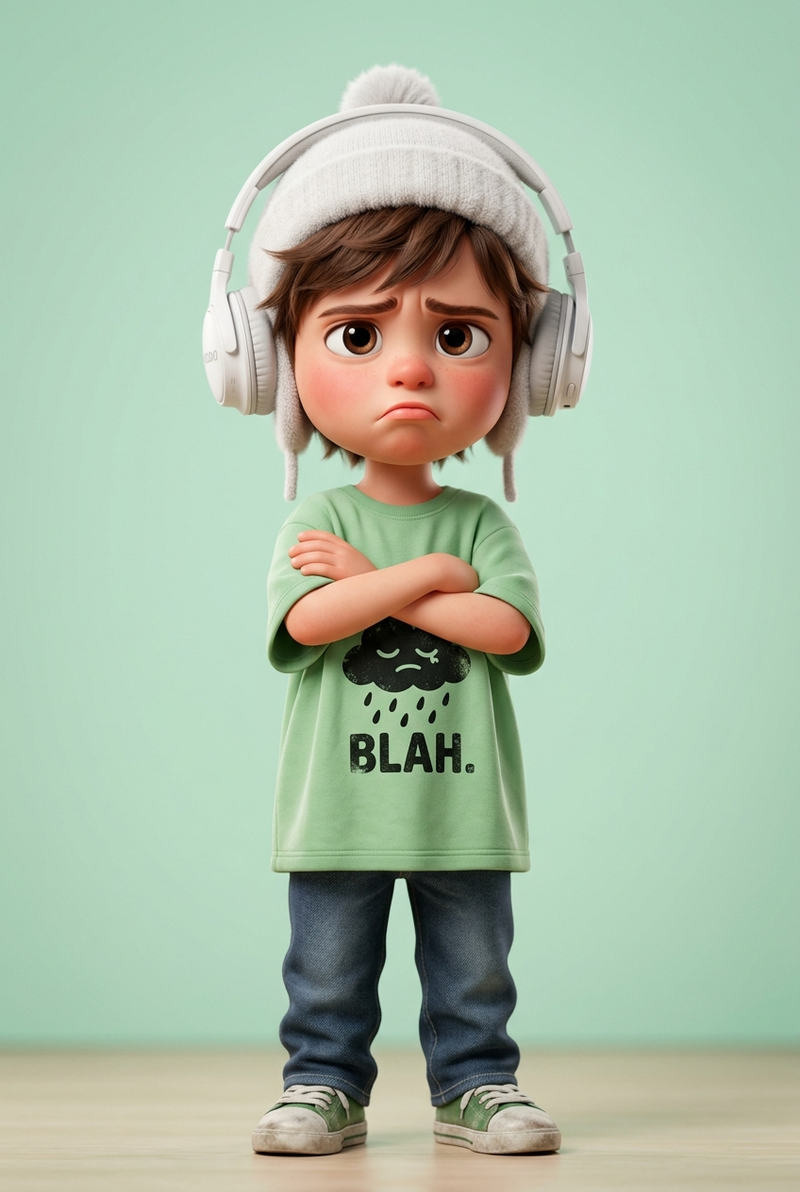
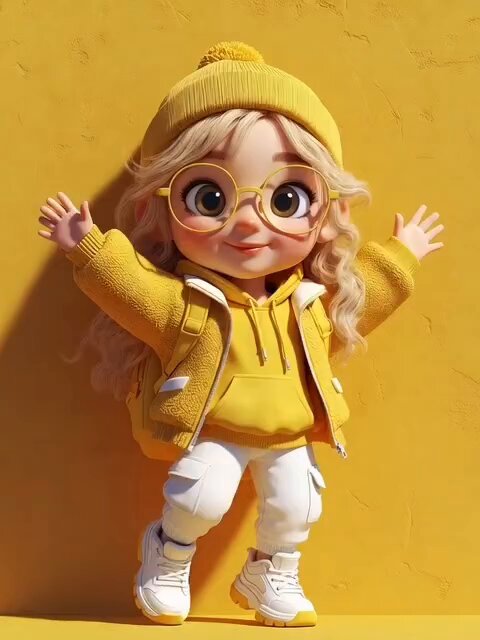
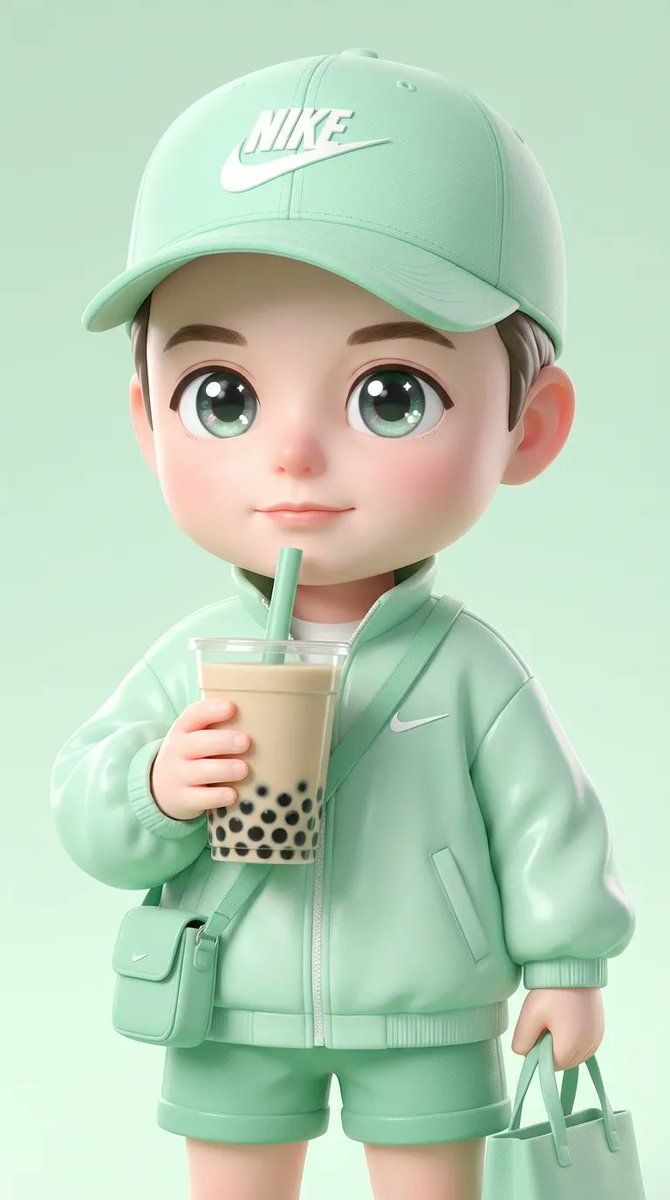
create Ultra-cute chibi character using the uploaded face image as the exact facial reference, big sparkling anime eyes, soft baby-doll face, wearing a mint-green cloth, mint green Nike cap, holding bubble tea with black pearls and straw, small crossbody bag and matching tote bag, sporty street-fashion aesthetic, pastel green monochrome theme, glossy 3D illustration, pixar-style + kawaii style, smooth skin, soft lighting, high detail, centered composition, minimal background, aesthetic Instagram avatar, 4k quality
Category
创意图片
Model
Nano Banana Pro
Views0
Source ID
9a04f1e9-2907-49dd-bdb7-b3881081dae8
Published
Mar 8, 2026

Guide

About "超可爱 Q 版角色提示词"

What is this prompt for?

"超可爱 Q 版角色提示词" AI image prompt for Nano Banana Pro (创意图片). 一个详细的提示,用于生成一个超可爱、有光泽的 3D 萌系角色插画,风格为运动街头时尚。它要求使用上传的面部图像作为面部参考,并指定动漫眼睛、柔和的薄荷绿单色主题、特定的服装(薄荷绿布料、Nike 棒球…

The full copyable prompt and example visuals above are ready for AI image generation or one-click recreate in Picva.

How to use this prompt

  1. Step 1

    Open the prompt detail

    Review the example visuals, category, and full prompt text for "超可爱 Q 版角色提示词".

  2. Step 2

    Copy the prompt

    Copy the prompt body from this page, or load it directly in Studio.

  3. Step 3

    Pick a model (Nano Banana Pro)

    Prefer Nano Banana Pro. If you switch models, keep subject and composition and tweak style terms.

  4. Step 4

    Generate and export

    Recreate the look in Picva, or export into your workflow for editing and publishing.

FAQ

What is the "超可爱 Q 版角色提示词" prompt?
It is an AI image-generation prompt for Nano Banana Pro in the 创意图片 category. This page includes the full prompt text, example visuals, and a one-click recreate path in Picva.
How do I use this prompt to generate an image?
Copy the prompt from this page, or use Generate / Studio. Paste it into a compatible image model, or recreate the look in Picva with optional reference images.
Which model is this prompt for?
This page lists Nano Banana Pro. Most descriptive prompts also transfer to nearby image models such as GPT Image, Flux, or Midjourney with light style tweaks.
Can I use the result commercially?
You can usually copy the prompt for creation, but commercial use of the final image depends on the model terms, reference-image rights, and the generated content. Follow the source author and platform rules.