14

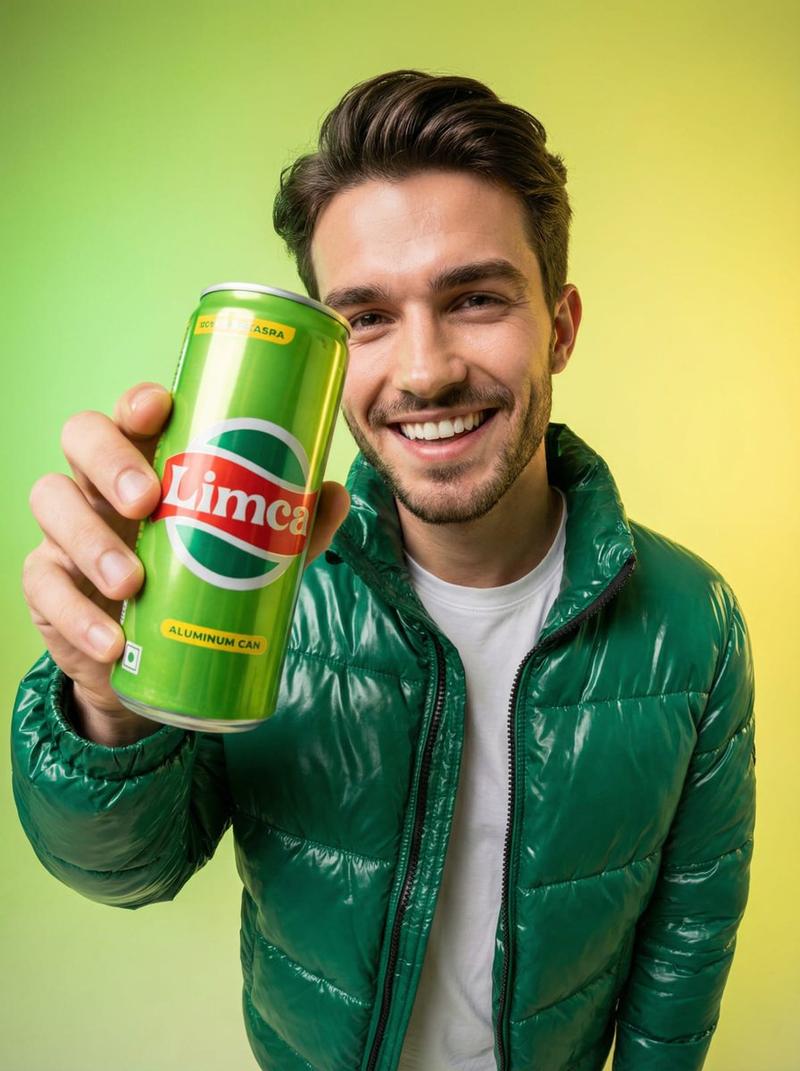
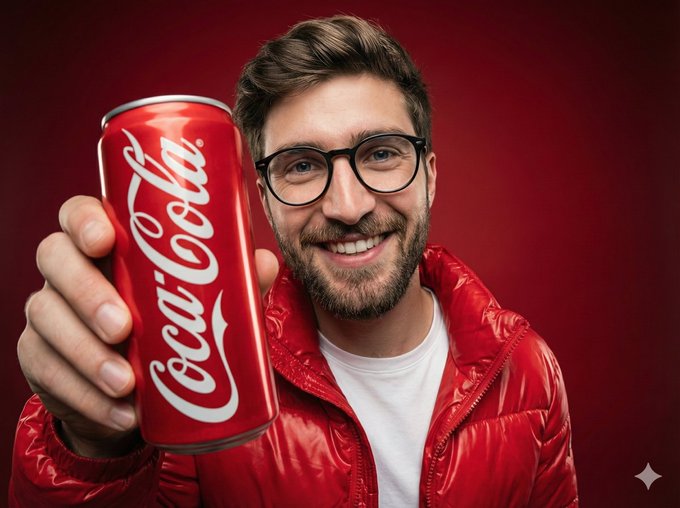
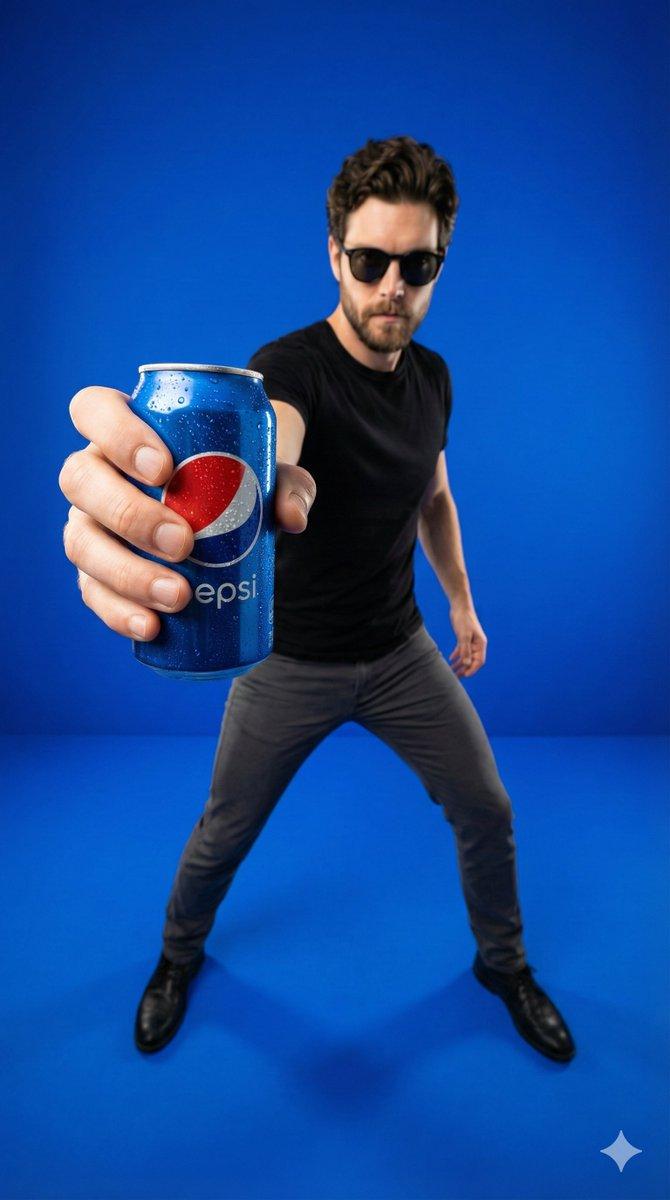
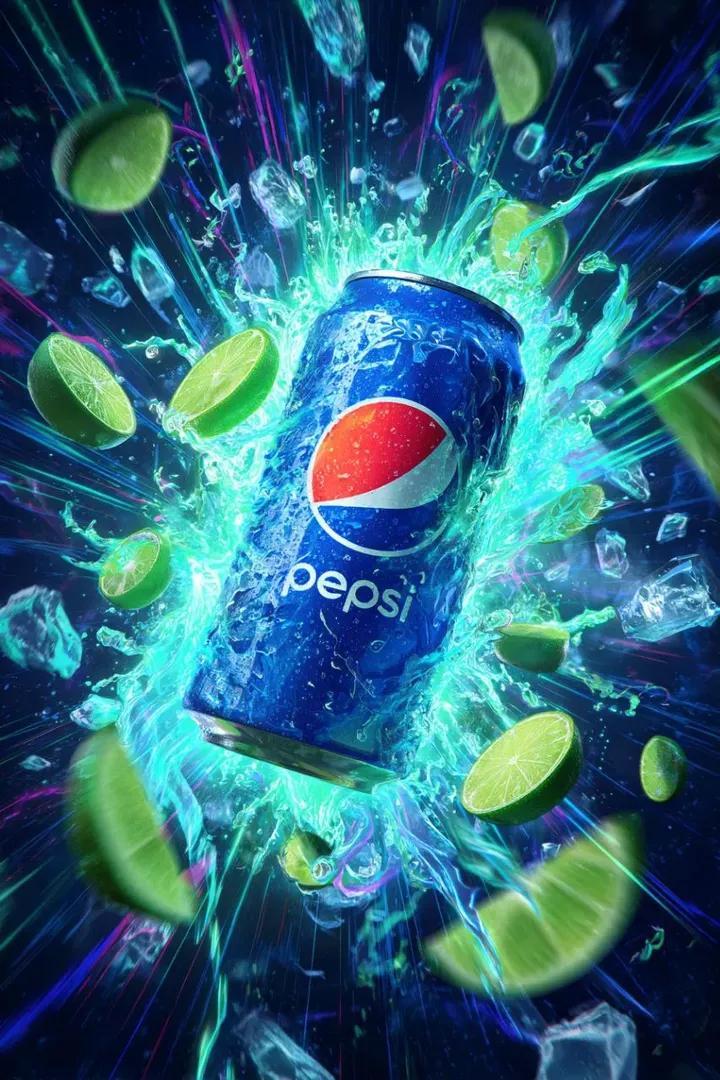
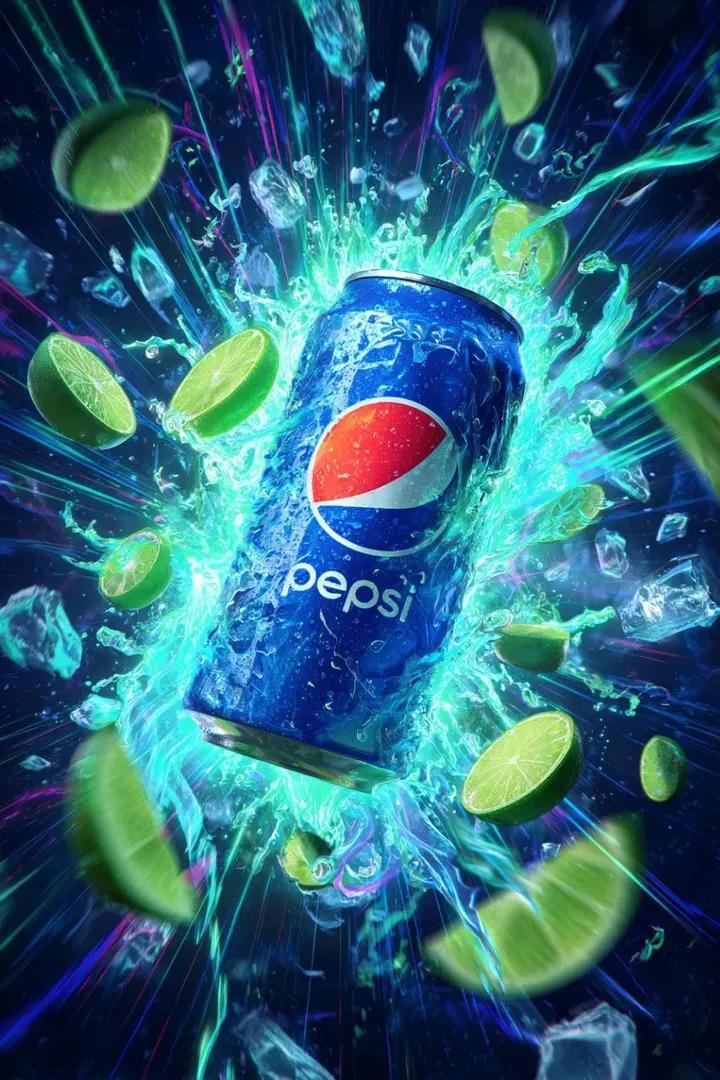
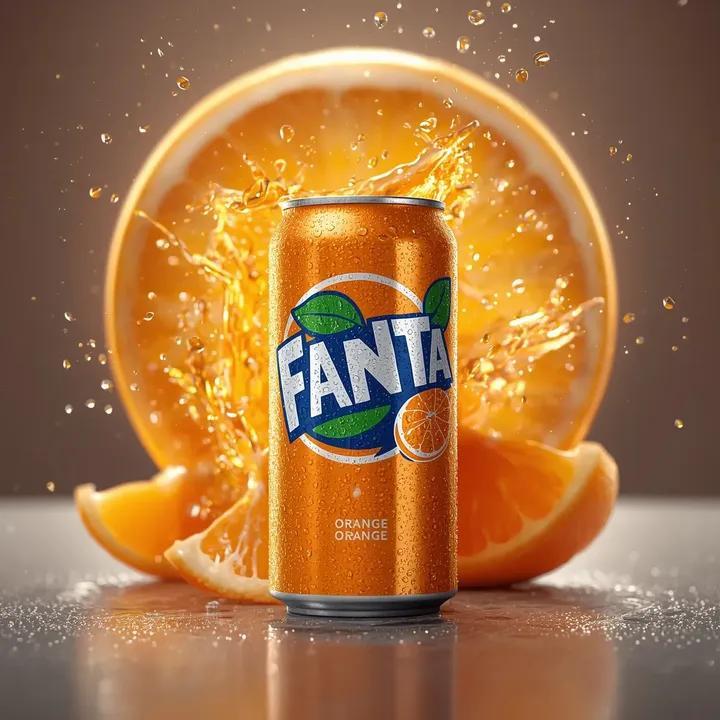
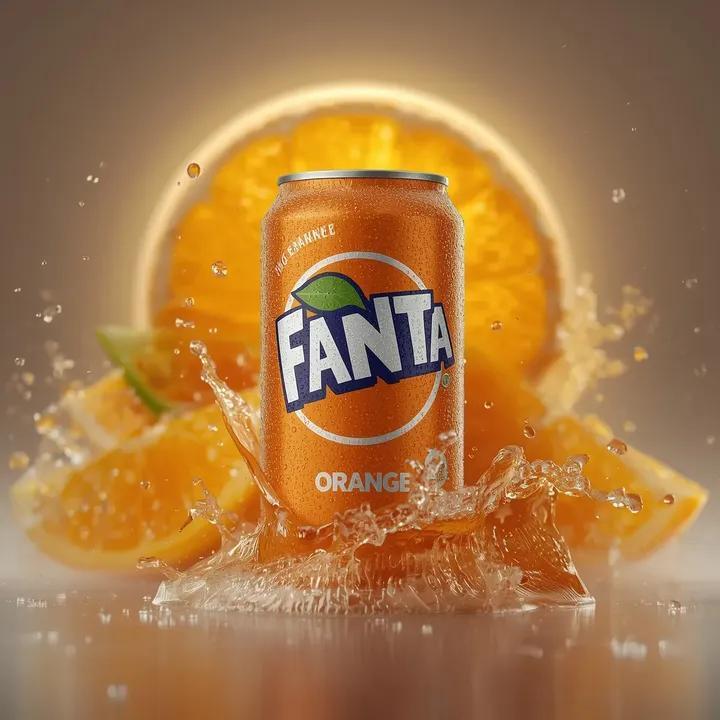
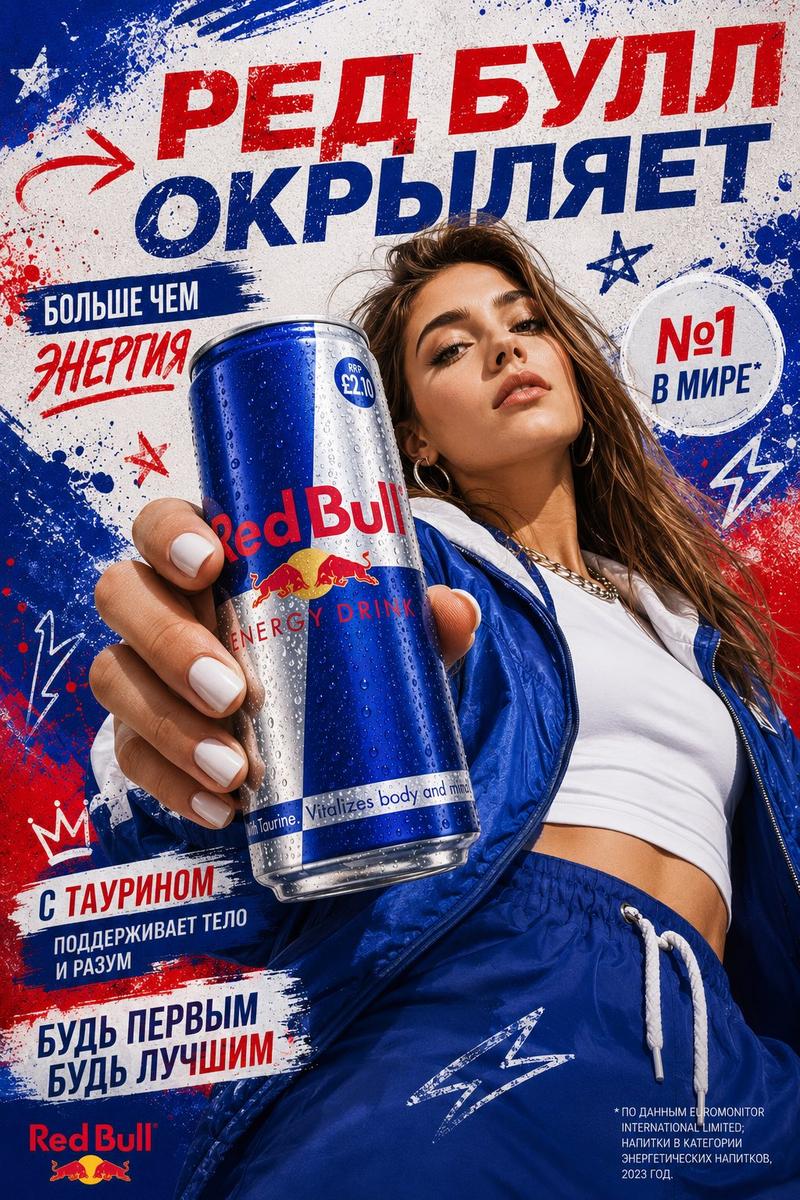
鱼眼工作室肖像照,搭配品牌饮料罐
Enlarge

鱼眼工作室肖像照,搭配品牌饮料罐

Prompt
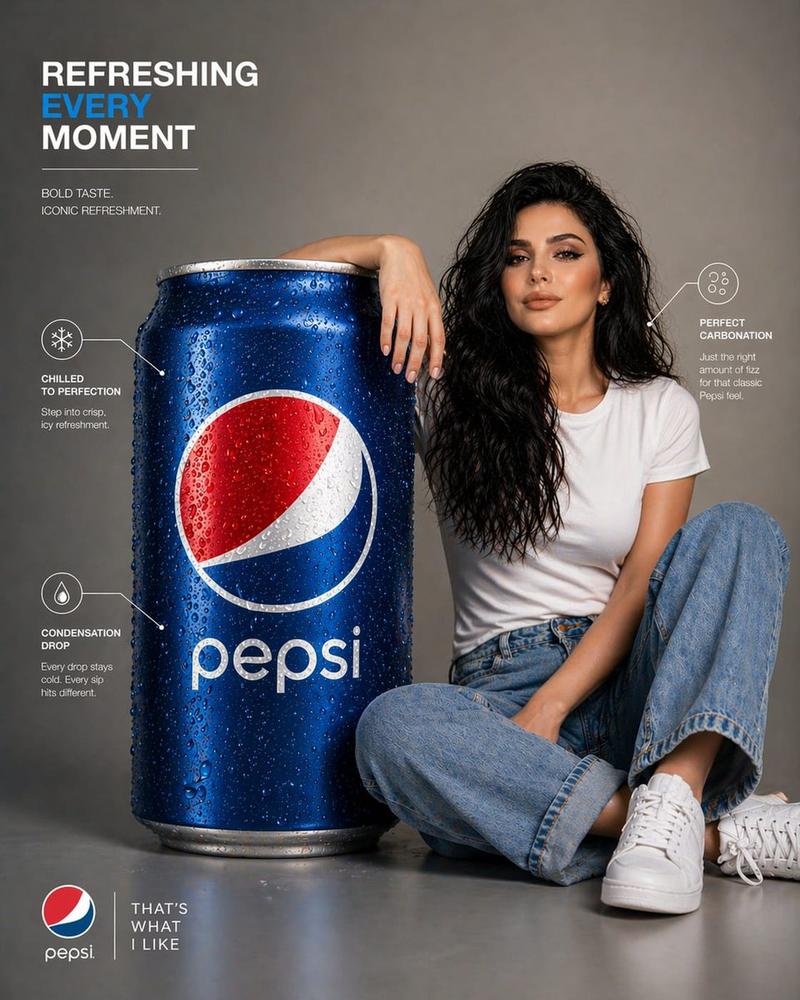
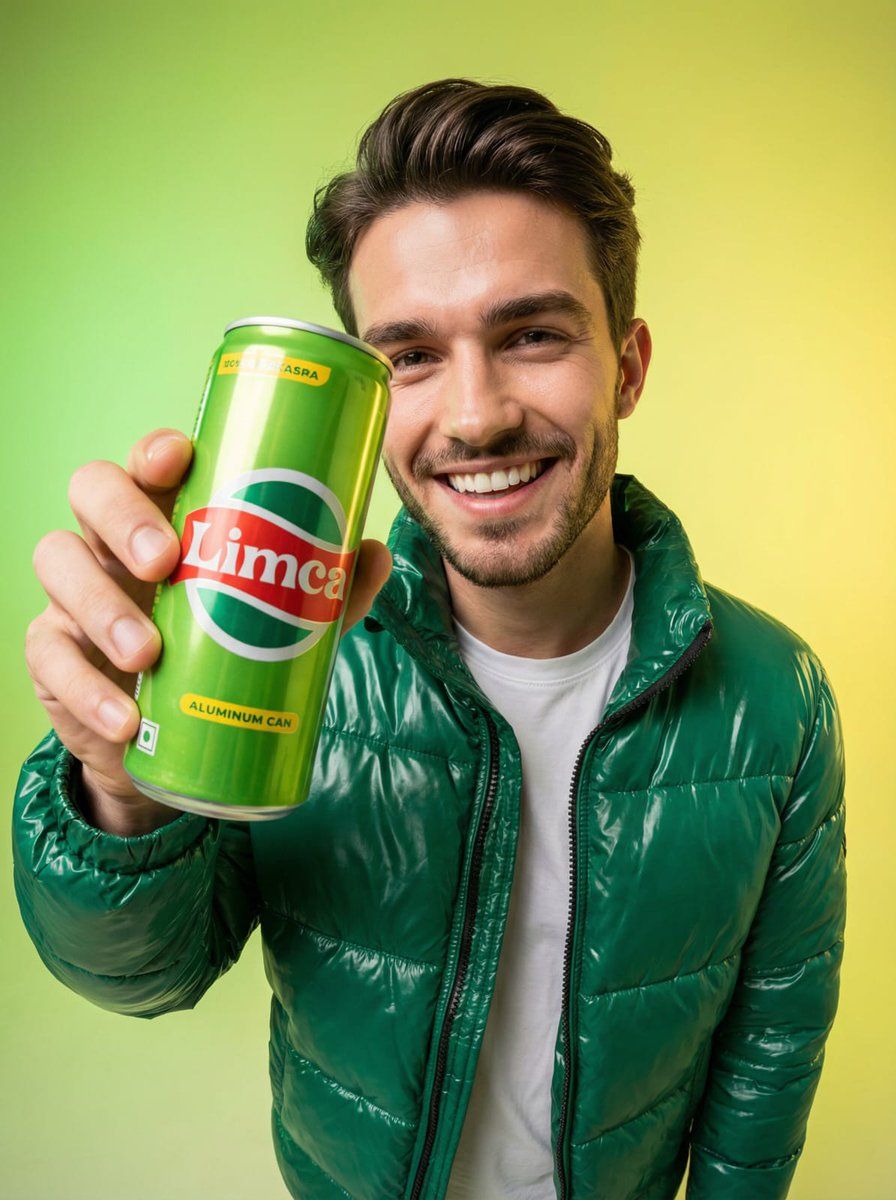
A high-end studio portrait of one smiling person holding a {argument name="brand name" default="BRAND"} {argument name="drink type" default="DRINK TYPE"} aluminum can close to the camera, with both the can and the person's face in the foreground. Shot using an ultra-wide fisheye lens for a playful, energetic, immersive look.

The model wears a glossy {argument name="color" default="COLOR"} puffer jacket inspired by BRAND branding, layered over a {argument name="shirt color" default="SHIRT COLOR"} shirt. Background in a {argument name="gradient color" default="GRADIENT COLOR"} gradient palette, perfectly matched to BRAND tones, with smooth modern transitions.
Category
创意图片
Model
Nano Banana Pro
Creator
K
Views0
Source ID
2956166e-2392-470f-88ee-f1a9aeb9f8d8
Published
Mar 8, 2026

Guide

About "鱼眼工作室肖像照,搭配品牌饮料罐"

What is this prompt for?

"鱼眼工作室肖像照,搭配品牌饮料罐" AI image prompt for Nano Banana Pro (创意图片). 一个用于生成高端影棚肖像的提示词,使用超广角鱼眼镜头营造出充满活力、身临其境的视觉效果。画面中,一个微笑的人手持一个靠近镜头的品牌饮料罐,身穿与品牌颜色相配的羽绒服,背景为渐变色。 --- 一…

The full copyable prompt and example visuals above are ready for AI image generation or one-click recreate in Picva.

How to use this prompt

  1. Step 1

    Open the prompt detail

    Review the example visuals, category, and full prompt text for "鱼眼工作室肖像照,搭配品牌饮料罐".

  2. Step 2

    Copy the prompt

    Copy the prompt body from this page, or load it directly in Studio.

  3. Step 3

    Pick a model (Nano Banana Pro)

    Prefer Nano Banana Pro. If you switch models, keep subject and composition and tweak style terms.

  4. Step 4

    Generate and export

    Recreate the look in Picva, or export into your workflow for editing and publishing.

FAQ

What is the "鱼眼工作室肖像照,搭配品牌饮料罐" prompt?
It is an AI image-generation prompt for Nano Banana Pro in the 创意图片 category. This page includes the full prompt text, example visuals, and a one-click recreate path in Picva.
How do I use this prompt to generate an image?
Copy the prompt from this page, or use Generate / Studio. Paste it into a compatible image model, or recreate the look in Picva with optional reference images.
Which model is this prompt for?
This page lists Nano Banana Pro. Most descriptive prompts also transfer to nearby image models such as GPT Image, Flux, or Midjourney with light style tweaks.
Can I use the result commercially?
You can usually copy the prompt for creation, but commercial use of the final image depends on the model terms, reference-image rights, and the generated content. Follow the source author and platform rules.