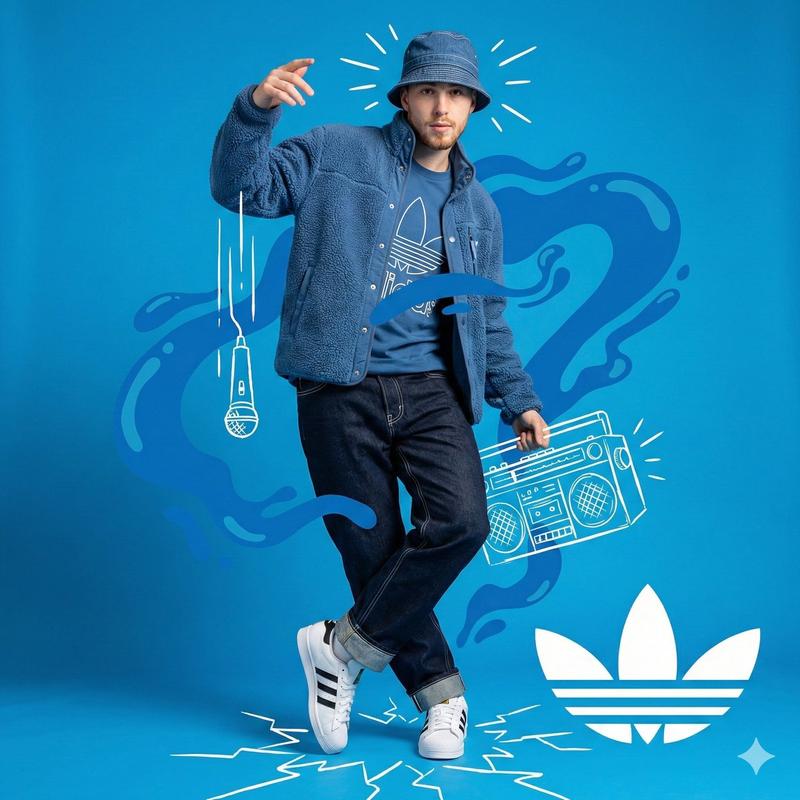
混合媒体工作室肖像与矢量图形叠加
Prompt
{
  "meta": {
    "image_quality": "High",
    "image_type": "Mixed Media (Photography combined with Digital Illustration/Collage)",
    "resolution_estimation": "High resolution, sharp edges on vectors",
    "file_characteristics": {
      "compression_artifacts": "Low",
      "noise_level": "None",
      "lens_type_estimation": "Standard to slight wide-angle (approx 35mm)"
    }
  },
  "global_context": {
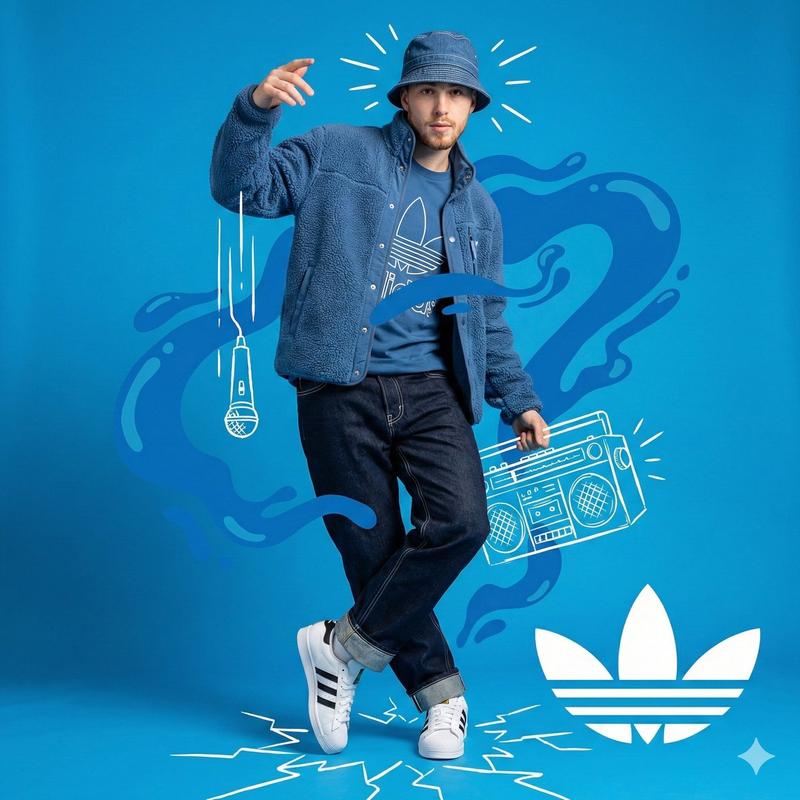
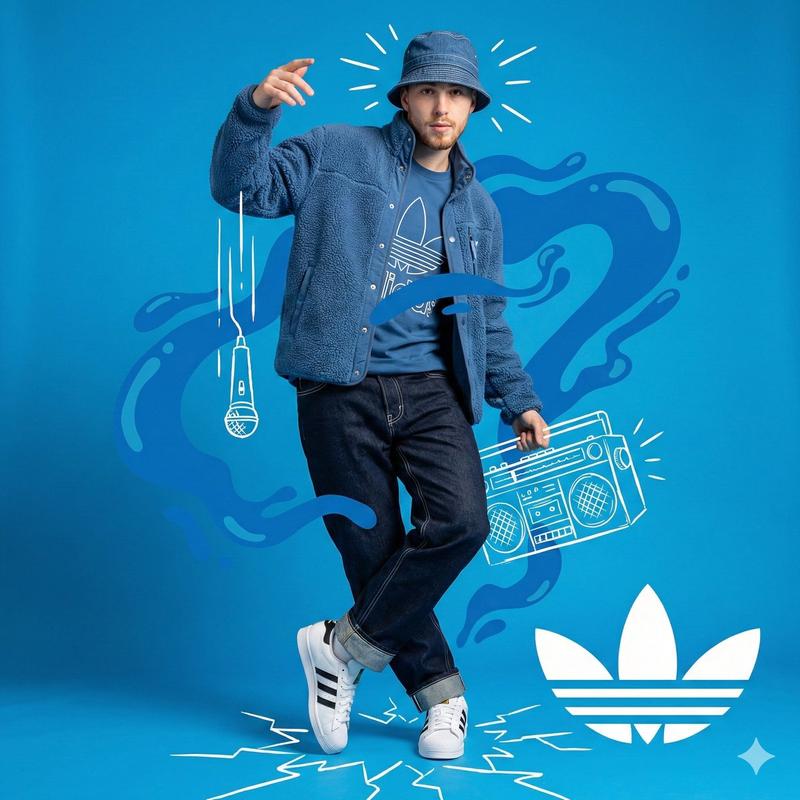
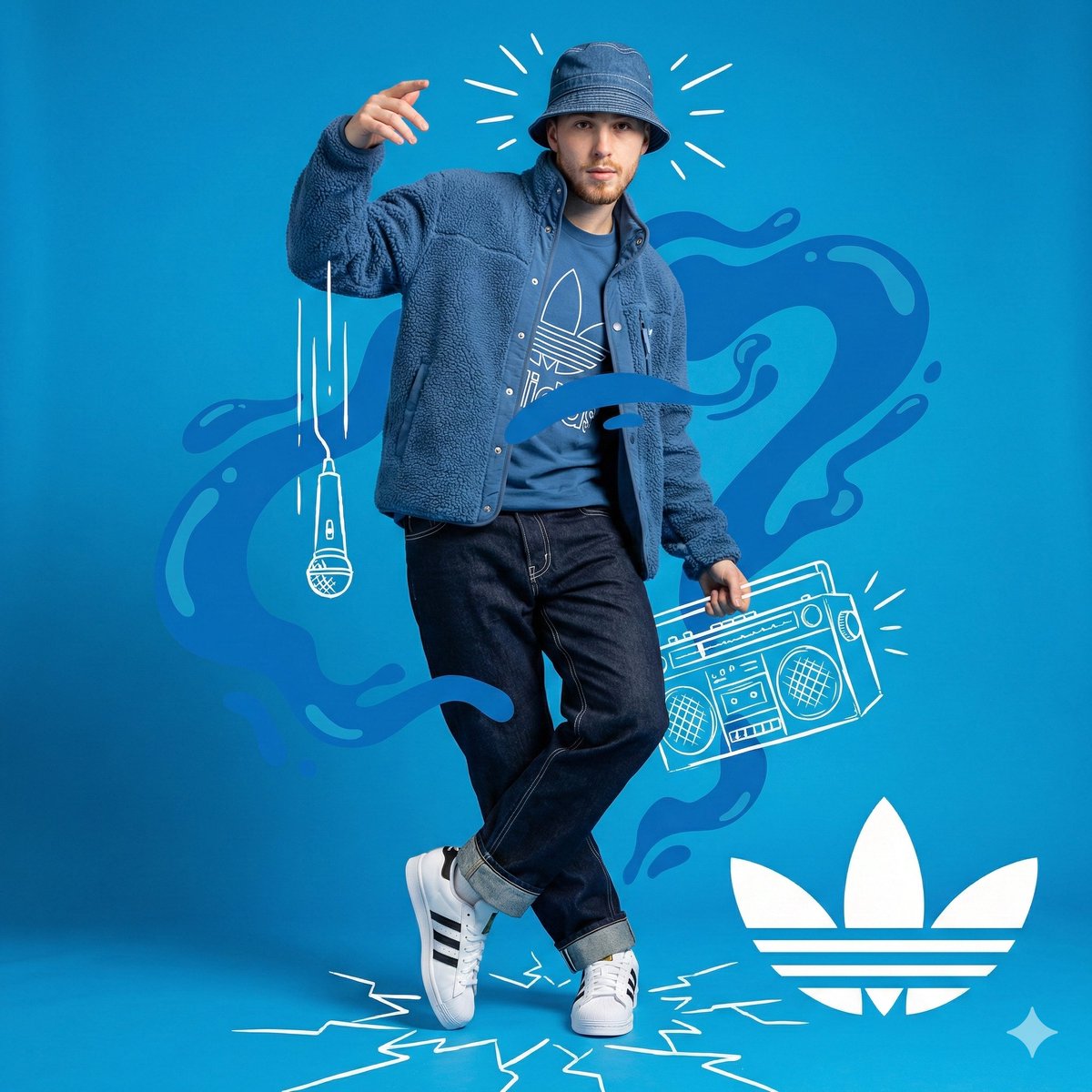
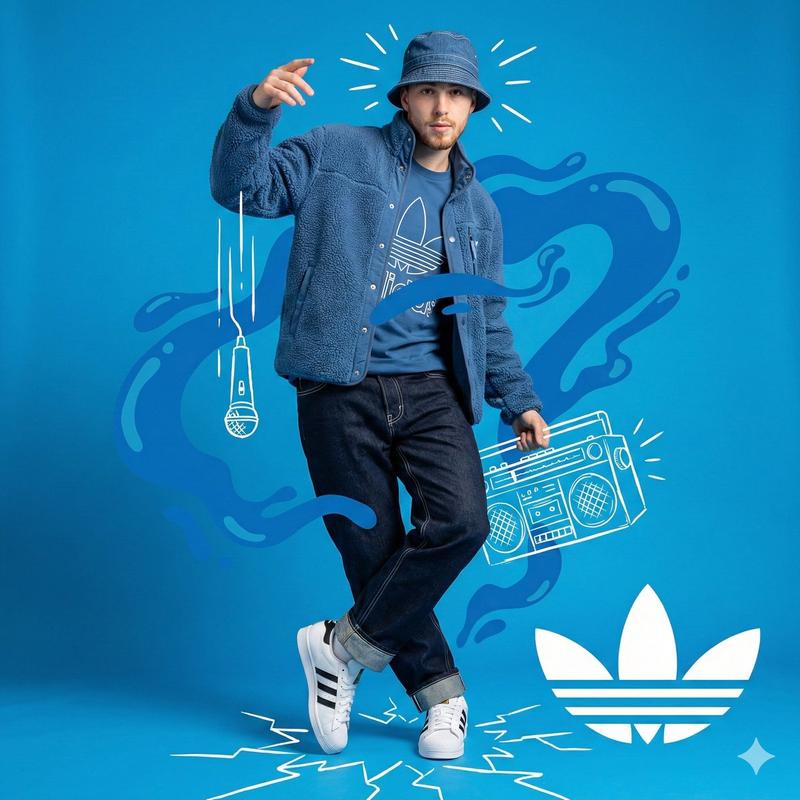
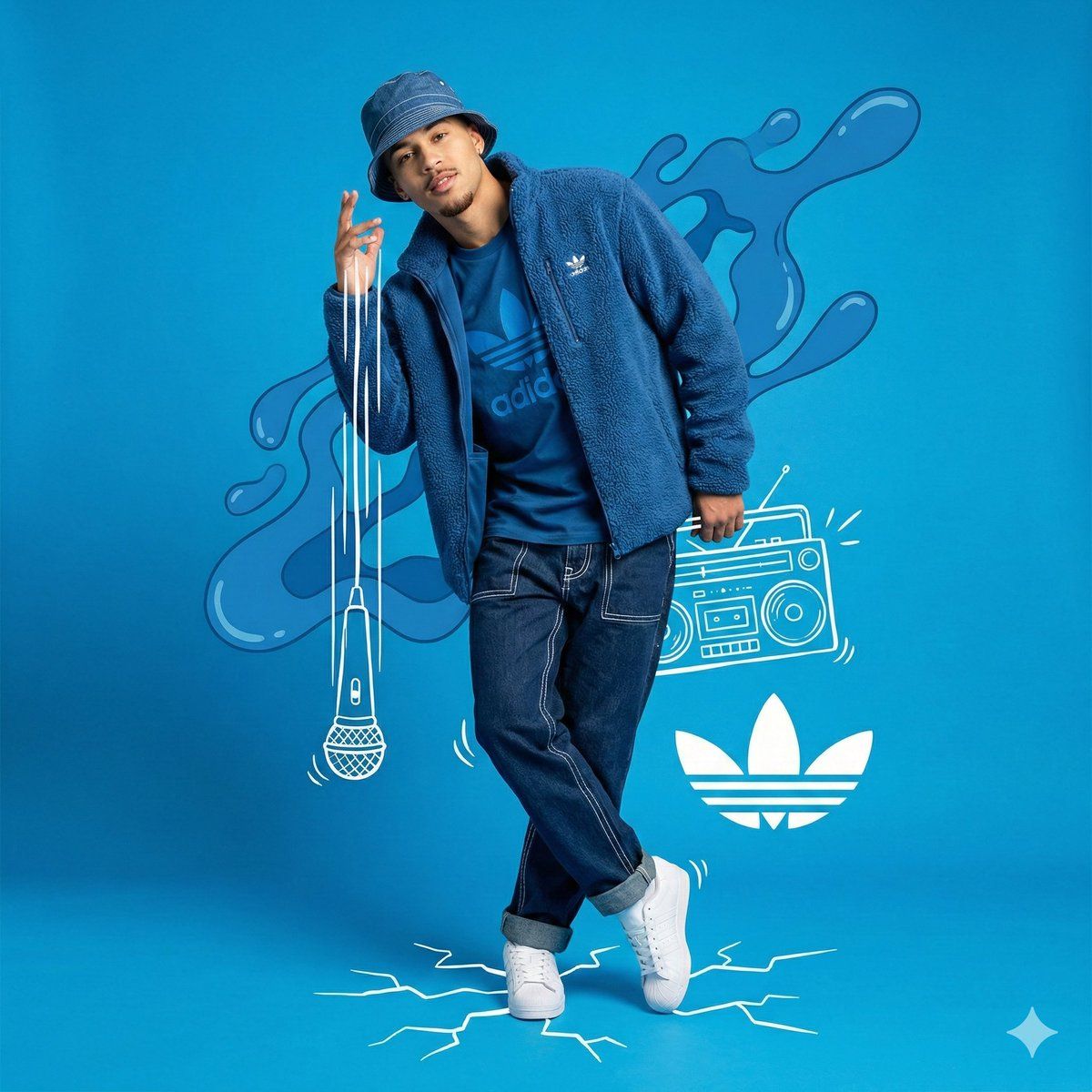
    "scene_description": "A full-body studio portrait of a young man posing dynamically against a solid bright blue background. The image is a composite featuring the photograph of the man overlaid with white hand-drawn style vector graphics (doodles) and abstract blue liquid shapes. The subject is dressed in a monochromatic blue streetwear outfit with white accents.",
    "environment_type": "Studio/Graphic Design Composition",
    "time_of_day": "Indiscernible (Studio Lighting)",
    "weather_atmosphere": "Energetic, Artistic, Urban, Cool",
    "lighting": {
      "source": "Artificial Studio Lighting",
      "direction": "Front-right dominant (creating soft shadows on the left side of the face)",
      "quality": "Soft, Diffused",
      "color_temperature": "Neutral white"
    },
    "color_palette": {
      "dominant_hex_estimates": [
        "#4CA7E8",
        "#0044CC",
        "#FFFFFF",
        "#1A2B45"
      ],
      "accent_colors": [
        "#FFFFFF"
      ],
      "contrast_level": "High"
    }
  },
  "composition": {
    "camera_angle": "Low-angle (looking slightly up at the subject)",
    "framing": "Full Shot (Head to Toe)",
    "depth_of_field": "Deep (Everything in focus)",
    "focal_point": "Subject's face and upper torso",
    "symmetry_type": "Asymmetrical balance",
    "rule_of_thirds_alignment": "Subject centered, graphics balancing the negative space"
  },
  "objects": [
    {
      "id": "obj_001",
      "label": "Male Subject",
      "category": "Person",
      "location": {
        "relative_position": "Center",
        "bounding_box_percentage": {
          "x": 0.30,
          "y": 0.05,
          "width": 0.40,
          "height": 0.85
        }
      },
      "dimensions_relative": "Large",
      "distance_from_camera": "Mid",
      "pose_orientation": "Standing, body angled slightly right, head tilted left, right hand raised near face, left leg crossed over right leg",
      "material": "Organic (Skin)",
      "surface_properties": {
        "texture": "Skin",
        "reflectivity": "Low",
        "micro_details": "Light goatee/facial hair, neutral but confident expression",
        "wear_state": "N/A"
      },
      "color_details": {
        "base_color_hex": "#5C3A2A",
        "secondary_colors": [],
        "gradient_or_pattern": "Natural skin tones"
      },
      "interaction_with_light": {
        "shadow_casting": "Self-shadows on neck and left side of face",
        "highlight_zones": "Forehead, right cheek, nose bridge",
        "translucency": "None"
"- Category
- 创意图片
- Model
- Nano Banana Pro
- Creator
- Heisenberg
- Source ID
- 18fa80ac-b0f0-4351-bb7a-4c1233e74d93
- Published
- Mar 8, 2026
Views0