11

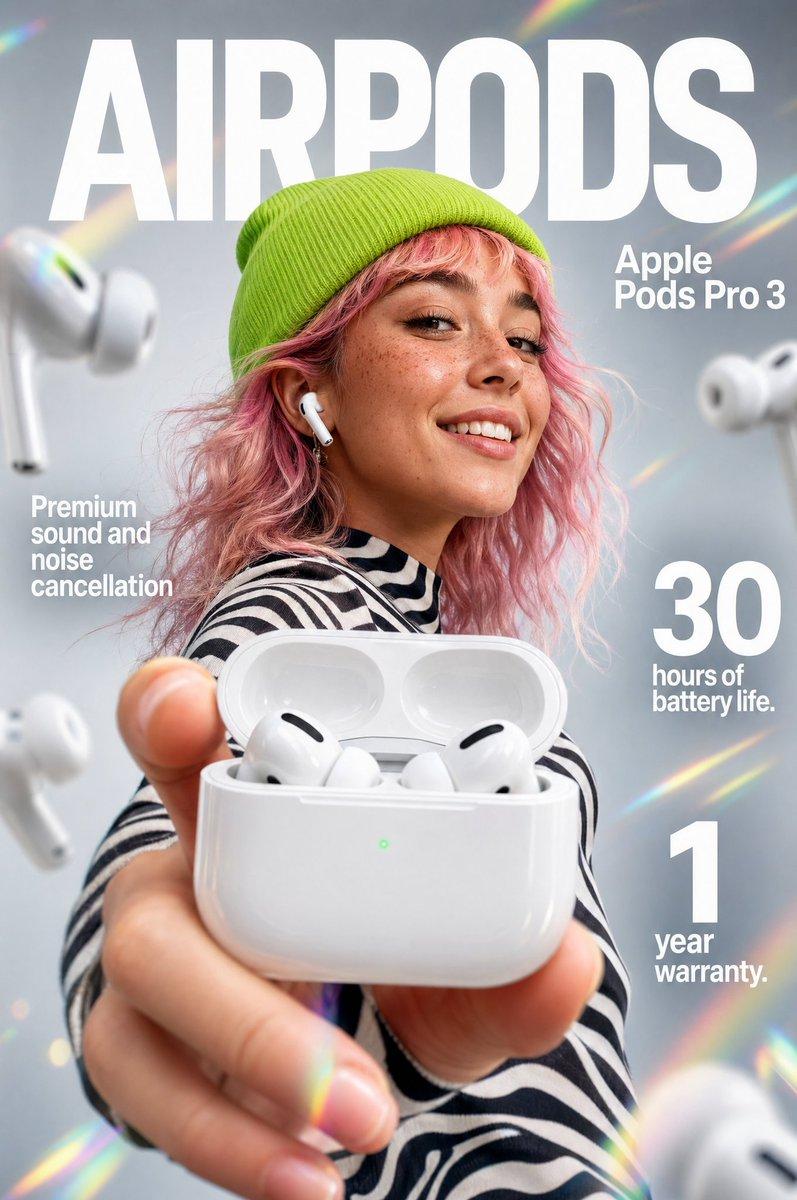
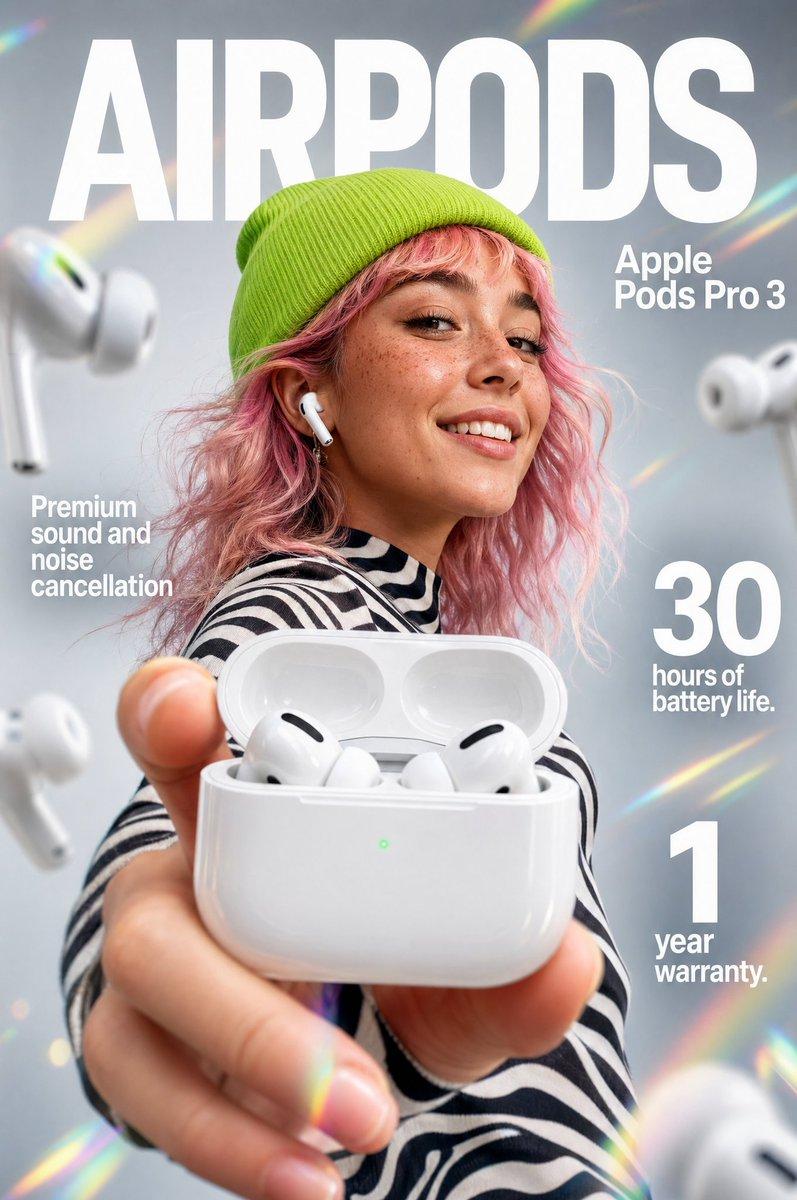
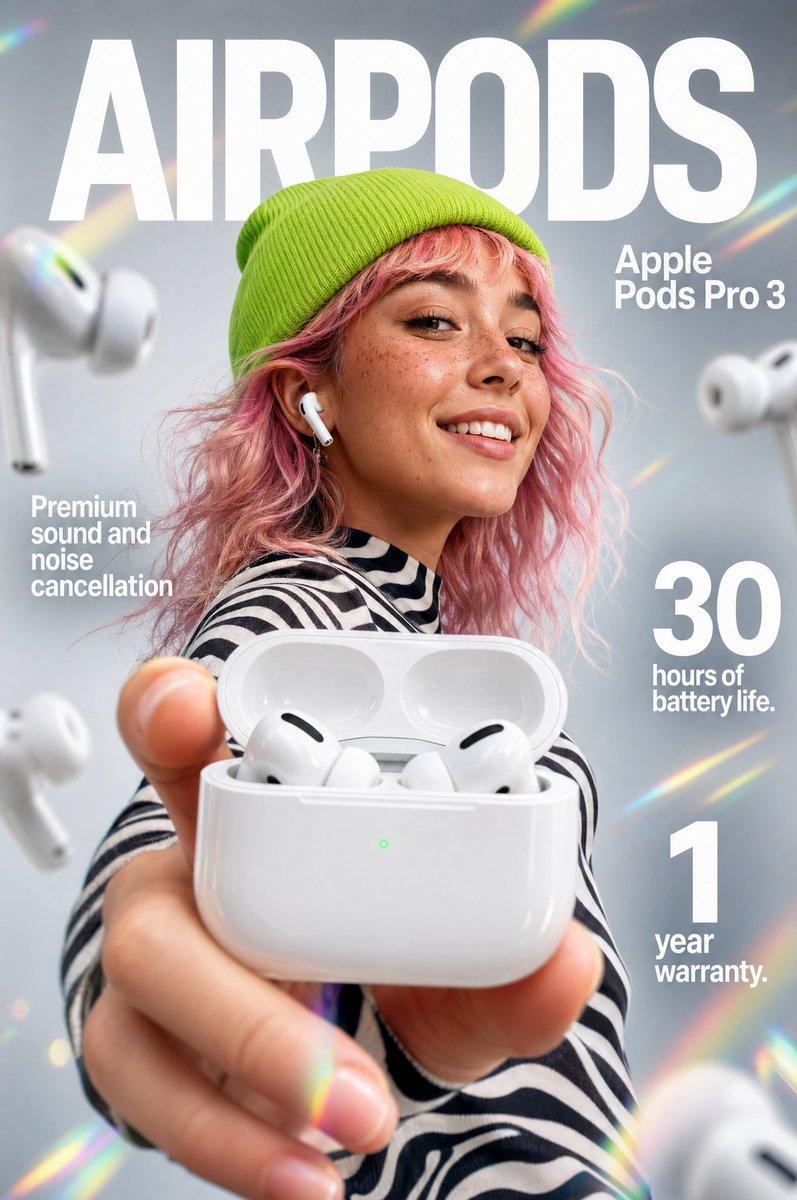
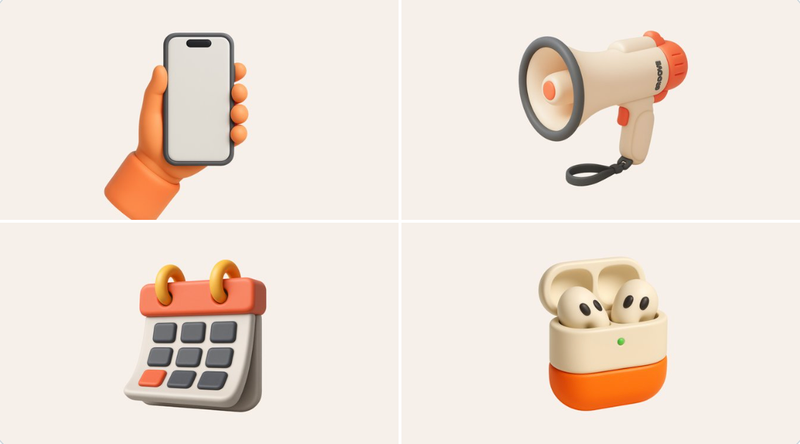
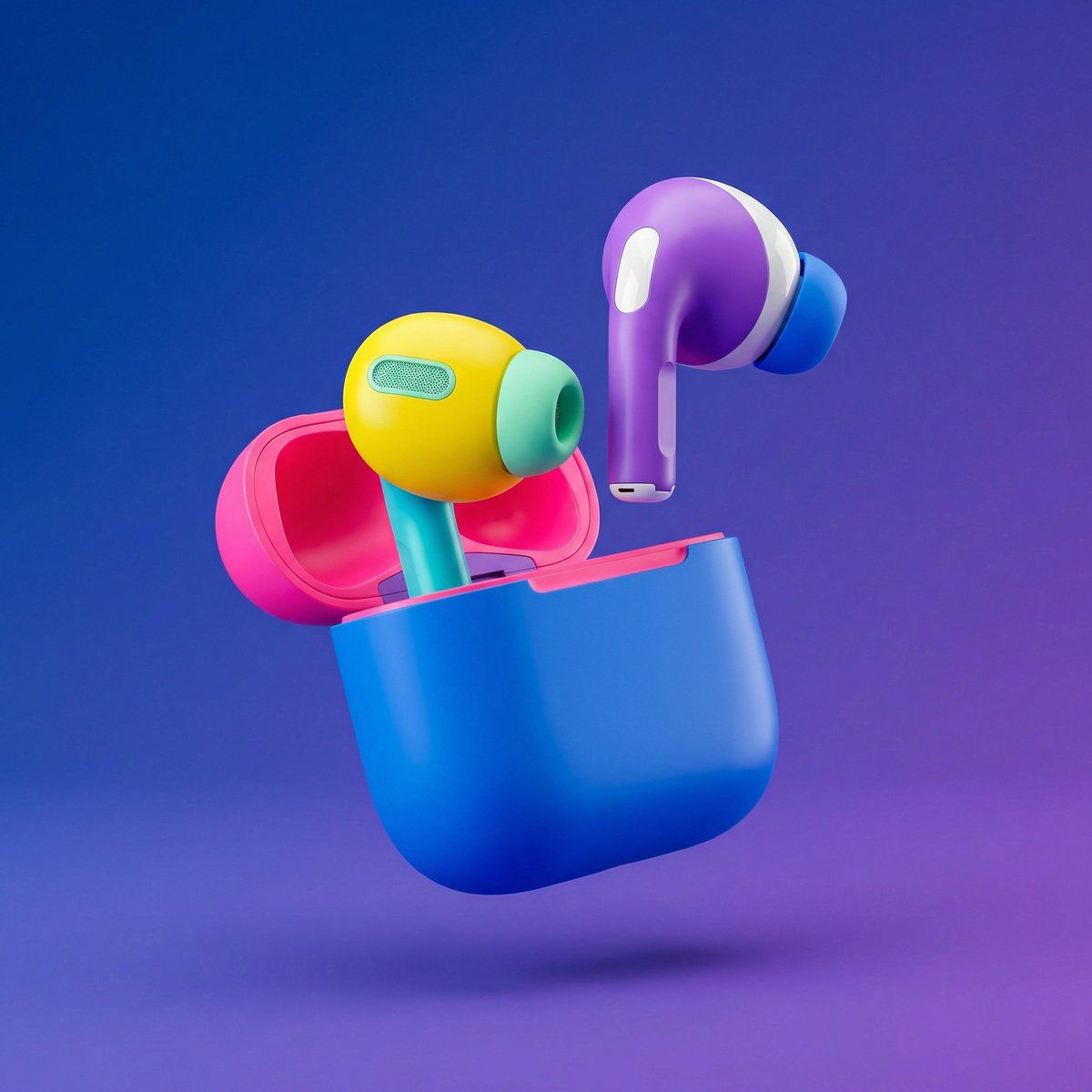
分段对象的高端 3D 渲染
Enlarge

分段对象的高端 3D 渲染

Prompt
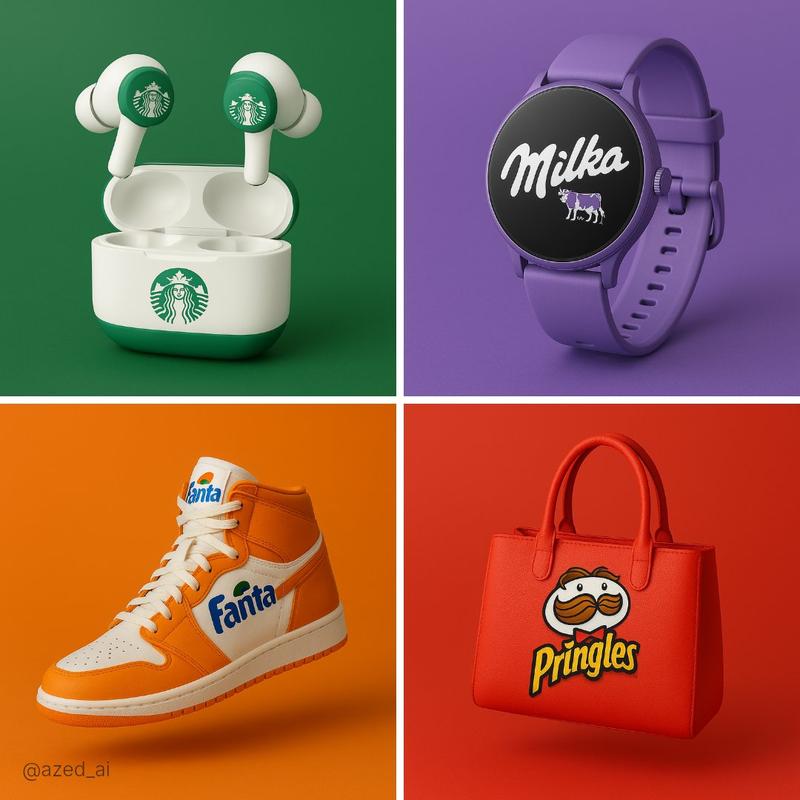
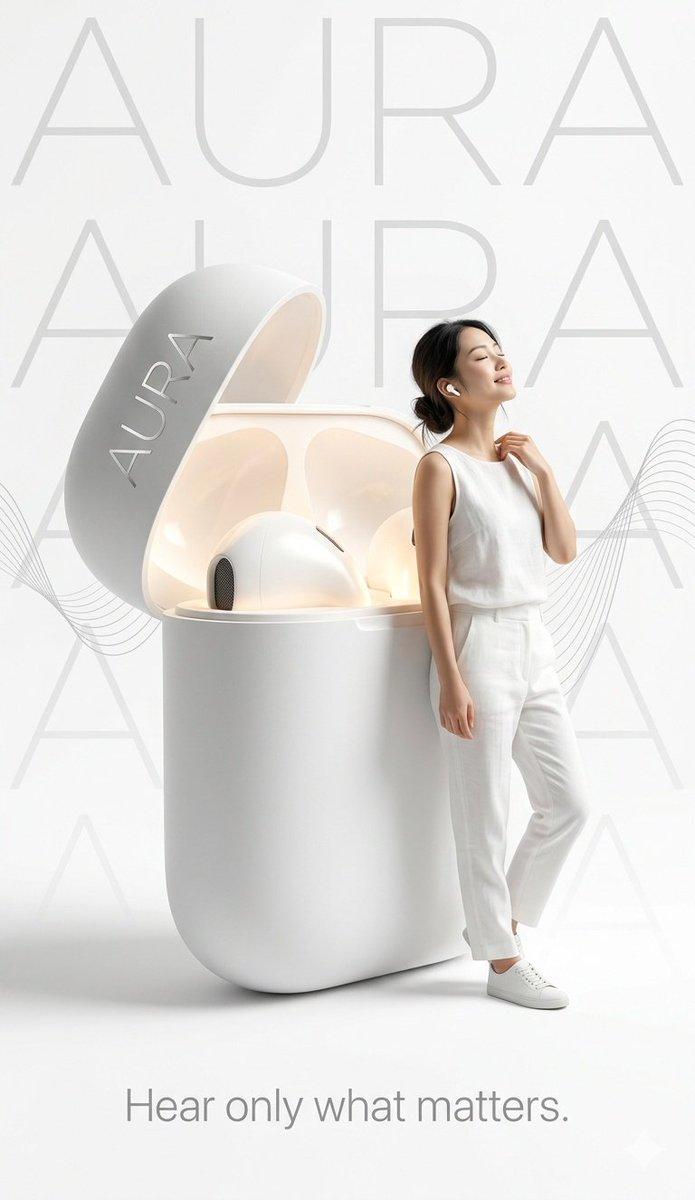
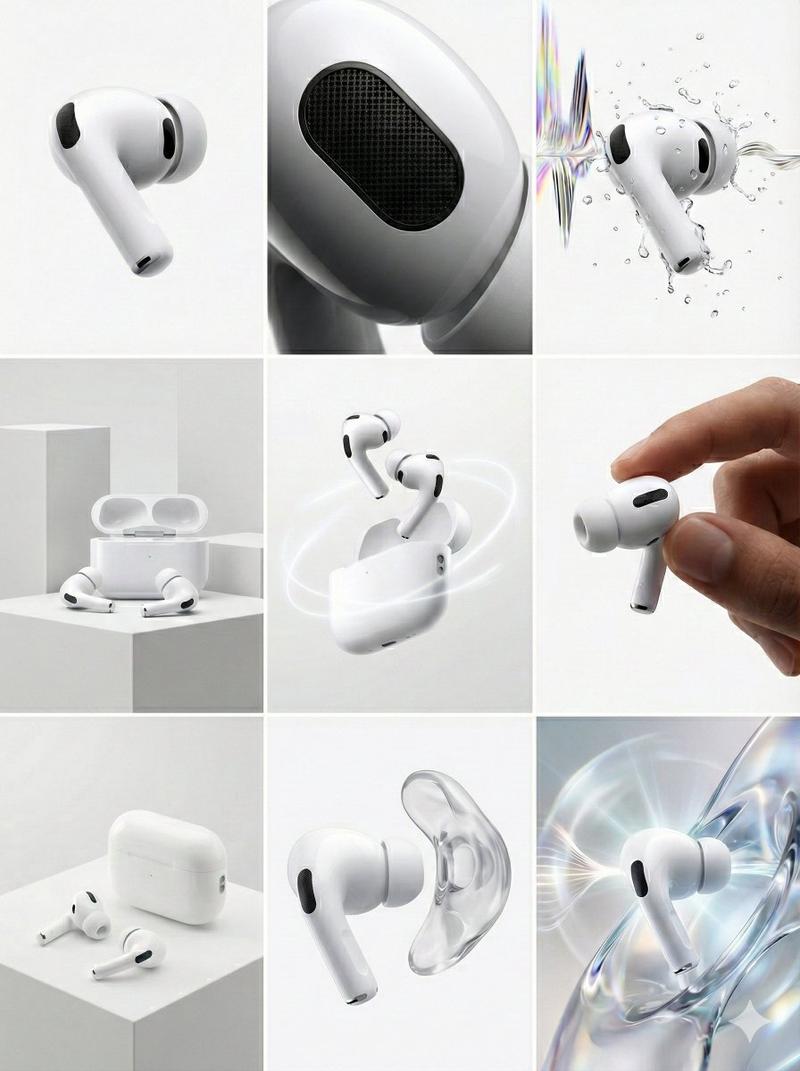
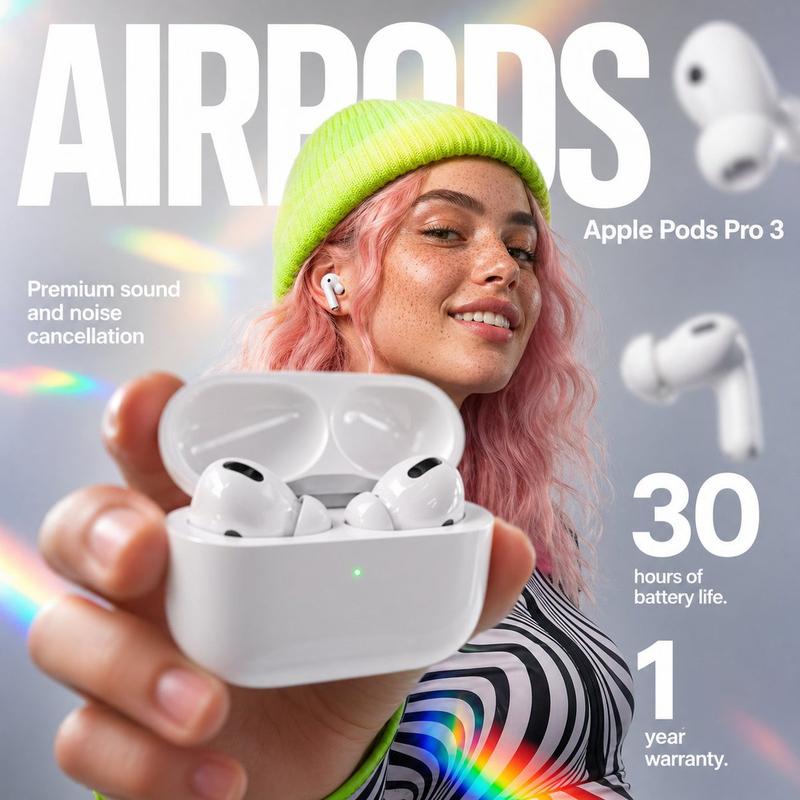
Ultra-clean high-end 3D render of {argument name="object" default="OBJECT"}, designed with clearly segmented parts in bold, vibrant, high-contrast colors, each component using a different saturated pop color (electric blue, neon pink, bright yellow, mint green, cyan, purple, glossy white accents), smooth matte and semi-gloss plastic materials with subtle rubberized elements, rounded edges, playful industrial toy-like proportions, premium collectible-toy aesthetic, the object floating in mid-air with slightly separated components to emphasize individual parts, no motion blur, perfectly balanced composition, studio lighting with soft diffused key light and controlled rim light to enhance color separation, minimal clean shadows, smooth gradient background transitioning from deep blue to purple, ultra-polished Apple-level cleanliness, no textures, no scratches, no dirt, no realism noise, no muted tones, no desaturation, no monochrome dominance, perfect global illumination, ray-traced reflections, soft contact shadows, shallow depth while remaining razor sharp, cinematic framing, centered composition, minimalistic, modern, playful yet premium, rendered in ultra-high resolution with Octane or Redshift-style quality, Behance-feature-level output, no text, no logos, no branding, no extra elements, no people, no environment clutter, no watermark, no typography, aspect ratio 4:5.
Category
创意图片
Model
Nano Banana Pro
Views0
Source ID
ecdc0821-c400-4b94-9d0c-458070163276
Published
Mar 8, 2026

Guide

About "分段对象的高端 3D 渲染"

What is this prompt for?

"分段对象的高端 3D 渲染" AI image prompt for Nano Banana Pro (创意图片). 一个详细的提示,用于创建物体超干净、高端的 3D 渲染图,具有清晰的分段部件,采用大胆、高对比度的色彩和俏皮、高级的收藏玩具美学,以 Octane 或 Redshift 风格的质量渲染。 --- 超…

The full copyable prompt and example visuals above are ready for AI image generation or one-click recreate in Picva.

How to use this prompt

  1. Step 1

    Open the prompt detail

    Review the example visuals, category, and full prompt text for "分段对象的高端 3D 渲染".

  2. Step 2

    Copy the prompt

    Copy the prompt body from this page, or load it directly in Studio.

  3. Step 3

    Pick a model (Nano Banana Pro)

    Prefer Nano Banana Pro. If you switch models, keep subject and composition and tweak style terms.

  4. Step 4

    Generate and export

    Recreate the look in Picva, or export into your workflow for editing and publishing.

FAQ

What is the "分段对象的高端 3D 渲染" prompt?
It is an AI image-generation prompt for Nano Banana Pro in the 创意图片 category. This page includes the full prompt text, example visuals, and a one-click recreate path in Picva.
How do I use this prompt to generate an image?
Copy the prompt from this page, or use Generate / Studio. Paste it into a compatible image model, or recreate the look in Picva with optional reference images.
Which model is this prompt for?
This page lists Nano Banana Pro. Most descriptive prompts also transfer to nearby image models such as GPT Image, Flux, or Midjourney with light style tweaks.
Can I use the result commercially?
You can usually copy the prompt for creation, but commercial use of the final image depends on the model terms, reference-image rights, and the generated content. Follow the source author and platform rules.