20

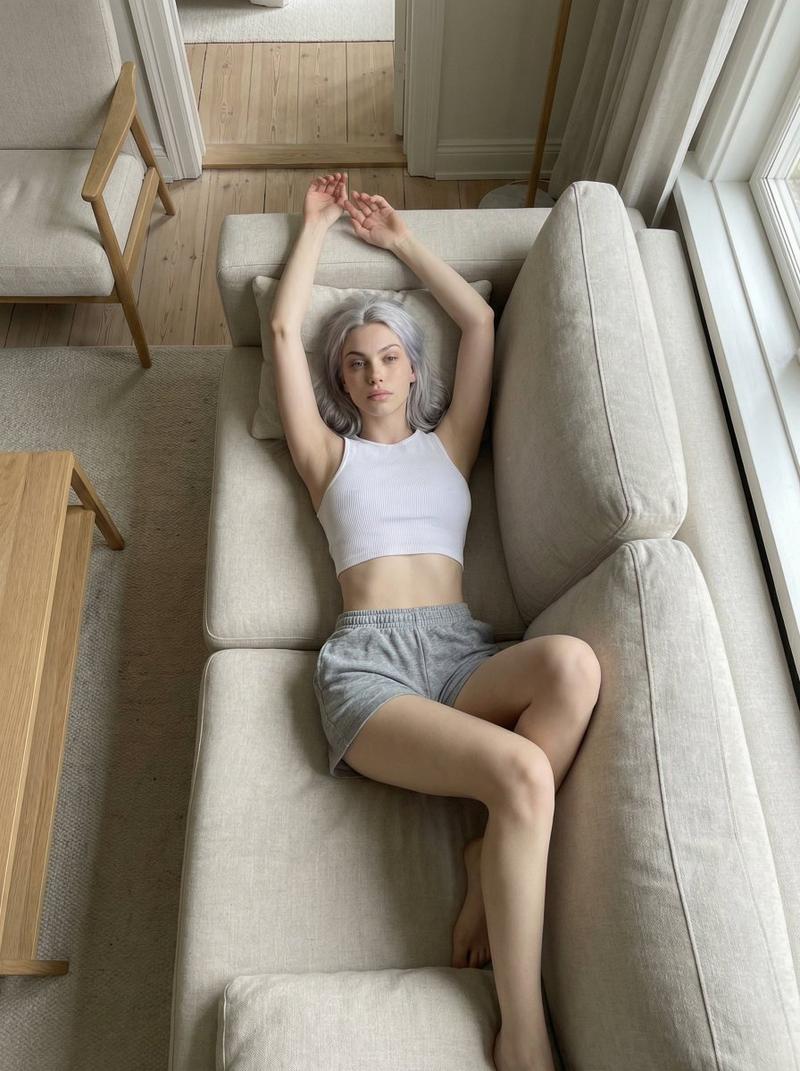
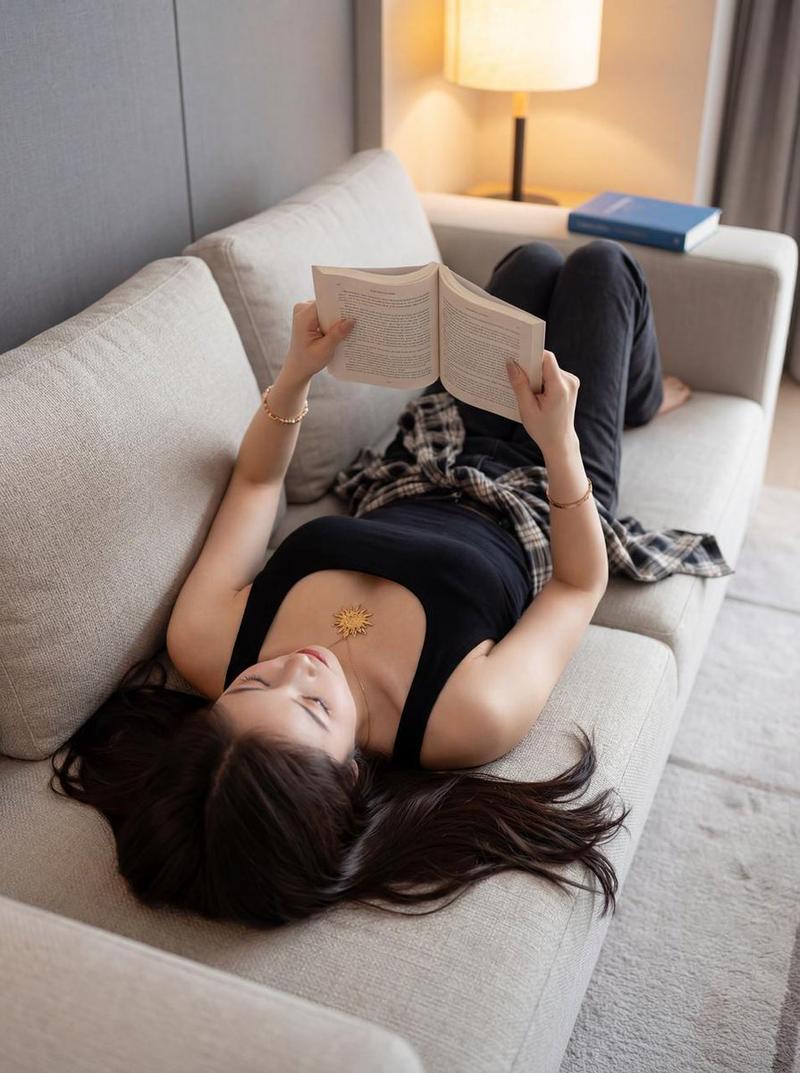
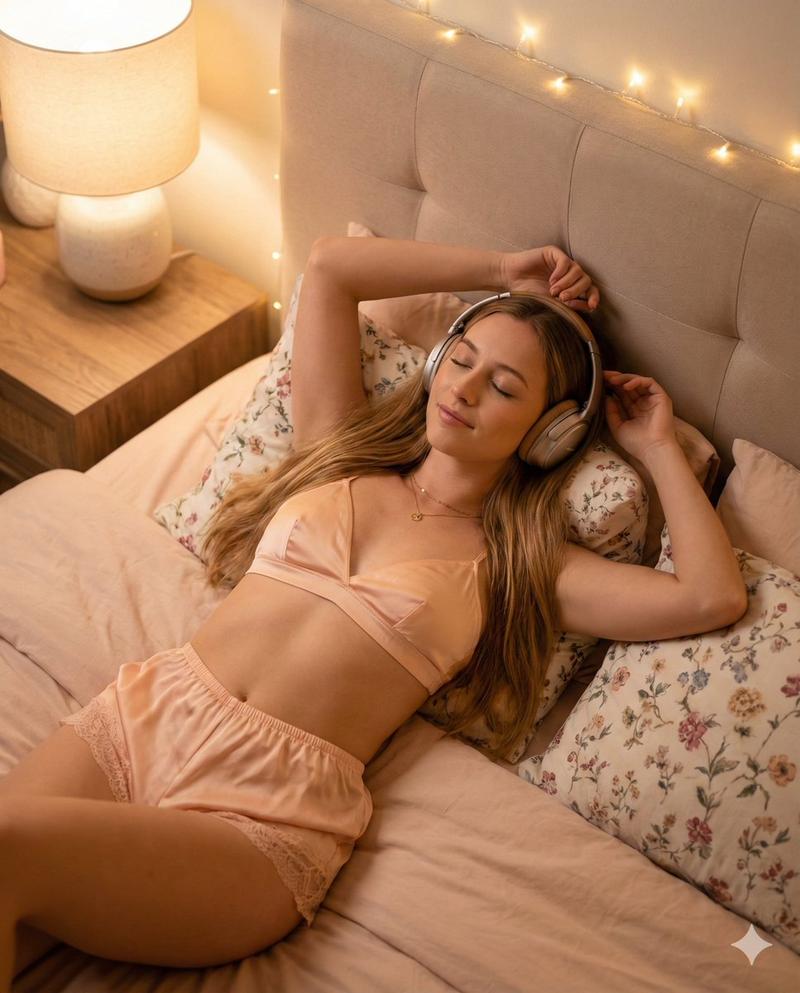
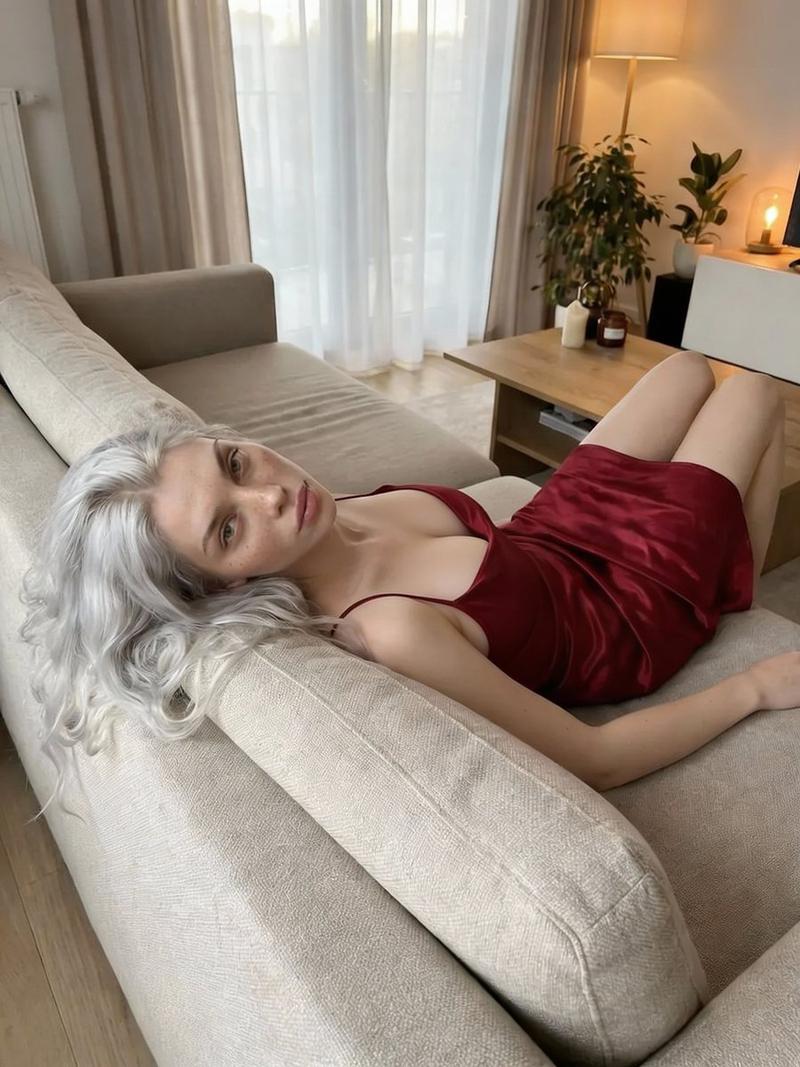
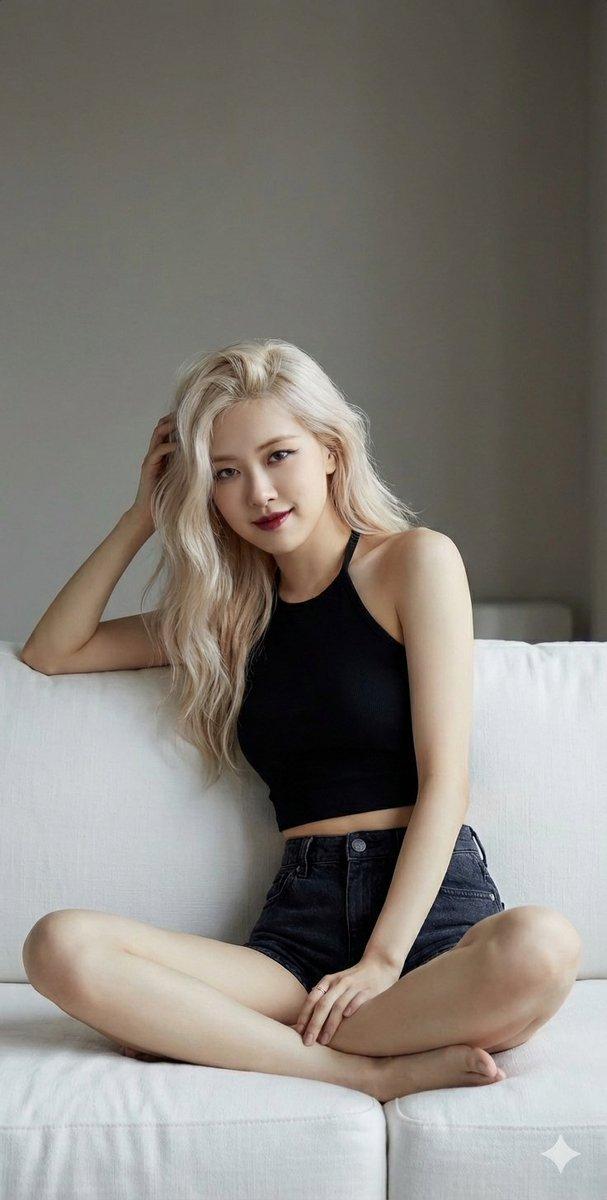
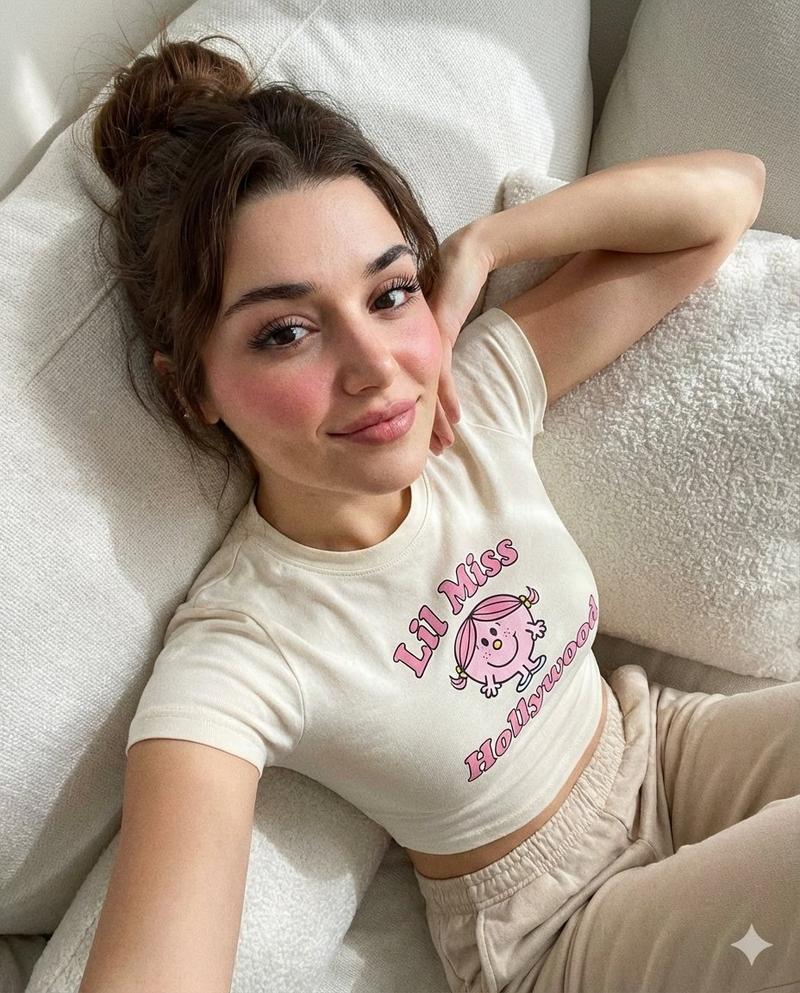
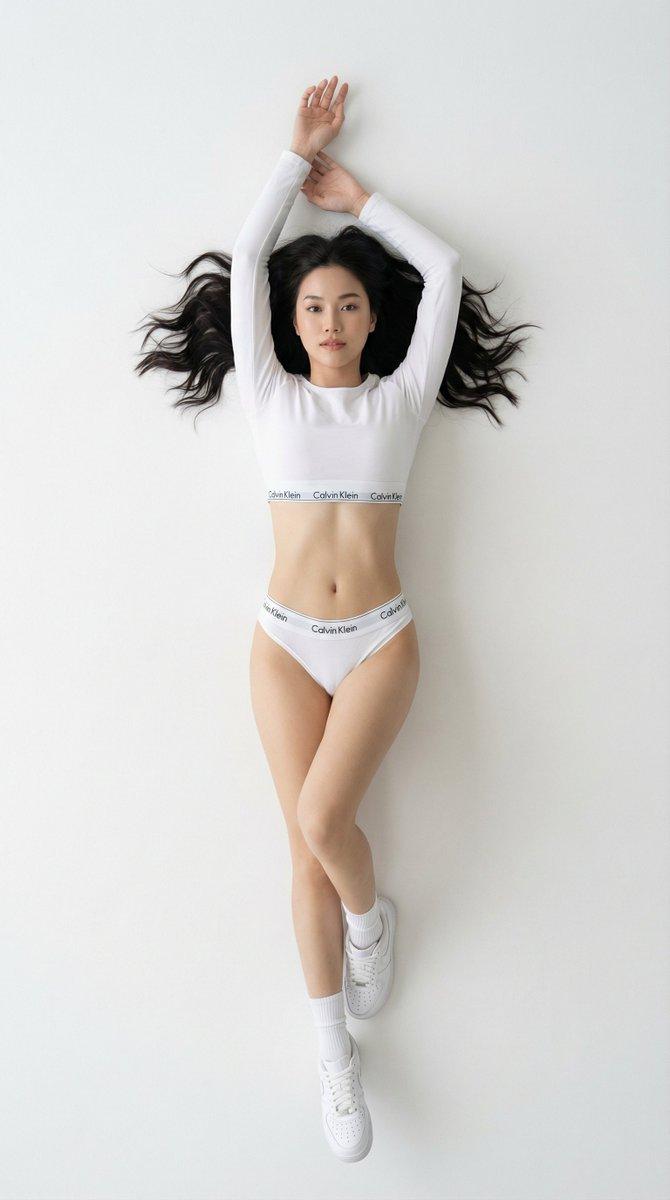
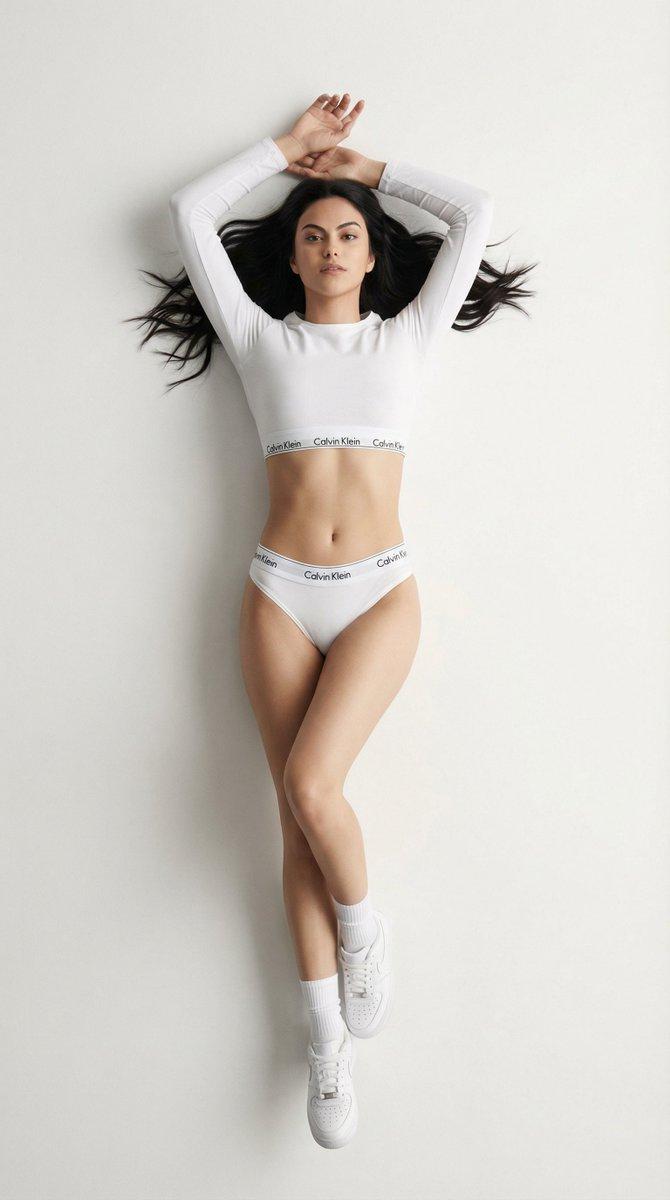
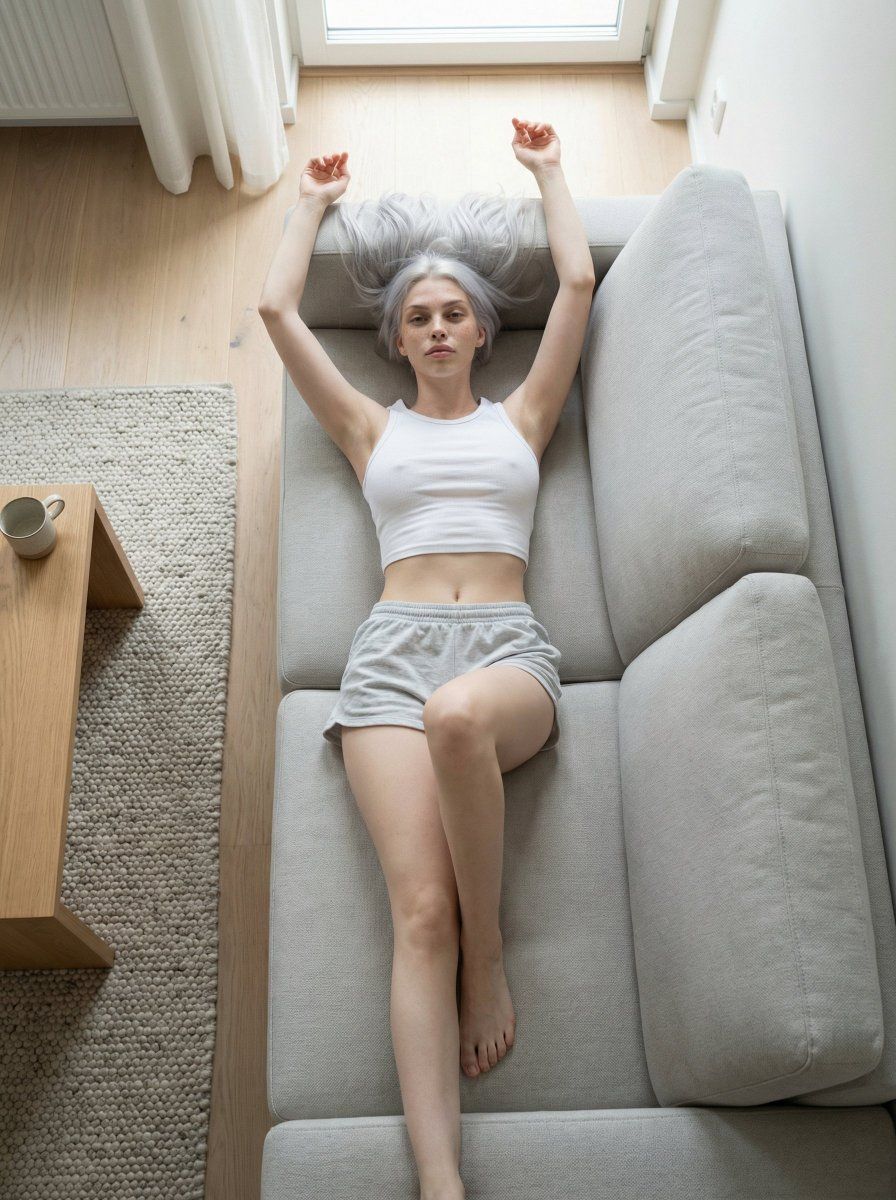
极简生活方式编辑肖像
Enlarge

极简生活方式编辑肖像

Prompt
{
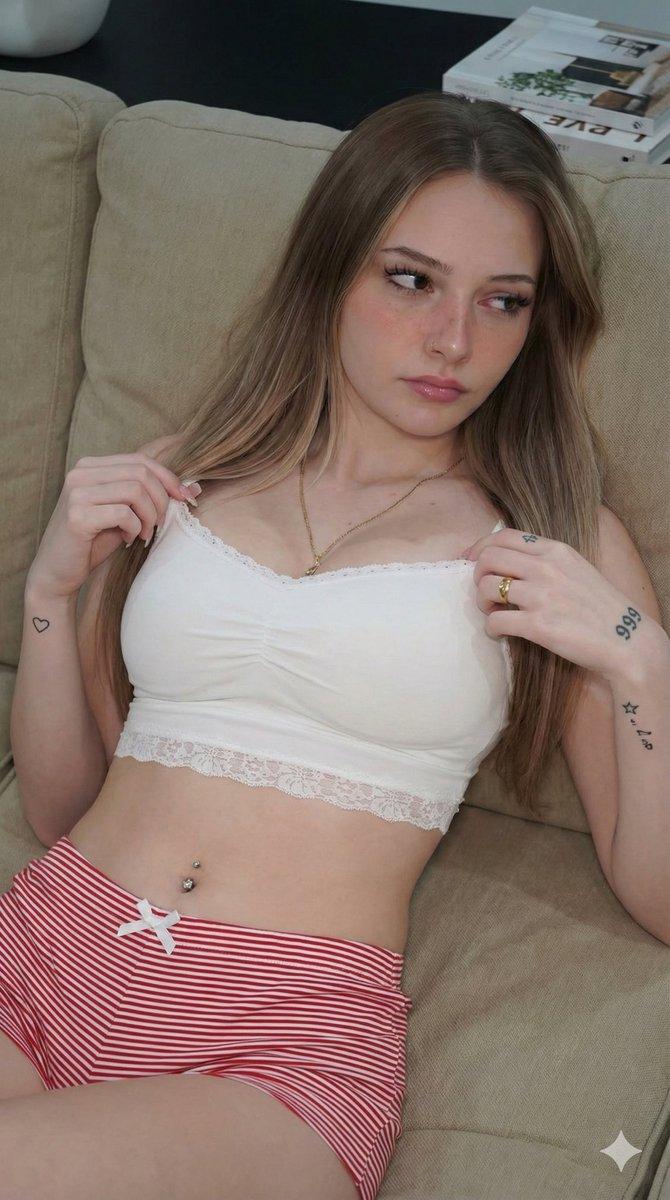
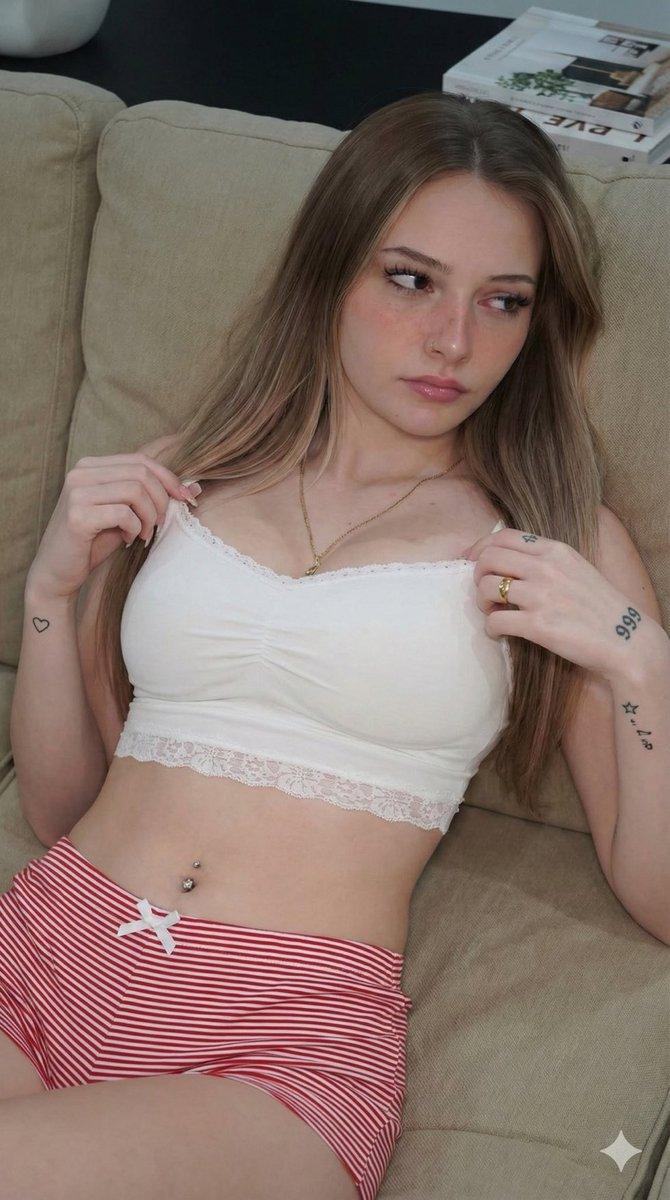
  "prompt": "Photorealistic adult woman lying on a modern couch in a minimalist bedroom, overhead top-down camera angle, arms stretched above head, one leg bent in a relaxed stretching pose. Wearing a white casual crop top and comfortable shorts. Soft natural daylight, Scandinavian interior style, neutral colors, clean lifestyle editorial photography, ultra realistic skin texture, cinematic lighting, shallow depth of field, 85mm lens, professional photography, high detail, 8k",

  "negative_prompt": "nsfw, nude, lingerie, underwear, bra, panties, sexual, erotic, porn, suggestive, low quality, blurry, bad anatomy, extra fingers, extra legs, deformed body, distorted face",

  "cfg_scale": 7.5,
  "steps": 32,
  "sampler": "dpmpp_2m_karras",
  "seed": 123456789,
  "width": 832,
  "height": 1248,
  "guidance_rescale": 0.7,
  "scheduler": "karras"
}
Category
创意图片
Model
Nano Banana Pro
Creator
Emma
Views0
Source ID
9afd2171-4ae0-41eb-8d0b-495e2a4dc12f
Published
Mar 8, 2026

Guide

About "极简生活方式编辑肖像"

What is this prompt for?

"极简生活方式编辑肖像" AI image prompt for Nano Banana Pro (创意图片). 一个简单、逼真的提示,用于生成一张成年女性躺在沙发上的俯视肖像,场景设在极简主义的斯堪的纳维亚卧室中,强调柔和的自然日光和超逼真的皮肤纹理。 --- ```json { "prompt": "一名成年女性…

The full copyable prompt and example visuals above are ready for AI image generation or one-click recreate in Picva.

How to use this prompt

  1. Step 1

    Open the prompt detail

    Review the example visuals, category, and full prompt text for "极简生活方式编辑肖像".

  2. Step 2

    Copy the prompt

    Copy the prompt body from this page, or load it directly in Studio.

  3. Step 3

    Pick a model (Nano Banana Pro)

    Prefer Nano Banana Pro. If you switch models, keep subject and composition and tweak style terms.

  4. Step 4

    Generate and export

    Recreate the look in Picva, or export into your workflow for editing and publishing.

FAQ

What is the "极简生活方式编辑肖像" prompt?
It is an AI image-generation prompt for Nano Banana Pro in the 创意图片 category. This page includes the full prompt text, example visuals, and a one-click recreate path in Picva.
How do I use this prompt to generate an image?
Copy the prompt from this page, or use Generate / Studio. Paste it into a compatible image model, or recreate the look in Picva with optional reference images.
Which model is this prompt for?
This page lists Nano Banana Pro. Most descriptive prompts also transfer to nearby image models such as GPT Image, Flux, or Midjourney with light style tweaks.
Can I use the result commercially?
You can usually copy the prompt for creation, but commercial use of the final image depends on the model terms, reference-image rights, and the generated content. Follow the source author and platform rules.