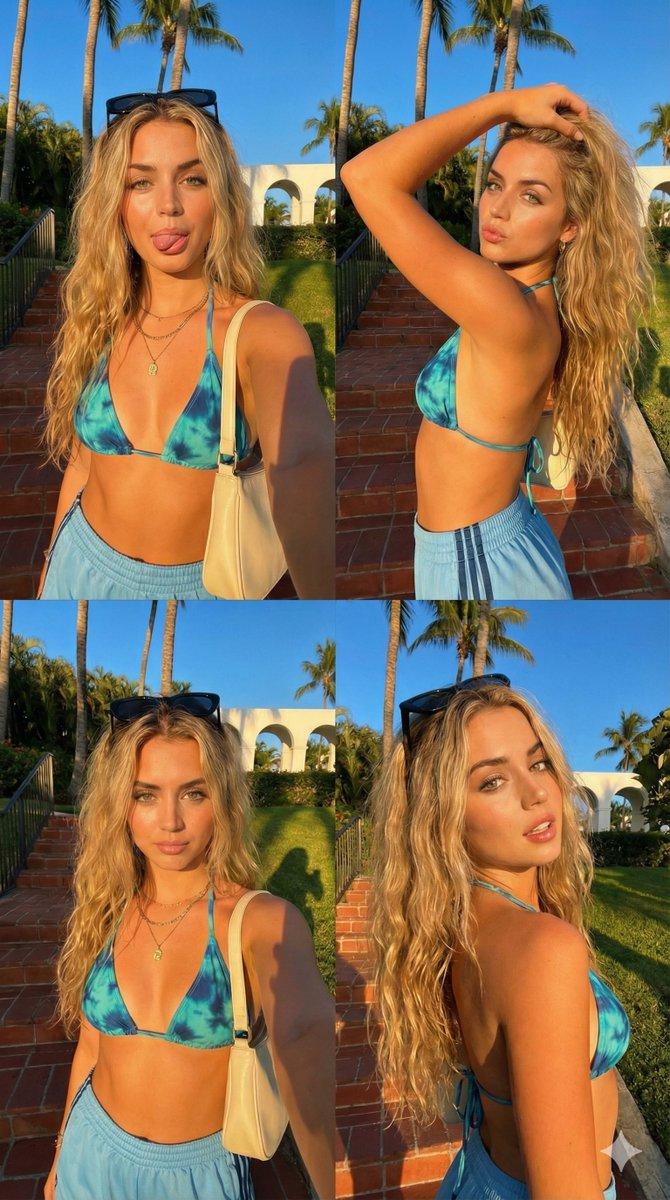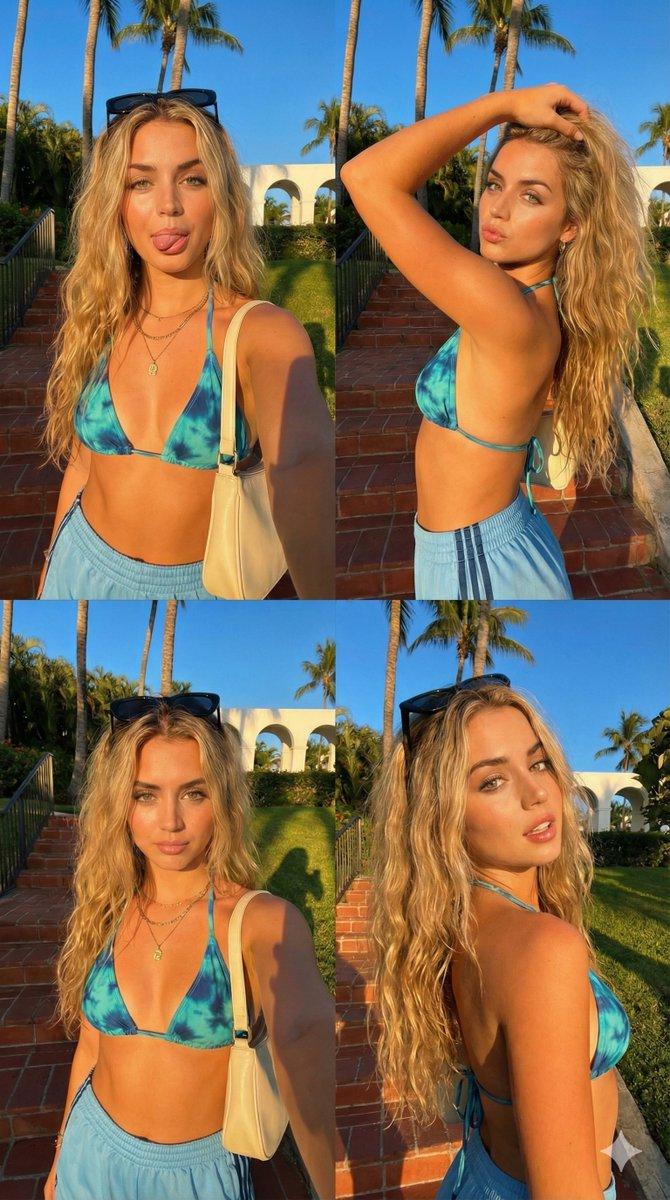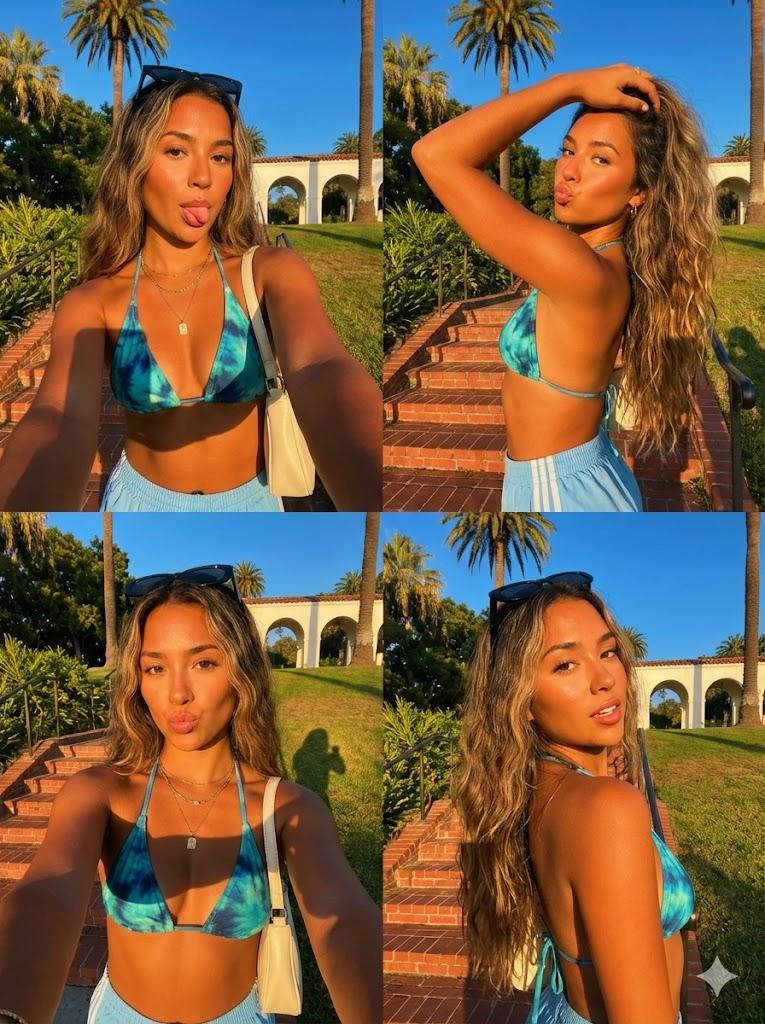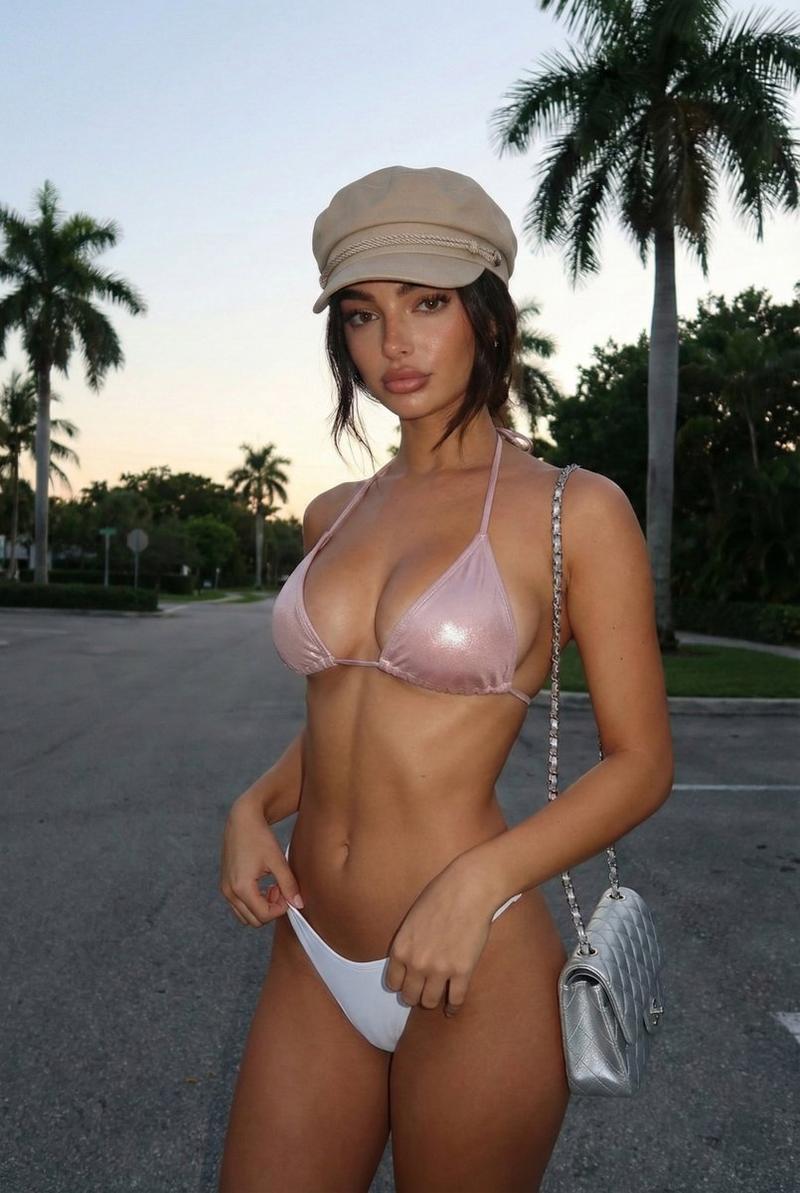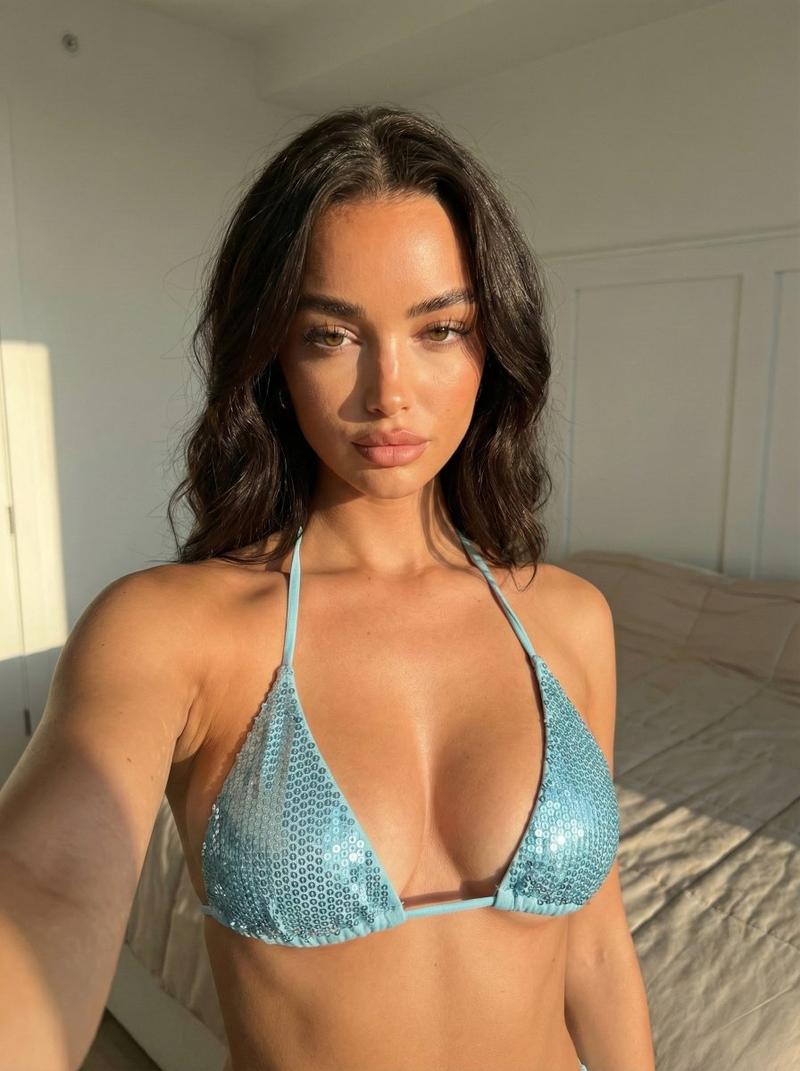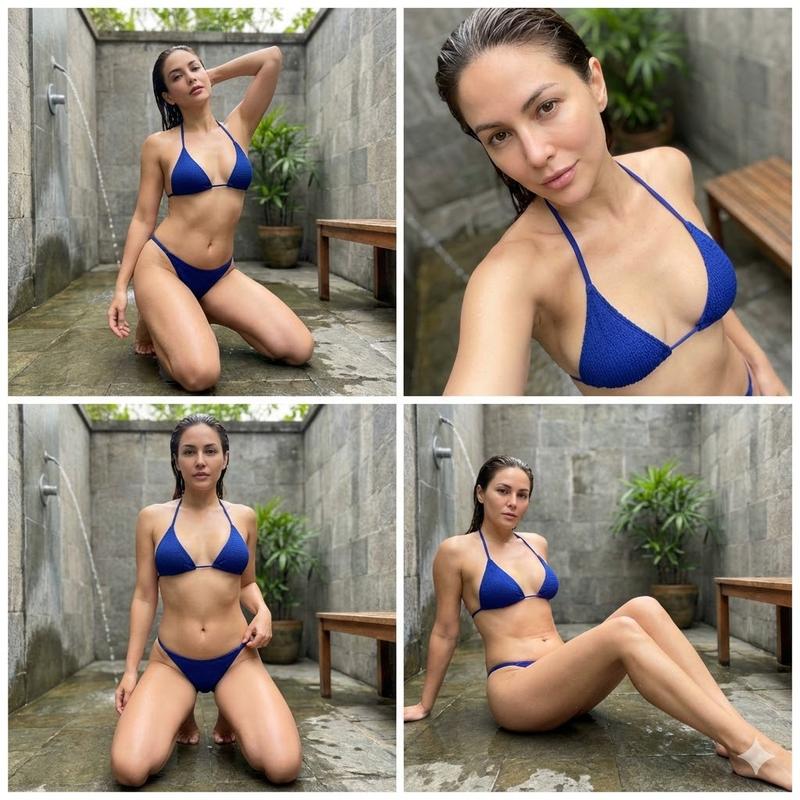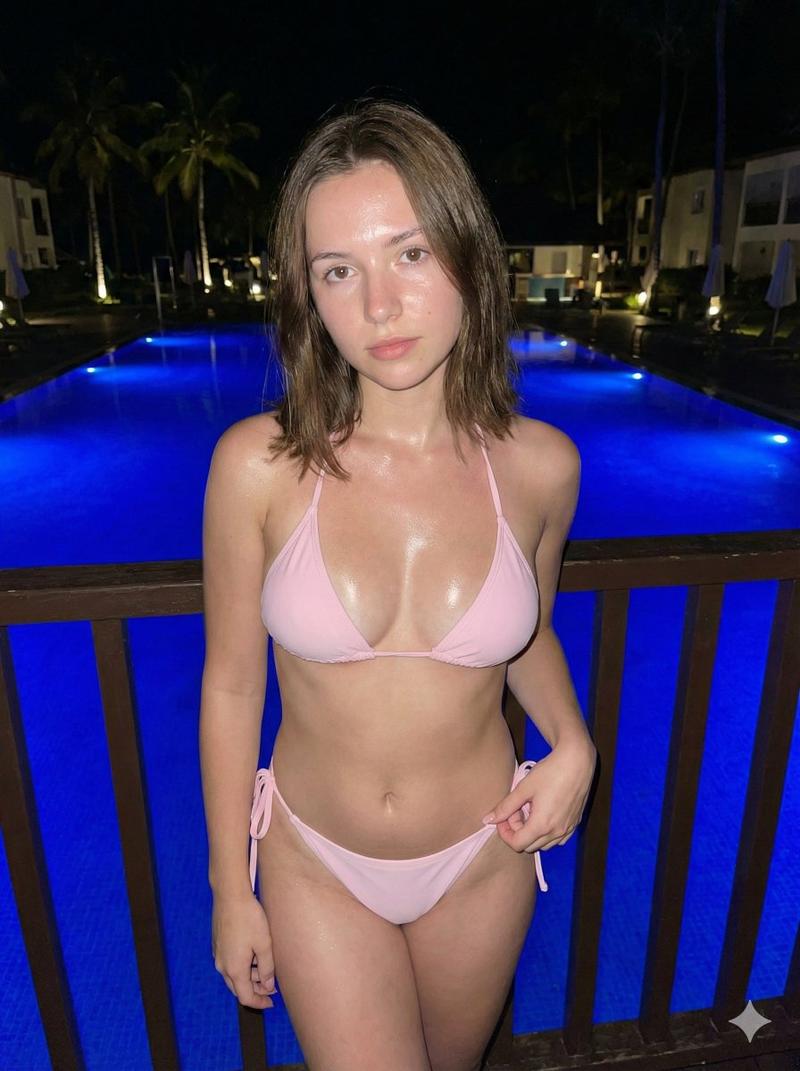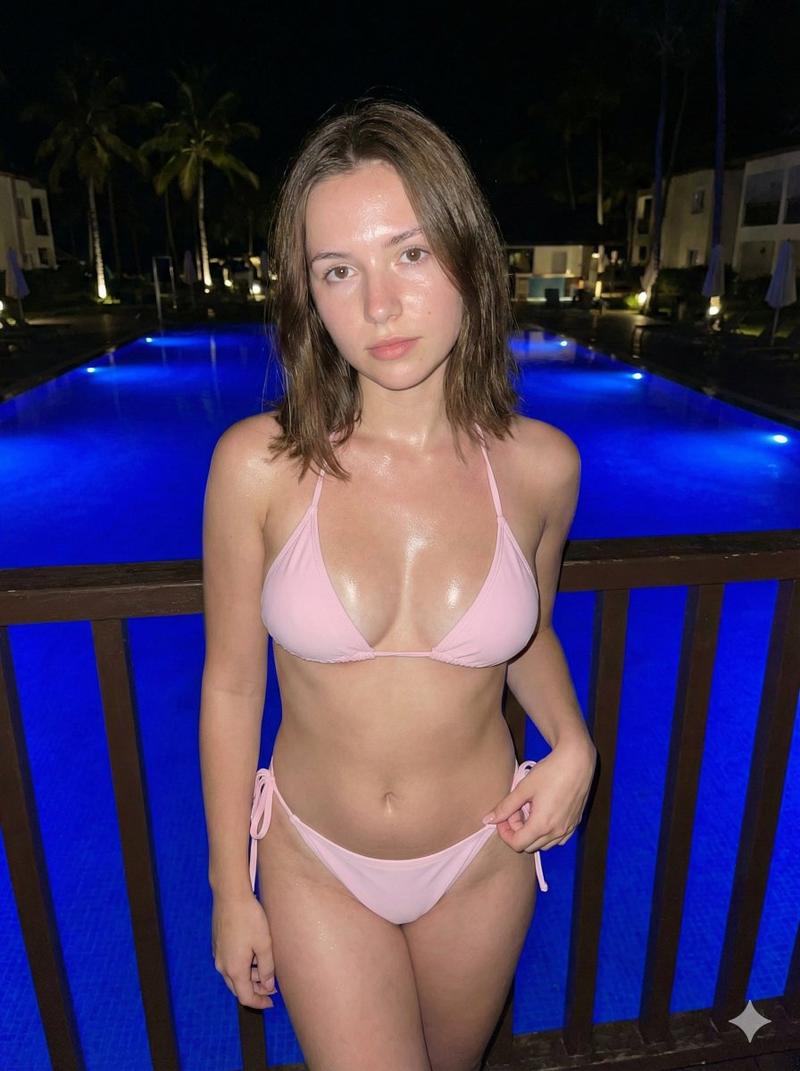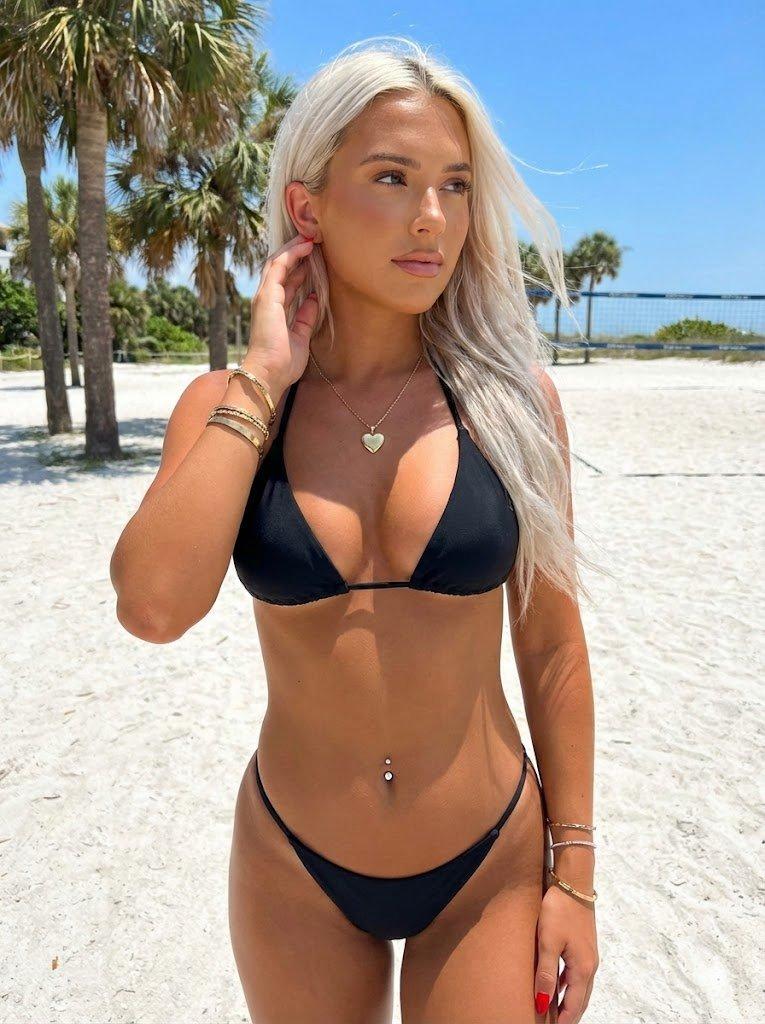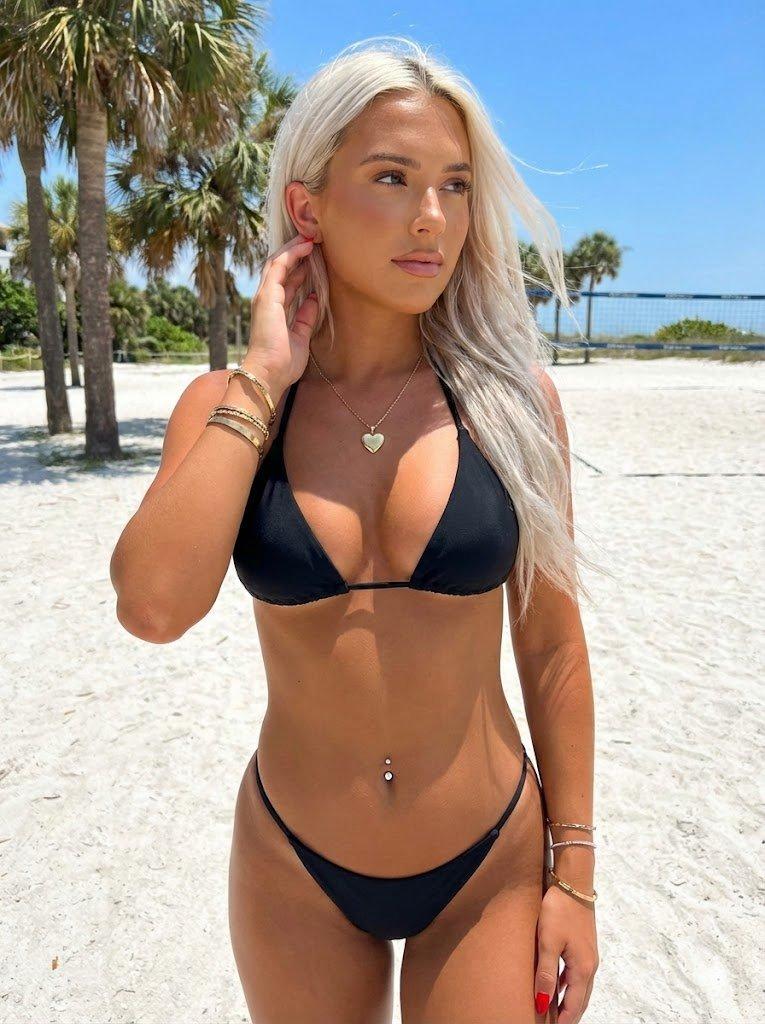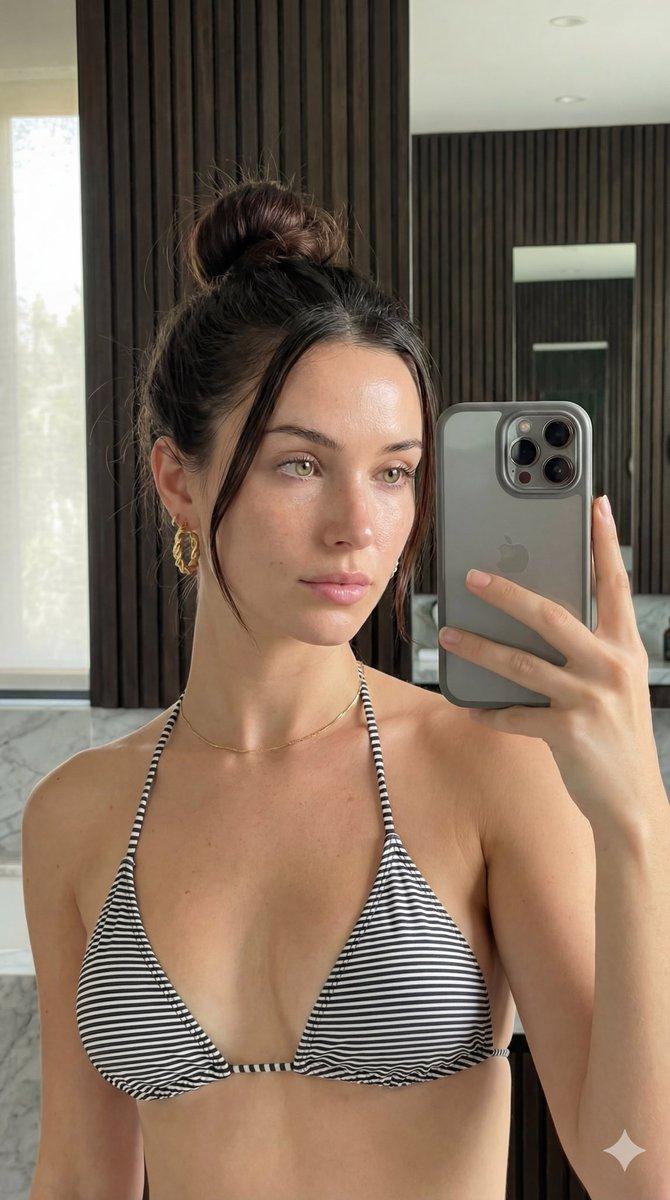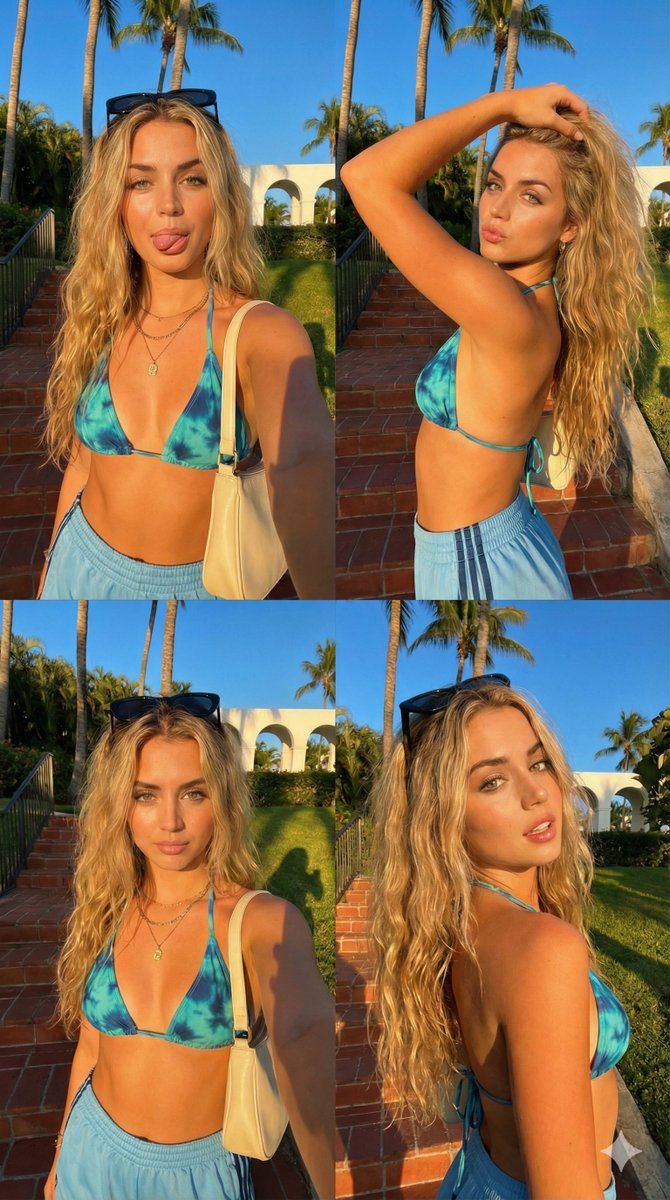
Megan Fox 2x2 黄金时段自拍拼贴
Prompt
{
  "image_structure": {
    "format": "2x2 Photo Grid / Split Screen Collage",
    "total_panels": 4,
    "border_style": "Thin white separator lines between images",
    "overall_aspect_ratio": "9:16 (Vertical)",
    "panel_consistency": "Same subject, same outfit, same lighting, and same background in all 4 panels."
  },
  "global_subject_details": {
    "demographics": "Fit {argument name="celebrity name" default="Megan Fox"}.",
    "skin": {
      "tone": "Fair and light, glowing sun-kissed skin.",
      "texture": "Smooth, high fidelity."
    },
    "hair": {
      "color": "Black with lighter sun-bleached beachy highlights.",
      "style": "Long, messy waves, textured, voluminous.",
      "accessory": "Black sunglasses resting on top of head (visible in front-facing shots)."
    },
    "facial_features": {
      "eyes": "Light blue, heavy black winged eyeliner.",
      "brows": "Groomed, arched light brown brows.",
      "nose": "Small, cute button nose."
    },
    "outfit": {
      "top": "Orange and red beach crop top with V deep necklace.",
      "bottom": "Orange Adidas-style shorts with black side stripes.",
      "accessories": "Layered gold necklaces, black-colored shoulder bag with strap."
    }
  },
  "panel_breakdown": {
    "top_left_panel": {
      "pose": "Selfie arm extended, body facing forward.",
      "expression": "Playful, tongue sticking out slightly to the side, eyes looking at camera.",
      "details": "Red shoulder bag visible on right shoulder, golden sunlight hitting left side of face."
    },
    "top_right_panel": {
      "pose": "Side profile selfie, right arm lifted with hand running through hair.",
      "expression": "Exaggerated 'kissy face' pout, eyes looking at camera.",
      "details": "Elbow raised, showing side profile of body, hair falling down back."
    },
    "bottom_left_panel": {
      "pose": "Front-facing selfie, similar to top-left but slightly zoomed out.",
      "expression": "Soft pout/kissy face (closed mouth), eyebrows slightly raised.",
      "details": "Golden hour shadow cast sharply behind her on the grass."
    },
    "bottom_right_panel": {
      "pose": "Angled 3/4 turn, looking back over shoulder.",
      "expression": "Soft smirk/smile, mouth slightly open showing teeth, relaxed gaze.",
      "details": "Hair falling over right shoulder, sunlight illuminating the side of the face."
    }
  },
  "environment_and_lighting": {
    "setting": "Tropical vibes in Miami beach. ",
    "background_objects": "Red brick/terracotta steps, tall palm trees against a deep blue sky, beach and ocean, green bushy foliage, Miami skyscrapers in distance.",
    "lighting_condition": "Golden Hour (late afternoon), strong directional sunlight creating high contrast and warm orange glow, long sharp shadows."
  },
  "camera_settings": {
    "style": "iPhone selfie, candid social media aesthetic.",
    "focal_length": "Wide angle (front facing camera feel).",
 "
  }
}- Category
- 创意图片
- Model
- Nano Banana Pro
- Creator
- KeorUnreal
- Source ID
- 2688da78-4442-4d31-a5fe-24728a9a8149
- Published
- Mar 8, 2026
Views0