17

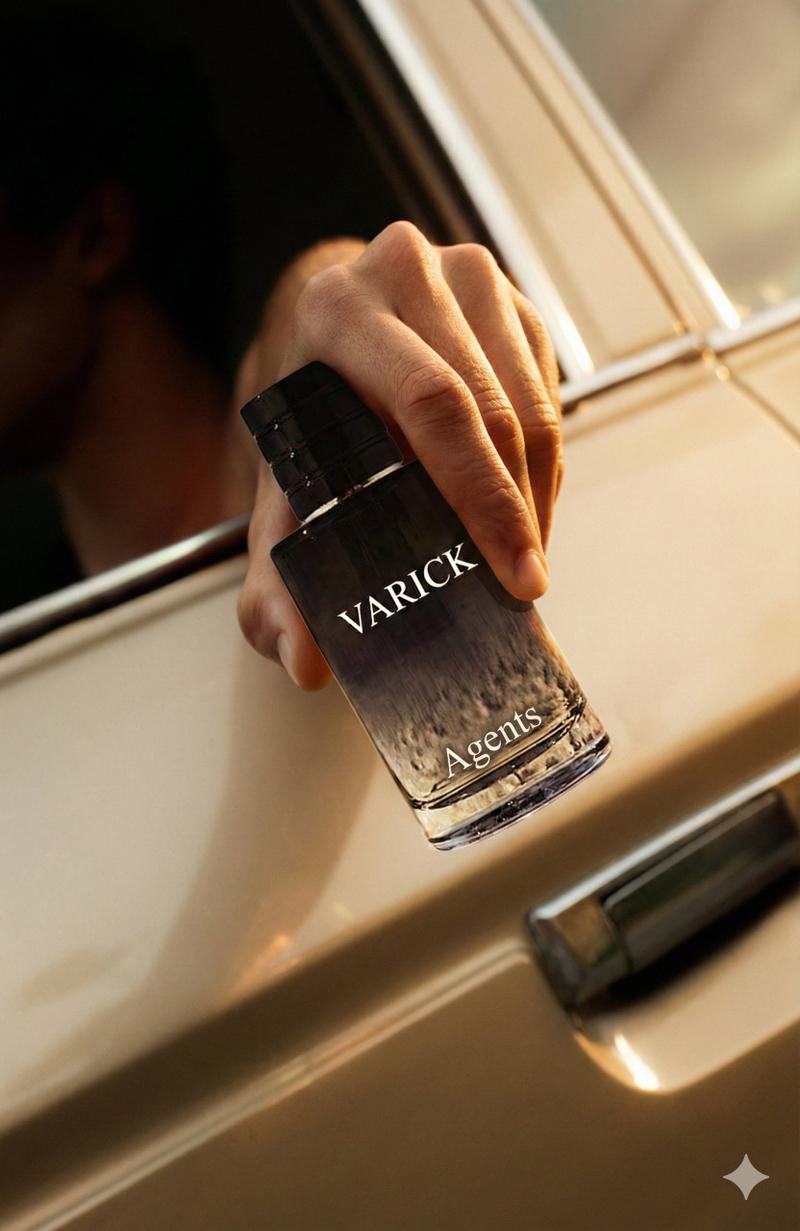
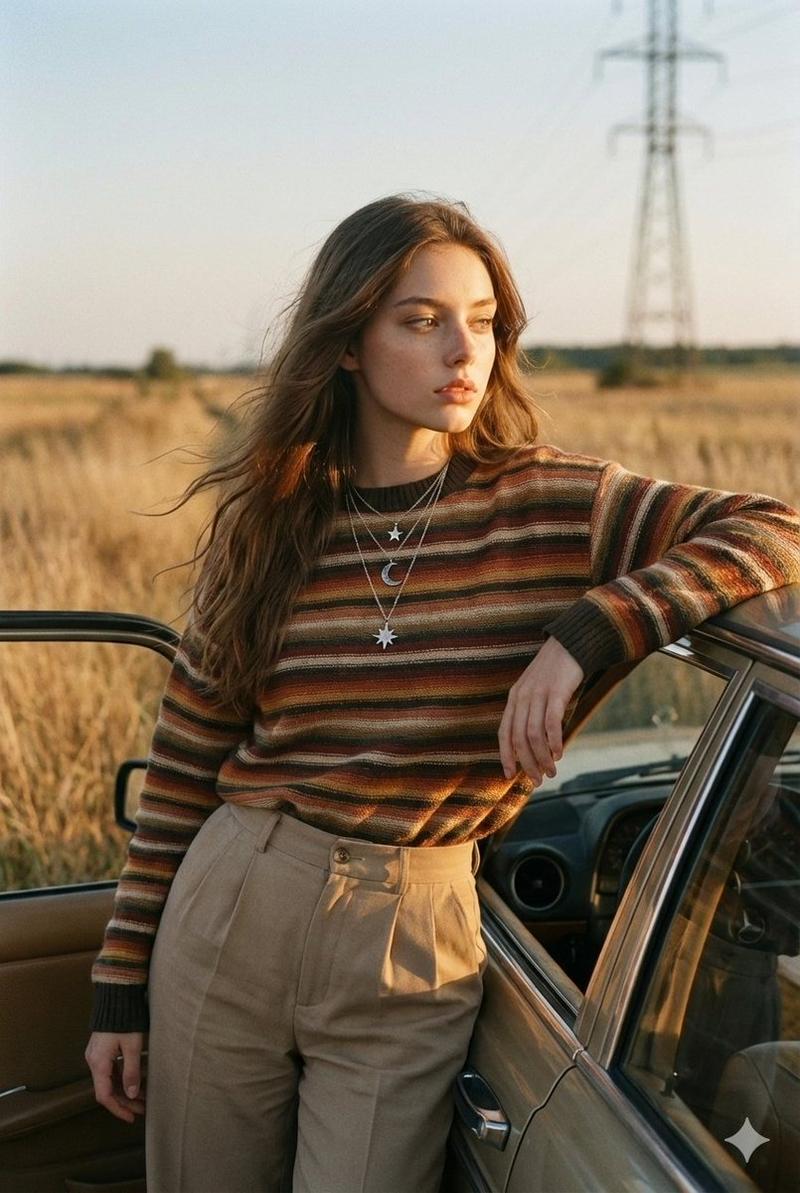
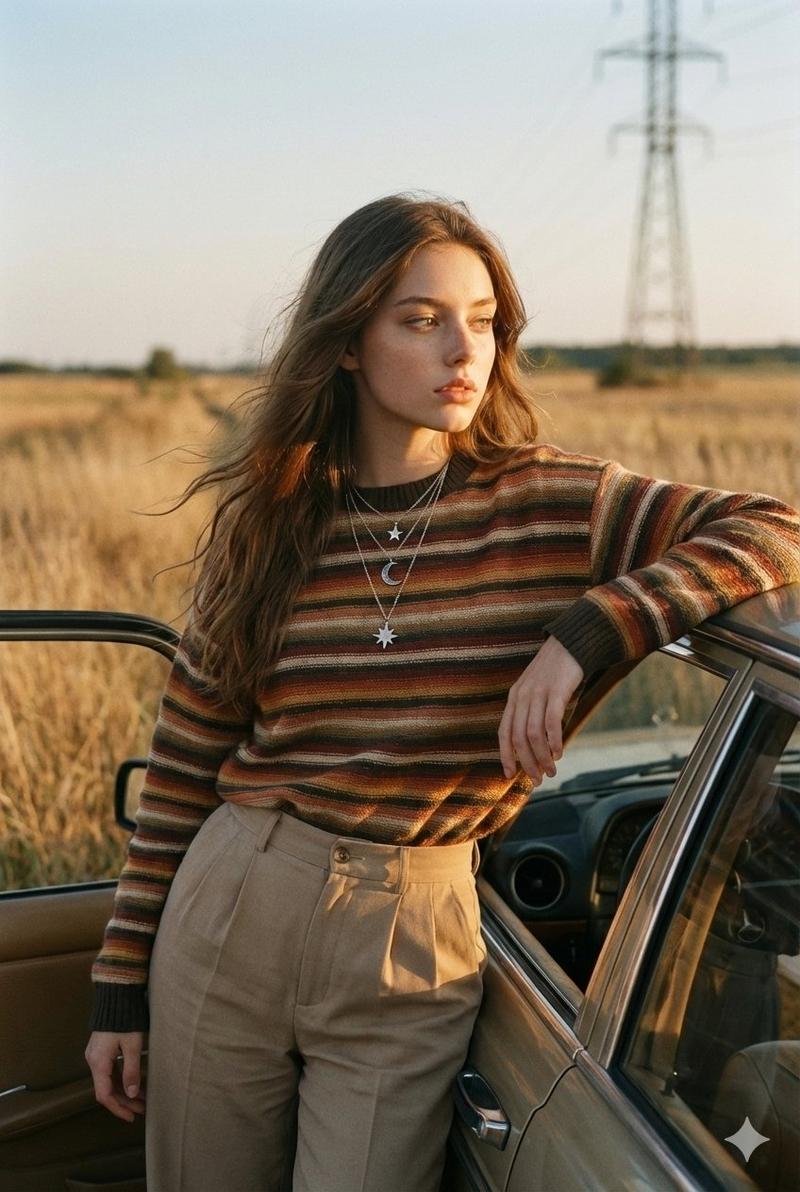
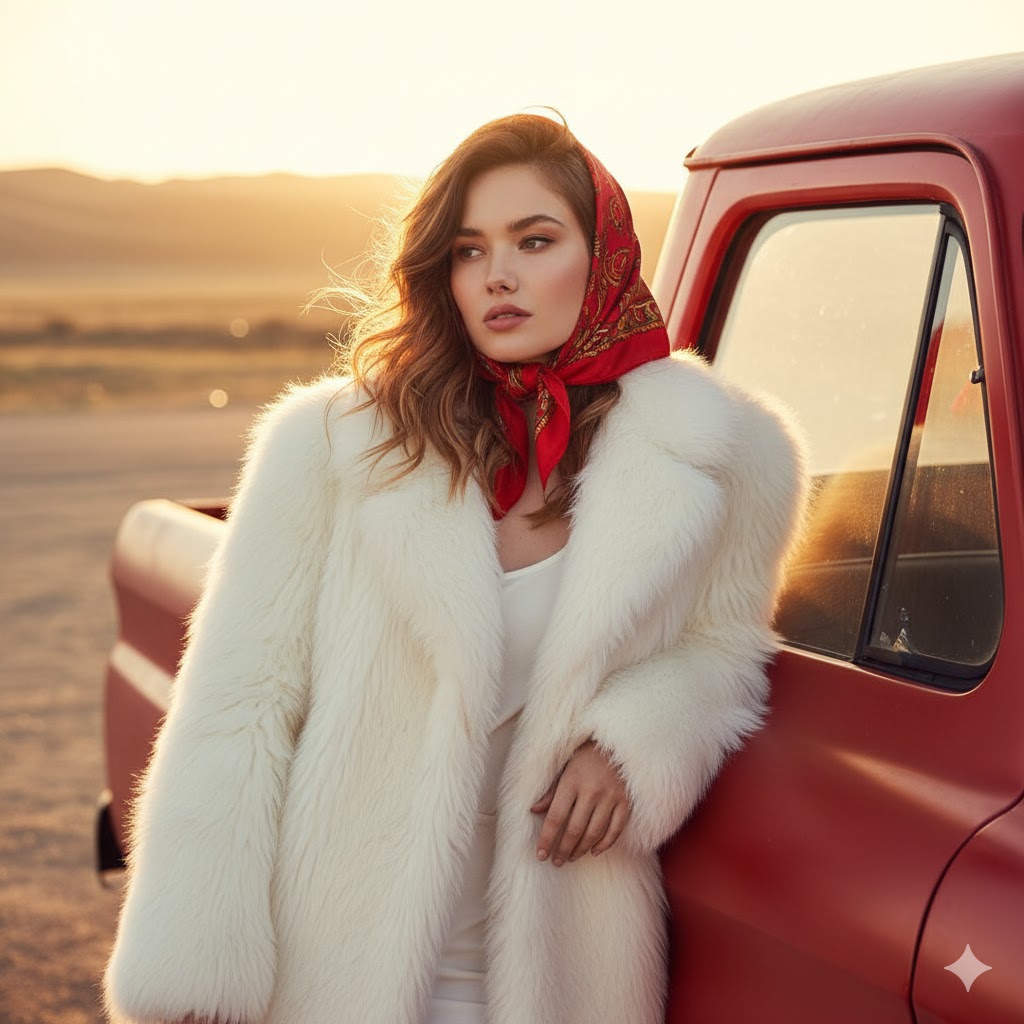
Nano Banana Pro 的广告替换和品牌适配提示
Enlarge

Nano Banana Pro 的广告替换和品牌适配提示

Prompt
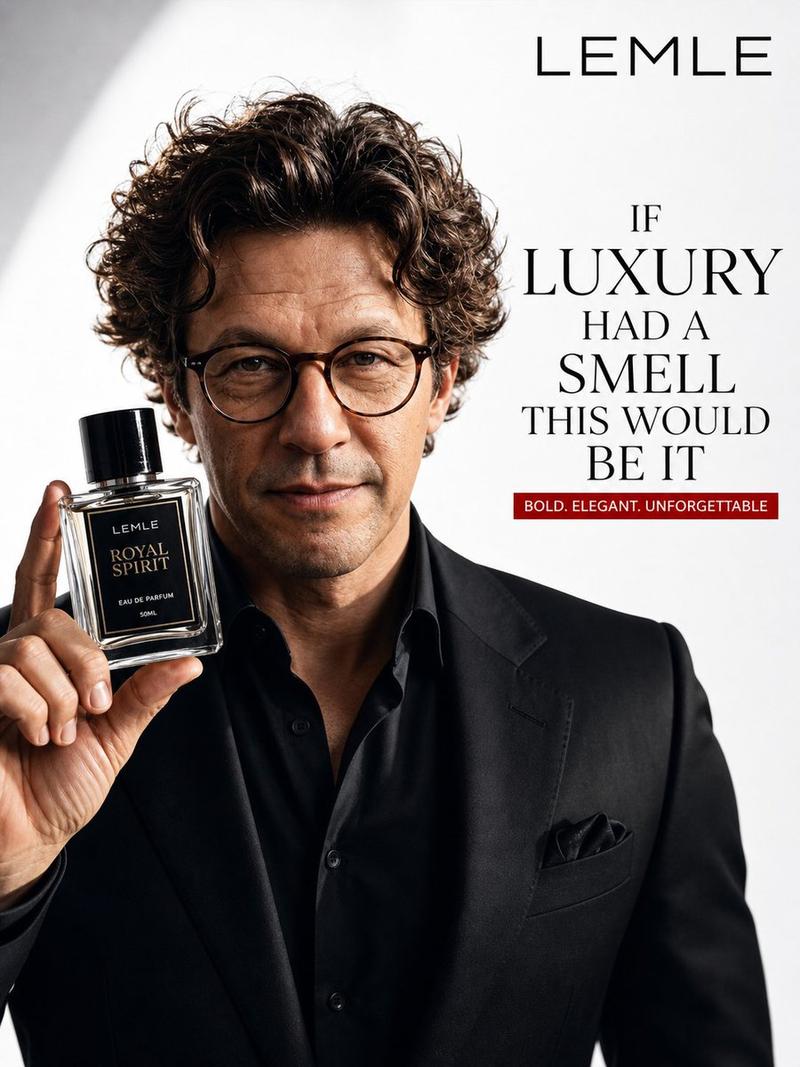
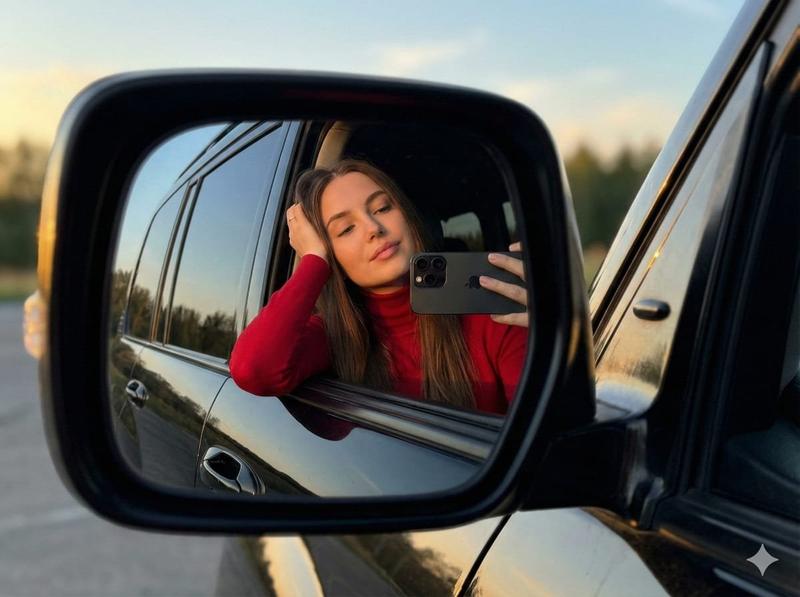
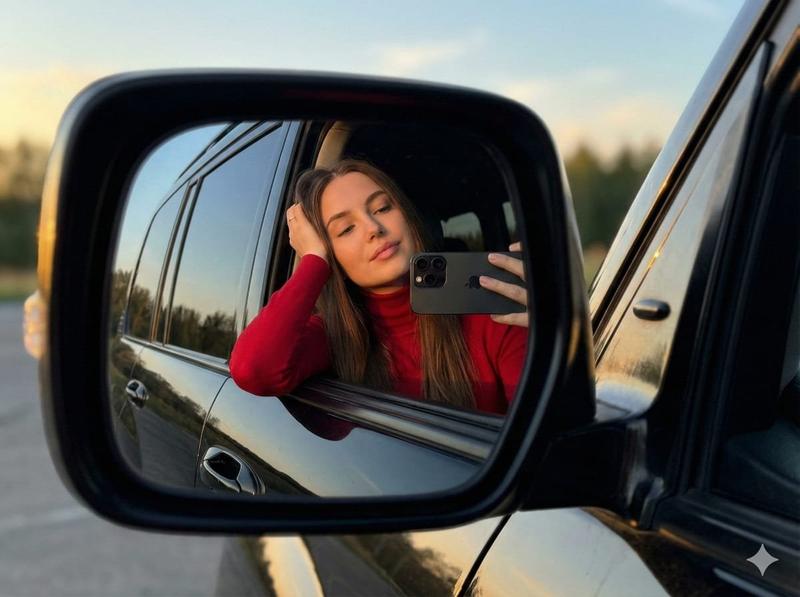
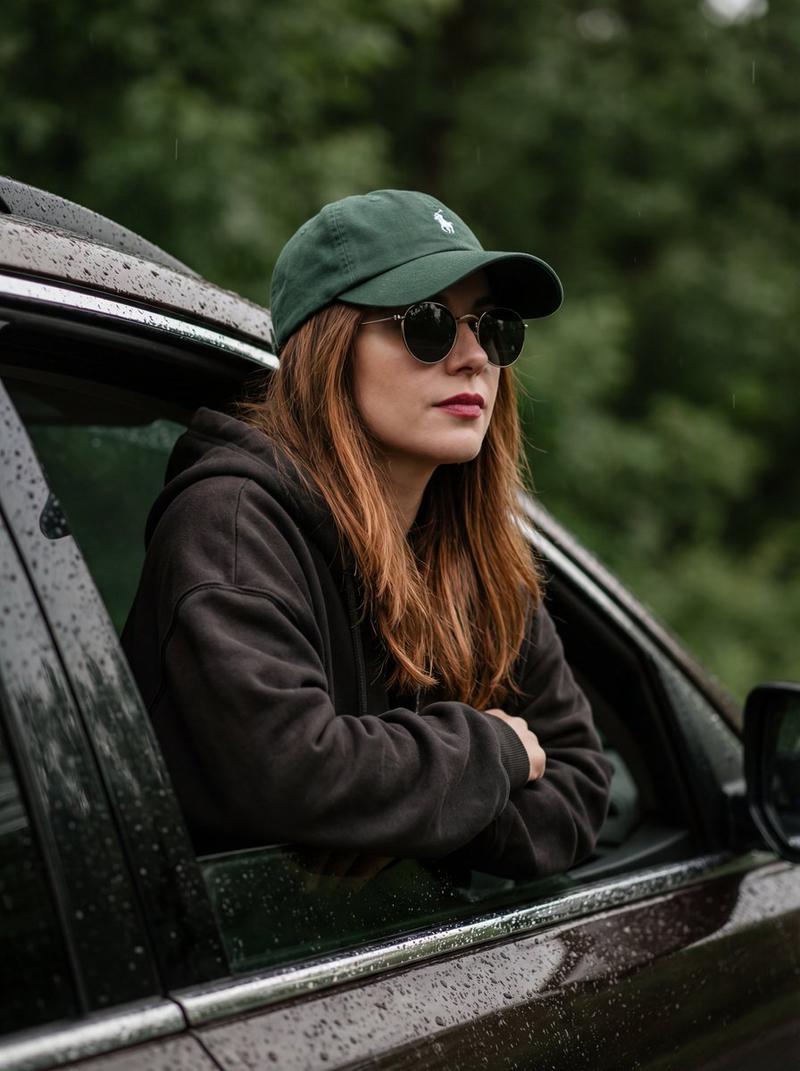
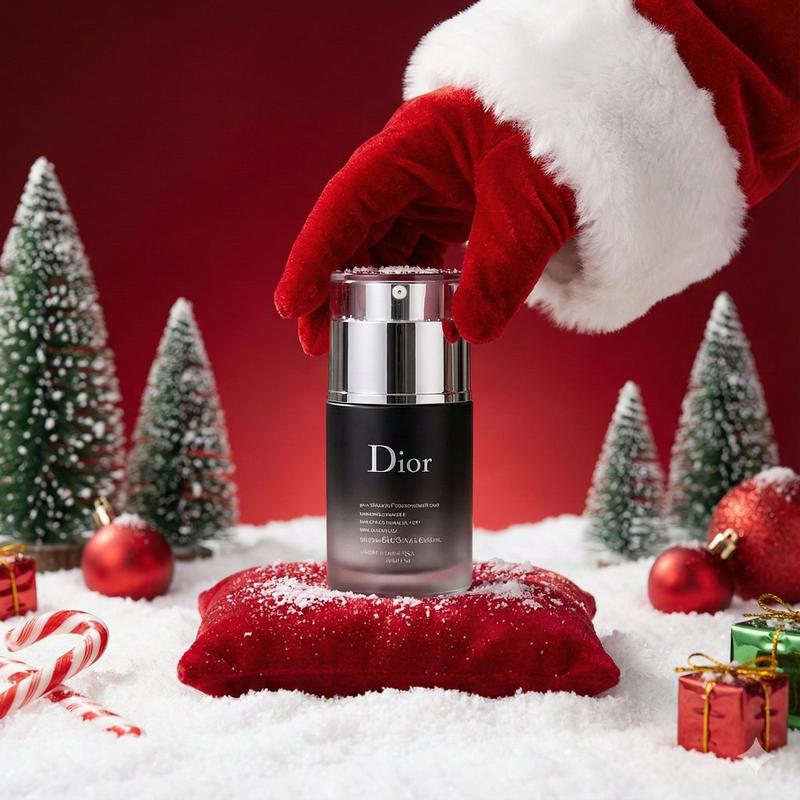
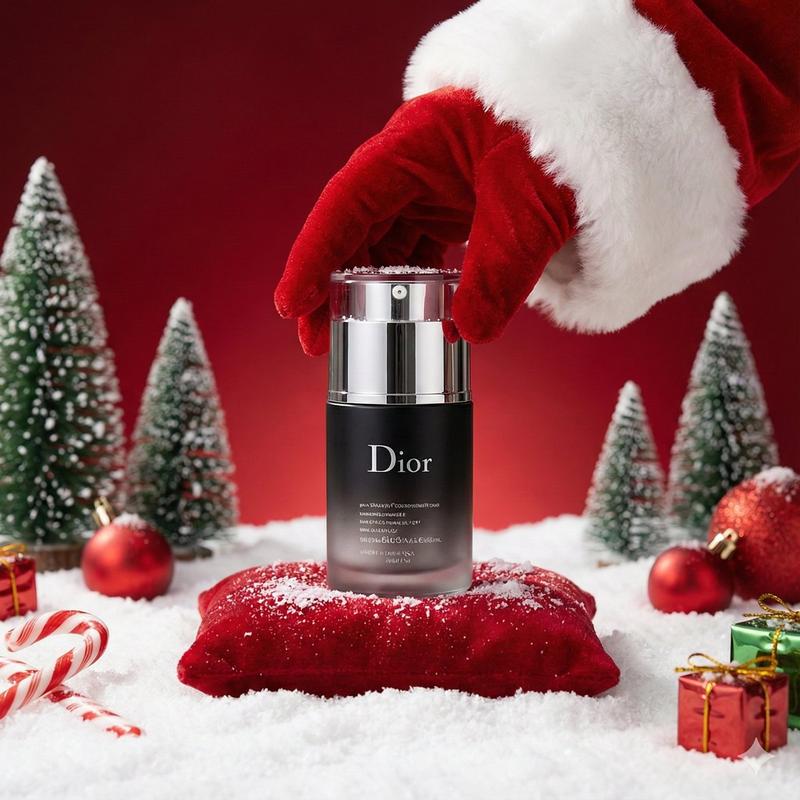
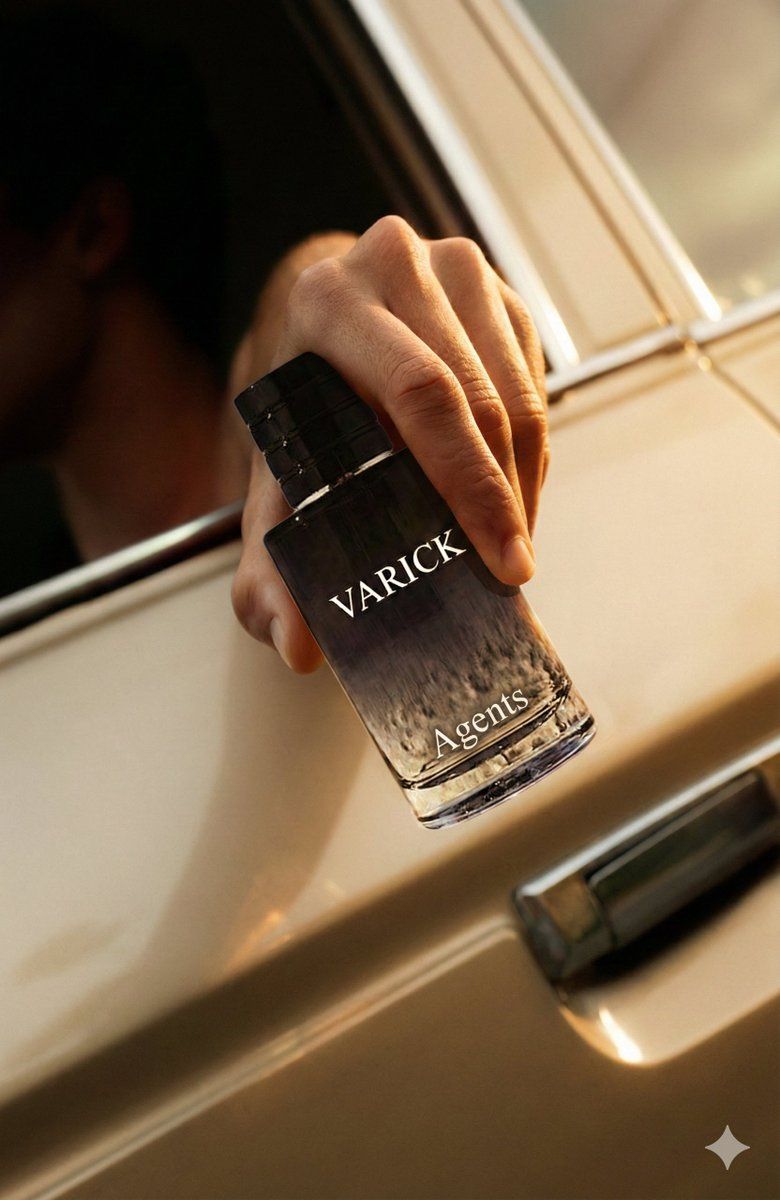
Recreate the provided advertisement concept, but substitute the original product with {argument name="my product" default="mine"}.

Requirements:

Visual Continuity
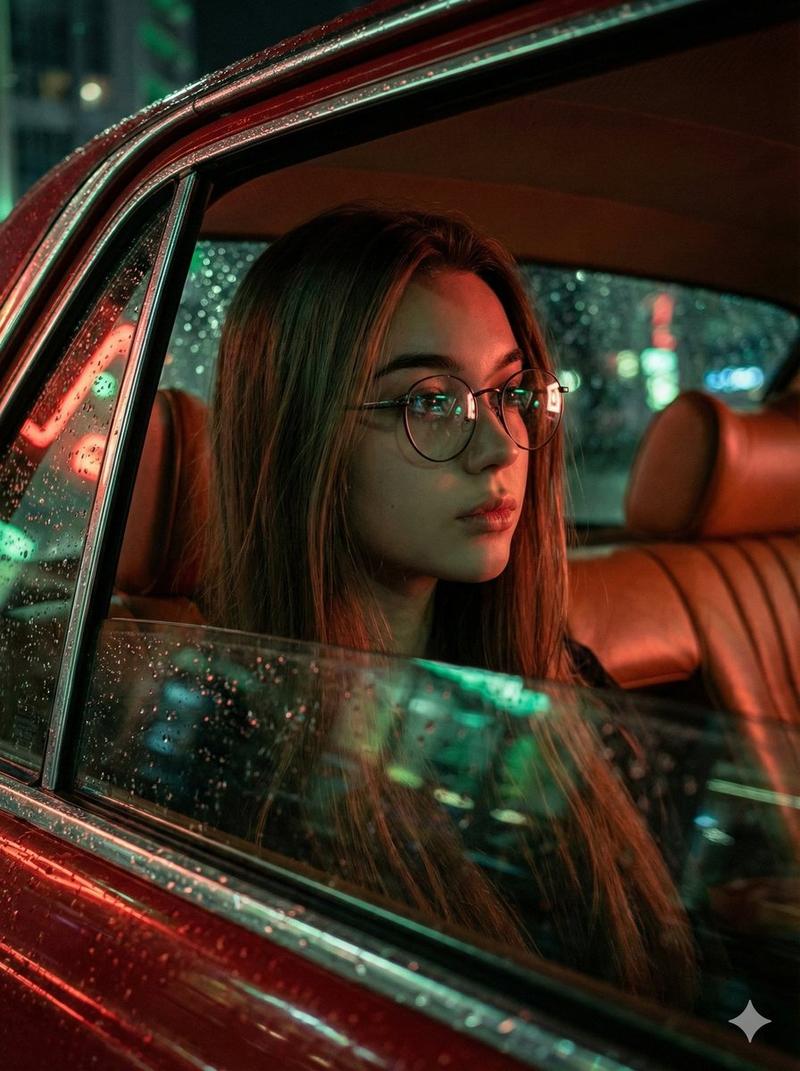
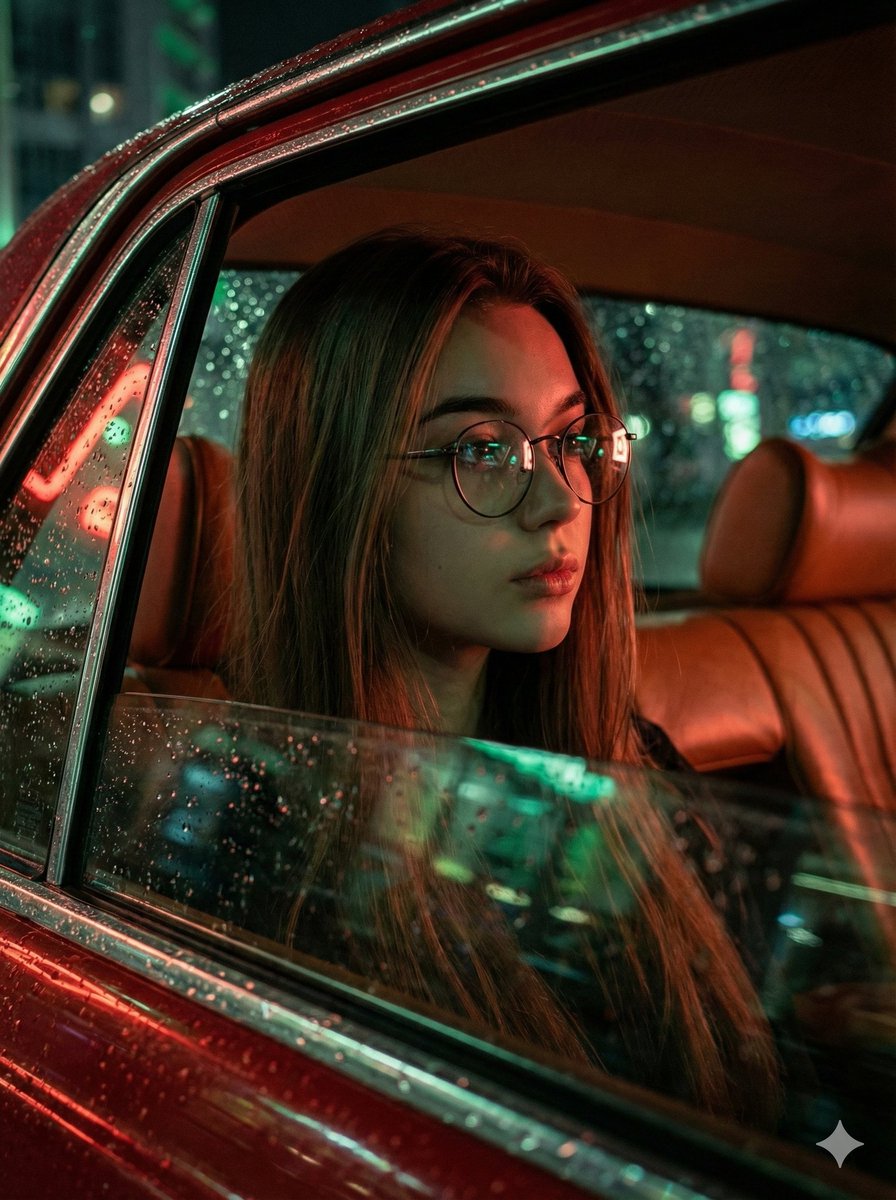
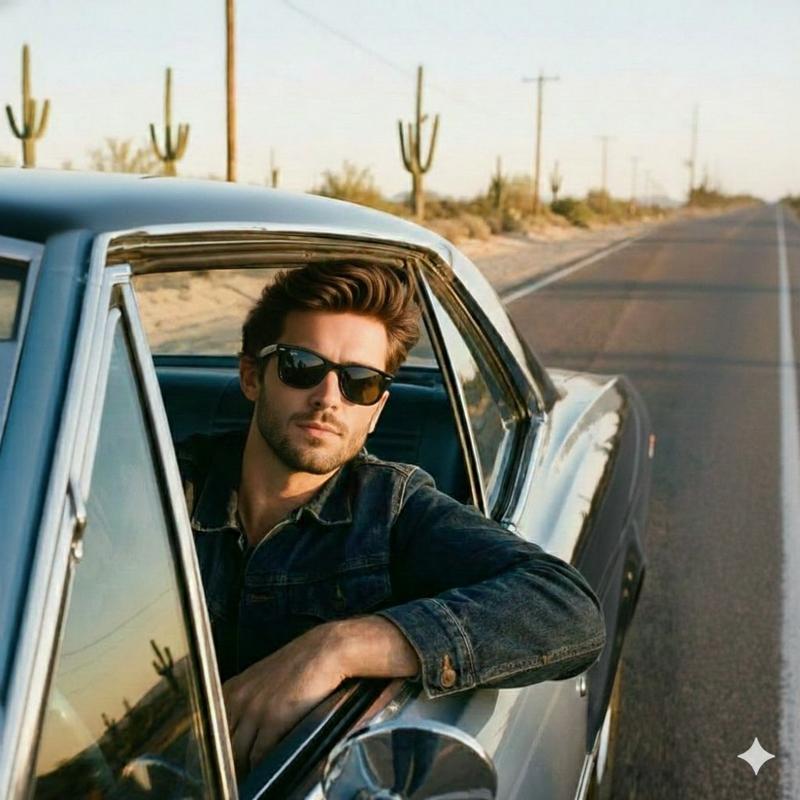
Match the source ad’s mood, lighting, camera angle, composition, and overall atmosphere.
Do not replicate or retain any competitor logos, text, or brand marks.

Product Replacement
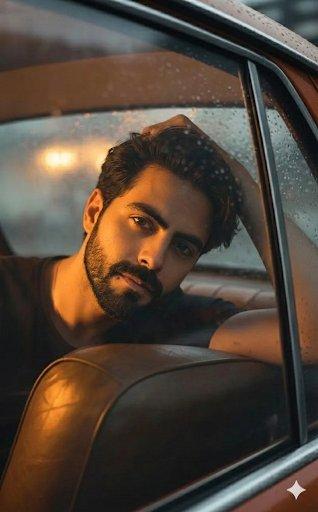
Insert the product from {argument name="uploaded image" default="my uploaded image"} in place of the original item.
Ensure the replacement appears naturally integrated with accurate scale, proportions, reflections, and shadows.

Scene Adaptation
Adjust all background elements, props, surfaces, and textures so they reflect {argument name="brand style" default="my brand’s visual style"}, flavor/aesthetic cues, and thematic identity.
Remove or redesign any elements tied to the competitor’s brand.

Output Quality
Maintain photorealistic rendering throughout.
Ensure the final composition feels authentic to the original ad concept but clearly represents my brand.
Category
创意图片
Model
Nano Banana Pro
Creator
Eyad
Views0
Source ID
fa1edeef-1b77-4c0e-8f6c-e361aa6633ce
Published
Mar 8, 2026

Guide

About "Nano Banana Pro 的广告替换和品牌适配提示"

What is this prompt for?

"Nano Banana Pro 的广告替换和品牌适配提示" AI image prompt for Nano Banana Pro (创意图片). 一个结构化的 Nano Banana Pro 提示,用于根据用户自己的品牌产品重新创建所提供的广告概念,同时匹配情绪和构图,并移除竞争对手的品牌标识。 --- 重新创作…

The full copyable prompt and example visuals above are ready for AI image generation or one-click recreate in Picva.

How to use this prompt

  1. Step 1

    Open the prompt detail

    Review the example visuals, category, and full prompt text for "Nano Banana Pro 的广告替换和品牌适配提示".

  2. Step 2

    Copy the prompt

    Copy the prompt body from this page, or load it directly in Studio.

  3. Step 3

    Pick a model (Nano Banana Pro)

    Prefer Nano Banana Pro. If you switch models, keep subject and composition and tweak style terms.

  4. Step 4

    Generate and export

    Recreate the look in Picva, or export into your workflow for editing and publishing.

FAQ

What is the "Nano Banana Pro 的广告替换和品牌适配提示" prompt?
It is an AI image-generation prompt for Nano Banana Pro in the 创意图片 category. This page includes the full prompt text, example visuals, and a one-click recreate path in Picva.
How do I use this prompt to generate an image?
Copy the prompt from this page, or use Generate / Studio. Paste it into a compatible image model, or recreate the look in Picva with optional reference images.
Which model is this prompt for?
This page lists Nano Banana Pro. Most descriptive prompts also transfer to nearby image models such as GPT Image, Flux, or Midjourney with light style tweaks.
Can I use the result commercially?
You can usually copy the prompt for creation, but commercial use of the final image depends on the model terms, reference-image rights, and the generated content. Follow the source author and platform rules.