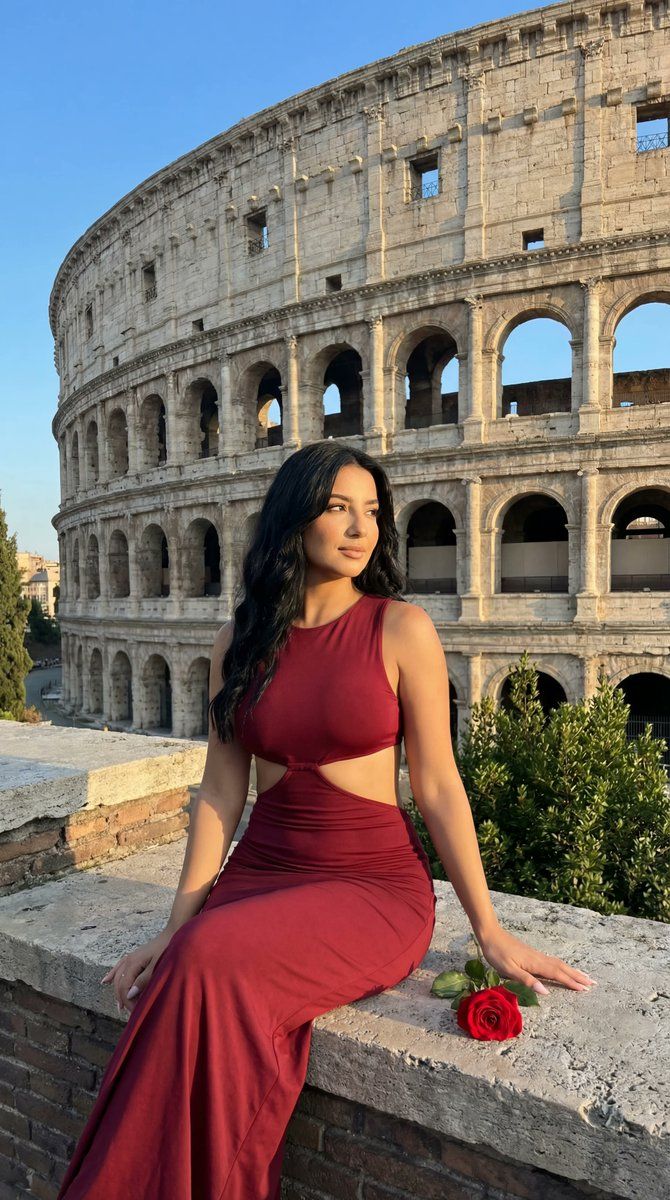
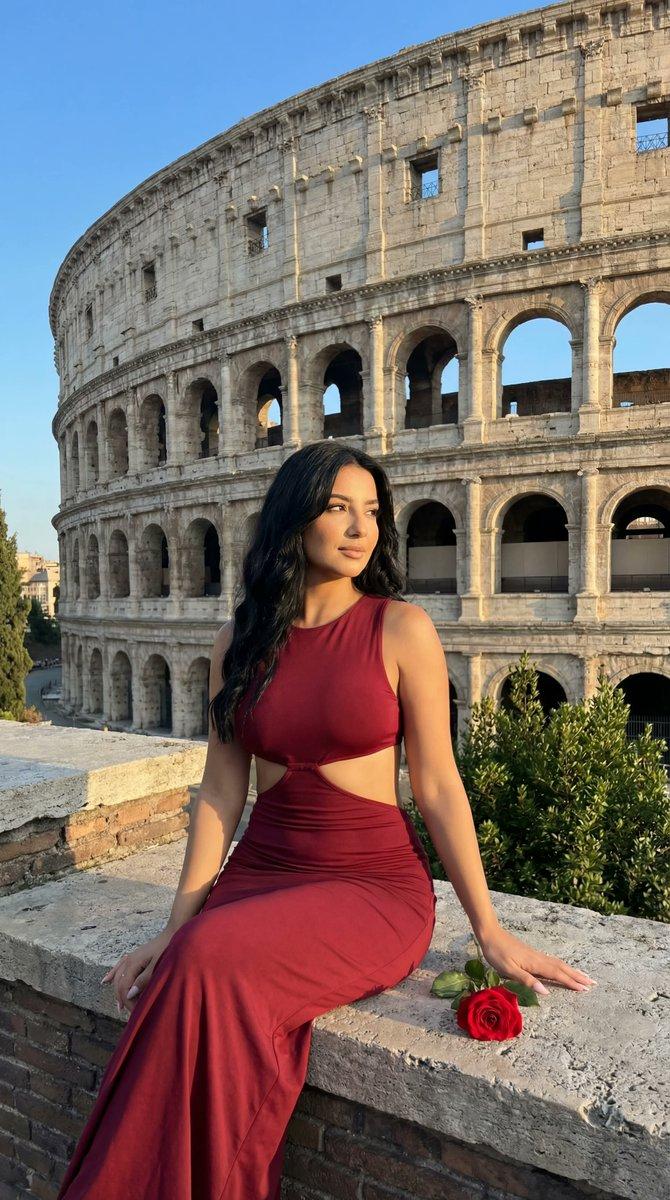
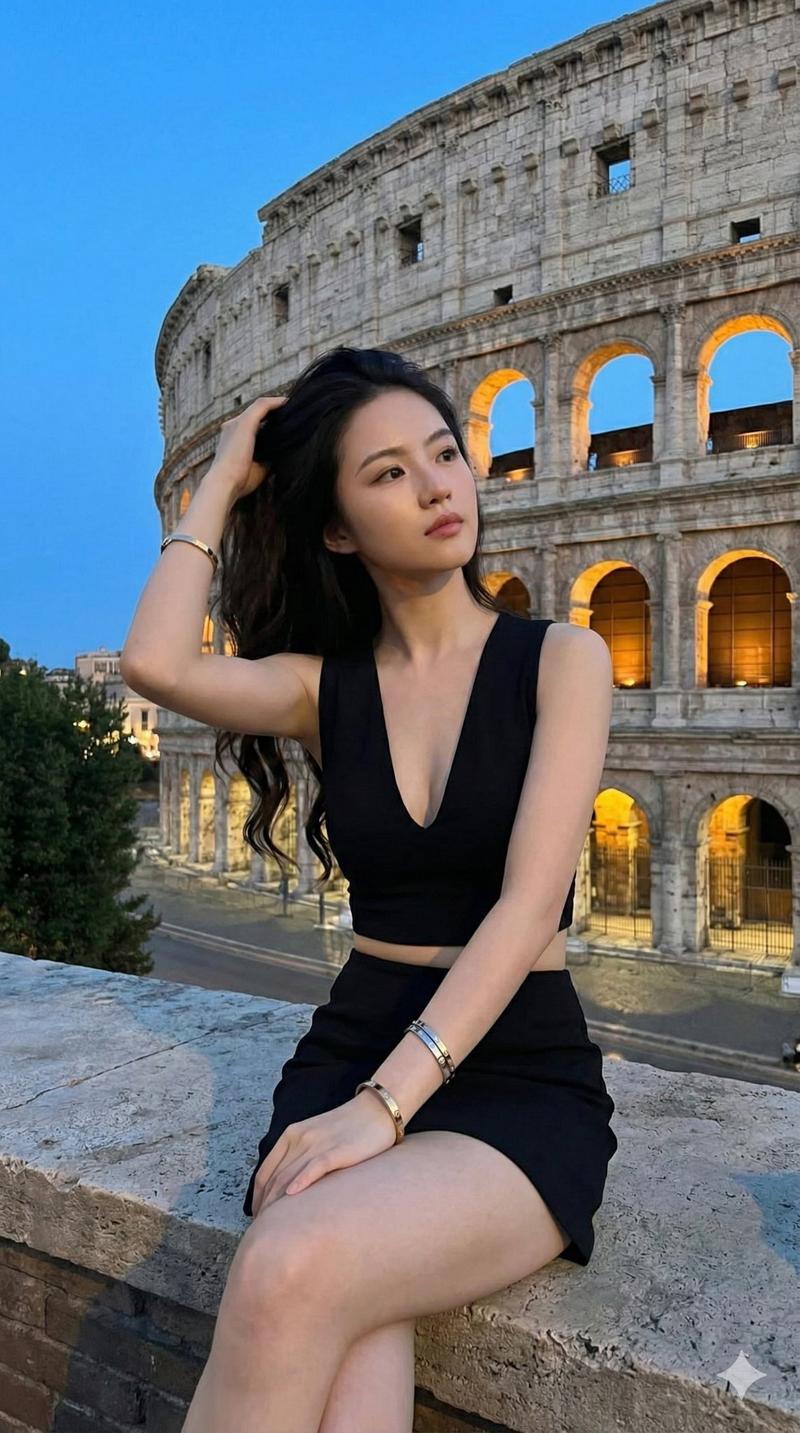
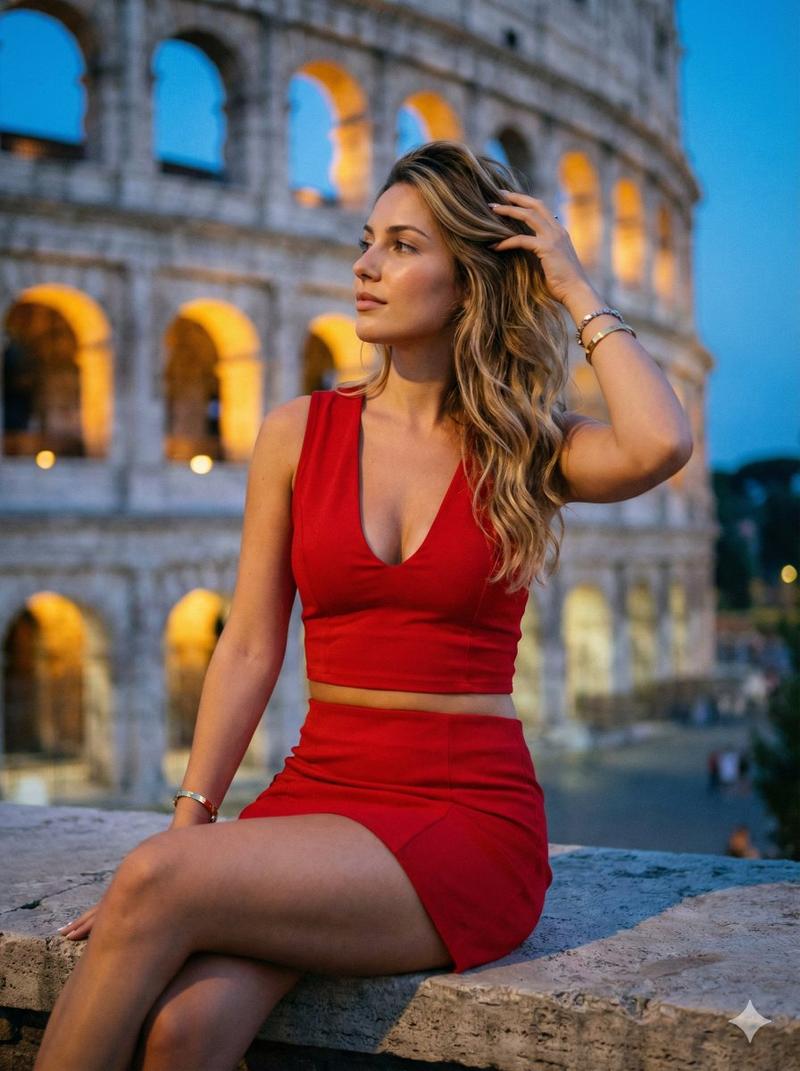
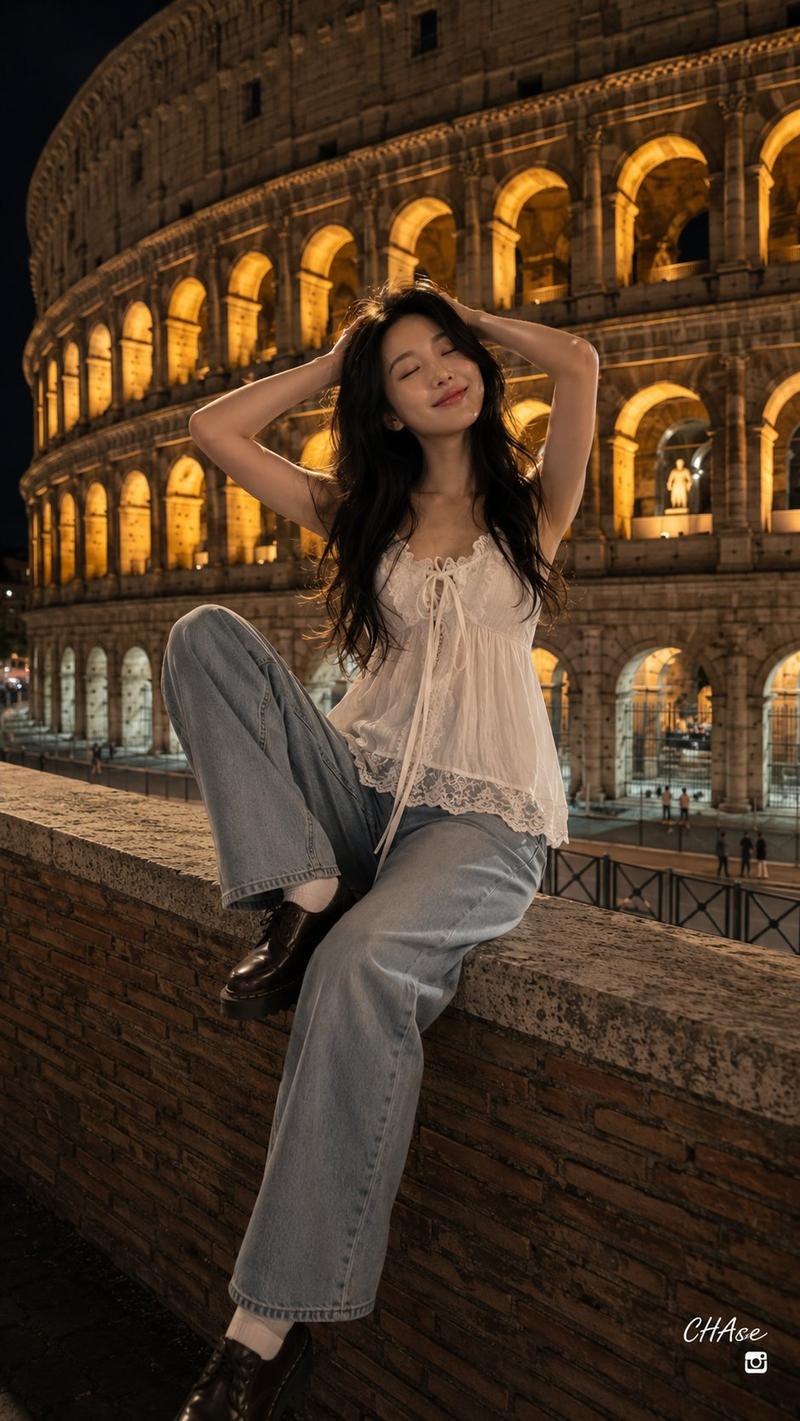
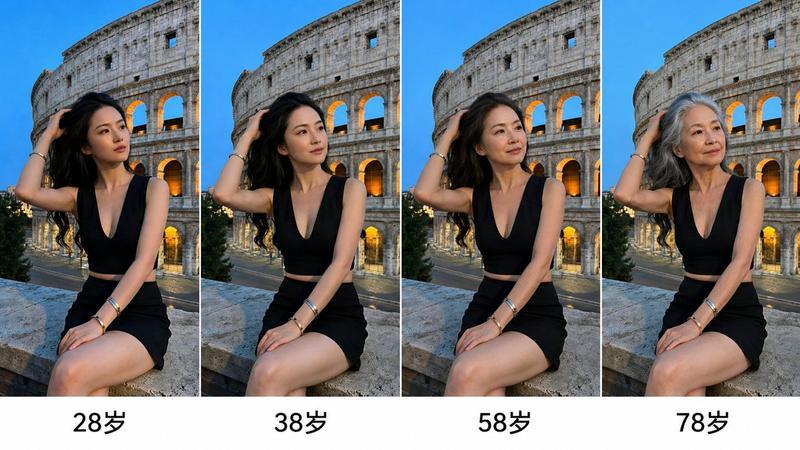
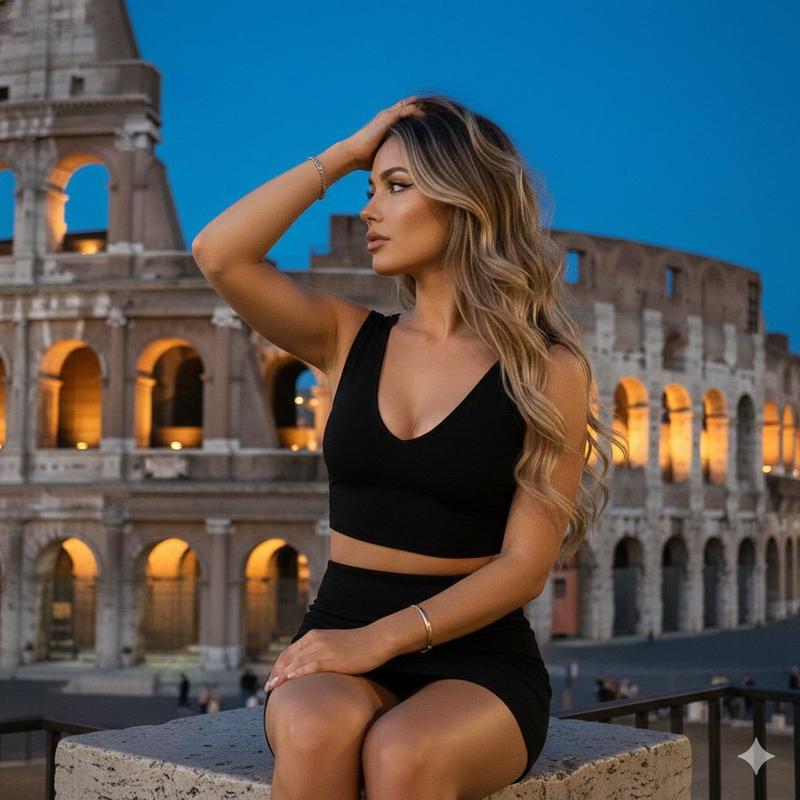
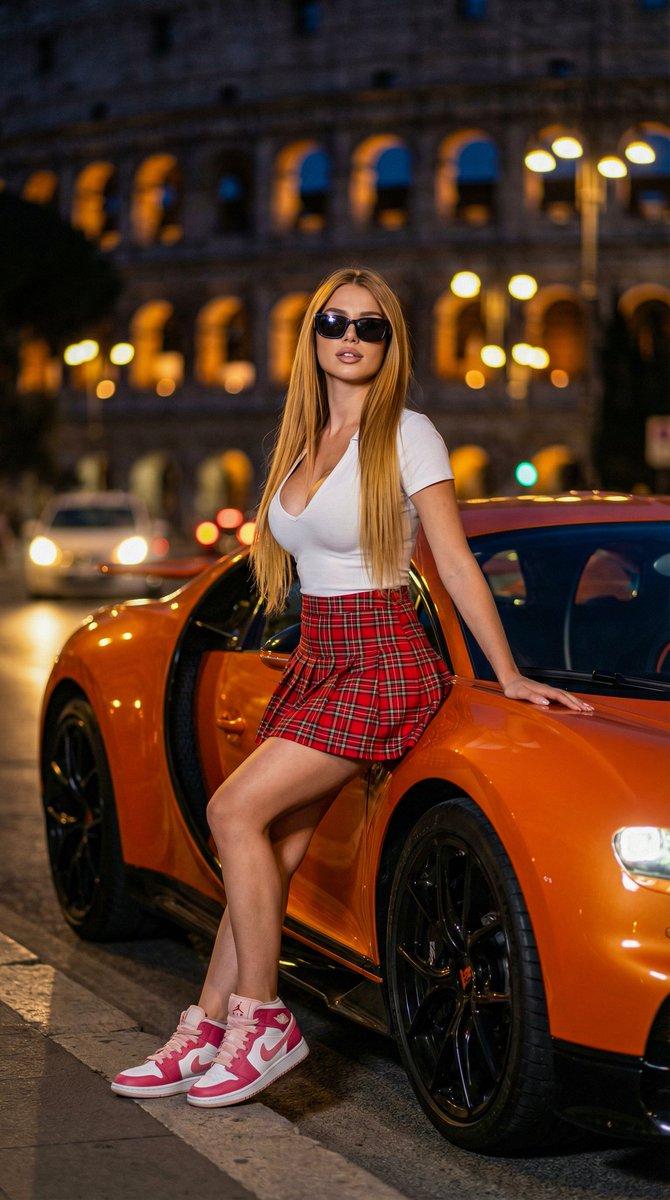
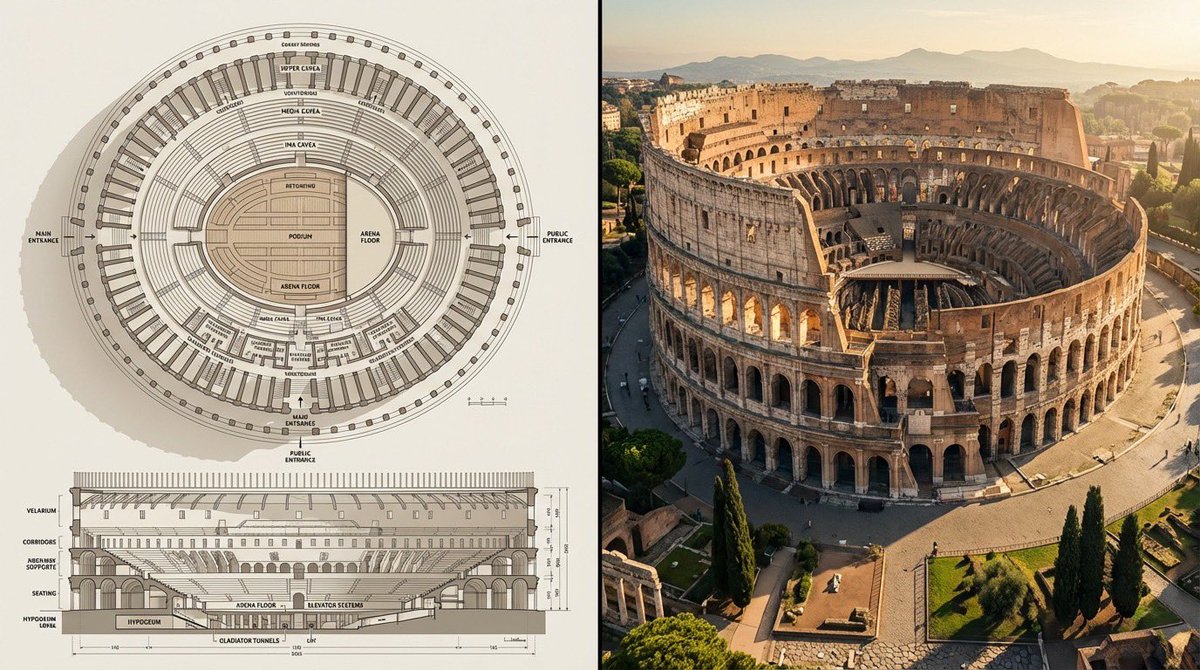
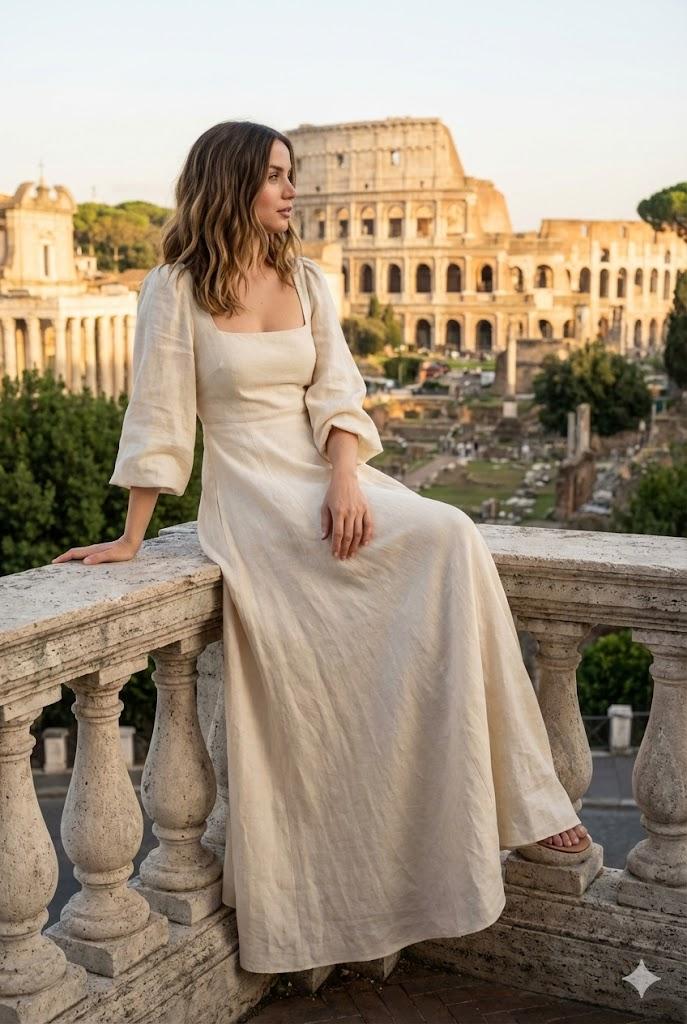
斗兽场黄金时段编辑肖像
Prompt
{
  "generation_request": {
    "meta_data": {
      "tool": "NanoBanana Pro",
      "task_type": "photoreal_travel_editorial_portrait_landmark",
      "version": "v1.0_ROME_COLOSSEUM_RED_DRESS_GOLDEN_HOUR_EDITORIAL_FACELOCK_EN",
      "priority": "highest",
      "language": "en"
    },

    "references": {
      "reference_image_style": {
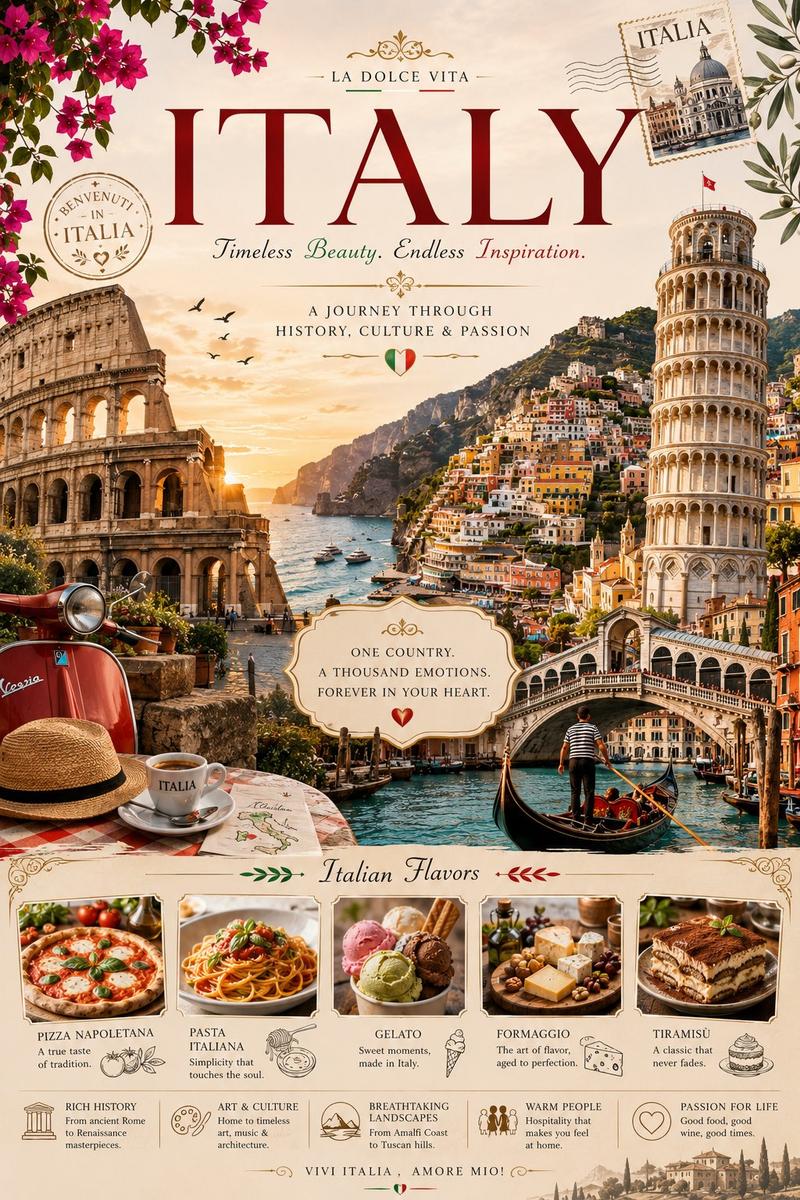
        "source": "UPLOAD_REFERENCE_IMAGE (REQUIRED)",
        "purpose": "STYLE_COMPOSITION_ANCHOR",
        "strict_lock": true,
        "preserve_composition": true,
        "preserve_lighting": true,
        "preserve_palette": true,
        "preserve_vibe": true
      },
      "reference_image_face": {
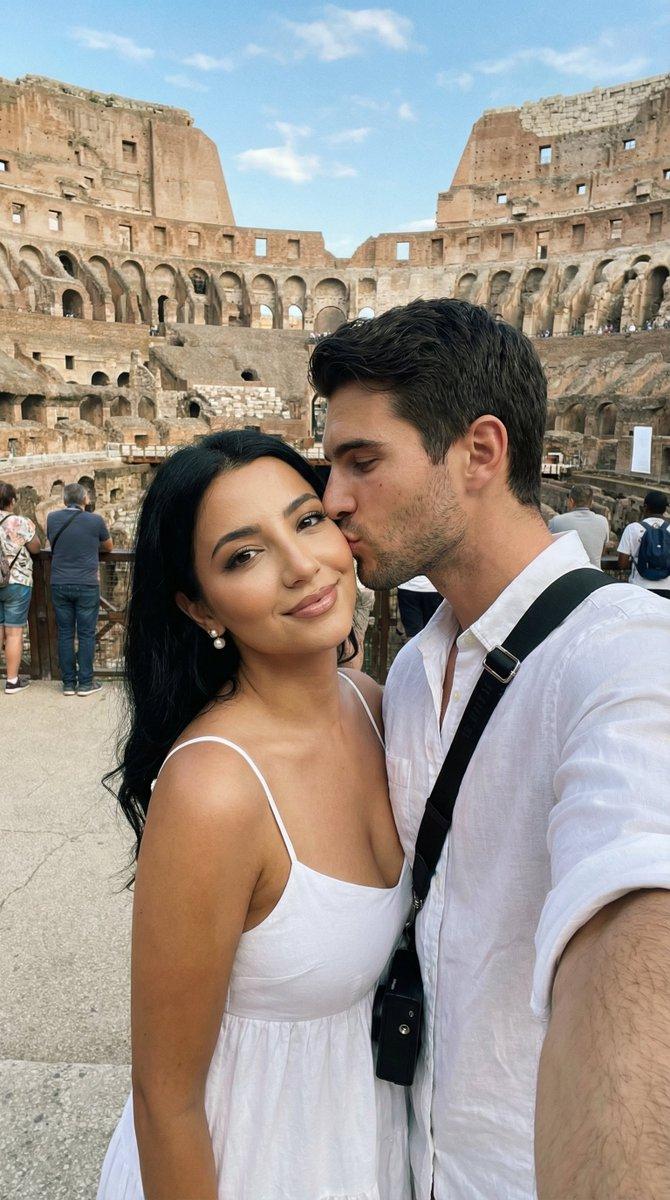
        "source": "UPLOAD_REFERENCE_IMAGE (OPTIONAL)",
        "purpose": "FACE_IDENTITY_LOCK",
        "strict_lock": true,
        "face_similarity_priority": "MAX",
        "no_identity_blending": true,
        "no_beautify": true,
        "no_age_shift": true,
        "preserve_skin_texture": true,
        "preserve_facial_proportions": true,
        "preserve_eye_shape": true,
        "preserve_nose_shape": true,
        "preserve_lip_shape": true,
        "preserve_jawline": true
      }
    },

    "global_constraints": {
      "rating": "PG-13",
      "no_nudity": true,
      "no_explicit_sexual_content": true,
      "no_logos": true,
      "no_watermark": true,
      "no_readable_text": true
    },

    "output_settings": {
      "aspect_ratio": "4:5",
      "orientation": "portrait",
      "resolution_target": "ultra_high_res",
      "render_style": "cinematic_photoreal_travel_editorial",
      "sharpness": "crisp_but_natural",
      "film_grain": "subtle_35mm",
      "color_grade": "warm_golden_hour_neutral_stone_red_dress",
      "dynamic_range": "natural_not_hdr",
      "skin_rendering": "real_texture_no_retouch"
    },

    "creative_prompt": {
      "scene_summary": "Create a photoreal travel editorial portrait at the Colosseum in Rome during golden hour. Camera is eye-level with a slightly wide editorial perspective (natural proportions, not distorted). The Colosseum fills the background with strong architectural detail and warm sunlight on the stone.\n\nSubject: one adult woman with very long, dark, wavy hair. She is seated on a low stone wall in the foreground, turned slightly to her left, head angled left with eyes closed or looking away, calm and elegant expression. Natural posture: one hand resting on the wall, the other relaxed.\n\nWardrobe: deep {argument name="dress color" default="red/burgundy"} sleeveless cutout dress (tasteful side cutout), flowing maxi skirt with soft volume and realistic fabric folds. Minimal jewelry, clean editorial styling.\n\nProps: a single red rose with a pale stem/leaf placed on the stone wall to the subject’s right (viewer’s right), subtle and romantic.\n\nEnvironment: stone terrace/walkway with layered brick/stone textures in the foreground. Green shrubs/trees partially framing the right side. Clear blue sky.\n\nLighting: warm low-angle sunlight fro"
    }
  }
}- Category
- 创意图片
- Model
- Nano Banana Pro
- Creator
- Özge Döner
- Source ID
- 99341041-87c2-4b7f-b728-c3f34d39b5d4
- Published
- Mar 8, 2026
Views0

![A miniature isometric architectural diorama of [LANDMARK NAME], accurately refle](https://whqgdndlpxjbwosvipip.supabase.co/storage/v1/render/image/public/prompt-source-media/promptsref/work-230/image-1-132cebe392ef0081.png?width=800&quality=75&resize=contain)