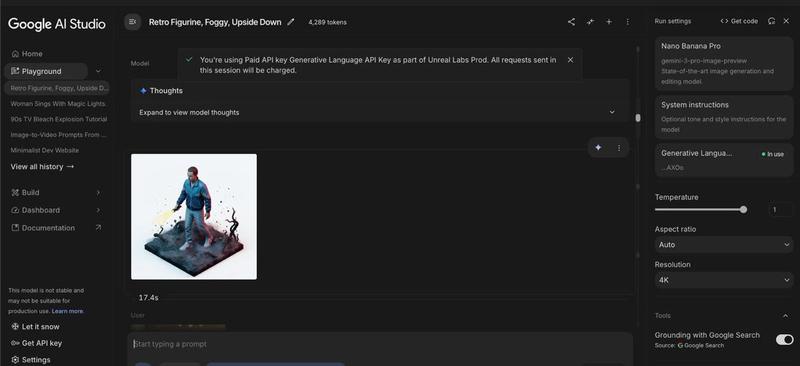
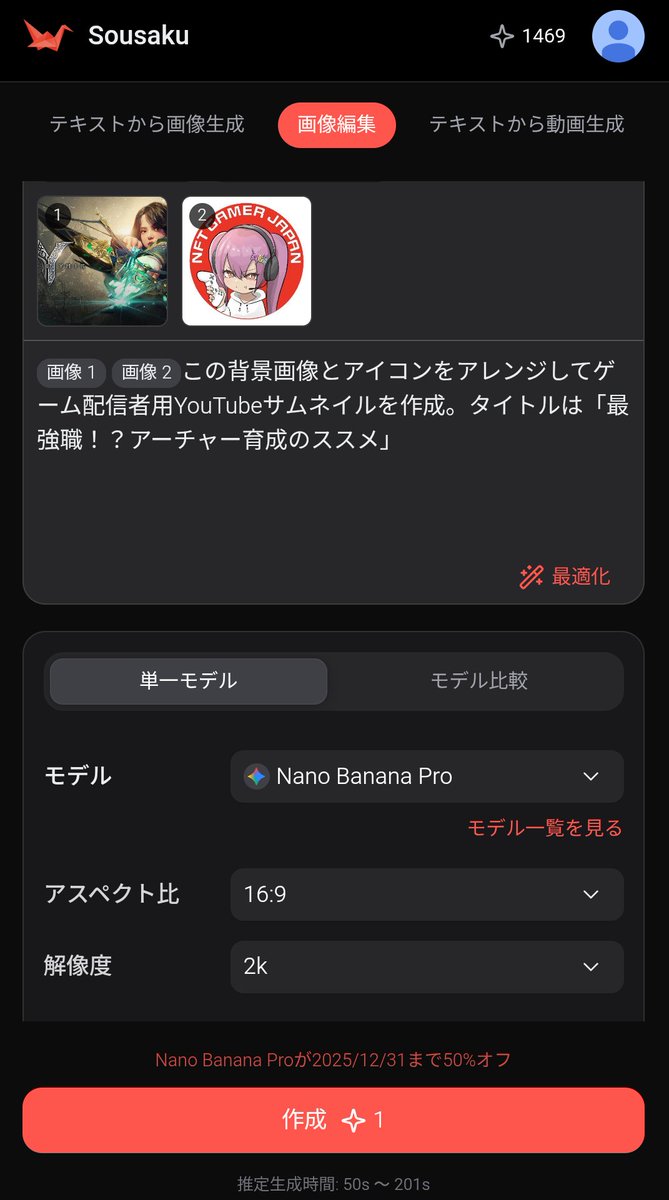
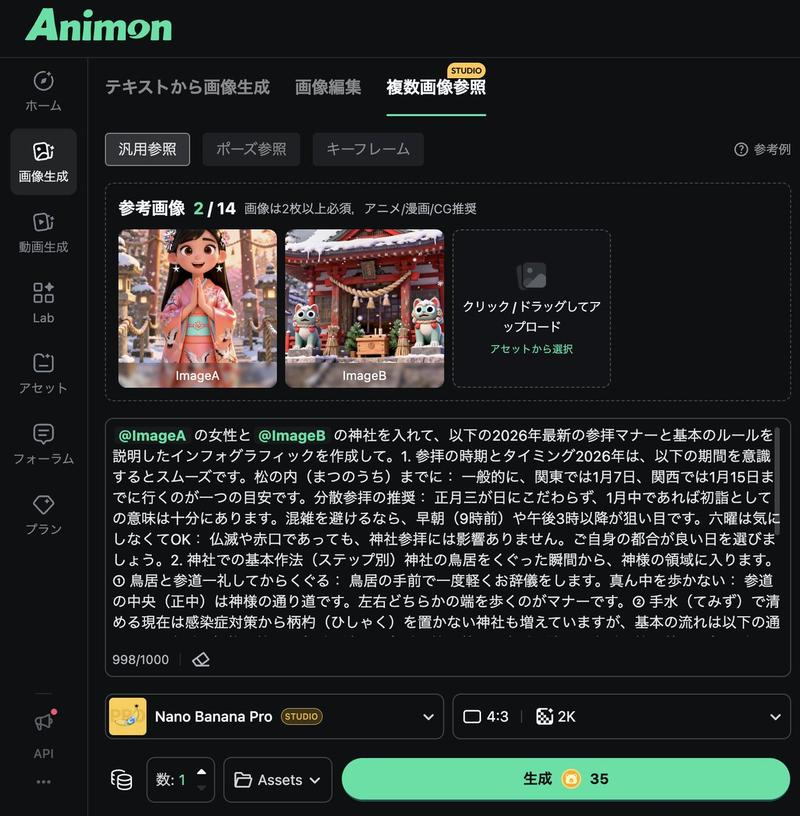
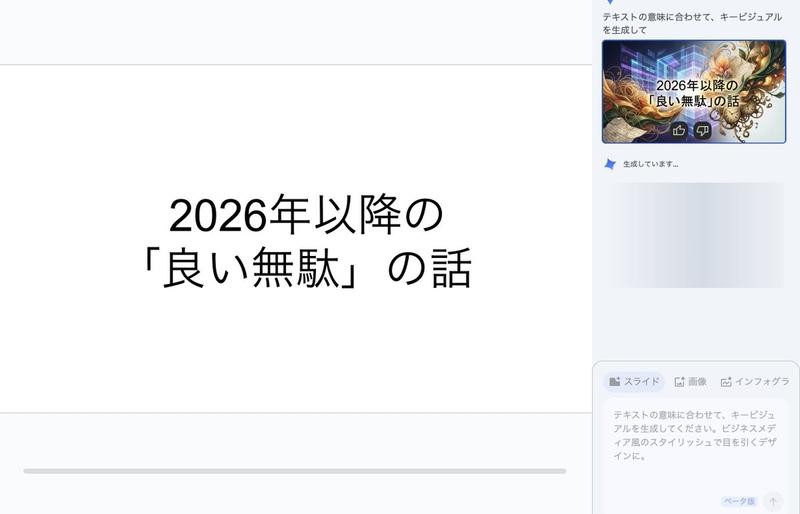
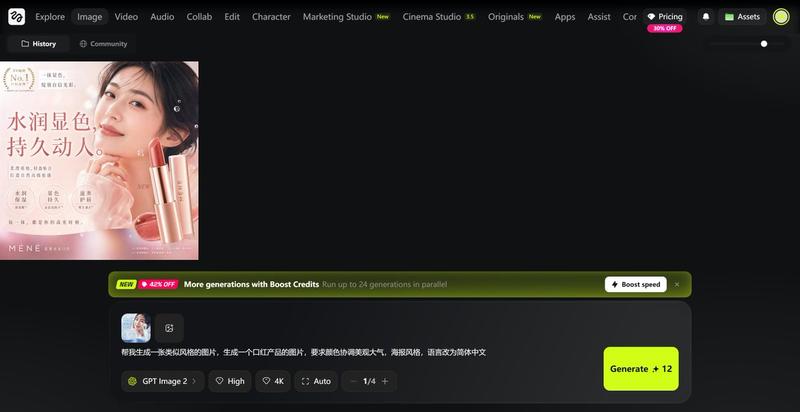
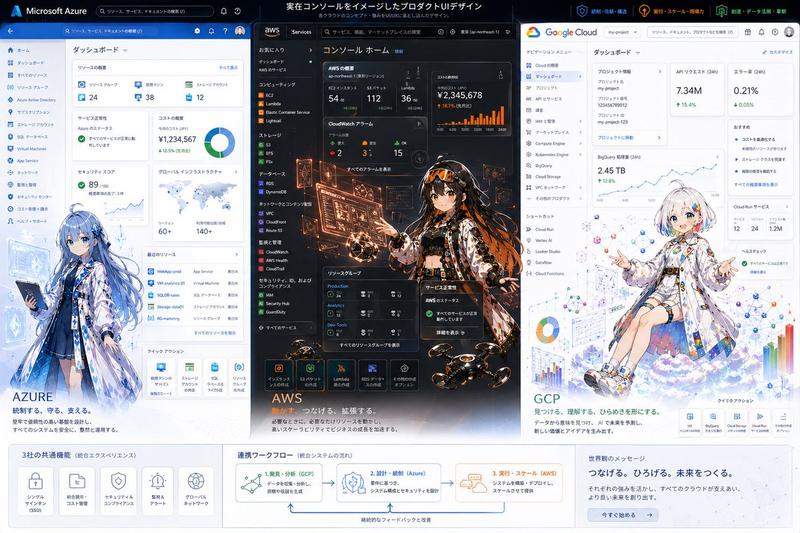
创建带文本叠加的缩略图
Prompt
「{argument name="テキスト" default="アップデート完了!"}」というテキストを使用してサムネイル画像を作成して- Category
- 创意图片
- Model
- Nano Banana Pro
- Creator
- illuminAI(イルミンエーアイ)
- Source ID
- 15c2b55a-39e0-49f8-8616-f1d94692e477
- Published
- Mar 8, 2026
Views0
18
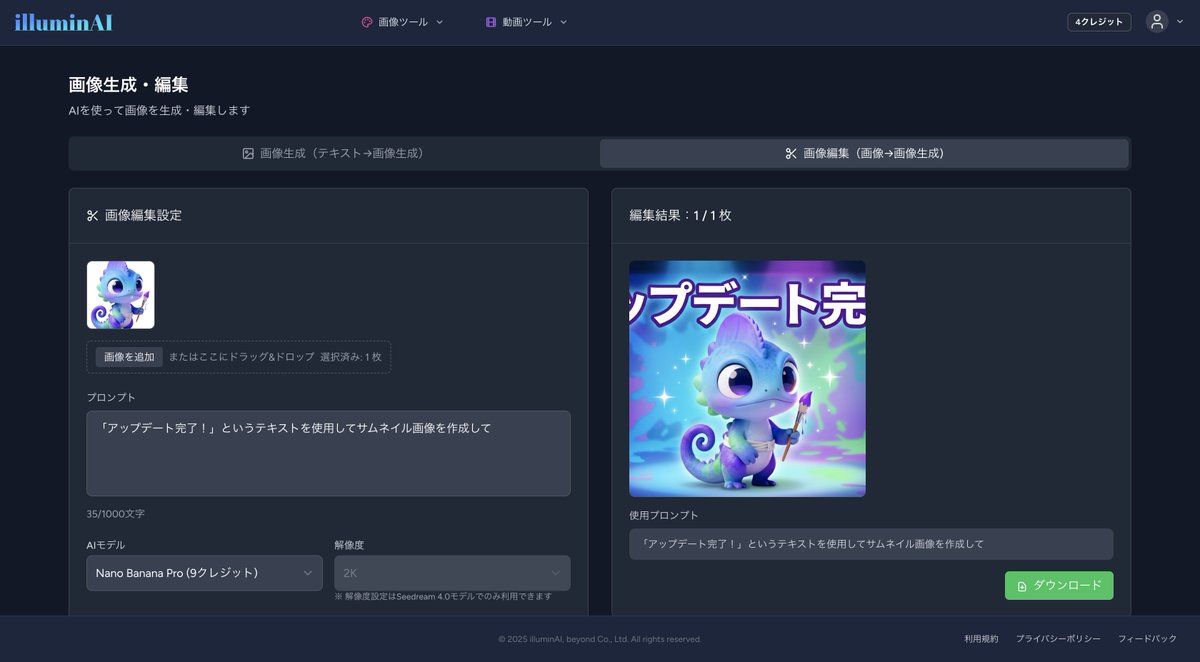
「{argument name="テキスト" default="アップデート完了!"}」というテキストを使用してサムネイル画像を作成してGuide
"创建带文本叠加的缩略图" AI image prompt for Nano Banana Pro (创意图片). 一个简单的提示,与 Nano Banana Pro 的“图像编辑”功能配合使用,可根据选定的源图像创建缩略图,并添加特定的文本叠加。 --- 使用文本“{argument name="text" def…
The full copyable prompt and example visuals above are ready for AI image generation or one-click recreate in Picva.
Step 1
Review the example visuals, category, and full prompt text for "创建带文本叠加的缩略图".
Step 2
Copy the prompt body from this page, or load it directly in Studio.
Step 3
Prefer Nano Banana Pro. If you switch models, keep subject and composition and tweak style terms.
Step 4
Recreate the look in Picva, or export into your workflow for editing and publishing.