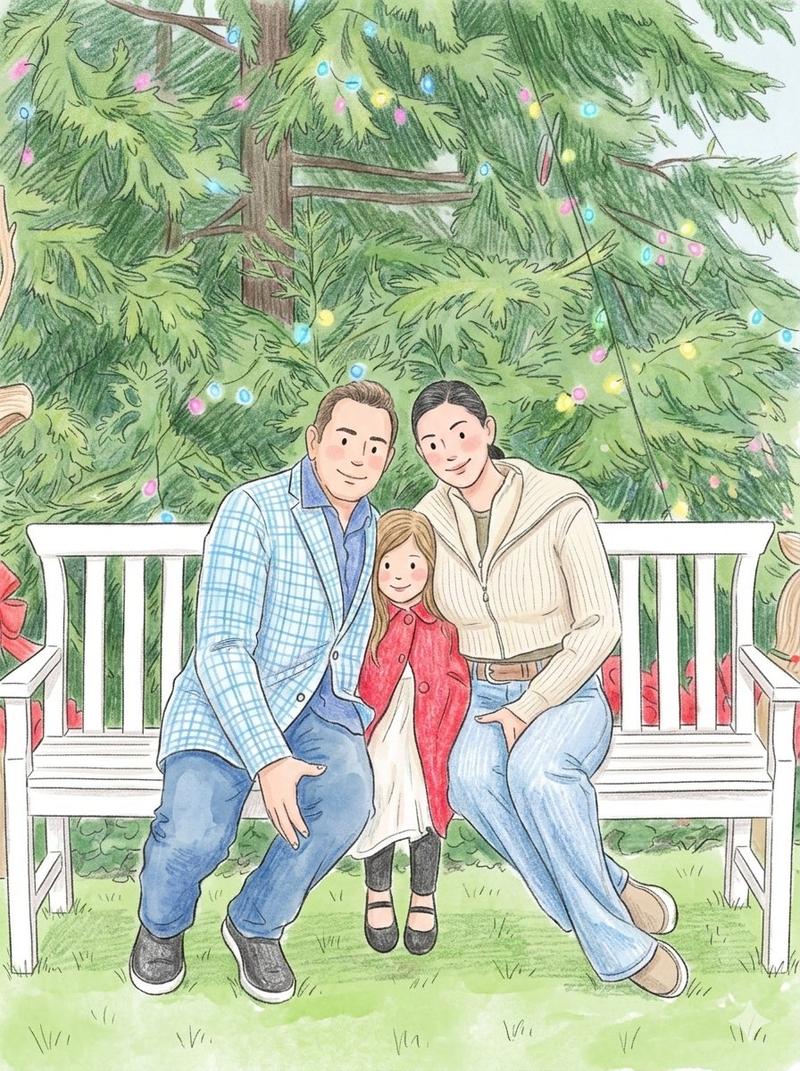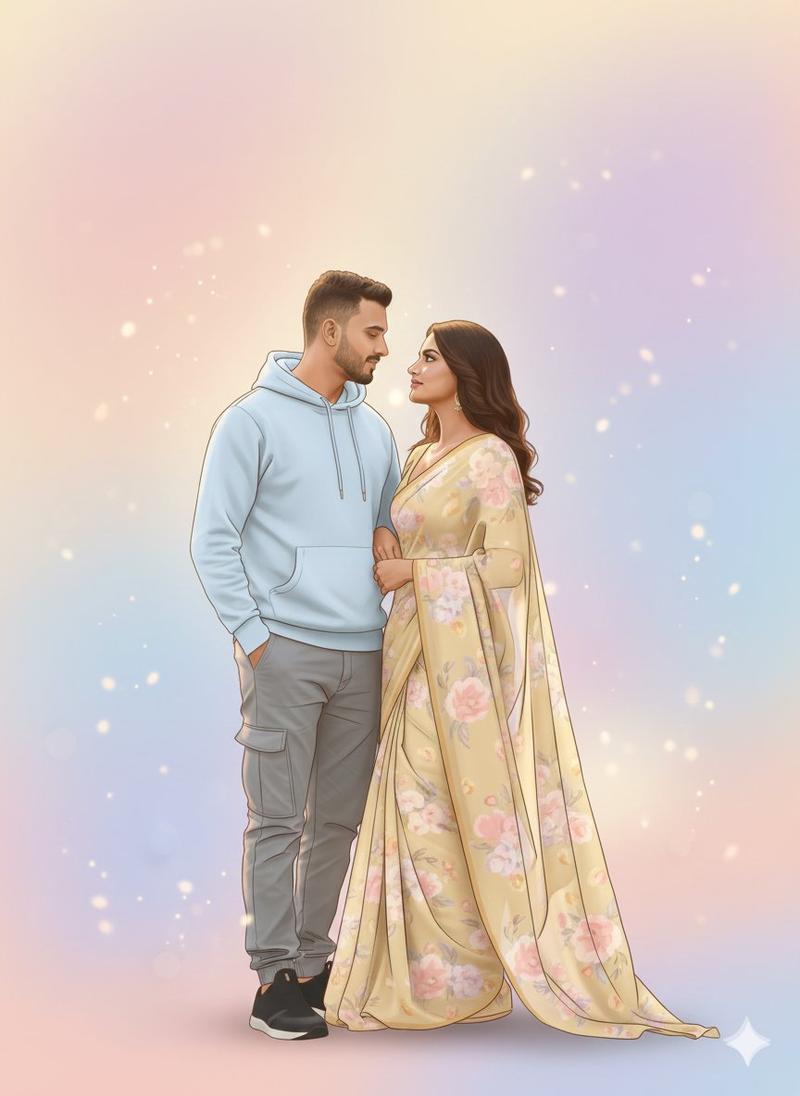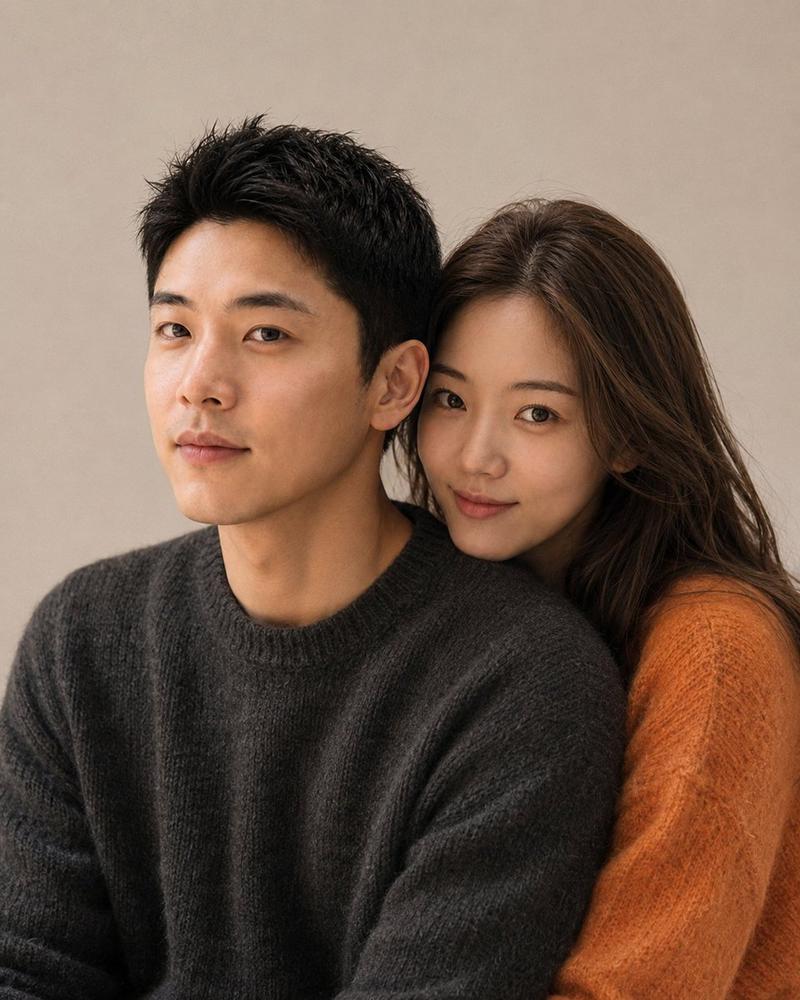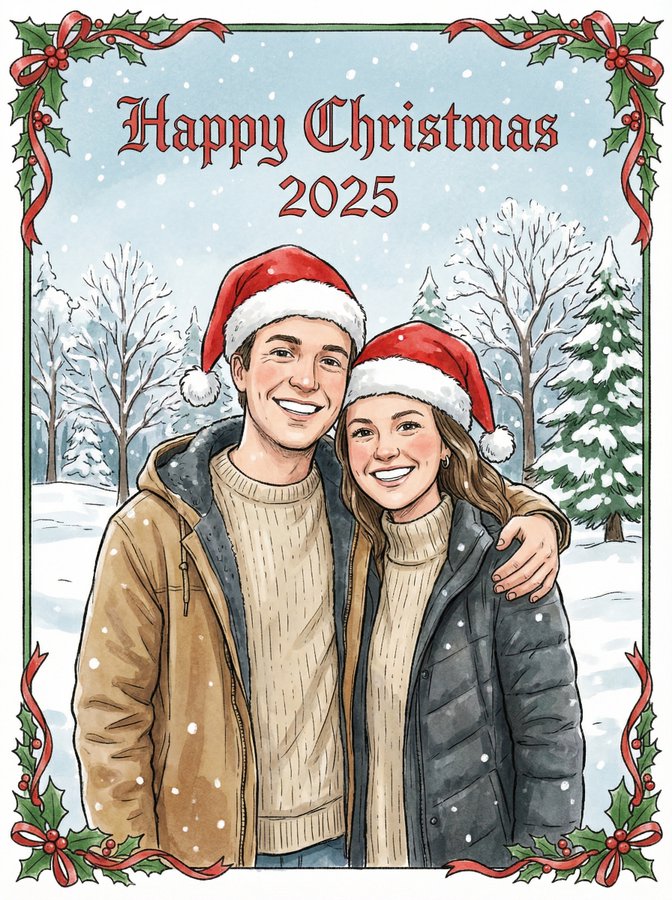
浪漫的柔和插画与严格的身份锁定
Prompt
{
  "prompt": "Use the uploaded image strictly as an identity reference. Preserve 100% exact face match, facial structure, expressions, skin tone, hairstyle, and identity of every person visible in the reference image. Do not add or remove any person. Create a new romantic, intimate pose for the couple (for example: gentle embrace, soft hand placement, subtle leaning towards each other) while keeping anatomy natural and visually appealing. Change the color palette to soft dreamy pastels using blush pinks, lavender, baby blue, warm cream, and light gold accents, while keeping skin tones accurate. Convert the scene into a high-quality romantic illustration blended with vector art. Use smooth, thin outlines, soft gradient shading, subtle glow highlights, and minimal texture to create an ethereal effect. Clothing should remain similar in type but recolored into pastel tones that complement the romantic theme, with clean vector edges and soft folds. Lighting should be soft, warm, and diffused, enhancing the romantic mood. Background should be minimal and dreamy, using pastel gradients, soft abstract shapes, or floating light particles that emphasize intimacy. Render in ultra high resolution with clean edges, polished layers, and a professional romantic vector finish.",

  "negative_prompt": "face mismatch, identity change, extra person, missing person, wrong facial features, wrong skin tone, bad anatomy, extra fingers, extra limbs, harsh colors, photorealism, rough textures, low quality, blur, noise, grain, watermark, logo, text",

  "style": "soft pastel dreamy illustration + vector art",
  "mood": "romantic, intimate, calm, dreamy",
  "lighting": "soft warm diffused lighting",
  "background": "pastel gradient with minimal dreamy shapes or particles",
  "detail_level": "high but soft",
  "render_quality": "ultra high resolution, polished romantic finish",
  "composition": "same persons, new intimate pose, pastel romantic palette",
  "reference_strength": 0.85
}- Category
- 创意图片
- Model
- Nano Banana Pro
- Creator
- Gagan Singh
- Source ID
- 66e3fff3-46dd-43f7-8714-b3978d321bad
- Published
- Mar 8, 2026
Views0