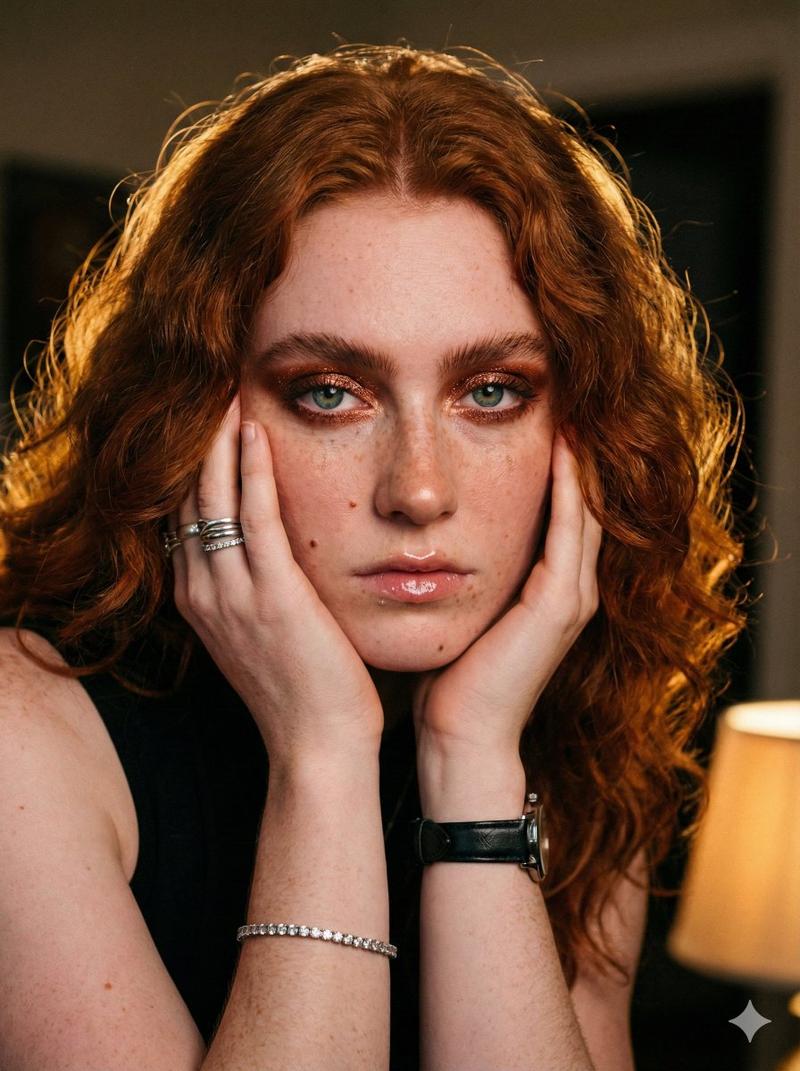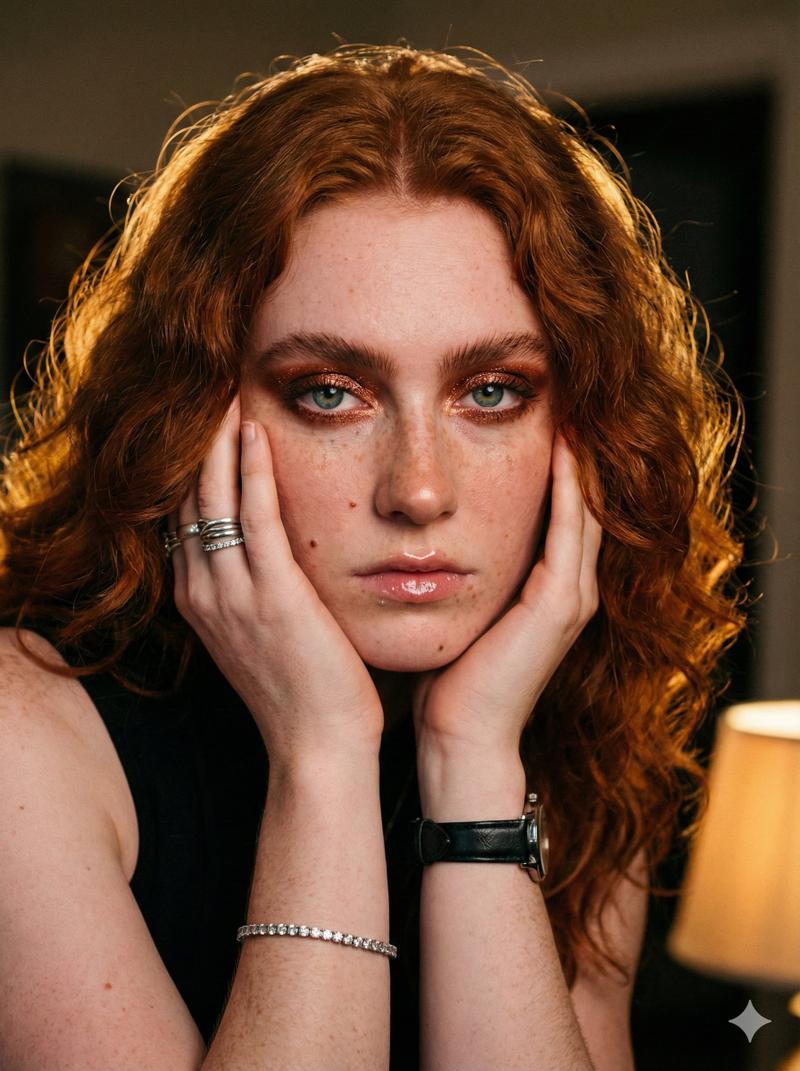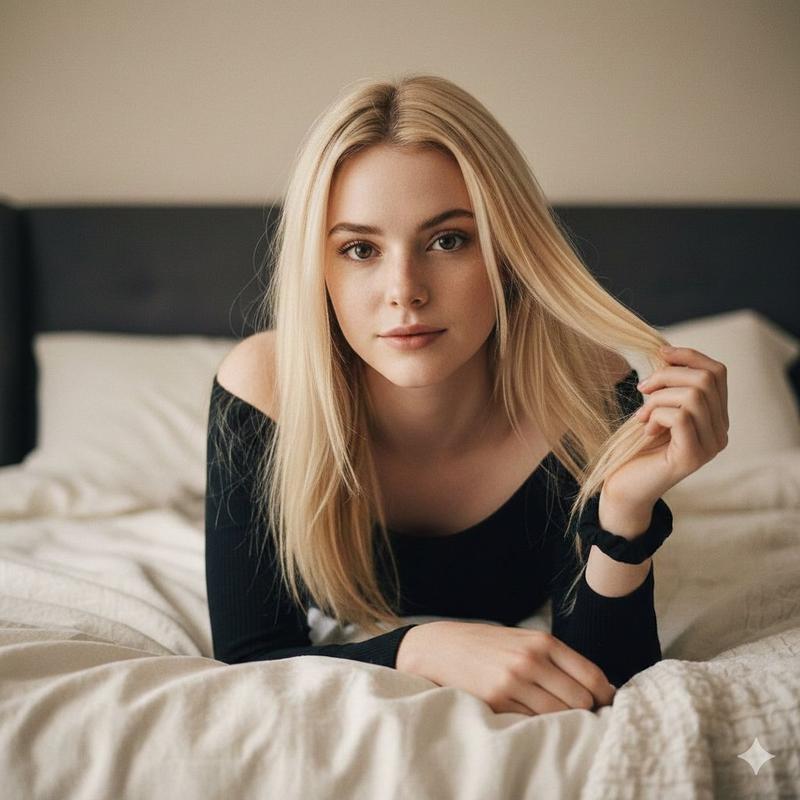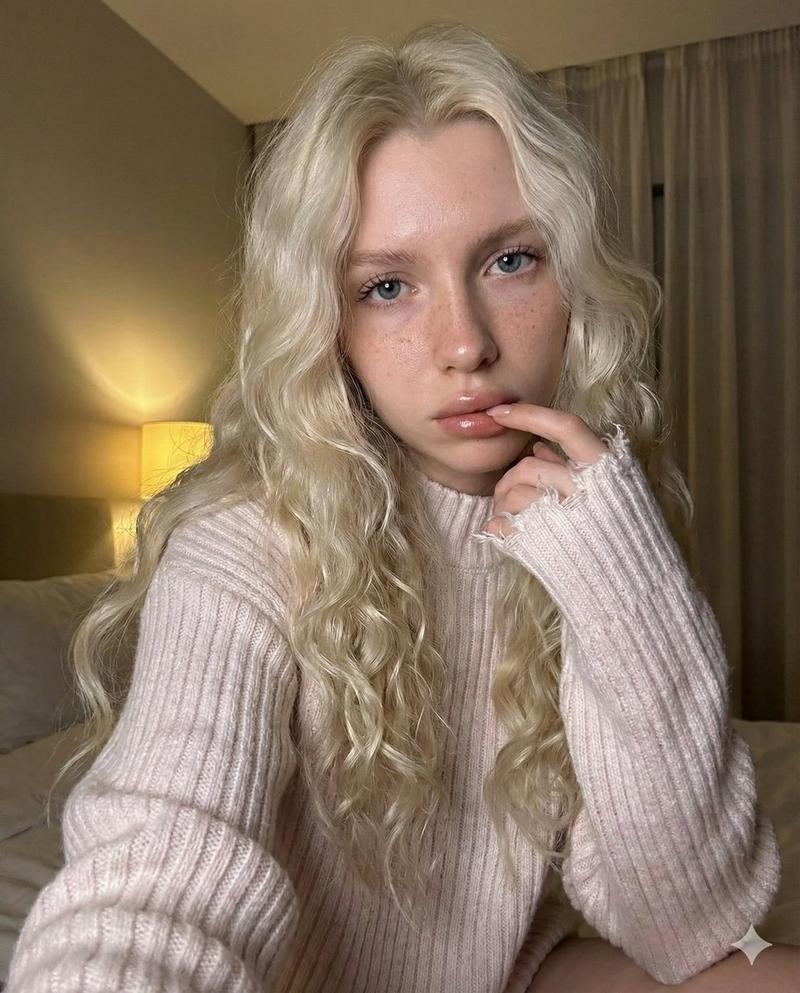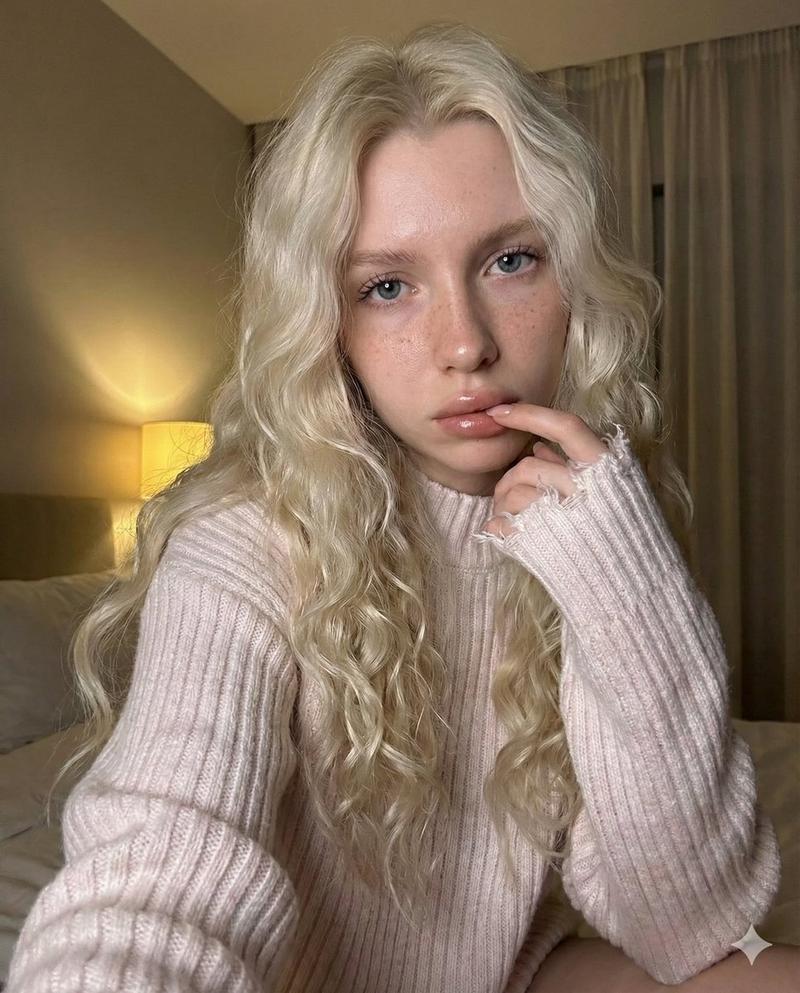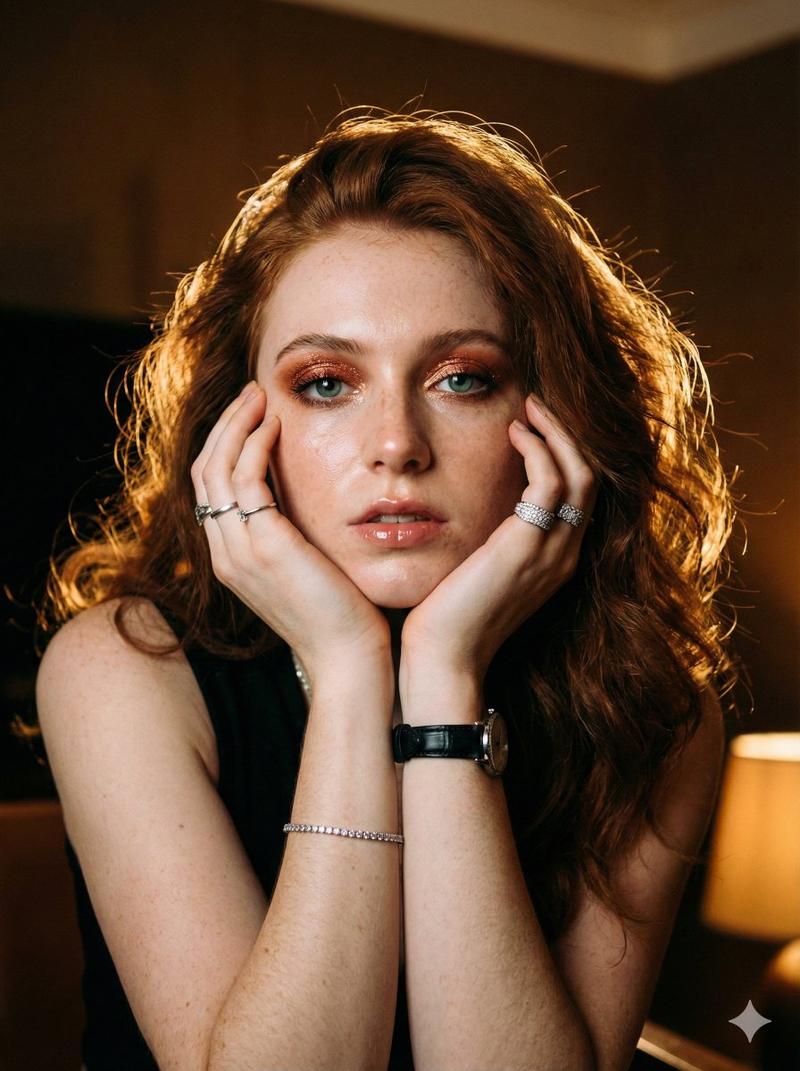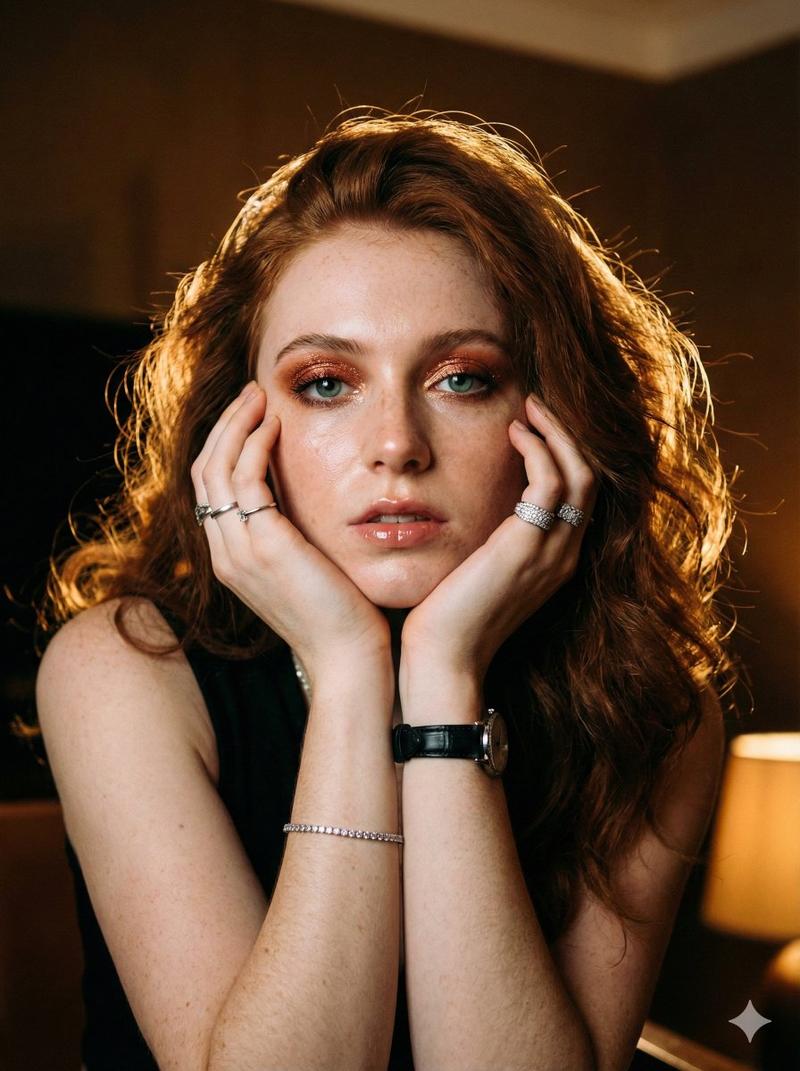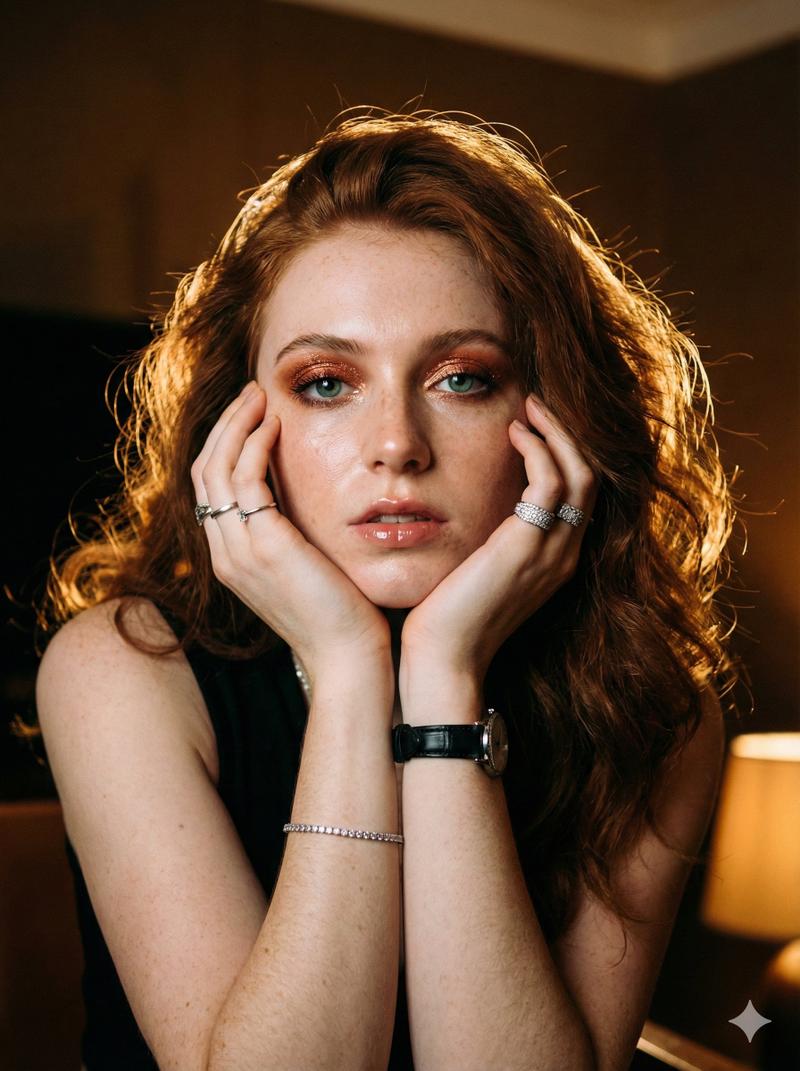
Sadie Sink 编辑肖像提示
Prompt
{
  "prompt_structure": {
    "subject": {
      "demographics": "Young female, {argument name="subject name" default="Sadie sink"}",
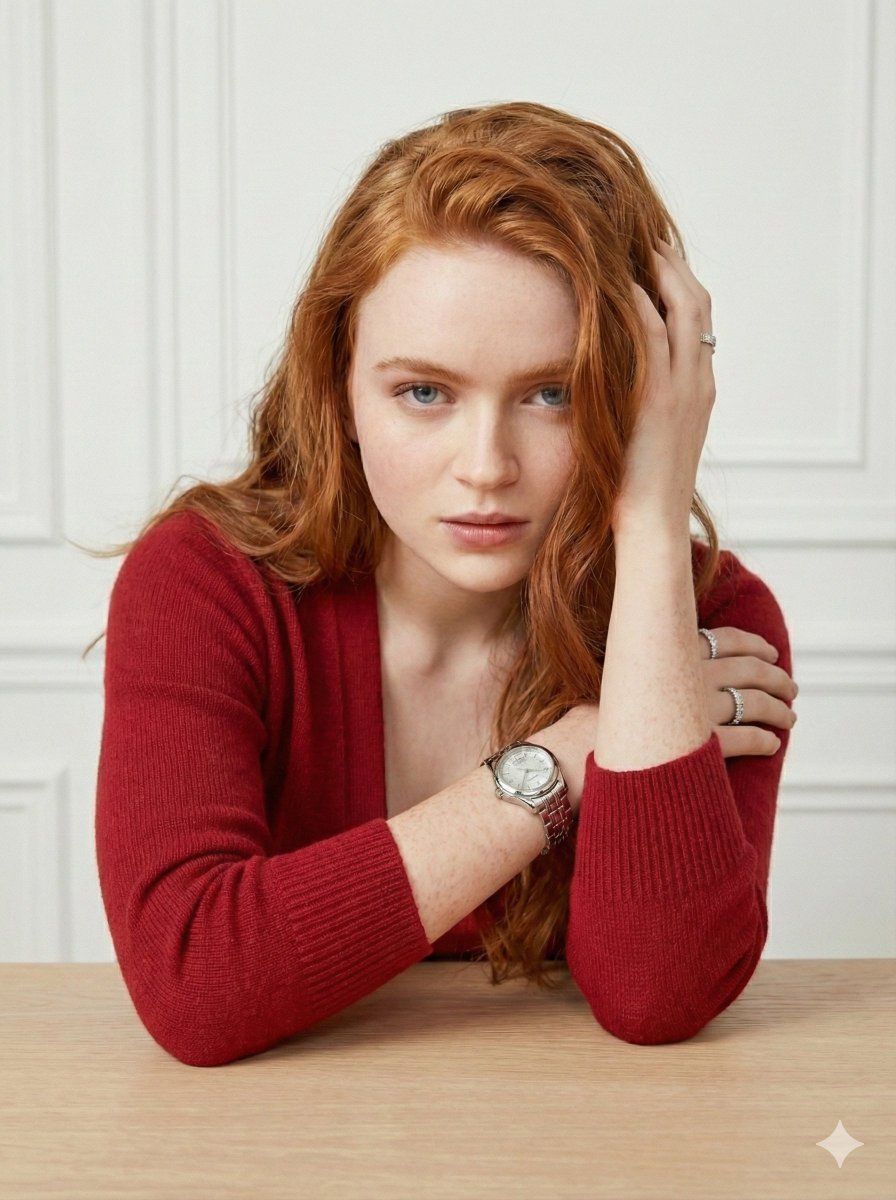
      "hair": "Long, wavy, vibrant copper-red hair, swept back with hand, showing natural volume and texture",
      "skin": "Pale, porcelain complexion with visible natural texture, scattered freckles across nose and cheeks, natural skin finish (not overly airbrushed)",
      "eyes": "Piercing blue eyes, direct gaze into camera, clear catchlights",
      "expression": "Soft, confident smile, approachable, intimate and calm demeanor"
    },
    "apparel": {
      "top_layer": "Vibrant red ribbed-knit cardigan sweater, long sleeves, high-quality wool or cashmere texture",
      "bottom_layer": "Matching red satin or silk spaghetti-strap camisole/slip top underneath",
      "color_palette": "Monochromatic bright crimson red outfit"
    },
    "accessories": {
      "wrist": "Luxury silver stainless steel watch with a metal link bracelet and a white face (resembling Chopard style with floating diamonds)",
      "fingers": "Silver ring with a circular diamond halo design on left ring finger, minimalist silver ring on right ring finger",
      "ears": "Small, subtle diamond stud earrings"
    },
    "pose_and_composition": {
      "posture": "Leaning forward against a light wooden table surface, resting on forearms",
      "arms": "Right arm bent upward with hand gently grasping/touching the hair near the crown, left arm crossed horizontally on the table",
      "head_tilt": "Slight tilt to the subject's right, conveying relaxation",
      "framing": "Medium close-up shot, cropping at the chest/elbows"
    },
    "environment": {
      "background": "Soft-focus interior wall, white with classic architectural molding/wainscoting details",
      "surface": "Light, natural blonde wood table or countertop in the foreground",
      "atmosphere": "Clean, minimalist, upscale, bright interior"
    },
    "lighting": {
      "type": "Soft, diffused studio lighting or large window natural light",
      "direction": "Frontal but slightly off-axis to create gentle dimensional modeling on the face",
      "quality": "Even illumination, no harsh shadows, soft fall-off on the background"
    },
    "camera_details": {
      "sensor": "Full-frame digital sensor",
      "lens": "85mm portrait lens",
      "aperture": "f/2.8 to f/4 (creating a creamy bokeh background while keeping facial features sharp)",
      "iso": "ISO 100",
      "style": "High-end editorial portrait photography"
    },
    "quality_modifiers": {
      "resolution": "8k",
      "texture_details": "Ultra-detailed skin pores, fabric weave visibility, realistic hair strands, subsurface scattering on skin",
      "render_style": "Photorealistic, cinematic lighting, raw photo style, sharp focus"
    }
  }
}- Category
- 创意图片
- Model
- Nano Banana Pro
- Creator
- Mirabelle♡
- Source ID
- 52f4b015-e249-4469-85ef-cf3c1f494296
- Published
- Mar 8, 2026
Views0