17

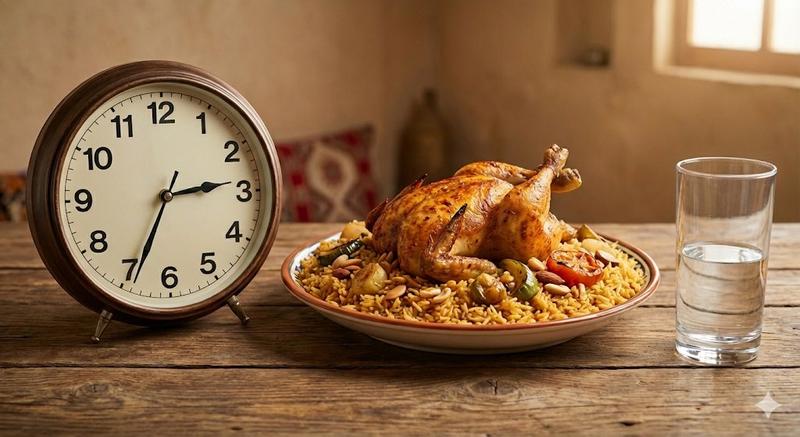
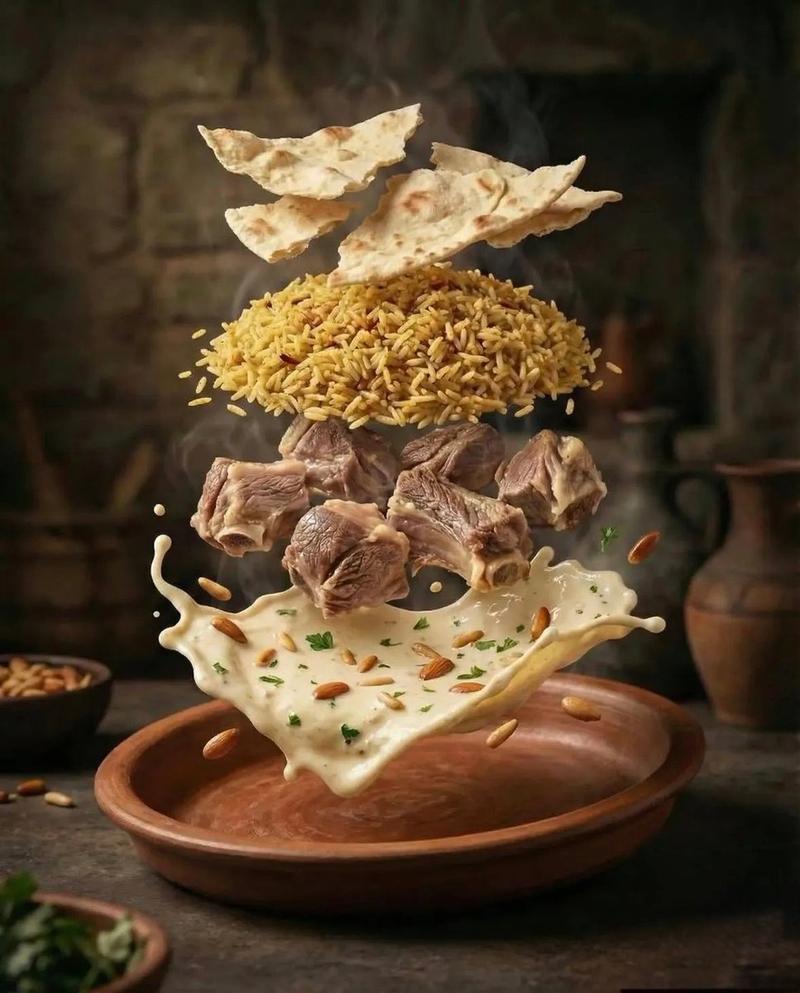
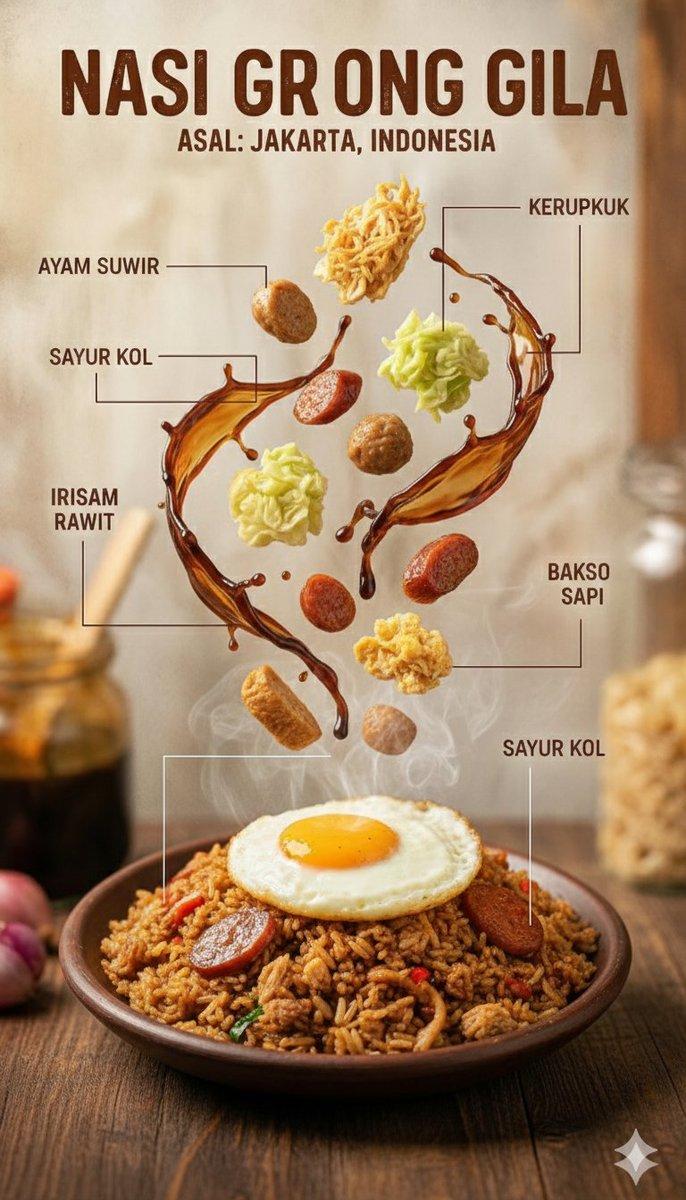
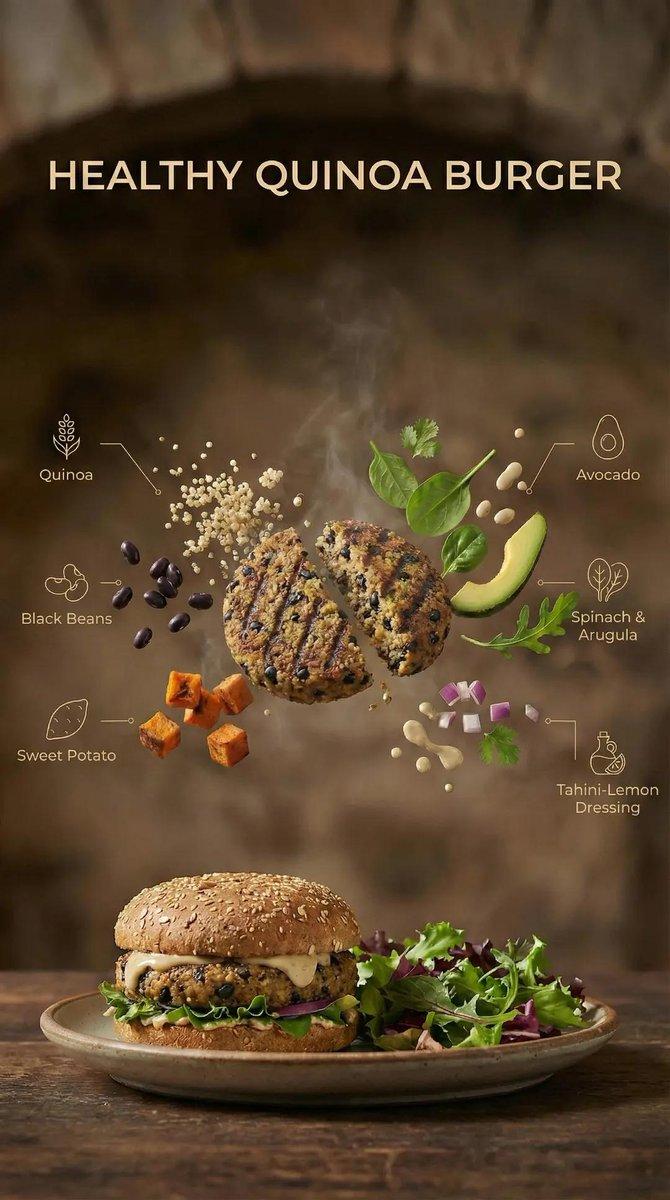
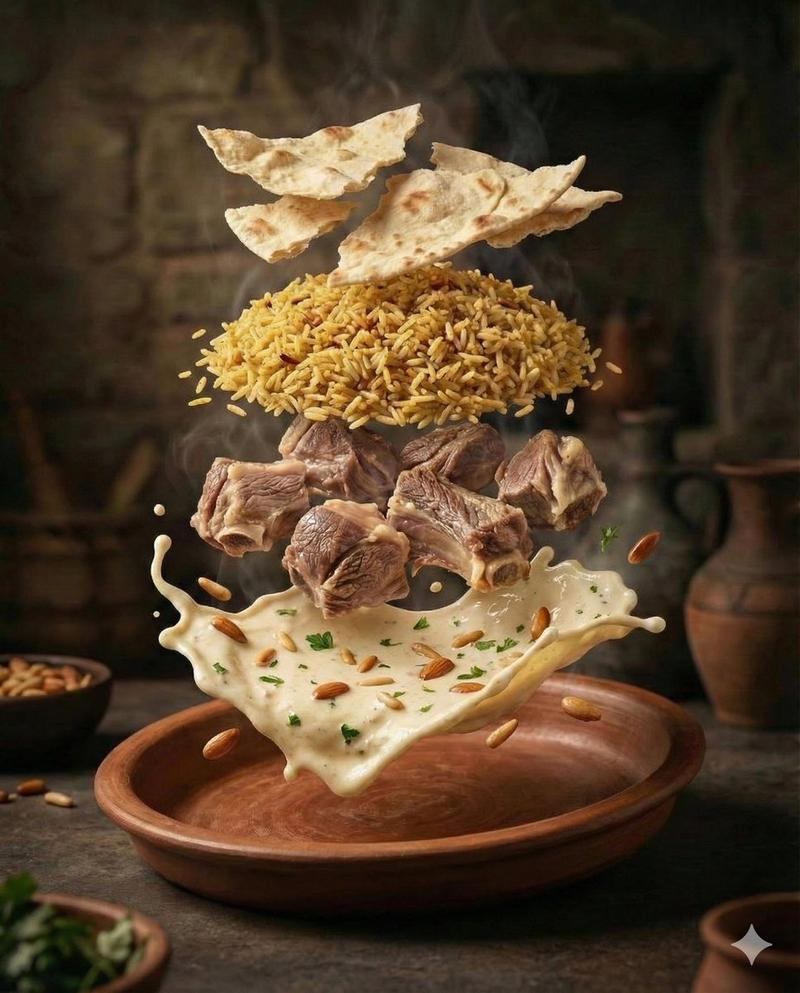
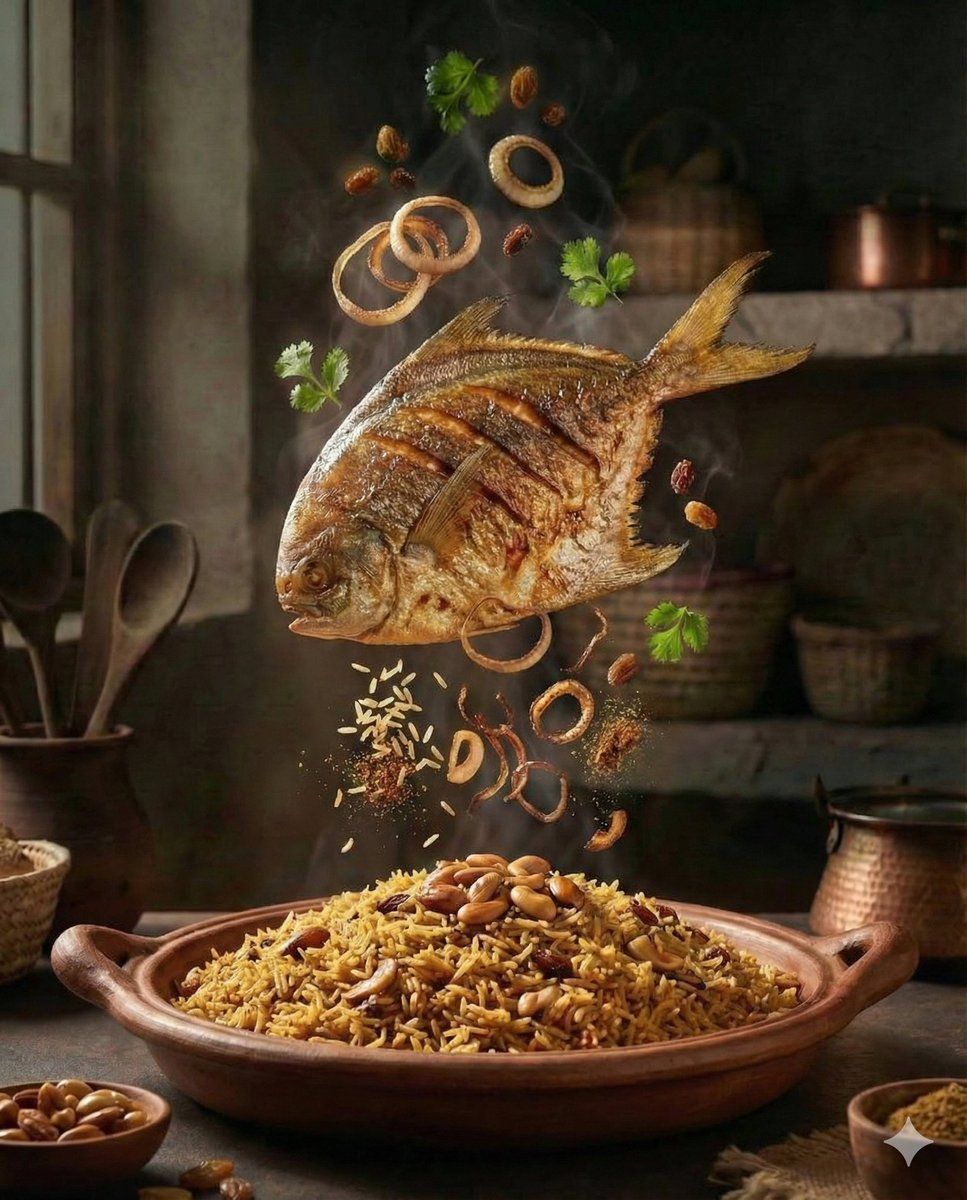
电影级爆炸视图中东美食场景
Enlarge

电影级爆炸视图中东美食场景

Prompt
A hyper-realistic cinematic food scene with ingredients frozen mid-air above a plated dish. {argument name="main dish" default="Golden-brown stuffed kibbeh / spiced rice with chicken / fried whole fish"} presented in a rustic kitchen setting. Exploded-view composition showing grains of rice, minced meat, nuts, onions, herbs, spices, oil droplets, and steam floating dynamically in the air. Warm moody lighting, dramatic shadows, shallow depth of field, rich textures, glossy oil highlights, steam rising for freshness. Old-world Middle Eastern / Mediterranean kitchen atmosphere, wooden table, clay bowls, copper utensils, cinematic color grading, ultra-detailed food photography, 8K realism, slow-motion food commercial style.
Category
创意图片
Model
Nano Banana Pro
Creator
Taaruk
Views0
Source ID
15d3677f-d6be-4796-958e-fea30cad87ac
Published
Mar 8, 2026

Guide

About "电影级爆炸视图中东美食场景"

What is this prompt for?

"电影级爆炸视图中东美食场景" AI image prompt for Nano Banana Pro (创意图片). 一个用于生成超逼真、电影感十足的食物照片的提示,照片中包含中东菜肴,如酿基贝和香料米饭。构图采用“爆炸视图”技术,展示食材在半空中凝固的瞬间,强调丰富的质感、油光发亮的亮点,以及老式厨房环境中戏剧性…

The full copyable prompt and example visuals above are ready for AI image generation or one-click recreate in Picva.

How to use this prompt

  1. Step 1

    Open the prompt detail

    Review the example visuals, category, and full prompt text for "电影级爆炸视图中东美食场景".

  2. Step 2

    Copy the prompt

    Copy the prompt body from this page, or load it directly in Studio.

  3. Step 3

    Pick a model (Nano Banana Pro)

    Prefer Nano Banana Pro. If you switch models, keep subject and composition and tweak style terms.

  4. Step 4

    Generate and export

    Recreate the look in Picva, or export into your workflow for editing and publishing.

FAQ

What is the "电影级爆炸视图中东美食场景" prompt?
It is an AI image-generation prompt for Nano Banana Pro in the 创意图片 category. This page includes the full prompt text, example visuals, and a one-click recreate path in Picva.
How do I use this prompt to generate an image?
Copy the prompt from this page, or use Generate / Studio. Paste it into a compatible image model, or recreate the look in Picva with optional reference images.
Which model is this prompt for?
This page lists Nano Banana Pro. Most descriptive prompts also transfer to nearby image models such as GPT Image, Flux, or Midjourney with light style tweaks.
Can I use the result commercially?
You can usually copy the prompt for creation, but commercial use of the final image depends on the model terms, reference-image rights, and the generated content. Follow the source author and platform rules.