19

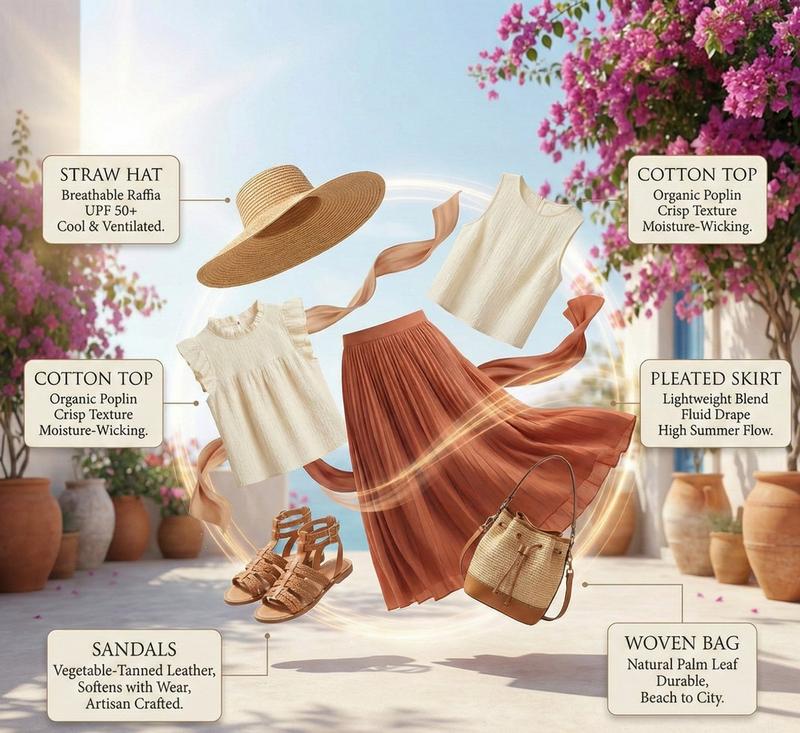
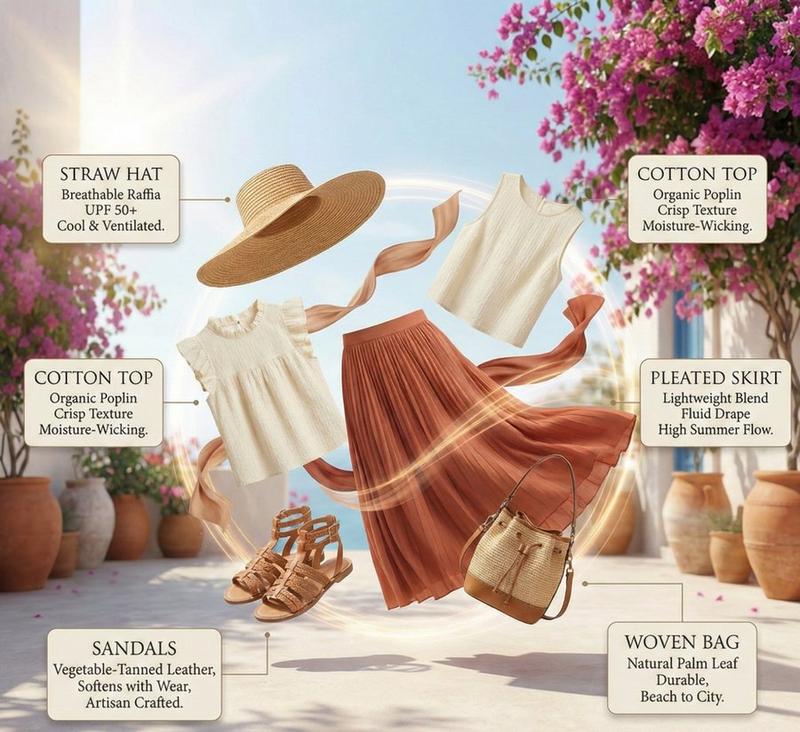
高定时装夏季穿搭信息图:爆炸式构图
Enlarge

高定时装夏季穿搭信息图:爆炸式构图

Prompt
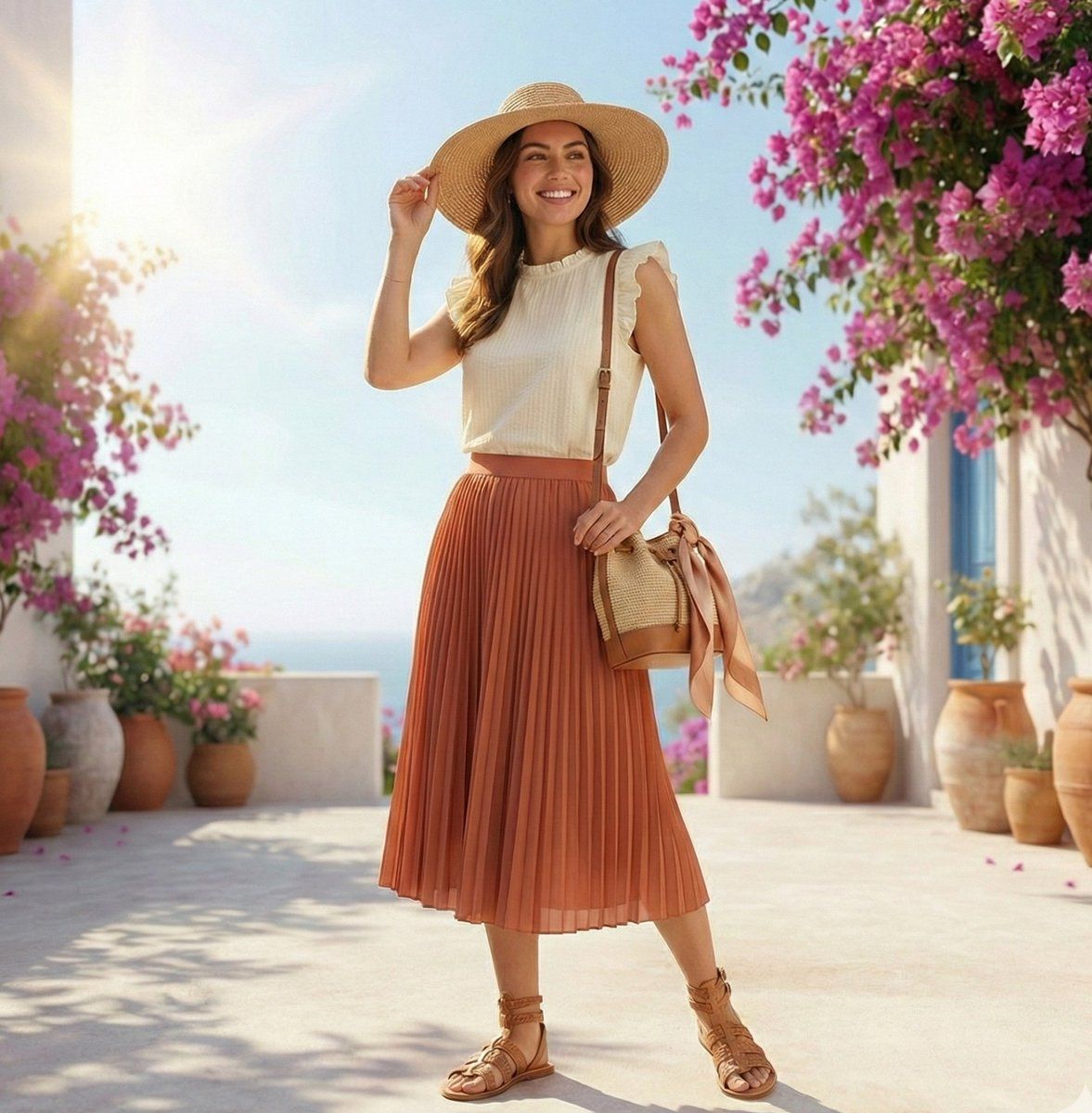
High-fashion summer outfit infographic with color-coordinated floating elements arranged in an elegant exploded circular composition, featuring a breathable straw hat, sleeveless organic cotton top, fluid pleated skirt, artisan leather sandals, and a woven palm-leaf bag; refined callouts highlight fabric breathability, crisp texture, moisture-wicking, and seasonal comfort, with warm neutral tones of {argument name="color palette" default="ivory, terracotta, sand, and soft tan"}; subtle motion trails and airy fabric swirls suggest a gentle summer breeze, bright natural sunlight creates soft shadows and a sun-kissed glow, Mediterranean gemini lifestyle mood, premium editorial aesthetic, ultra-sharp details, minimal typography, luxury fashion magazine infographic style, Instagram-ready
Category
创意图片
Model
Nano Banana Pro
Creator
Synthia
Views0
Source ID
c0b0441c-1d36-42ef-975f-350d61bceef2
Published
Mar 8, 2026

Guide

About "高定时装夏季穿搭信息图:爆炸式构图"

What is this prompt for?

"高定时装夏季穿搭信息图:爆炸式构图" AI image prompt for Nano Banana Pro (创意图片). 一个用于生成高级时装夏季服装信息图的提示,采用优雅的爆炸式圆形构图。它指定了服装单品(草帽、有机棉上衣、百褶裙、皮凉鞋)、调色板(象牙色、赤陶色、沙色)和技术细节(用于突出面料特性的精致标注…

The full copyable prompt and example visuals above are ready for AI image generation or one-click recreate in Picva.

How to use this prompt

  1. Step 1

    Open the prompt detail

    Review the example visuals, category, and full prompt text for "高定时装夏季穿搭信息图:爆炸式构图".

  2. Step 2

    Copy the prompt

    Copy the prompt body from this page, or load it directly in Studio.

  3. Step 3

    Pick a model (Nano Banana Pro)

    Prefer Nano Banana Pro. If you switch models, keep subject and composition and tweak style terms.

  4. Step 4

    Generate and export

    Recreate the look in Picva, or export into your workflow for editing and publishing.

FAQ

What is the "高定时装夏季穿搭信息图:爆炸式构图" prompt?
It is an AI image-generation prompt for Nano Banana Pro in the 创意图片 category. This page includes the full prompt text, example visuals, and a one-click recreate path in Picva.
How do I use this prompt to generate an image?
Copy the prompt from this page, or use Generate / Studio. Paste it into a compatible image model, or recreate the look in Picva with optional reference images.
Which model is this prompt for?
This page lists Nano Banana Pro. Most descriptive prompts also transfer to nearby image models such as GPT Image, Flux, or Midjourney with light style tweaks.
Can I use the result commercially?
You can usually copy the prompt for creation, but commercial use of the final image depends on the model terms, reference-image rights, and the generated content. Follow the source author and platform rules.