17

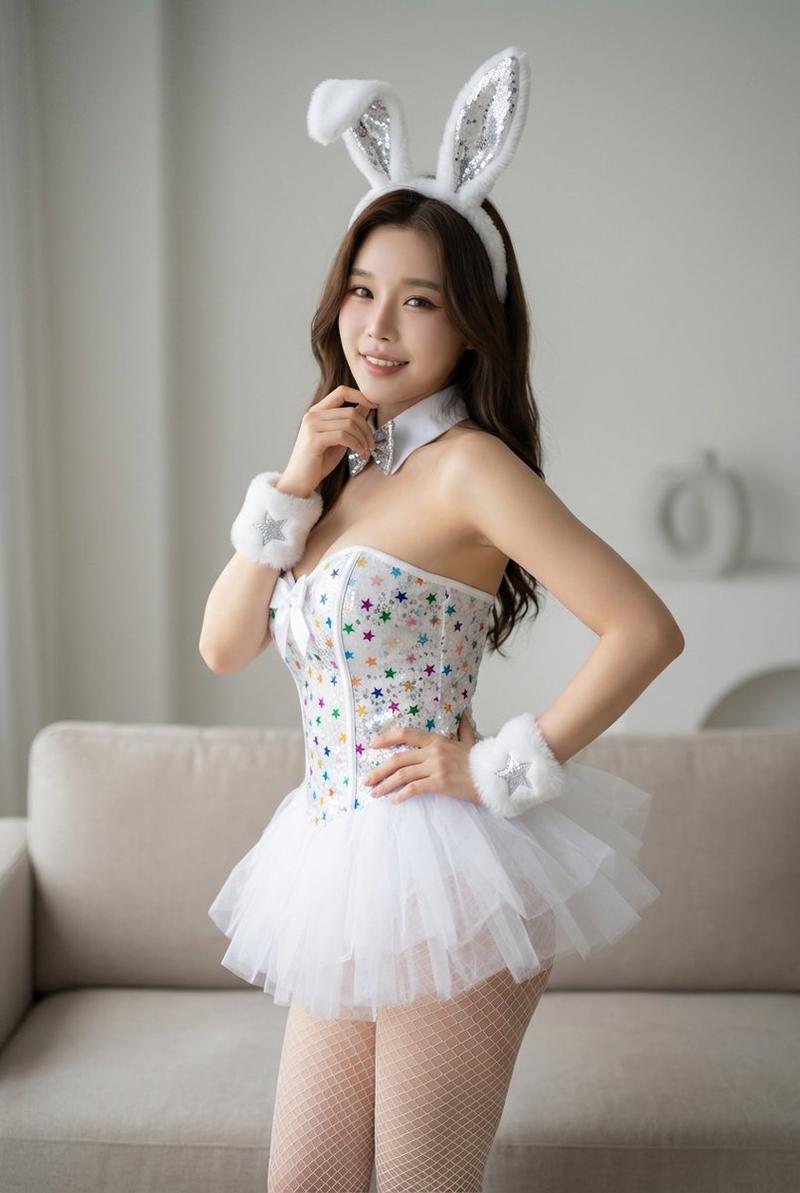
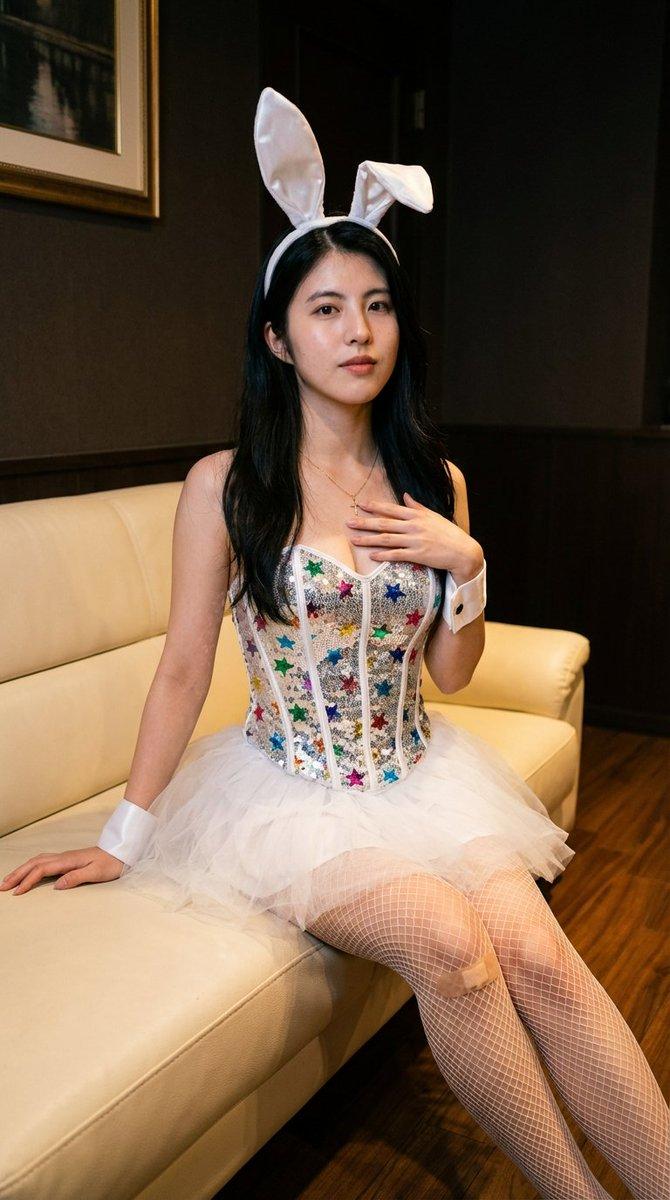
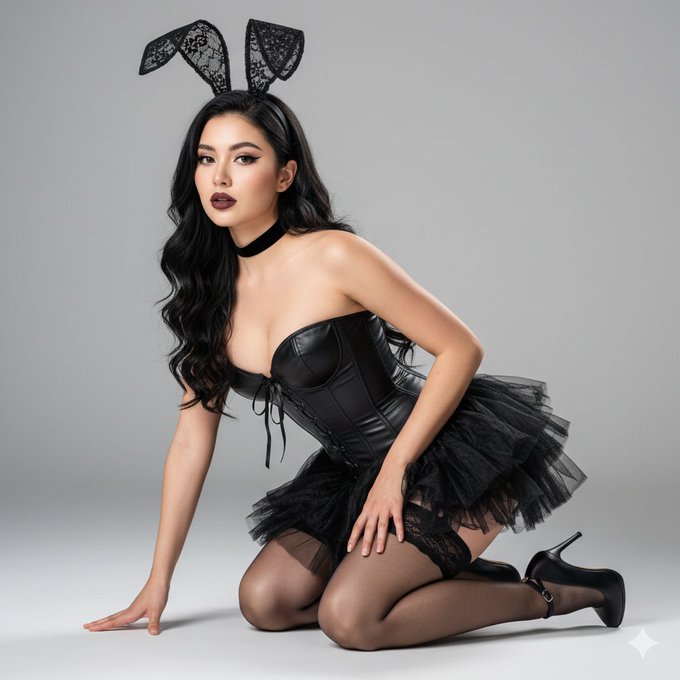
JSON 提示,用于生成闪闪发光的兔子肖像
Enlarge

JSON 提示,用于生成闪闪发光的兔子肖像

Prompt
{
  "subject_details": {
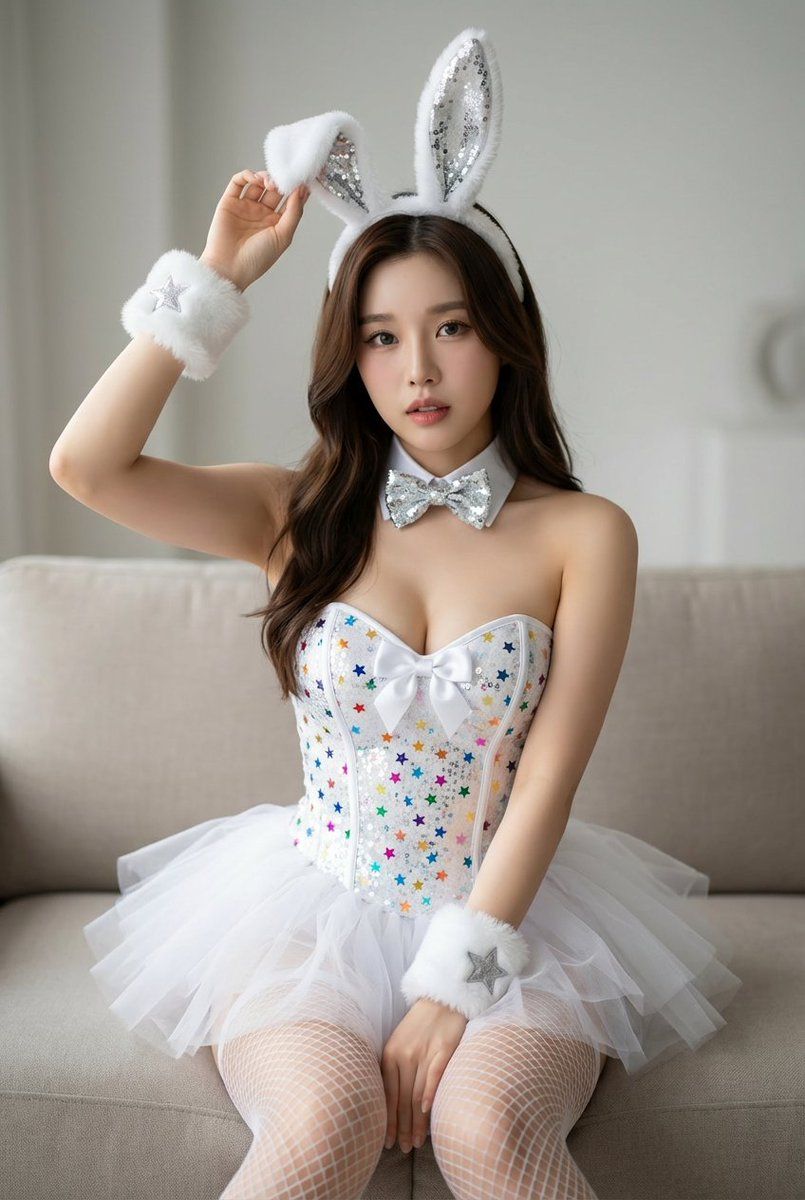
    "facial_expression": "Soft, neutral expression with a direct, calm gaze toward the camera. The lips are slightly parted in a subtle pout.",
    "attire": {
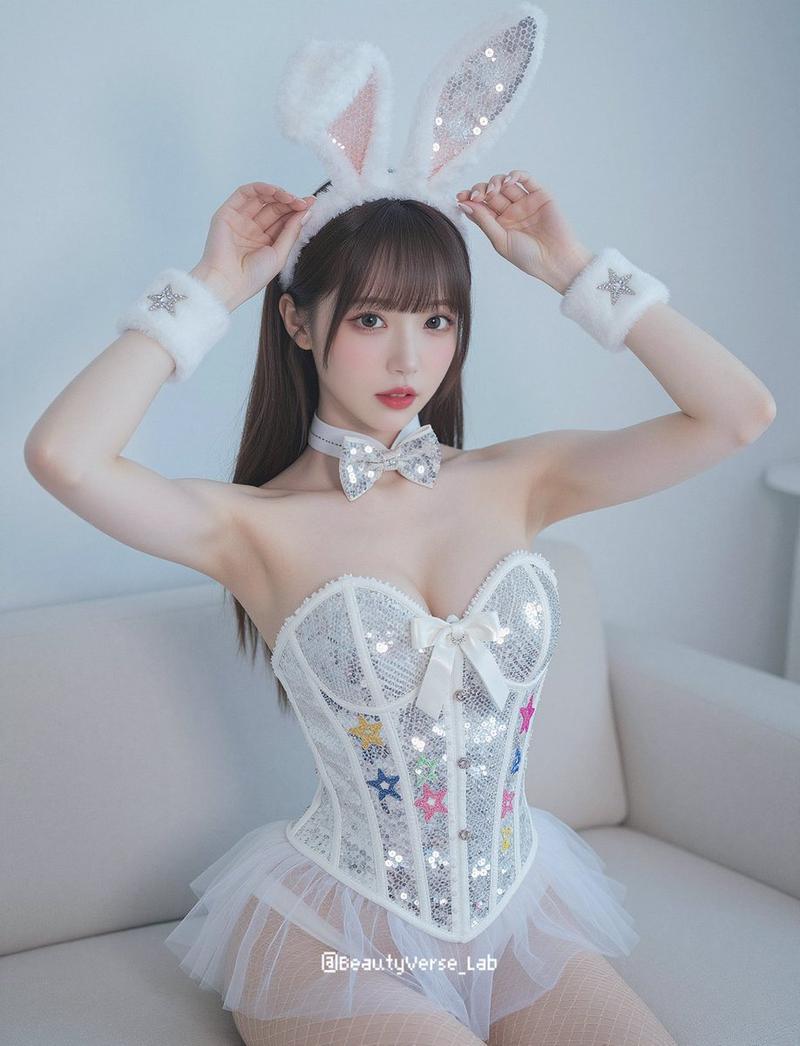
      "costume_theme": "Glittering bunny-inspired outfit",
      "headwear": {
        "type": "Bunny ear headband with white faux fur and silver sequined inner panels",
        "positioning": "The left ear is upright while the right ear is folded forward at the tip"
      },
      "bodice": "White sequined corset accented with multi-colored stars and a central white bow",
      "skirt": "Short, white tiered tulle tutu",
      "legwear": "White fishnet stockings",
      "accessories": "Fluffy white wrist cuffs with silver star patches and a white collar with a silver sequined bow tie"
    }
  },
  "technical_and_setting": {
    "camera_type": "High-resolution digital camera, likely a full-frame mirrorless or DSLR, utilizing a wide-aperture lens (e.g., f/1.8 or f/2.8) to achieve a soft bokeh effect and shallow depth of field.",
    "background": "Minimalist indoor setting featuring a neutral-toned sofa and soft, diffused studio lighting.",
    "composition": "Centered medium shot with a bright, airy color palette dominated by whites, silvers, and soft pastel accents."
  }
}
Category
创意图片
Model
Nano Banana Pro
Views0
Source ID
03e42845-8cd5-4165-99cc-40ec4d0f8df6
Published
Mar 8, 2026

Guide

About "JSON 提示,用于生成闪闪发光的兔子肖像"

What is this prompt for?

"JSON 提示,用于生成闪闪发光的兔子肖像" AI image prompt for Nano Banana Pro (创意图片). 一个为图像生成设计的结构化 JSON 提示,详细描述了一个穿着闪亮兔女郎风格服装的主题肖像。该提示指定了面部表情、详细的服装(亮片紧身胸衣、薄纱蓬蓬裙、渔网袜、兔耳头带)以及技术设置…

The full copyable prompt and example visuals above are ready for AI image generation or one-click recreate in Picva.

How to use this prompt

  1. Step 1

    Open the prompt detail

    Review the example visuals, category, and full prompt text for "JSON 提示,用于生成闪闪发光的兔子肖像".

  2. Step 2

    Copy the prompt

    Copy the prompt body from this page, or load it directly in Studio.

  3. Step 3

    Pick a model (Nano Banana Pro)

    Prefer Nano Banana Pro. If you switch models, keep subject and composition and tweak style terms.

  4. Step 4

    Generate and export

    Recreate the look in Picva, or export into your workflow for editing and publishing.

FAQ

What is the "JSON 提示,用于生成闪闪发光的兔子肖像" prompt?
It is an AI image-generation prompt for Nano Banana Pro in the 创意图片 category. This page includes the full prompt text, example visuals, and a one-click recreate path in Picva.
How do I use this prompt to generate an image?
Copy the prompt from this page, or use Generate / Studio. Paste it into a compatible image model, or recreate the look in Picva with optional reference images.
Which model is this prompt for?
This page lists Nano Banana Pro. Most descriptive prompts also transfer to nearby image models such as GPT Image, Flux, or Midjourney with light style tweaks.
Can I use the result commercially?
You can usually copy the prompt for creation, but commercial use of the final image depends on the model terms, reference-image rights, and the generated content. Follow the source author and platform rules.