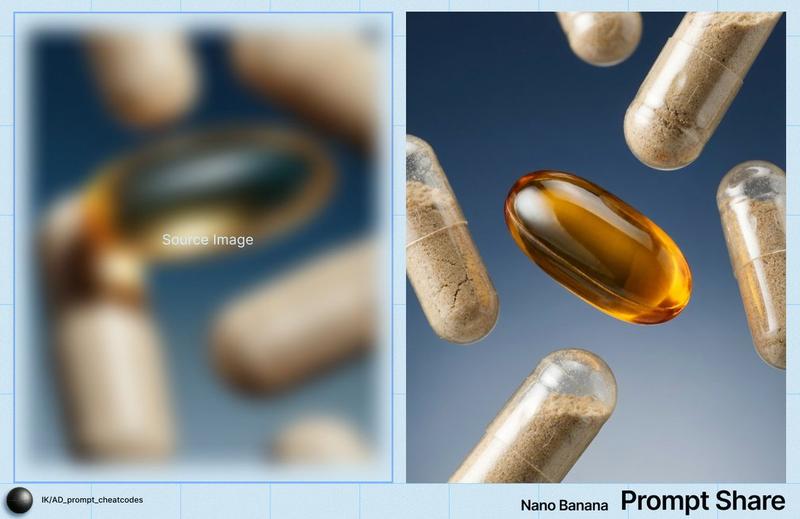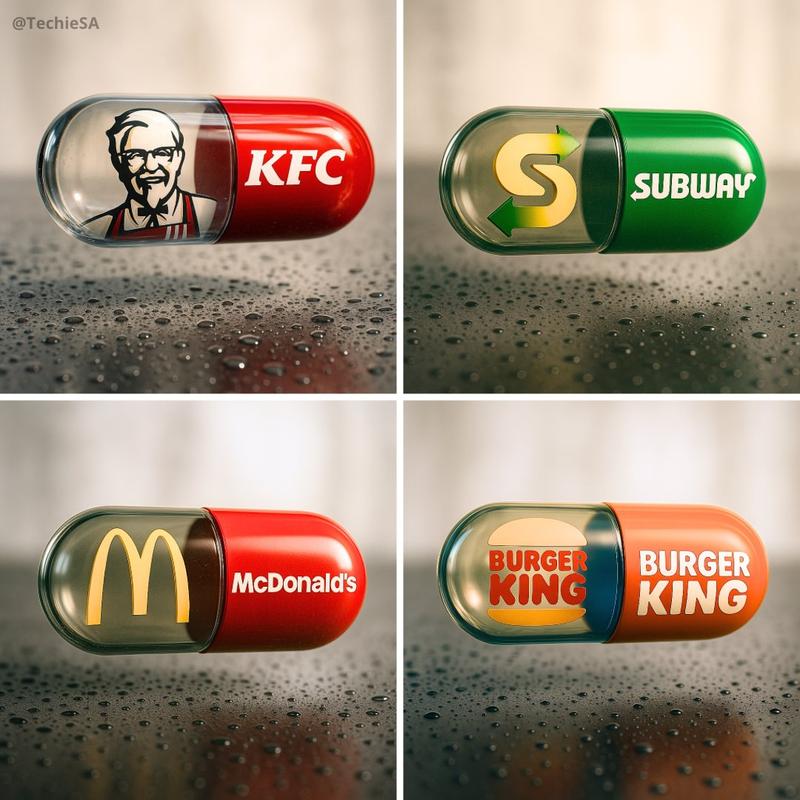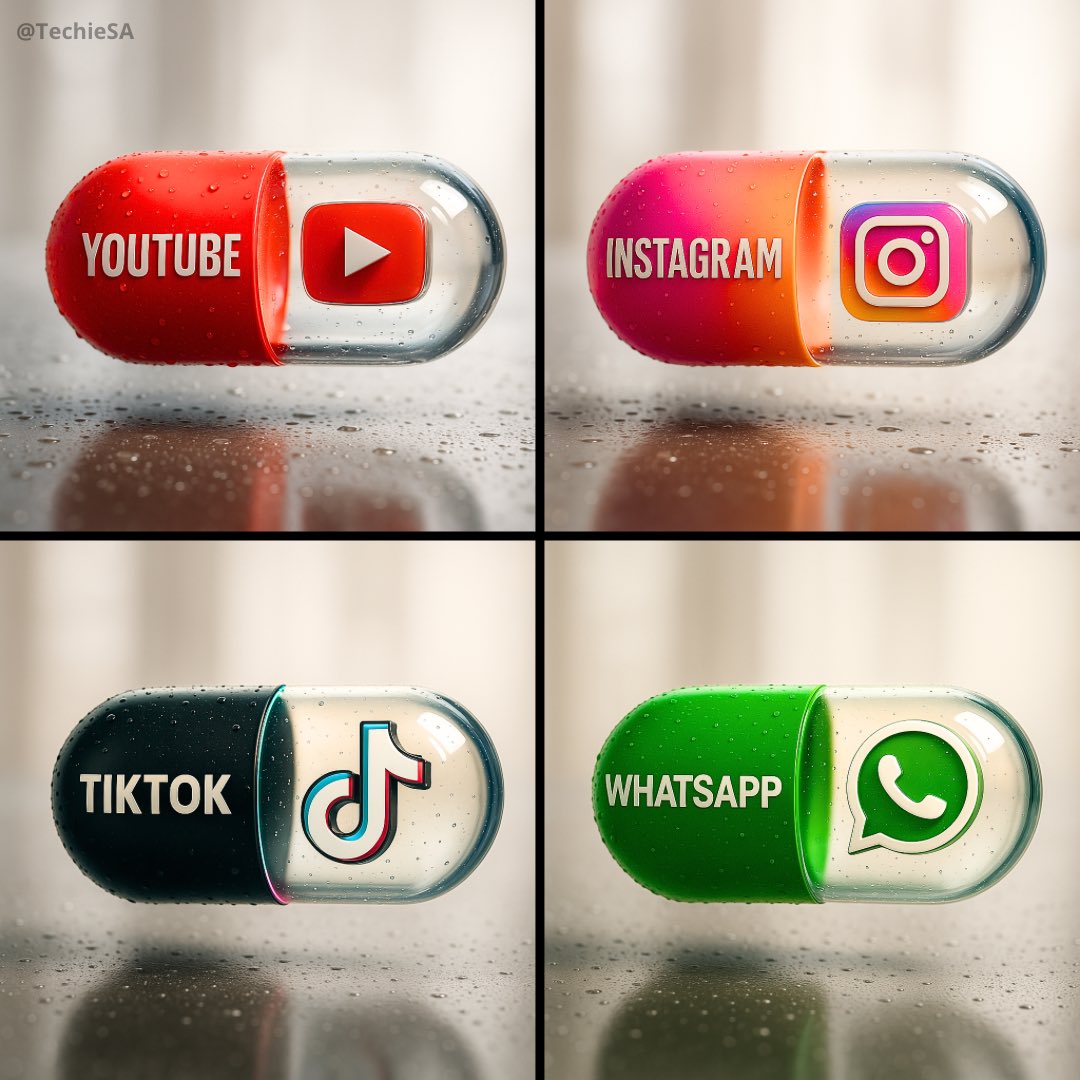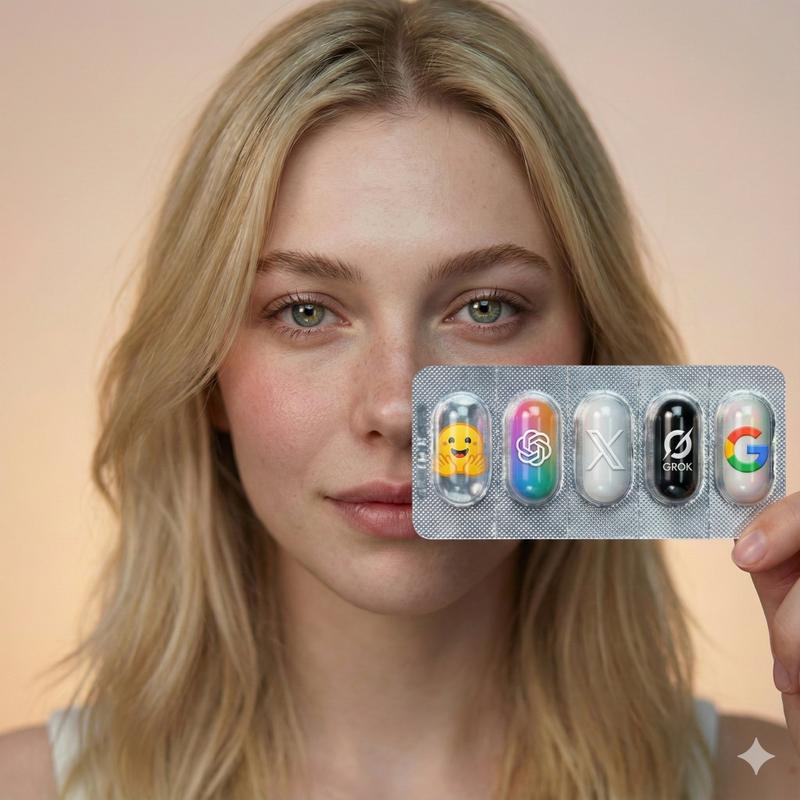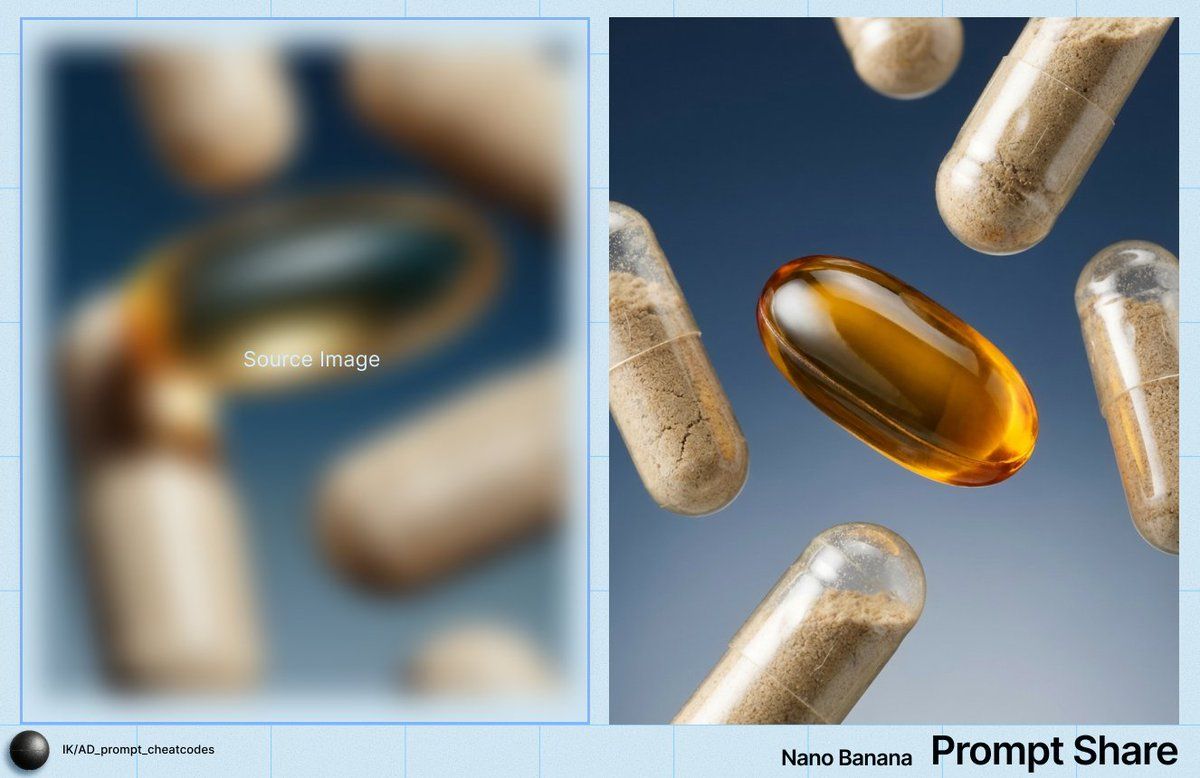
胶囊和软胶囊的微距产品图
Prompt
IMAGE: Frame & Composition: The camera presents an extreme close-up macro composition with a straight-on, perpendicular viewing angle to the subject plane; the frame is tightly cropped on multiple capsules and a single oval softgel suspended in midair, with no visible container or support; objects are distributed diagonally across the frame, creating a loose radial balance around the central softgel, which occupies the visual and spatial center; several capsules are partially cropped by the frame edges, reinforcing a floating, weightless arrangement; depth cues suggest all elements are within a narrow spatial range, with slight size variation indicating minimal distance differences from the lens. Lighting & Atmosphere: A controlled studio key light originates from the lower left, producing strong specular highlights along the curved surfaces of the transparent capsules and a concentrated luminous hotspot within the amber softgel; shadow transitions are smooth and soft, indicating a diffused light source with moderate directional bias; reflections are crisp but not harsh, suggesting polished surfaces without environmental haze; the background remains evenly lit with no visible bloom, fog, or particulate atmosphere. Subject Geometry & Materiality: The primary subject is an elongated, oval softgel oriented horizontally with a slight upward tilt on its right edge; its gelatin shell is transparent amber with a smooth, high-gloss surface and a visible internal meniscus line; surrounding it are cylindrical two-piece capsules oriented at varied angles, each composed of semi-transparent shells filled with fine granular powder; the powder exhibits uneven density, settling toward the lower halves of the capsules, creating subtle tonal gradients; shell seams are visible as fine circumferential lines; surface reflections reveal smooth plastic-like material with micro-scratches and minute dust inclusions visible under macro magnification. Environmental Layering: The foreground and midground are occupied entirely by the capsules and softgel, all rendered in sharp focus with minimal depth separation; no object fully occludes another, though overlaps occur at shallow angles; the background is a uniform gradient field transitioning from {argument name="background color top" default="deep blue"} at the top to a {argument name="background color bottom" default="lighter blue-gray"} toward the bottom, completely out of focus and free of discernible texture or structure; there are no environmental props or surfaces present. Technical Artifacts & Color: The color palette is limited and controlled, dominated by warm amber and beige tones of the capsules contrasted against a cool blue gradient background; saturation is moderate, with the softgel exhibiting the highest chroma; image grain is minimal and fine, consistent with a high-resolution studio capture; no chromatic aberration, motion blur, or compositing edges are visible; highlights are clean with smooth roll-of- Category
- 创意图片
- Model
- Nano Banana Pro
- Creator
- Ivan
- Source ID
- abfdc493-a906-4fa2-acd8-13e29b81710a
- Published
- Mar 8, 2026
Views0