13

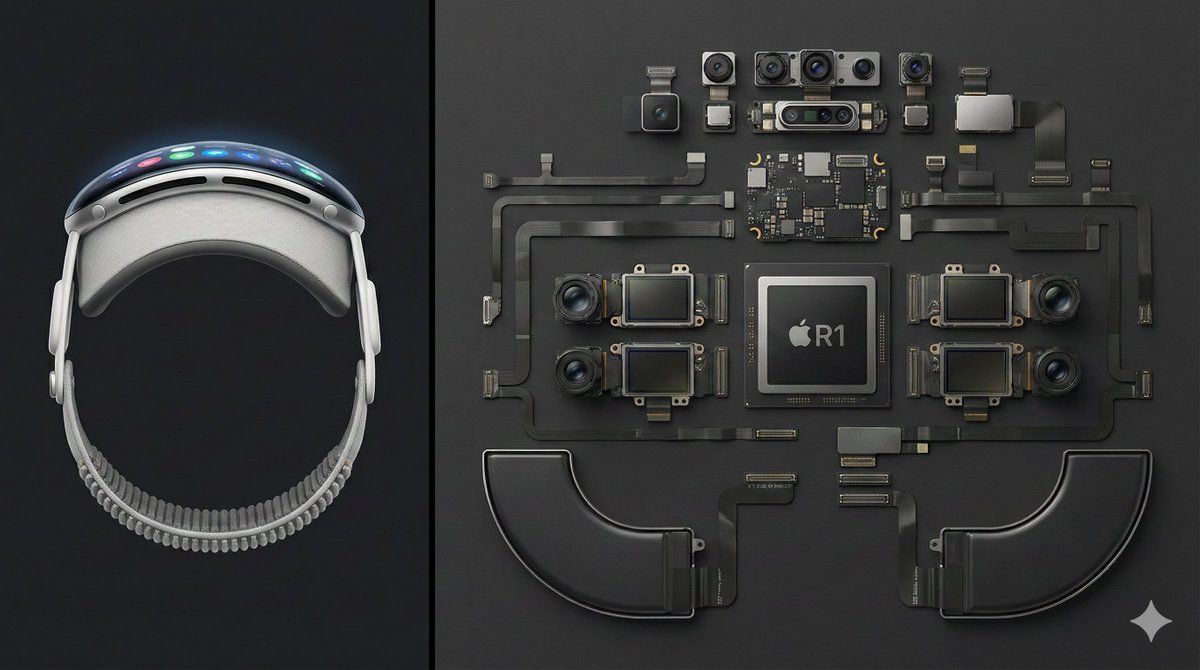
拆解 Apple Vision Pro 对比摄影
Enlarge

拆解 Apple Vision Pro 对比摄影

Prompt
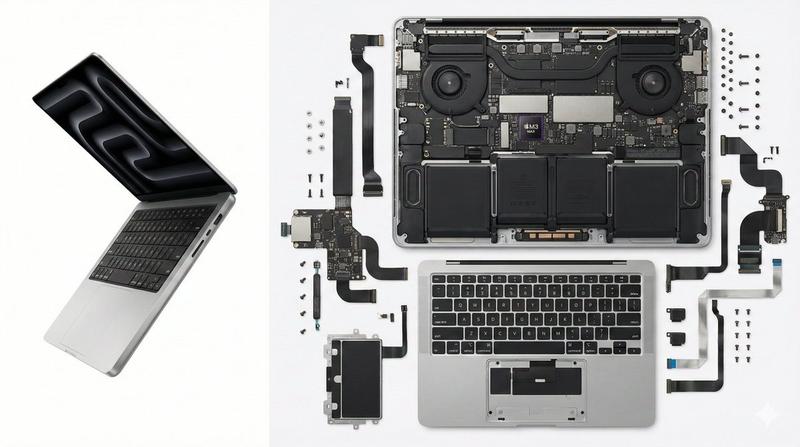
Deconstructed comparison photography of the latest Apple Vision Pro, split layout.
Left 1/3 of the frame shows the complete device — front view, display interface illuminated, smooth curved aluminum frame clearly visible.
Right 2/3 features the fully disassembled internal components, including the R1 chip, Micro-OLED display modules, camera and sensor array, battery units, and flex cable system, all arranged in a precise knolling geometric layout.
Clean dark-gray background, high top-down angle, minimalist industrial aesthetic, crisp sharp detail — --ar 16:9
Category
创意图片
Model
Nano Banana Pro
Views0
Source ID
4368319a-ccbe-474c-84ac-eaafd55c6ac1
Published
Mar 8, 2026

Guide

About "拆解 Apple Vision Pro 对比摄影"

What is this prompt for?

"拆解 Apple Vision Pro 对比摄影" AI image prompt for Nano Banana Pro (创意图片). 用于生成 Apple Vision Pro 拆解对比照片的图像生成提示词。左侧展示完整的设备,右侧则以极简工业美学风格,精确地将完全拆解的内部组件排列成整齐的几何布局。 ---…

The full copyable prompt and example visuals above are ready for AI image generation or one-click recreate in Picva.

How to use this prompt

  1. Step 1

    Open the prompt detail

    Review the example visuals, category, and full prompt text for "拆解 Apple Vision Pro 对比摄影".

  2. Step 2

    Copy the prompt

    Copy the prompt body from this page, or load it directly in Studio.

  3. Step 3

    Pick a model (Nano Banana Pro)

    Prefer Nano Banana Pro. If you switch models, keep subject and composition and tweak style terms.

  4. Step 4

    Generate and export

    Recreate the look in Picva, or export into your workflow for editing and publishing.

FAQ

What is the "拆解 Apple Vision Pro 对比摄影" prompt?
It is an AI image-generation prompt for Nano Banana Pro in the 创意图片 category. This page includes the full prompt text, example visuals, and a one-click recreate path in Picva.
How do I use this prompt to generate an image?
Copy the prompt from this page, or use Generate / Studio. Paste it into a compatible image model, or recreate the look in Picva with optional reference images.
Which model is this prompt for?
This page lists Nano Banana Pro. Most descriptive prompts also transfer to nearby image models such as GPT Image, Flux, or Midjourney with light style tweaks.
Can I use the result commercially?
You can usually copy the prompt for creation, but commercial use of the final image depends on the model terms, reference-image rights, and the generated content. Follow the source author and platform rules.