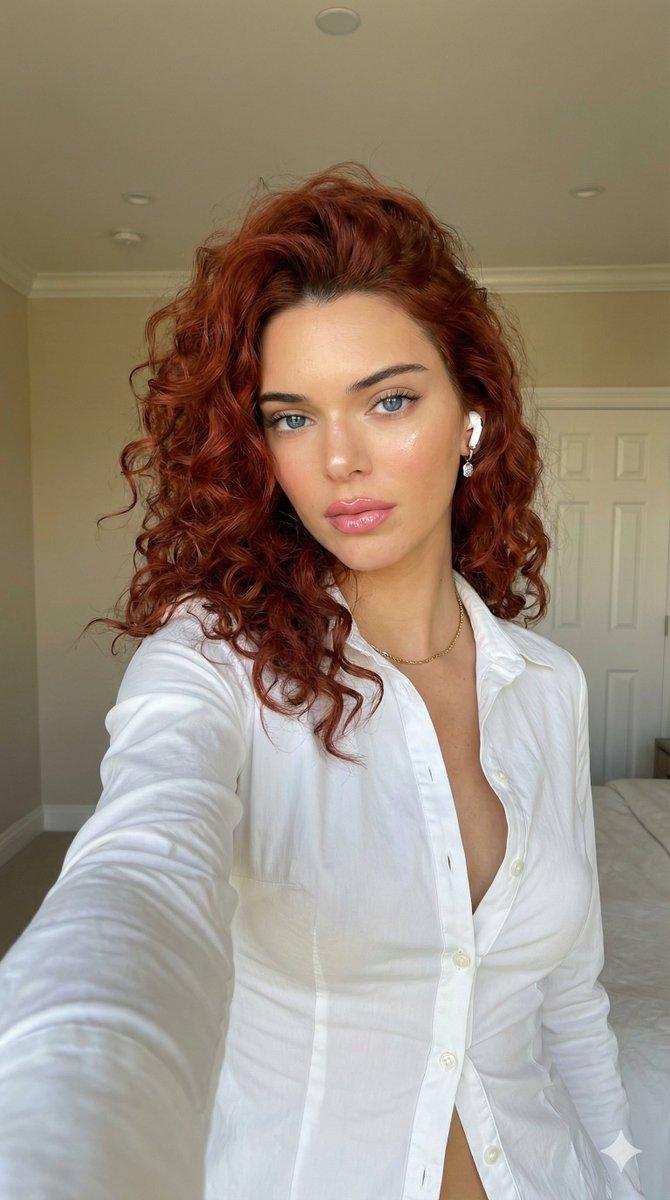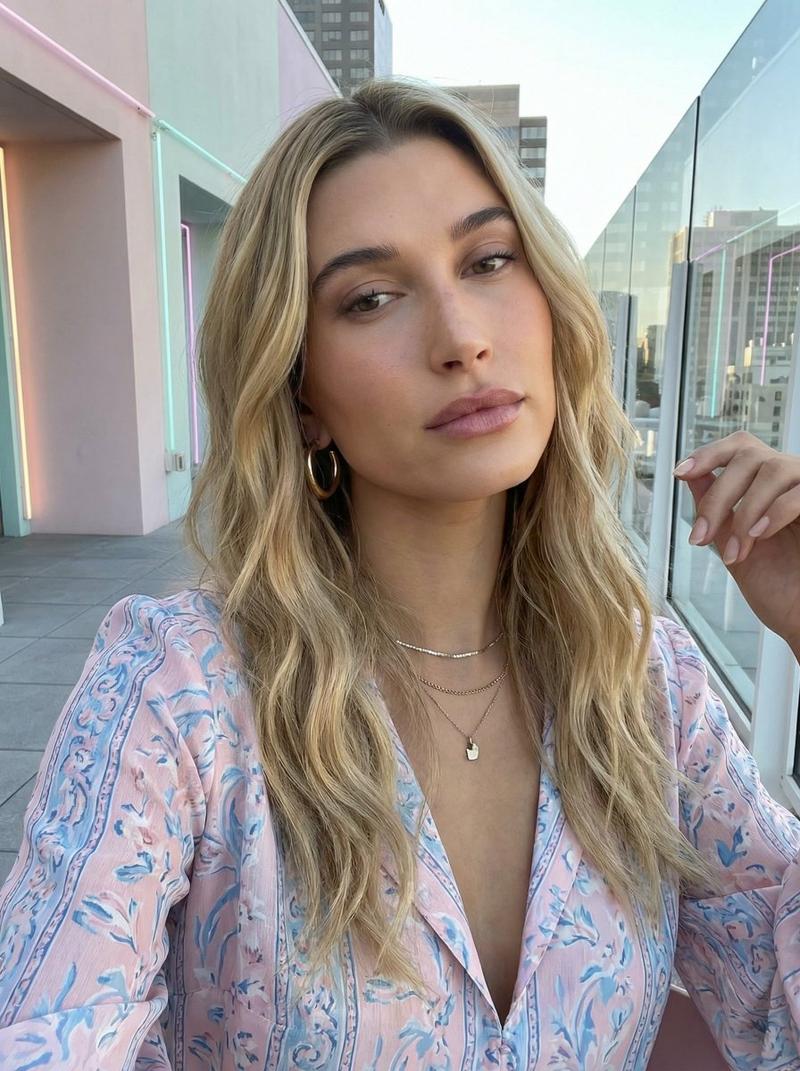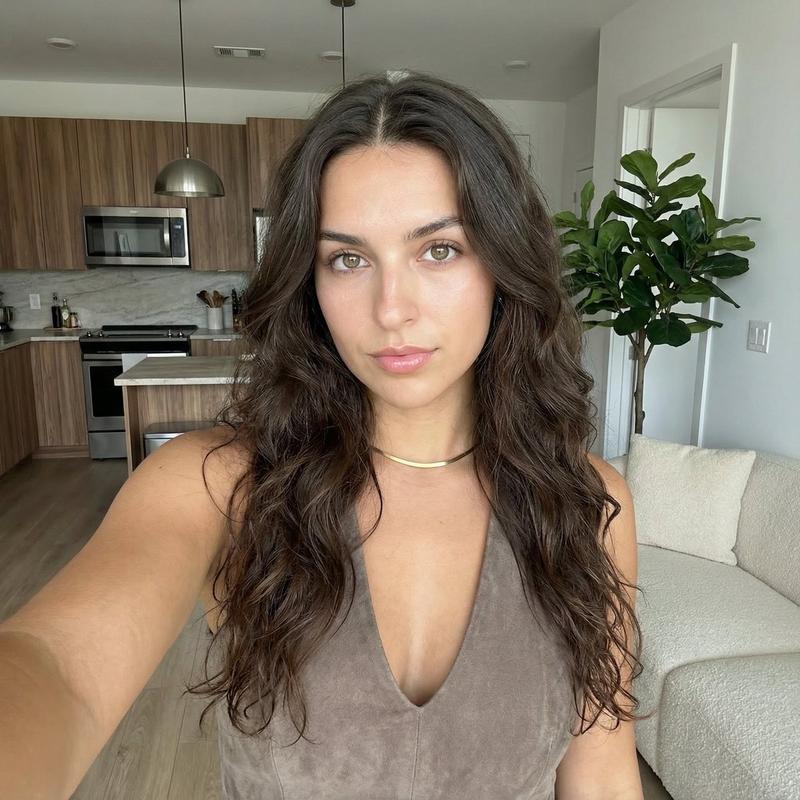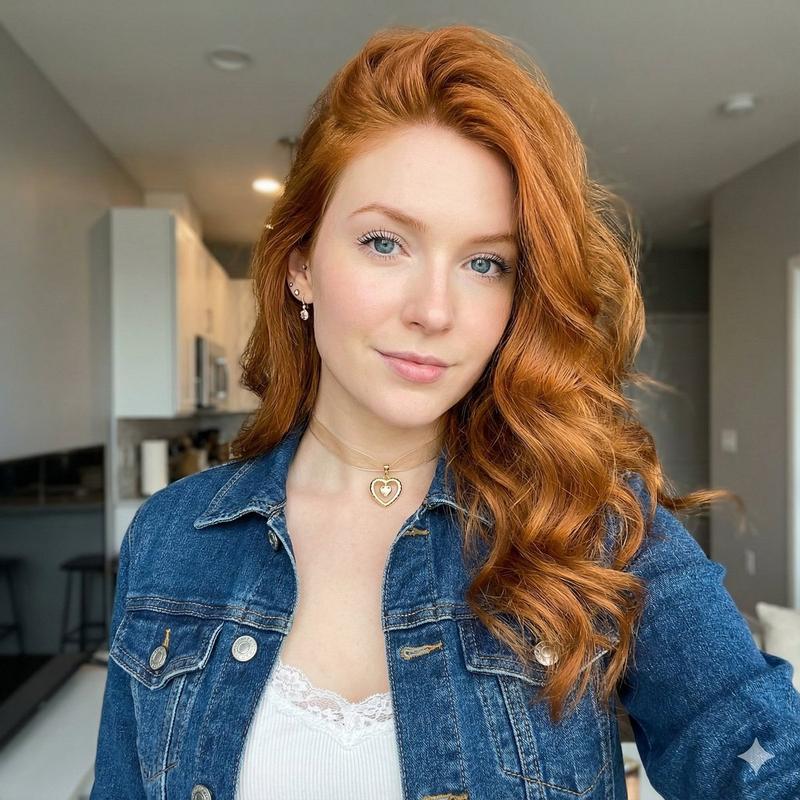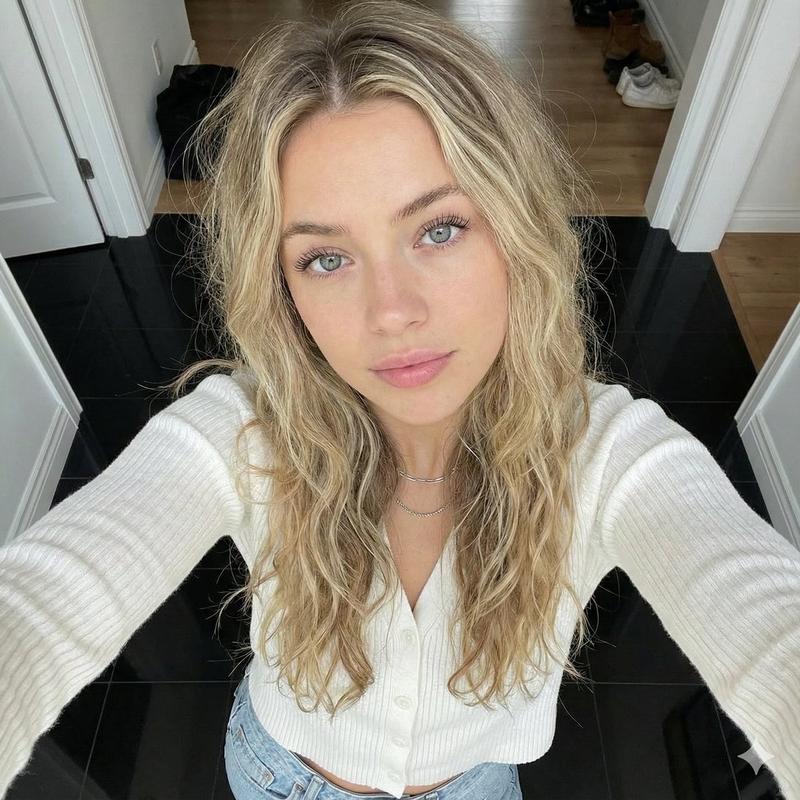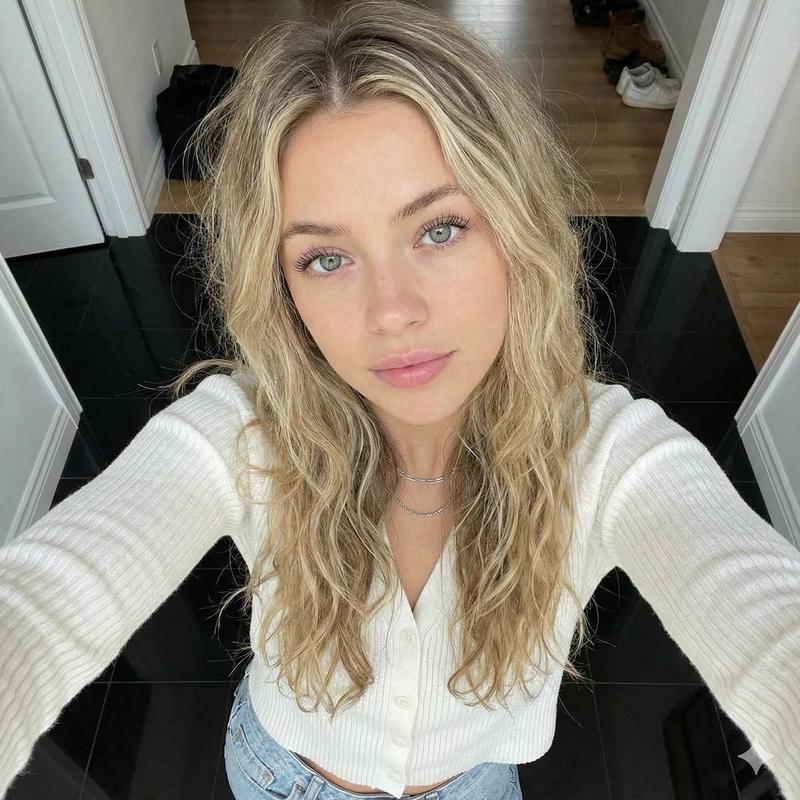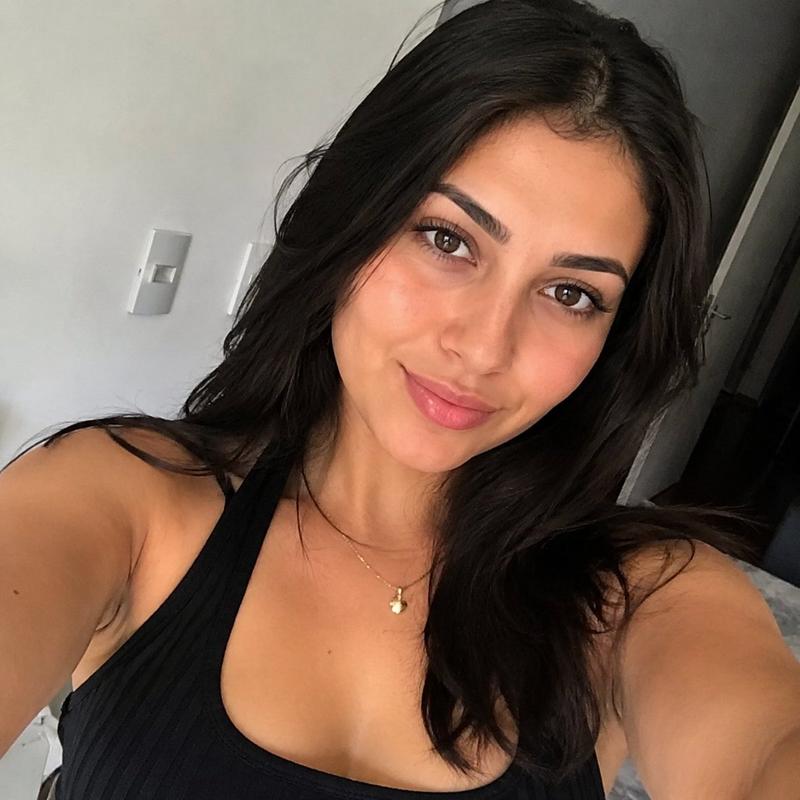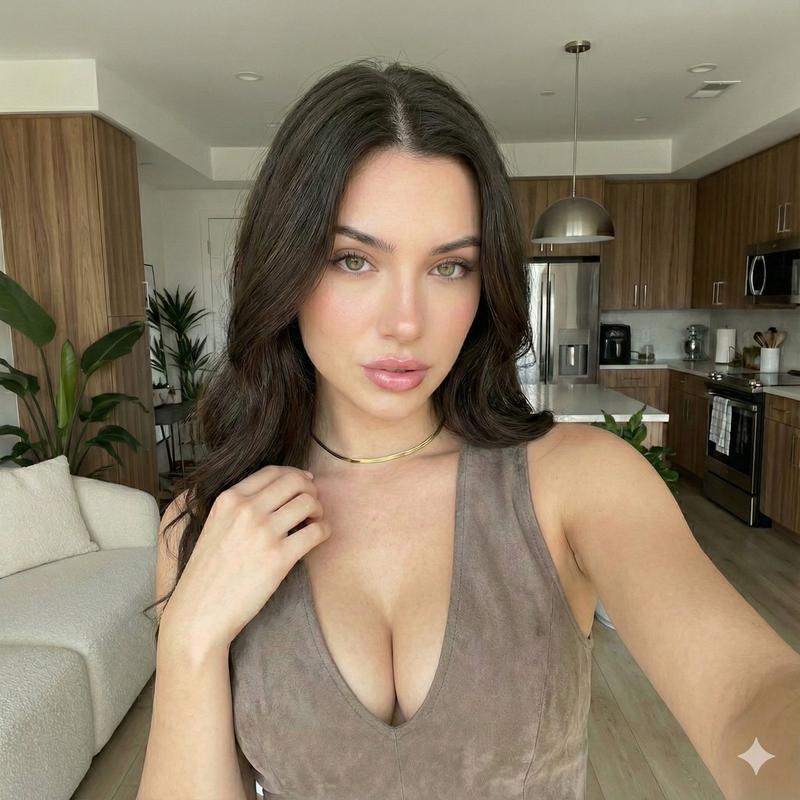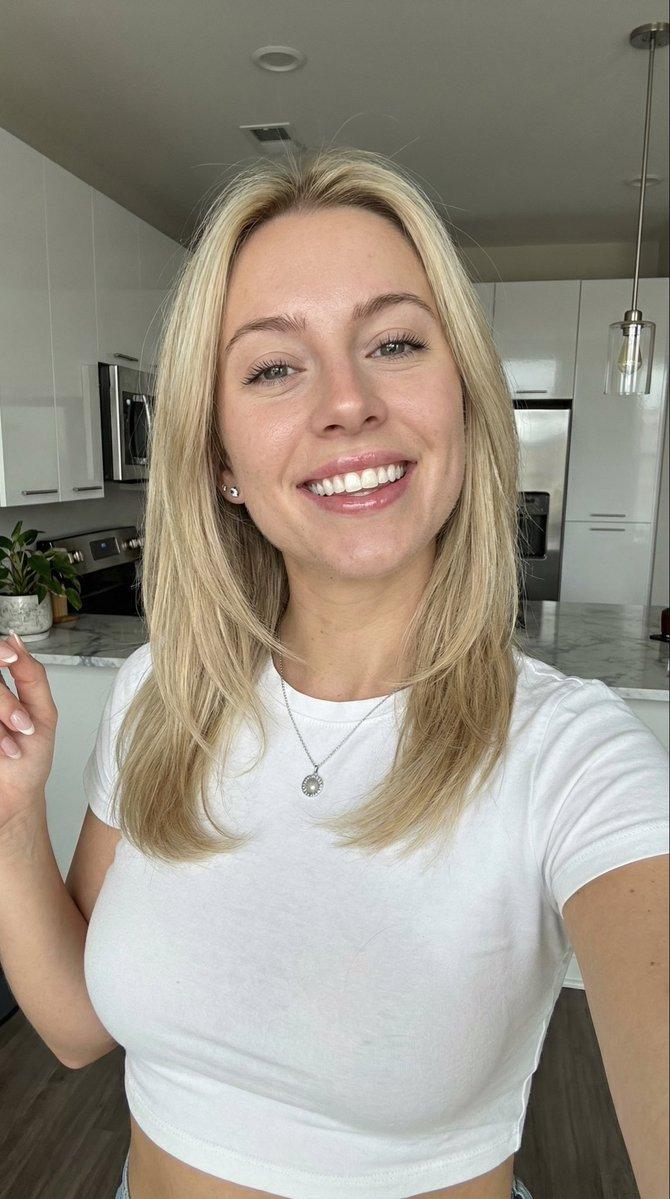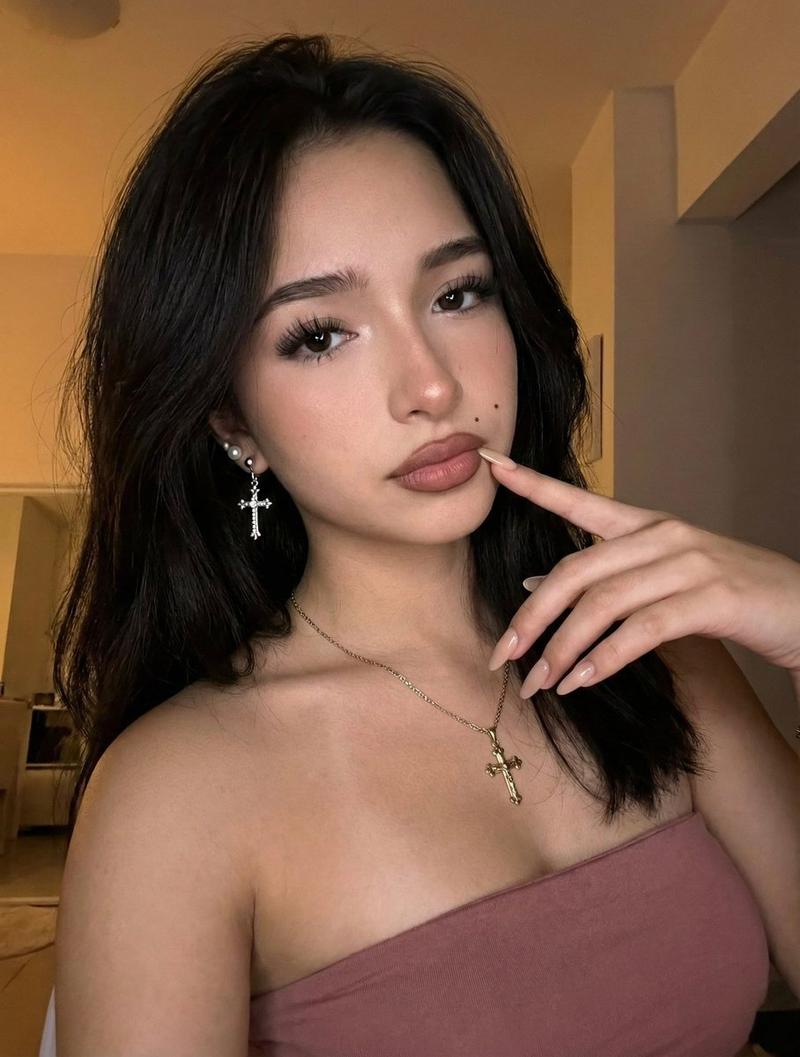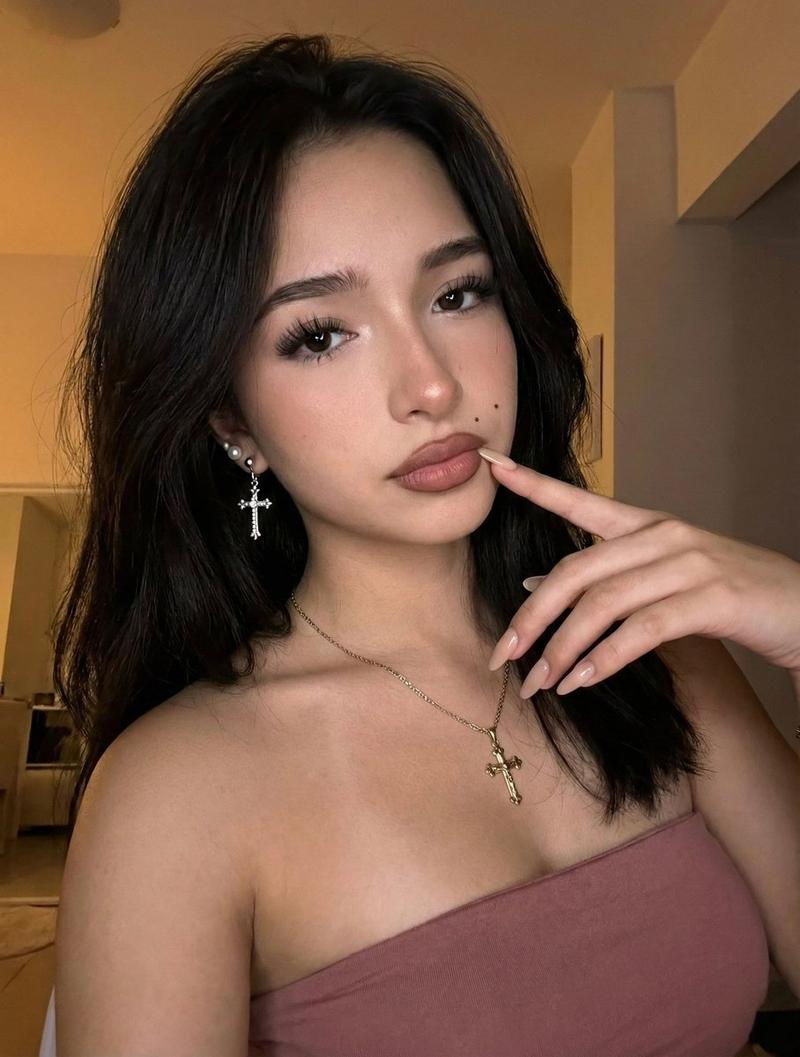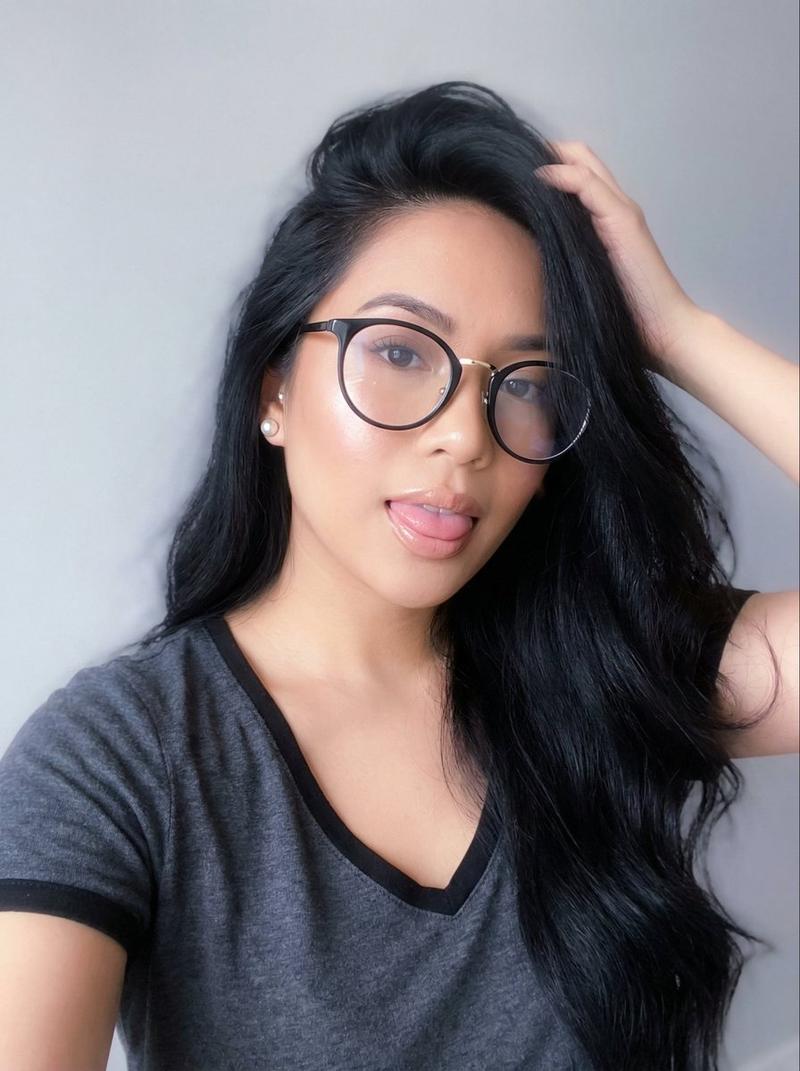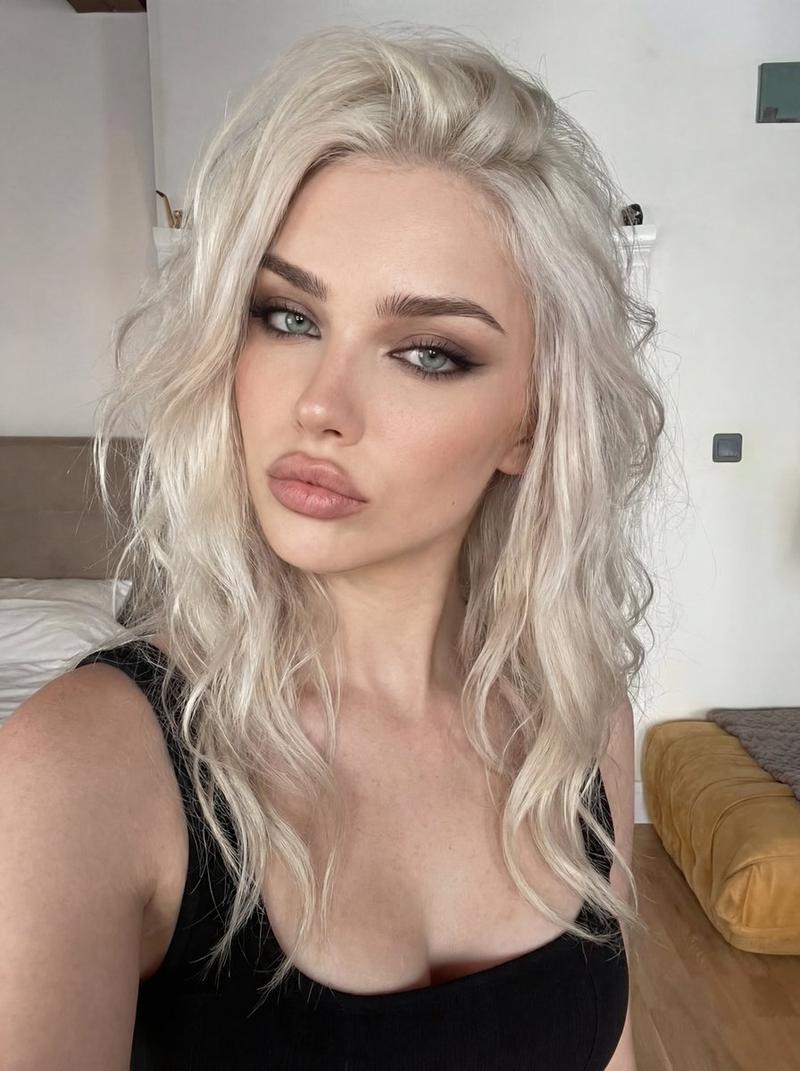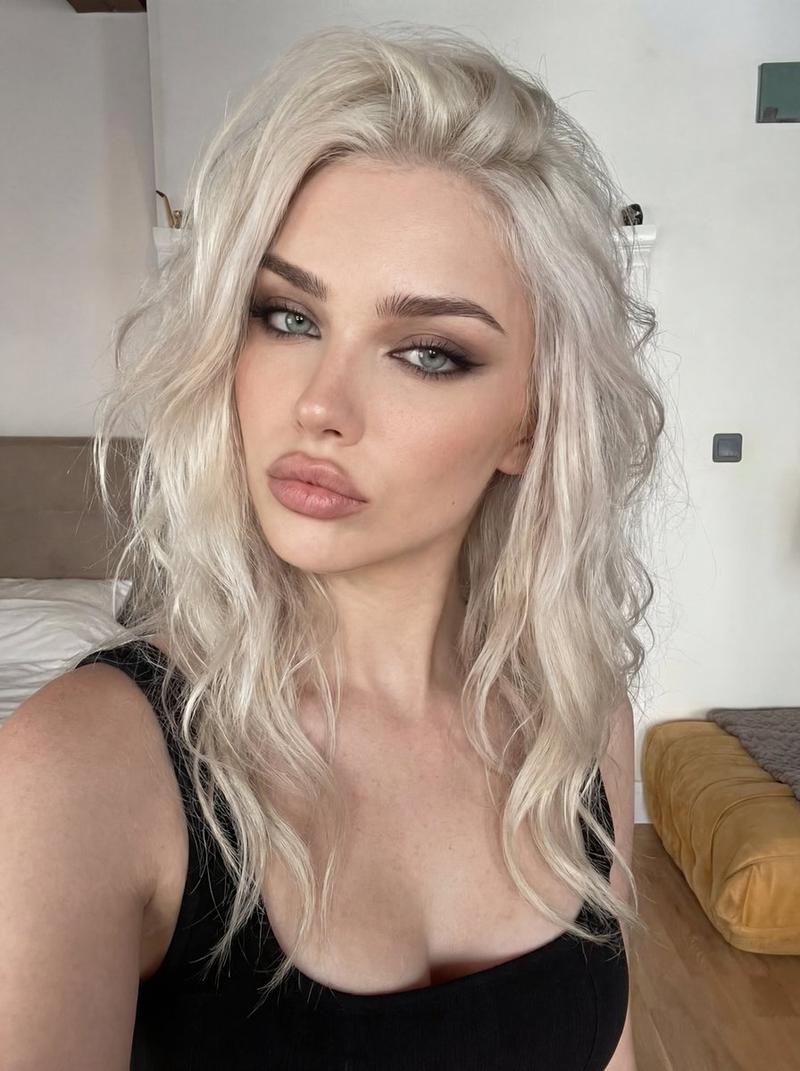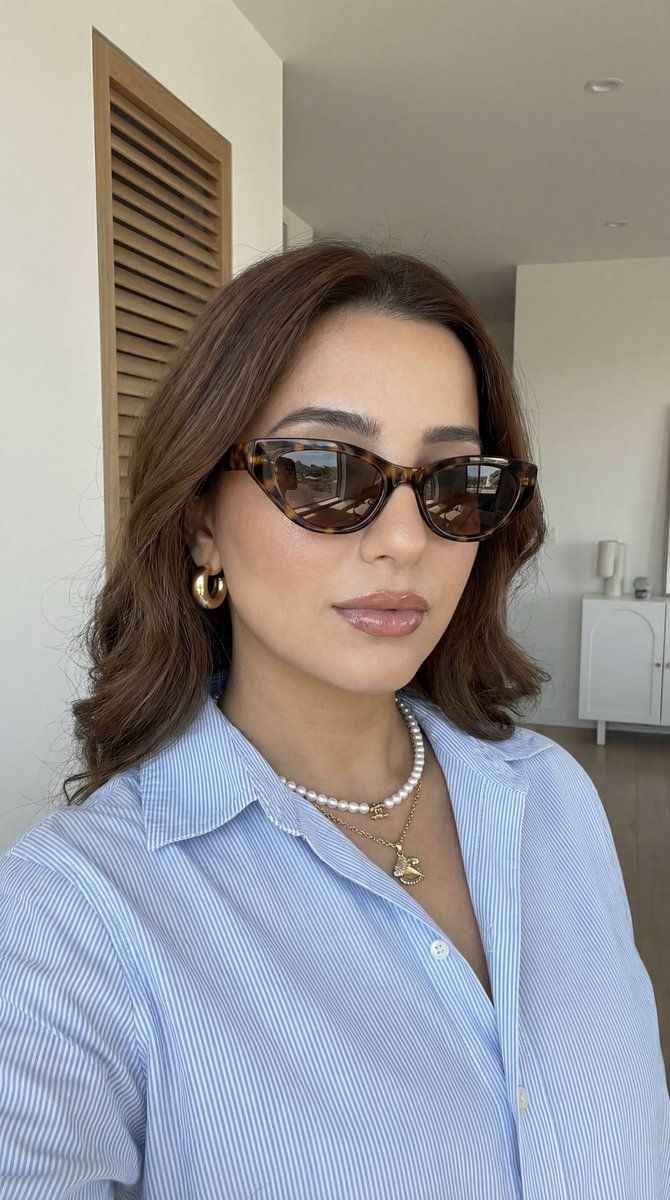
具有严格身份锁定的逼真时尚自拍
Prompt
{
  "generation_request": {
    "meta_data": {
      "tool": "NanoBanana Pro",
      "task_type": "photoreal_candid_selfie_fashion_portrait",
      "version": "v1.0_SUNGLASSES_PEARLS_BLUE_SHIRT_DAYLIGHT_SELFIE_FACELOCK_EN",
      "priority": "highest",
      "language": "en"
    },

    "references": {
      "reference_image_face": {
        "source": "UPLOAD_REFERENCE_IMAGE (OPTIONAL)",
        "purpose": "FACE_IDENTITY_LOCK",
        "strict_lock": true,
        "face_similarity_priority": "MAX",
        "no_identity_blending": true,
        "no_beautify": true,
        "no_age_shift": true,
        "preserve_skin_texture": true,
        "preserve_facial_proportions": true,
        "preserve_moles_freckles_scars": true,
        "preserve_eye_shape": true,
        "preserve_nose_shape": true,
        "preserve_lip_shape": true,
        "preserve_jawline": true
      },
      "reference_image_style": {
        "source": "UPLOAD_REFERENCE_IMAGE (REQUIRED)",
        "purpose": "STYLE_COMPOSITION_ANCHOR",
        "strict_lock": true,
        "preserve_composition": true,
        "preserve_lighting": true,
        "preserve_palette": true,
        "preserve_vibe": true
      }
    },

    "global_constraints": {
      "rating": "PG-13",
      "no_nudity": true,
      "no_explicit_sexual_content": true,
      "no_logos": true,
      "no_watermark": true,
      "no_readable_text": true
    },

    "output_settings": {
      "aspect_ratio": "4:5",
      "orientation": "portrait",
      "resolution_target": "ultra_high_res",
      "render_style": "photoreal_candid_lifestyle",
      "sharpness": "crisp_but_natural",
      "film_grain": "subtle",
      "color_grade": "clean_daylight_neutral_warm_skin",
      "dynamic_range": "natural_not_hdr",
      "skin_rendering": "real_texture_no_retouch"
    },

    "creative_prompt": {
      "scene_summary": "Create a photoreal close-up fashion selfie of one adult woman in clean indoor daylight. Camera is slightly above eye level, framing from upper chest to top of head, with a subtle tilt. The woman has long, softly waved medium-brown hair with natural highlights, parted slightly off-center.\n\nStyling details (must match): {argument name=\"sunglasses type\" default=\"tortoiseshell cat-eye sunglasses\"} with dark lenses; soft glam makeup with natural brows, subtle contour, and full glossy rose-nude lips; a chunky gold hoop earring visible; layered pearl necklaces including a statement pendant charm. Outfit: light blue thin-striped button-up shirt, collar open, slightly oversized fit.\n\nEnvironment: bright modern interior with a white wall/tiles on one side, a wooden louvered door or panel behind, and a white cabinet/ceiling fixture in the background. Background should be softly out of focus (shallow depth of field).\n\nLighting: natural window light, soft and even, with realistic reflections visible on the sunglasses lenses. Preserve real skin texture and pores; avoid smoothing or beauty retouching. No text, no logos,"
    }
  }
}- Category
- 创意图片
- Model
- Nano Banana Pro
- Creator
- Özge Döner
- Source ID
- 8196acb0-6ad3-4932-885c-3b74a793cf61
- Published
- Mar 8, 2026
Views0