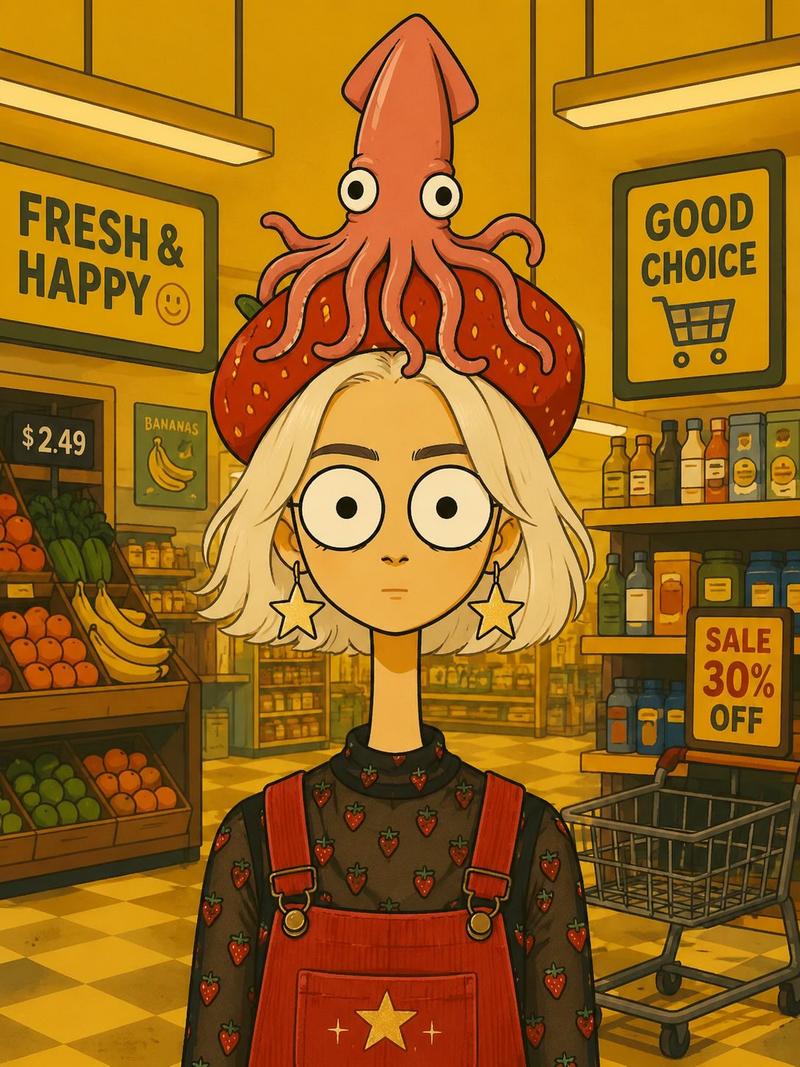
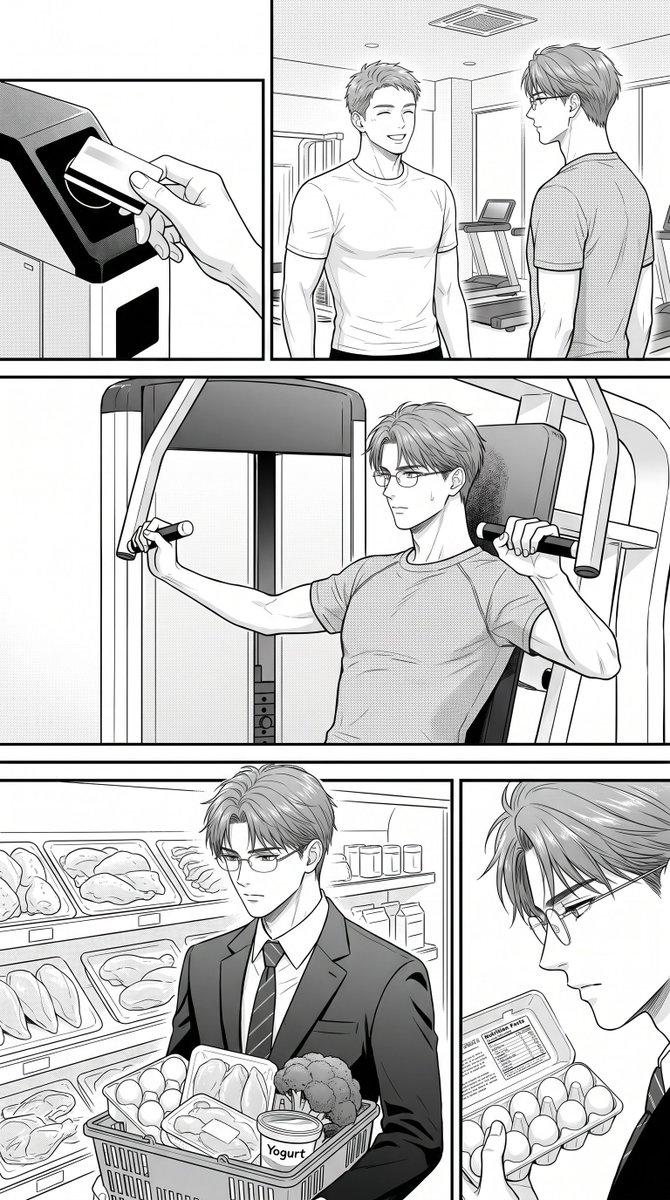
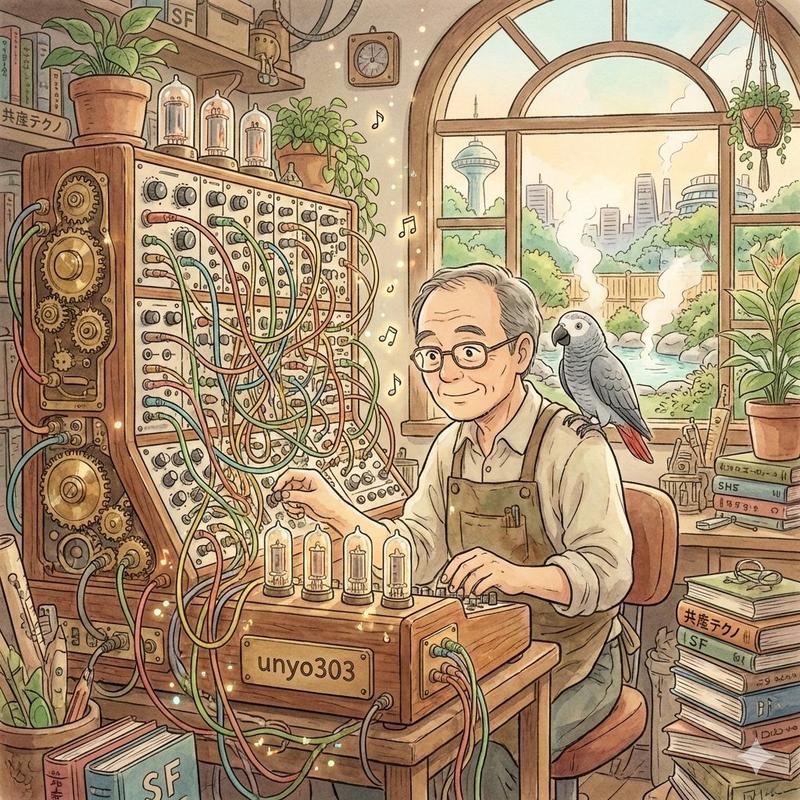
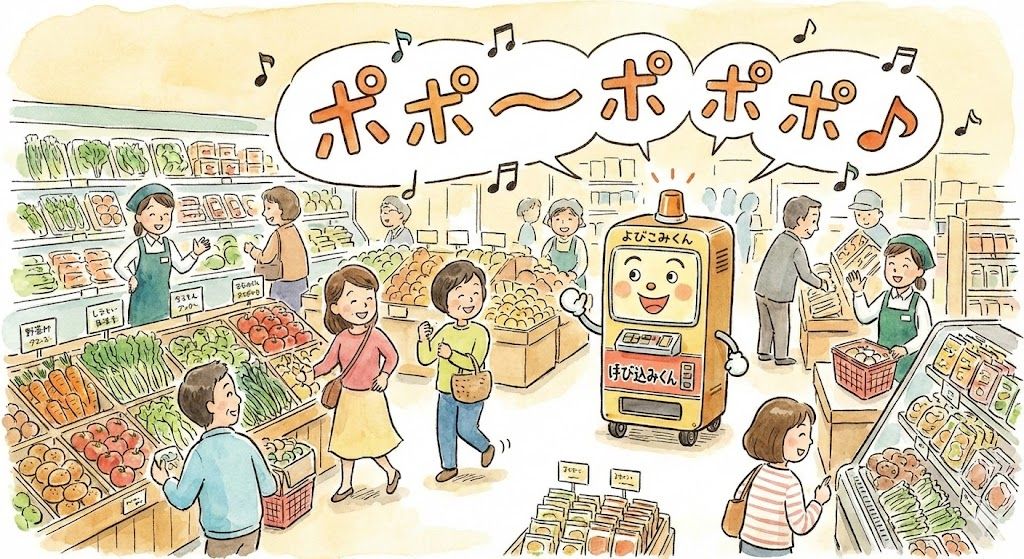
Yobikomi-kun Melody Prompt
Prompt
「{argument name="メロディ" default="ポポーポポポポ♪"}」を描いてください- Category
- 创意图片
- Model
- Nano Banana Pro
- Creator
- セアロソンク🔞中文版発売準備中
- Source ID
- 3578c0c2-7932-4db8-98dd-9ec9a1f4ba7a
- Published
- Mar 8, 2026
Views0
16
「{argument name="メロディ" default="ポポーポポポポ♪"}」を描いてくださいGuide
"Yobikomi-kun Melody Prompt" AI image prompt for Nano Banana Pro (创意图片). 用户对 Nano Banana Pro 能够根据旋律提示识别出“Yobikomi-kun”(日本著名的商店吉祥物)表示惊叹,同时巧妙地避免了因版权问题而直接描绘。该提示是旋…
The full copyable prompt and example visuals above are ready for AI image generation or one-click recreate in Picva.
Step 1
Review the example visuals, category, and full prompt text for "Yobikomi-kun Melody Prompt".
Step 2
Copy the prompt body from this page, or load it directly in Studio.
Step 3
Prefer Nano Banana Pro. If you switch models, keep subject and composition and tweak style terms.
Step 4
Recreate the look in Picva, or export into your workflow for editing and publishing.