18

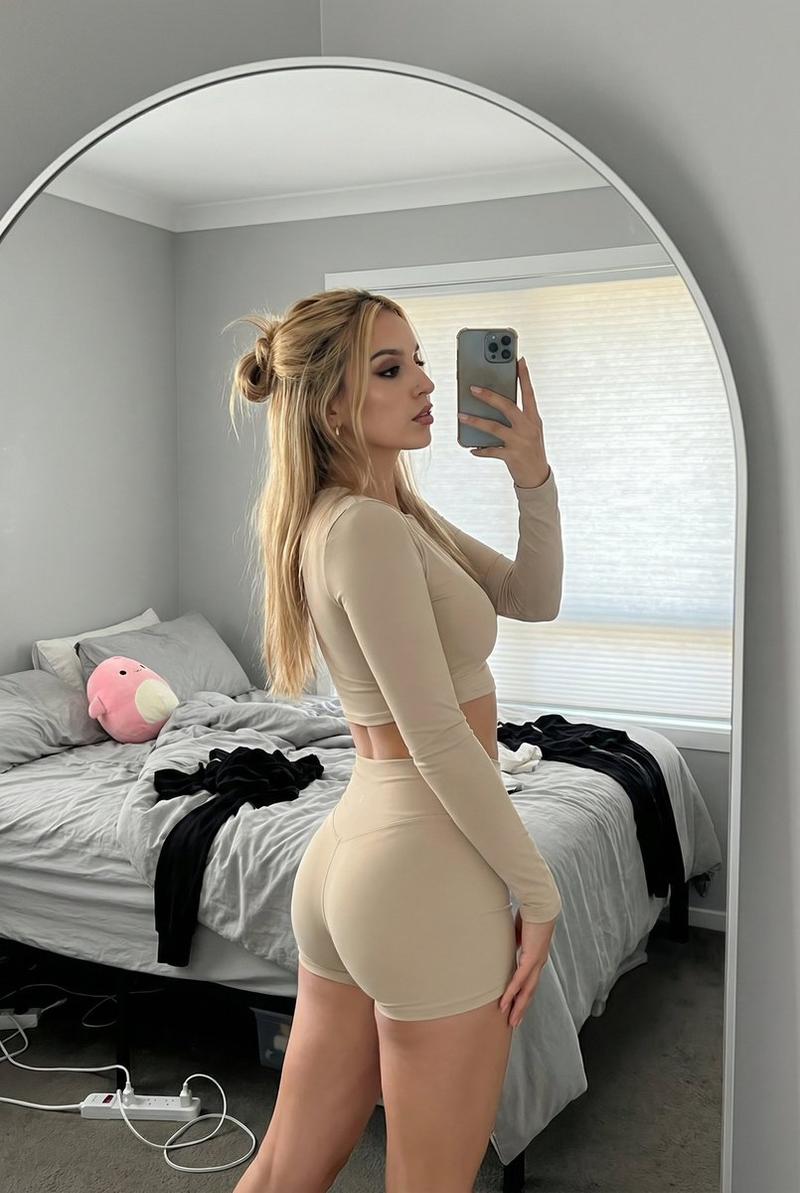
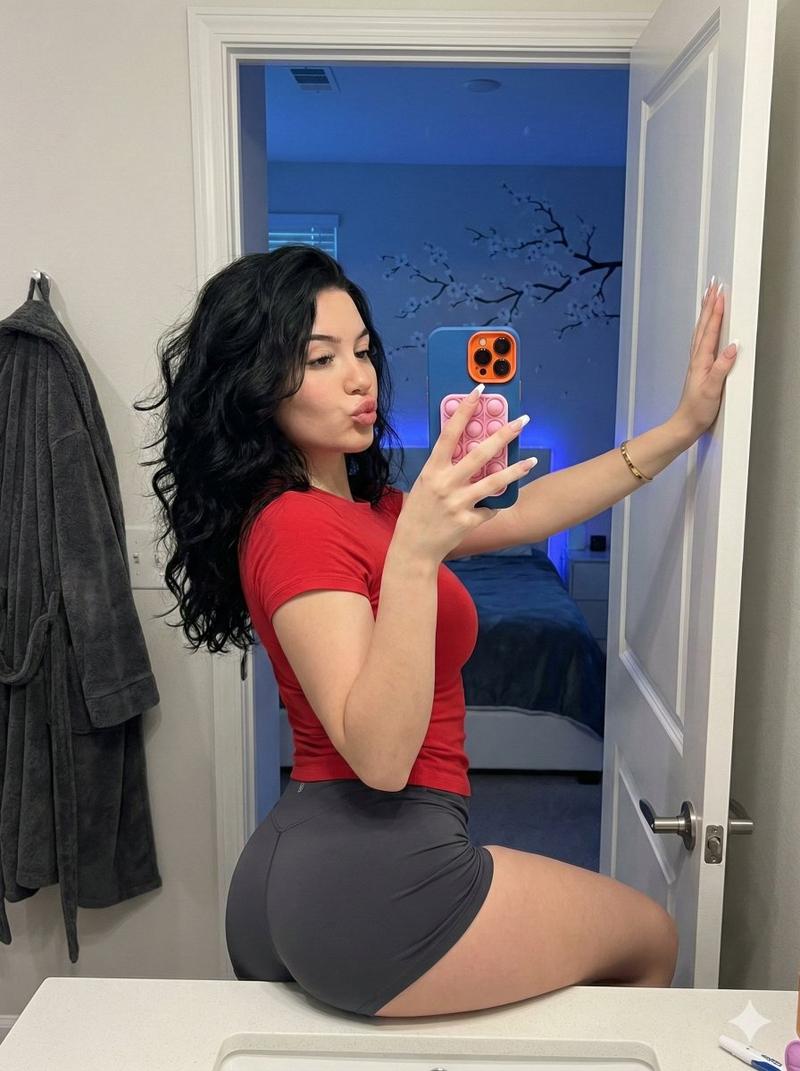
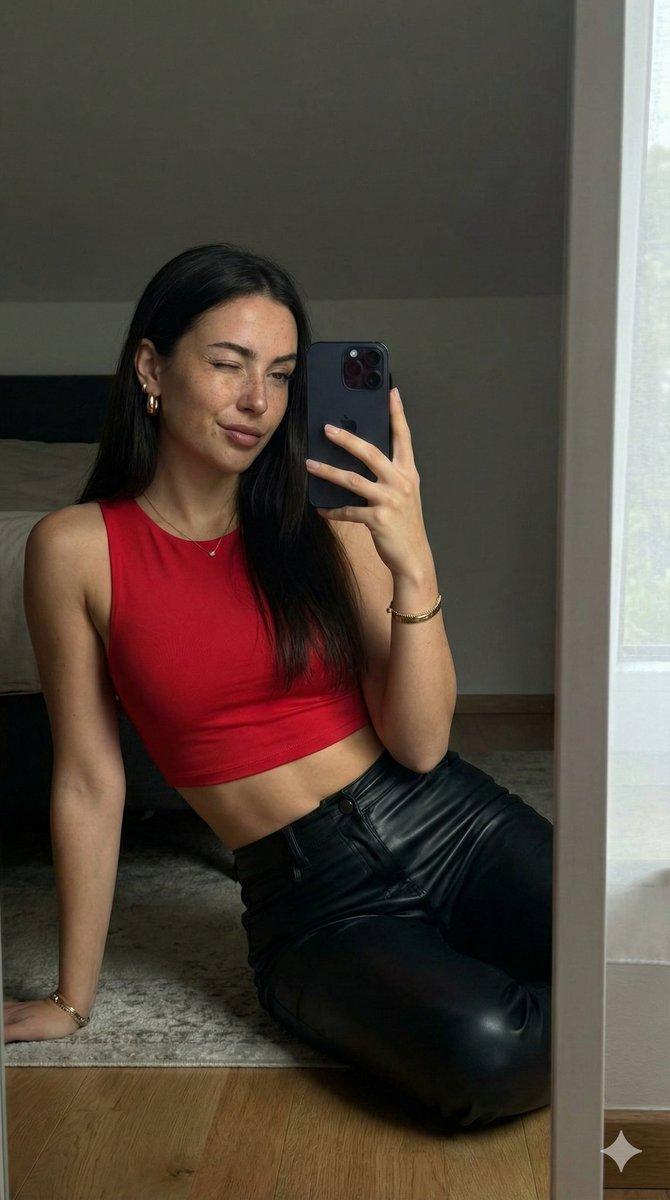
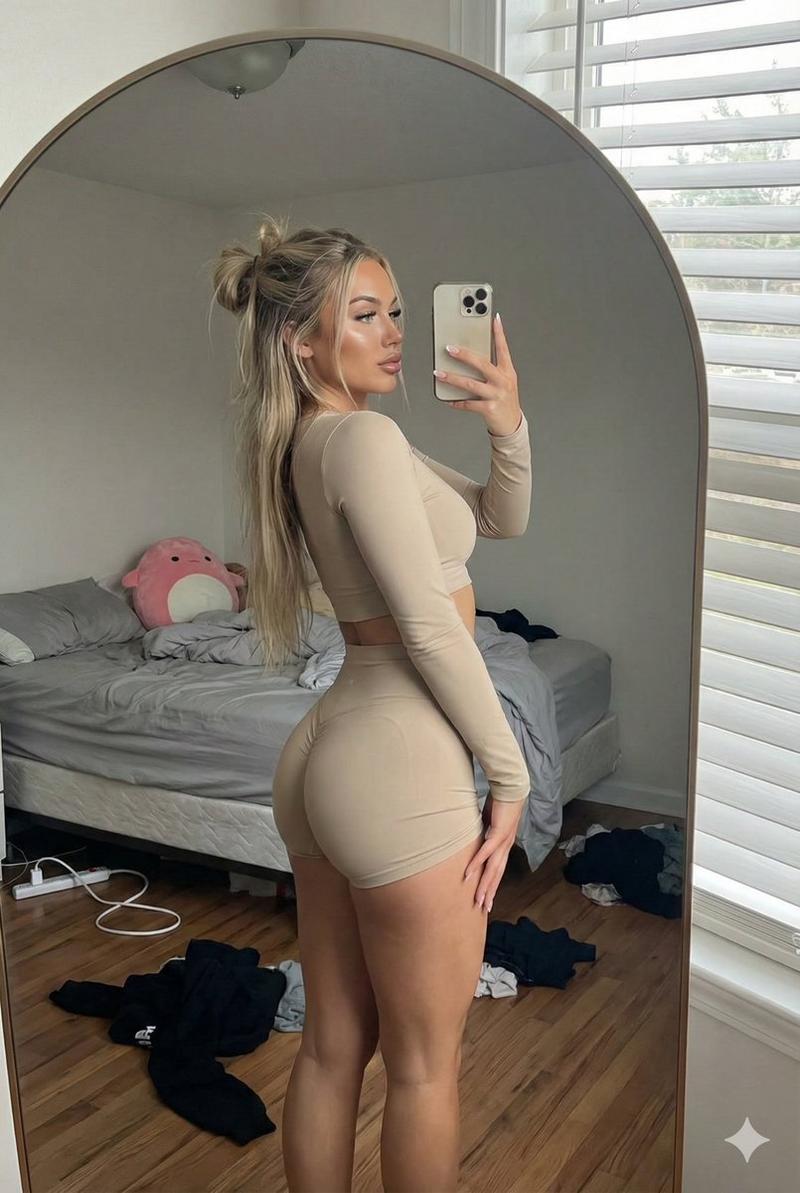
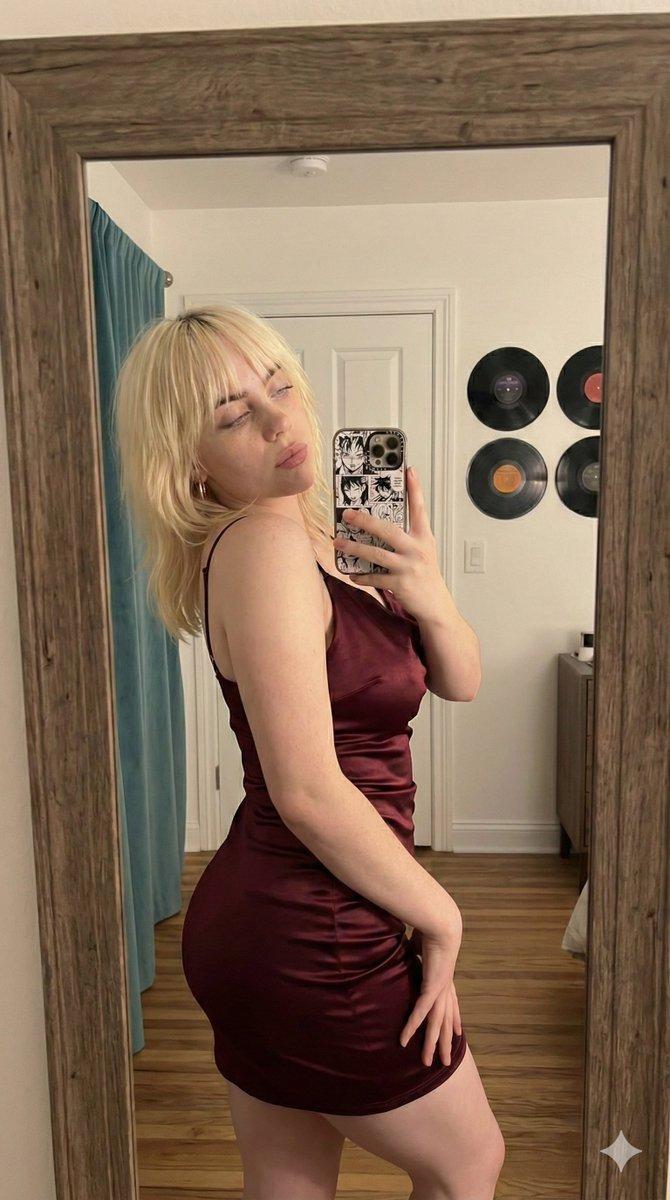
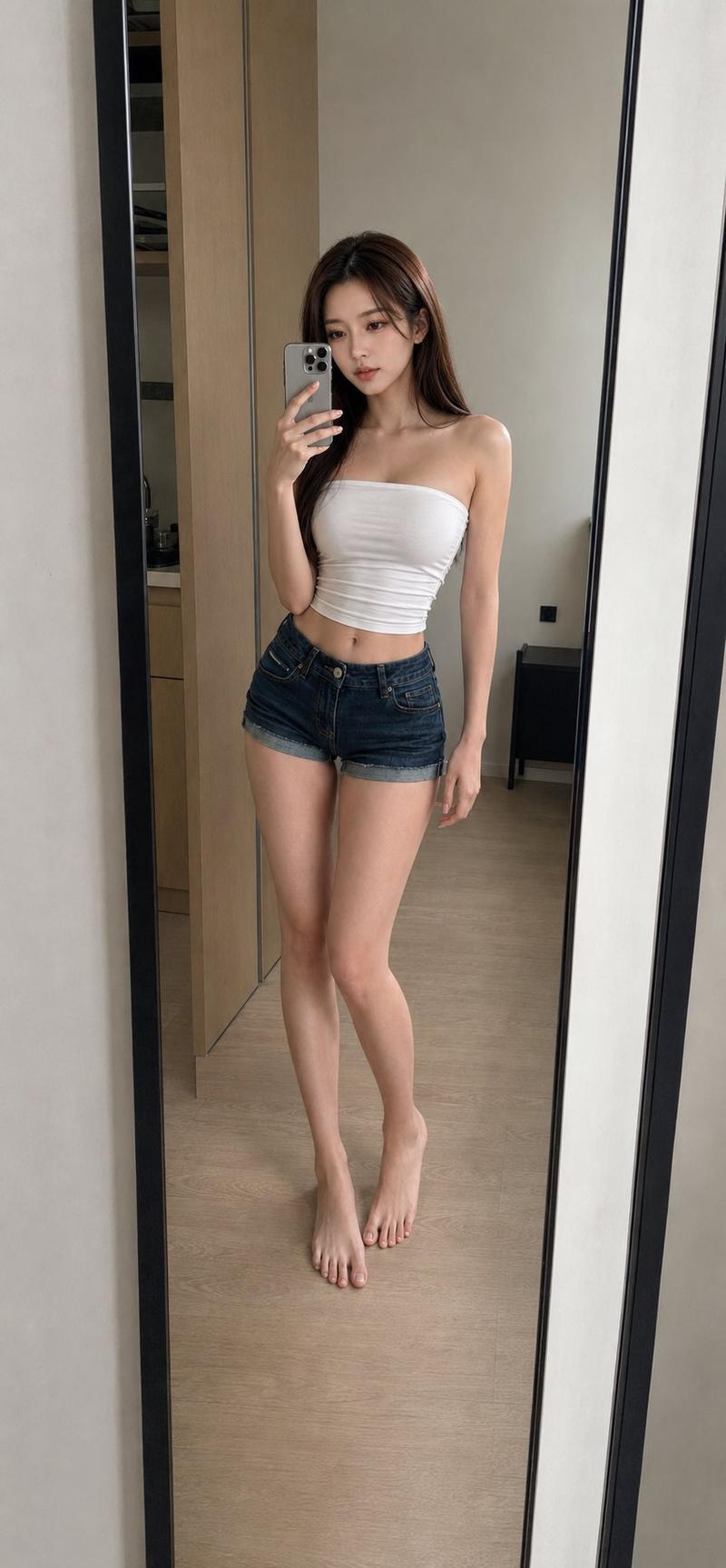
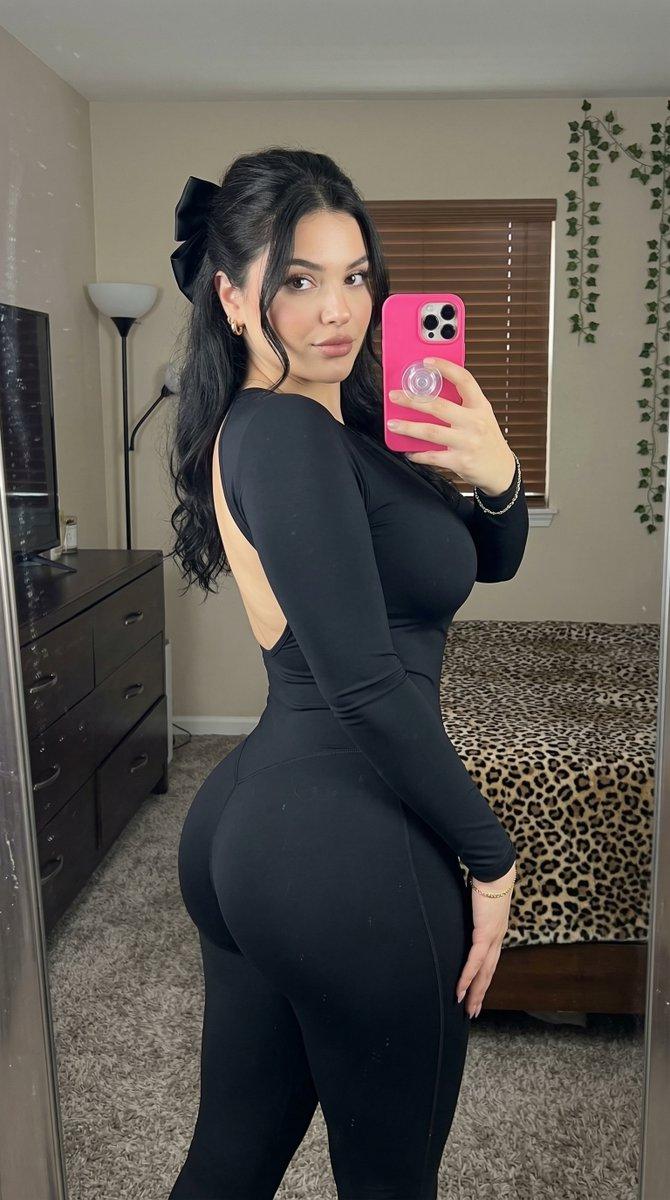
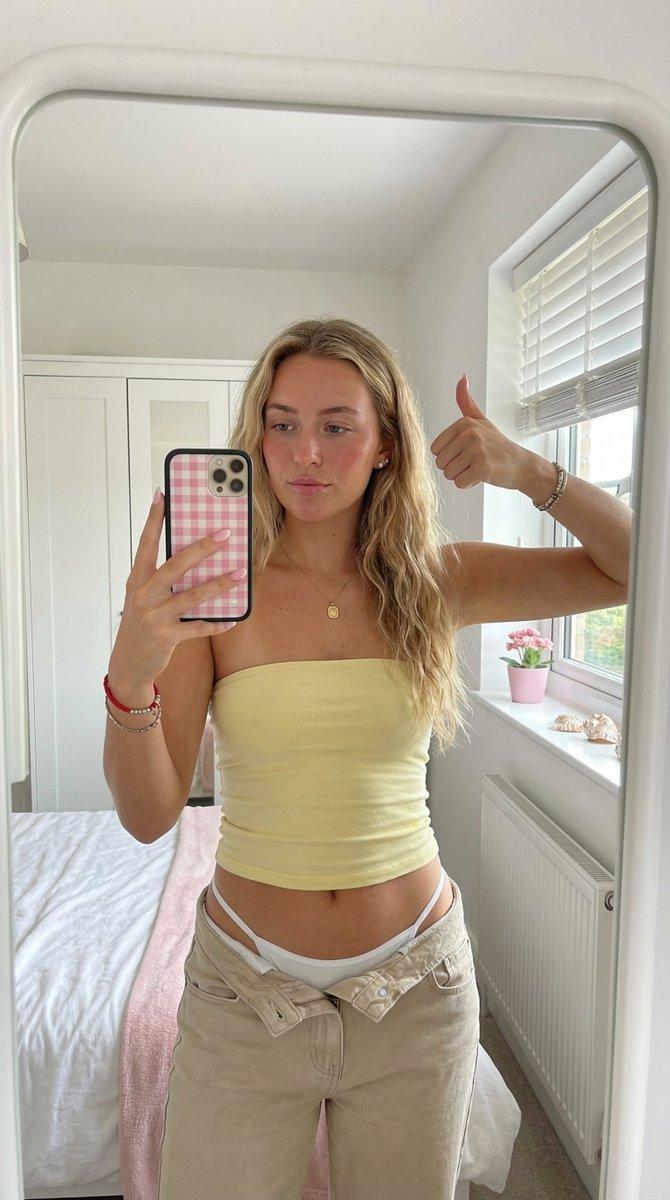
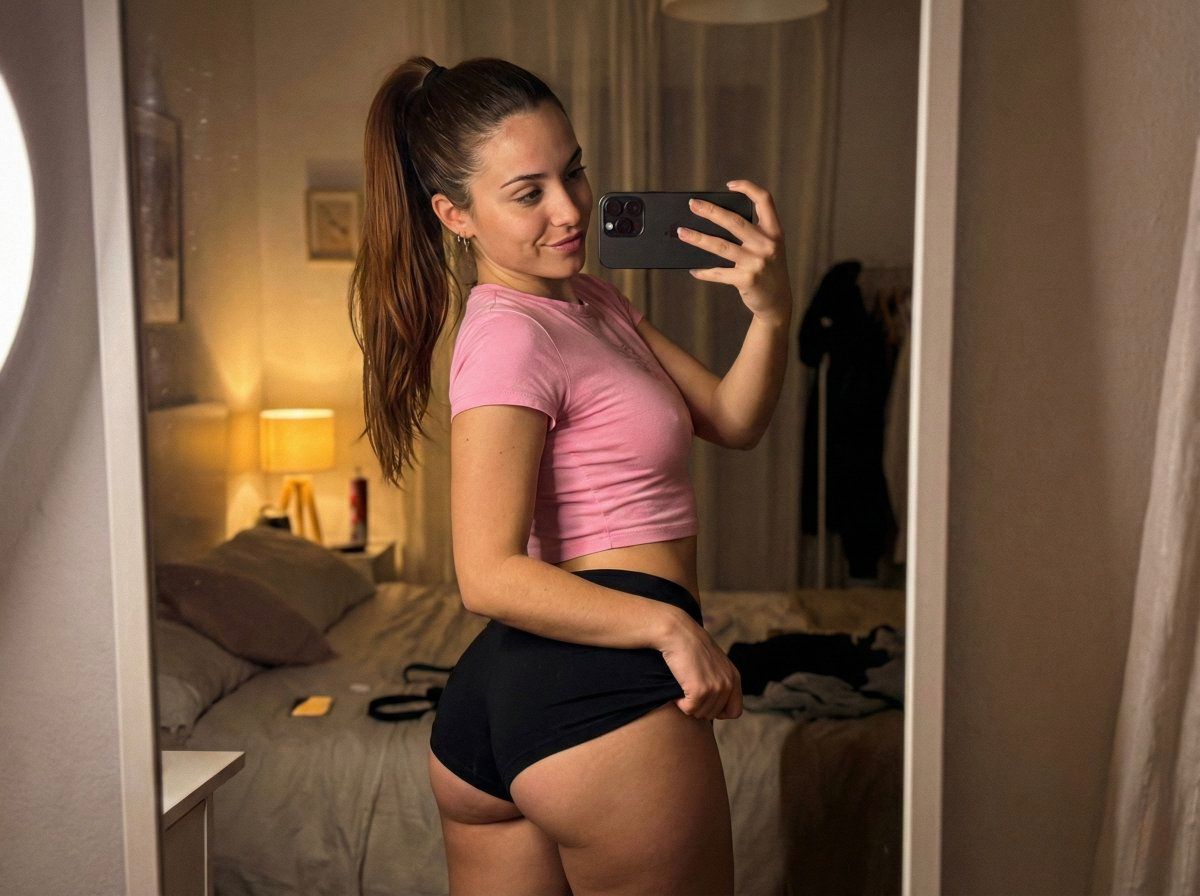
超逼真暖色镜面自拍
Enlarge

超逼真暖色镜面自拍

Prompt
{
  "meta": {
    "quality": "ultra photorealistic",
    "camera": "iPhone 15 Pro",
    "aspect_ratio": "4:3",
    "style": "warm mirror selfie, slight grain, real skin"
  },

  "character_lock": {
    "age": "early 20s",
    "ethnicity": "Spanish",
    "hair": { "color": "chestnut", "style": "high ponytail" },
    "body": { "type": "slim thick", "chest": "full", "waist": "small", "hips": "round" }
  },

  "scene": {
    "location": "bedroom mirror",
    "time": "evening"
  },

  "subject": {
    "pose": {
      "hips": "pushed back",
      "one_hand": "pinching shorts hem",
      "expression": "playful smirk"
    },
    "outfit": {
      "top": {
        "type": "cropped baby tee",
        "color": "{argument name="top color" default="pink"}",
        "fit": "tight, braless"
      },
      "bottom": {
        "type": "micro shorts",
        "color": "black"
      }
    }
  }
}
Category
创意图片
Model
Nano Banana Pro
Creator
babydoll
Views0
Source ID
ea2375bd-945f-47e8-8a4e-b3c1f50abfb6
Published
Mar 8, 2026

Guide

About "超逼真暖色镜面自拍"

What is this prompt for?

"超逼真暖色镜面自拍" AI image prompt for Nano Banana Pro (创意图片). 一个简洁的 JSON 提示,用于生成一张用 iPhone 15 Pro 拍摄的超逼真镜面自拍。该提示指定了一位身材“纤细丰腴”(slim thick)的西班牙女性,身穿露脐短款 T 恤和超短裤,在卧室环境中…

The full copyable prompt and example visuals above are ready for AI image generation or one-click recreate in Picva.

How to use this prompt

  1. Step 1

    Open the prompt detail

    Review the example visuals, category, and full prompt text for "超逼真暖色镜面自拍".

  2. Step 2

    Copy the prompt

    Copy the prompt body from this page, or load it directly in Studio.

  3. Step 3

    Pick a model (Nano Banana Pro)

    Prefer Nano Banana Pro. If you switch models, keep subject and composition and tweak style terms.

  4. Step 4

    Generate and export

    Recreate the look in Picva, or export into your workflow for editing and publishing.

FAQ

What is the "超逼真暖色镜面自拍" prompt?
It is an AI image-generation prompt for Nano Banana Pro in the 创意图片 category. This page includes the full prompt text, example visuals, and a one-click recreate path in Picva.
How do I use this prompt to generate an image?
Copy the prompt from this page, or use Generate / Studio. Paste it into a compatible image model, or recreate the look in Picva with optional reference images.
Which model is this prompt for?
This page lists Nano Banana Pro. Most descriptive prompts also transfer to nearby image models such as GPT Image, Flux, or Midjourney with light style tweaks.
Can I use the result commercially?
You can usually copy the prompt for creation, but commercial use of the final image depends on the model terms, reference-image rights, and the generated content. Follow the source author and platform rules.