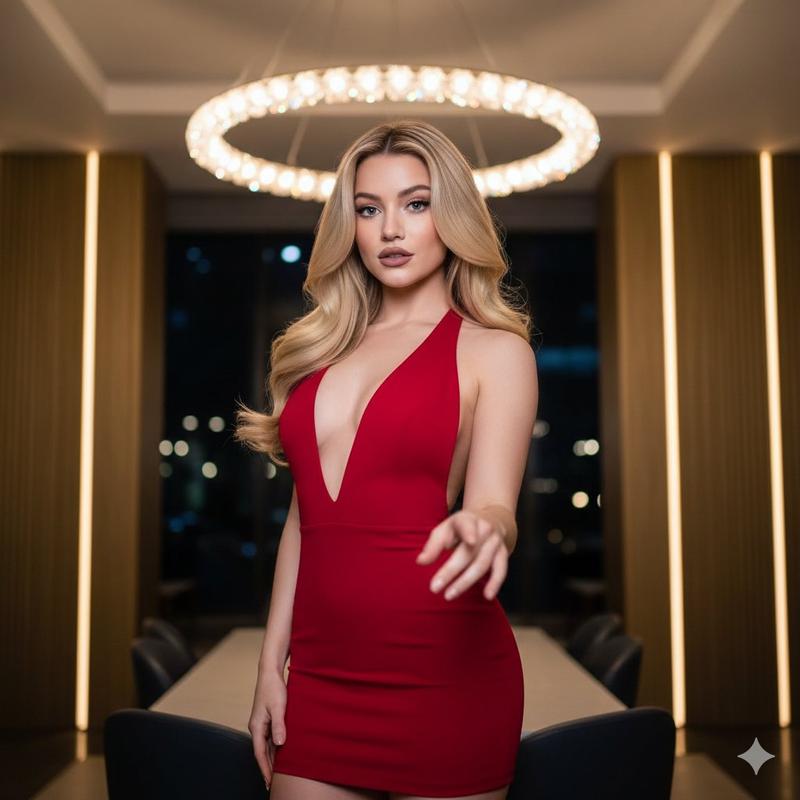
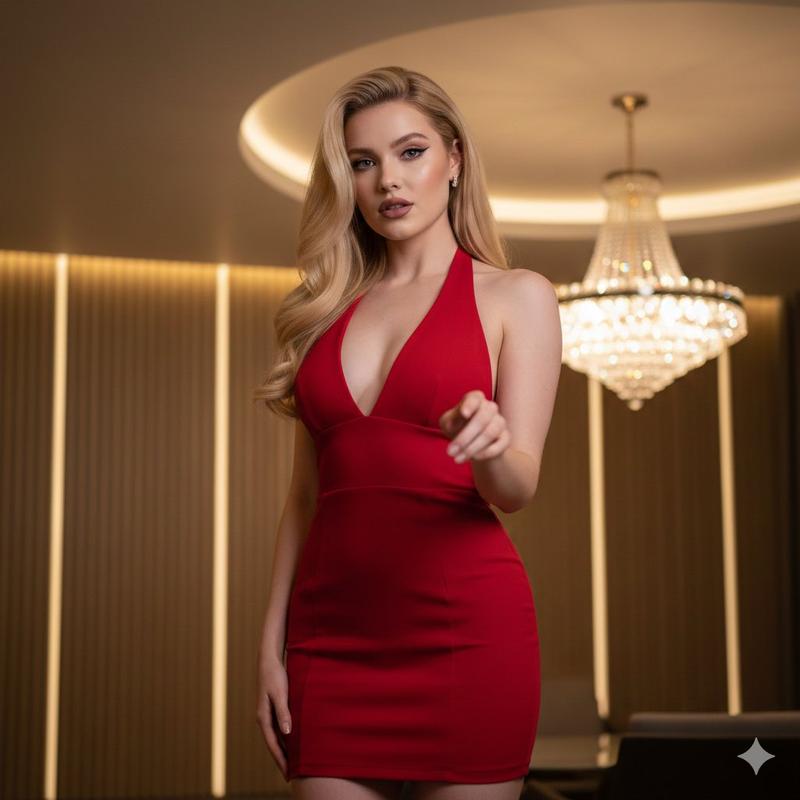
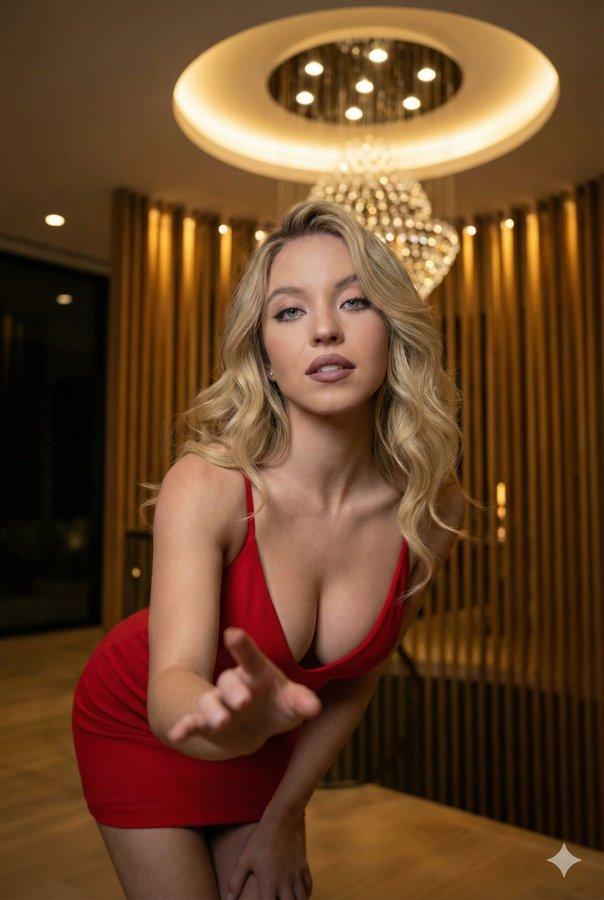
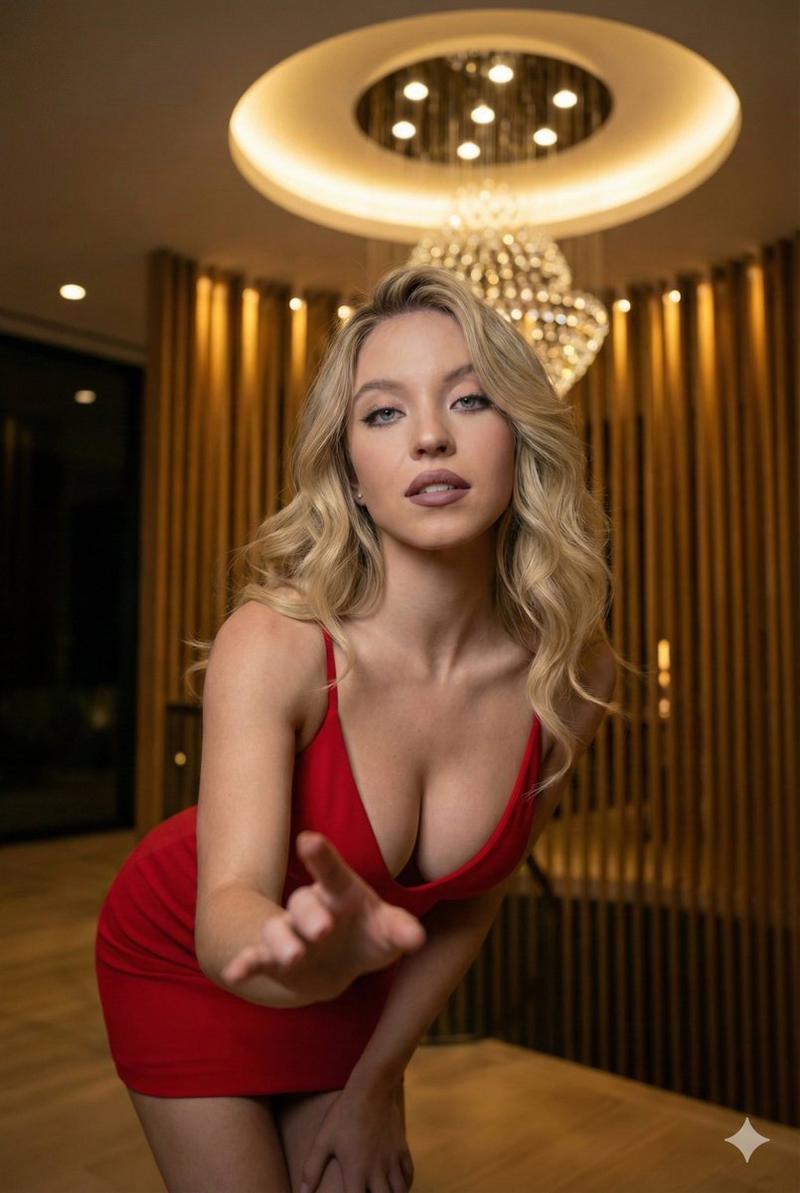
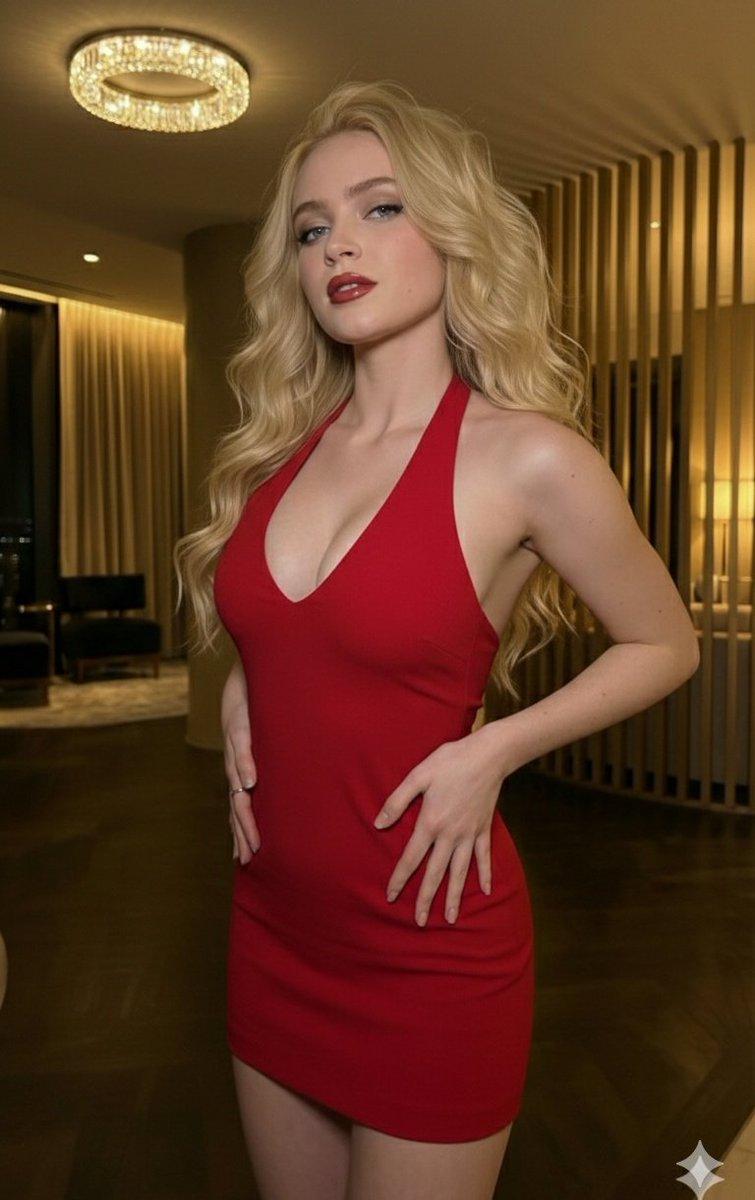
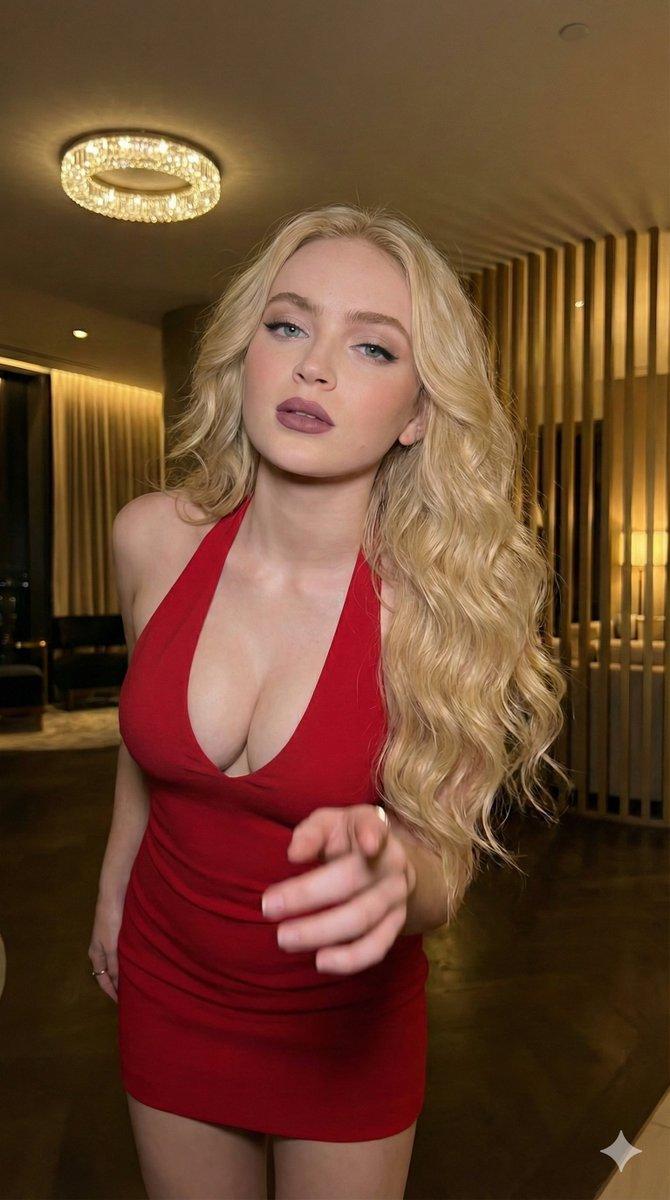
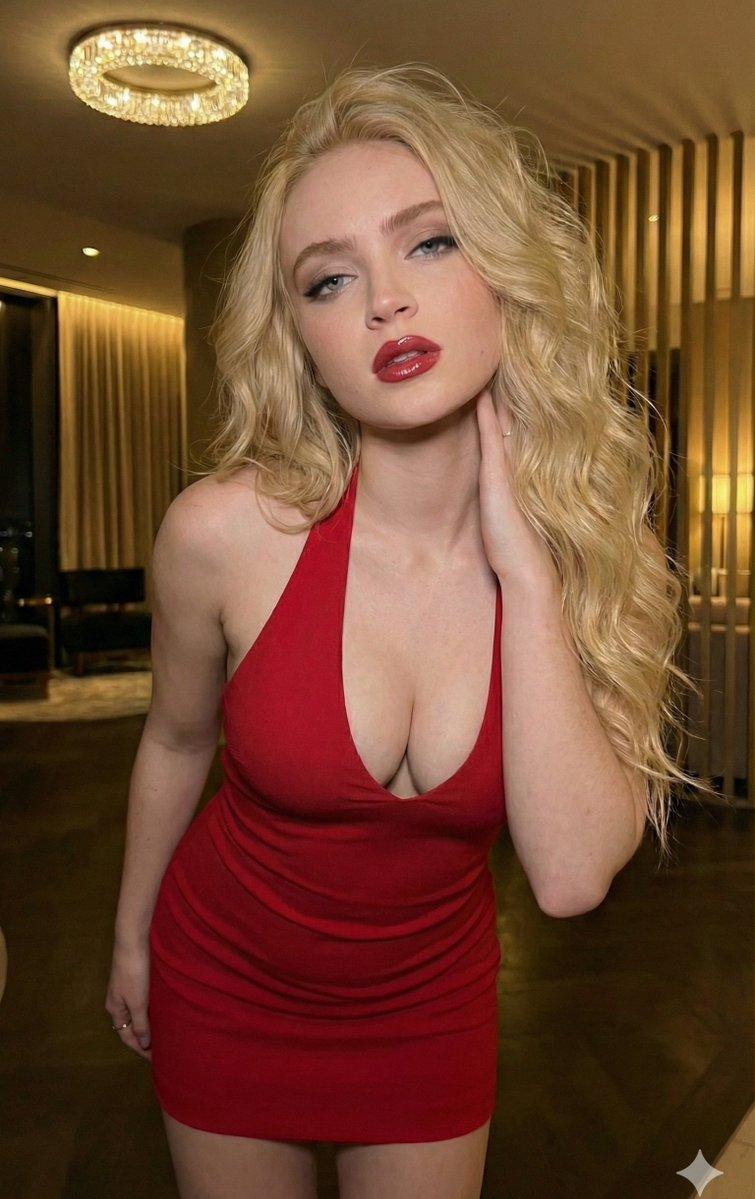
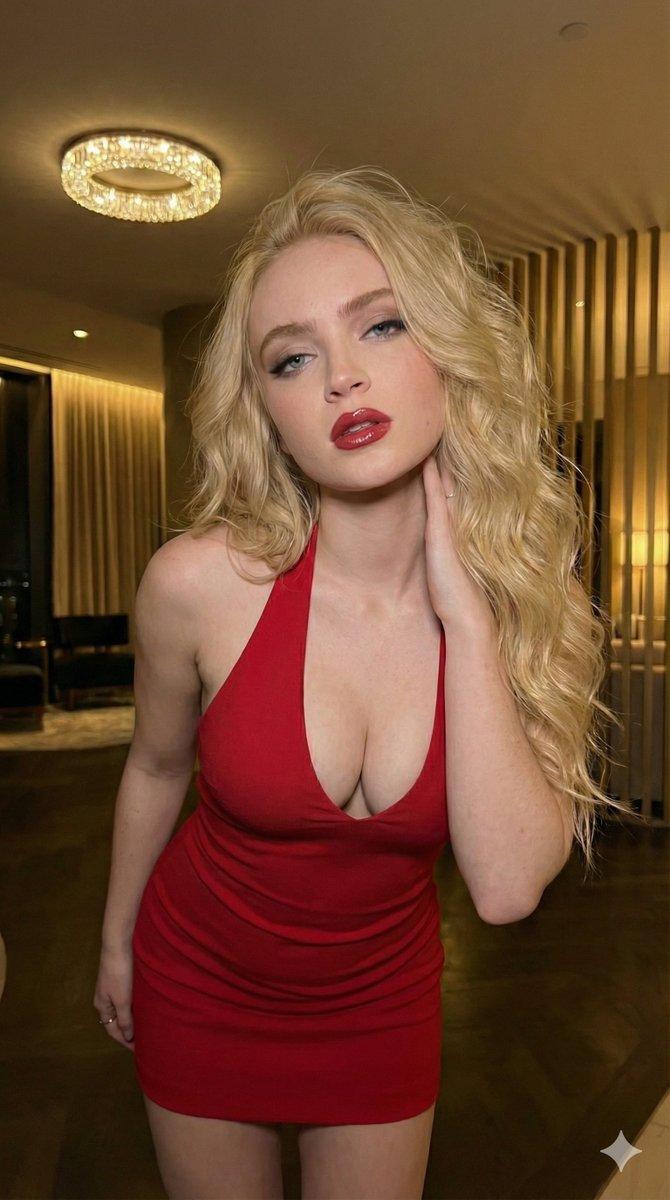
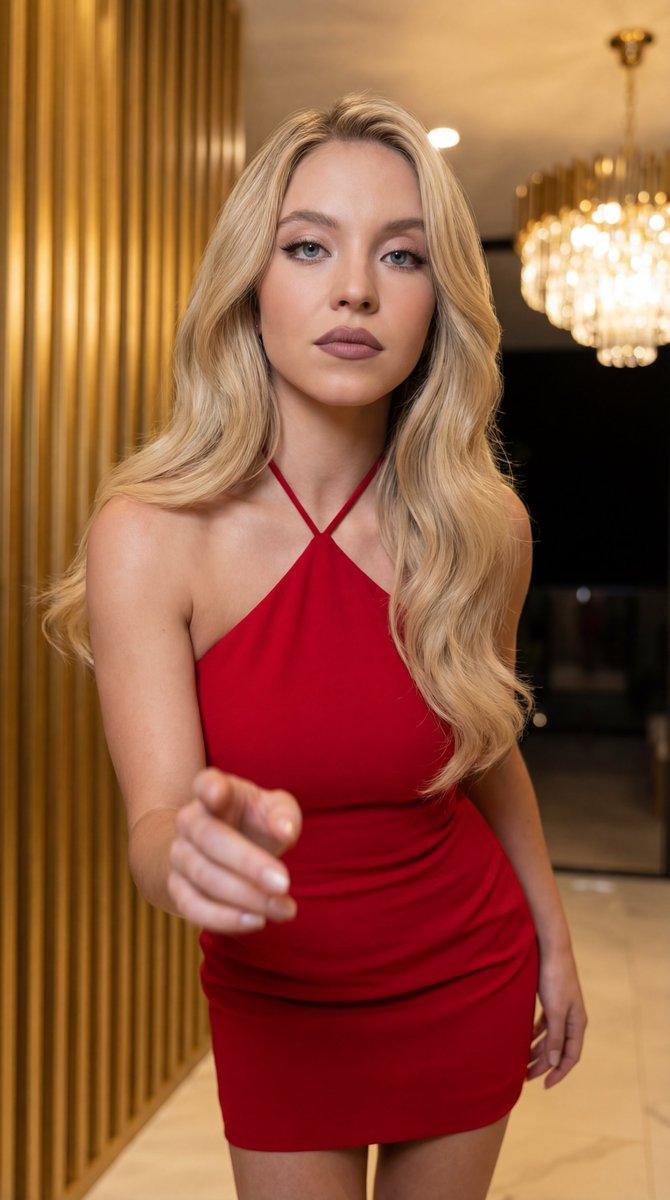
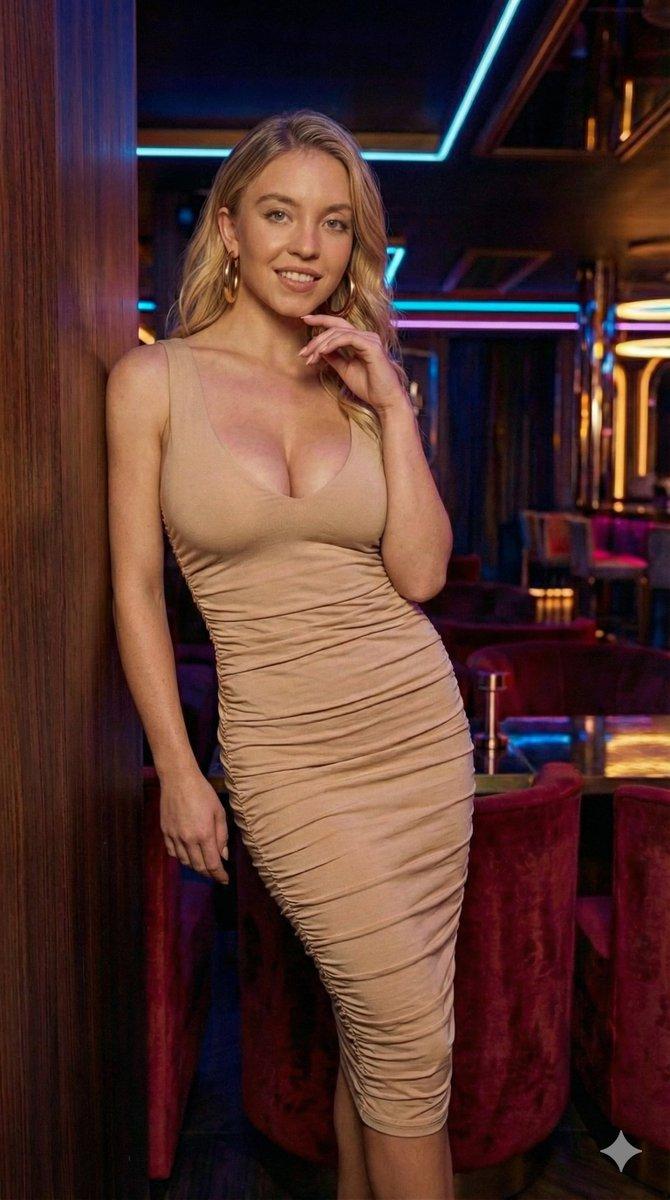
Sydney Sweeney 身穿红色露背迷你连衣裙的时尚大片
Prompt
{
  "request": {
    "image_properties": {
      "dimensions": {
        "aspect_ratio": {
          "width": 9,
          "height": 16
        },
        "resolution": "8k"
      },
      "quality": {
        "type": "ultra-high-resolution",
        "focus": {
          "sharpness": "extremely sharp focus on the subject's face",
          "depth_of_field": "shallow depth of field with blurred foreground hand"
        },
        "details": "ultra-realistic, photorealistic image"
      }
    },
    "subject_details": {
      "reference_person": {
        "name": "{argument name="subject name" default="Sydney Sweeney"}",
        "physical_changes": {
          "body_ratio": "3.4",
          "hair_color": "blonde"
        },
        "image_reference": "uploaded_image"
      },
      "appearance": {
        "hair": {
          "length": "long",
          "texture": "voluminous waves",
          "color": "blonde",
          "finish": "smooth and shiny"
        },
        "makeup": {
          "style": "soft-glam",
          "features": [
            "winged eyeliner",
            "matte mauve lips"
          ]
        },
        "outfit": {
          "type": "dress",
          "style": "halter-neck",
          "fit": "form-fitting",
          "neckline": "v-neck",
          "length": "mini",
          "color": "{argument name="outfit color" default="red"}"
        }
      }
    },
    "pose_details": {
      "style": "sexier",
      "gesture": {
        "action": "gesture toward the camera",
        "details": "seductive yet classy"
      },
      "body_position": {
        "angle": "slightly angled to accentuate curves",
        "expression": "confident, alluring"
      }
    },
    "background_and_effects": {
      "background": "none",
      "focus_effects": {
        "depth_of_field": "shallow",
        "foreground_hand": "blurred"
      }
    },
    "environment": {
      "location": "luxury modern interior",
      "time_of_day": "night",
      "lighting": {
        "overhead": {
          "type": "circular recessed ceiling light",
          "details": "crystal chandelier"
        },
        "accent": {
          "type": "vertical warm golden wall slats",
          "effect": "ambient, soft glow"
        }
      },
      "aesthetic": {
        "mood": "elegant",
        "atmosphere": "chic, sophisticated, with a touch of opulence",
        "visual_effects": [
          "soft bokeh",
          "highlighted features"
        ]
      }
    },
    "photography_style": {
      "focus_type": "sharp focus on face and outfit",
      "lighting_effects": [
        "face and dress illuminated with soft shadows",
        "background softly blurred for focus on subject"
      ],
      "visual_style": "photorealistic, high-fidelity details"
    }
  }
}- Category
- 创意图片
- Model
- Nano Banana Pro
- Creator
- Minhaa
- Source ID
- 7d8c8f33-3634-4efc-8e9a-5bb33e676d01
- Published
- Mar 8, 2026
Views0