专业修图师 HUD 提示词
Prompt
{
 "promptDetails": {
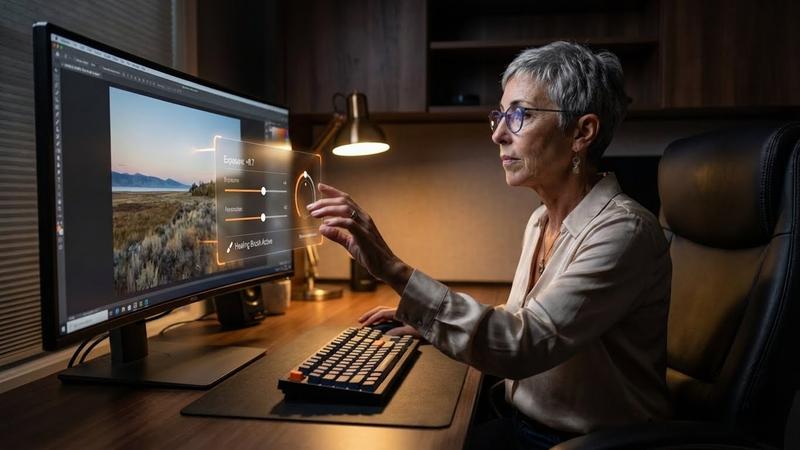
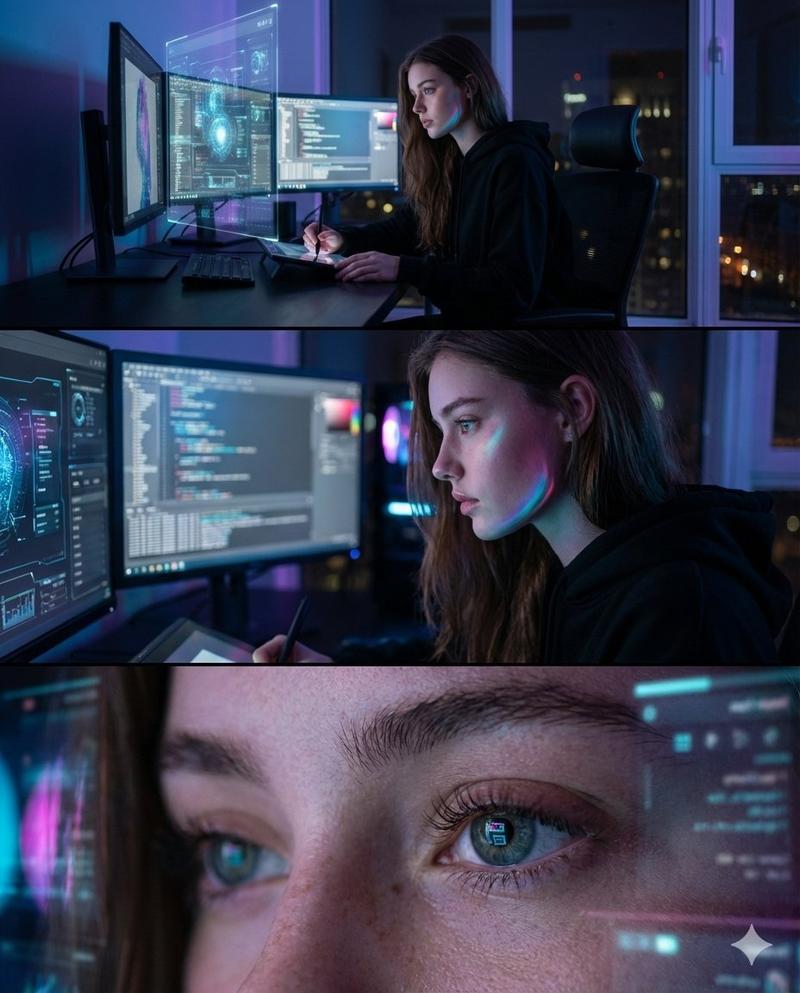
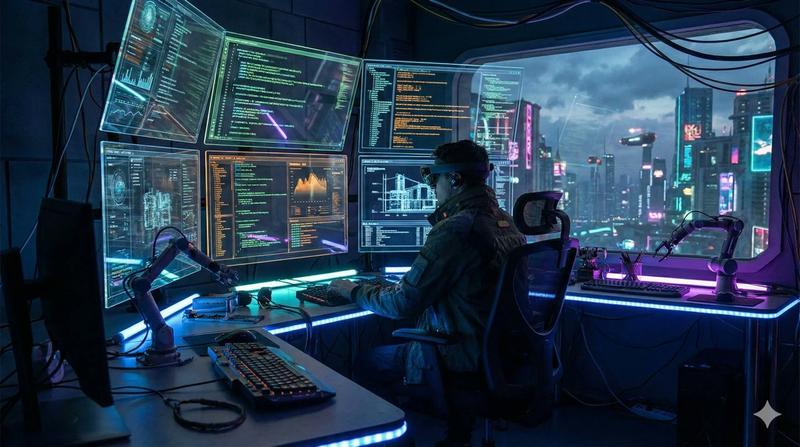
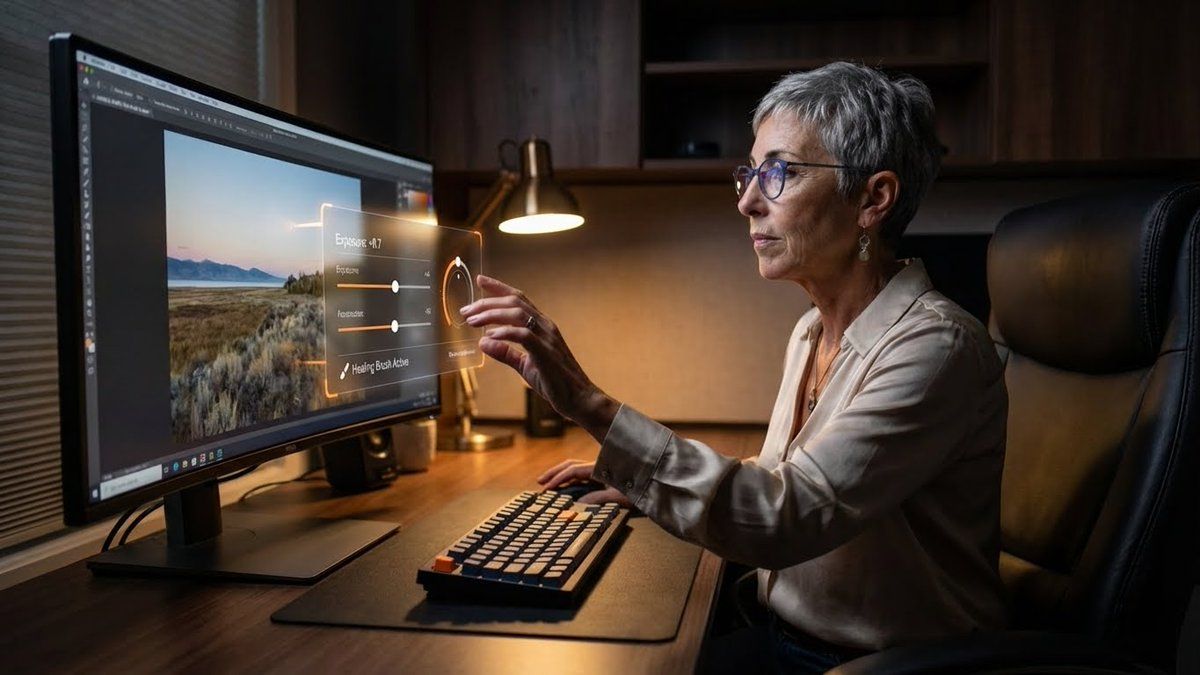
 "description": "A professional photo editor at their workstation, interacting with a floating, 'in-air' professional grade Heads-Up Display for editing controls.",
 "styleTags": [
 "Desk Setup Aesthetic",
 "Dark Academia (Modern)",
 "High Resolution Detail",
 "Productivity"
 ]
 },
 "scene": {
 "background": {
 "setting": "A dedicated, professional editing suite/desk setup",
 "details": "An ultra-wide, color-calibrated monitor (showing a sample photo), a mechanical keyboard, a large, comfortable chair, dark wooden desk surface, and soft ambient lighting."
 },
 "subject": {
 "description": "The person defined by `[UPLOADED IMAGE]`, wearing business-casual attire, eyes focused on the screen/overlay.",
 "pose": "Sitting in front of the monitor, one hand extended in front of the screen, subtly manipulating the floating UI with their fingers.",
 "focus": "The subject and the floating UI/tools are sharply defined."
 }
 },
 "overlayObject": {
 "type": "In-Air Professional Editing Control Panel",
 "relationshipToEnvironment": "A complex control panel floating between the subject's hand and the monitor, with sliders and dials.",
 "transform": "The panel is slightly curved to feel ergonomic, 3D graphic design.",
 "surfaceInteraction": "Transparent black background with bright, glowing orange and white vector controls (like 'Exposure', 'Contrast', 'Highlights').",
 "components": {
 "control": "Exposure Slider: +0.7",
 "toolActive": "Healing Brush",
 "position": "Floating just above the keyboard area."
 }
 },
 "technicalStyle": {
 "aspectRatio": "16:9 (Landscape)",
 "photographyStyle": "Commercial/Setup, Low-Key",
 "camera": {
 "shotType": "Medium Shot/Wide Shot (to capture the setup)",
 "angle": "Slightly side-on, capturing the subject's profile and the monitor's glow.",
 "depthOfField": "Deep, to show off the entire desk setup as a product shot."
 },
 "lighting": {
 "type": "Screen Glow and Desk Lamp",
 "description": "Cool-white light from the monitor acting as the main fill, with a warm, subtle desk lamp providing accent lighting."
 },
 "color": {
 "palette": "Deep grays, blacks, dark woods, and the saturated colors of the digital tools."
 }
 }
}- Category
- 创意图片
- Model
- Nano Banana Pro
- Creator
- Heather Cooper
- Source ID
- f9a66afa-12bf-4533-9598-1eb365999776
- Published
- Mar 8, 2026
Views0