14

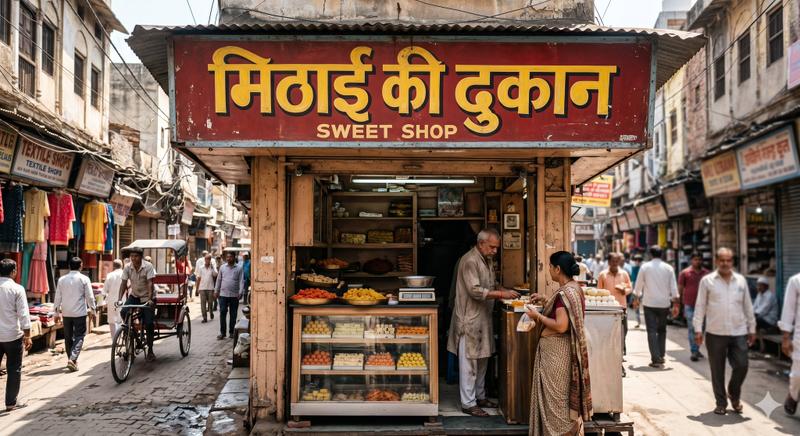
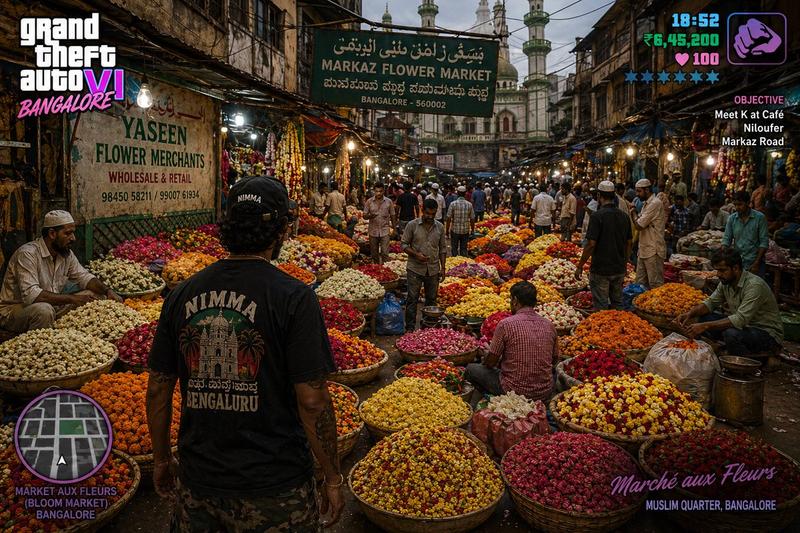
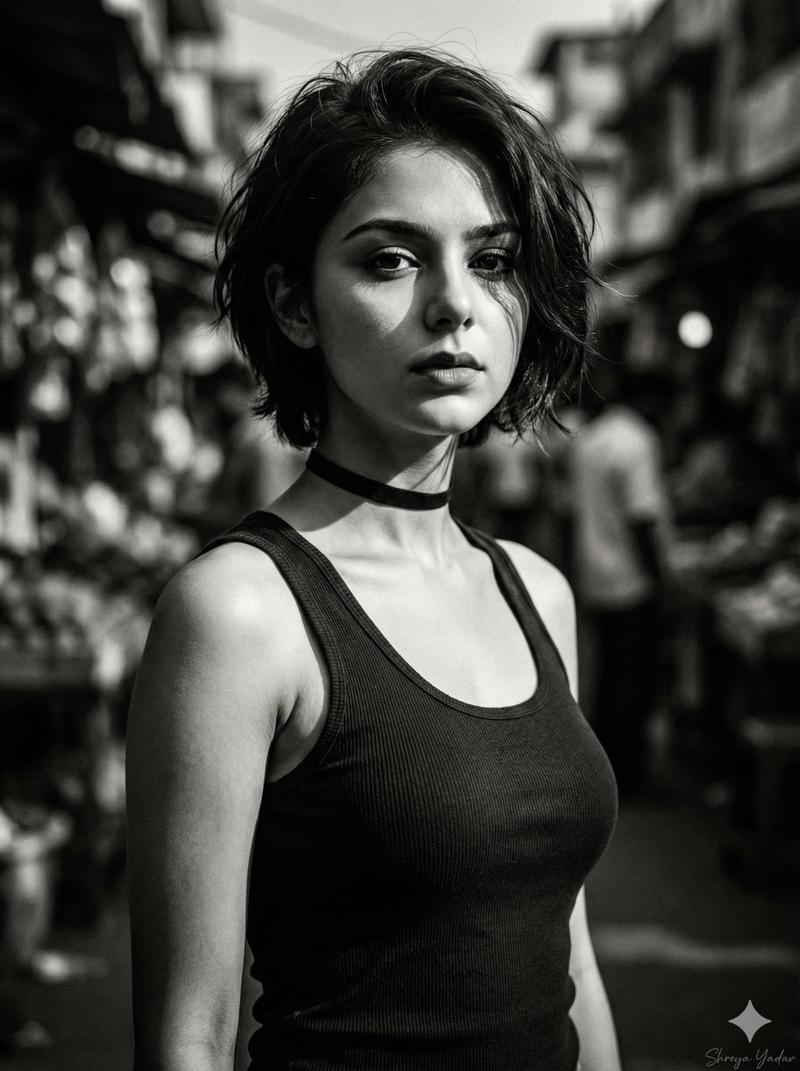
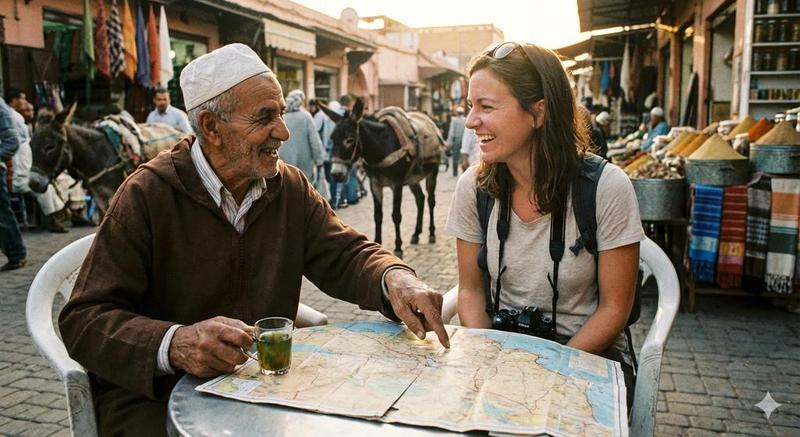
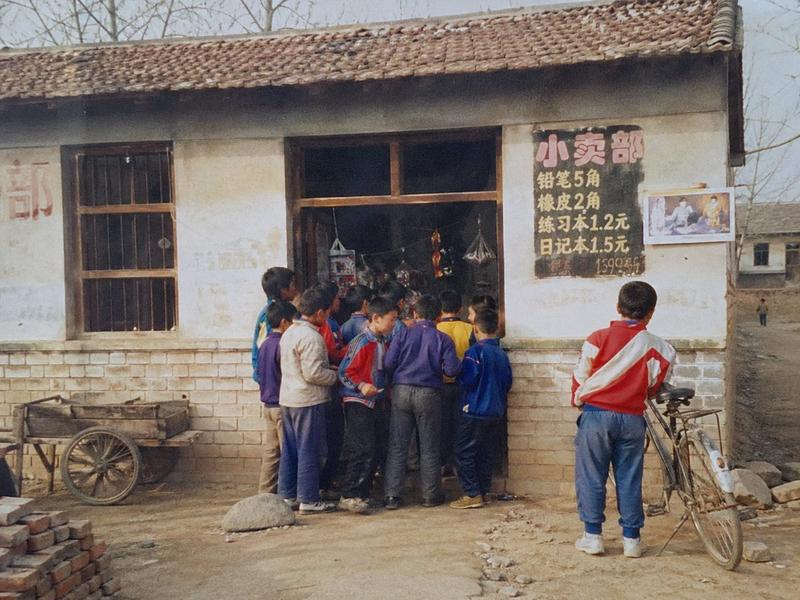
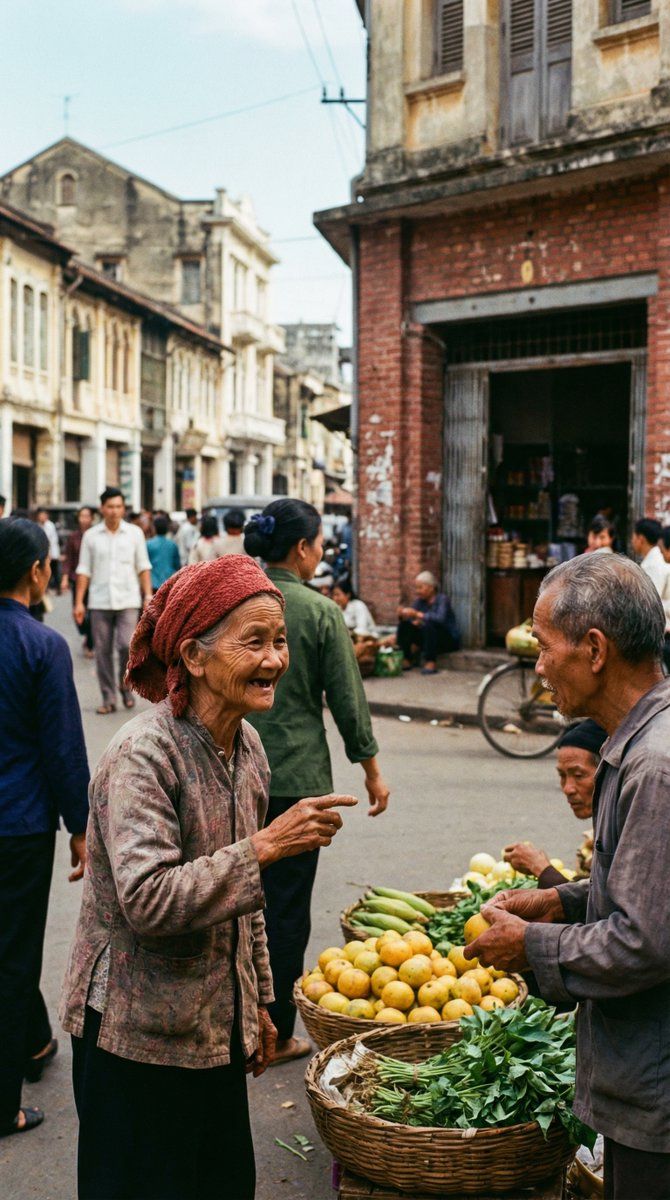
20 世纪 70 年代的柯达克罗姆街头纪录片瞬间
Enlarge

20 世纪 70 年代的柯达克罗姆街头纪录片瞬间

Prompt
{
  "scene_type": "street documentary moment",
  "aesthetic_reference": "Kodachrome 64 / National Geographic 1970s–1980s",
  "visual_intent": "color-driven human story",

  "lighting": {
    "type": "natural diffused daylight",
    "contrast": "moderate-high",
    "mood": "timeless documentary realism"
  },

  "color_engine": {
    "reds": "dominant and textured",
    "greens": "warm organic",
    "yellows": "golden accents",
    "blues": "subdued cyan sky tones"
  },

  "human_rendering": {
    "skin_priority": true,
    "expression": "authentic, unposed",
    "separation_from_background": "clear but natural"
  },

  "post_processing_behavior": {
    "film_like": true,
    "no_modern_color_grading": true,
    "no_teal_orange_exaggeration": true
  }
}
Category
创意图片
Model
Nano Banana Pro
Views0
Source ID
91c748ea-ff6e-4f32-bda2-e508f899d143
Published
Mar 8, 2026

Guide

About "20 世纪 70 年代的柯达克罗姆街头纪录片瞬间"

What is this prompt for?

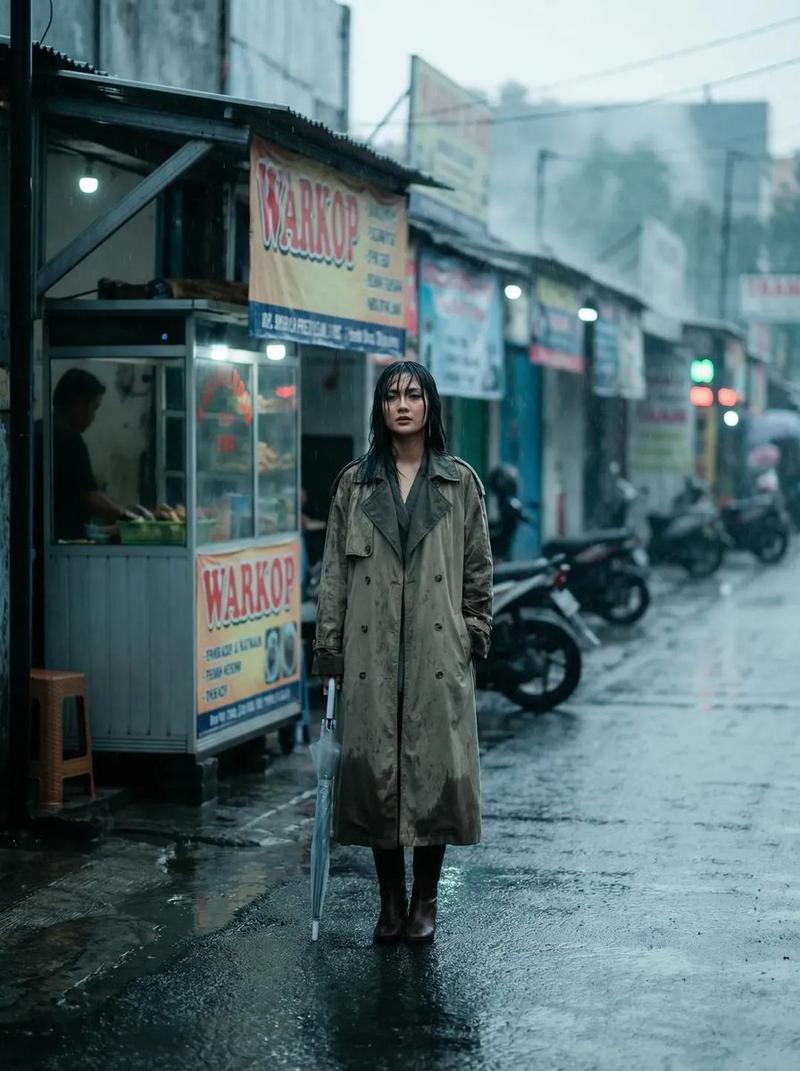
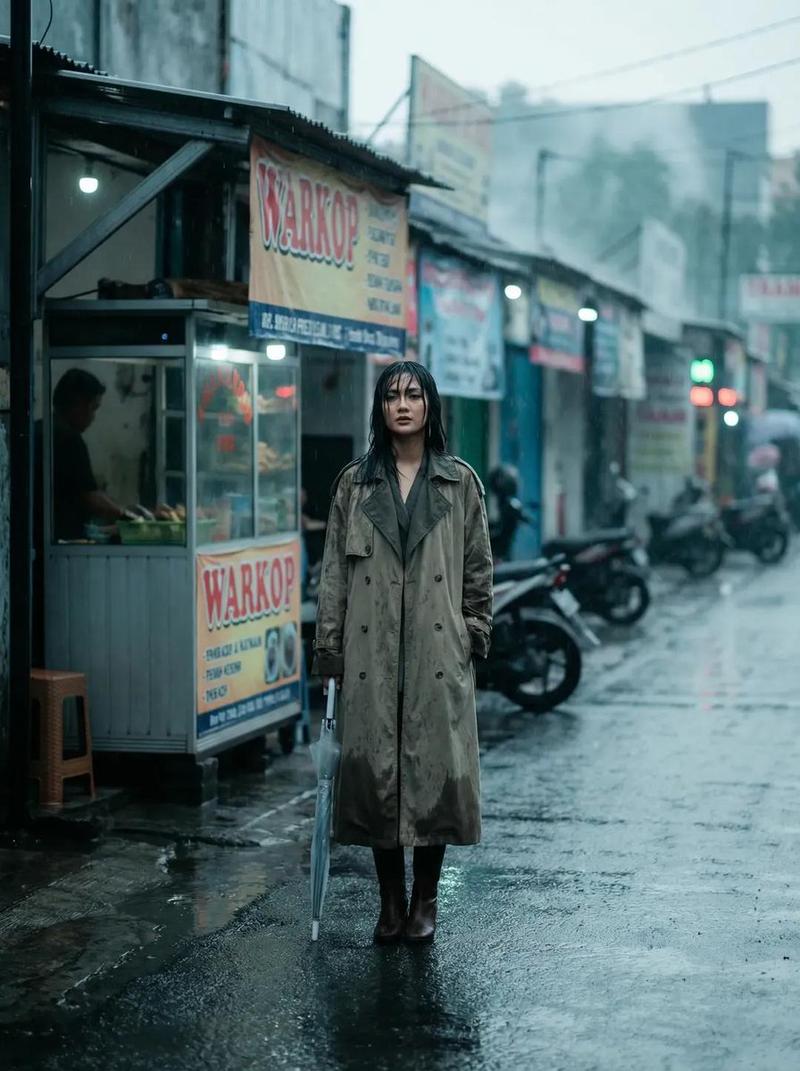
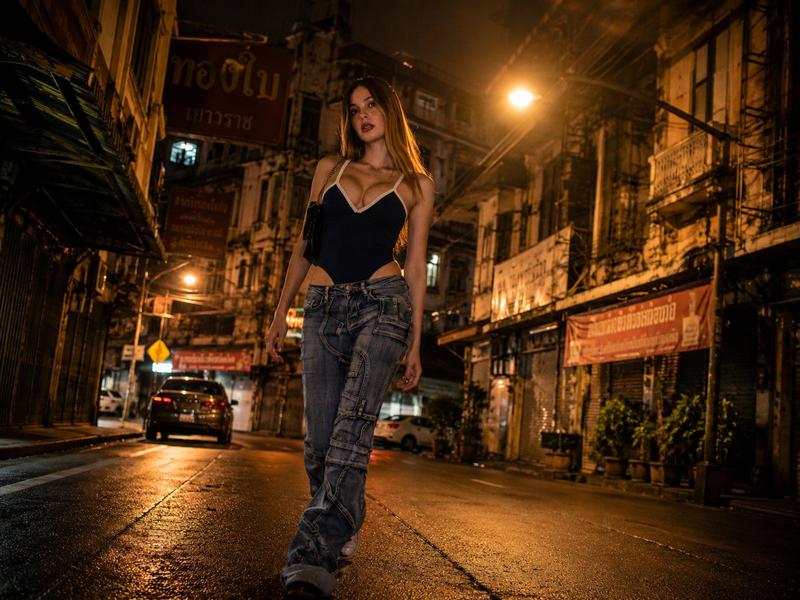
"20 世纪 70 年代的柯达克罗姆街头纪录片瞬间" AI image prompt for Nano Banana Pro (创意图片). 一个详细的图像生成提示,旨在创作一张具有 20 世纪 70 年代至 80 年代柯达 Kodachrome 64 胶片美学、照片般真实的街头纪实瞬间,重点关注色彩驱动的人文故事和…

The full copyable prompt and example visuals above are ready for AI image generation or one-click recreate in Picva.

How to use this prompt

  1. Step 1

    Open the prompt detail

    Review the example visuals, category, and full prompt text for "20 世纪 70 年代的柯达克罗姆街头纪录片瞬间".

  2. Step 2

    Copy the prompt

    Copy the prompt body from this page, or load it directly in Studio.

  3. Step 3

    Pick a model (Nano Banana Pro)

    Prefer Nano Banana Pro. If you switch models, keep subject and composition and tweak style terms.

  4. Step 4

    Generate and export

    Recreate the look in Picva, or export into your workflow for editing and publishing.

FAQ

What is the "20 世纪 70 年代的柯达克罗姆街头纪录片瞬间" prompt?
It is an AI image-generation prompt for Nano Banana Pro in the 创意图片 category. This page includes the full prompt text, example visuals, and a one-click recreate path in Picva.
How do I use this prompt to generate an image?
Copy the prompt from this page, or use Generate / Studio. Paste it into a compatible image model, or recreate the look in Picva with optional reference images.
Which model is this prompt for?
This page lists Nano Banana Pro. Most descriptive prompts also transfer to nearby image models such as GPT Image, Flux, or Midjourney with light style tweaks.
Can I use the result commercially?
You can usually copy the prompt for creation, but commercial use of the final image depends on the model terms, reference-image rights, and the generated content. Follow the source author and platform rules.