18

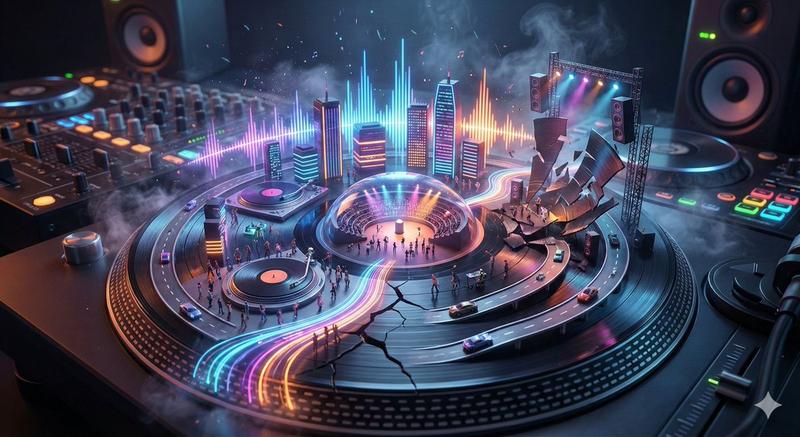
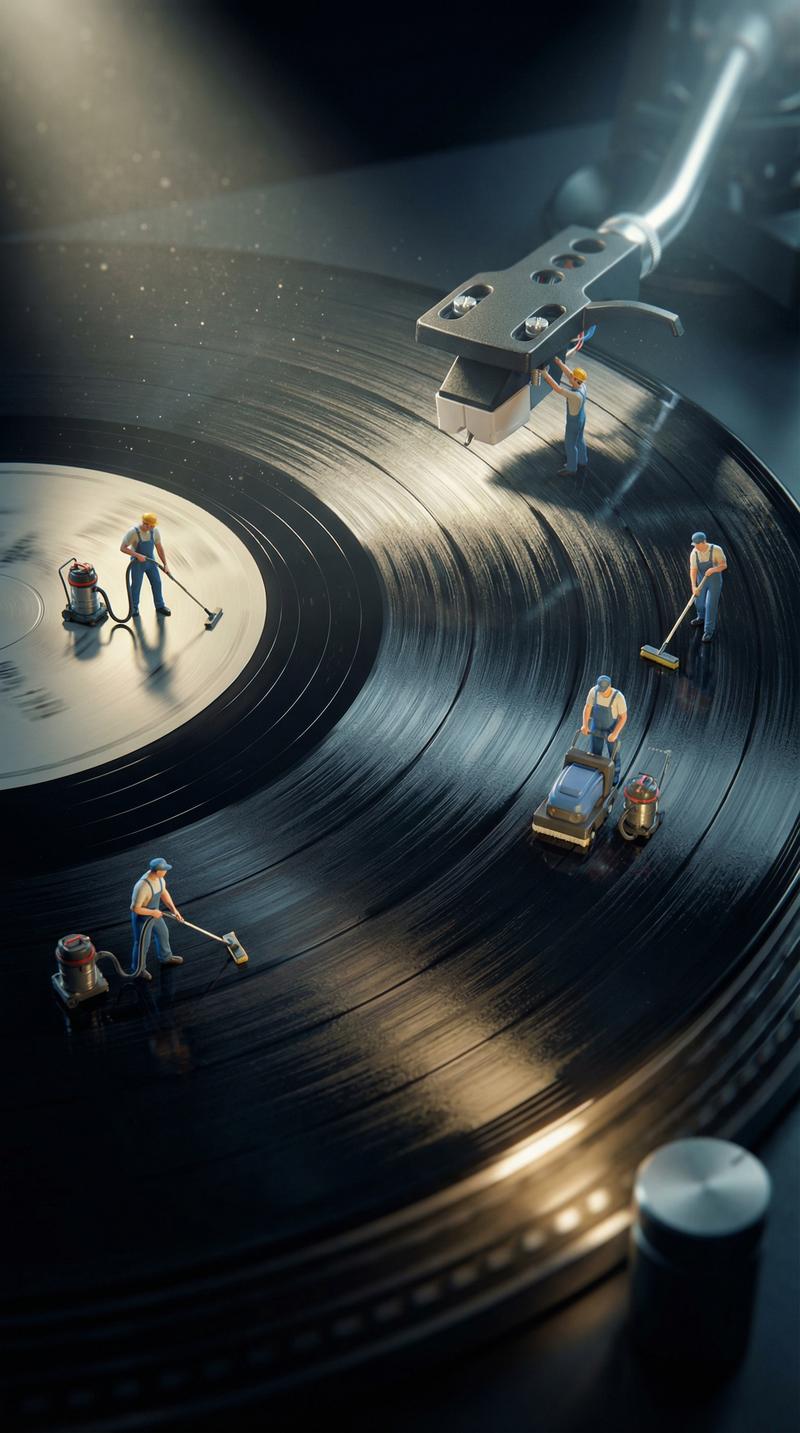
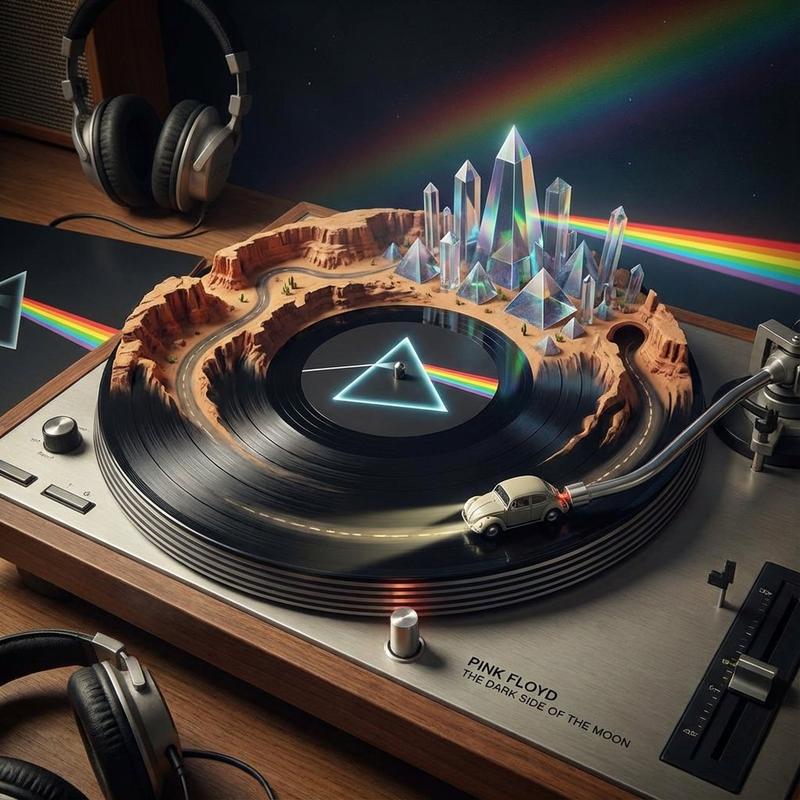
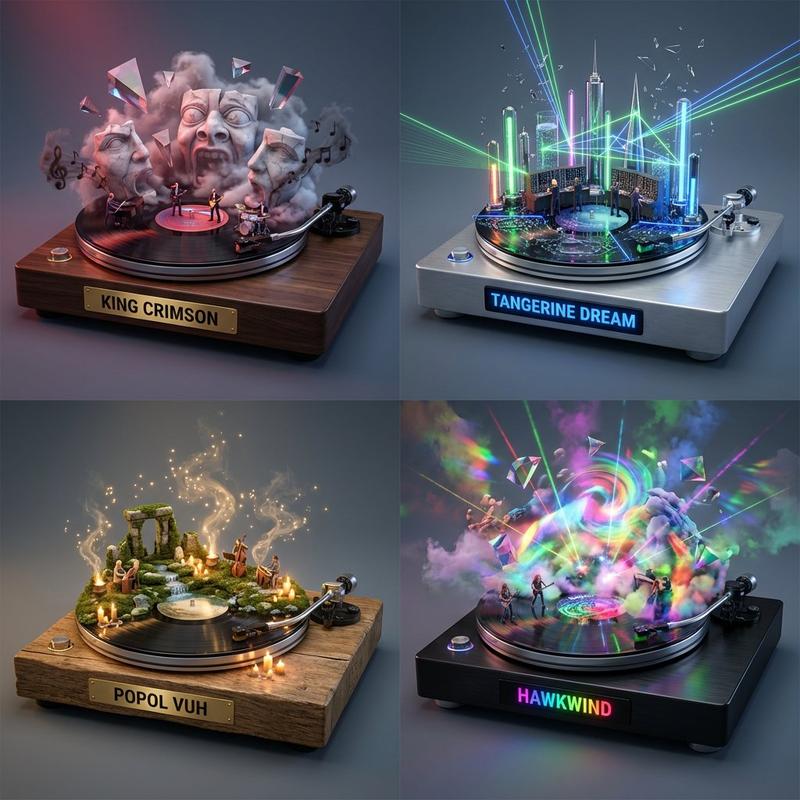
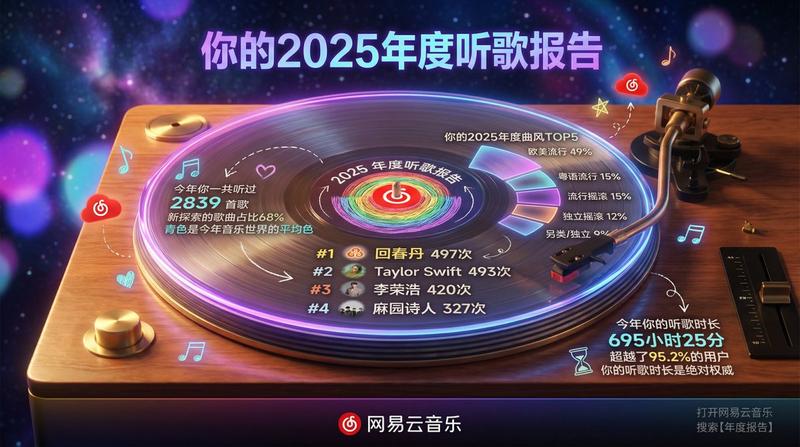
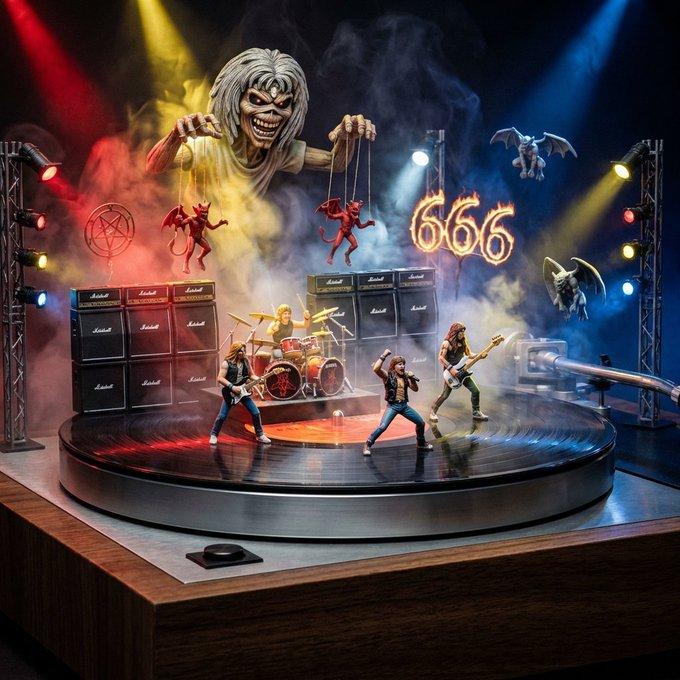
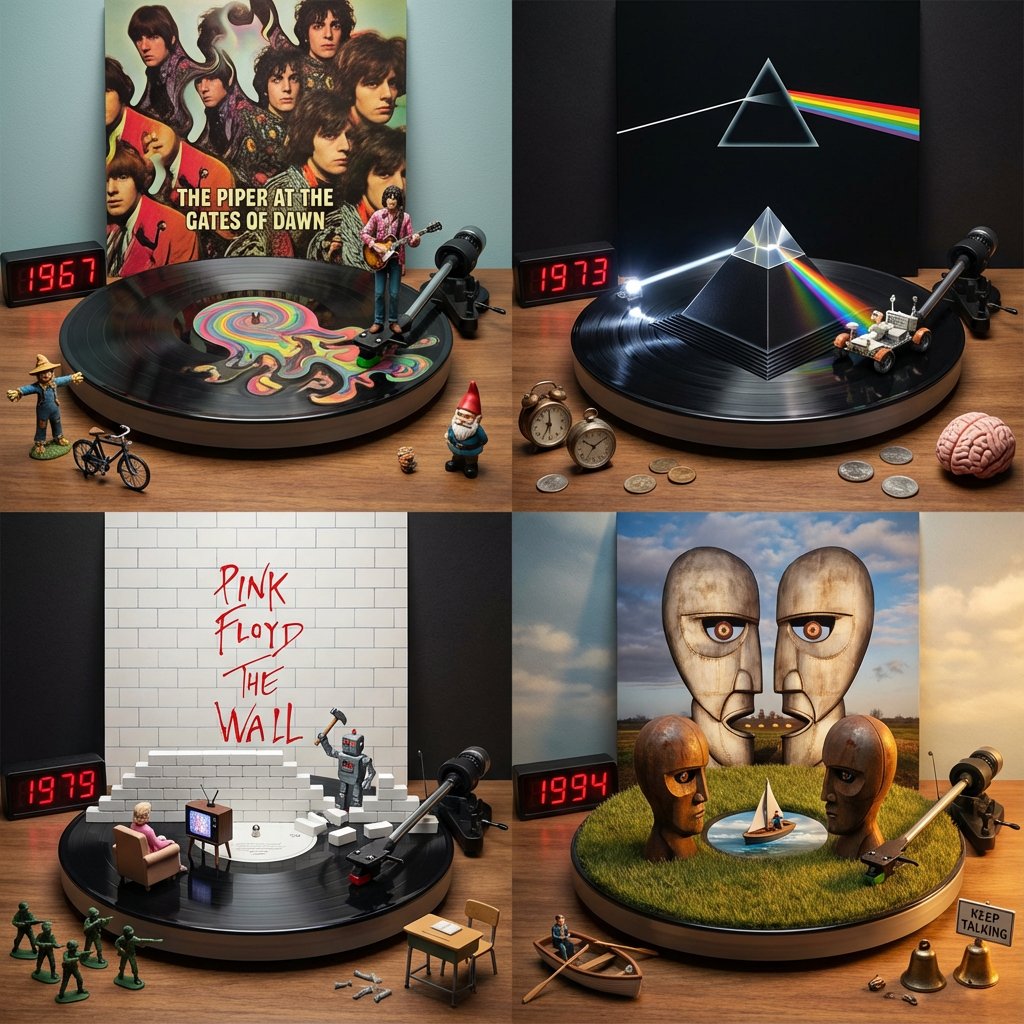
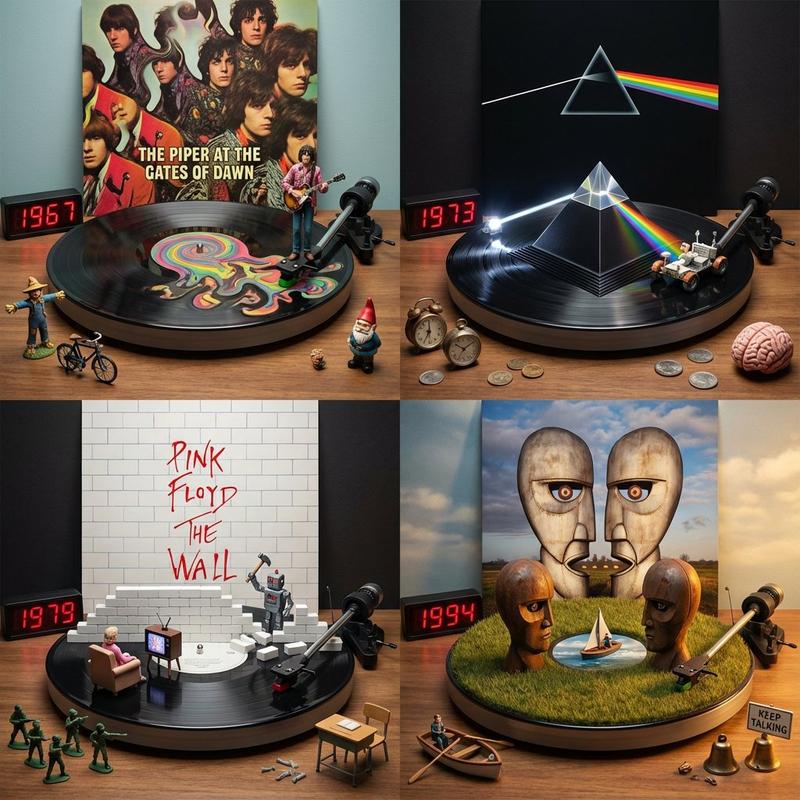
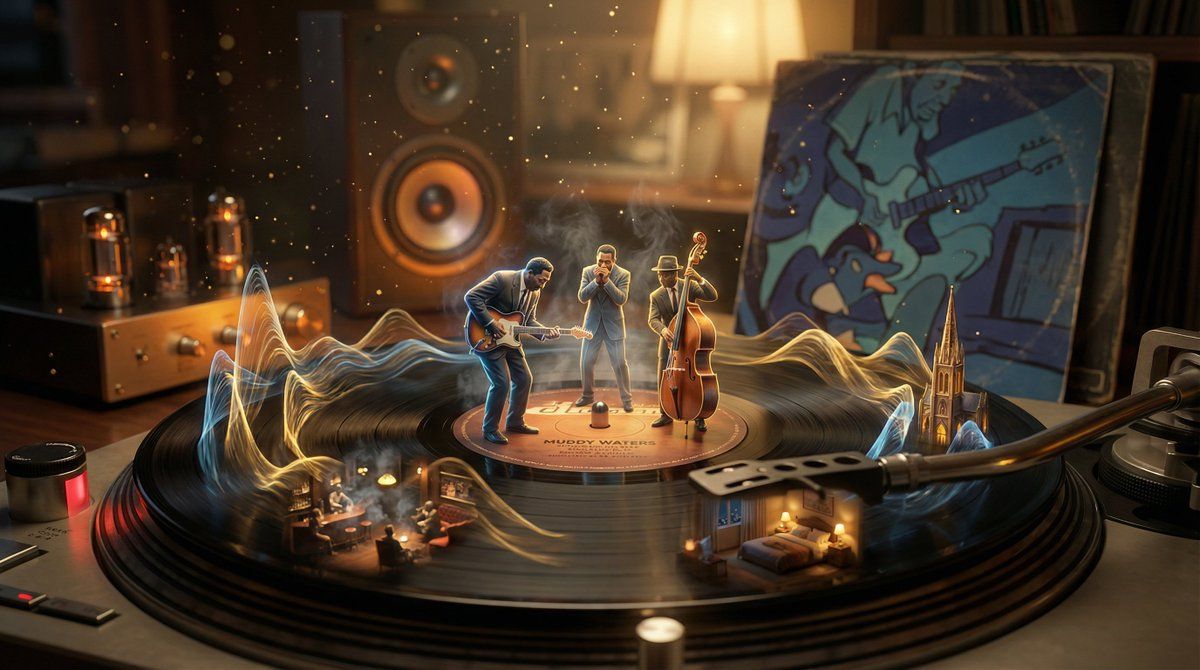
超现实主义黑胶唱片播放中可视化
Enlarge

超现实主义黑胶唱片播放中可视化

Prompt
A vinyl record mid-play, its grooves erupting into the music they contain. The needle touches down and sound becomes visible: {argument name="music genre" default="[GENRE/SONG]"} manifests as sculptural waveforms rising from the spinning surface. Musicians emerge in miniature, performing on the label. Different tracks create different landscapes—a jazz section becomes smoky club interior, a crescendo builds into cathedral architecture, a quiet passage forms intimate bedroom scene. Dust motes dance as visible frequencies. The album artwork on the sleeve animates and watches. Worn sleeve edges tell stories of hands that held it. Tube amplifier glows amber in background, speaker cone pulses. The whole room vibrates at 33⅓ RPM. Warm analog tones, vinyl crackle almost visible as golden particulate, 8K, nostalgic hyperrealism.
Category
创意图片
Model
Nano Banana Pro
Views0
Source ID
1c03a785-8e7c-4a76-a000-7a9c49d17a51
Published
Mar 8, 2026

Guide

About "超现实主义黑胶唱片播放中可视化"

What is this prompt for?

"超现实主义黑胶唱片播放中可视化" AI image prompt for Nano Banana Pro (创意图片). 一个极具创意和描述性的提示,用于可视化黑胶唱片播放时发出的音乐。它指示 AI 将声音表现为雕塑般的波形、微型演奏乐手和根据音乐流派变化的风景(烟雾缭绕的俱乐部、大教堂建筑),强调温暖的模拟音色和…

The full copyable prompt and example visuals above are ready for AI image generation or one-click recreate in Picva.

How to use this prompt

  1. Step 1

    Open the prompt detail

    Review the example visuals, category, and full prompt text for "超现实主义黑胶唱片播放中可视化".

  2. Step 2

    Copy the prompt

    Copy the prompt body from this page, or load it directly in Studio.

  3. Step 3

    Pick a model (Nano Banana Pro)

    Prefer Nano Banana Pro. If you switch models, keep subject and composition and tweak style terms.

  4. Step 4

    Generate and export

    Recreate the look in Picva, or export into your workflow for editing and publishing.

FAQ

What is the "超现实主义黑胶唱片播放中可视化" prompt?
It is an AI image-generation prompt for Nano Banana Pro in the 创意图片 category. This page includes the full prompt text, example visuals, and a one-click recreate path in Picva.
How do I use this prompt to generate an image?
Copy the prompt from this page, or use Generate / Studio. Paste it into a compatible image model, or recreate the look in Picva with optional reference images.
Which model is this prompt for?
This page lists Nano Banana Pro. Most descriptive prompts also transfer to nearby image models such as GPT Image, Flux, or Midjourney with light style tweaks.
Can I use the result commercially?
You can usually copy the prompt for creation, but commercial use of the final image depends on the model terms, reference-image rights, and the generated content. Follow the source author and platform rules.