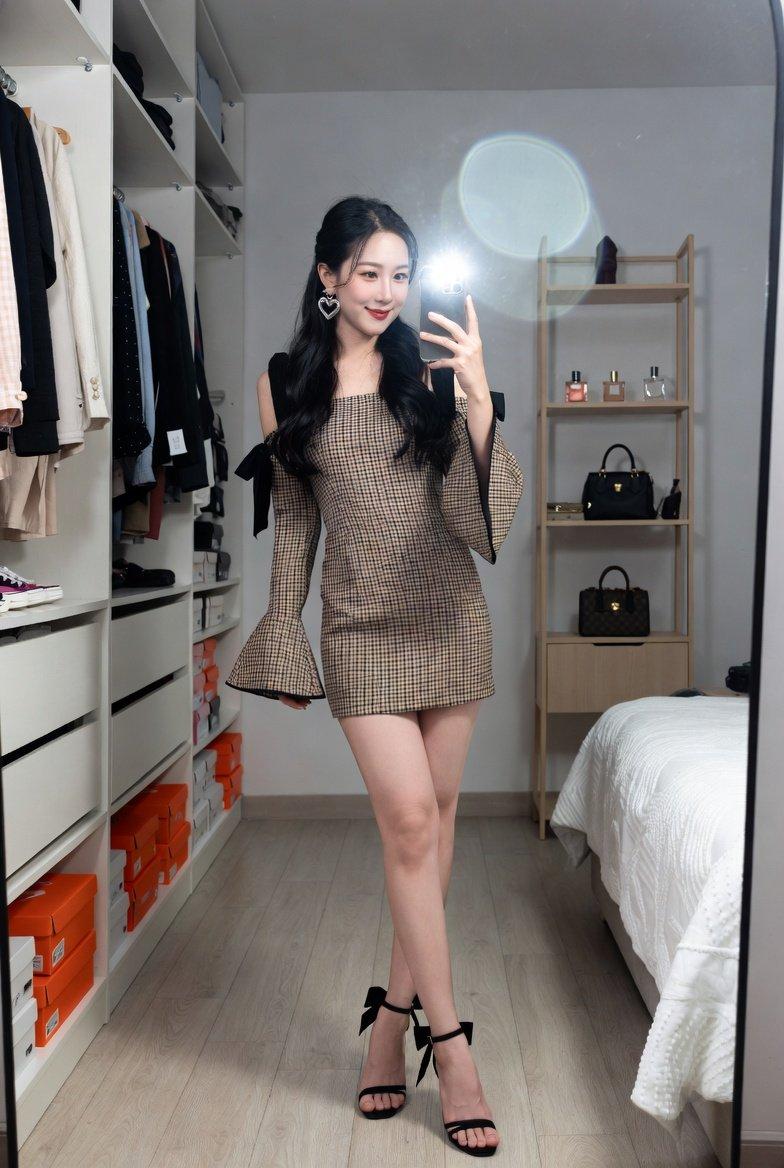
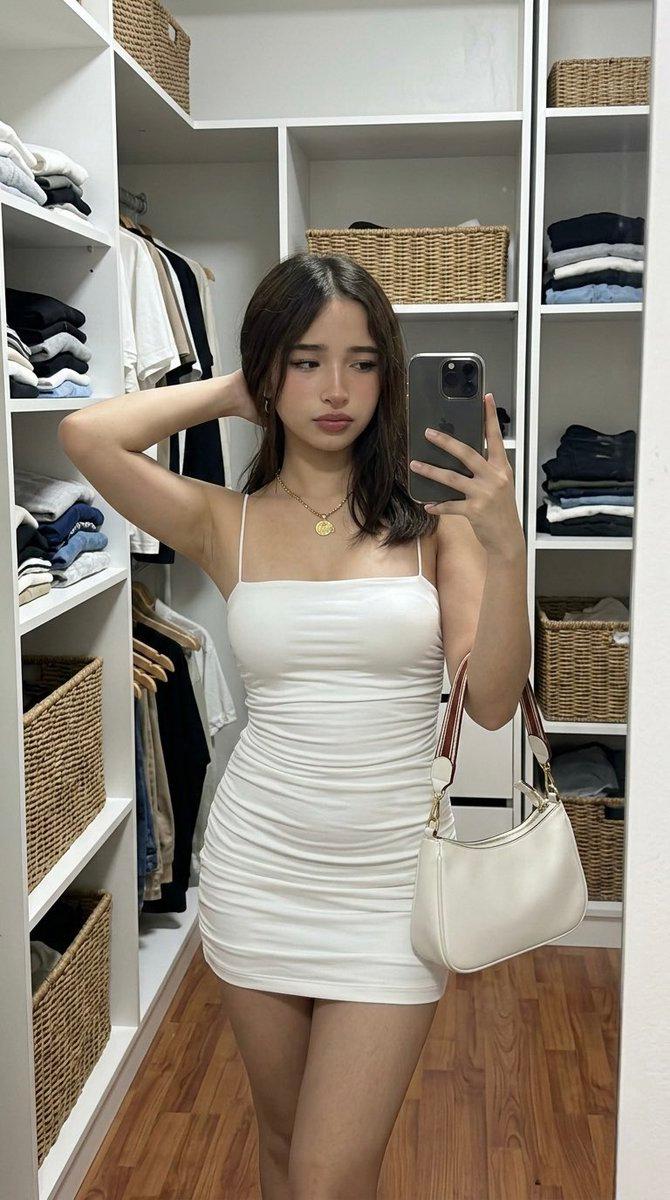
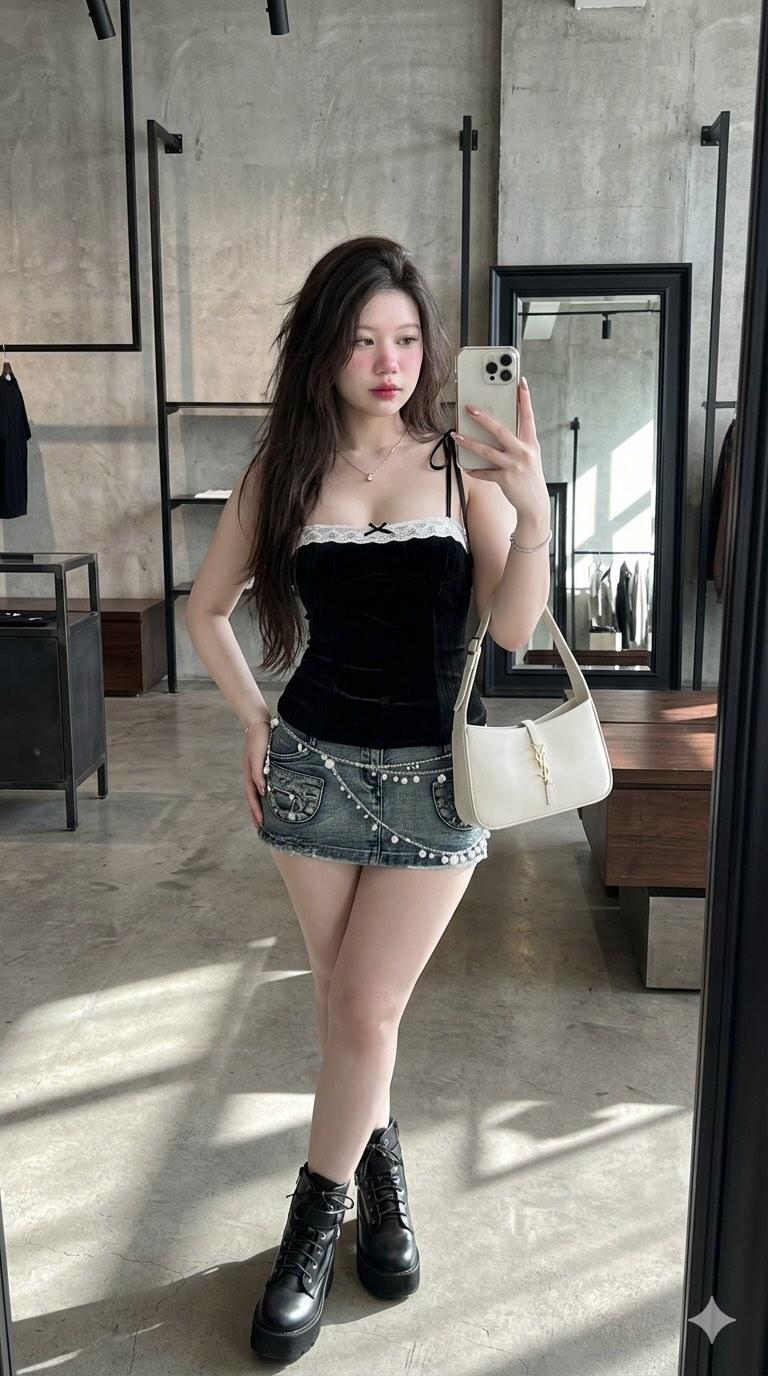
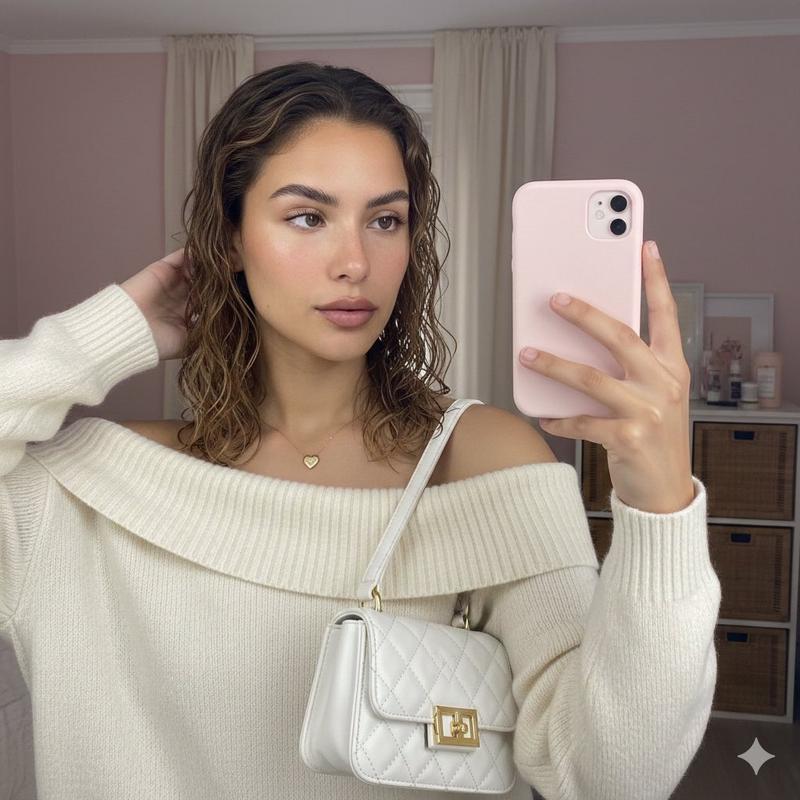
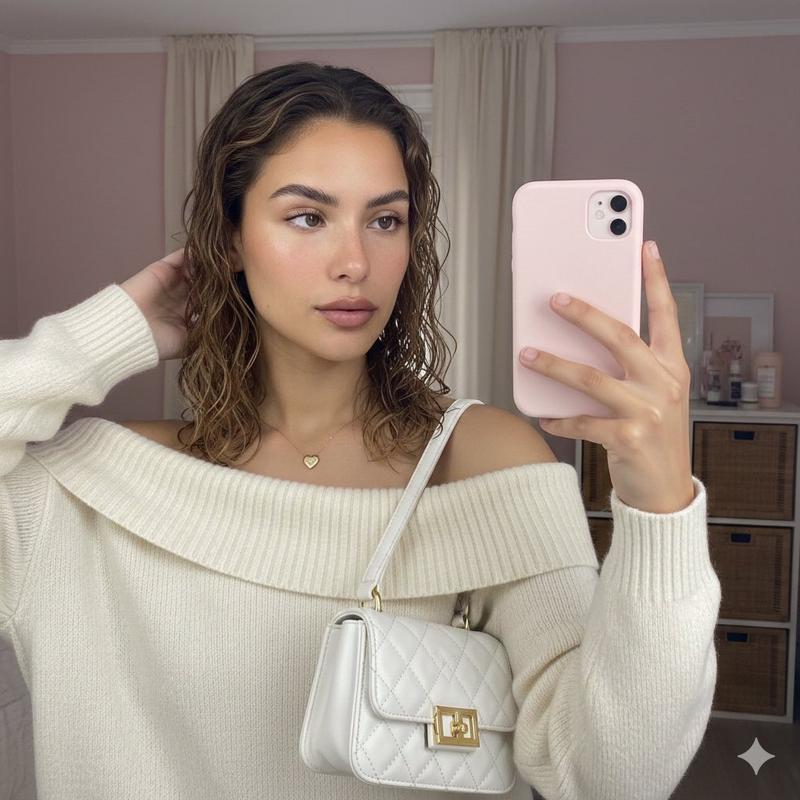
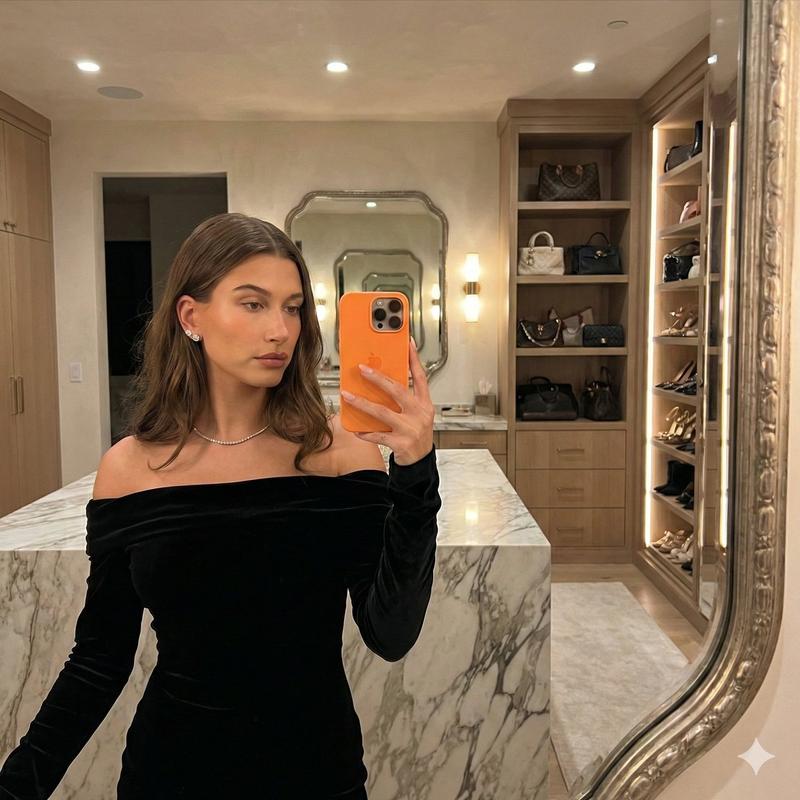
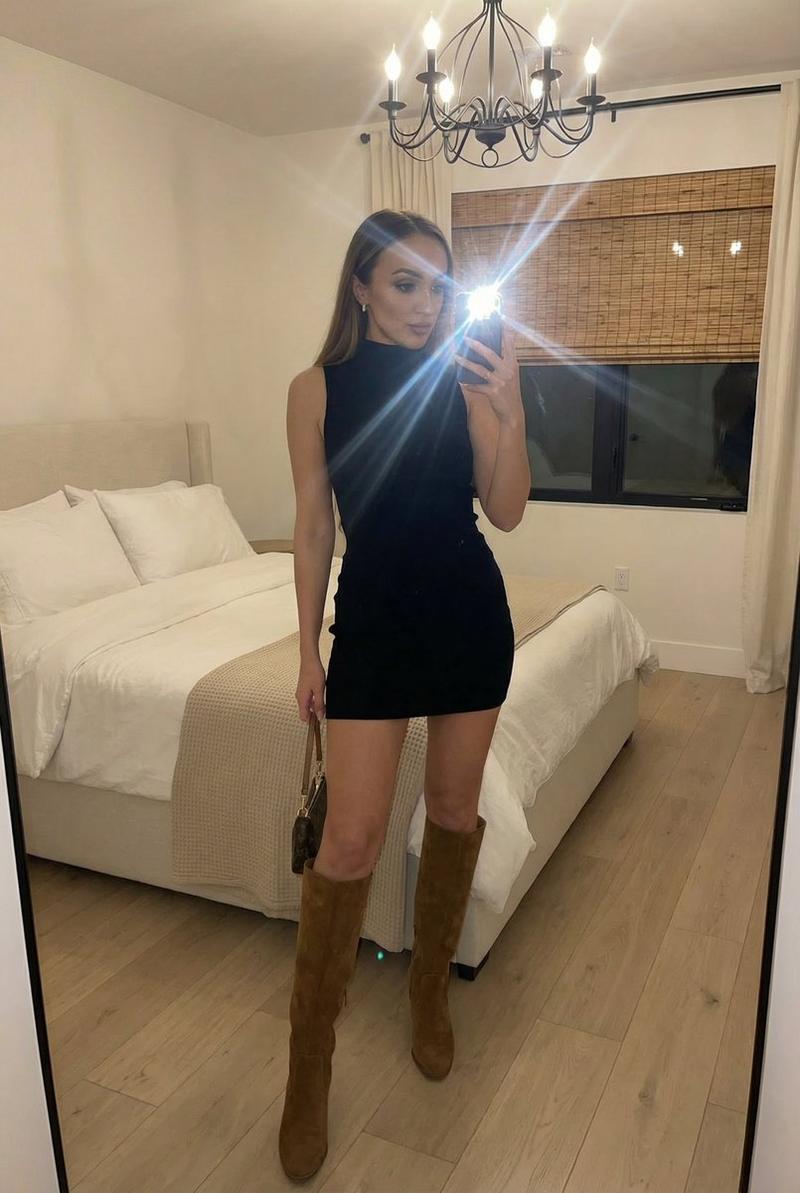
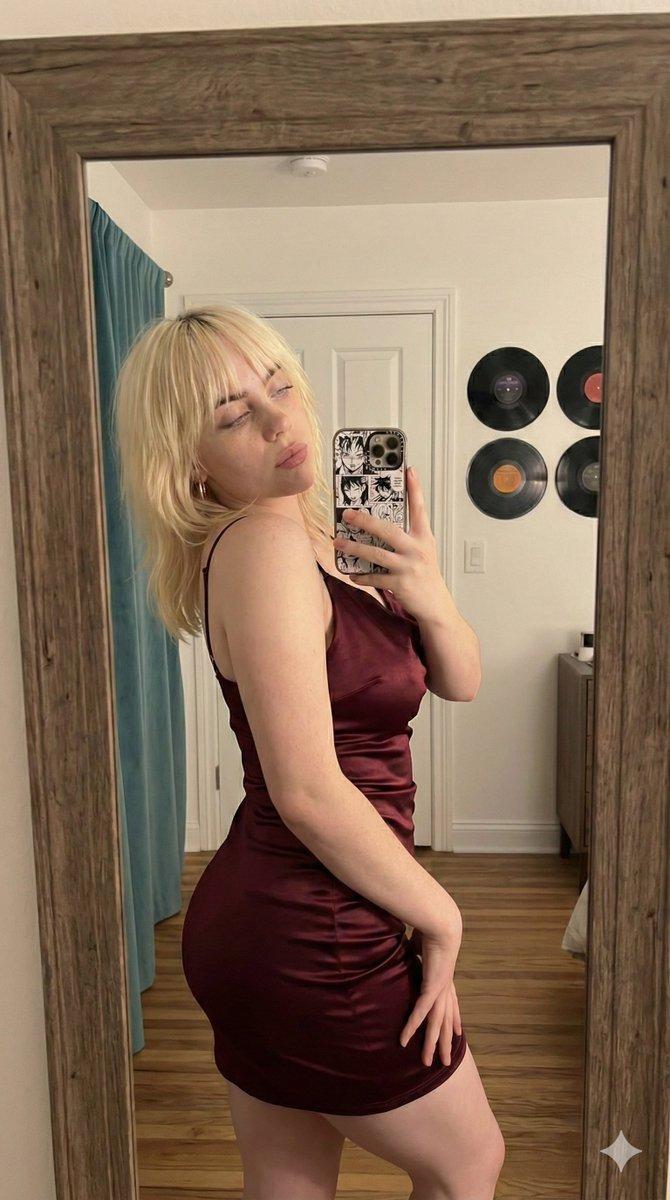
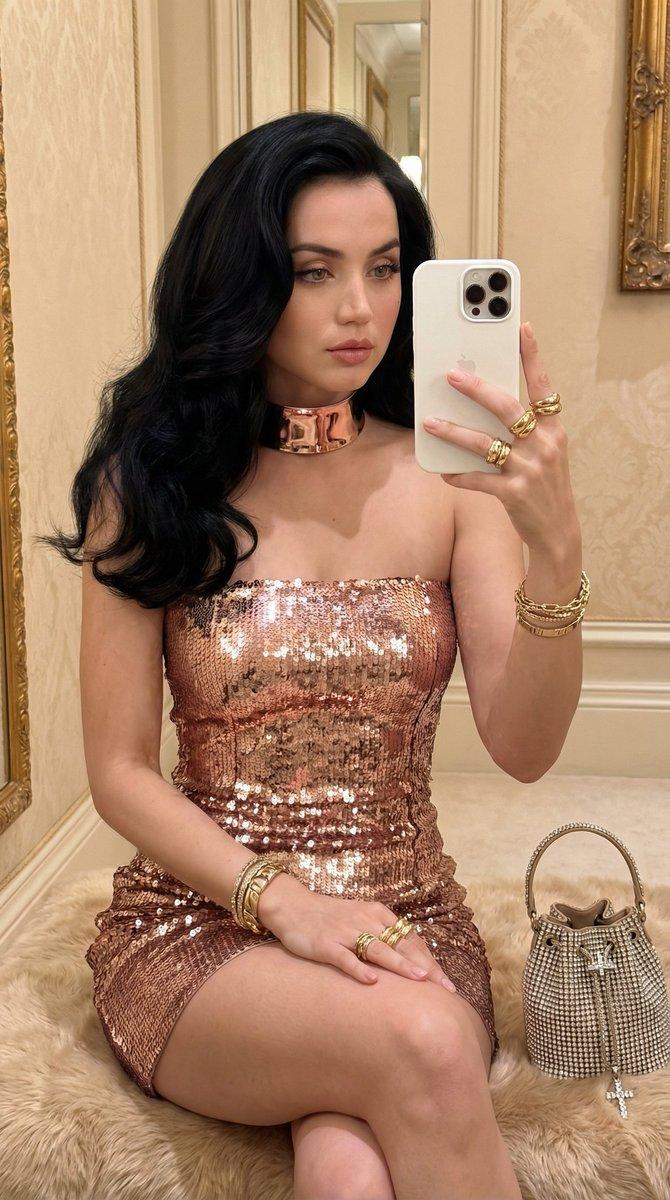
超高保真镜像自拍,带身份锁定功能
Prompt
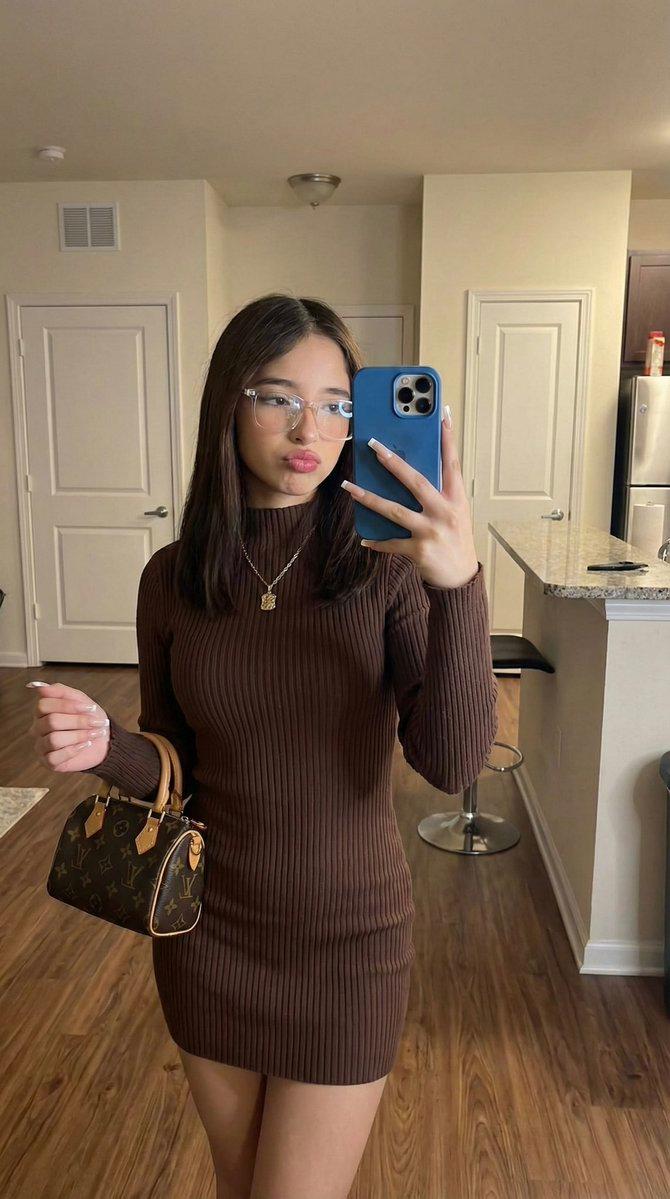
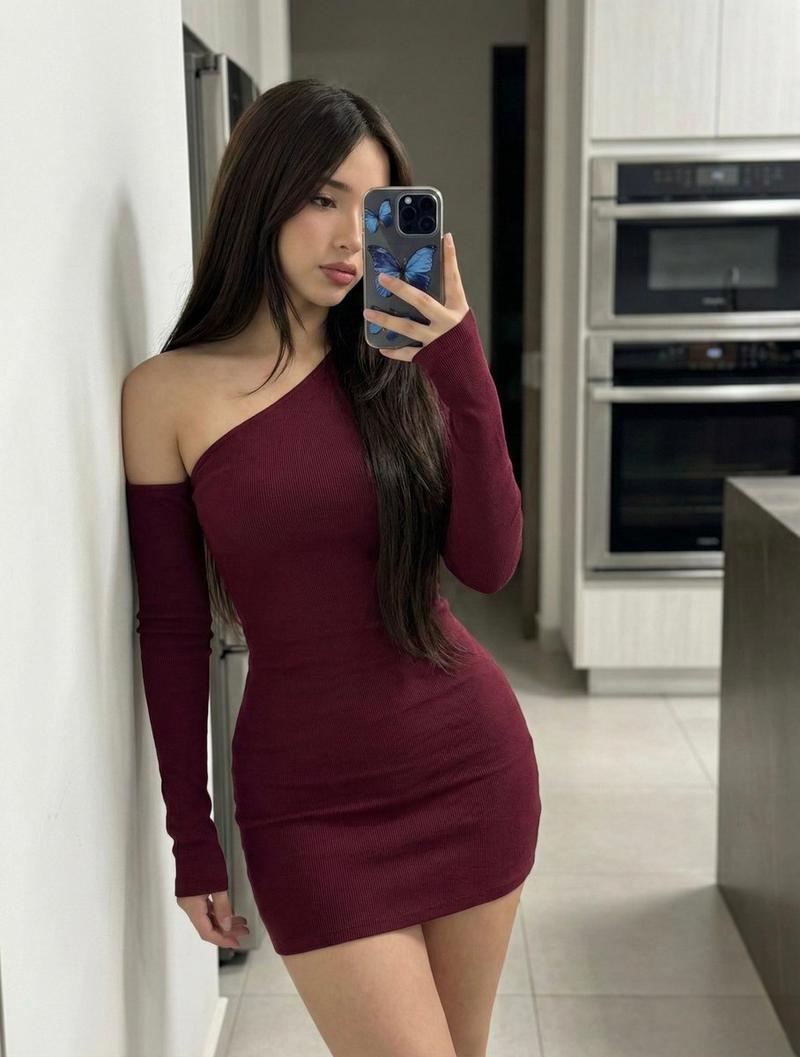
(9:16). Portrait orientation. Raw high-fidelity photograph, iPhone 17 Pro simulation, 24mm wide-angle focal length, f/2.4 aperture for total structural depth, authentic digital grain, mirror-selfie perspective.

[Subject & Identity Locking]

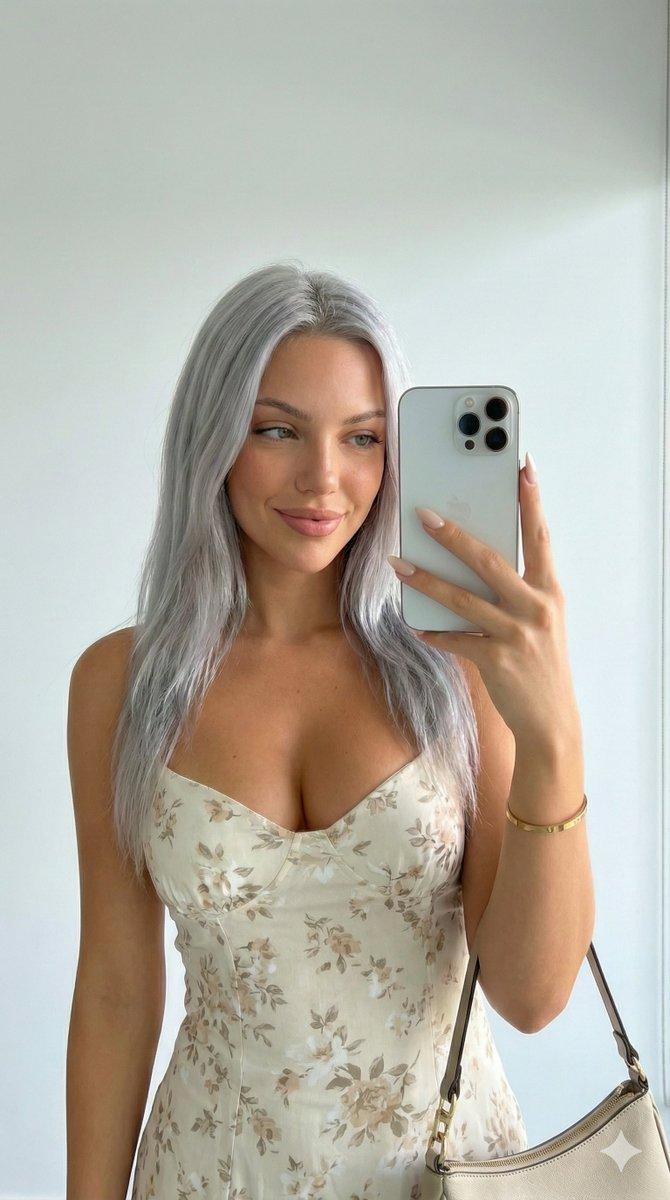
Identity Lock: Absolute inheritance of all facial geometry, epidermal characteristics, ocular structure, and natural hair color/texture directly from Reference Image A. The AI must perform a 1:1 pixel-mapping of the subject's identity from Image A into the target scene.
Bio-Fidelity: Epidermal physics featuring visible micro-pores, fine vellus hair along the jawline, and satin-finish hydration on the T-zone, maintaining the exact skin-tone profile inherited from Image A.
Expression Sync: Expression Lock—replicate the mirror-selfie gaze through the lens, specific pouty lip tension, and soft tension of the facial muscles from Reference Image B.
[Outfit & Physicality] (CASE B - Standard Fashion)

Technical Description: High-tensile rib-knit mini-dress in {argument name="dress color" default="deep chocolate brown"} with a mock-neck collar and short sleeves. Hemline at upper-thigh geometry.
Textile Architecture: Visible vertical ribbing texture; material-to-skin tension showing realistic bunching at the waist. Paired with checkered-pattern comfort slides.
Anatomical Volume: Hyper-defined S-curve silhouette; maximum anatomical emphasis on the waist-to-hip ratio and leg definition; apply the 20% over-description rule for "Hyper-defined hourglass geometry" to counteract model bias.
Accessories: Transparent clear-frame optical glasses; long square-tip manicured nails; a small luxury monogram-texture leather handbag held in the left hand. Blue-cased smartphone held for the selfie.
[Pose & Interaction]

Geometry: Full-body standing mirror selfie pose. Right arm raised for the phone; left arm at the side holding the handbag. Subject is centered with a slight hip-pop to emphasize the silhouette.
Articulation: Precise finger-joint articulation on the smartphone and the bag handle; realistic skeletal alignment of the shoulders and neck.
[Environment & Lighting]

Atmosphere: Casual domestic interior apartment setting; soft diffused 4000K neutral-warm overhead lighting.
Background Integrity: Pixel-perfect inventory of wood-plank flooring; white interior doors (one featuring a {argument name="sticker detail" default="Hello Kitty sticker"}); a kitchen breakfast bar with a dark wooden bar stool; a pink handbag hanging in the mid-ground; and miscellaneous household items on the counter.
Shadow Ray-Tracing: Natural ambient occlusion in the garment folds; soft shadows cast by the subject onto the floor; realistic mirror-plane reflection with accurate depth and light-bounce from the background elements.- Category
- 创意图片
- Model
- Nano Banana Pro
- Creator
- Dan Reed
- Source ID
- 7199a190-ad0e-491f-81cc-2eeff55c53f9
- Published
- Mar 8, 2026
Views0